Repository navigation
Home
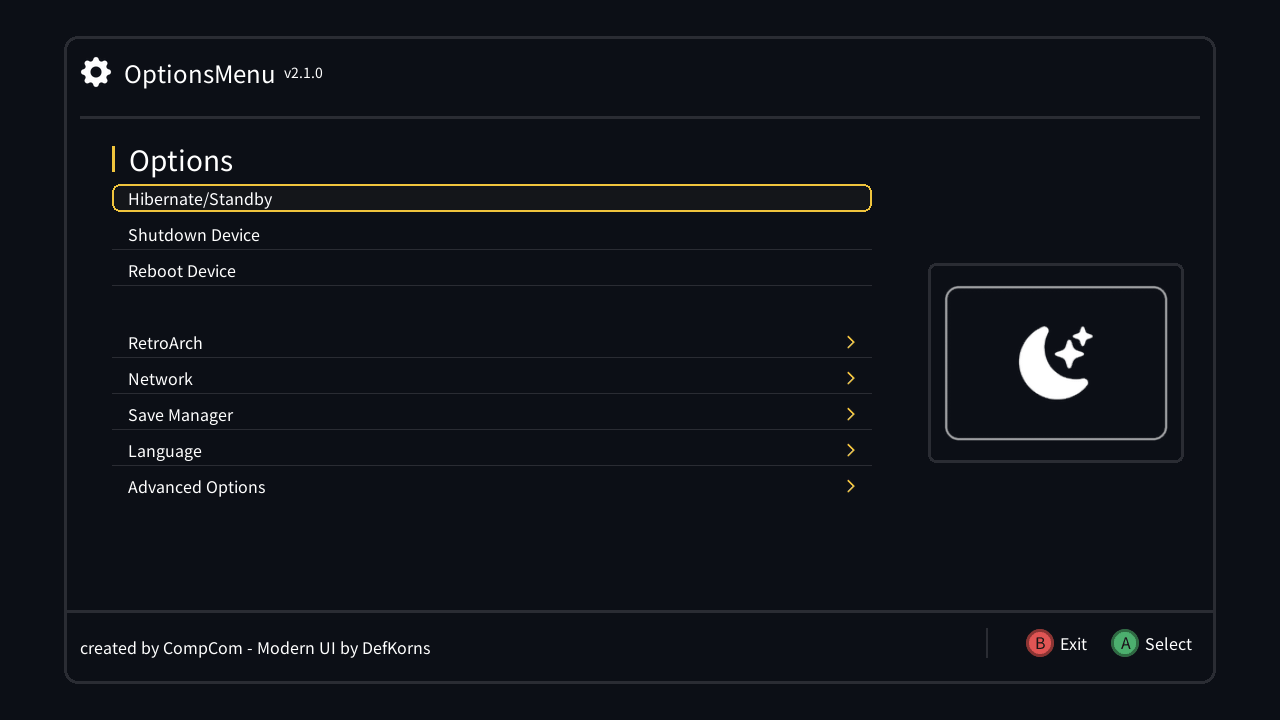
A menu you can open at any moment on your NES, SNES, Famicom or Super Famicom Classic — on the Home screen or in the middle of a game — to power off, back up your saves and settings, manage Wi-Fi and RetroArch, tweak the controllers and more. Other hmods can add their own entries and screens to it.
It's my continuation of CompCom's Options Menu (last release 1.3.4, 2019), with a new interface, 9 languages and new menus.
- Installation — which build to pick and how to install it
- Using the menu — opening it, the buttons, power options
- The menus: RetroArch, Network and Wi-Fi, Save Manager, Advanced Options
- FAQ — common questions and problems
Making an hmod? Creating a plugin walks you through adding your own entries and screens, and Building covers compiling the menu itself.
-
New look: smooth TTF fonts, preview icons, toggle switches, submenu markers and button hints, with colors you can change in
/etc/options_menu/theme.cfg(see the README)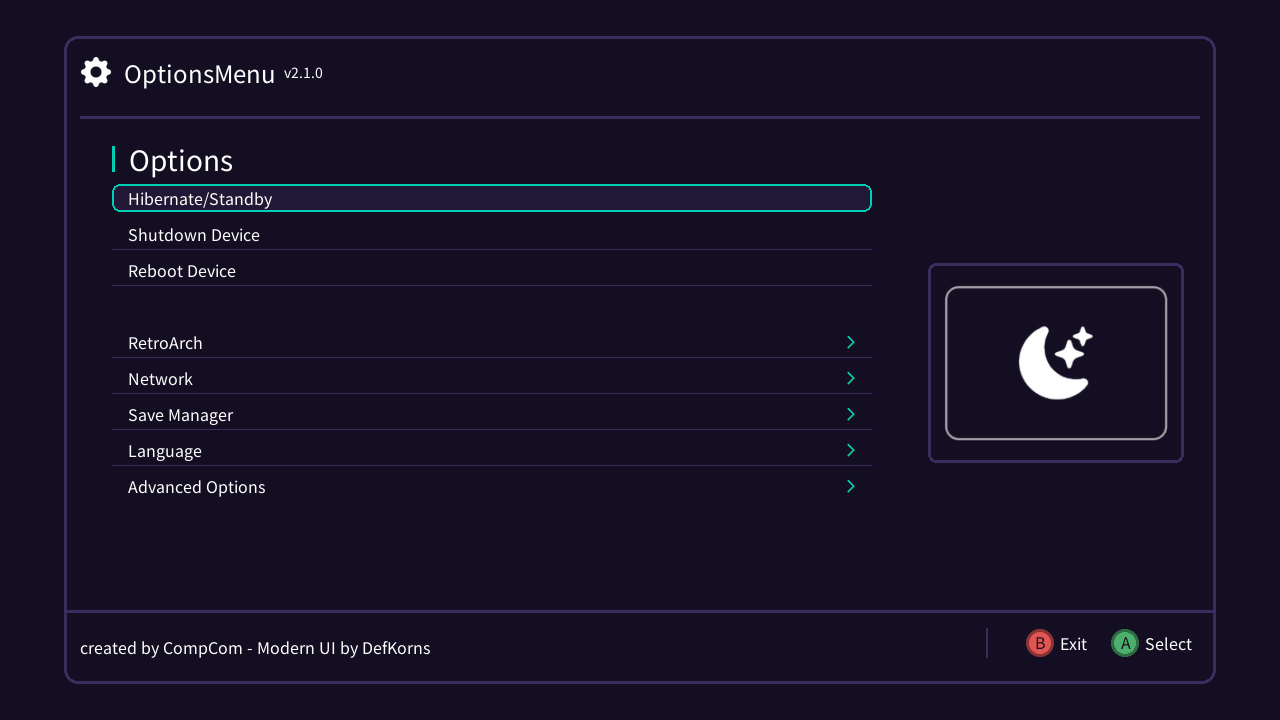
-
9 languages: English, Français, Deutsch, Español, Italiano, Nederlands, Português, Русский, 日本語, following the console's own language unless you pick one
-
New menus: Controller (autofire, Home combo, Start on the 2nd Famicom controller), Diagnostics, Save Manager, Wi-Fi backups, epilepsy protection
-
Entries that need a USB/SD drive or a missing component are hidden instead of failing
-
Lists such as Wi-Fi backups let you delete entries by holding B
-
The opening combo is picked automatically for consoles without shoulder buttons
-
A compat build for setups where another hmod replaces the console's
libstdc++ -
For plugin authors: toggles, submenus, conditional entries, deletable lists and translations