
A macOS utility app to import, store locally and organize financial reports from the App Store Connect
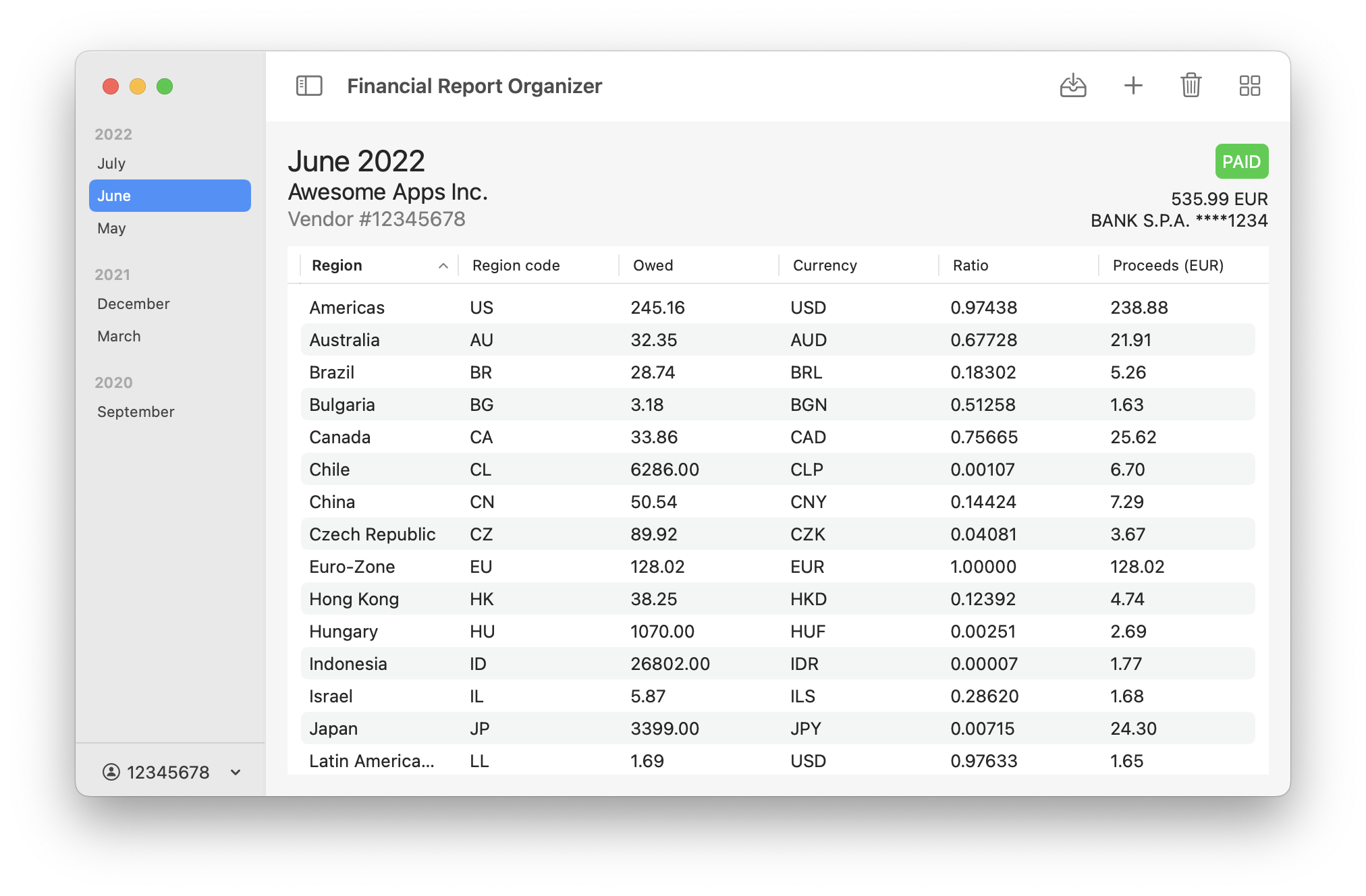
Clone this repo, open the project with Xcode and build it.
You can manually add a report to the app, or you can allow the app to access to your App Store Connect account and automatically import the report for you.
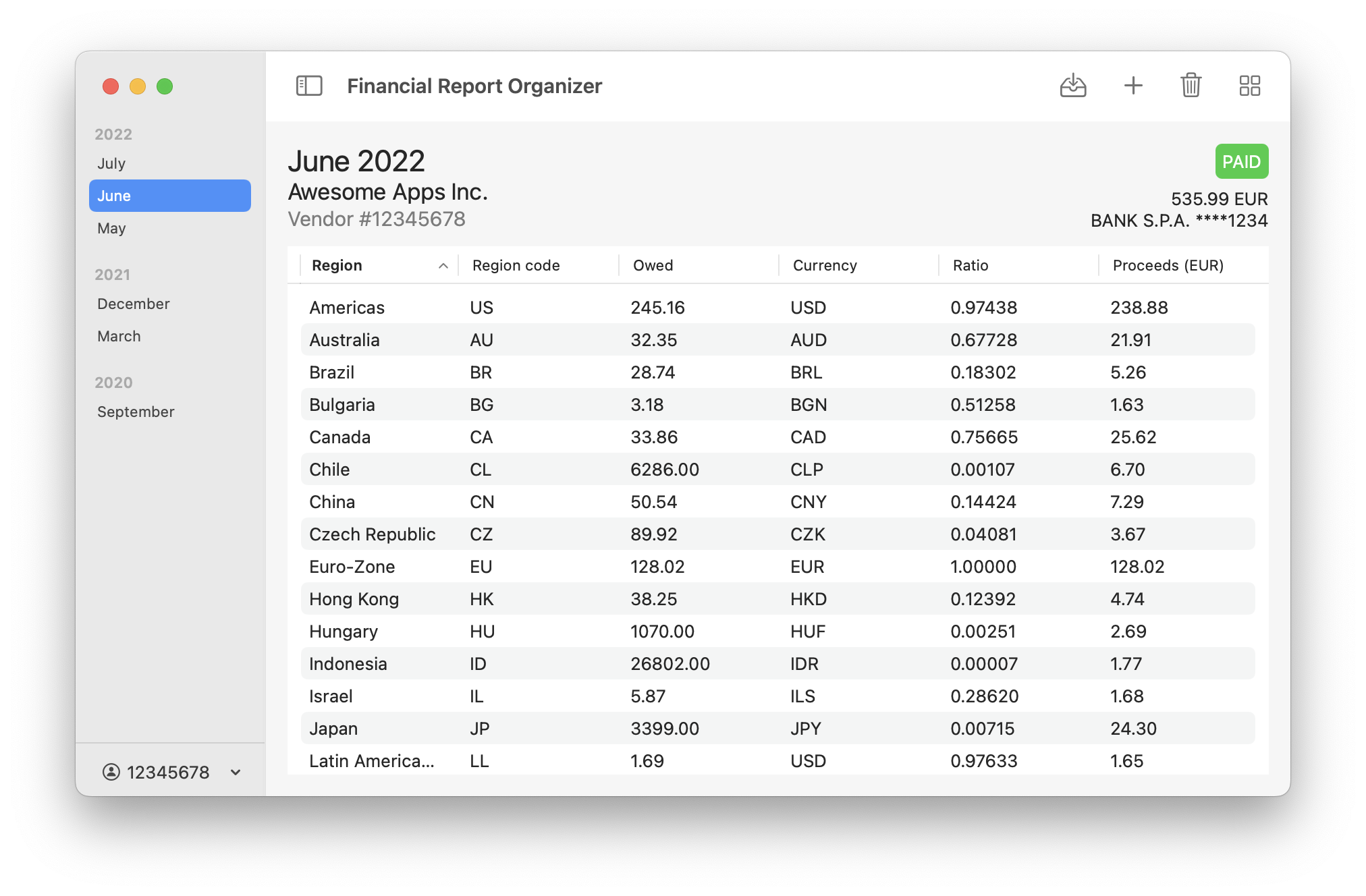
First, replace your personal identifiers in the following URL, open it in a web browser and save its content as a JSON file:
https://appstoreconnect.apple.com/WebObjects/iTunesConnect.woa/ra/paymentConsolidation/providers/<PROVIDER-ID>/sapVendorNumbers/<VENDOR-NUMBER>?year=<REPORT-YEAR>&month=<REPORT-MONTH>
- PROVIDER-ID: You can find it at this URL (data.associatedAccounts.contentProvider.contentProviderId): ttps://appstoreconnect.apple.com/WebObjects/iTunesConnect.woa/ra/user/detail
- VENDOR-NUMBER: You can find it in the Payments and Financial Reports section of the App Store Connect
- REPORT-YEAR: The year of the report you want to download
- REPORT-MONTH: The month of the report you want to download
Then, open the app, click the plus button in the toolbar and open the file you have just downloaded.
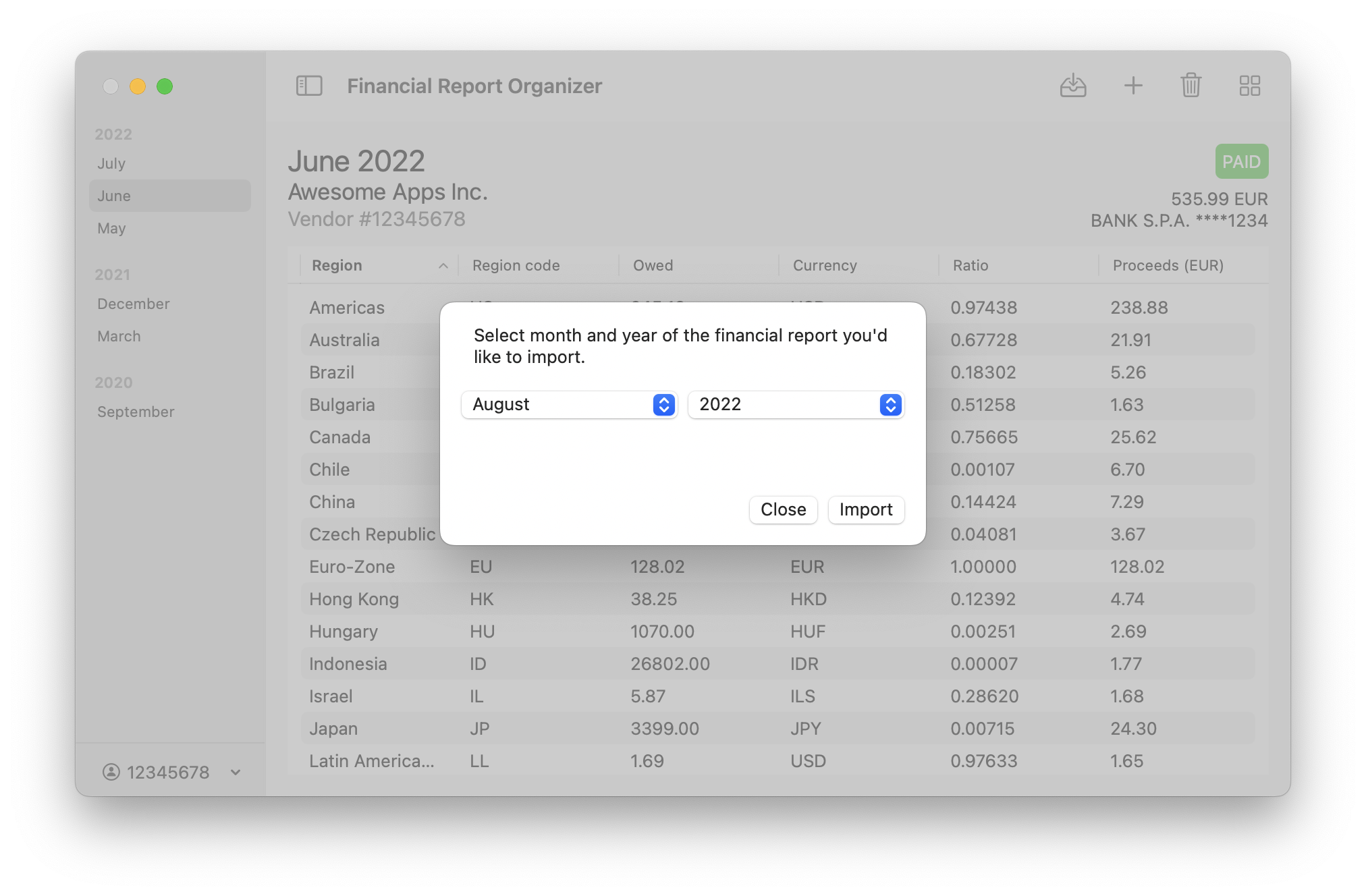
This procedure requires that you login to the App Store Connect in the app. Click the import button in the toolbar and follow the procedure.
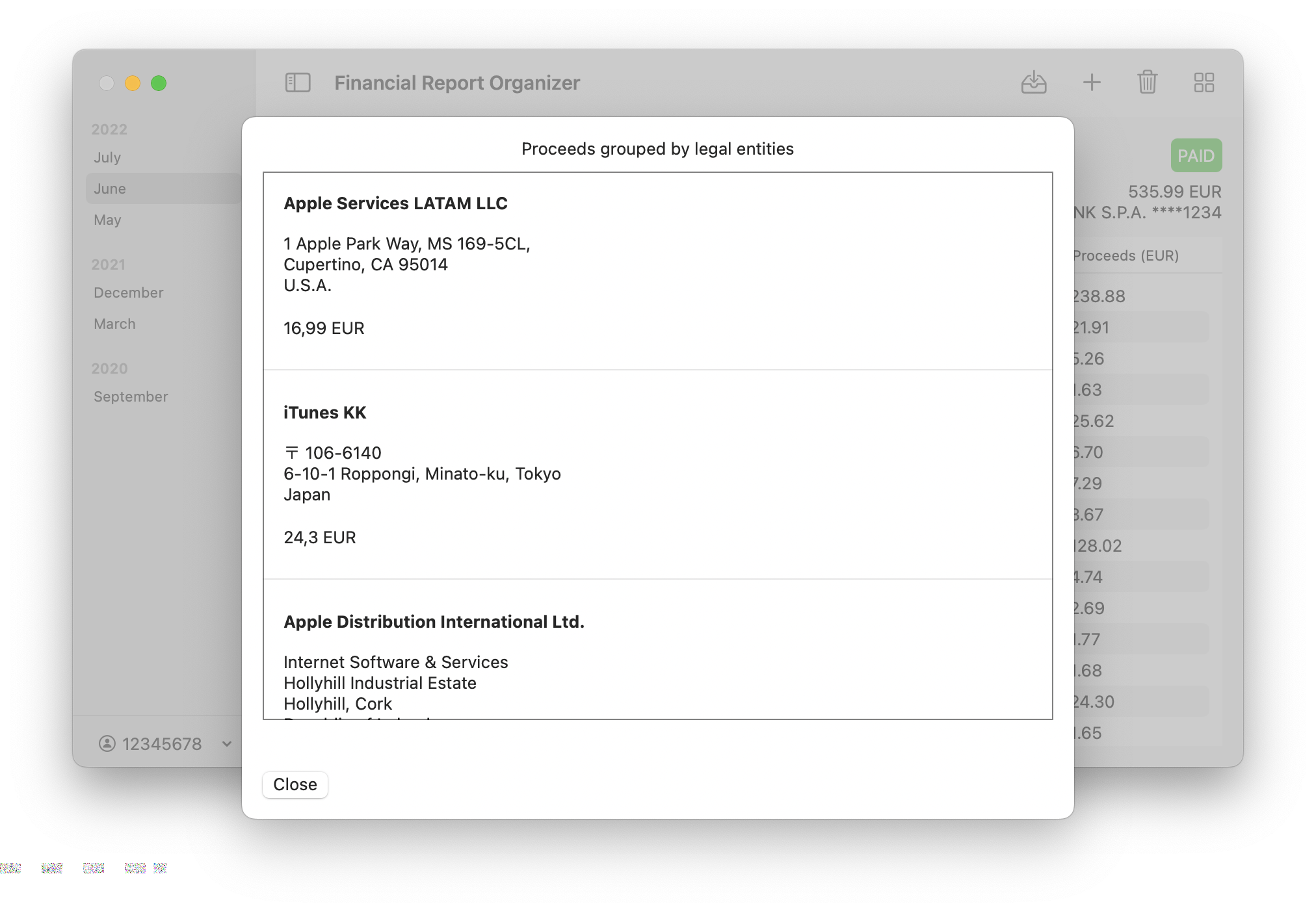
This app may help you to generate different invoices by splitting proceeds by Apple subsidiaries as required by many EU countries. Click the 2x2 square grid toolbar button to process your report.
N.B. A "warning button" appears on the top right corner of the sheet when the app recognizes know issues while processing your report (e.g. for an unknown region code).
There is absolutely no warranty. Always double check the result of the app, any pull request is always welcomed.