Repository navigation
Fussel 1.1.5 · Pick the copy that stays


Fussel 1.1.5
Less fluff, more Mac.
You pick which copy stays, and Fussel finds copies a lot faster.
What's new
- Pick the copy that stays: in Duplicates, the copy Fussel keeps is now shown at the top of each group with a pin and a "Stays" label. It has no checkbox, so it can't be removed by accident. Rather keep another one? Point at it and click Keep This One. Every copy also shows its folder, so you can tell them apart at a glance
- Faster duplicates: Fussel compares the start and end of files before reading them whole, reads several at once, and remembers files that haven't changed. On a real Mac the first scan went from 7.3 to 4.1 seconds, and every scan after that takes about 1.7
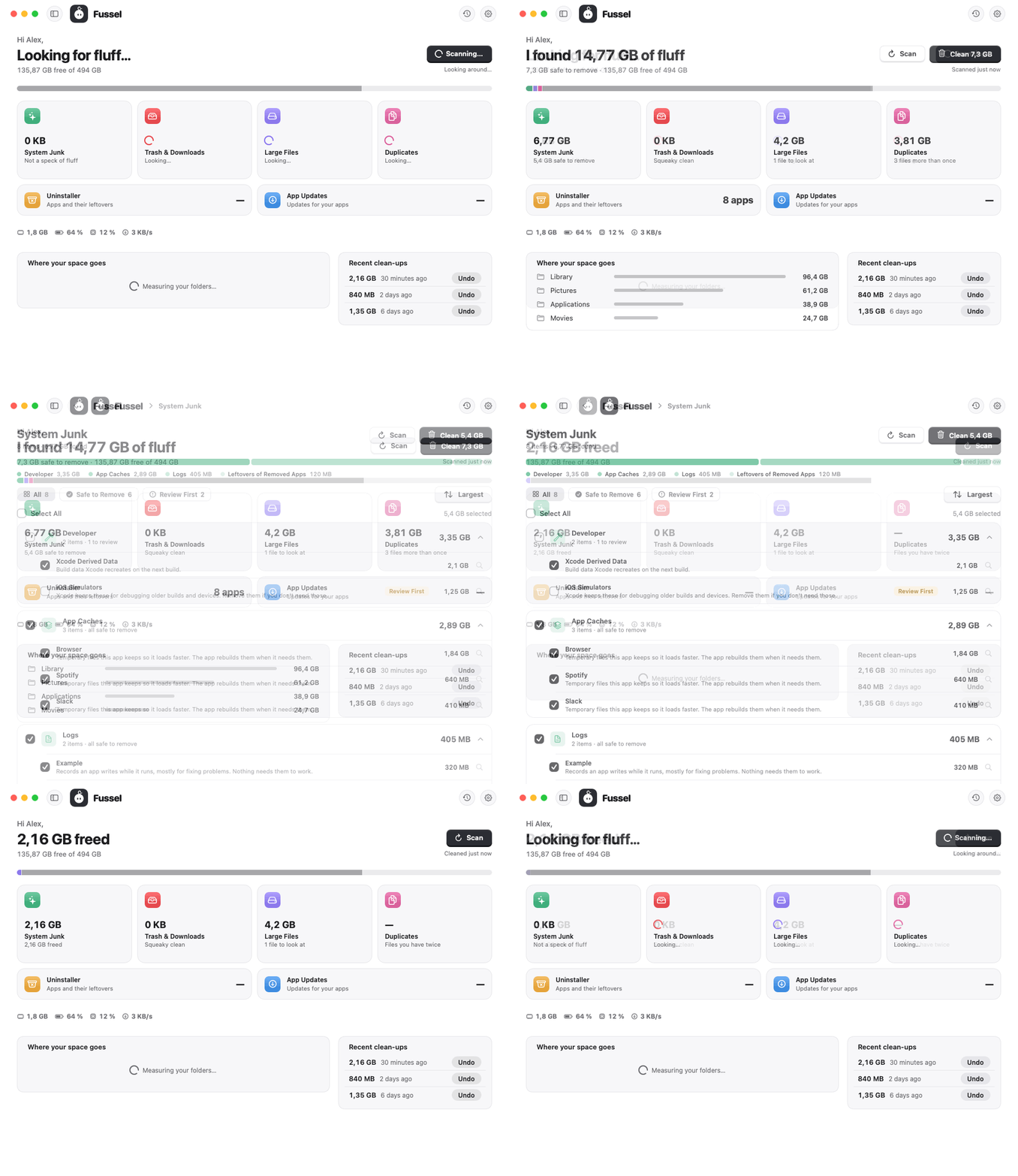
- A tidier overview: the four tools that free up space sit side by side; the Uninstaller and App Updates follow as two flat, wide tiles
- Long lists stay smooth: a group with hundreds of finds shows its 50 biggest first, with Show all below
- Safer updates: every release now also signs its version number, tied to the exact installer. Fussel only installs an update when both match, so an older installer can never pass itself off as a newer one
Safety first
Everything Fussel cleans goes to the Trash first, and Undo puts it right back. Only items that are already in the Trash are deleted for good, and Fussel asks before doing that. System files, Apple apps and your main folders are never touched, and nothing marked Review First is ever picked for you. Nothing inside your Photos, Music or iMovie library is ever touched either. 32 automatic tests guard these rules on every build.
Install
Recommended: the installer
- Download Fussel-Installer.zip below. Your Mac unpacks it to Fussel-Installer.pkg; open that.
- Fussel isn't signed with an Apple Developer ID yet, so macOS blocks it at first. Open System Settings › Privacy & Security, scroll down and click Open Anyway next to the Fussel installer.
- Click through the installer. Fussel lands in your Applications folder and appears in the menu bar, next to the clock.
- Recommended: allow Full Disk Access in System Settings › Privacy & Security, so Fussel can reach the Trash and every hidden cache.
Already using Fussel? On 0.9.8 or later, just click Update Now. Older versions: install this one by hand once with the installer.
Or: drag and drop
Open Fussel.dmg and drag Fussel onto the Applications folder. Before the first launch, run this once in Terminal:
xattr -dr com.apple.quarantine /Applications/Fussel.app
Requires macOS 14 Sonoma or later. Runs natively on Apple Silicon and Intel. The Glass cards need macOS 26; earlier versions get frosted glass.
Good to know
- Undo works as long as the items are still in the Trash.
- Found something odd? Send Feedback in Fussel's menu opens a GitHub issue, already filled in with your Fussel and macOS version. Screenshots help a lot.
Made by Dshamil Meziane, built with Claude. Free and open source under the MIT license.