Repository navigation
Frontline v1.0.10: Console tools and fuzzy completion

Improved
Find console commands as you type
A scrollable command dropdown lists every command, then narrows to fuzzy matches and argument suggestions as you type.
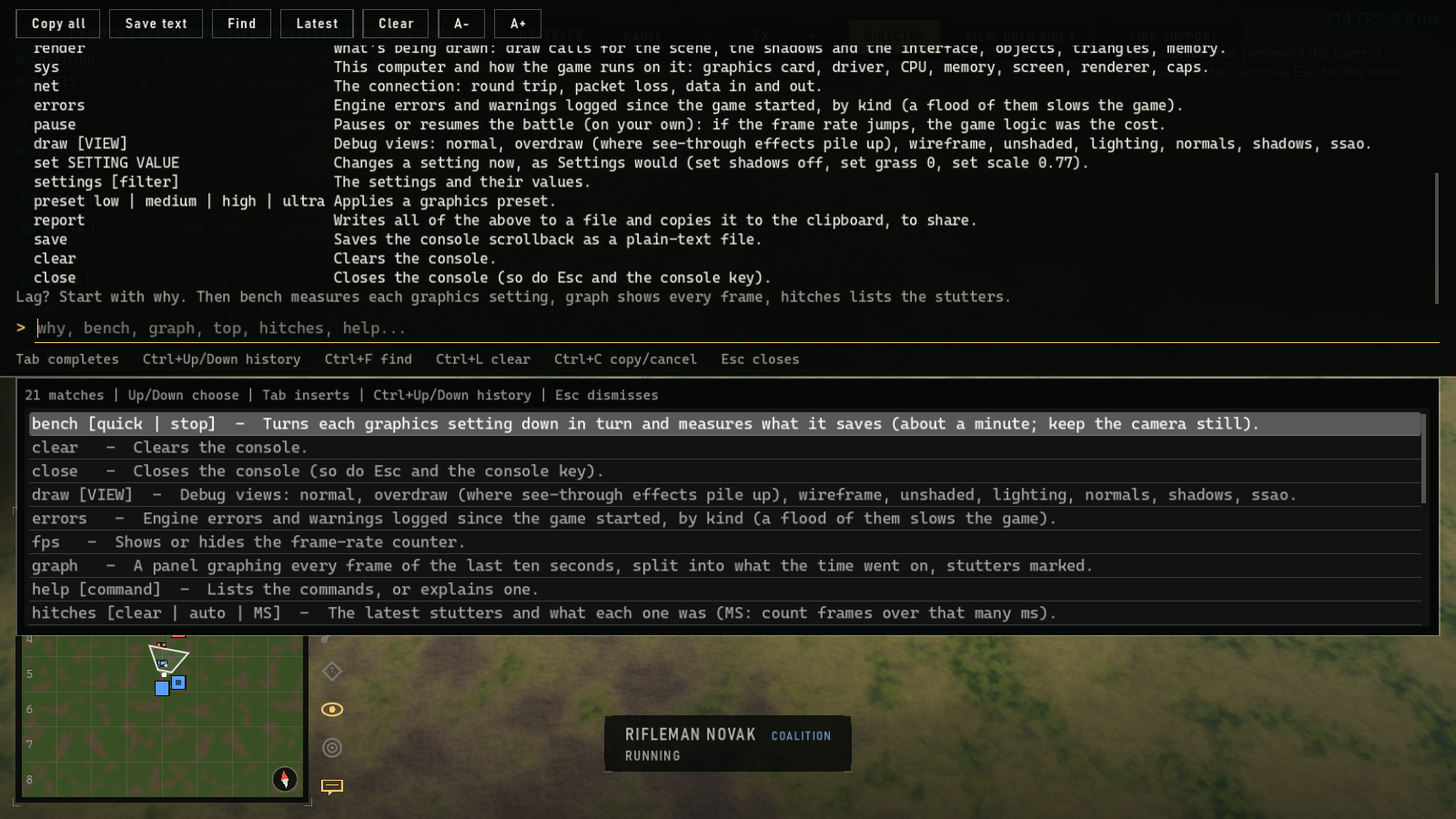
- An empty prompt shows every command with its description in a scrollable dropdown.
- Typing finds close matches, including partial spellings and small typos. Arguments get suggestions too.
- Use Up/Down to choose, then Tab or Enter to insert; you can also click a suggestion. Inserting never executes it.
- Ctrl+Up/Down browses your command history. Esc dismisses suggestions before closing the console.
- Completing in the middle of a line keeps the arguments that follow it.
A console you can copy, search and save
Select and copy console output, paste commands, search scrollback and save transcripts, with familiar terminal shortcuts.
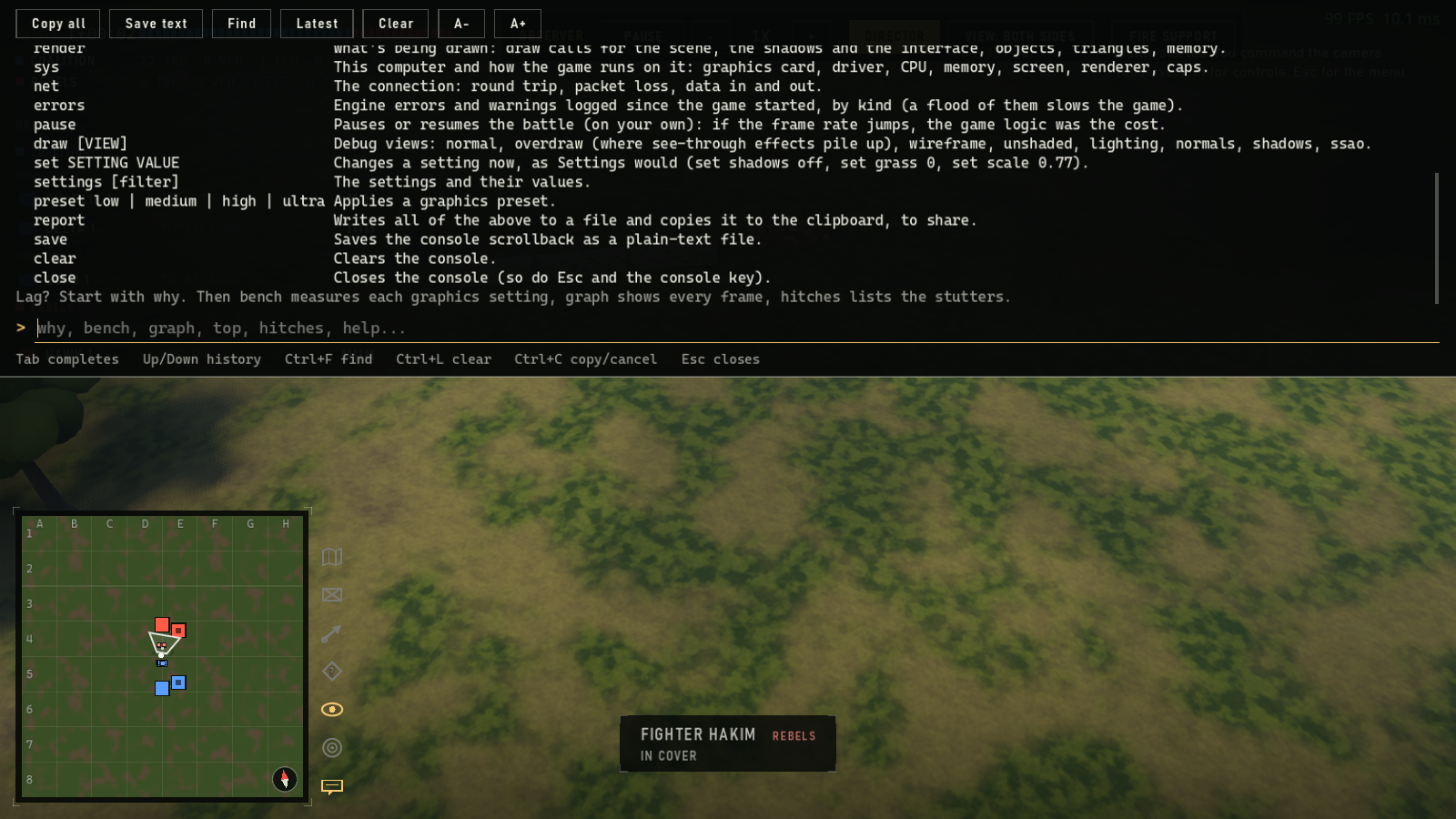
- Select text and copy it with Ctrl+C or the right-click menu. Paste into the command prompt with Ctrl+V or Ctrl+Shift+V.
- Copy all output or save a plain-text transcript with the toolbar.
- Find output with Ctrl+F; Enter and Shift+Enter move through matches.
- Clear output with Ctrl+L, jump through scrollback with Ctrl+Home/End, and adjust text size with Ctrl+plus/minus.
- Ctrl+C with nothing selected clears the prompt and safely stops a running benchmark.
- Command history, Tab completion, undo/redo and normal text editing remain available.
Fixed
Sign in to the game from your website login
Already signed into the website? Signing in from the game now uses that account and returns you to Frontline automatically.
The website no longer asks you to sign in with GitHub again when you're already signed in.
Your game and website keep separate sessions, so both stay signed in. If the browser blocks opening the game
automatically, use Open Frontline to return.
Get it
The game updates itself. To install it, download Frontline-windows.zip, Frontline-macos.zip or Frontline-linux.zip below, or from the website, unzip it anywhere and run it (on a Mac, move Frontline to Applications first).
The whole history, with pictures: Changelog.