Repository navigation
Frontline v1.0.11: Watch battles and revisit the action

New
Watch battles and revisit the action
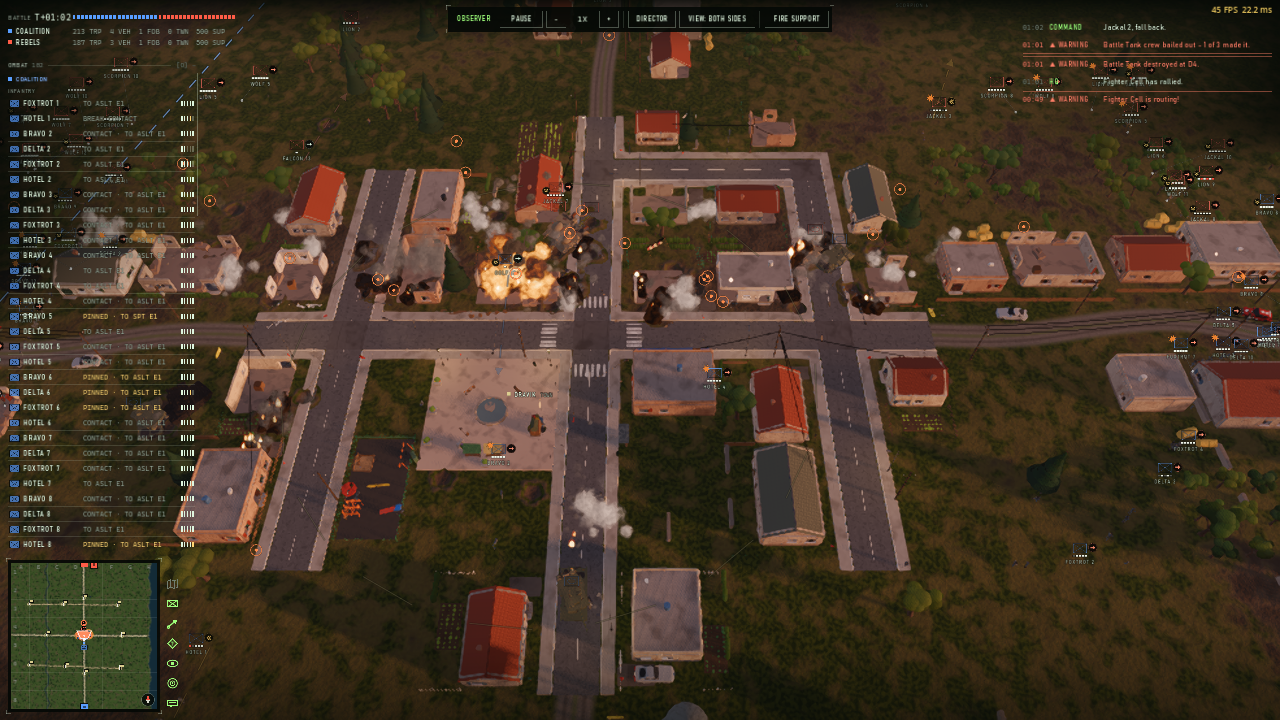
Watch public battles in the browser, or revisit saved battles with camera controls and a seekable timeline.
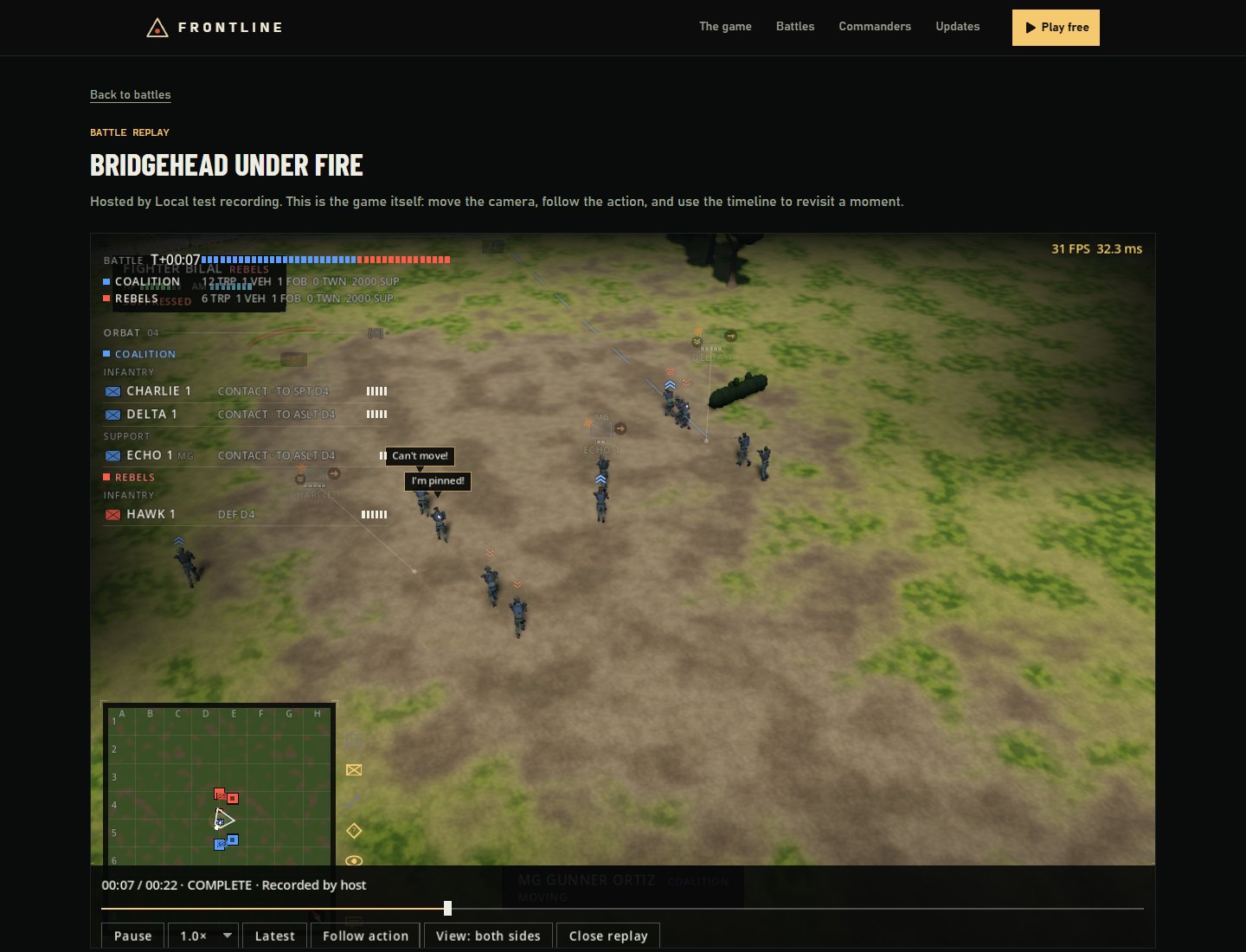
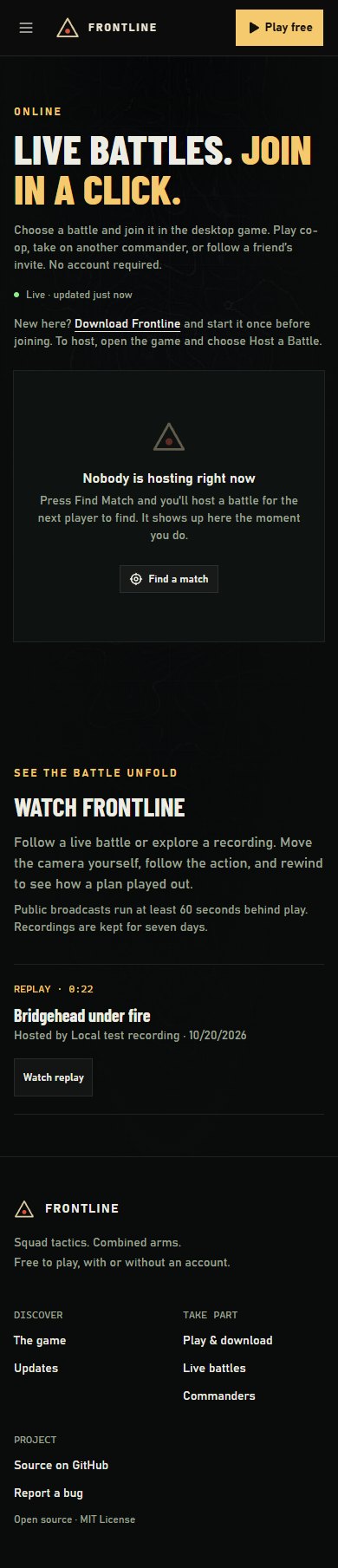
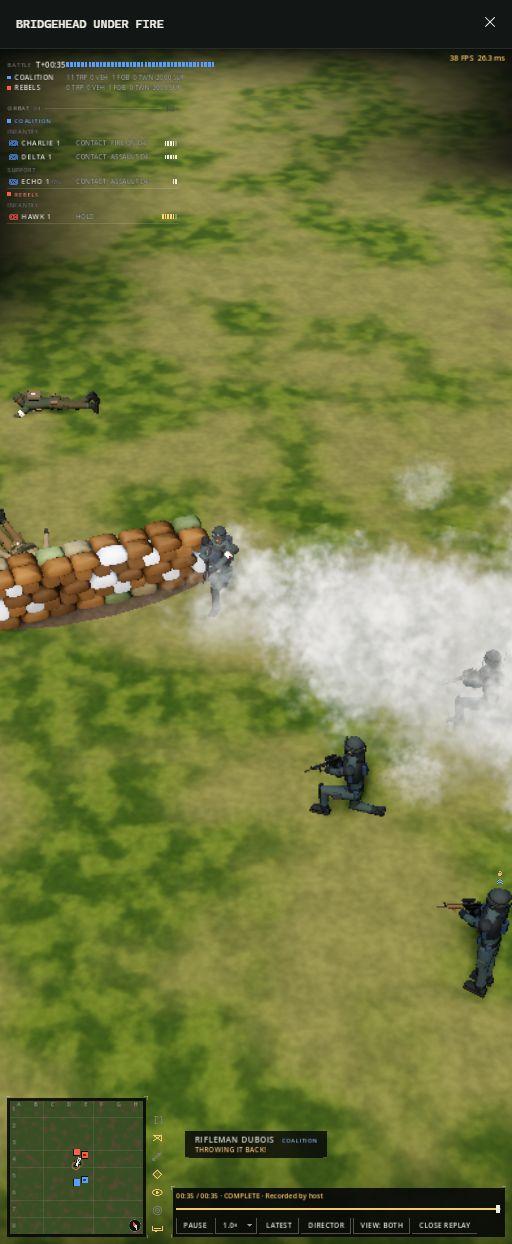
Public battles can now broadcast to a browser viewer, using Frontline's own
3D battlefield. Open Battles → Watch on the website, move the camera, or
let the observer camera follow the fighting. Public broadcasts aim to stay only a few seconds behind the players; password-protected and unlisted battles stay private.
The host also saves a replay locally. Open Replays in the desktop menu and
choose a recording folder to watch it again, pause, change speed, or drag the
timeline back to an earlier moment. Public recordings remain available on the
website for seven days when the server's recording storage is enabled.
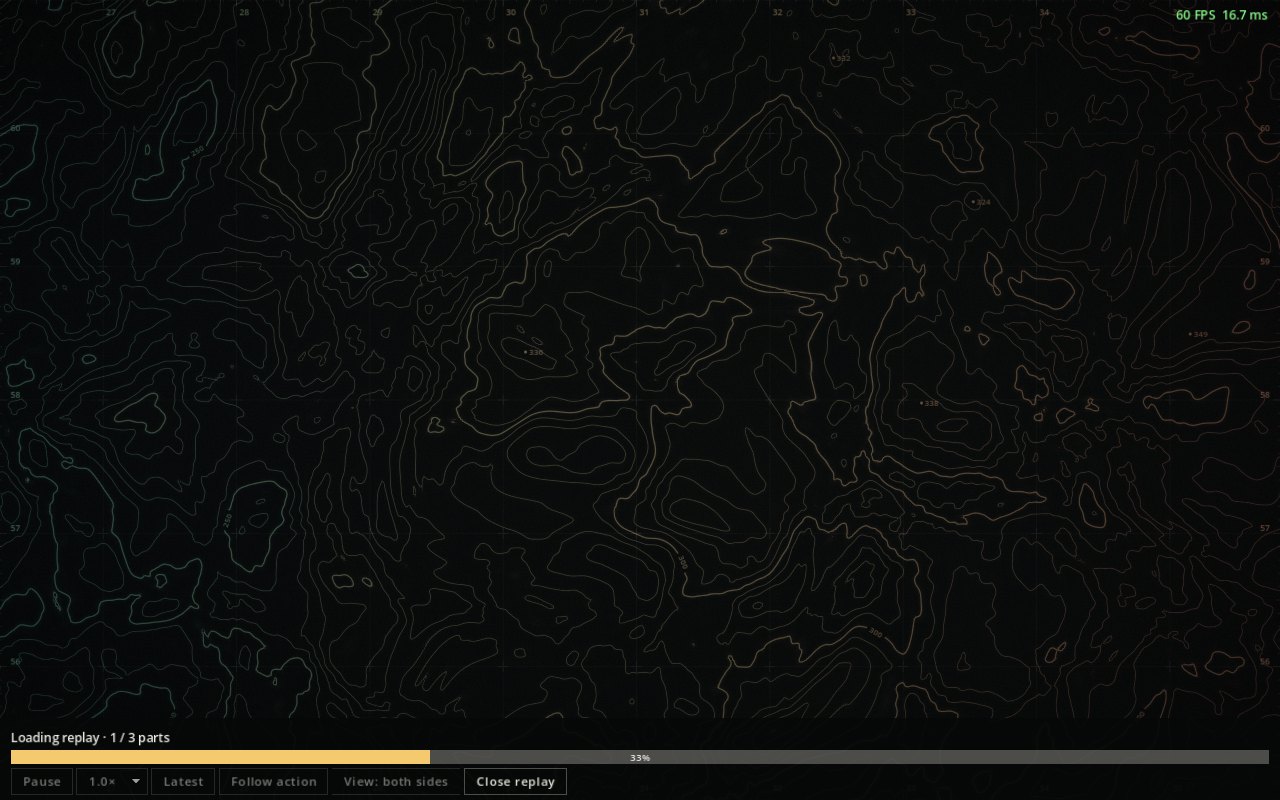
Saved replays load fully before playback starts. Loading progress and all replay
controls, including the scrubber, live inside the game itself.
These are host recordings, not independently verified results. Recordings made
before this feature cannot be reconstructed from an old after-action report.
The browser battlefield fills the available window, keeping the FPS meter clear of the site header. Replay controls use the desktop Signal interface and sit beside the minimap, with the director caption above the timeline.
Inspect vehicles on the website
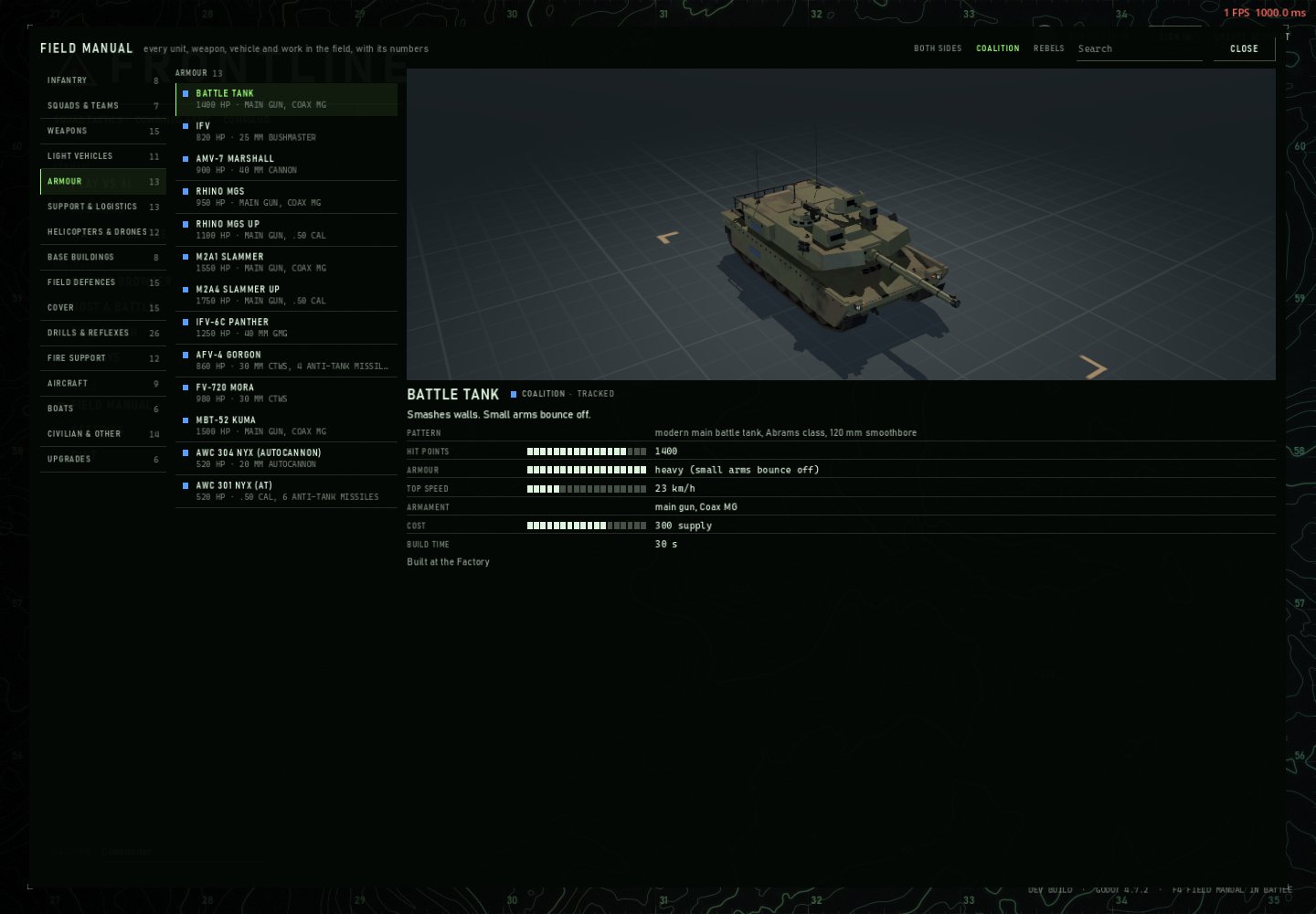
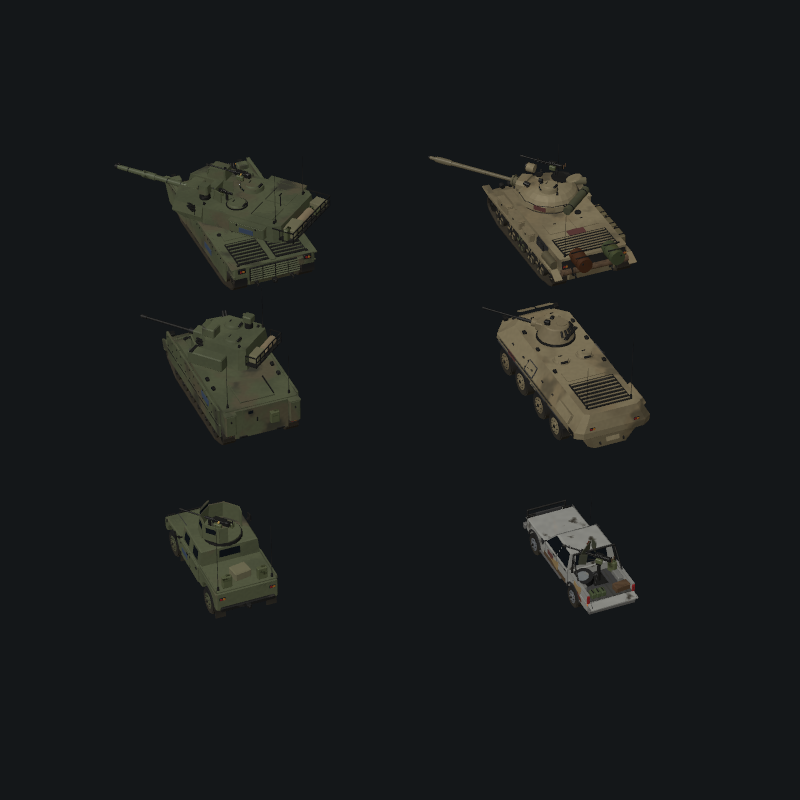
Explore vehicles directly on the website, with an interactive model preview using the Field Manual's models, lighting, rotation and zoom.
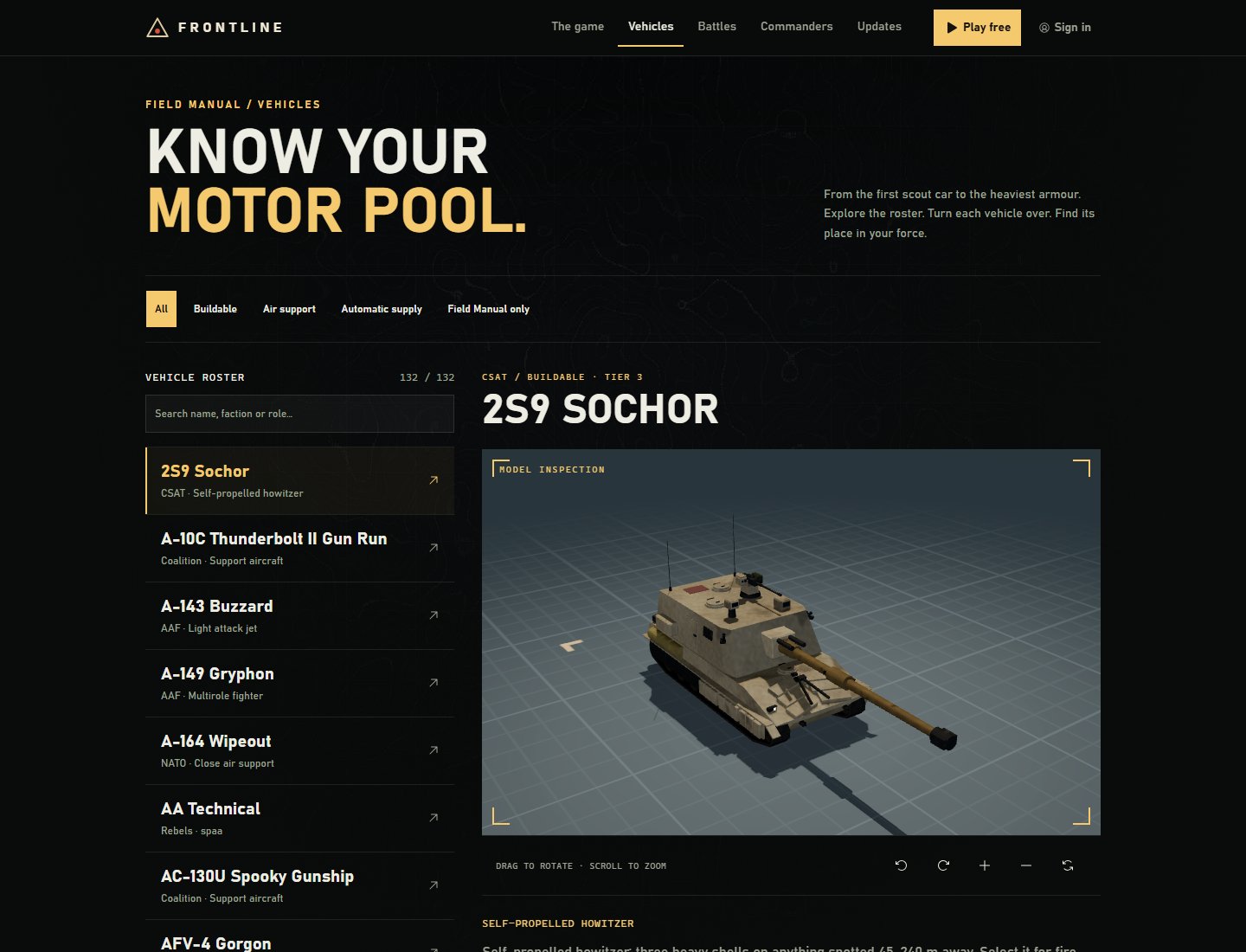
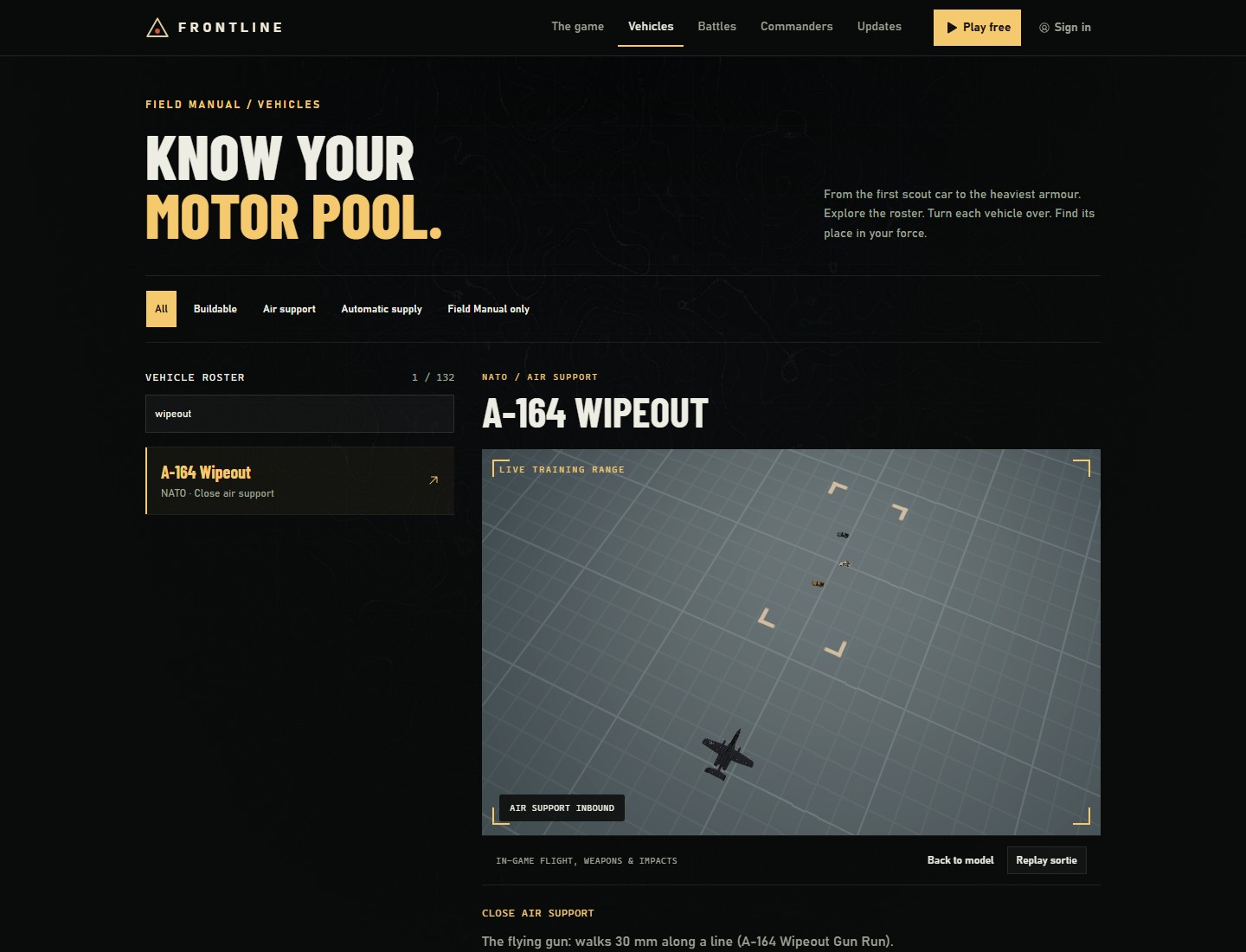
- Search vehicles by name, faction or role and filter by availability.
- Switch vehicles without restarting the 3D viewer. Compressed browser assets reduce the first download.
- Inspect models in a new slate survey bay, with a fading grid, warm corner markings and clearer lighting, shared by the website and the in-game Field Manual.
- Quiet digital interference occasionally passes through the survey grid; reduced-motion settings keep it still.
- Watch armed support aircraft perform their real gun run, bombing pass or orbit in the embedded training range. Replay resets the aircraft and targets without rebuilding the range; return to model inspection at any time.
- Select a vehicle to inspect its 3D model directly beside the roster. Drag to turn it, scroll to zoom, or use the camera buttons with a keyboard. The page uses the site's familiar styling around the game's own model stage.
Improved
Less work during busy battles
Pathfinding spends less time maintaining its cache, and animated combat markers reuse their geometry.
- Long routes no longer scan the entire local navigation cache when replacing an old entry.
- Combat markers keep the same pulsing, rotating shape with less work per frame.
These changes reduce specific costs; they do not establish 60 FPS support for 500-unit battles on large maps.
Less repeated work in large battles
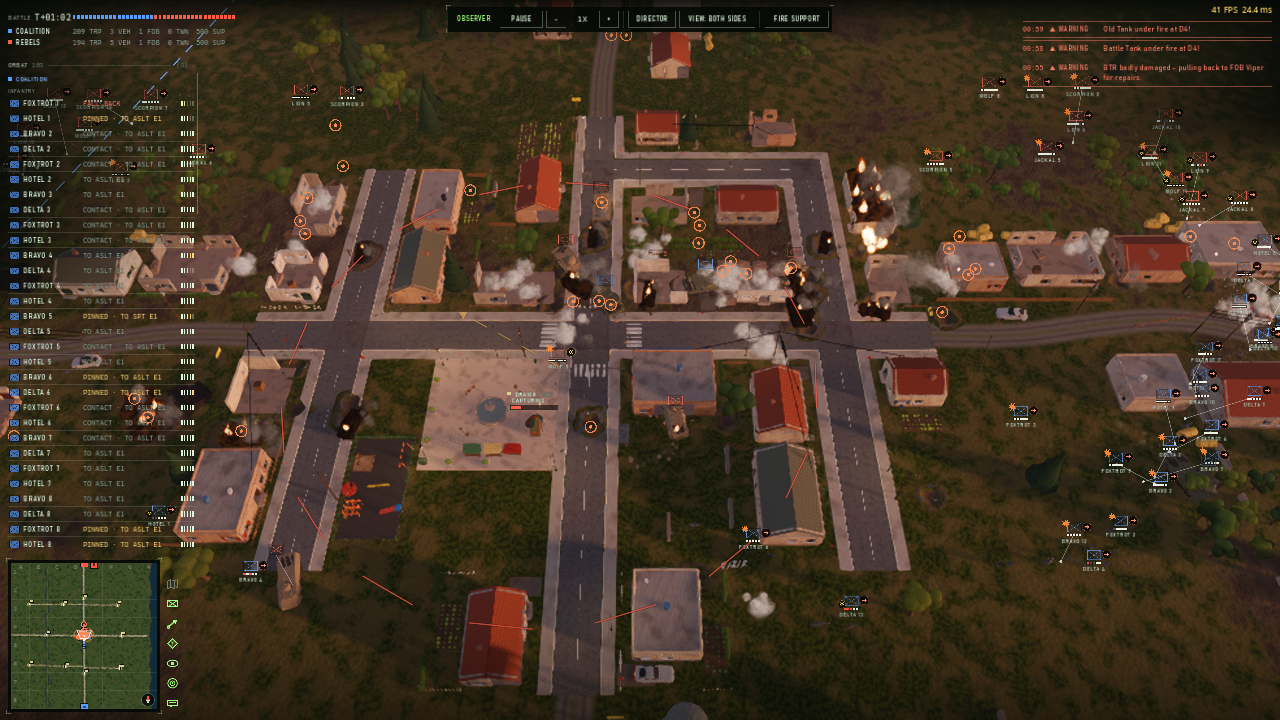
Scenery follows the camera's view, and soldiers avoid repeating sight checks against unchanged walls.
-
Scenery loads around what the camera can see, including a margin for roofs and screen edges.
-
Large maps store navigation cells compactly, saving about 1.25 GiB across the two 3 km land grids.
-
Replay recording reuses unchanged scenery and encodes completed chunks in the background to reduce battle stalls.
-
Formation planning reuses nearby cover checks while retaining the same selected positions.
-
Native path search skips intermediate cost nodes while retaining terrain and danger costs.
-
Soldiers reuse confirmed obstruction by an unchanged wall. Opening a door or changing the blocking geometry immediately requires a fresh check; smoke remains live.
-
Distant soldiers outside the camera view no longer rebuild render batches.
-
Tactical symbols retain their image between 15 Hz updates while the camera and pointer are still; camera movement and input refresh them immediately.
Large-map performance is still being measured. These changes do not establish 60 FPS support for 500-unit battles.
See the troops you command
Lighter atmospheric haze and translucent battlefield markers keep soldiers, vehicles and terrain readable, even when zoomed out.
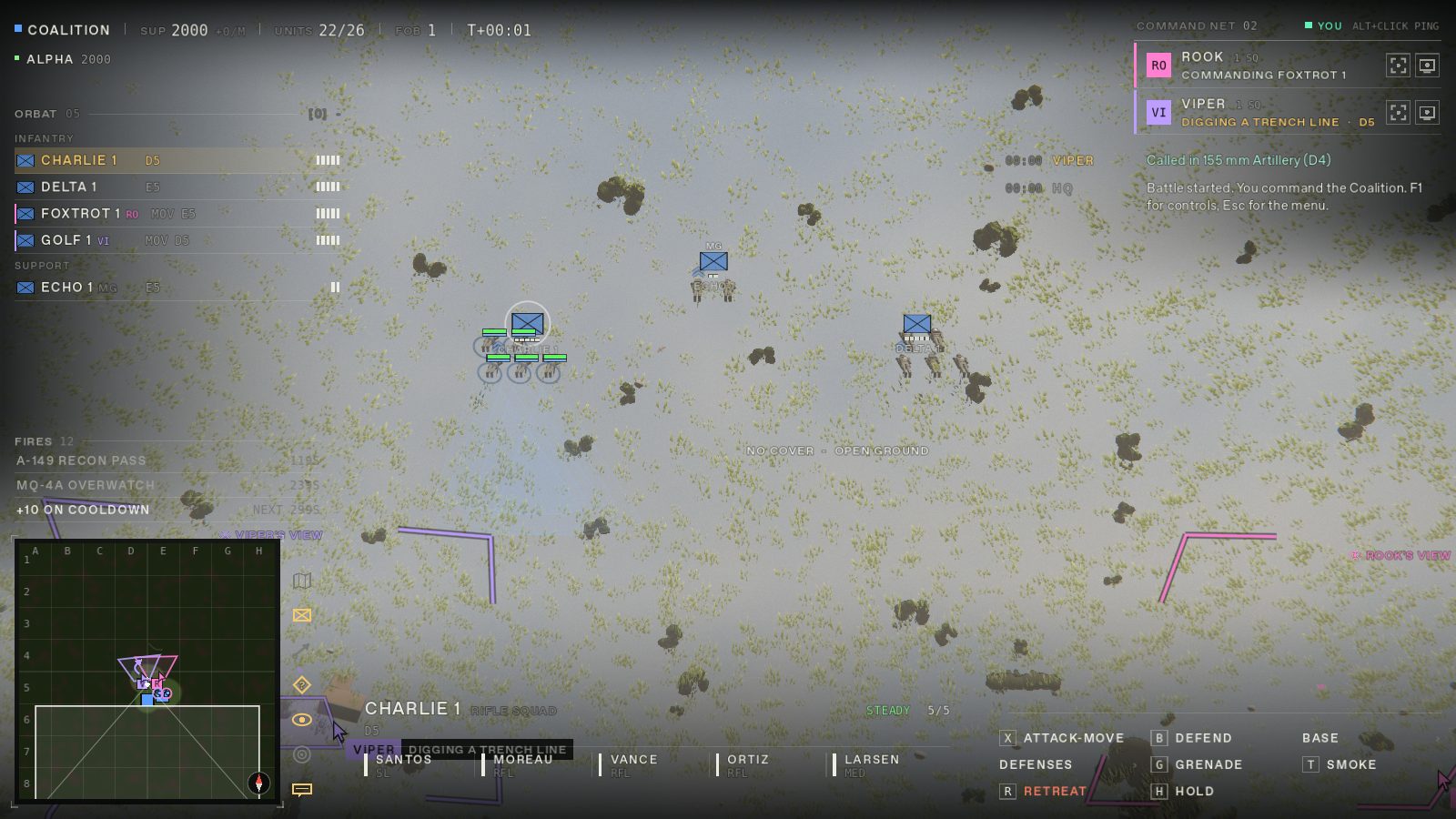
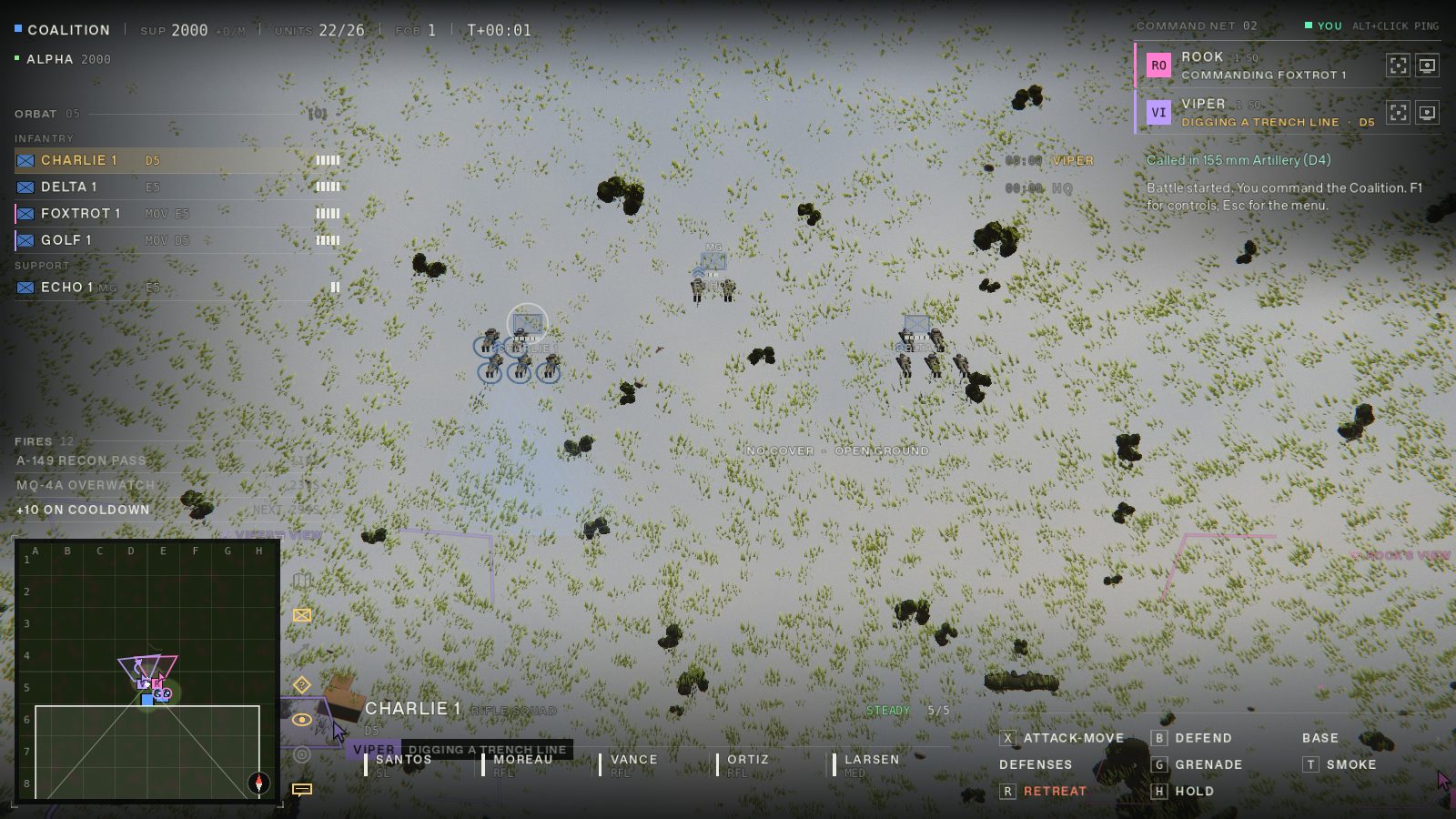
- Atmospheric haze is much lighter in every weather preset and continues thinning as the camera pulls back. Fog of war, enemy visibility and combat smoke are unchanged.
- Squad and vehicle symbols are translucent outlines over the battlefield. Solid counters remain in the tactical map, minimap and roster.
- Squad symbols fade in with distance instead of stacking over nearby soldiers. Individual status icons lose their opaque backplates, and squad-strength pips replace overlapping per-soldier bars at squad zoom.
- Teammate view frames and selection rings are thinner and quieter. A teammate's selection is a coordination hint, not an exclusive ownership badge.
Helicopters fly like helicopters
Rotorcraft carry momentum through turns, bank and pitch as they accelerate, and flare into a stable hover before landing.
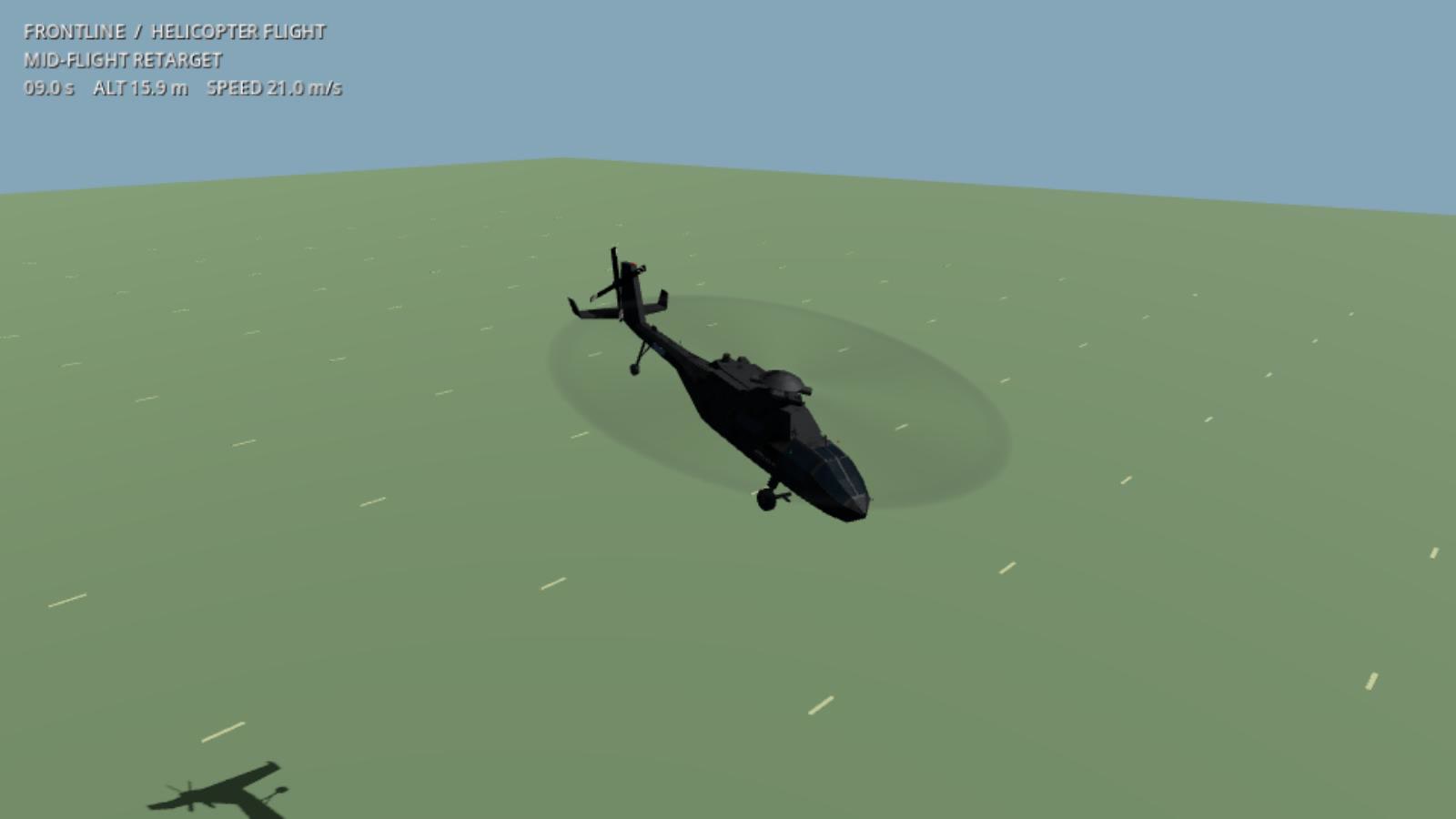
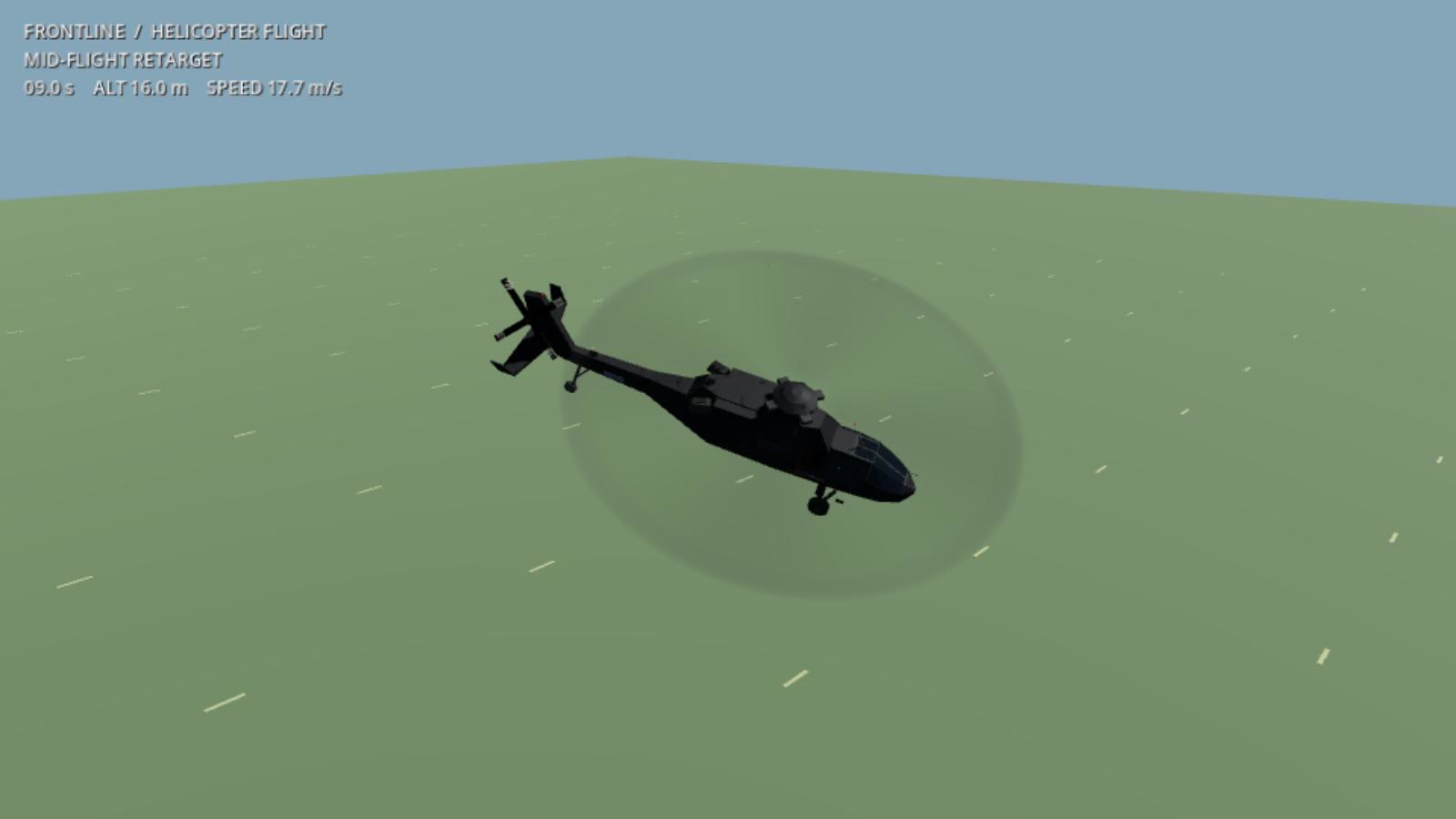
- Attack, troop and supply helicopters accelerate, brake, climb and descend smoothly instead of instantly changing direction or vertical speed.
- Aircraft lean into the force of a turn and raise their noses to brake. Gunships can move sideways while keeping their guns on target.
- Transports settle before putting down troops or picking up a sling load. Heavy loads make flight more deliberate.
- Stop holds a troop transport in the air, including with a vehicle on its sling. Give a new move order to carry on; new orders also interrupt an approach to land.
- Flight remains controlled by the host, with the same bank and pitch sent to every player. Ground vehicles and drones keep their existing movement.
A new introduction to Frontline
Discover the game through battlefield decisions, combined-arms footage and selectable operation briefings.
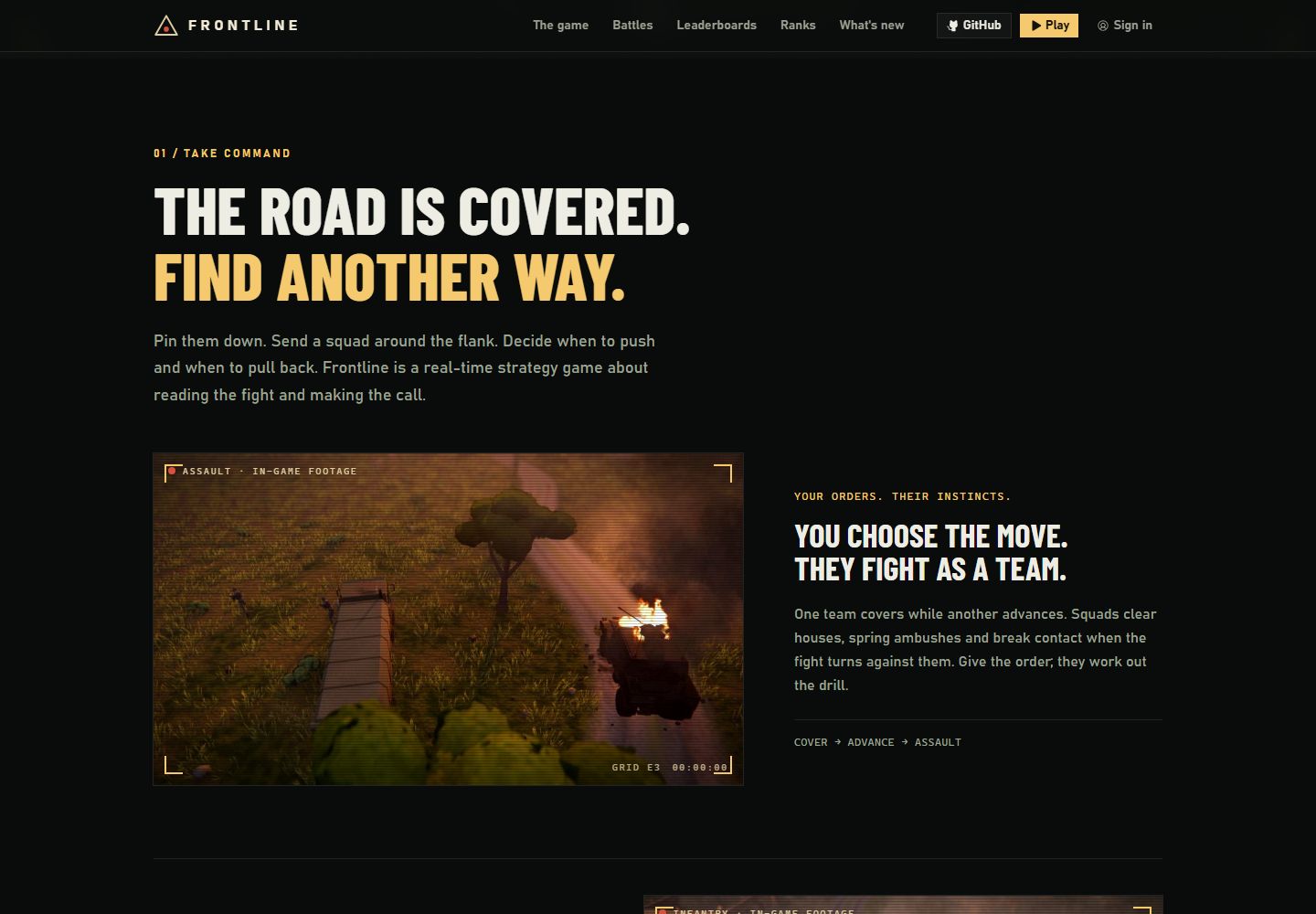
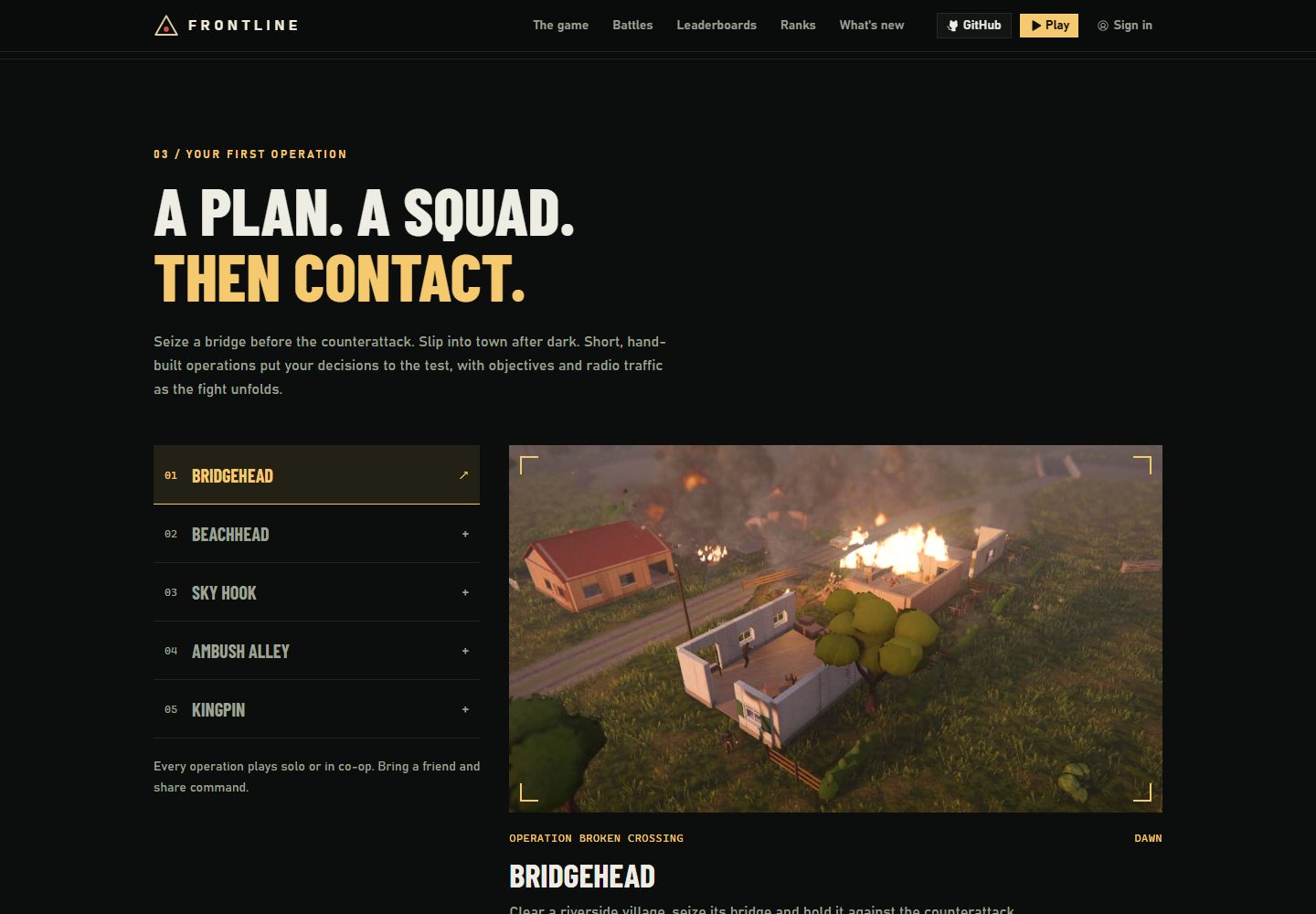
- The homepage builds from squad tactics to armour, fire support and amphibious operations, with varied layouts and quieter motion inspired by the game's Signal interface.
- Browse mission briefings one at a time, with the force details available on mobile as well as desktop.
- Gameplay comes straight after the opening footage, without the repeating tickers and statistics grid.
Smoother large battles
Large battles draw buildings and squad symbols with less repeated work, while damage, cover and individual soldiers keep their existing behavior.
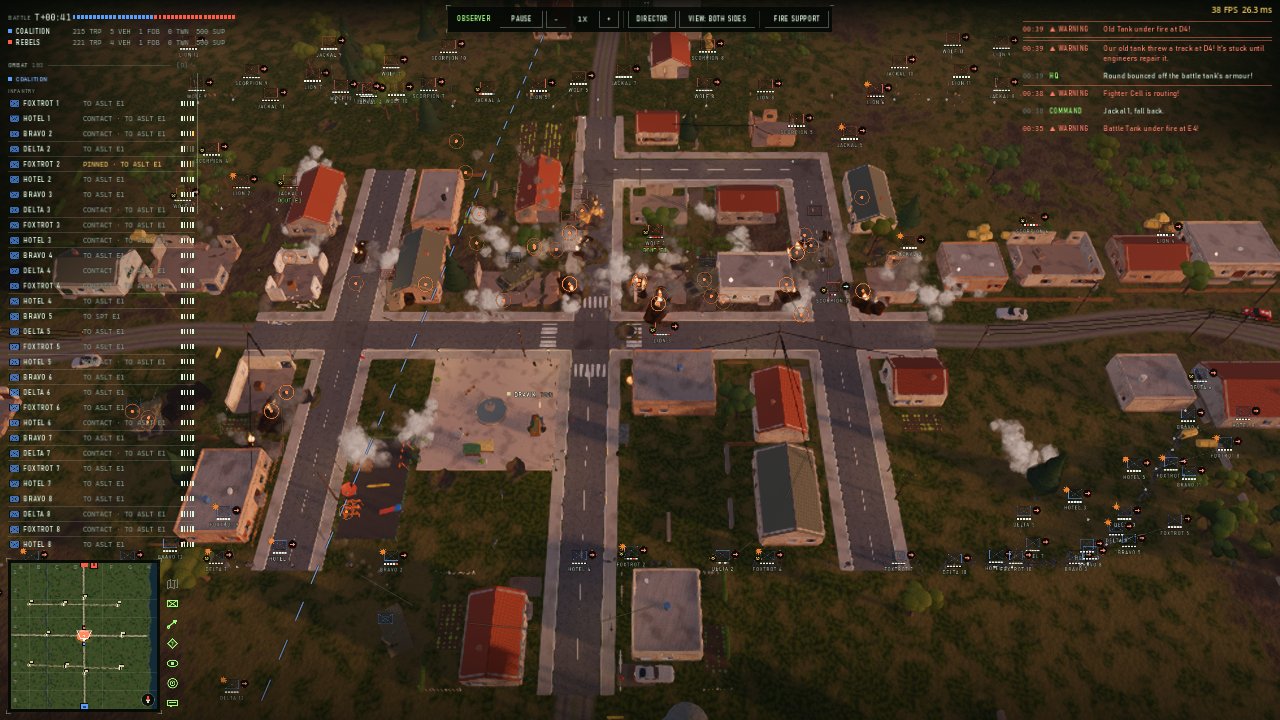
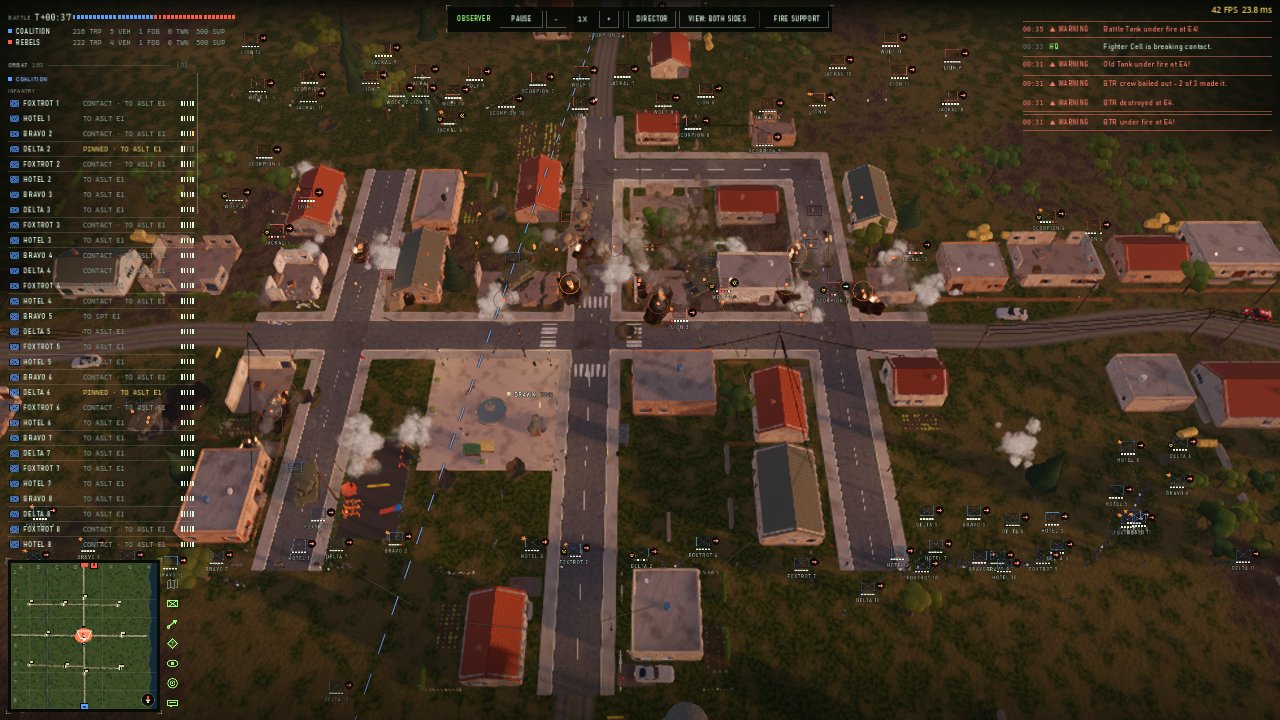
- Static buildings share drawing work. A damaged or moved structure updates immediately without rebuilding its neighbors.
- Soldiers share frame-update bookkeeping while retaining individual movement smoothing, poses and selection.
- Squad counters keep a clear screen position as nearby units move, reducing clutter and repeated layout work.
- Firing markers reuse their star geometry, and the minimap refreshes damaged buildings gradually while keeping the previous map visible.
- Moving soldiers avoid recording sight checks they cannot reuse; soldiers standing still, including those waiting for a route, retain their obstruction cache.
Command all allied troops
All commanders on a side can select and order every allied squad, vehicle and individual soldier, without ownership locks.
- Click, drag-select and use the order-of-battle list to command any allied unit, including troops recruited by a teammate.
- Giving an AI-controlled unit an order brings it under human command so the AI does not overwrite it. Teammates can all keep commanding it.
- Allied engineers can build for any commander, and tunnel orders work for all allied passengers.
- Current teammate selections remain coordination cues, not control restrictions. Enemies and neutral units still cannot be commanded; observers can inspect but cannot issue orders.
Large-battle simulation and rendering improvements
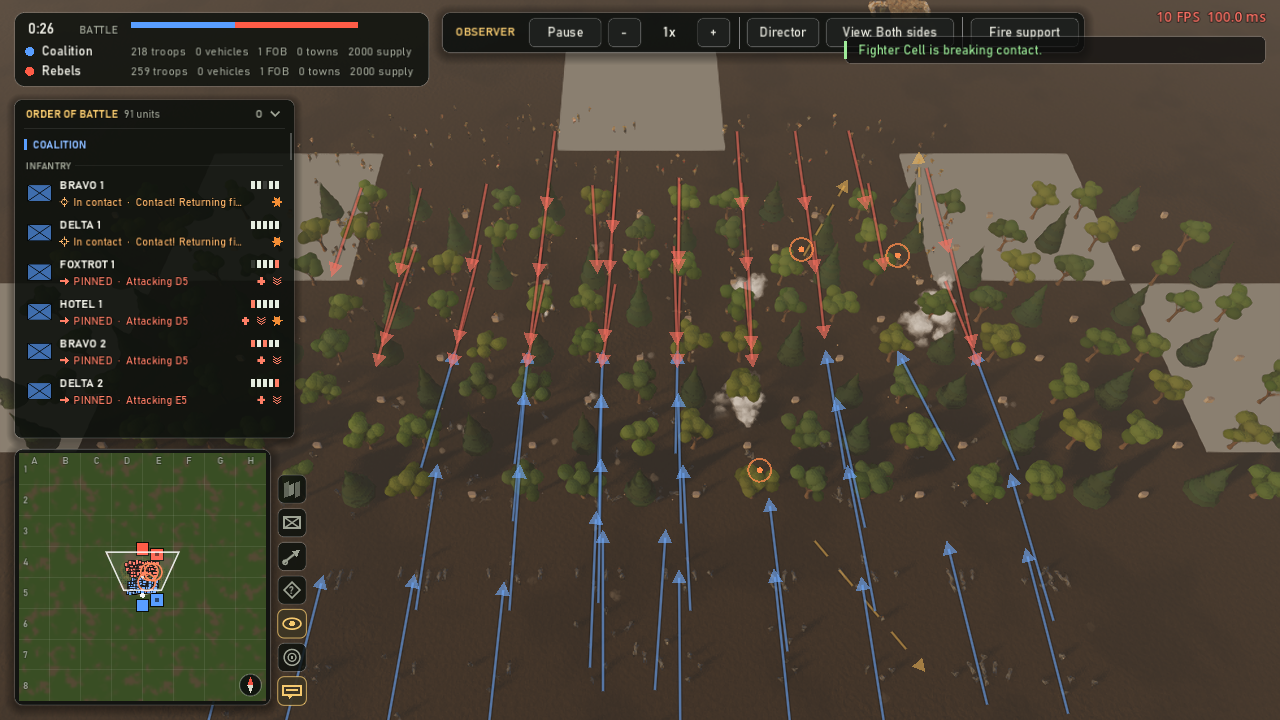
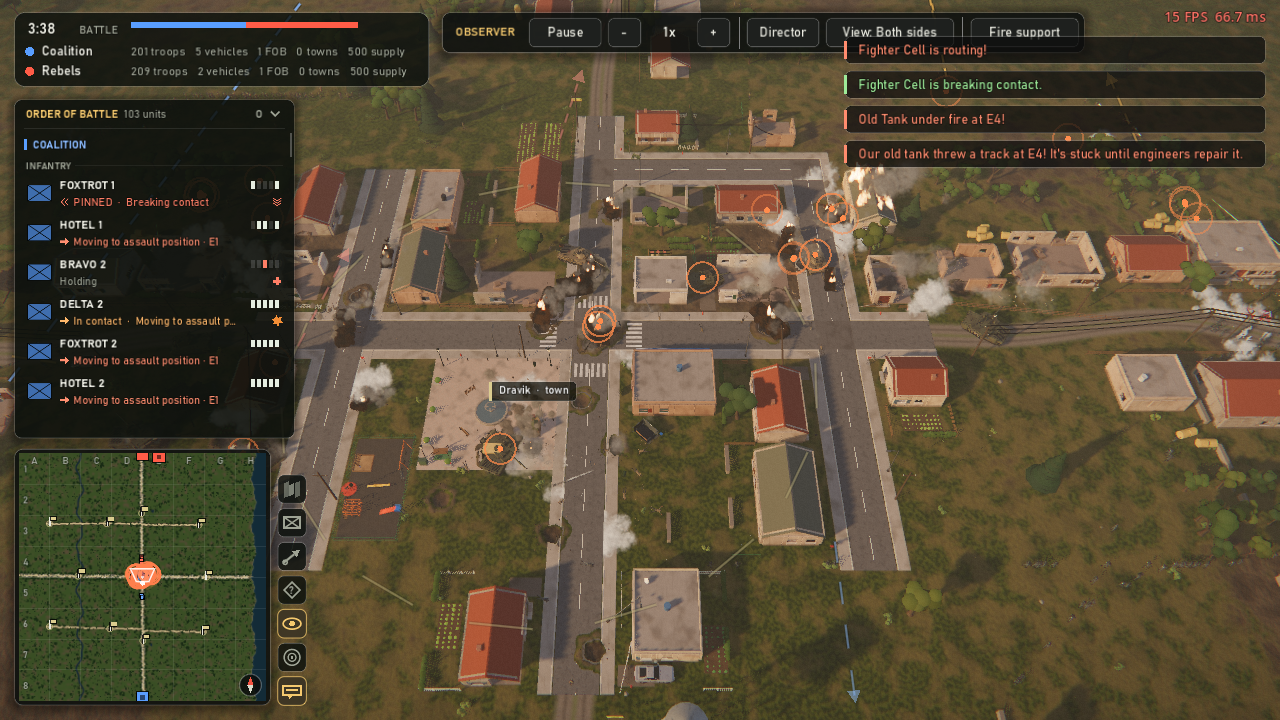
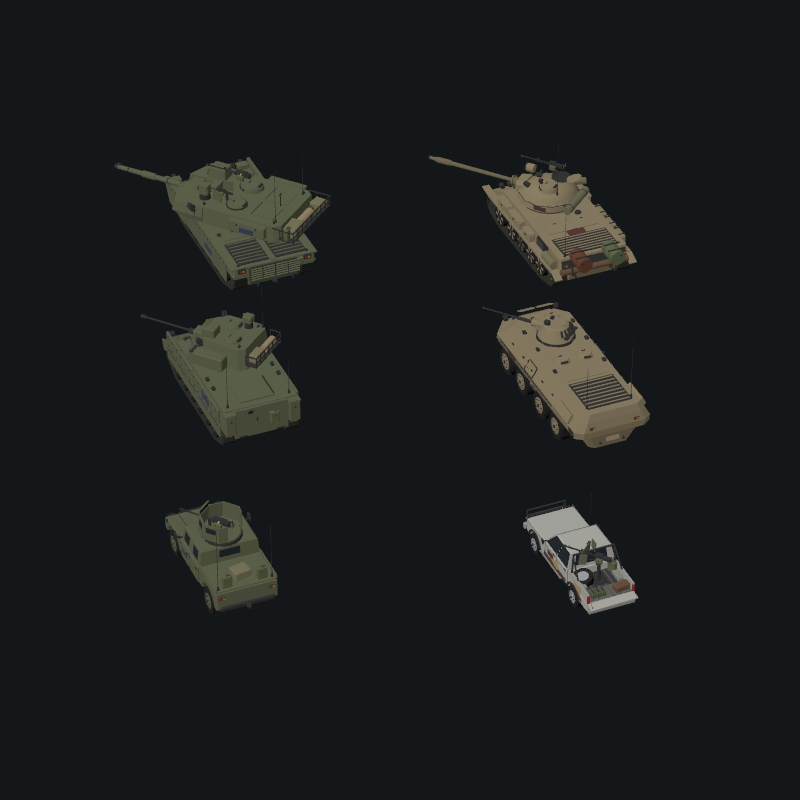
Desktop solo battles run simulation separately, share more AI work, and draw distant soldiers more efficiently. Skirmishes offer maps up to 3,072 metres across.
-
Static scenery no longer runs an empty building simulation every tick. Fire and combat still affect it.
-
Supply and unit-cap checks search the bases directly, including changes from construction, capture and destruction.
-
Performance diagnostics now distinguish sustained simulation cost from occasional slow ticks.
-
Updating nearby cover no longer rebuilds routes through ground whose movement cost has not changed.
-
Desktop solo battles and missions run their simulation separately from drawing, with pause, resume and reconnect support.
-
Skirmish setup offers 1,024, 2,048 and 3,072 metre square maps. Larger maps need more memory.
-
Squad members share threat assessments and building contacts; individual weapons, visibility and damage still work independently.
-
Distant soldiers share simpler animated poses, while close-up soldiers retain detailed movement.
-
Movement orders spread pathfinding work across ticks, including when buildings are destroyed or routes are blocked.
-
Updates include the native simulation helper as well as the game executable.
-
Explosions update nearby terrain textures and cosmetic ground collision instead of rebuilding the entire map.
-
Large maps load without drawing the partly built battlefield; the private simulation waits until loading finishes.
-
Static scenery replication and map placement avoid repeated whole-map searches.
-
Nearby scenery loads first; distant scenery is cached as you explore the map.
-
Cosmetic grass, bushes and stones build around the camera rather than across the whole map during play.
-
Nearby units can reuse checked movement corridors, while keeping their own destinations.
-
Short unobstructed moves respond immediately, including dashes into cover.
-
Squads retry an unvisited house when a rifleman becomes available to clear it.
-
Soldiers checking buildings search house floors directly, skipping unrelated nearby scenery.
-
Emplaced gunners choose targets their gun can reach instead of fixating on enemies outside its firing arc.
-
Soldiers evaluate the same reaction priorities with less decision-processing overhead.
-
Squad callsigns and order labels reuse their drawings while tracking the camera, reducing interface work in large battles.
-
Stationary units avoid redundant model-transform updates, and distant soldier batches avoid rebuilding string keys each frame.
-
Radio notifications reuse unchanged text drawings between their arrival flashes and fade-out.
-
Distant vehicles simplify material surfaces while retaining their moving parts; close-up vehicles keep their detailed materials.
-
Distant soldier rendering visits active pose batches instead of every cached pose each frame.
-
Squad status markers share a short overview refresh, and empty selections avoid scanning every soldier.
-
The minimap keeps distant fighting markers separate on larger maps.
-
Stationary vehicles avoid repeatedly updating unchanged hull, turret and wheel transforms.
-
The battlefield overlay reuses its drawing between status updates while the camera and pointer are still; interaction redraws immediately.
-
Visibility checks skip unrelated projectiles and reuse each soldier's observation point within a scan.
-
Capturing towns updates only changed supply roads instead of repainting the whole map; long diagonal roads check only nearby ground cells.
-
Squads checking for enemy buildings use the owned-building index instead of searching unrelated scenery.
-
The battle clock follows the simulation server, excluding loading time and stopping when the host pauses.
-
Large assault formations check only nearby squadmates when choosing cover, retaining the same positions with fewer comparisons.
A clearer way around Frontline
A simpler site menu, a returning-player home, and a dedicated rank guide make it easier to find your next battle.
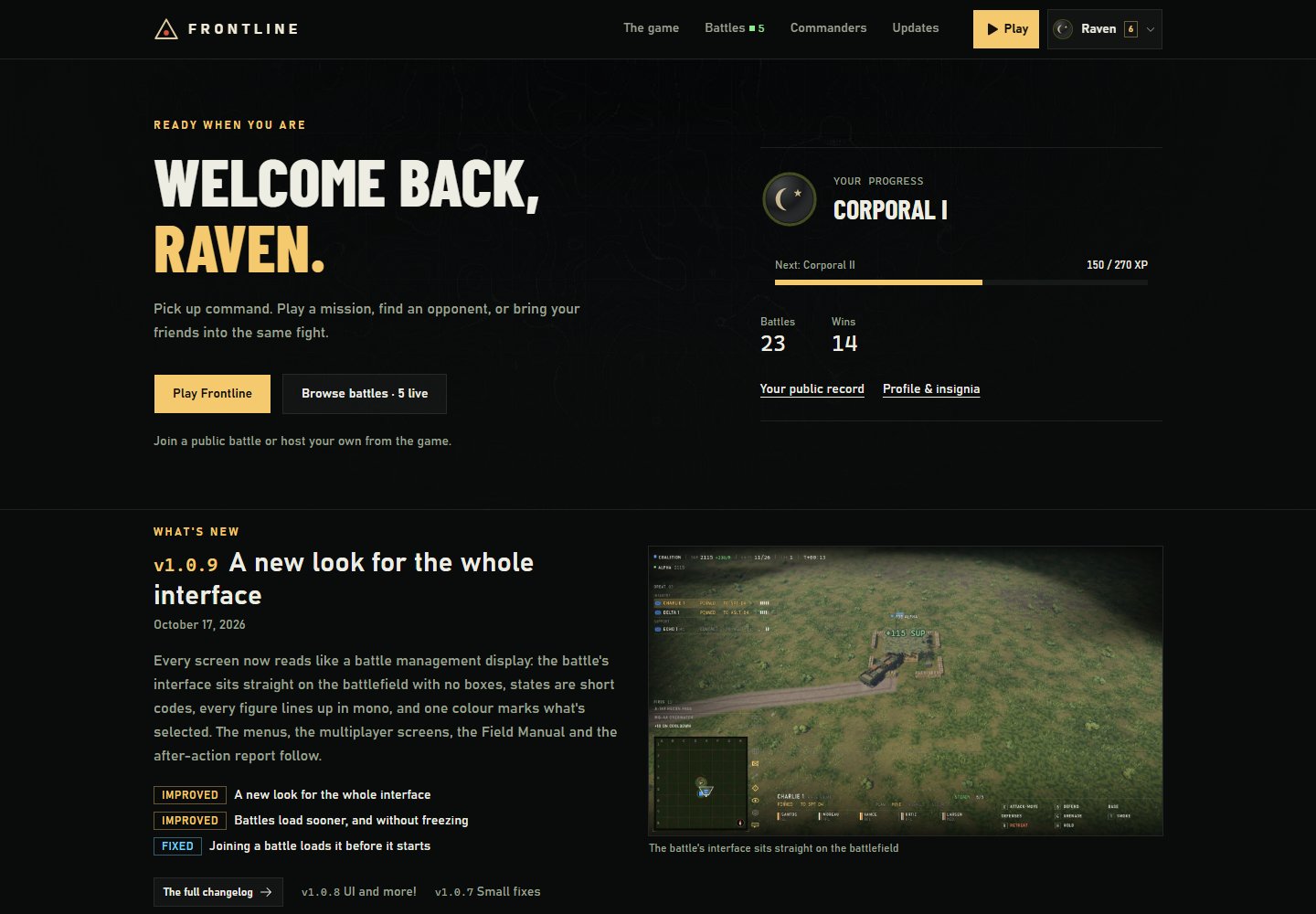
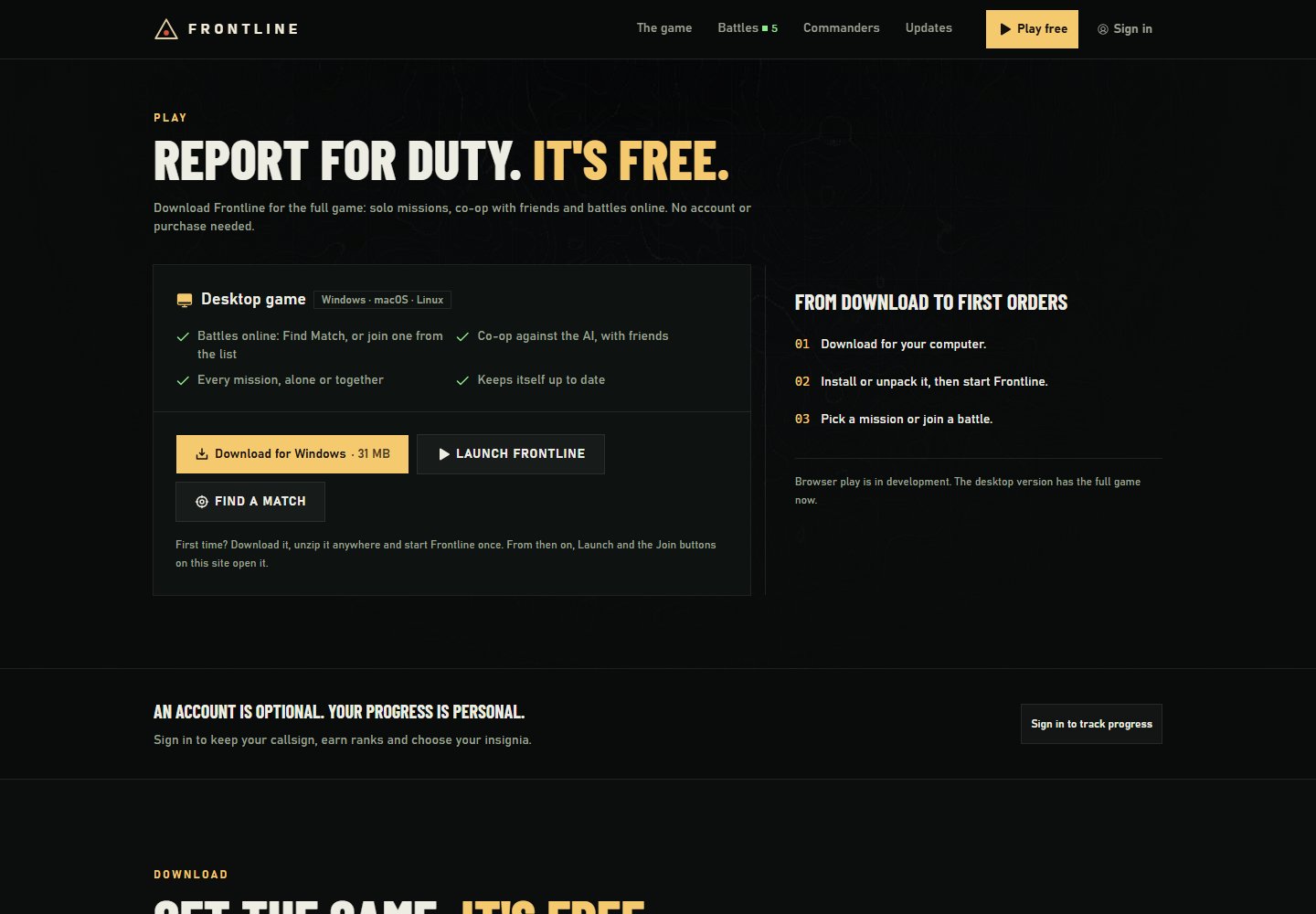
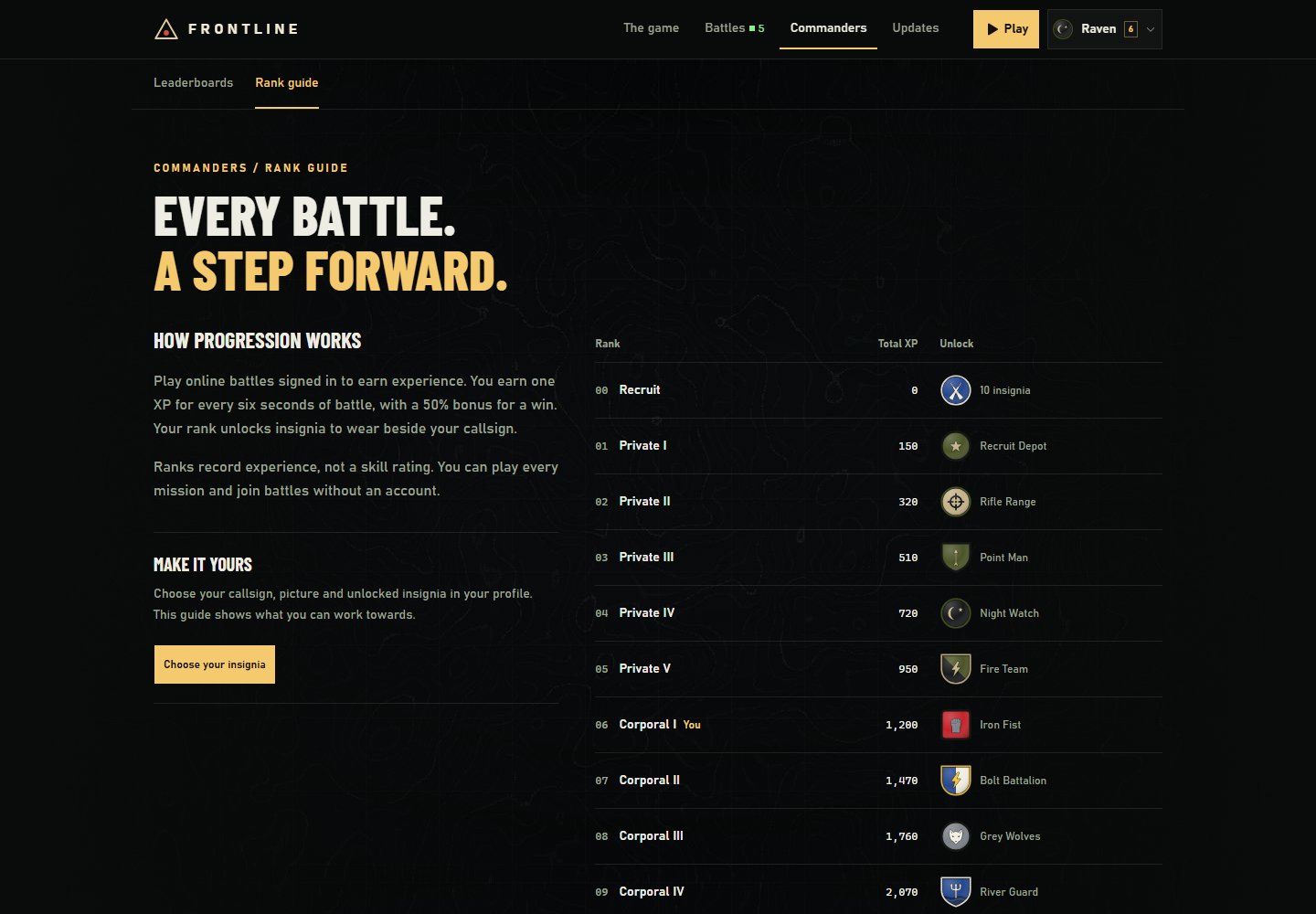
- The menu now separates the game tour, live battles, commanders and updates. Account actions stay in the account menu; project links stay in the footer.
- Signed-in players get a compact home with play shortcuts, progress and recent updates. Visitors still see the gameplay introduction.
- New devices see Download first. After the browser has opened Frontline before, Launch becomes the primary action.
- The rank guide explains experience and unlocks. Choose your personal insignia in your profile.
- Signing in keeps your place, including a friend's battle invitation. An account remains optional to play.
Squads stick together
Squads move in tighter groups and choose nearby cover on the same side of walls.
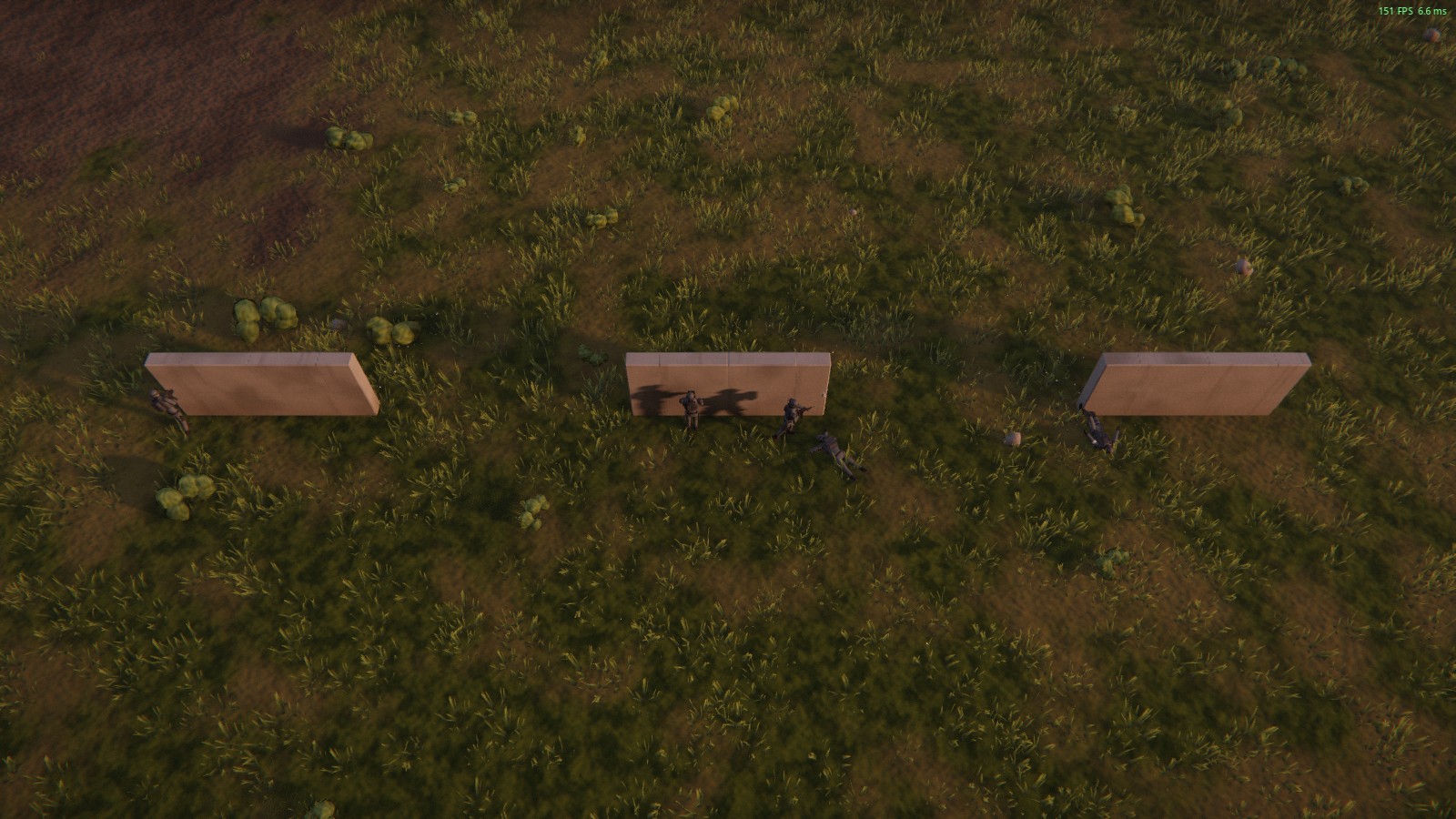
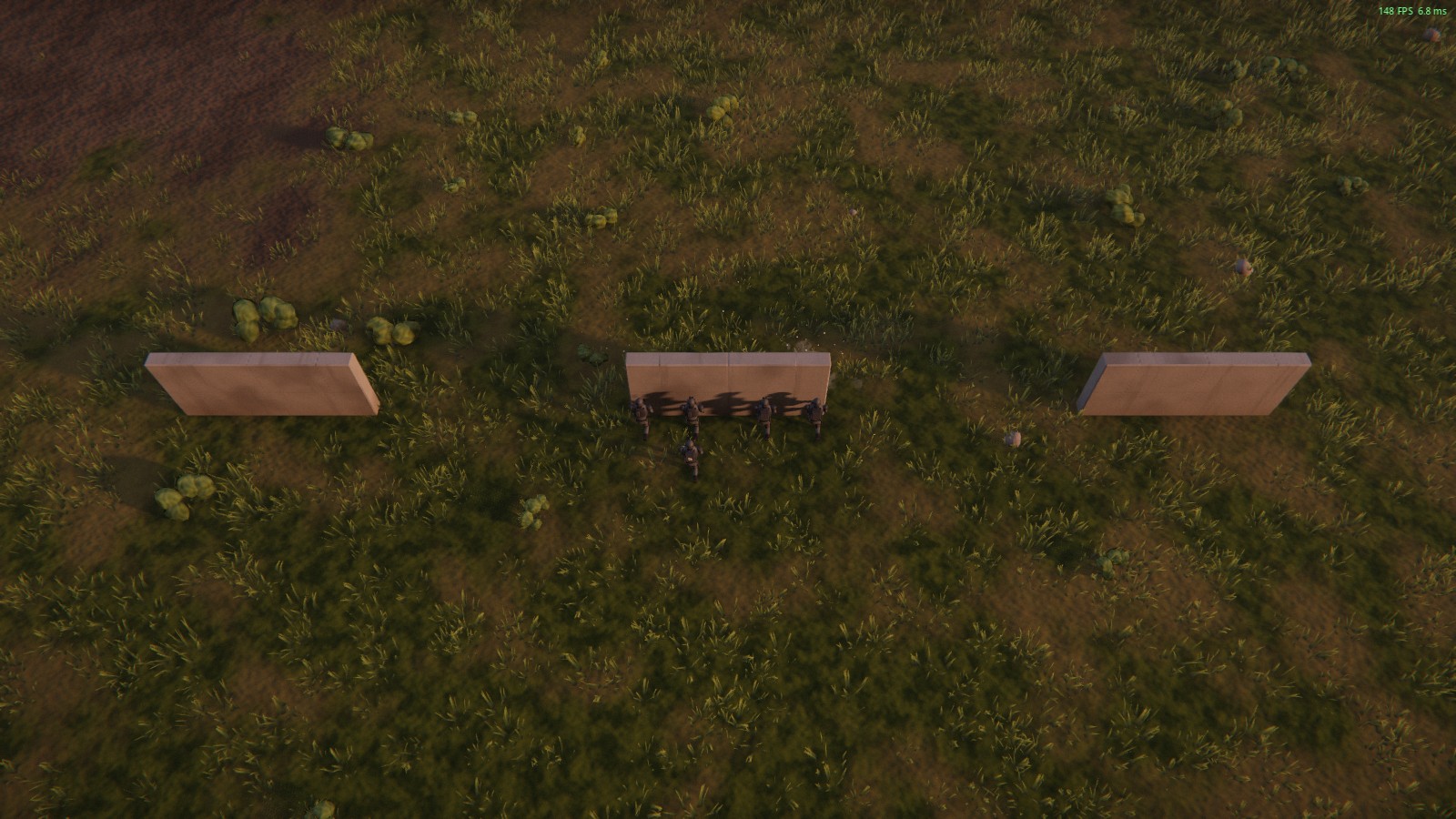
- Move and defend orders keep soldiers in a compact circle instead of a long line.
- Soldiers favor cover beside their squad instead of spreading out across walls.
- When a tall wall's front row is full, soldiers stack a pace behind it instead of lying farther out in the open. The rear row still benefits from the wall blocking fire, but lacks the close-cover protection of hugging it.
- Travelling squads follow their leader through gaps, and the leader slows for stragglers.
Fixed
Keep large interfaces within reach
Pause menus, controls, lobby rosters and the server browser stay usable at maximum interface scale and in small windows.
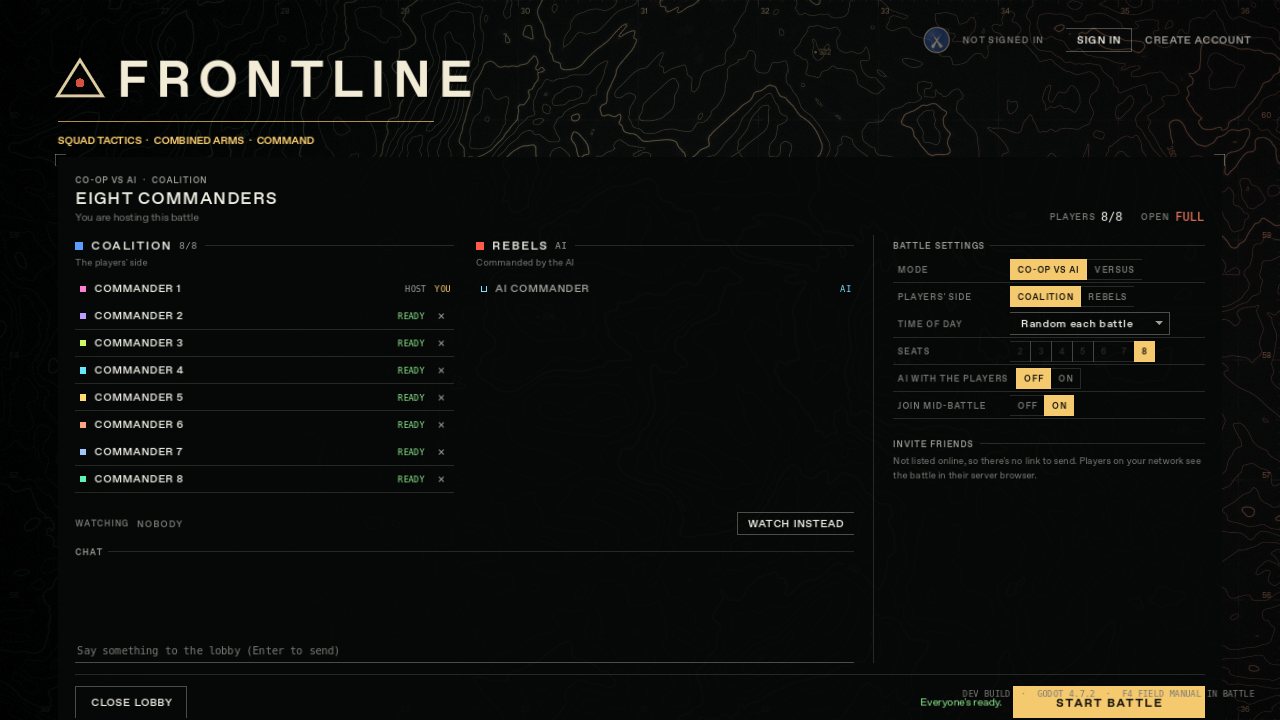
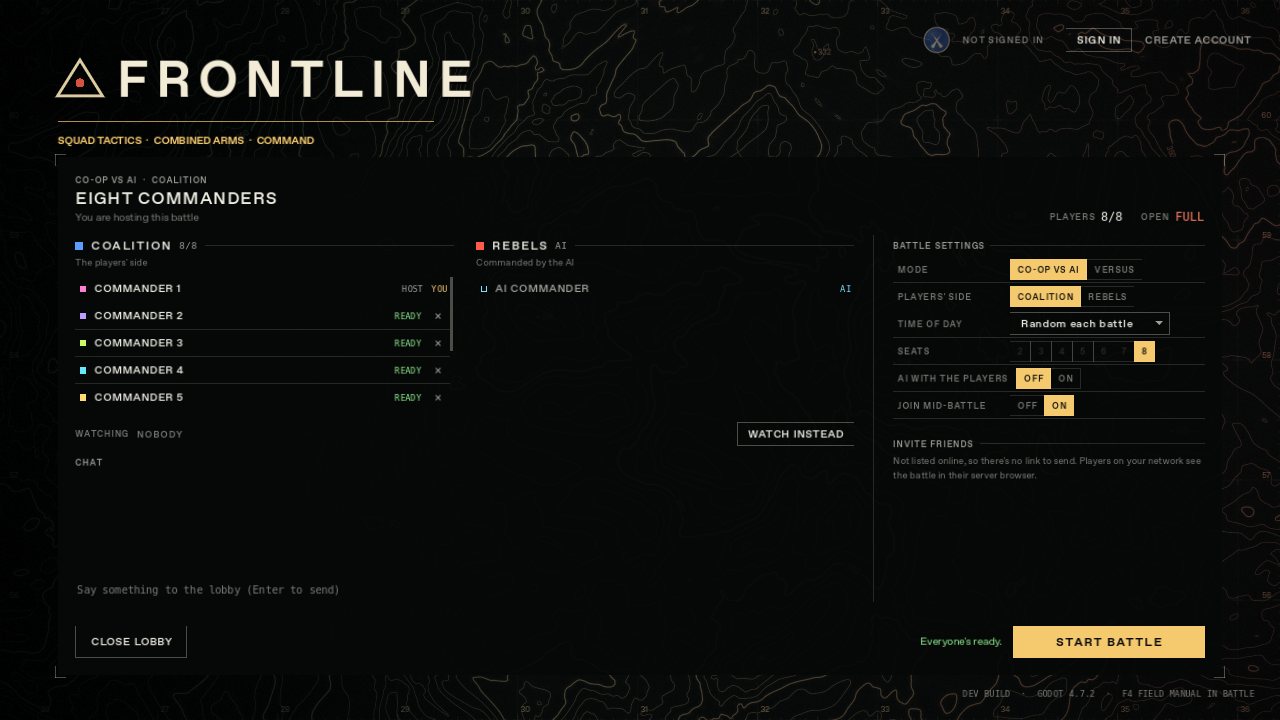
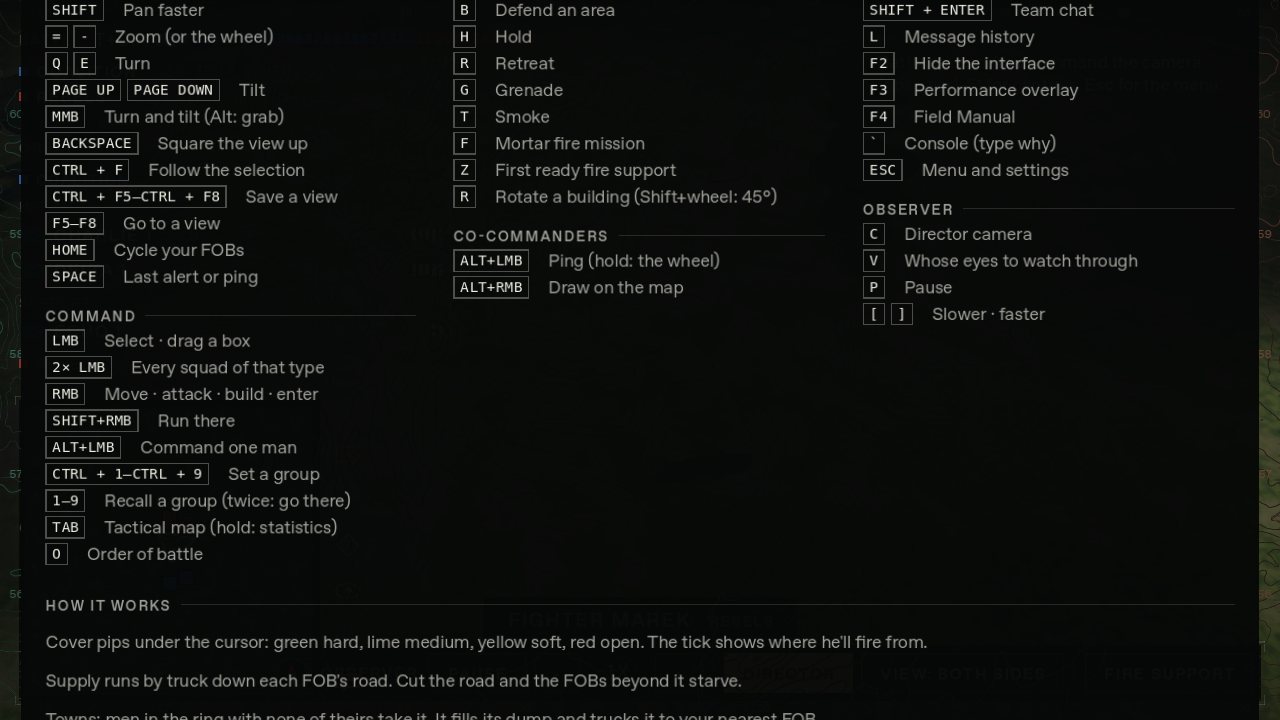
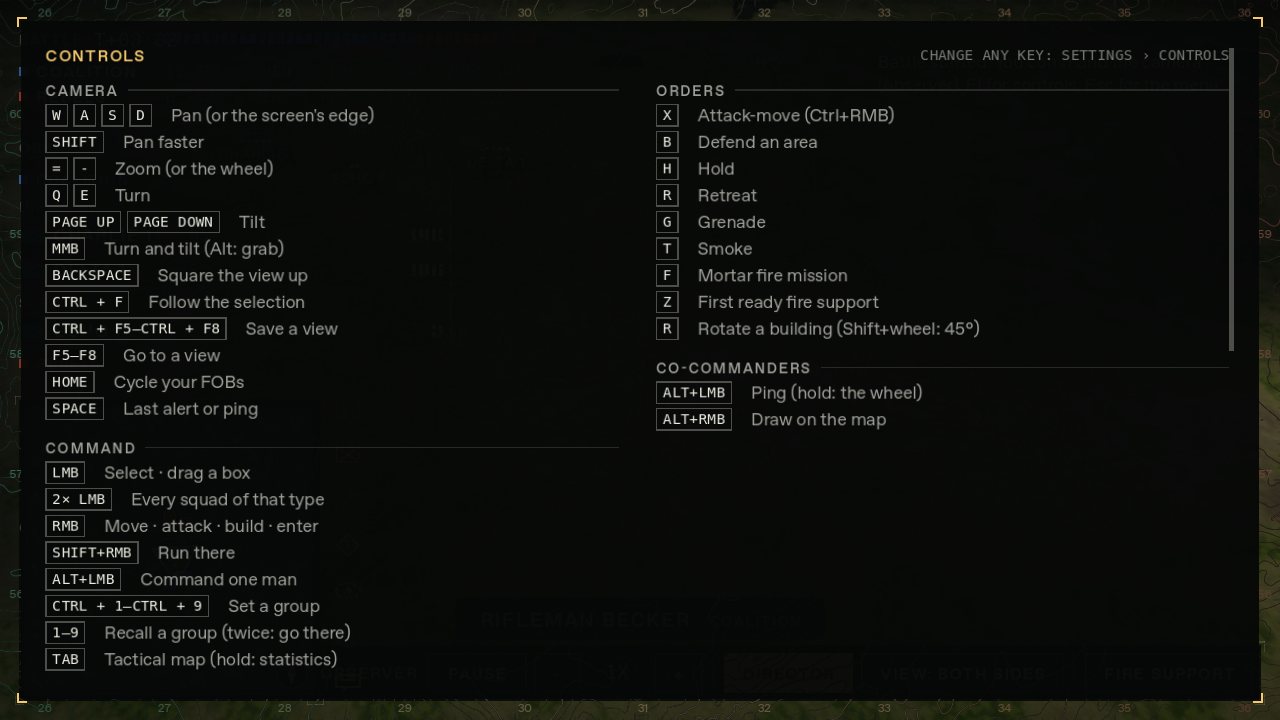
- Pause and controls dialogs scroll when their contents cannot fit, with focused buttons brought into view.
- Full eight-player lobby rosters scroll without pushing Join, Ready, Start or Leave out of reach.
- Server-browser filters and direct-connect fields wrap instead of forcing the screen wider than the window.
- Repeatedly opening a dialog no longer shifts its resting position. Resizing during its opening animation keeps it centered.
Get it
The game updates itself. To install it, download Frontline-windows.zip, Frontline-macos.zip or Frontline-linux.zip below, or from the website, unzip it anywhere and run it (on a Mac, move Frontline to Applications first).
The whole history, with pictures: Changelog.