Repository navigation
Frontline v1.0.13: Playable character animation playground

New
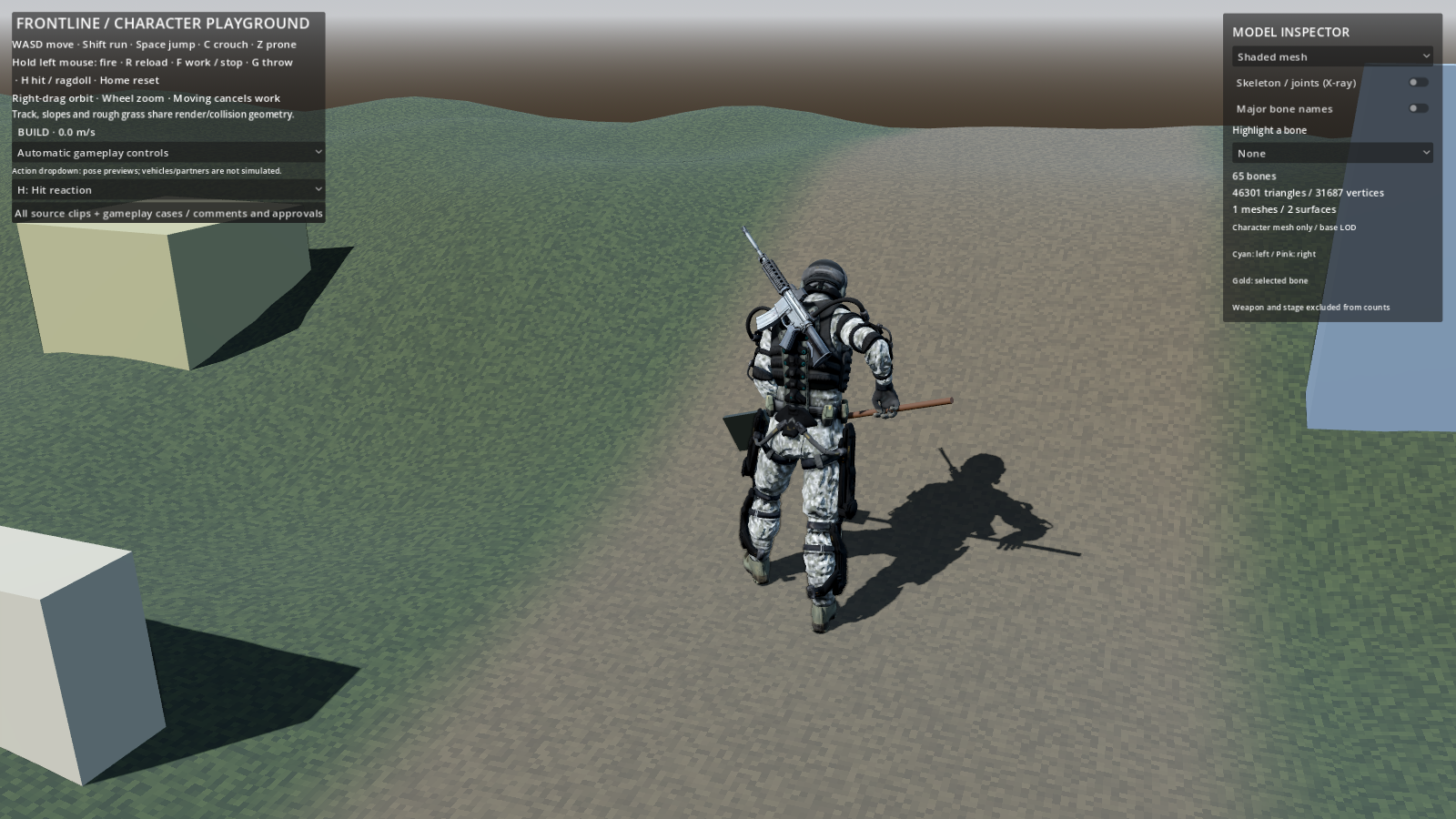
Playable character animation playground
Walk the SWAT preview over varied terrain, work, reload and inspect every available animation.
Explore this change
The local character playground adds WASD movement, running, jump, crouch, prone, firing, reload, grenade throw, F-key work and hit/ragdoll controls. A dropdown previews gameplay actions. The full source-clip and gameplay review screen remains available with saved comments and approval decisions, plus a return button.
Double-click Character Playground.cmd in the checkout. This local tool requires the installed SWAT/Mixamo evaluation assets and Godot; it is not included in public game exports. Firing and work exercise animation presentation, not multiplayer combat or construction rules. Vehicle/partner actions in the dropdown are pose previews.
Improved
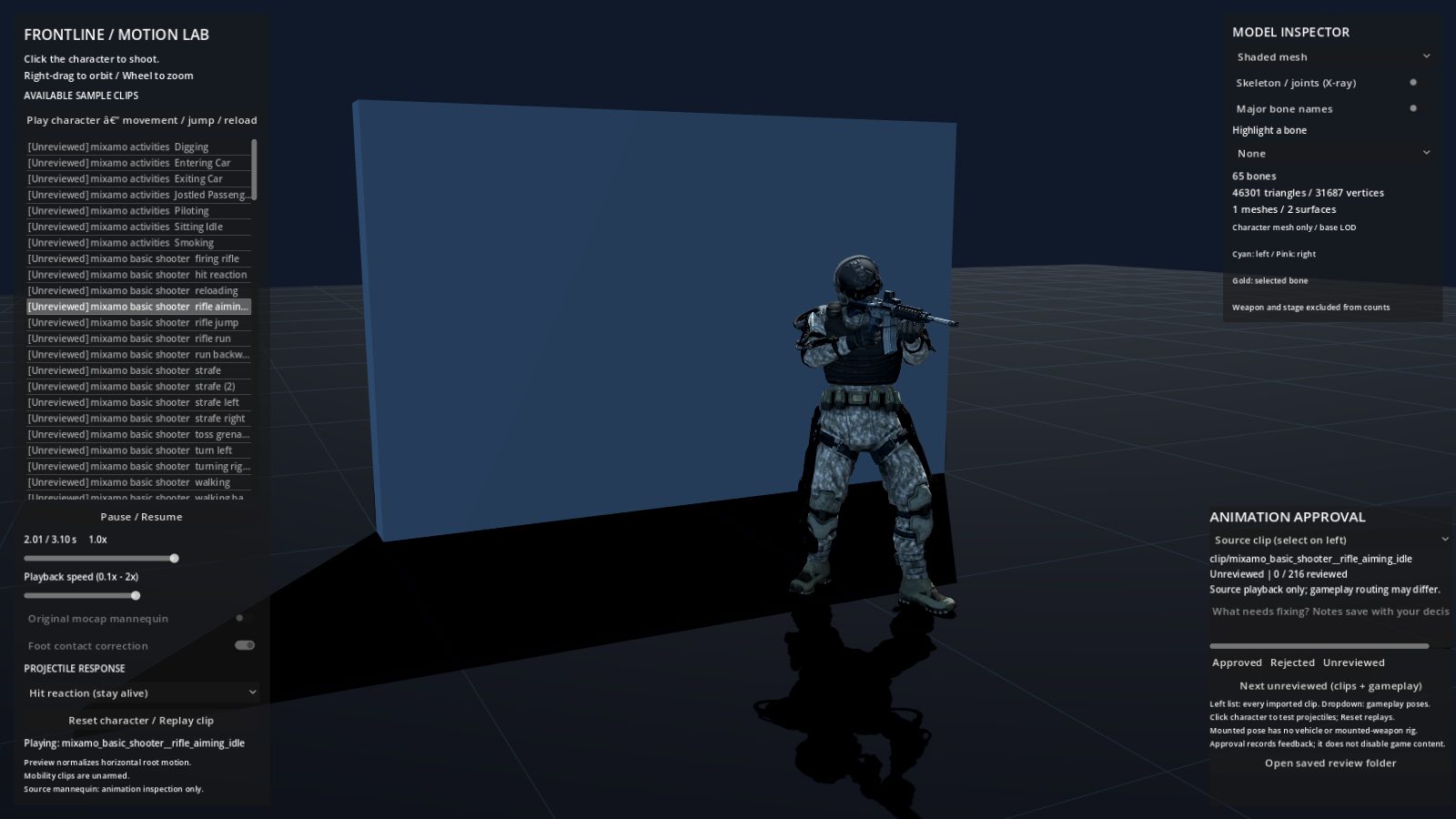
Animation review queue
Review every locally installed character clip and the infantry gameplay pose set, with saved approval decisions and notes.
Explore this change
The motion review scene includes slow playback, bone and mesh inspection, projectile hits, and a queue of unreviewed animations. Review feedback persists between sessions; changed animation assets need a fresh review.
Comments can also be saved independently, without approving or rejecting an animation.
Sharper blasts with rolling ground dust
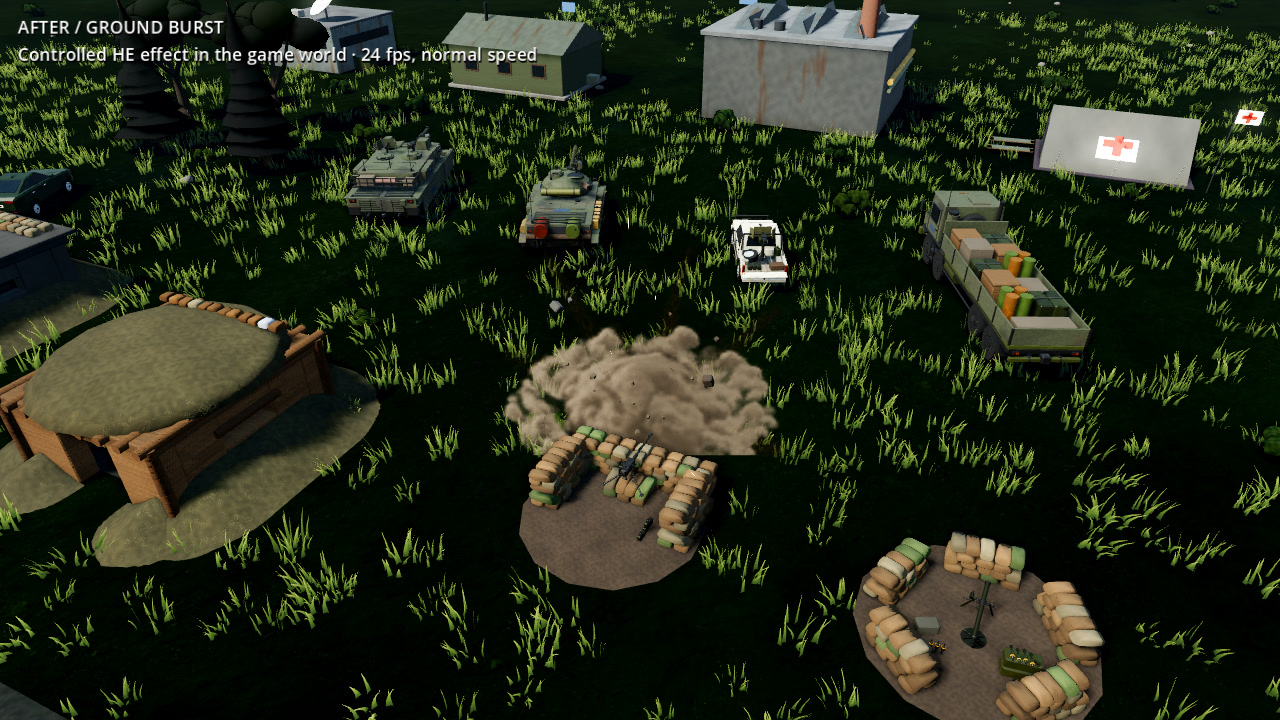
Explosions strike with a brief flash, a low rush of dust and a layered crack, rumble and falling grit. Grenades have a shorter report; larger blasts carry more weight.
Watch: Same gun run, camera and instant. The previous take is above and the revised take below. Listen to the gun report decay. At 2 seconds grass shows between the revised bursts. At 5 seconds the center wreck is burning low while smoke still rises from the outer vehicles. (Direct WEBM)
Explore this change
- Neighbouring impacts have different widths, heights and rolling edges. Fuel fires show brighter cores through darker soot.
- Nearby wall faces arrest low dust and leave openings at the ends and above the wall.
- A fast, low dust surge connects the rising cloud to the ground. Smoke fades into terrain and cover instead of ending at a sharp billboard edge.
- Brief flashes remain readable at 30 fps without turning HE into a sustained fireball.
- Reports combine a sharp pressure crack, an irregular low rumble, scattered ground returns and falling grit. Grenades use the shorter report instead of the shell sound.
- Sounds fade cleanly and retain headroom before mixing; the existing master limiter handles overlapping blasts. Dust uses the existing bounded particle pools, and airbursts do not throw up ground dust.
These clips contain real engine audio recorded with the picture. They are controlled effect demonstrations, not combat performance benchmarks. The original PR's other recordings remain available in its rolling-dust entry.
Watch: Rightmost A-10 target at the same game time. The lower wreck lands once and stays beside its impact mark. (Direct WEBM)
Watch: Sandbag-height view. Compare the low dust behind the middle of the wall at 2 s and 10 s. The upper cloud rises over the bags in both takes. (Direct WEBM)
Watch: A shell lands beside a sandbag position. Watch the darker soil spread at ground level and the upper dust drift with the wind. Recorded in the game at 24 fps with sound. (Direct WEBM)
Watch: After, with sound: grenade at 1 second, HE at 5 seconds and fuel at 9 seconds. Unmute to hear the actual game mix. Controlled range, 30 fps, normal speed. (Direct WEBM)
Watch: Before this refinement, with sound: the same range, camera, seed and event timing at PR revision 3fced130. Unmute to compare the original reports. (Direct WEBM)
Bundled infantry character and animations
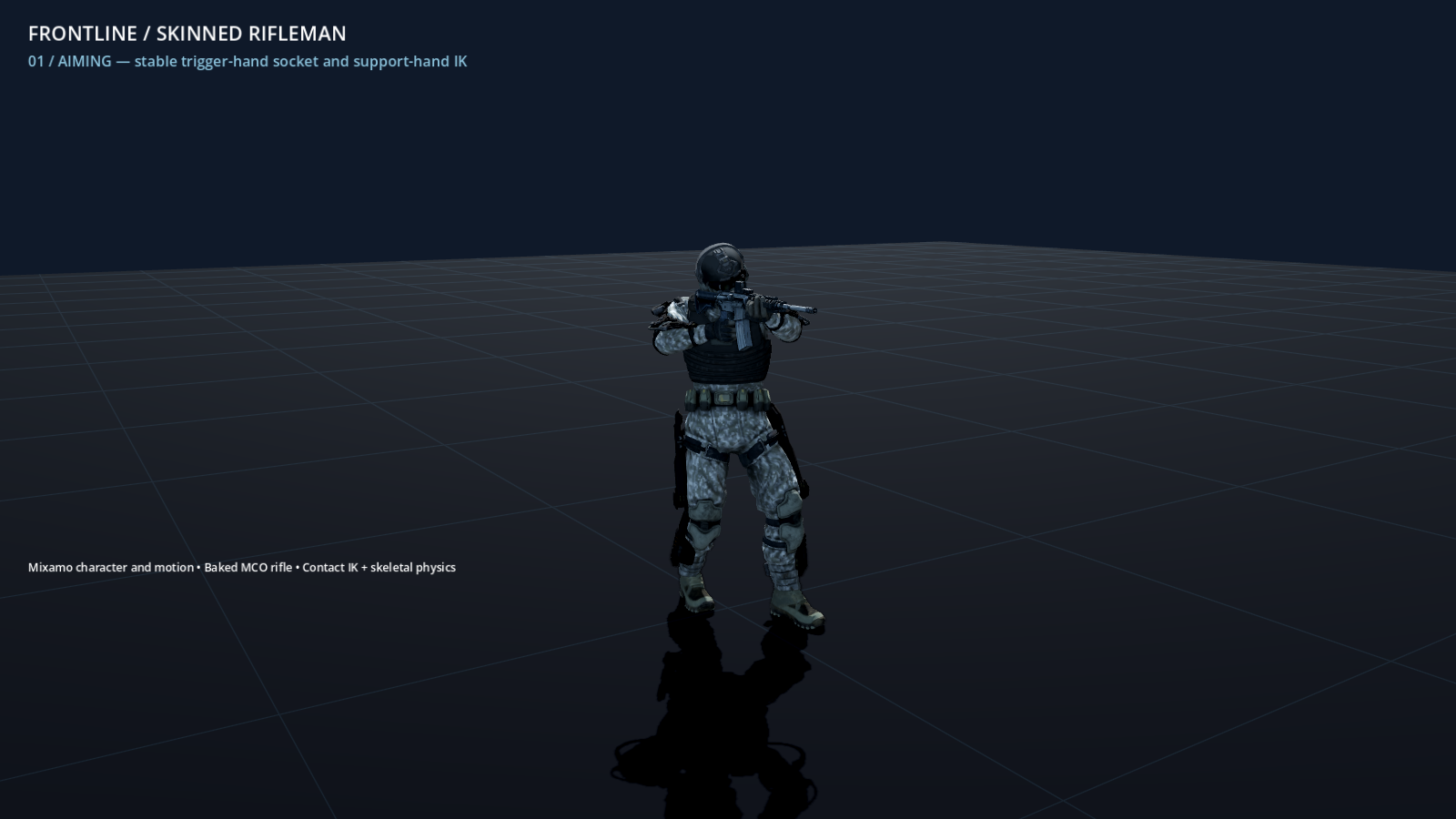
The optional SWAT character and its animations now travel with Frontline instead of requiring local asset downloads.
Explore this change
The SWAT character, 262 animation scenes, textures and rifle are bundled as compiled runtime resources. The game and character playground load the same package. Duplicate meshes have been removed from animation clips, and character textures are limited to 2K to keep the download manageable.
Captured rifle strikes and ladder climbing
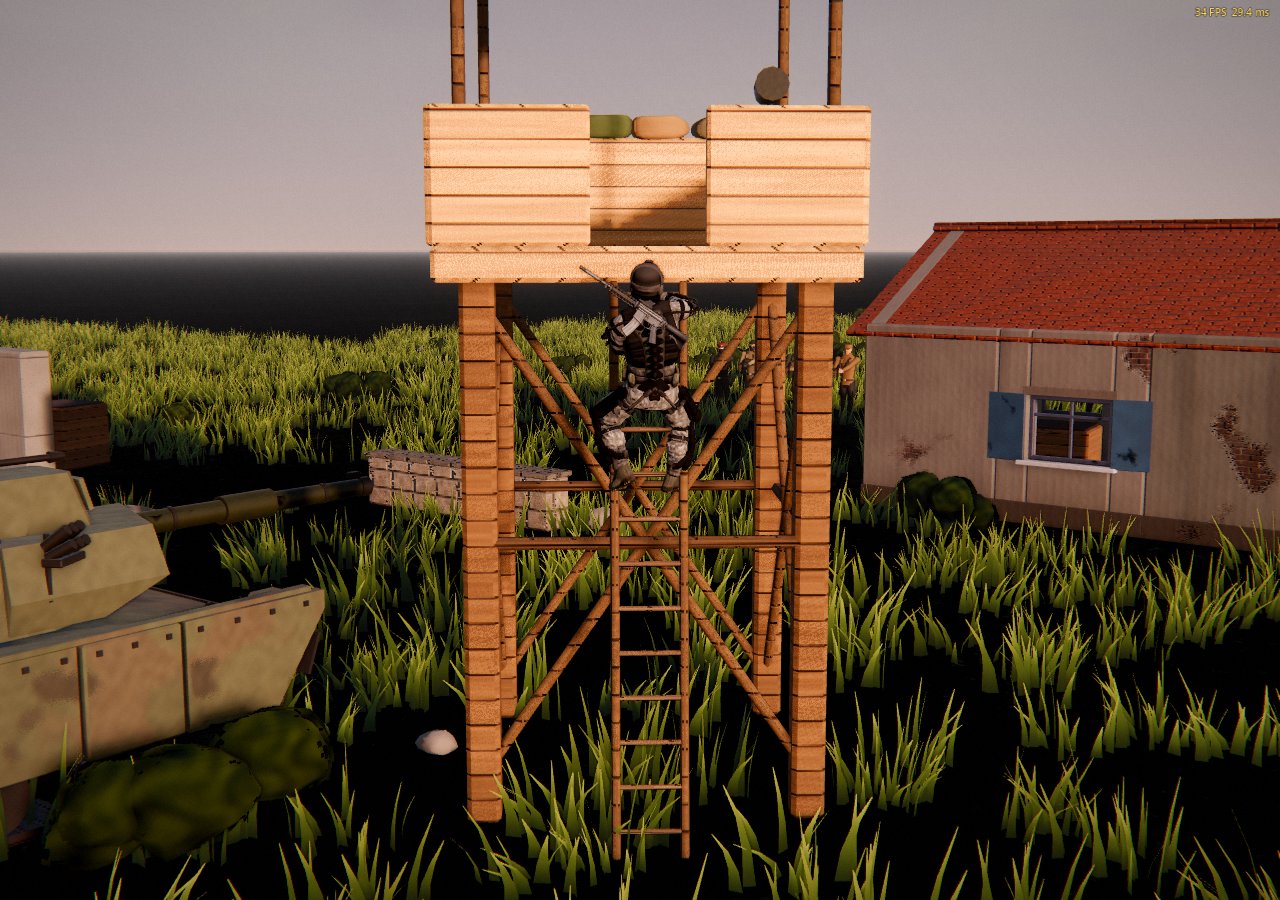
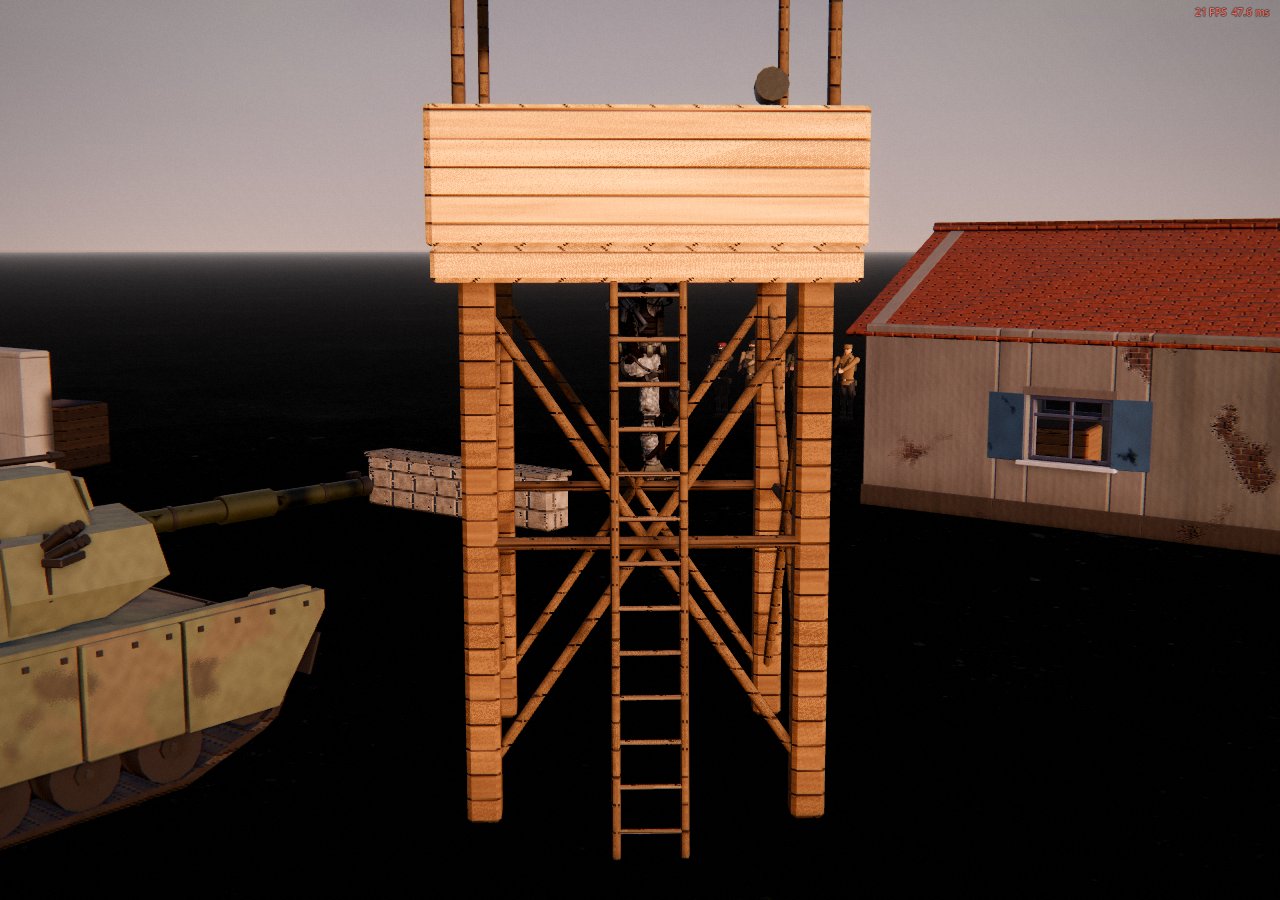
SWAT rifle strikes and watchtower climbing use captured motion, with smoother activity and weapon transitions.
Watch: Shared gameplay renderer: armed idle, captured rifle strike, recovery, ladder cycle and drawing the rifle again. (Direct MP4)
Explore this change
Rifle melee now uses a captured strike timed to the existing hit. Climbing follows the watchtower's ladder over four seconds, followed by a short step onto the platform. The rear railing has an opening for the climber.
Activities blend from the previous pose, and the support hand returns gradually as the rifle leaves its sling.
Eleven additional animation clips are bundled with the optional SWAT character. The single-person carrying family and turning door kick are available in the inspector; they do not replace the game's two-person stretcher or low grenade kicks.
Captured injury motion and safer prone practice
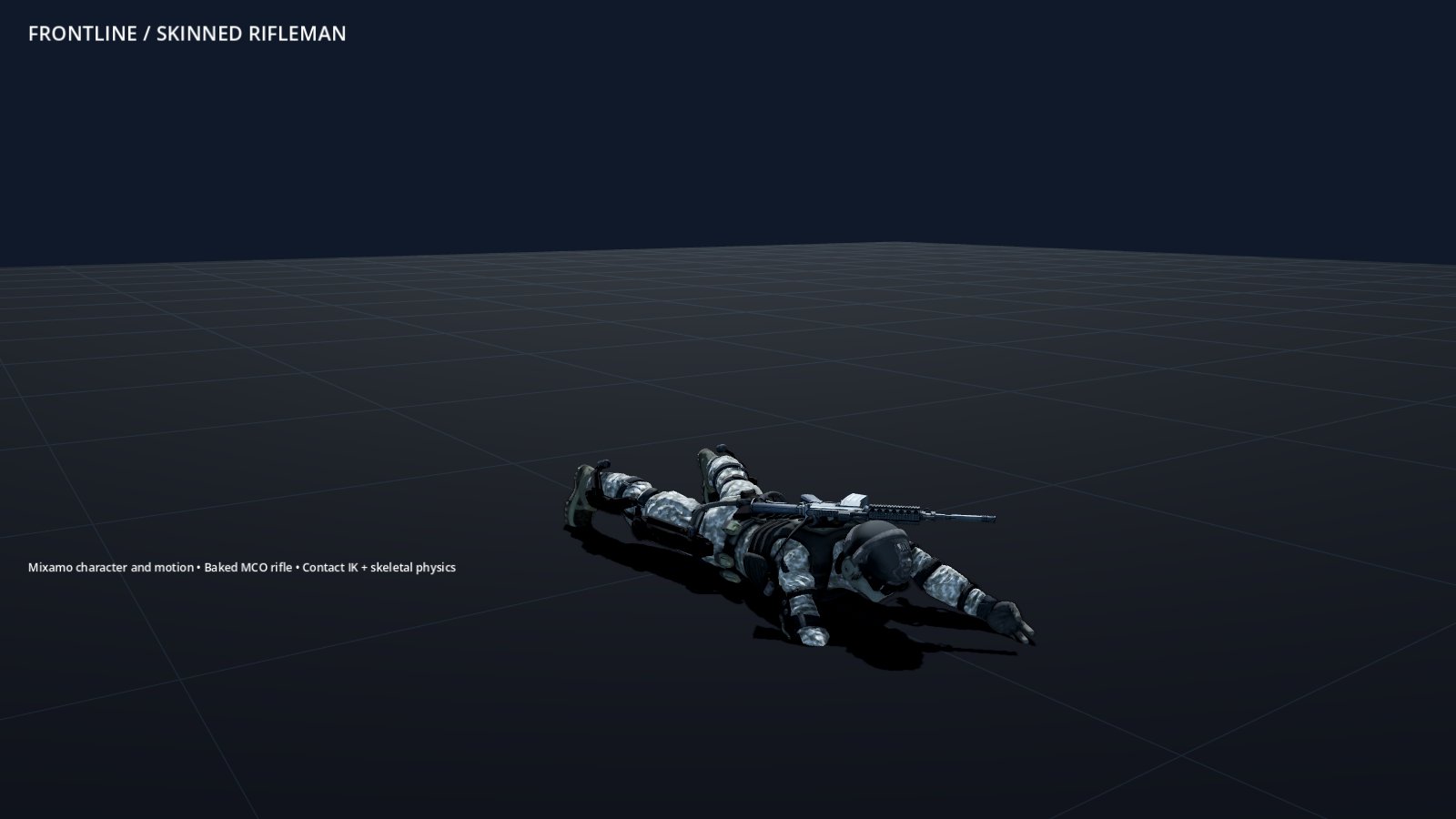
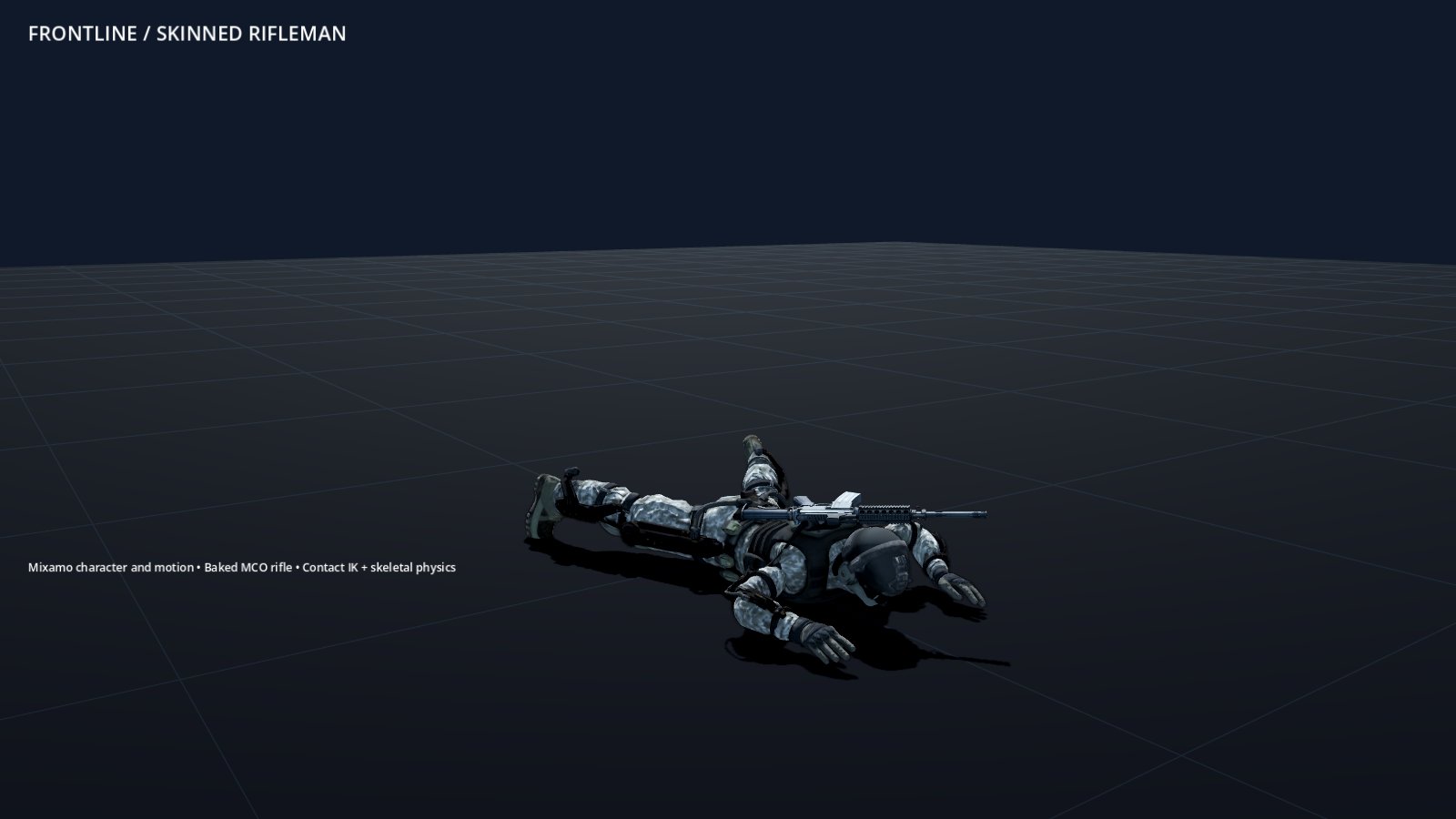
The optional infantry preview uses captured limping and dazed motion, and the playground makes room before lying down near a wall.
Watch: SWAT limping, dazed recovery and return to armed idle in the shared animation test scene. (Direct WEBM)
Explore this change
- With the local injured animation pack installed, wounded soldiers limp and stagger with their rifles slung, then return to an armed idle.
- Activity animations keep progressing while the rifle moves to its sling.
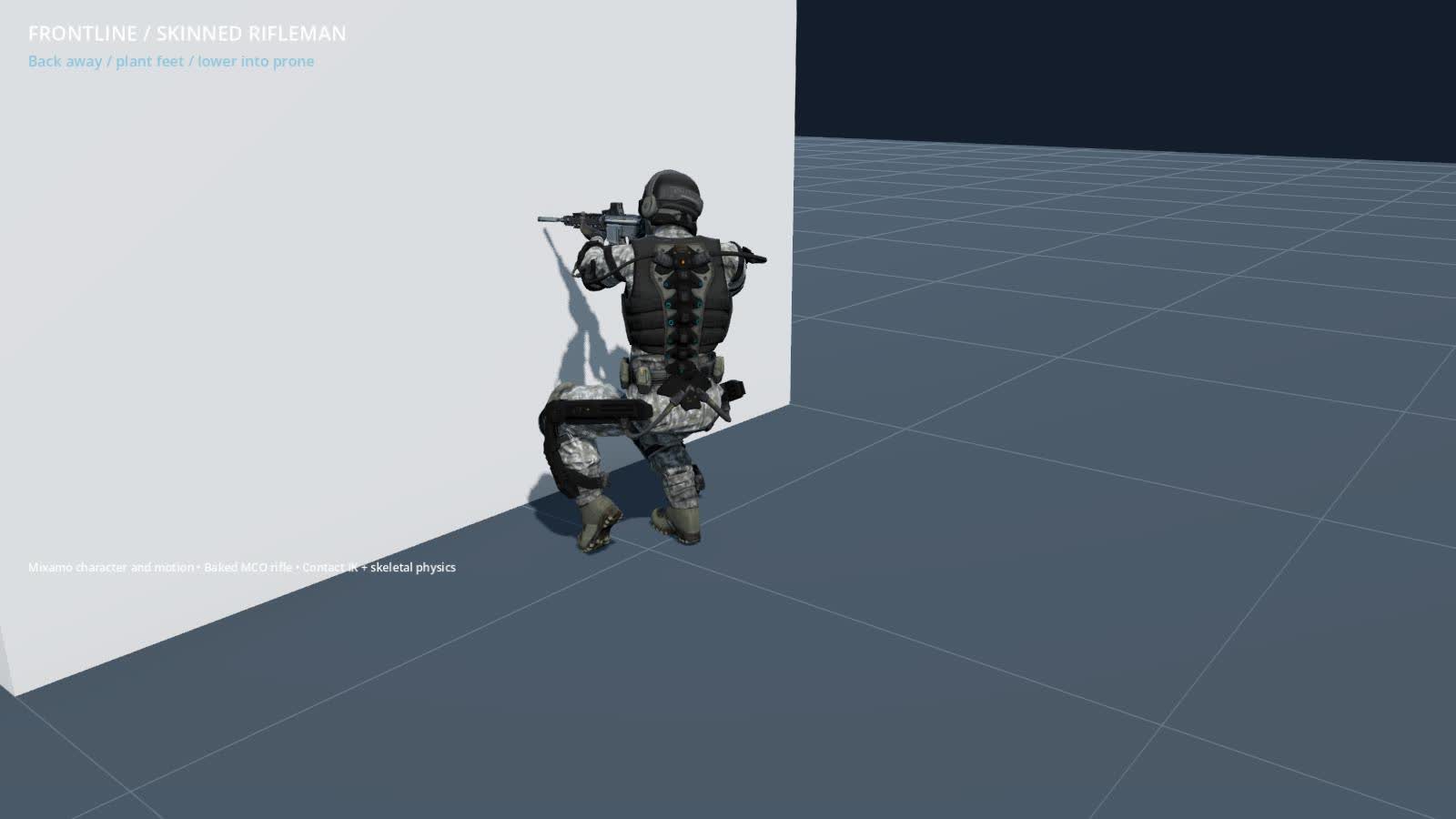
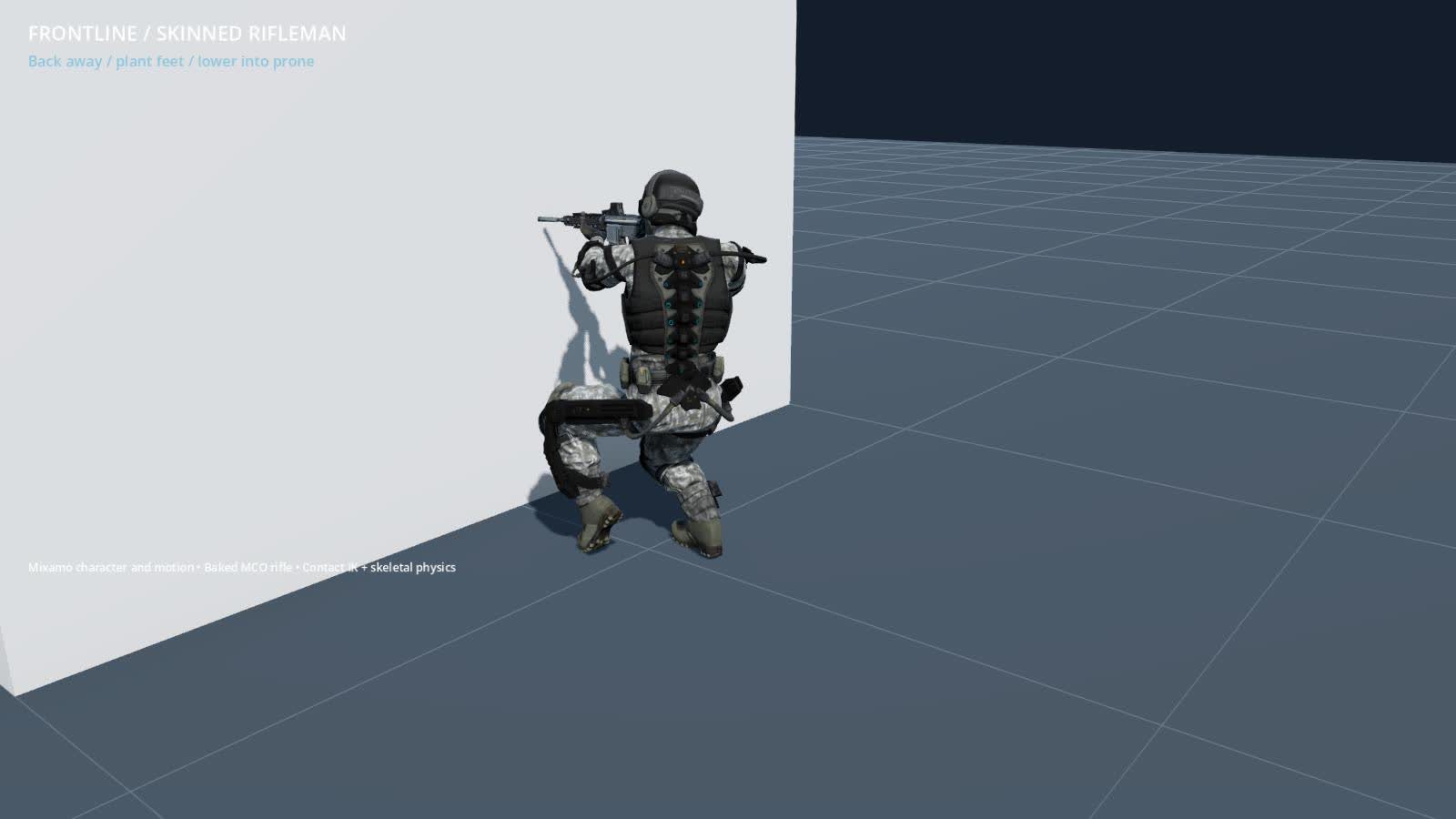
- The playground checks the space needed to go prone and takes a short backward step when a wall is too close. Movement cancels the pending adjustment.
- Imported animation assets remain a local preview requirement.
These archived fixture recordings predate the later foot-plant correction. The separate steadier-foot-plants entry shows that correction. They demonstrate motion and recovery, not multiplayer or frame-rate performance.
Watch: The playground backs away from a wall, settles, then lowers into prone. (Direct WEBM)
Captured kneeling and crouched grenade throws
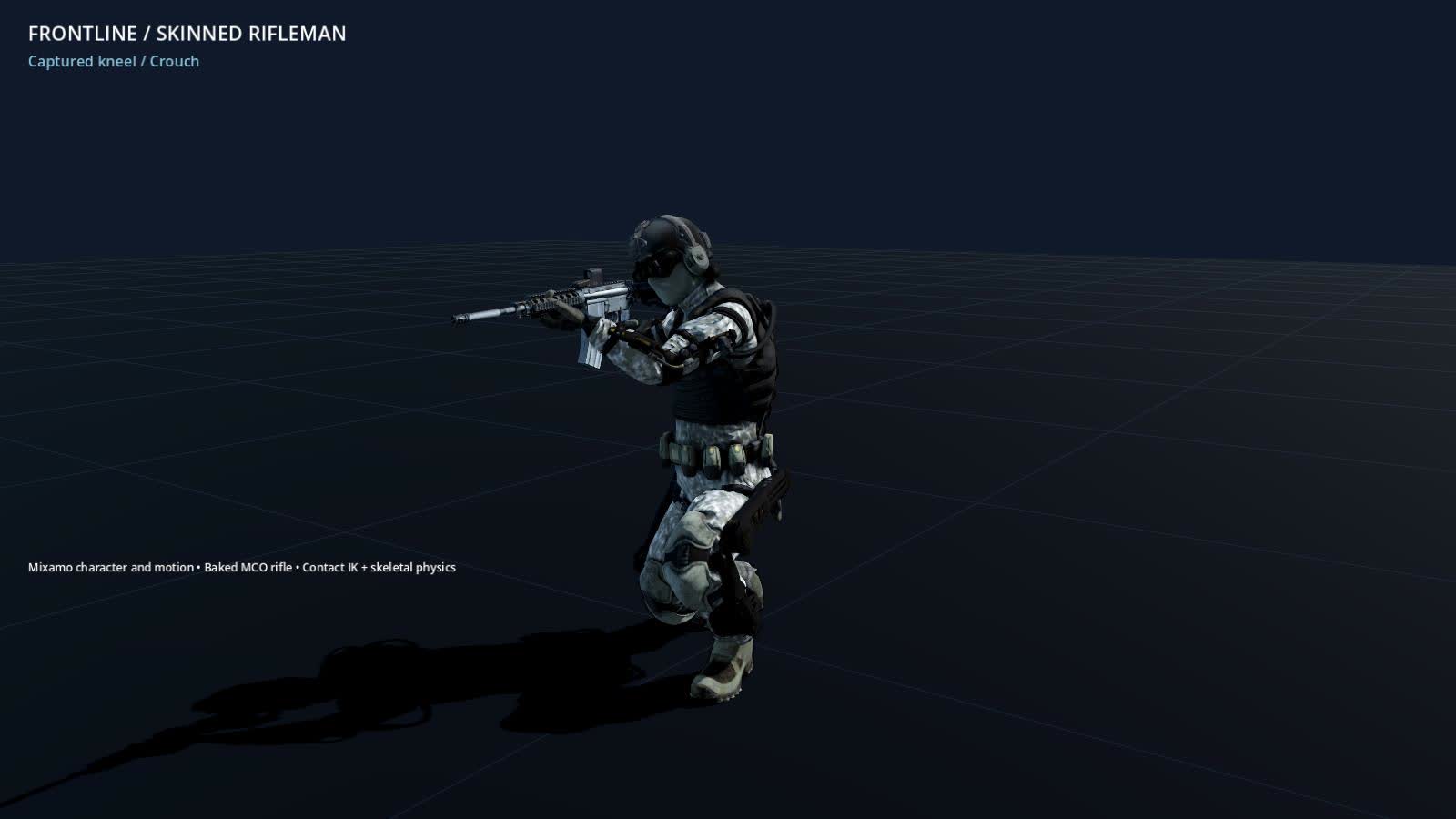
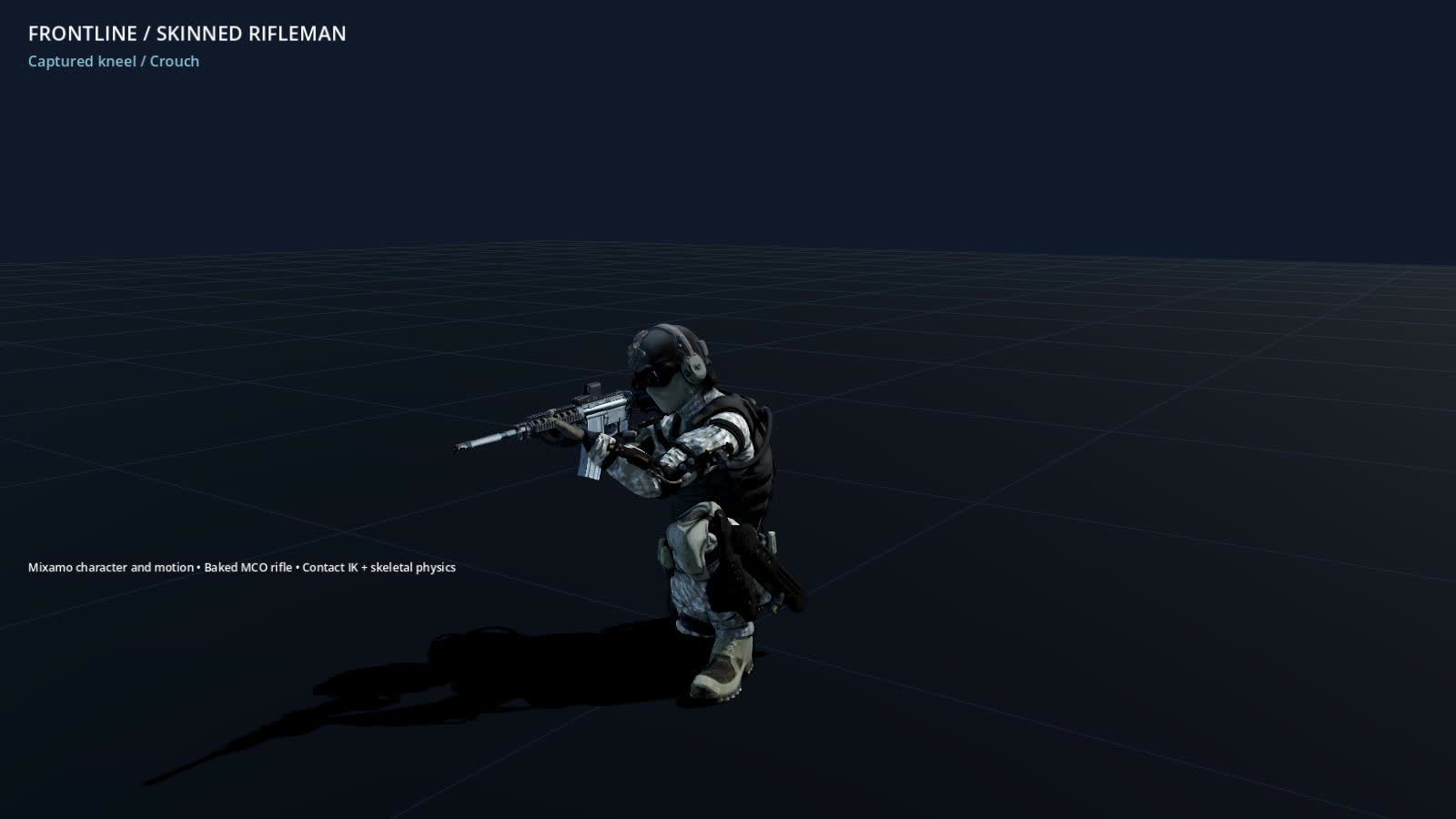
The optional imported rifleman uses captured stationary stance changes and a crouched throw.
Watch: Controlled preview: kneeling, crouched throw, standing, crouched movement and stopping. (Direct MP4)
Explore this change
Locally installed rifle stand/kneel clips now supply stationary stance changes. Changes blend from the current pose, including when standing back up. Crouched grenade throws use the captured throwing section while preserving stance legs, the slung rifle and existing grenade visibility timing.
These optional source assets remain local. The recording uses the shared game controller in a controlled fixture; it does not demonstrate battlefield performance, uneven-terrain or multiplayer validation.
Captured rifle crawl and prone actions
The optional imported rifleman uses captured crawling, stops and prone actions.
Watch: Controlled preview: prone entry, forward and backward crawl, and stops. (Direct MP4)
Explore this change
Locally installed Mixamo prone clips replace procedural crawling and the frozen prone idle. Crawl playback follows movement speed, backward crawl uses its captured start, stops settle into idle, and a captured recovery returns the rifleman to crouched movement. The new crouch/prone transitions supply entry and recovery. Prone hits use their stance-specific captured reaction; idle and firing keep the support hand on the rifle while it recovers.
The optional assets remain local; installations without them retain the fallback. Prone magazine timing still needs clip-specific calibration. These fixed-step recordings show a controlled animation fixture, not battlefield performance or uneven-terrain validation.
Watch: Controlled preview: prone firing, reload, grenade throw and kneeling recovery. (Direct MP4)
Steadier foot plants and a restrained rifle hop
The optional SWAT character keeps its planted boots steady, uses a lower rifle hop, and gains captured relaxed idles.
Watch: Controlled wall fixture: back away at 1 s, plant both boots, then lower into prone. Local SWAT assets; captured at 36b6f0b. (Direct WEBM)
Explore this change
The optional skinned soldier no longer slides its boot toward a new anchor while acquiring a foot plant. Crouch and backstep contacts retain their existing terrain corrections.
With the new local Mixamo clips installed, the playground uses a lower rifle hop with a restrained leg pose, maintained grips and physical landing timing. Standing chat, laugh and arm-stretch idles use captured motion and recover to armed idle. The armed lookout keeps its rifle grips.
These recordings show controlled local fixtures. The source assets remain local evaluation files; this does not bundle them for other installations or certify paired casualty handling, vehicle interactions or every battlefield transition.
Watch: Three-second playground hop: watch the rifle grips through takeoff and landing. This is not a new battlefield ability. (Direct WEBM)
Watch: Chat 0-7 s, laugh 7-14 s, stretch 14-21 s and armed lookout 21-28 s; each returns to rifle idle. (Direct WEBM)
Infantry animation and impact preview
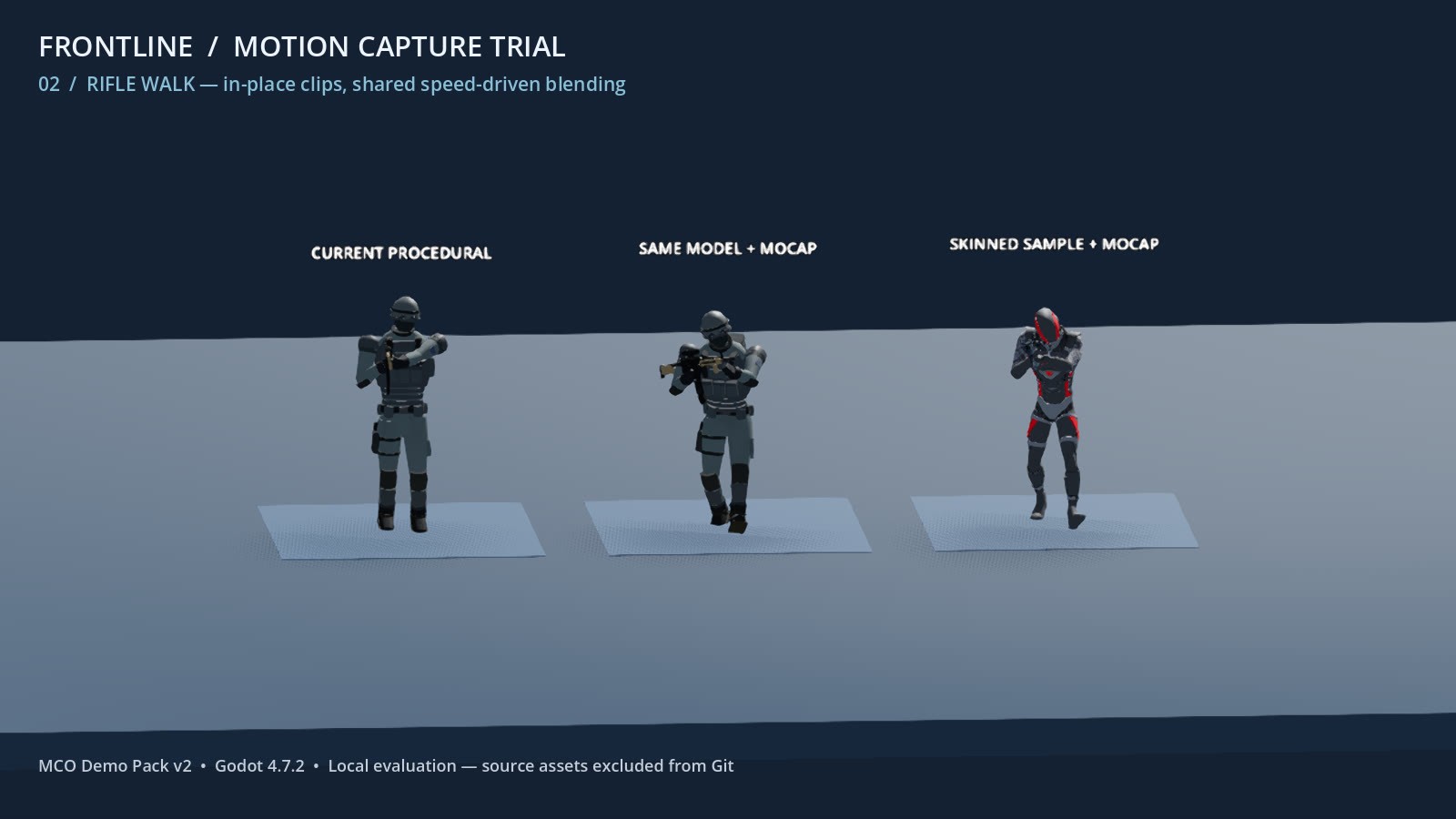
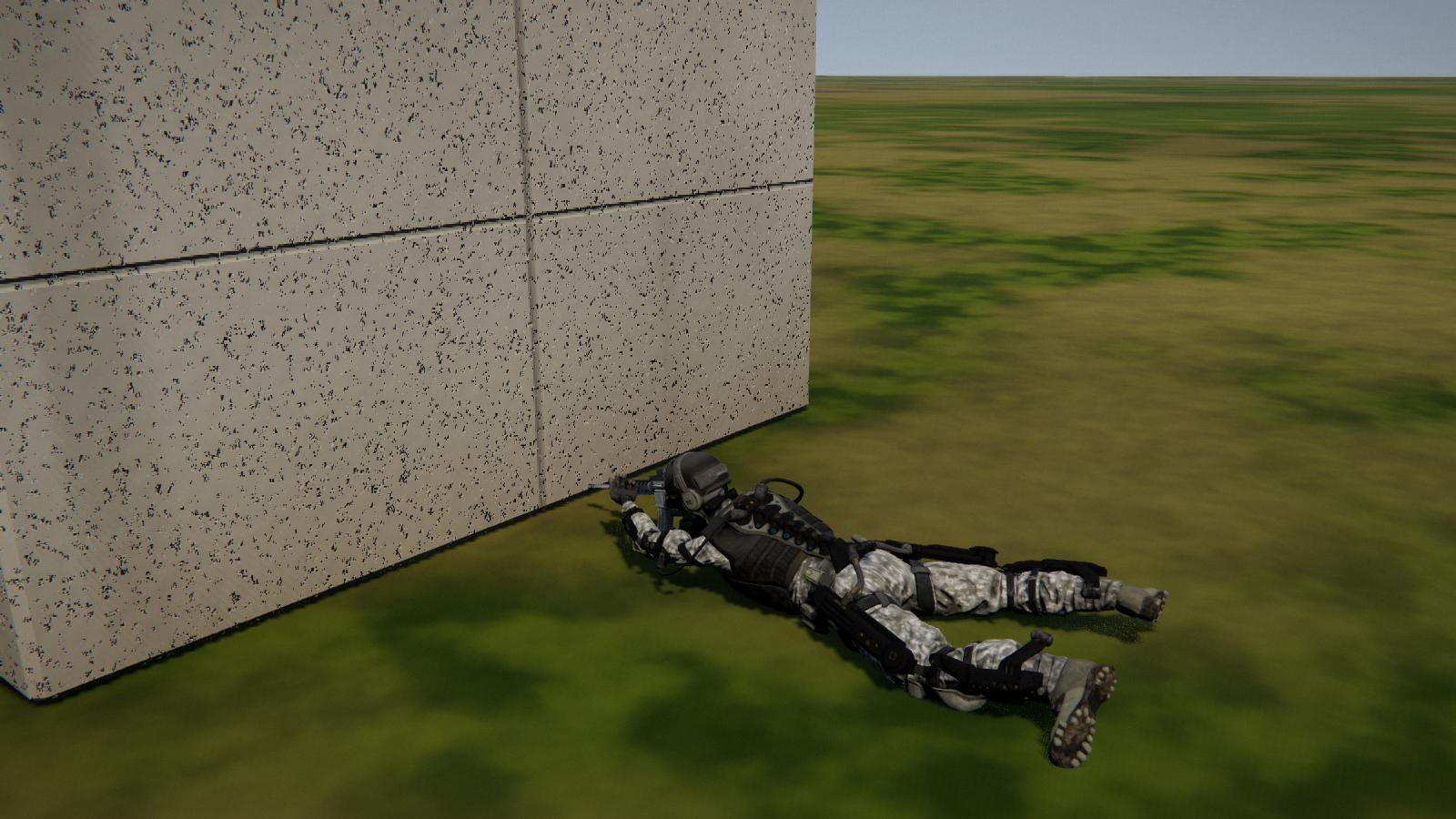
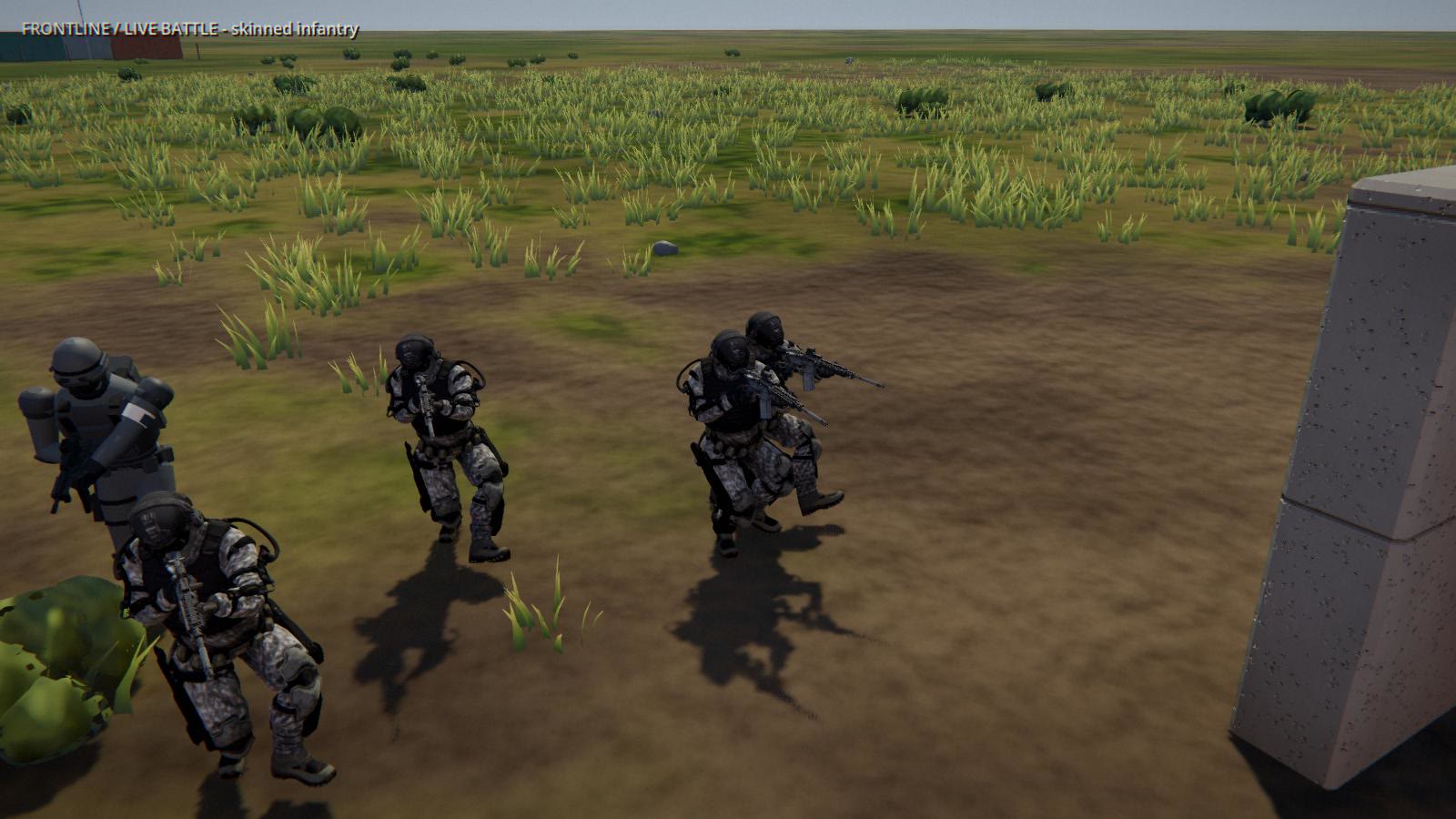
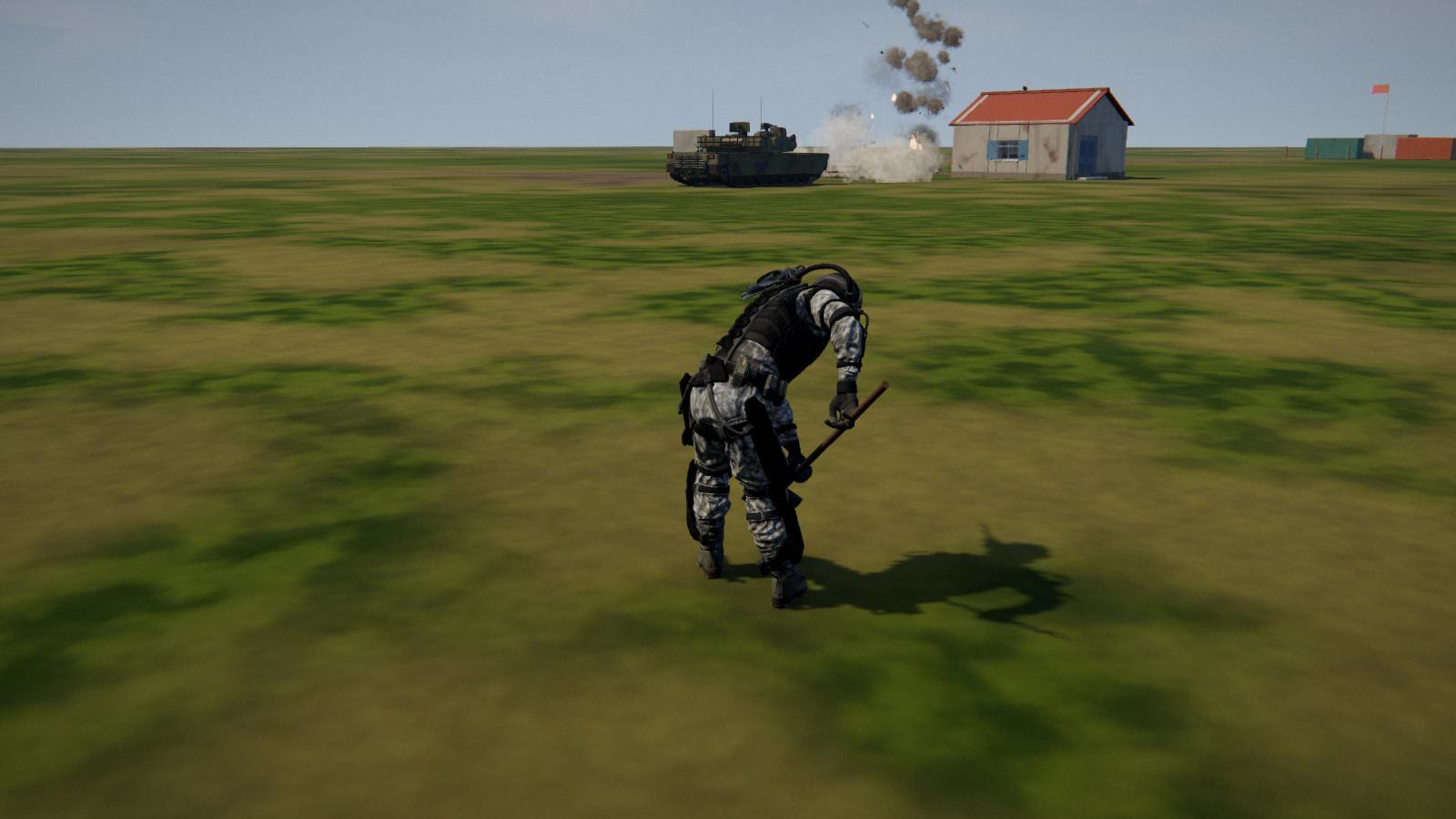
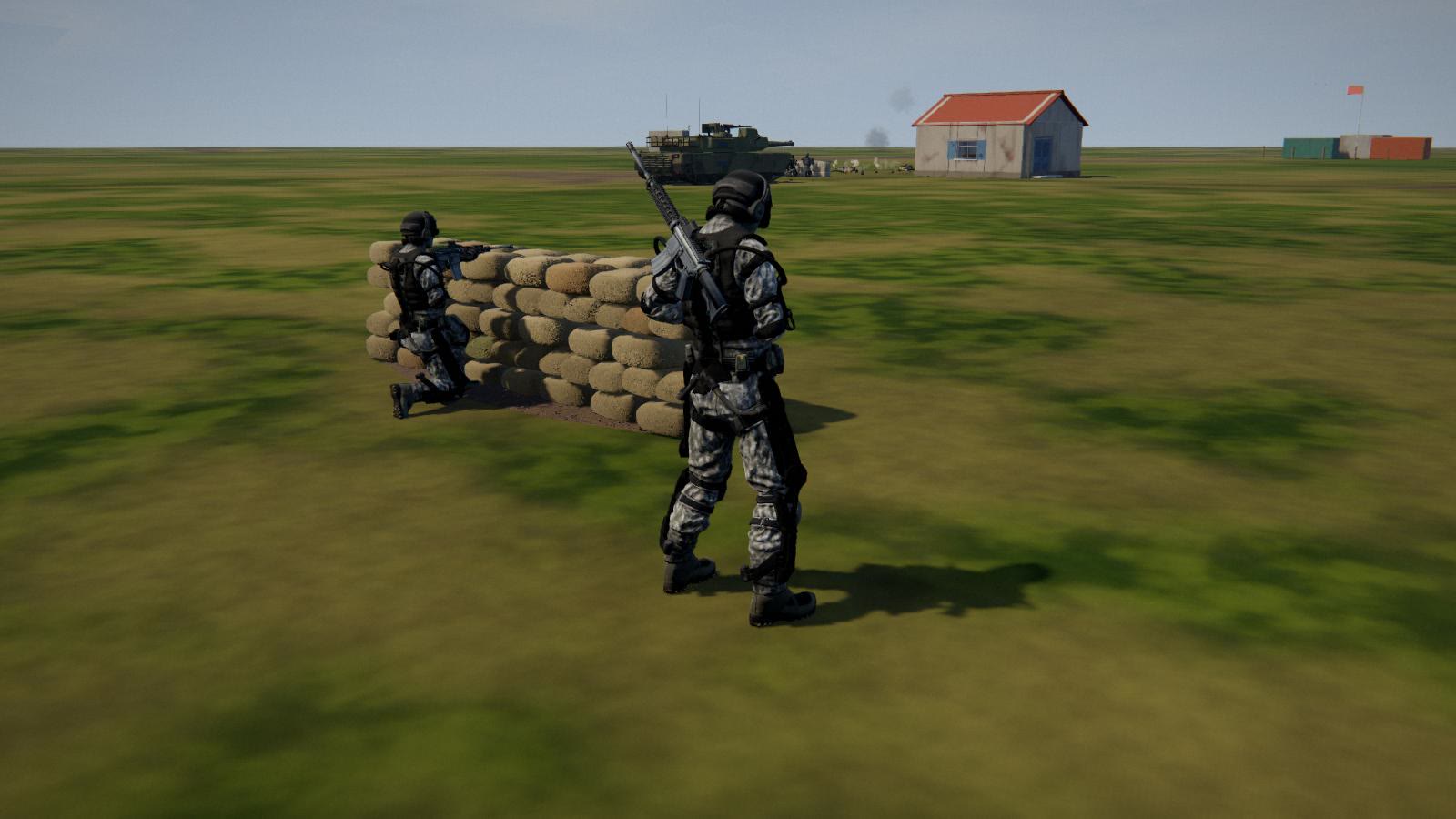
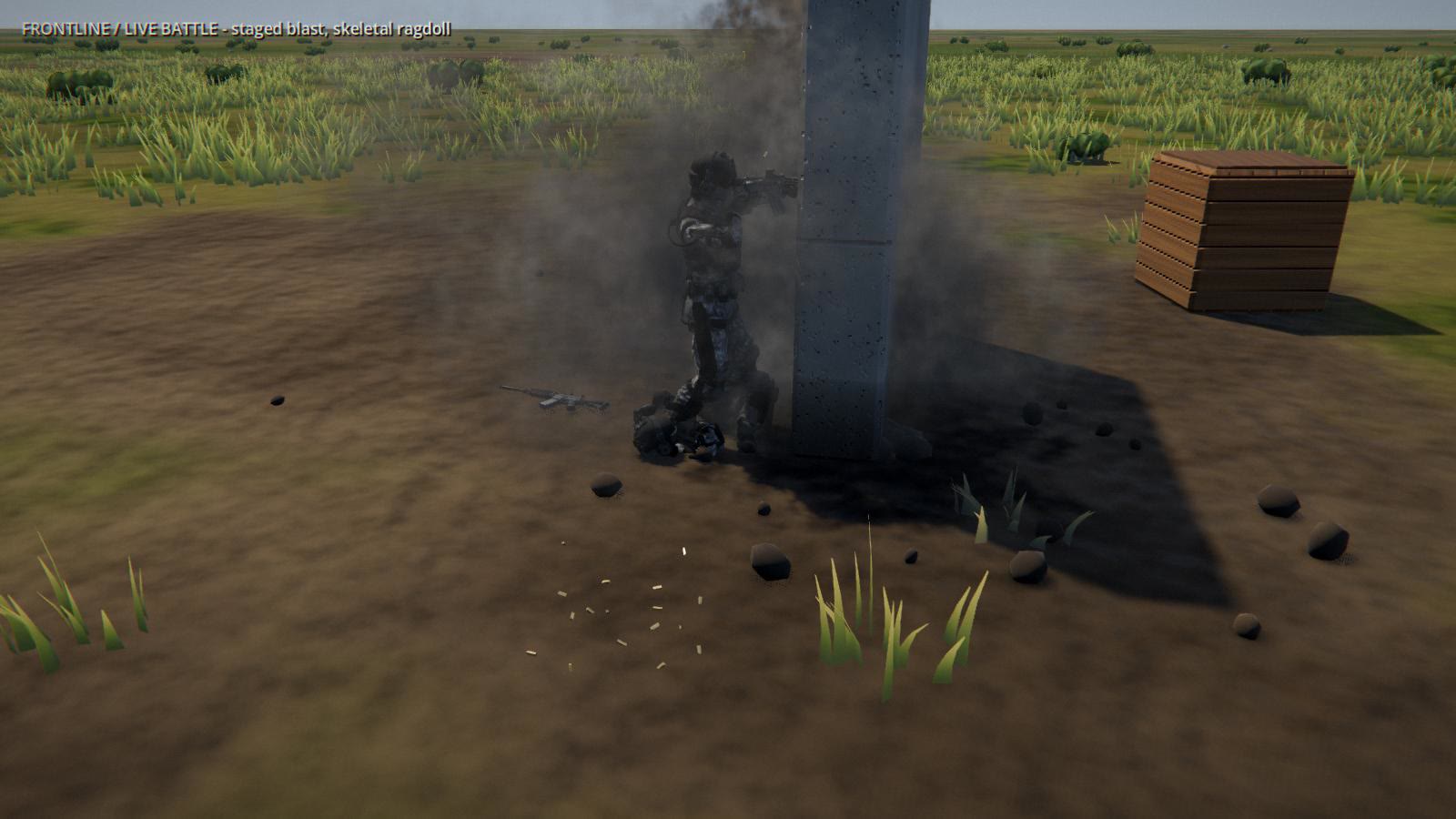
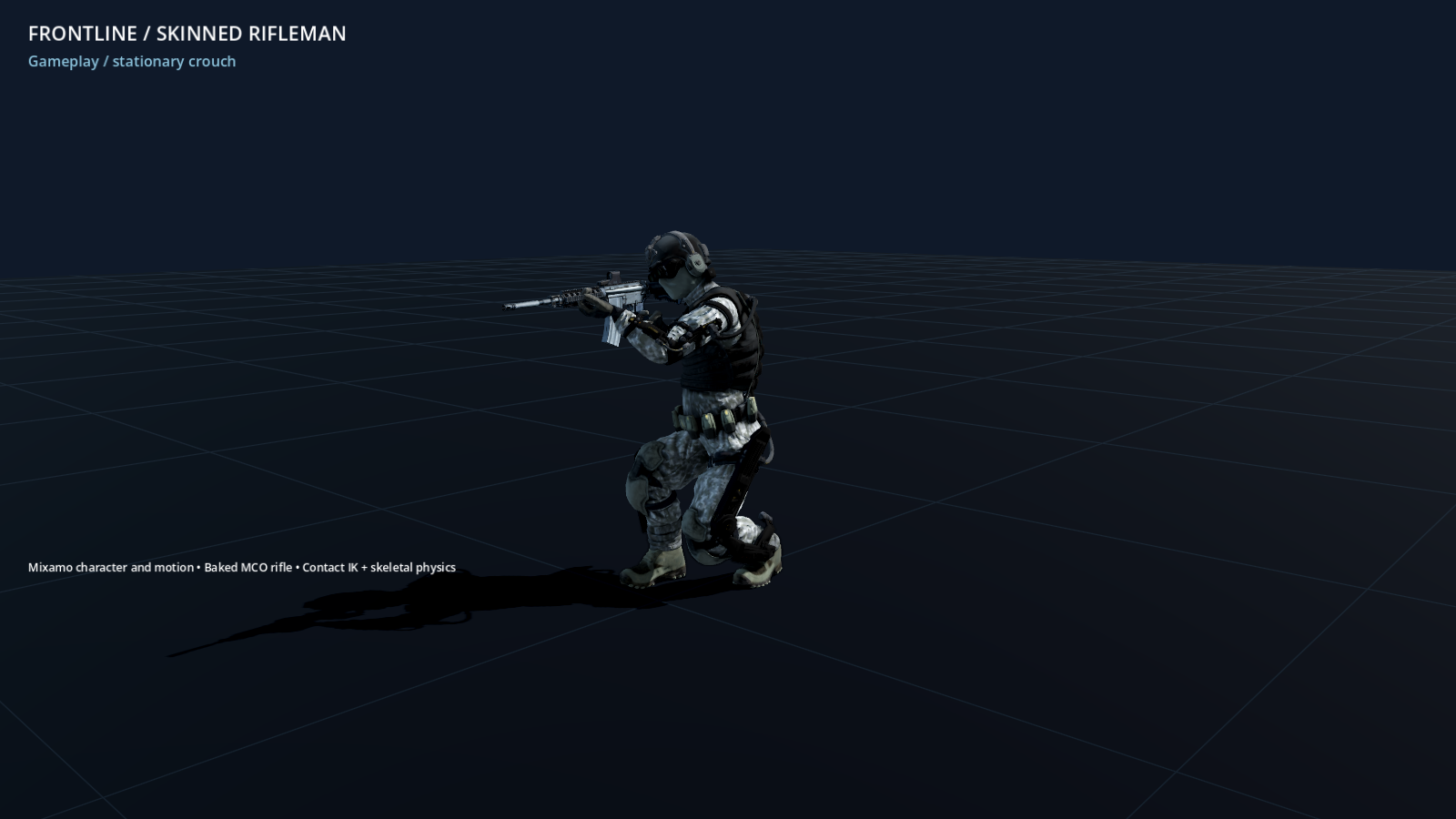
An optional skinned rifleman preview adds captured movement, grounded feet, rifle grips and physical hit reactions. Soldiers make room before going prone beside walls.
Watch: Archived battle fixture: a server-controlled soldier backs clear of the wall, settles, then lowers into prone. Local imported assets; recorded before the later foot-plant correction. (Direct WEBM)
Explore this change
-
Soldiers check the space needed to go prone, take a short backward step when possible, settle their feet, then lower themselves. If the rear path is blocked, they stay crouched.
-
The optional rifleman preview shares captured movement, terrain foot contacts, rifle grips, reload magazine handling, directional hit reactions and constrained skeletal ragdolls.
-
A playable controller and animation inspector support terrain, skeleton inspection and projectile impacts. Tank recoil and impact motion are included in the battle preview.
-
Imported characters and animations require separately installed local assets; they are not included in downloads. Other units keep their procedural appearance. This remains a preview, with unfinished activity animations and vehicle interactions.
-
With local activity clips installed, riflemen use captured digging and smoking poses, keep their rifle slung, and drop the shovel physically when killed while digging.
-
Recorded battles accept the new hit-reaction events, so combat recordings can load and seek correctly.
-
The local rifle can be baked into a binary game resource with its textures embedded, preserving weapon grips and magazine handling without loading the original rifle FBX at runtime.
-
The SWAT preview now uses a Mixamo source rig and crouch-walk cycle. Its animation viewer also discovers locally installed Rifle 8-Way Locomotion and Pro Rifle packs, plus the prone-to-kneel transition.
Smoother rifle handling between infantry actions
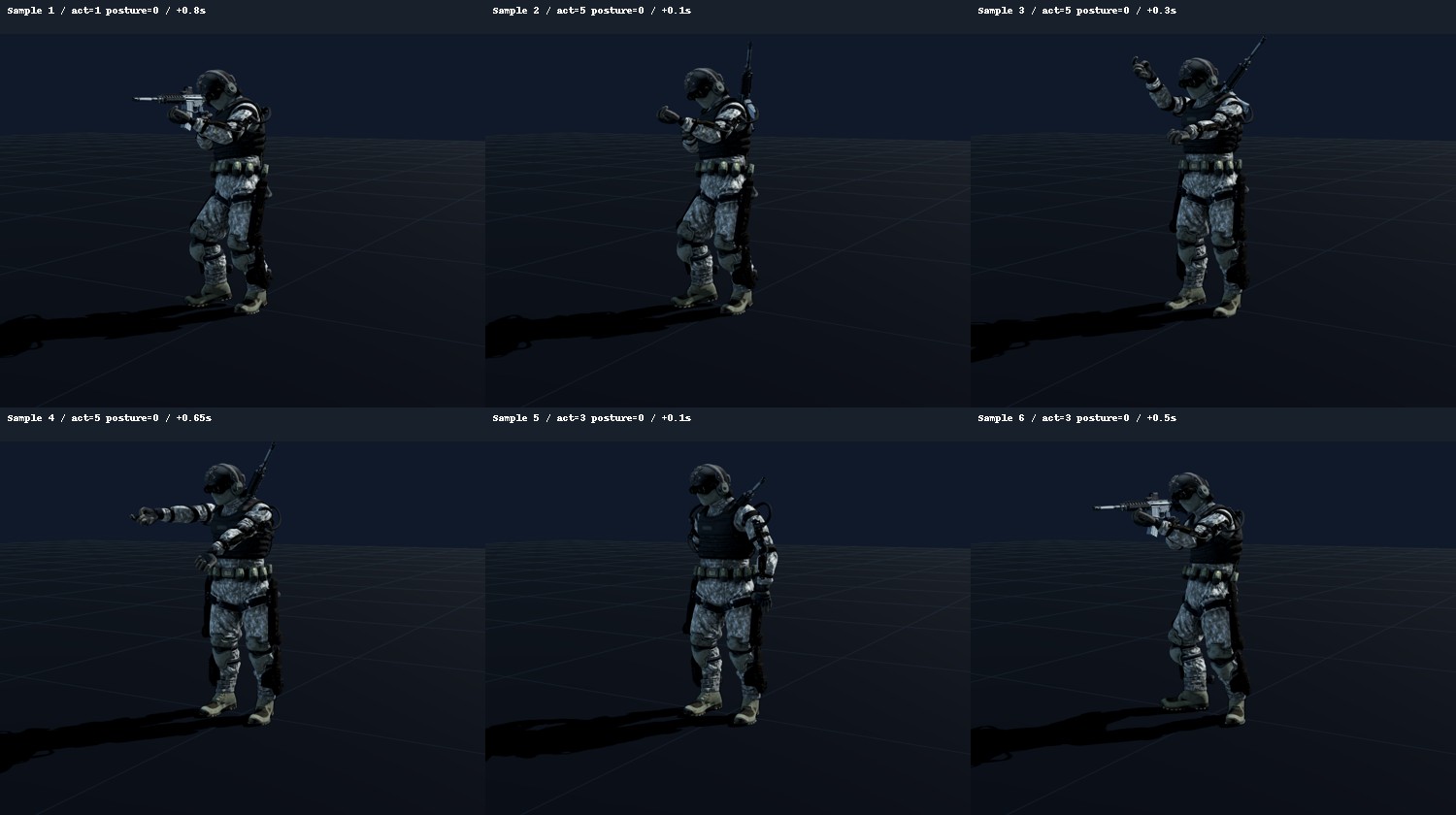
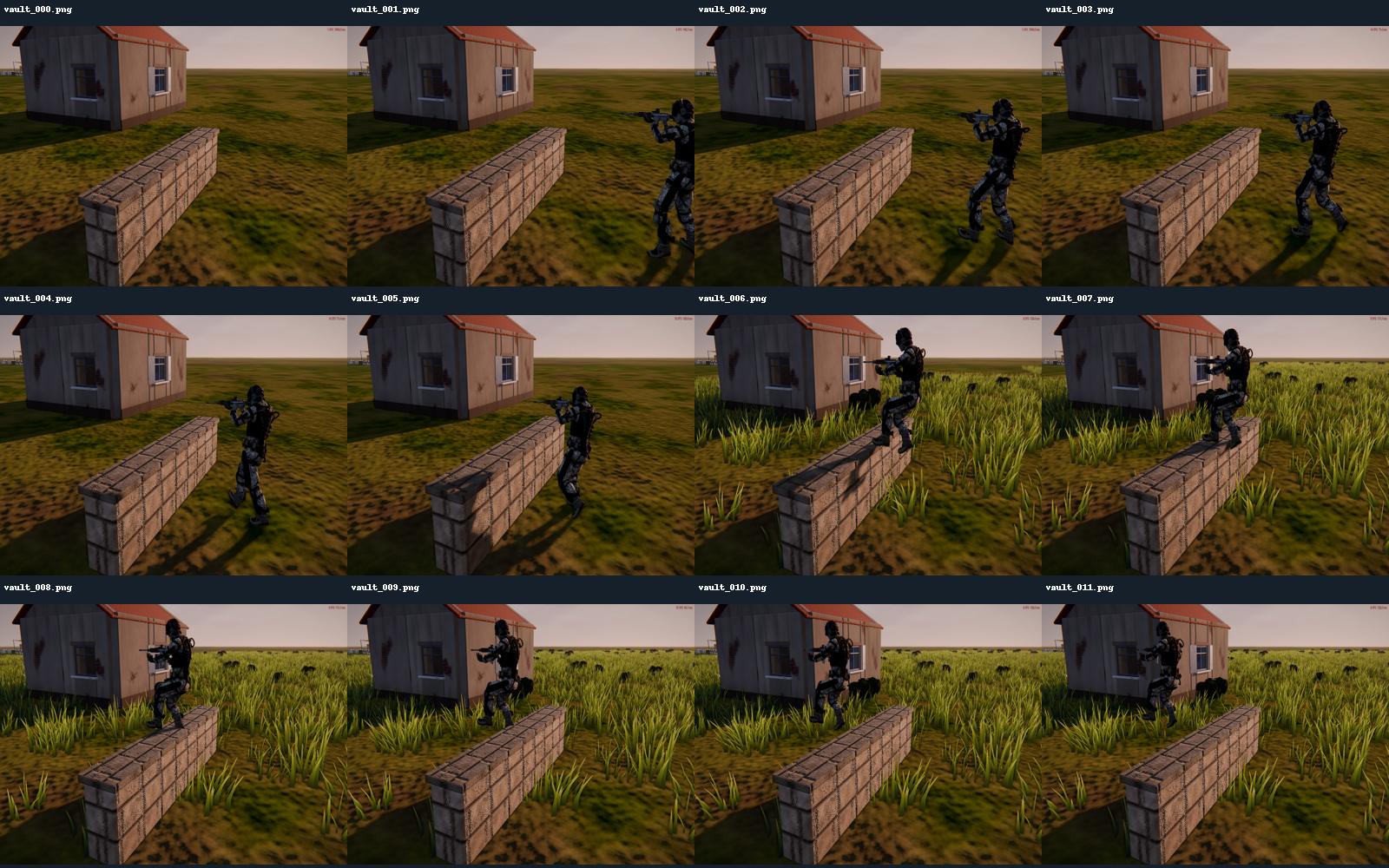
The optional SWAT preview keeps its rifle through free-hand actions and improves reloads, cover aim and low-wall crossings.
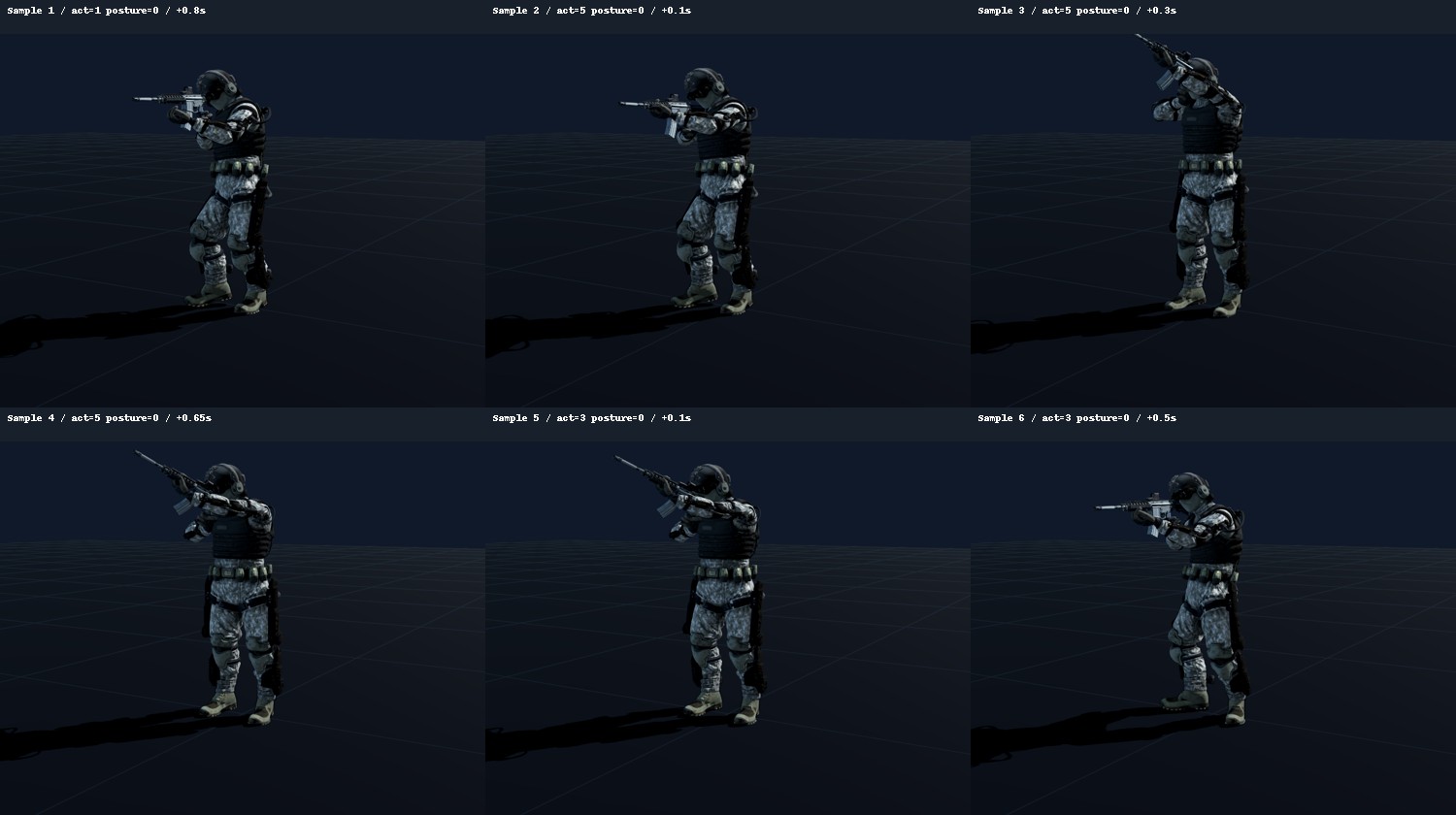
Explore this change
- Rifle stow and draw blend through the existing Mixamo back-reach clip; free-hand actions keep the rifle on the sling instead of hiding it.
- Prone and leaning reloads release the support hand to handle the magazine while preserving the body pose.
- Dive and flinch poses keep the rifle lower, and tall-wall aiming places the visible muzzle farther around the corner.
- Occupied cover positions are excluded from new cover choices.
- Low-wall crossings retain the visual vault until the character clears the obstacle without changing simulation movement timing.
This remains the optional local-asset preview. The procedural vault is not a hand-planted authored vault; vehicle boarding and mounted-weapon reloads are outside this update.
Explosions with rolling dust and lit smoke
Explosion clouds roll and disperse, with sunlight catching their billows. HE throws dark earth; fuel burns through rising smoke. Flares descend under cloth parachutes and leave drifting trails.
Watch: After: a brief HE flash, thrown earth and thinner dust, followed by a closer view of the real crater. The second shot checks ground marks beside stone cover. Actual terrain, Forward+, 12 seconds, fixed 24 fps, normal speed; silent. (Direct WEBM)
Explore this change
The first two clips compare the flash, dust and crater on open ground and beside a stone wall. The camera moves closer after the dust clears. Terrain data already contained craters, but the close-up mesh could stay too coarse to show them. The corrected terrain detail now reveals the bowl and rim. These recordings also perform the terrain-stamping step that earlier visual-only demonstrations omitted.
The following pair shows the earlier cloud-intersection fix at a tank and wall. The full armament showcase below moves from grenade (0:00) to HE (0:04), fuel (0:09), dirt/stone/metal impacts (0:14–0:20), then the night flare (0:20). These are controlled effect demonstrations in the actual battlefield; the matched before/after clips and focused close-ups remain below.
- Grenades have a small, brief flash and fast dark fragments. HE shells throw widening fans of earth, falling clods and dust. Fuel burns through a rising cloud of darker smoke.
- Animated clouds retain their billows as they roll and disperse. Sunlight and sky light shape them, roads produce greyer dust, and wet ground produces a darker, thinner cloud.
- Dust, landing debris and crater marks follow the ground height. Airbursts retain their flash and smoke without throwing earth from midair.
- Explosion clouds meet tank armor and nearby cover with soft intersections instead of revealing a flat, sharply cut sheet. Solid cover in front of the cloud still hides it.
- Scorch and crater marks stay on the ground instead of projecting onto walls or smoke. HE leaves a smaller, lighter stain so the dug bowl and thrown-up rim remain visible.
- Nearby ground now keeps its detailed mesh, restoring visible crater bowls and rims instead of flattening them into distant terrain detail.
- The opening flash appears immediately, followed by thinner dust that disperses sooner. The ground showcase now stamps real craters and holds the aftermath after the cloud clears.
- Illumination flares sway beneath open cloth parachutes, descend with the wind, and leave smoke behind. Their trails stop emitting when the charge burns out and then disperse.
- Tracers light beyond the muzzle and dim with distance. Metal impacts shed small chips alongside sparks; dirt and stone produce their own debris.
- Effects reuse bounded pools and shared debris batches. Transparent areas are trimmed before drawing, and lower effects settings reduce animation work and particle counts.
The cloud animations come from licensed CC0 fluid simulations, with credits and rebuild instructions in the repository. The roughly 110 mm scale is an artistic reference, not a calibrated blast prediction. These silent clips show actual engine output at fixed simulation timing.
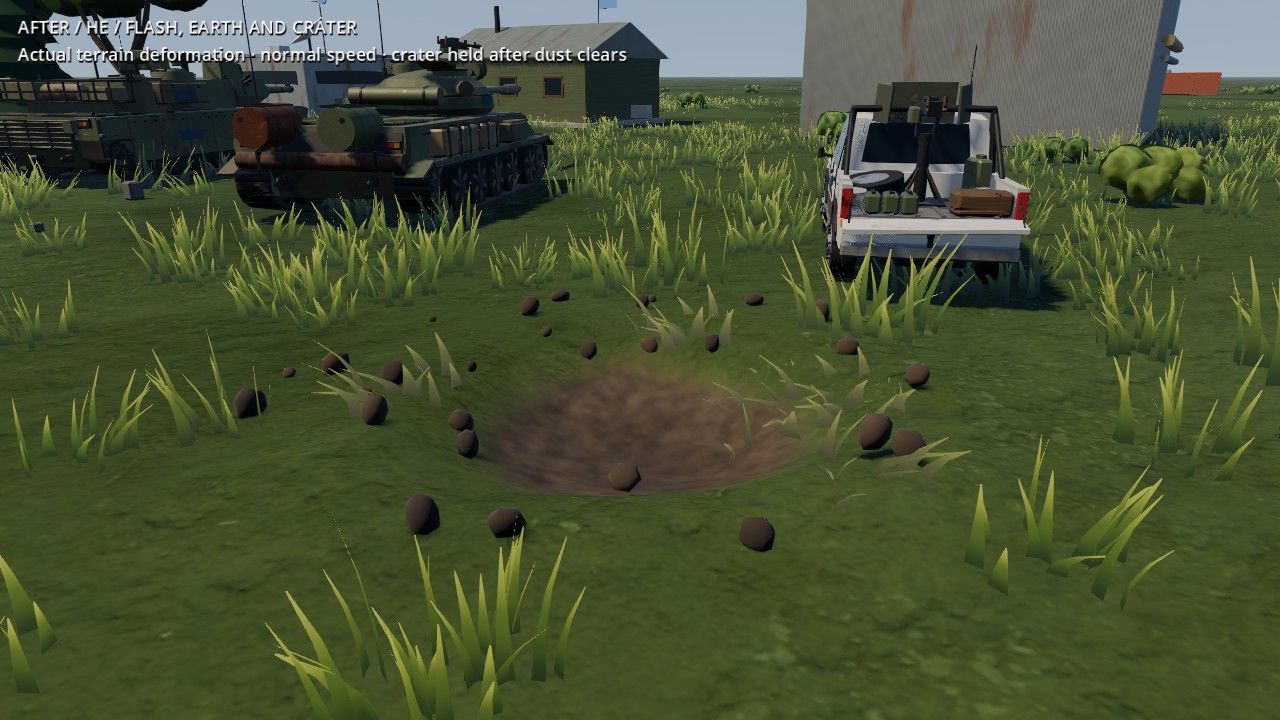
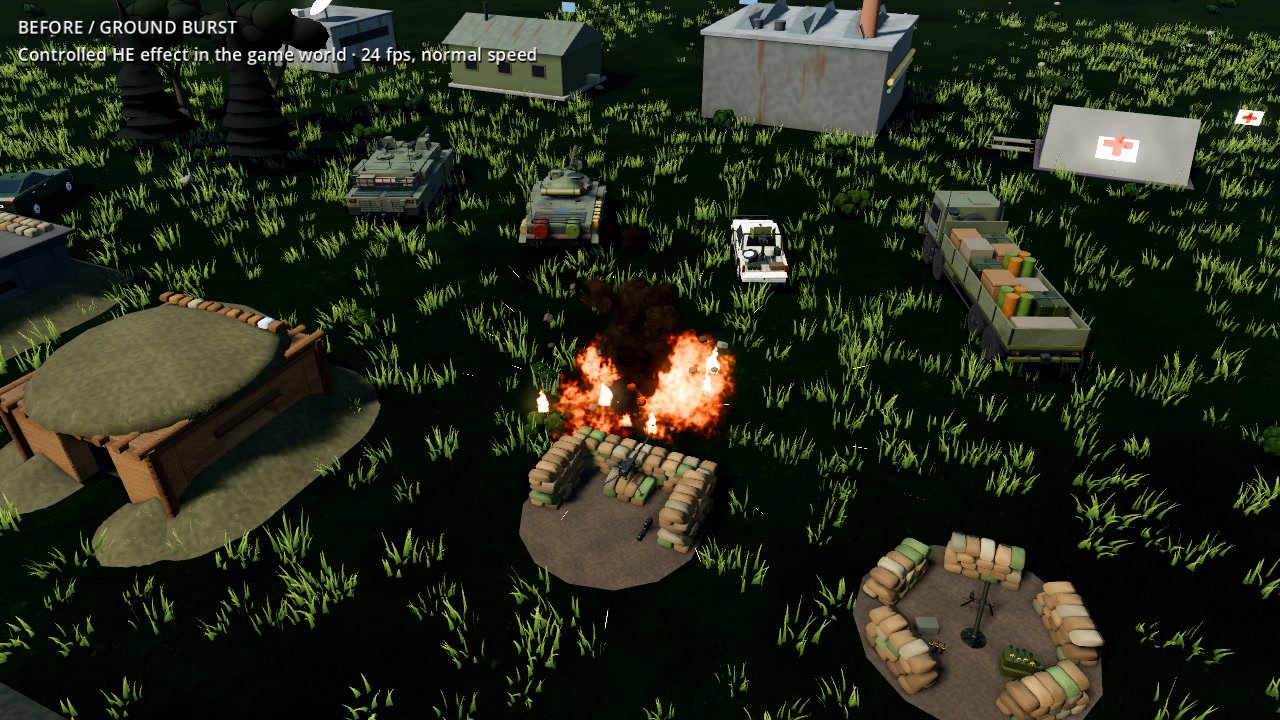
Watch: Before: revision 5aad51e with the same current capture fixture, camera, seed and real terrain stamps. Dense dust obscures the flash, the coarse ground mesh flattens the crater, and dark ground marks project onto cover. This is a fresh capture of the previous build. (Direct WEBM)
Watch: Earlier intersection fix, before the dust and ground-mark correction: fuel smoke meets tank armor and HE dust meets stone cover without a flat cut through the cloud. Actual battlefield, two matched four-second shots; Forward+, fixed 24 fps, normal speed, silent. (Direct WEBM)
Watch: Before the intersection fix: the cloud is sharply sliced by the tank hull and wall. Same terrain, camera, seed, effects and timing; only the cloud shader is from ee782db. (Direct WEBM)
Watch: Full armament showcase, recorded before the cloud-intersection correction: grenade, HE and fuel explosions, tracers striking dirt, stone and a vehicle, then a descending night flare. Real terrain, vegetation and cover throughout. Forward+, 28 seconds, fixed 24 fps, normal speed; silent. (Direct WEBM)
Watch: After: a roughly 110 mm HE ground burst in the battlefield, with earth fans, falling clods and a rolling dust cloud. Fixed 24 fps, normal simulation speed. (Direct WEBM)
Watch: Before: the same battlefield, seed, camera, lighting and explosion size at revision b3ec859. The former effect starts with a sustained fireball. (Direct WEBM)
Watch: Close-up: dirt, stone and metal impacts, four seconds each. Real machine-gun flight and impact code at normal speed, without fuel smoke hiding the debris. (Direct WEBM)
Watch: Moonlit controlled close-up: the actual cloth canopy, suspension lines, descent and drifting trail. Fixed 30 fps, Forward+, normal simulation speed. (Direct WEBM)
Watch: Earlier effect demonstration, left to right: grenade, HE and fuel. The second half shows machine-gun rounds striking dirt, stone and metal. Ground marks are 10 m apart. Fixed 30 fps. (Direct WEBM)
Watch: Before: the same controlled range at revision b3ec859, using the former shared explosion effect. Fixed 30 fps. (Direct WEBM)
Watch: Earlier effect demonstration, Forward+: a following camera shows the flare's open cloth canopy, suspension lines, sparks and lingering smoke at night. (Direct WEBM)
Watch: Earlier effect demonstration: the same HE burst from a higher RTS camera, with the cloud following the scene's lighting and depth. (Direct WEBM)
Shaped rotor blades and detailed helicopter hubs
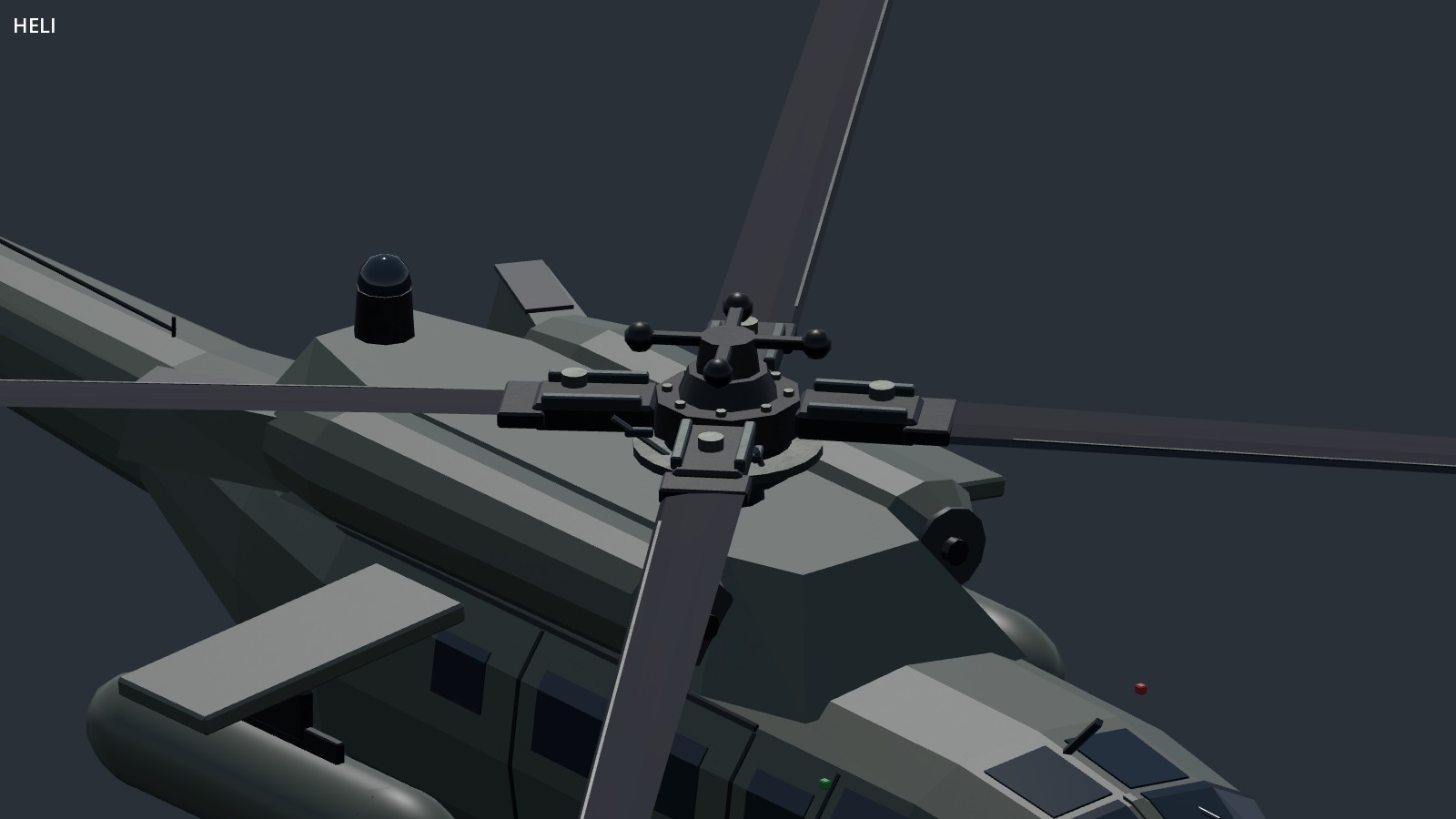
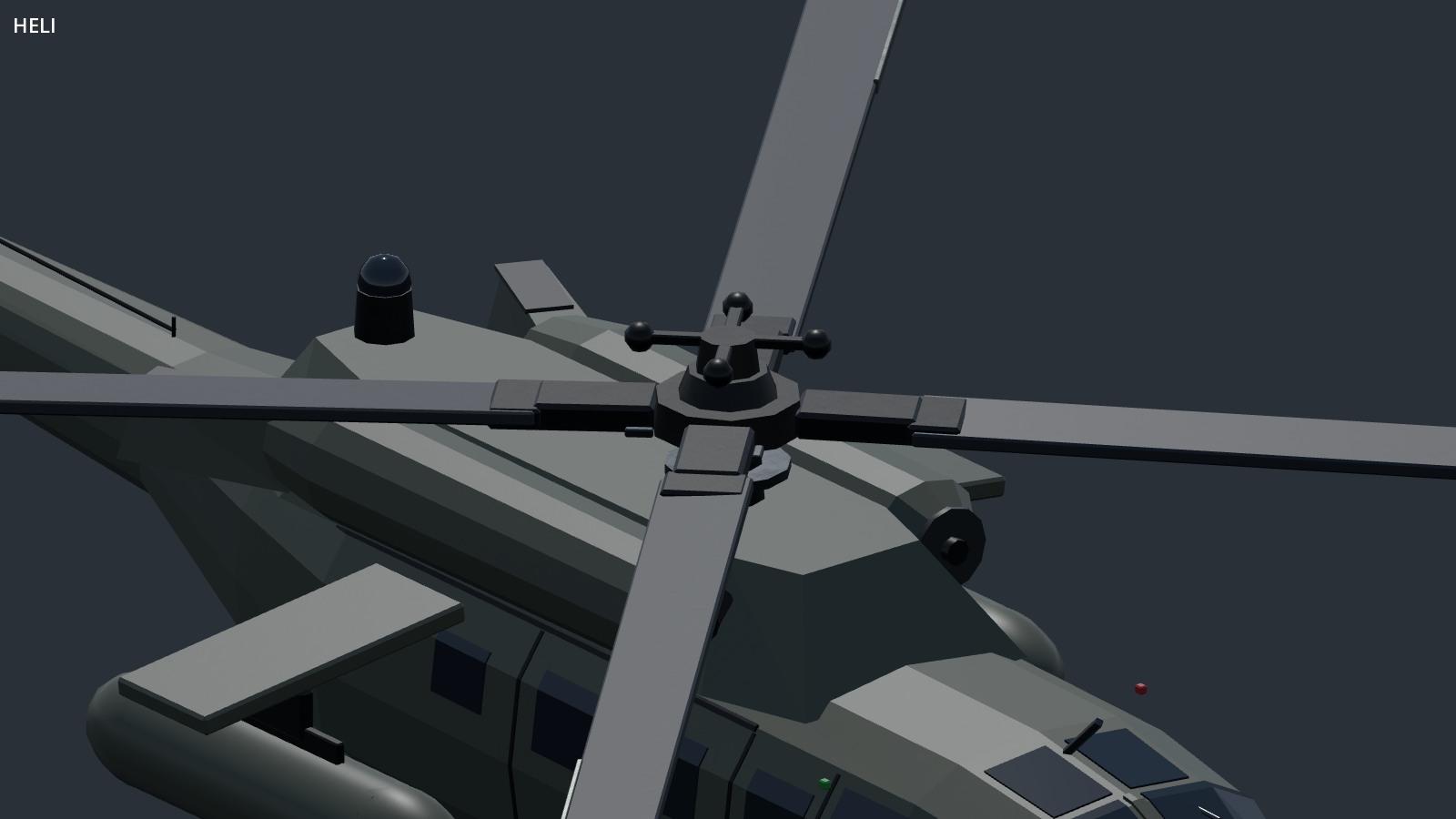
Helicopter rotors gain tapered airfoils, matte blades, shaped tips and visible mechanical fittings around their hubs.
Explore this change
- Conventional, tandem and coaxial helicopter families share shaped blade sections with taper, twist, droop and model-specific swept or paddle tips.
- Leading-edge protection follows the blade shape. Muted tip markings and a dedicated nonmetallic matte finish distinguish blades from metal fittings.
- Exposed tail rotors use the same airfoil construction. Existing blade counts, hub caps, rotor placement and animation pivots remain aircraft-specific.
- The added detail is clearest while stopped or turning slowly. The existing high-speed rotor blur remains in use; enclosed fans and drone propellers keep their specialised construction.
Fitted windows, detailed spares and individual track links
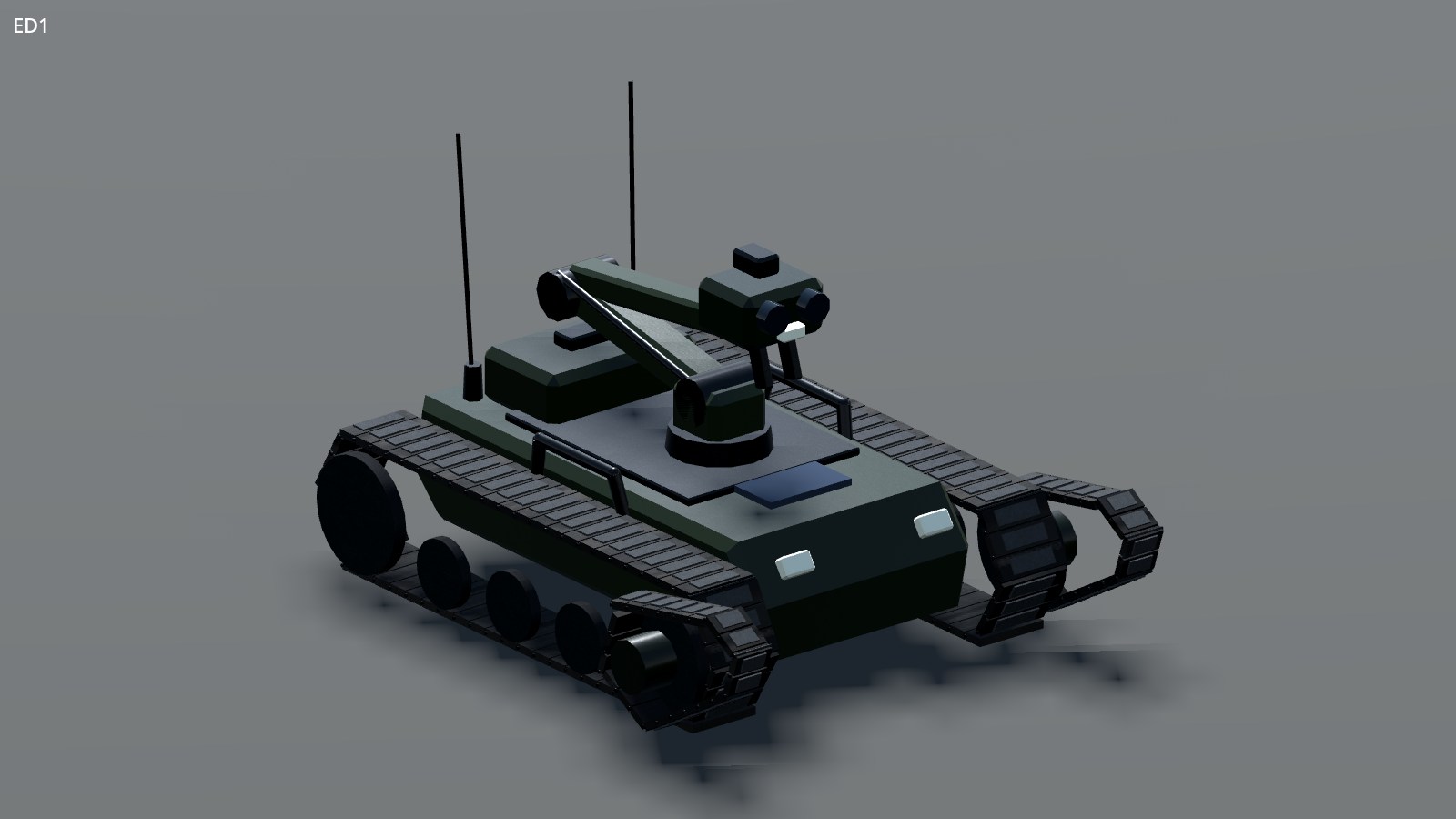
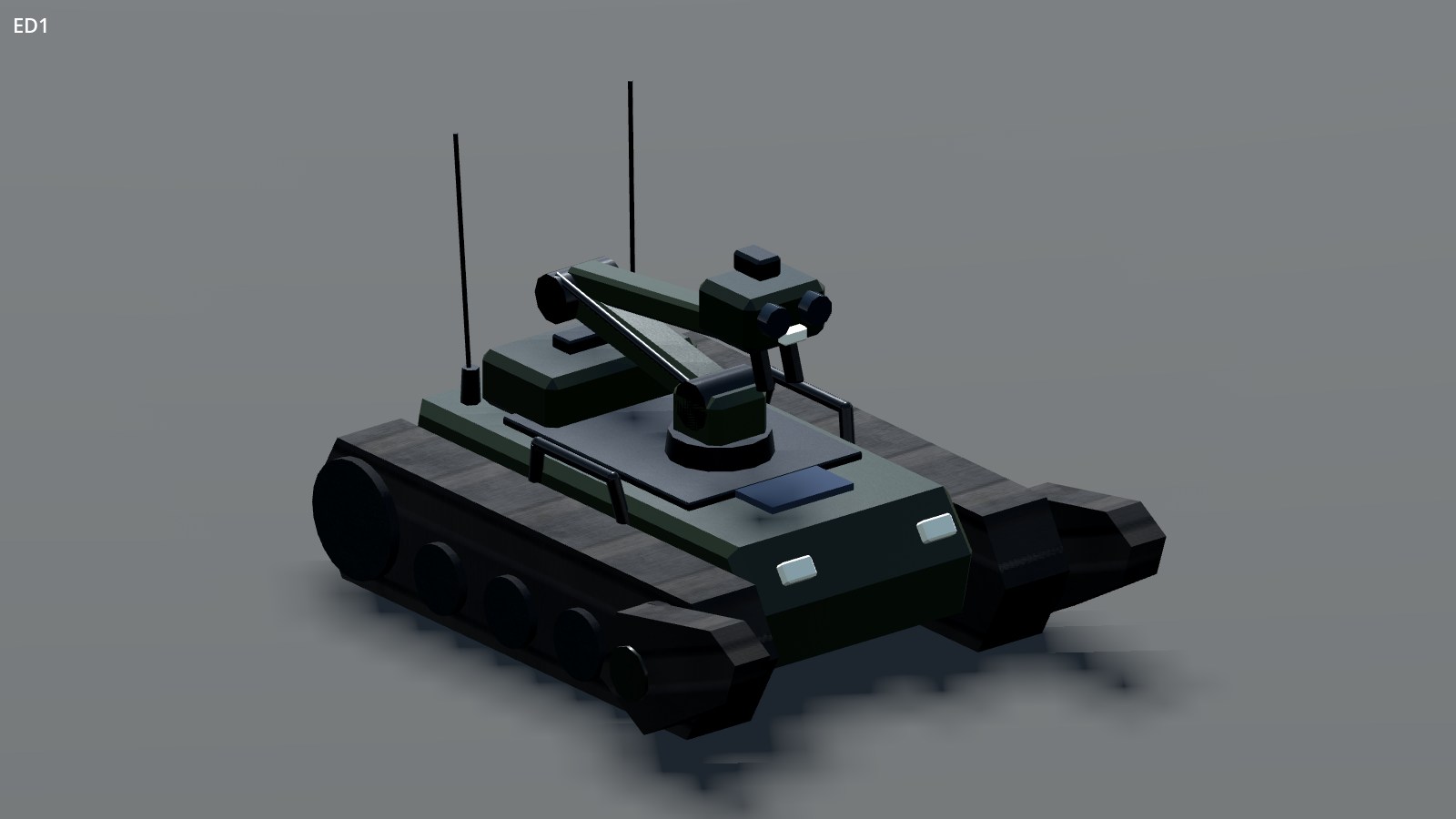
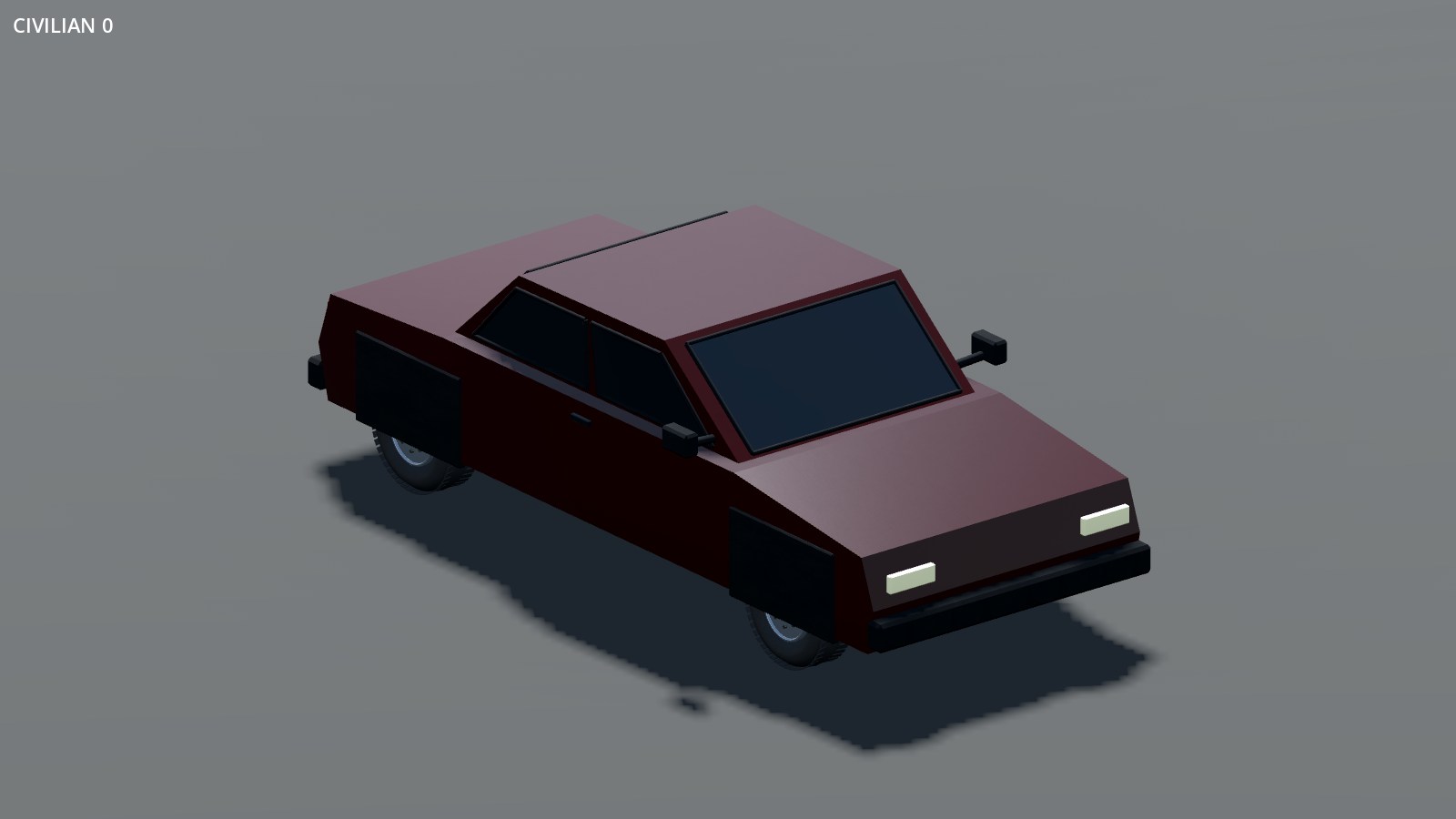
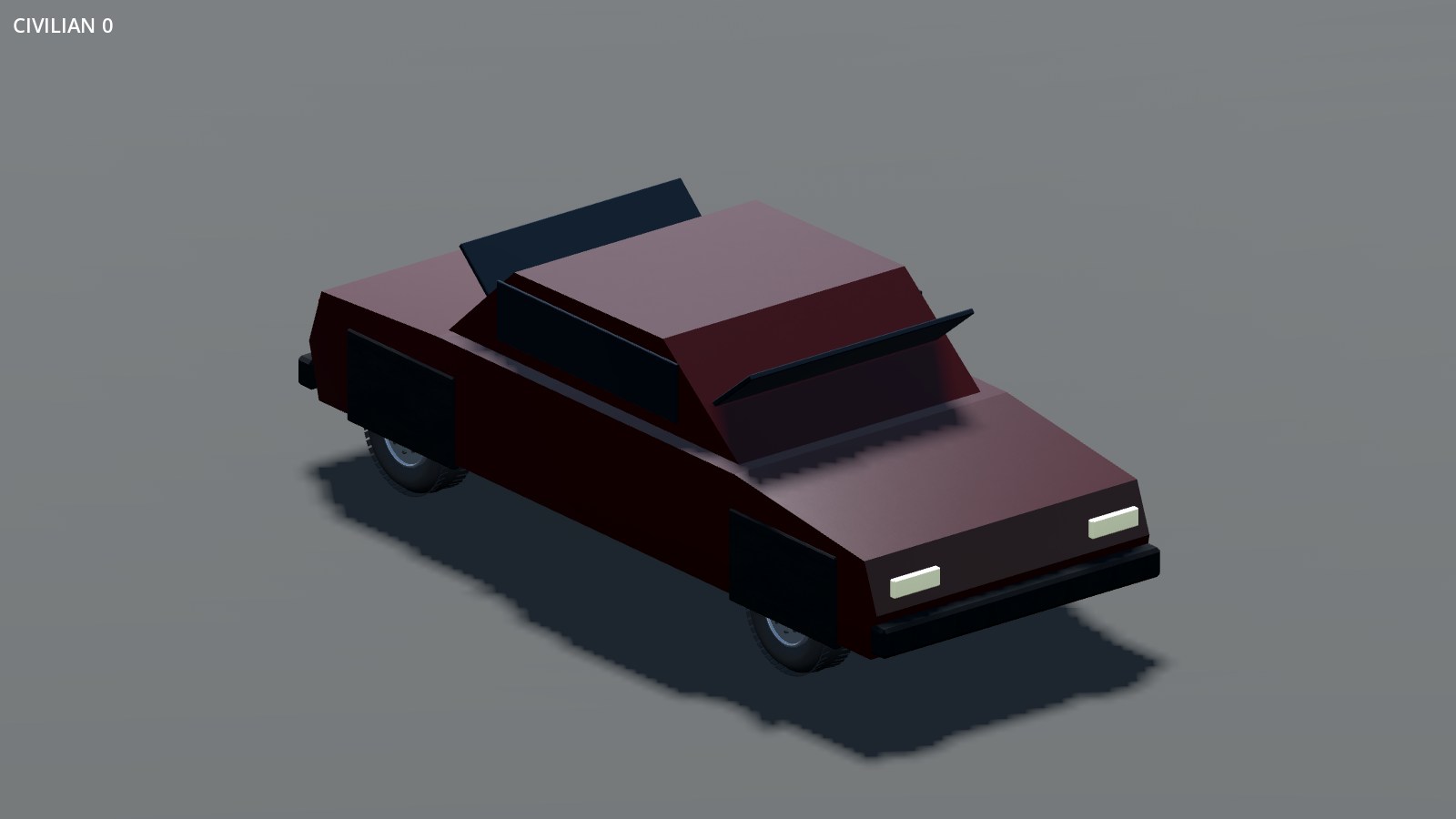
Tanks and the ED-1 gain separate track shoes, spare tyres match their running wheels, and parked cars get correctly fitted windows.
Explore this change
- Tracked families share individual shoes, hinge pins and more detailed road wheels while keeping their own suspension layouts, sprockets and hulls. Steel and rubber-padded tracks remain distinct.
- Military and civilian spare wheels share the rounded tyres and recessed rims used by running wheels. Aircraft wheels keep smooth tyres.
- Window seals, roll cages, frame bars, struts and boat fittings now use common builders, making improvements easier to carry across vehicle variants.
- Existing interiors, faction colours, weapon mounts and distant model fallbacks are retained. Track belts remain static geometry.
Smoother helicopter skins and detailed truck bodywork
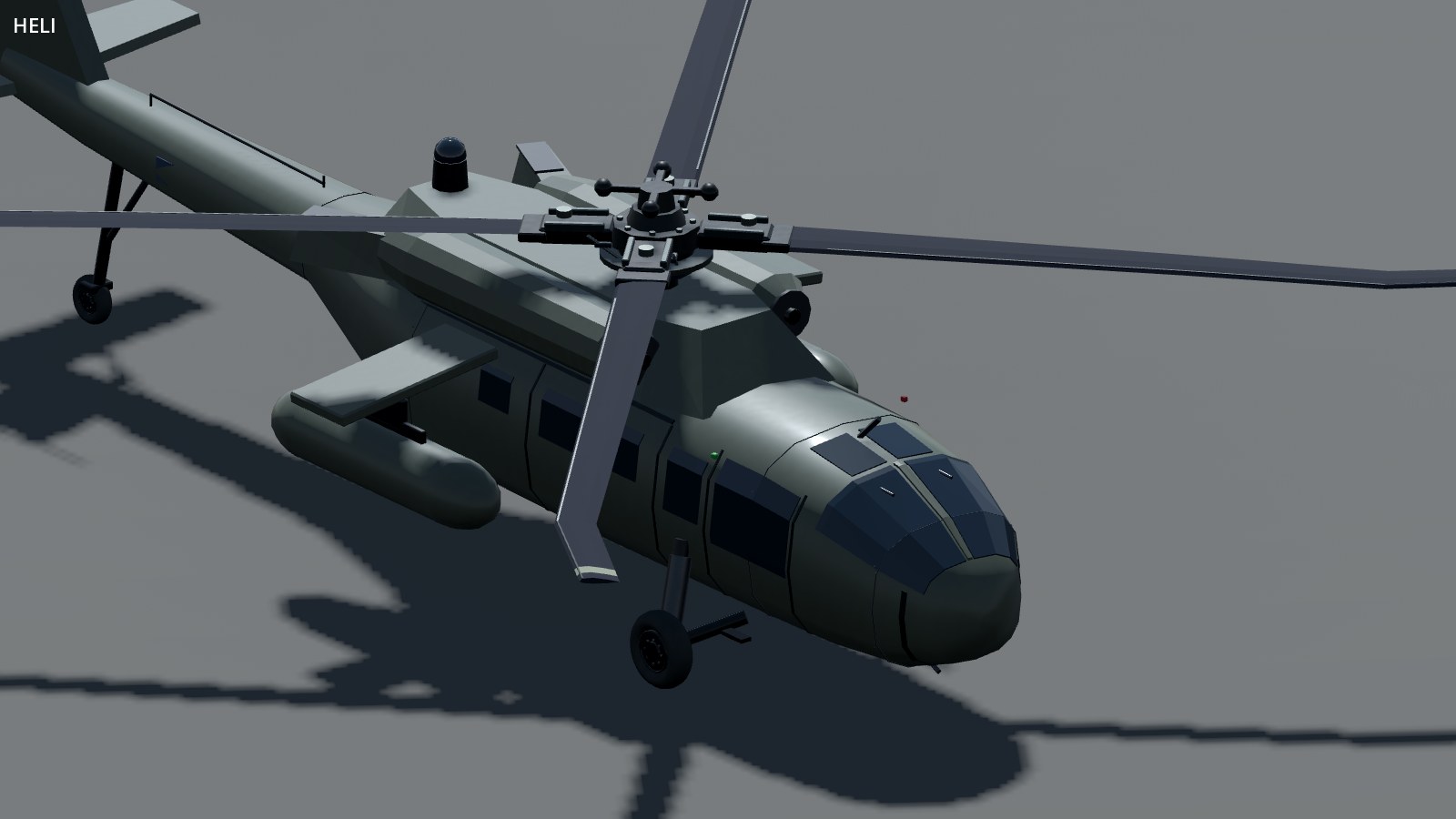
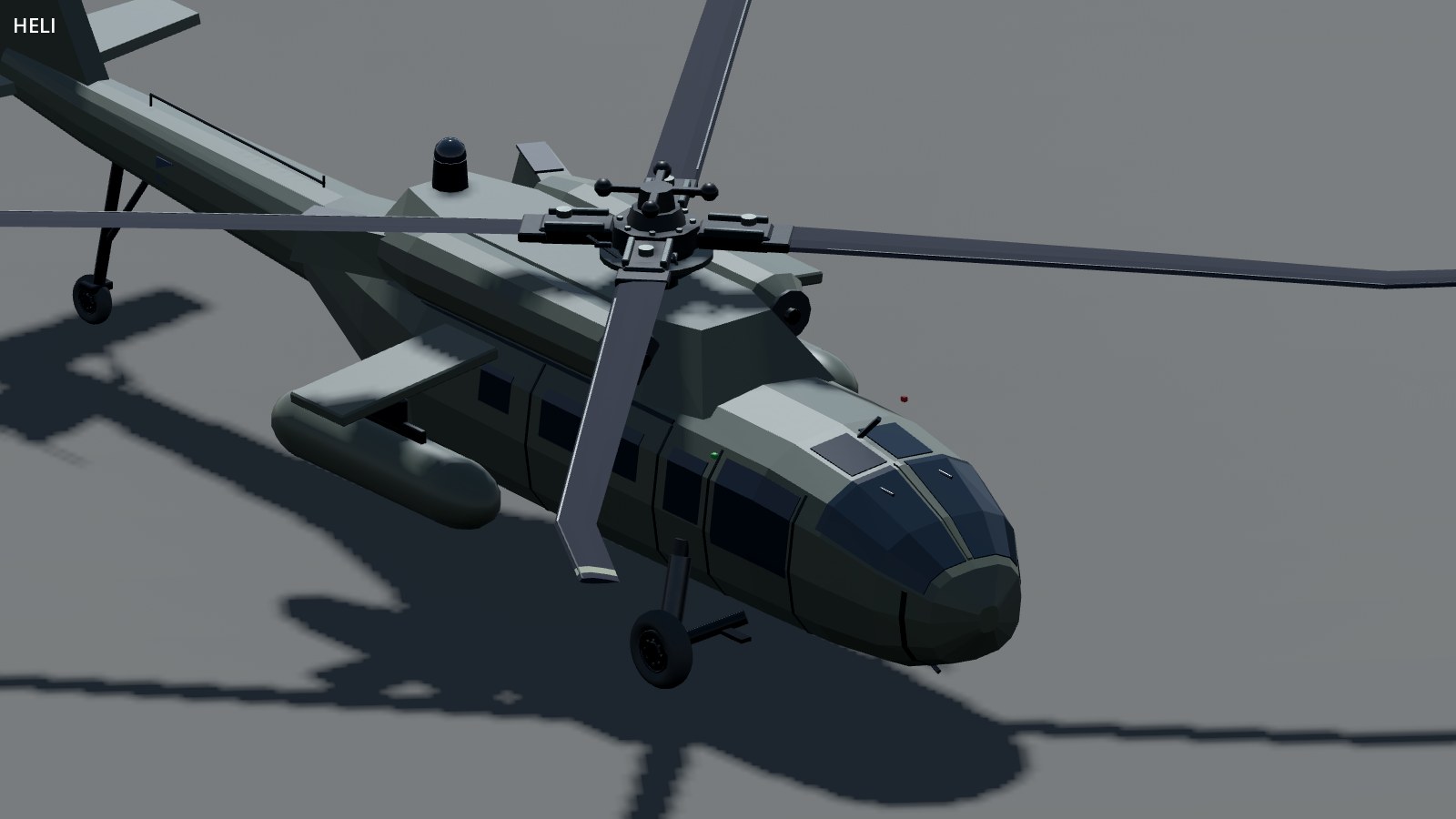
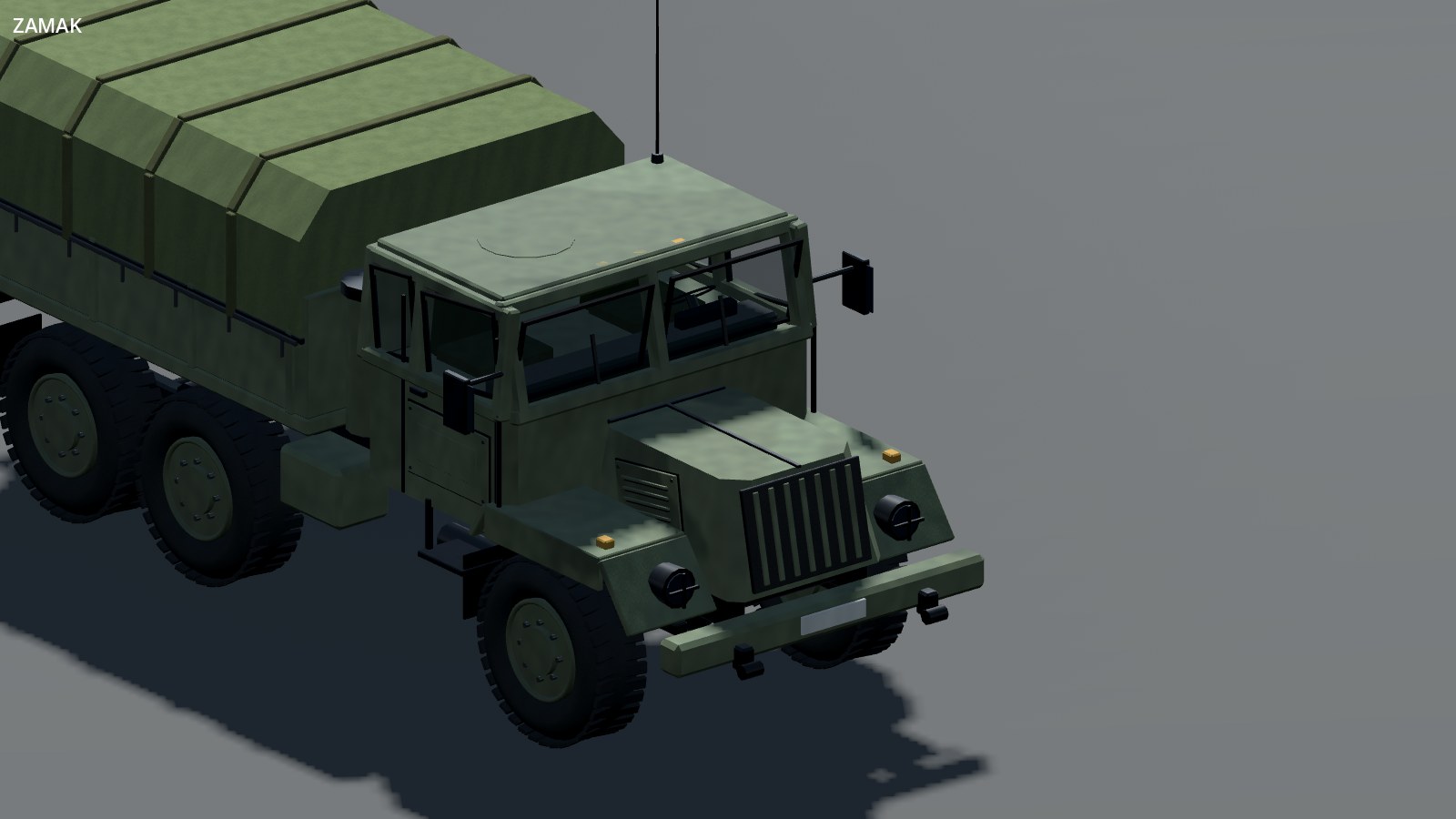
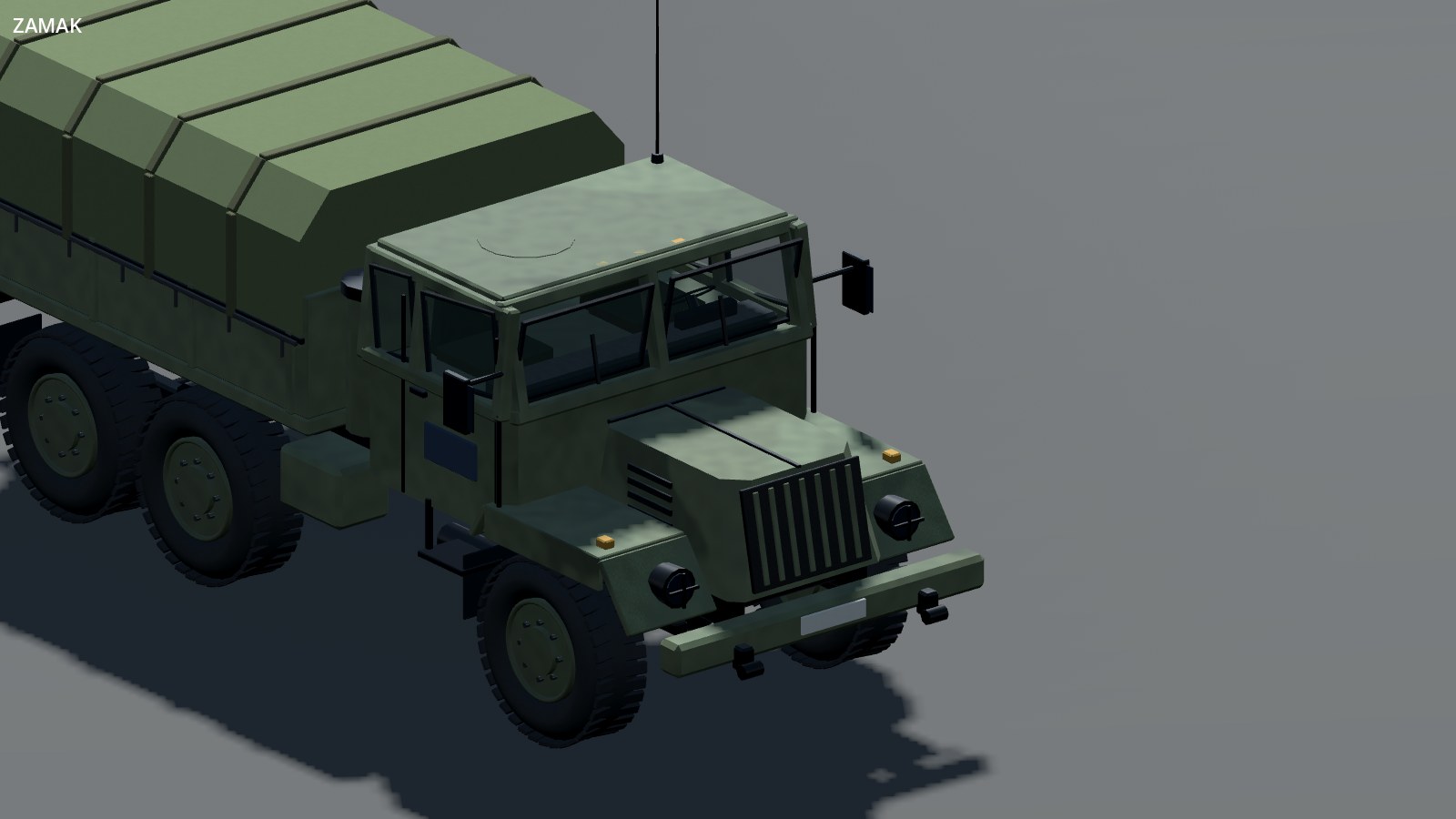
Curved helicopter bodies gain smoother painted skins, while truck families gain pressed panels and fitted vents. Shared finishes distinguish paint, fabric, rubber and exposed metal.
Explore this change
- Curved helicopter fuselages share smoother shading, skin joins and flush fasteners; deliberately angular stealth bodies keep their creases.
- HEMTT, Zamak and Tempest families share pressed door panels and gaskets. Zamak bonnets gain raised louvres.
- Shared surface finishes add photographic relief, weathering and material-specific grain across paint, metal, rubber, plastic, canvas, decks, wood and wrecks. Glass is less rough, with clearer transparent cab panes.
- Fine detail is clearest at close range. Vehicle silhouettes and family-specific parts remain in place.
Every support call-in on the range
Watch all 20 call-ins on the same daylight range. The preview camera tracks reconnaissance flights, follows the first falling bomb and cuts from gun runs and orbits to the ground action.
Watch: F/A-181 Black Wasp II Strike. Before from 0 s, after from 10 s. (Direct WEBM)
Explore this change
Each video plays the same call-in twice with its game audio. The seed, range, vehicles, scenery and simulation speed match across the takes. Aircraft clips show the opening of each sortie. The longer gun-run and off-map clips include the ground effects.
The aircraft preview previously applied the camera position in the tilted RTS rig’s local coordinates. The corrected camera follows the aircraft in world coordinates. Bombing passes stay with the drop, gun runs and gunships cut to the ground, and reconnaissance flights stay in view.
Watch: A-149 Gryphon Precision Strike. Before from 0 s, after from 10 s. (Direct WEBM)
Watch: UCAV Sentinel Strike. Before from 0 s, after from 10 s. (Direct WEBM)
Watch: To-201 Shikra Bomb Run. Before from 0 s, after from 10 s. (Direct WEBM)
Watch: A-10C Thunderbolt II Gun Run. Before from 0 s, after from 12 s. (Direct WEBM)
Watch: A-164 Wipeout Gun Run. Before from 0 s, after from 12 s. (Direct WEBM)
Watch: A-143 Buzzard Strafe. Before from 0 s, after from 12 s. (Direct WEBM)
Watch: To-199 Neophron Strafe. Before from 0 s, after from 12 s. (Direct WEBM)
Watch: AC-130U Spooky Gunship. Before from 0 s, after from 10 s. (Direct WEBM)
Watch: V-44X Blackfish Gunship. Before from 0 s, after from 10 s. (Direct WEBM)
Watch: MQ-4A Greyhawk Drone. Before from 0 s, after from 16 s. The longer take follows the second arrival. (Direct WEBM)
Watch: Y-32 Xi'an Gunship. Before from 0 s, after from 10 s. (Direct WEBM)
Watch: 155 mm artillery. Before from 0 s, after from 8 s. (Direct WEBM)
Watch: Rocket Barrage. Before from 0 s, after from 10 s. (Direct WEBM)
Watch: Mortar Barrage. Before from 0 s, after from 10 s. (Direct WEBM)
Watch: Smoke Screen. Before from 0 s, after from 10 s. (Direct WEBM)
Watch: A-149 Gryphon Recon Pass. Before from 0 s, after from 10 s. (Direct WEBM)
Watch: MQ-4A Greyhawk Overwatch. Before from 0 s, after from 10 s. (Direct WEBM)
Watch: Caesar BTT Spotter Flight. Before from 0 s, after from 10 s. (Direct WEBM)
Watch: KH-3A Fenghuang Overwatch. Before from 0 s, after from 10 s. (Direct WEBM)
Fixed
Steadier rifle grips and directional crouching
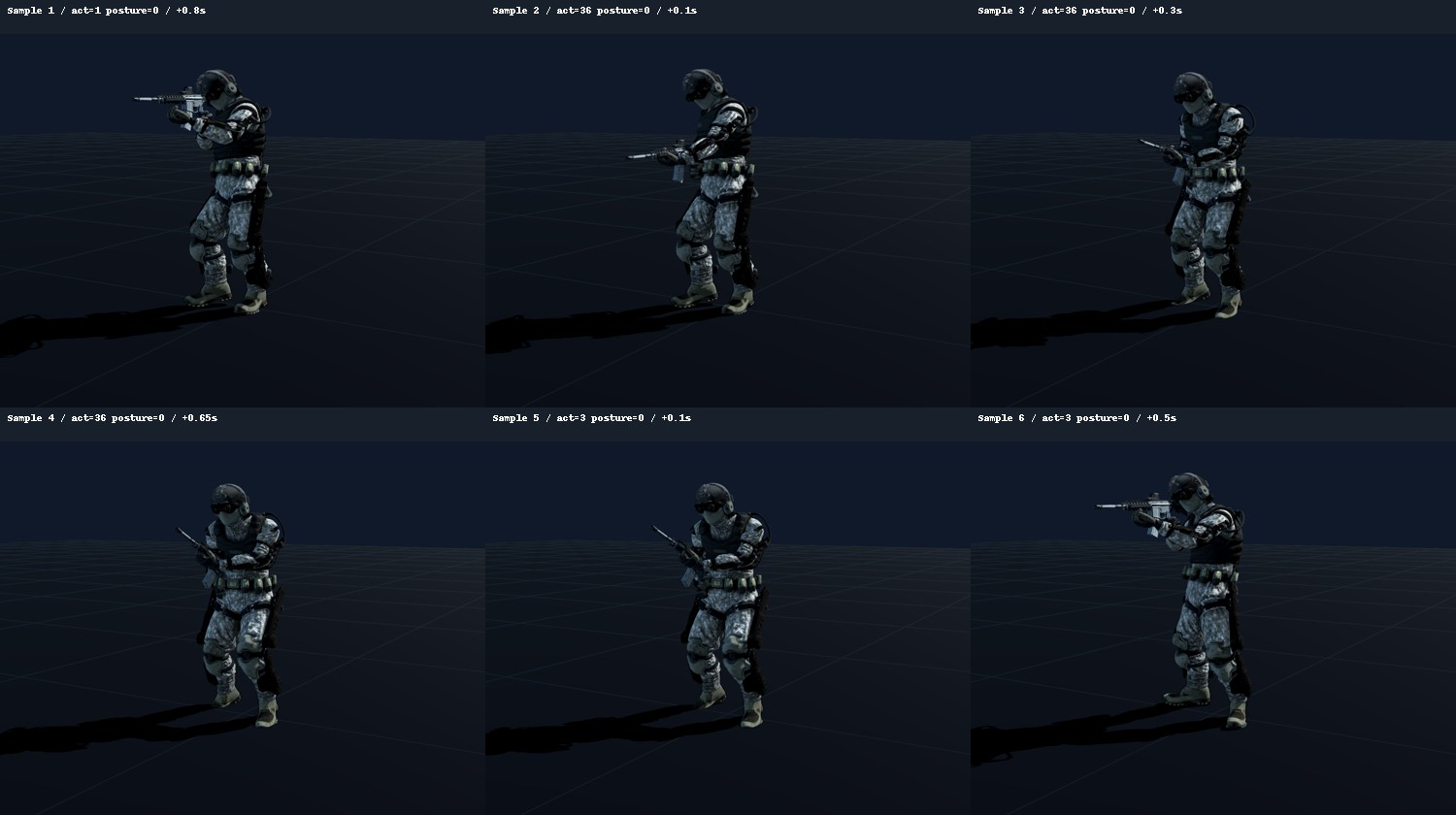
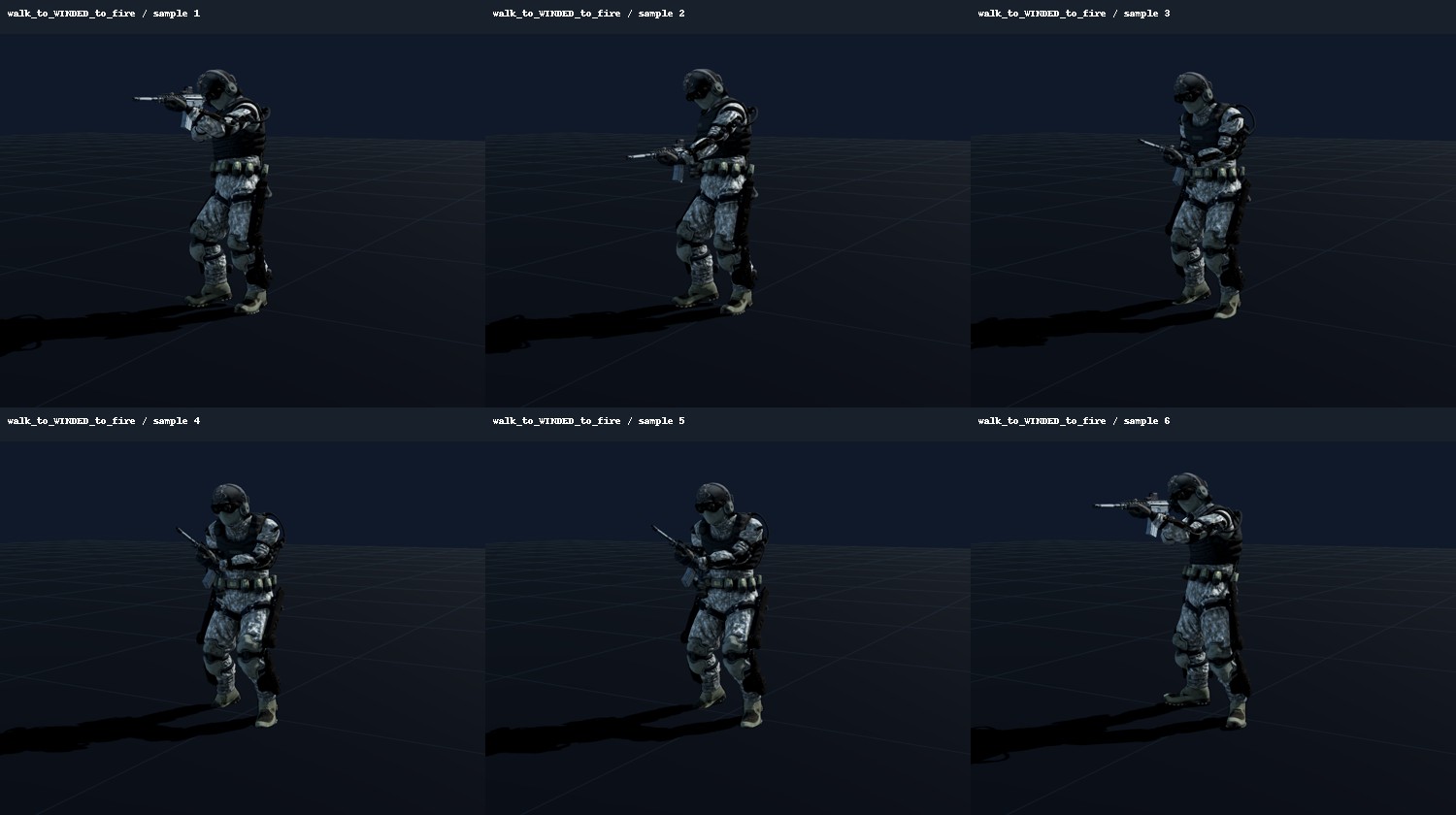
Keep rifle grips through action changes, use matching directional crouch clips, and orbit the character with Alt.
Explore this change
The imported-character preview now uses all eight matching crouch directions from the installed Rifle 8-Way Locomotion pack. Direction changes blend gait phases, and planted feet release before a reversing leg overextends. Existing installations without that pack retain the previous crouch cycle.
Rifle recovery keeps both hands within reach and seats the support palm after pose blending, including cook, winded, smother, kick and idle-look transitions. Getting up from prone still releases the supporting hand naturally.
In the local Character Playground, hold Alt and move the mouse to inspect the character from another angle without changing aim or movement direction. The viewing offset remains when Alt is released; Home resets it. Right-drag still turns the character. This preview requires the locally installed evaluation assets.
Rifles clear cover when firing
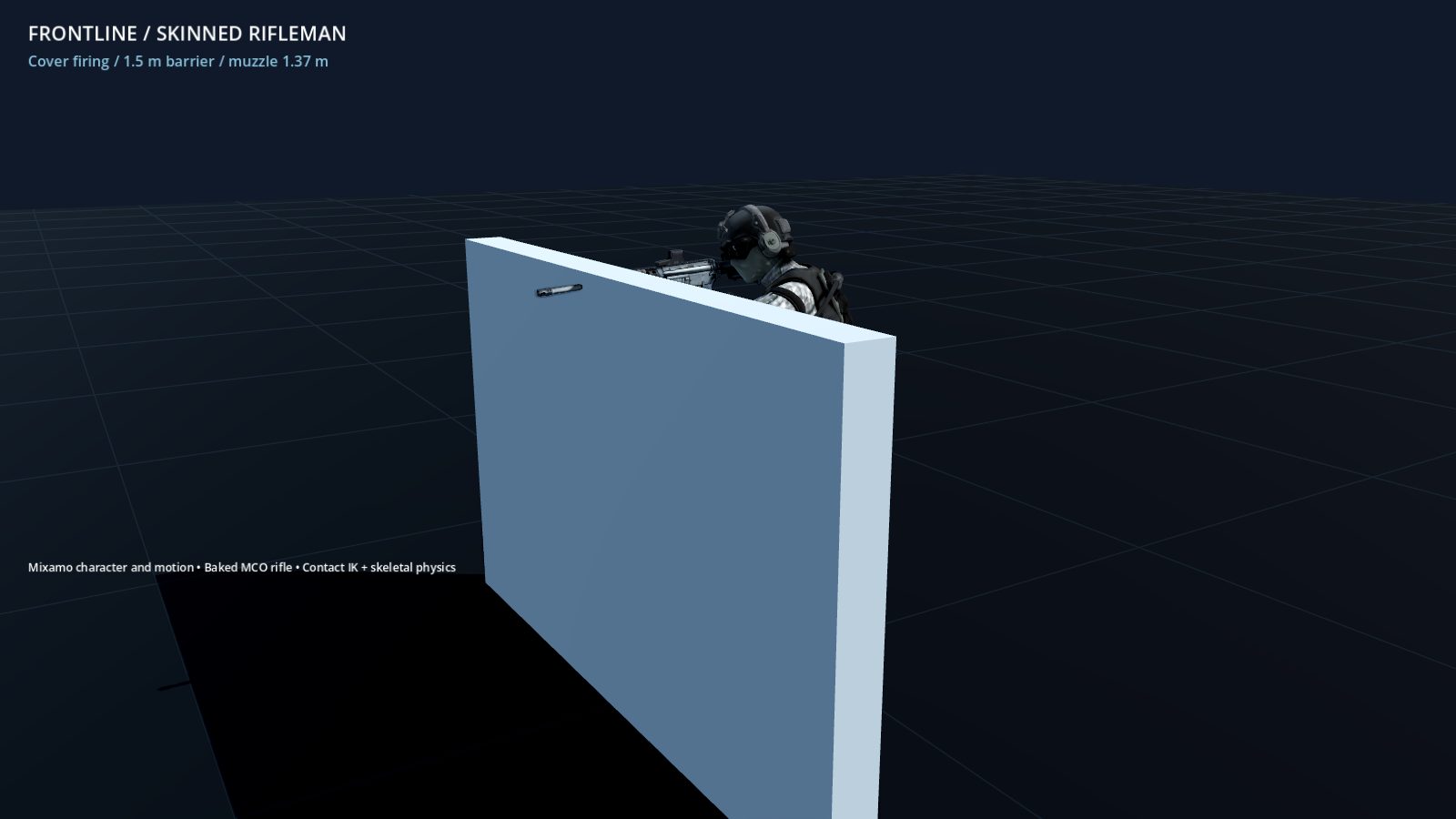
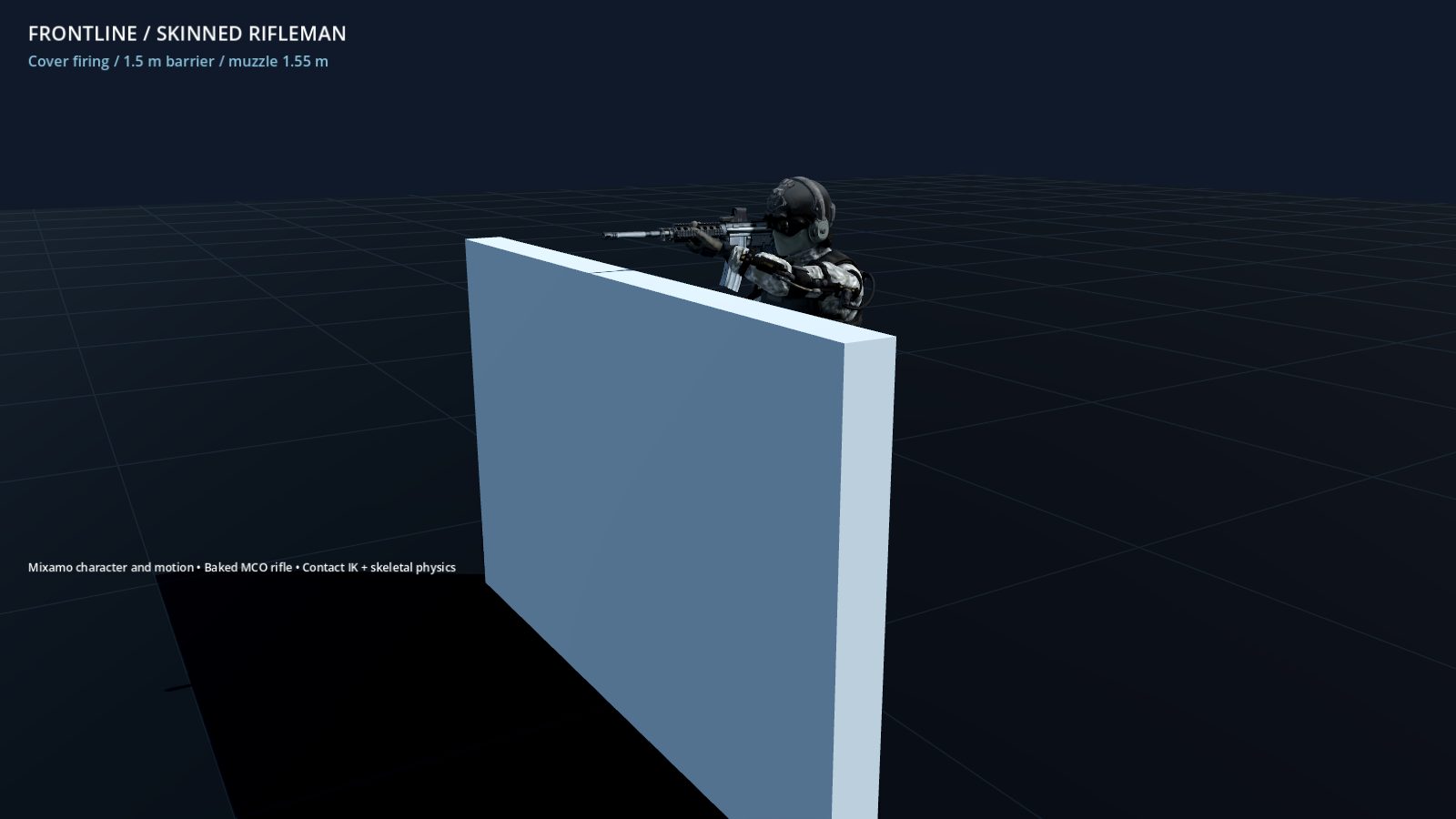
Skinned infantry use the correct firing pose over barriers, keeping their rifles above the wall and both hands on the weapon.
Explore this change
Standing and kneeling infantry now retain their cover firing pose instead of reverting to a standing rifle animation. Weapon placement also accounts for the skinned character's arm proportions.
Crawl, throw and crouch recovery fixes
Reach forward while crawling, keep grenade throws grounded, and settle crouched feet without inverted toes.
Watch: Controlled shared-renderer sequence: crawl, recover, throw, crouch walk and stop. (Direct MP4)
Explore this change
The optional imported rifleman now reaches forward with alternating crawl arms and ground-facing palms. Crawling remains procedural; it is not a new captured animation.
Grenade throws use the installed Mixamo toss with the current stance underneath it, and the grenade follows the throwing hand until release. Crouch stops settle the toes and keep knees bending forward. Getting up releases old prone foot anchors.
The video uses fixed-step capture in a controlled preview with actual character translation. It demonstrates these transitions, not full battle performance or every terrain combination.
Jump animation follows the landing
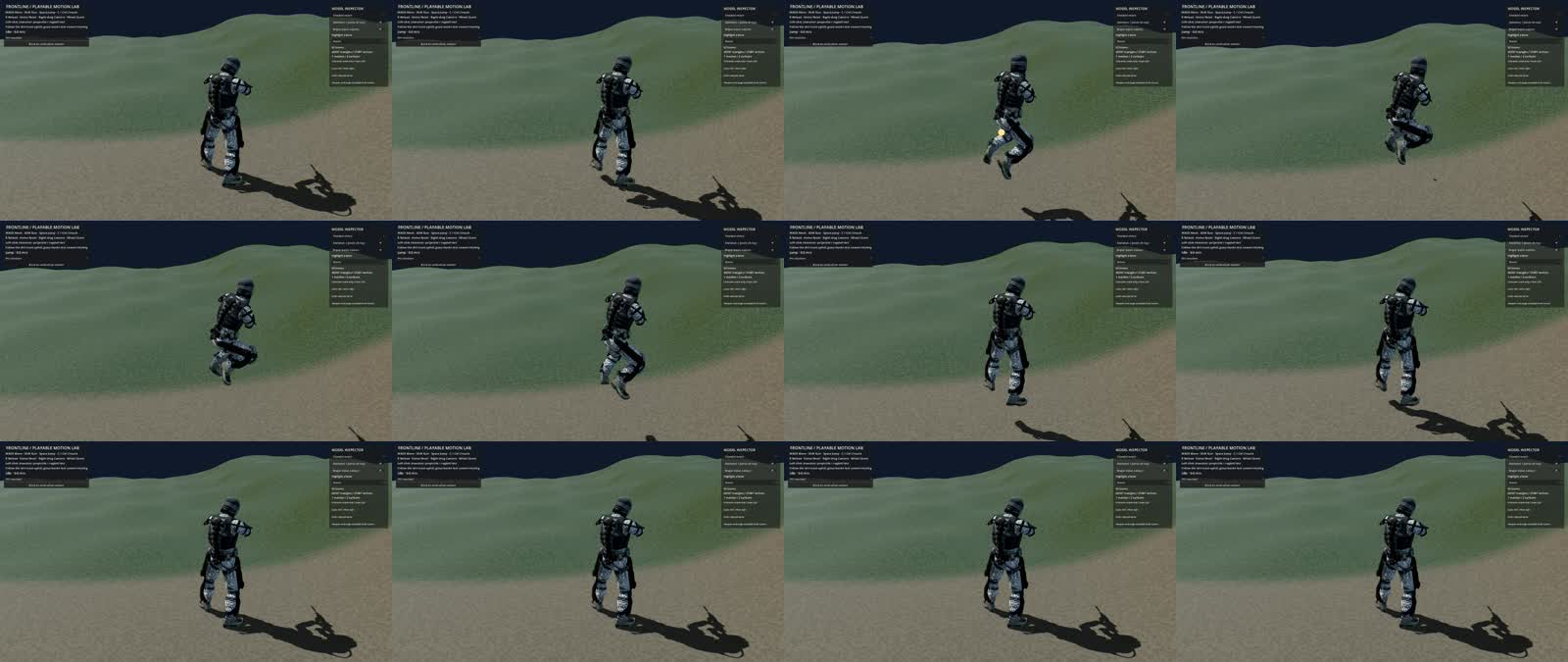
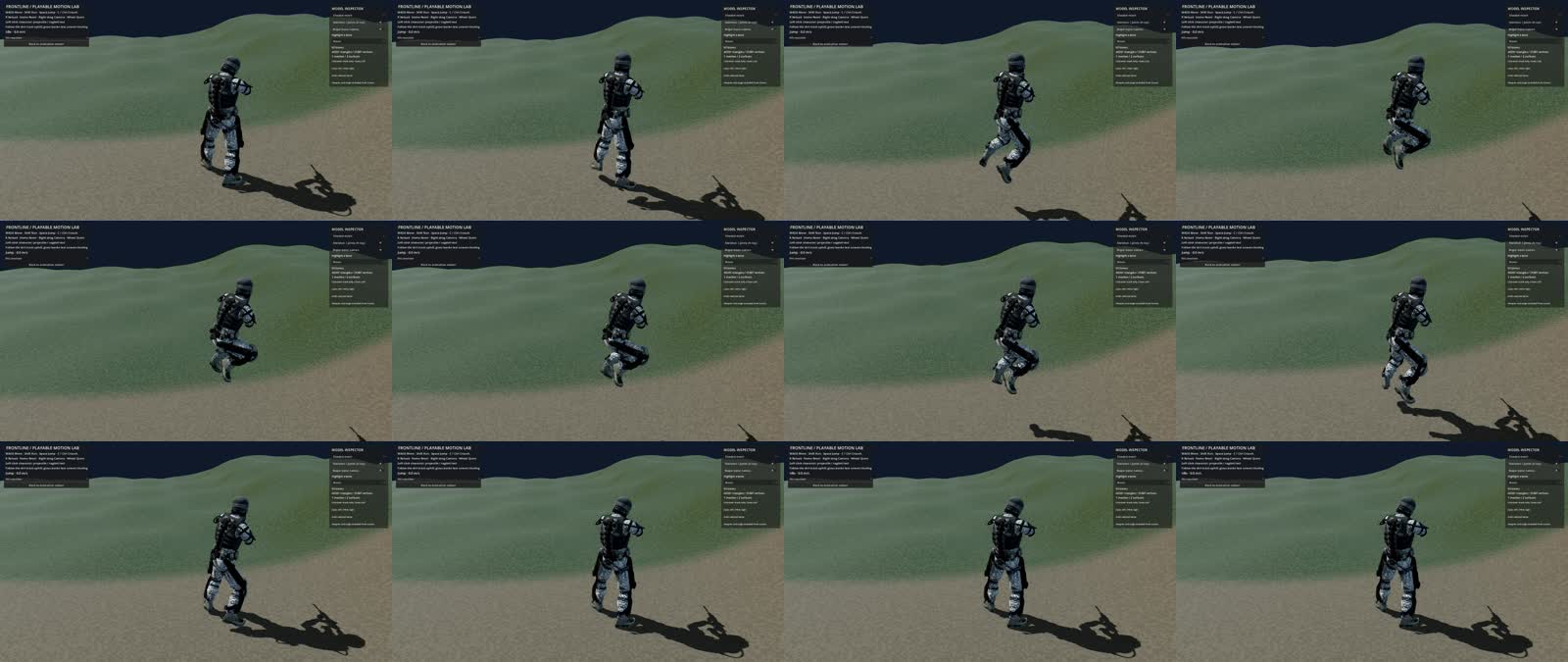
The character playground keeps the captured jump pose airborne until the character touches down.
Watch: Controlled playground jump with the shared controller; fixed 30 fps capture. (Direct MP4)
Explore this change
The installed rifle jump was shorter than the physical jump. Its pose now follows vertical movement, holds through longer falls, and recovers after actual ground contact. This fixes the early return to a walking or standing pose in midair.
Early, normal and delayed landing timing and the playground controls were checked. The recording shows a level-ground playground jump, not a battlefield or multiplayer test.
Ladder contacts and platform exit
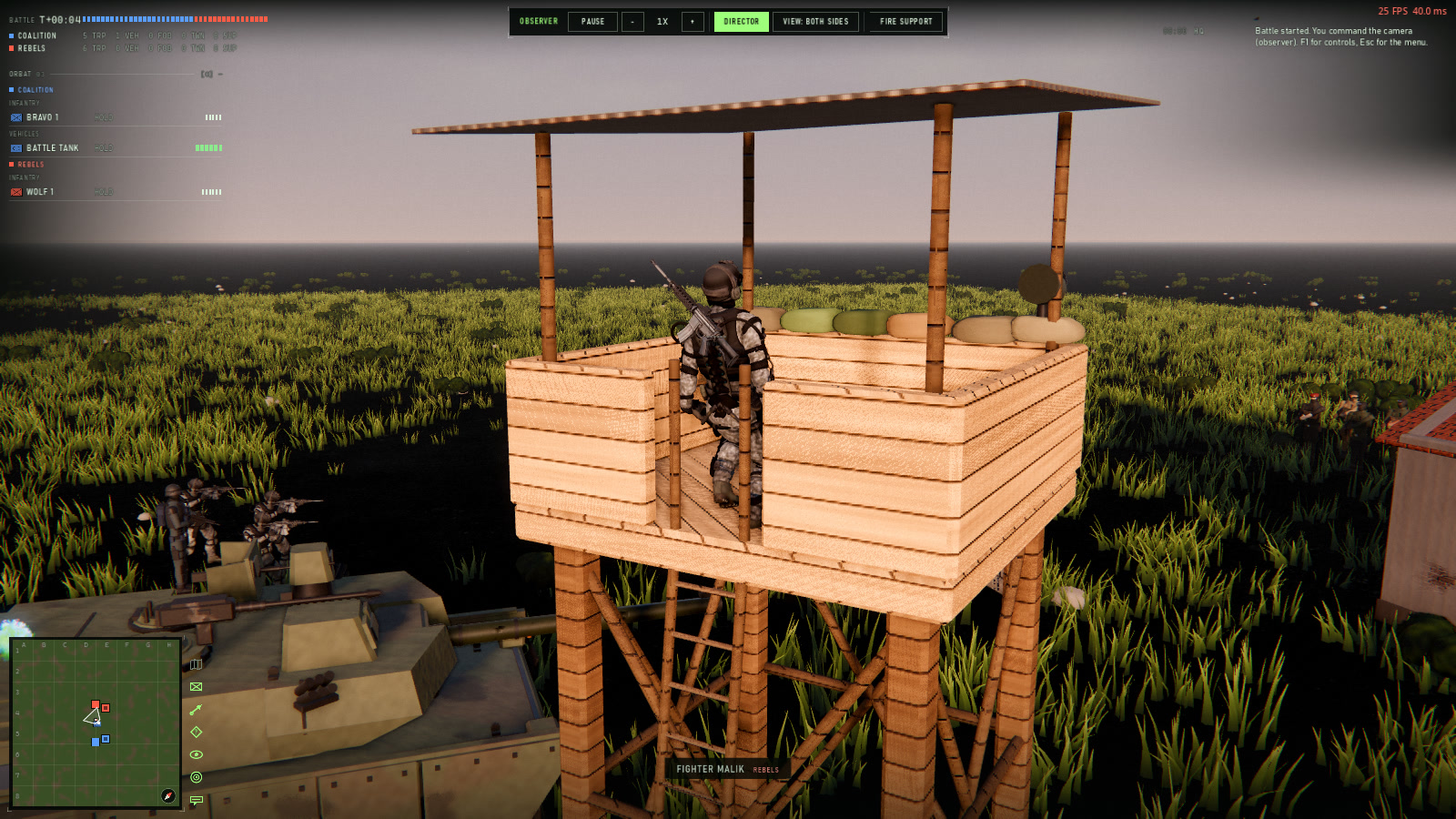
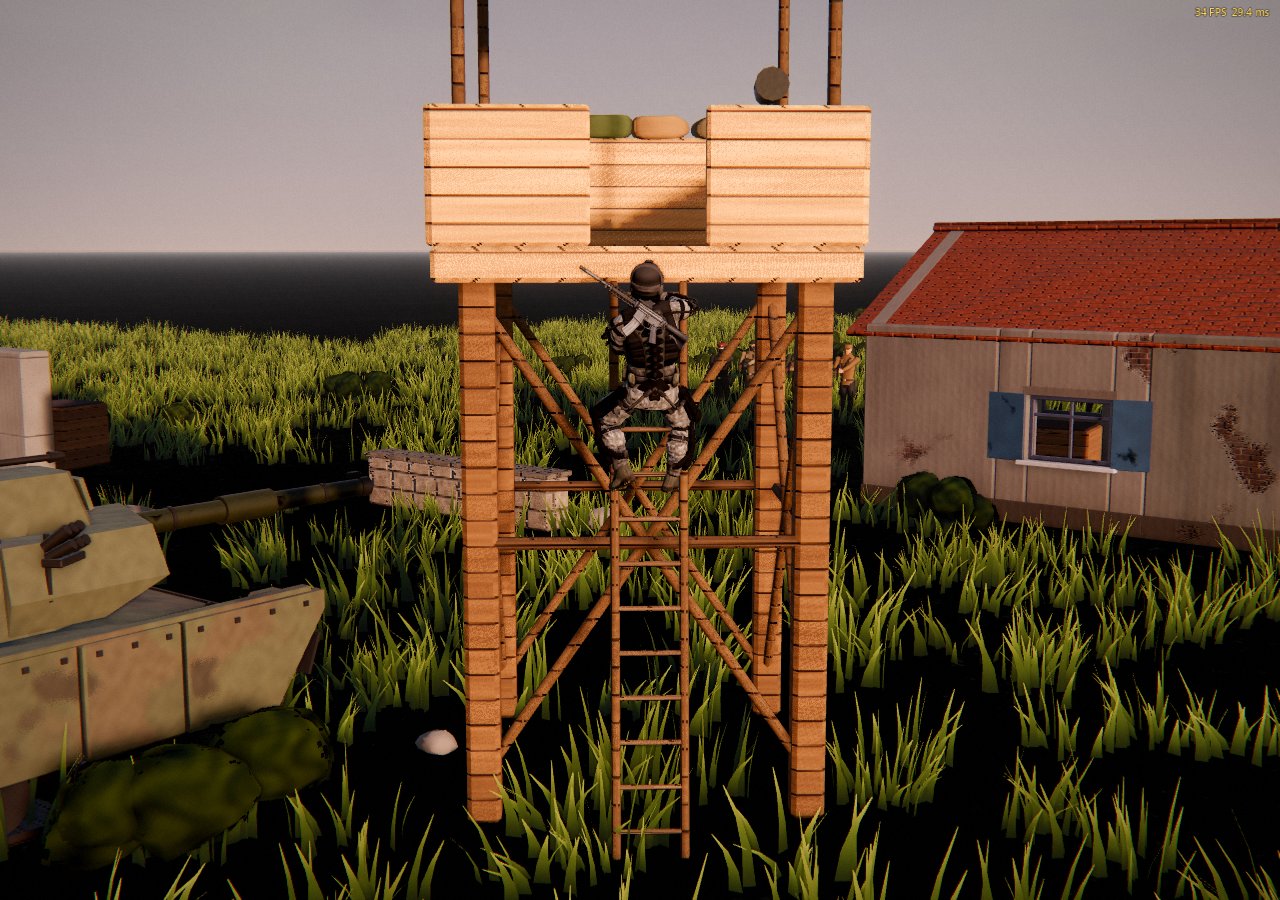
SWAT climbers plant hands and boots on the tower ladder and step onto the platform before standing.
Watch: In-game watchtower traversal with rung contacts, upper handholds and a platform transfer. (Direct MP4)
Explore this change
Climbing now uses the watchtower's rung positions for hand and boot contacts. The final step keeps the climbing pose while transferring onto the platform, then blends into walking once the character is safely inside the opening.
Upper handholds support the final step, and the rifle is drawn more gradually after climbing.
Get it
Download the Windows installer or Mac disk image. On Mac, drag Frontline into a writable Applications folder before opening it; don't run it from the disk image.
Installed copies keep themselves up to date. The game downloads and verifies the update, then offers a restart; you don't need to run the installer again.
On Linux, download Frontline-linux.zip and unzip it. Windows and Mac ZIPs remain available below for portable installs. All downloads.
The whole history, with pictures: Changelog.