Repository navigation
IDE Setup
Since CMF is a dependency mod, the Paradox Language Support plugin for IntelliJ-based IDEs will not recognize CMF's effects, triggers, and script values by default. You'll see false errors for any CMF or CMM API calls until you add CMF as a mod dependency in the plugin settings.
- Press Ctrl+Alt+M to open the Paradox Language Support mod settings dialog.
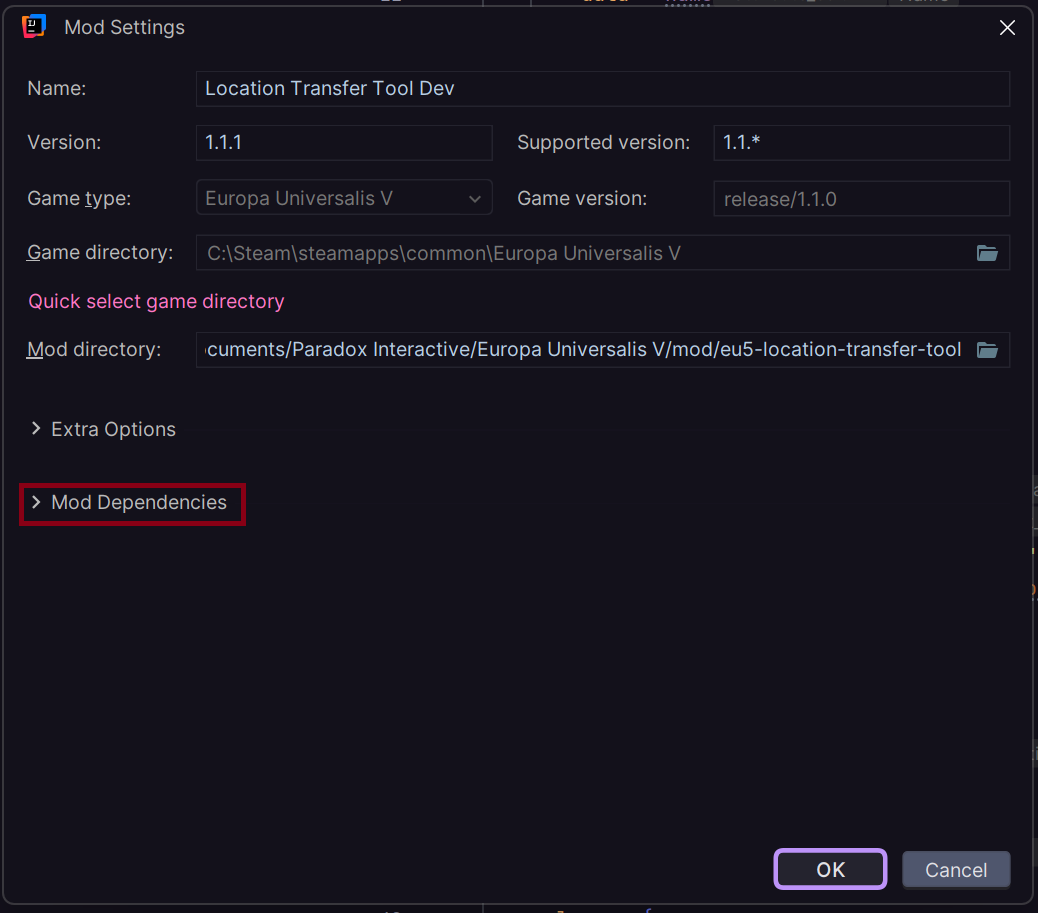
- Click the Mod Dependencies dropdown to expand it.
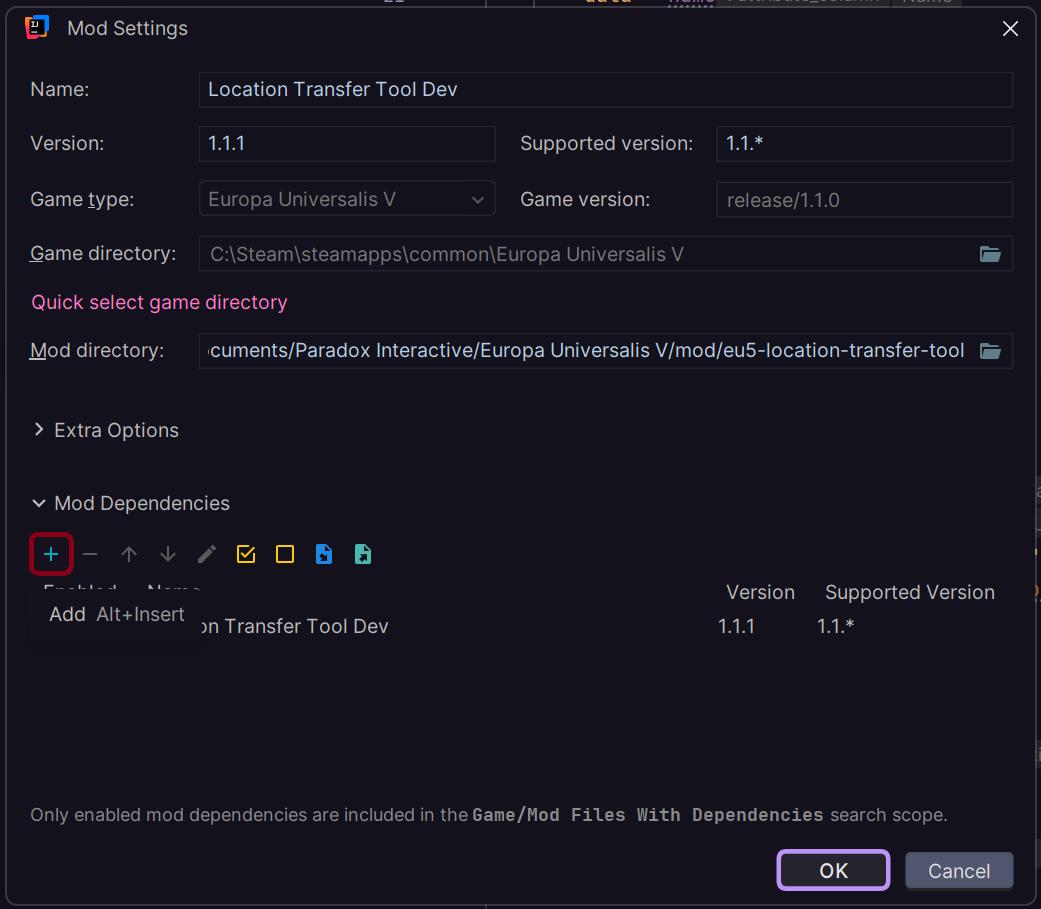
-
Click the + button to add a new dependency.
-
Select Community Mod Framework from the list. It will be located at:
Steam\steamapps\workshop\content\3450310\3692202776

- Press OK to confirm.
After this, the plugin will index CMF's script files and resolve all cmf_ and cmm_ effects, triggers, and script values without errors.