This project is one of my personal projects. In fact, I decided to know how to dev a video game because it's my dream to work in the video game's industry. Furthermore, I think this project will help improving my skills and searching an internship in these industries.
Before getting into this project, I was really thinking about how video games were made, especially since my first year in computer engineering school because it's when I just started coding.
So, to be in the best setup to work on it, I firstly decided to check which langage of coding was the best to begin with in order to make video games. By searching a lot and watching Youtube videos, I saw that C# was a good way for beginners to introduce themself to video game development.
Then, while searching about the langage I may use, I saw that Unity software was a very good one to start making video games too. In fact, because I'm a student at CESI Bordeaux, I have an educational licence to download and use Unity software.
So, now that I have all the basics to start making my own video game, I can interest myself in how to use the unity software, and how to code in C# by the way.\
To start this project, I decided to make a 2D video game because it's, as I think, the best way for beginners, such as me, to improve their knowledge on video game developement.
Then, by making this choice, I had to create a grid in which I'm going to create some layers and add some tiles from a tile sheet I found on internet for free. I also found all the tiles and animations I used for characters on this website for free :\
After making all the grid (or the map) of my level, on my own, I decided to add a great background in order to create a bit of life on my game. In fact, I've had this background to the camera component because I wanted to make a script in order to do a parallax. A parallax is the apparent displacement of an object because of a change in the observer's point of view, it means that in my case each parts of the backgroud are on separate layers and each layers will move at a different speed.\
So, this is what it looks like :\
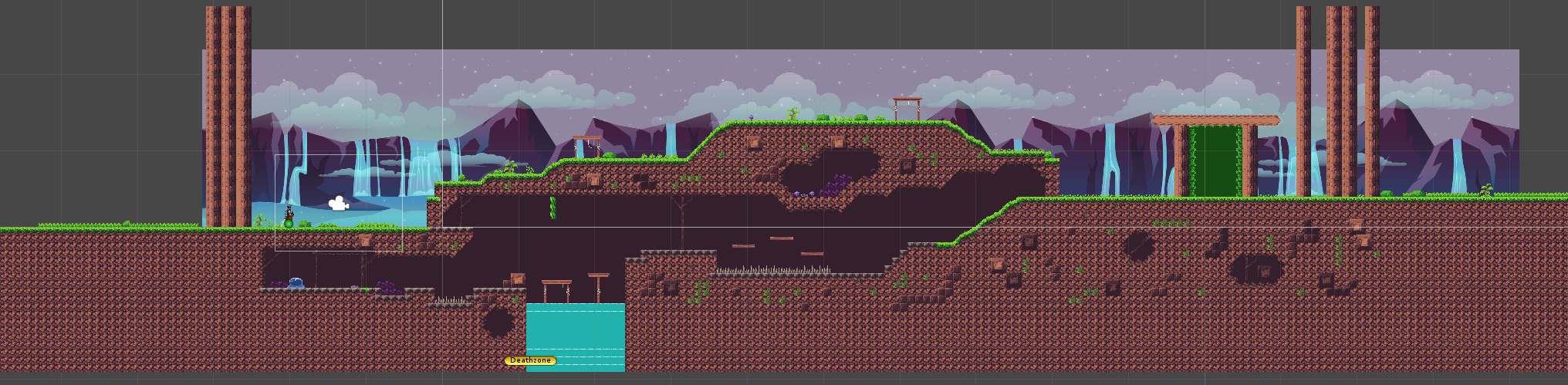
You'll be able to find the script I made for parallax effect in this repository folder.
After creating all the map, I had to implement a character who will be our player. Then, in order to make all the movement of the player, its health and the fighting system, I decided to make 3 different scripts, one for each parts I enumerated.
Firstly, I had to add all the components needed for a character such as a rigidbody 2D to have the gravity on our player and a capsule collider 2D i to avoid our player going through the map (and also a collider on my tile map and all the parts I want my player to not go through).\
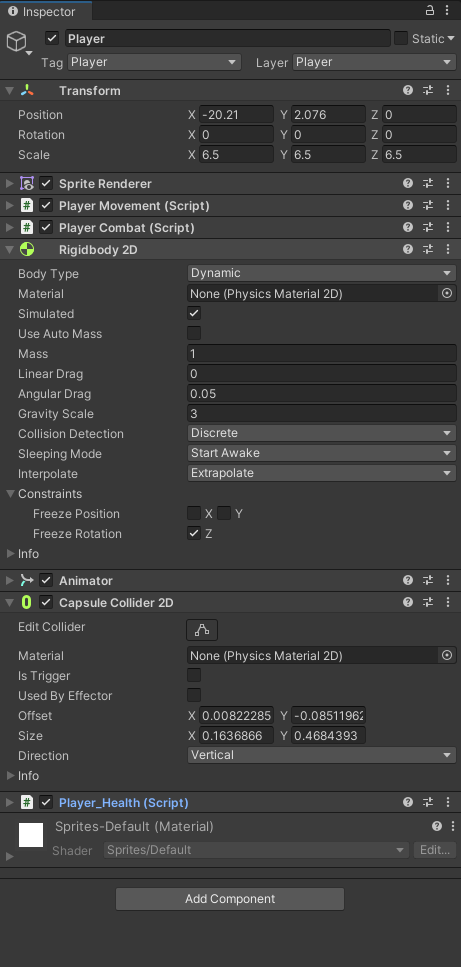
Finally, thanks to all the scripts I made for my character, this one can move right or left, he is facing the way he go, he can crouch (and move while crouching but with a lower speed), he can jump such as a Mario which means that the longer you hold space, the higher the player will go. To continue, the player can attack, change the collider of the attack if he is facing left or right, cannot spam the attack, he has a health bar which decrease when he takes damage and if the health bar is empty, the player die.\
You'll be able to find all the scripts I made for my character in this repository folder.
To improve a bit my skills and show I understood all the things I learned at this point, I decided to implement an enemy. By making this enemy, I decided to create a simple way for him to see the player which is a range in which, if the player goes in, he is detected by the enemy who will chase him until the player is in the range of the enemy. It's the same for the attack, but for this it's only if the player enters in collision with the enemy.
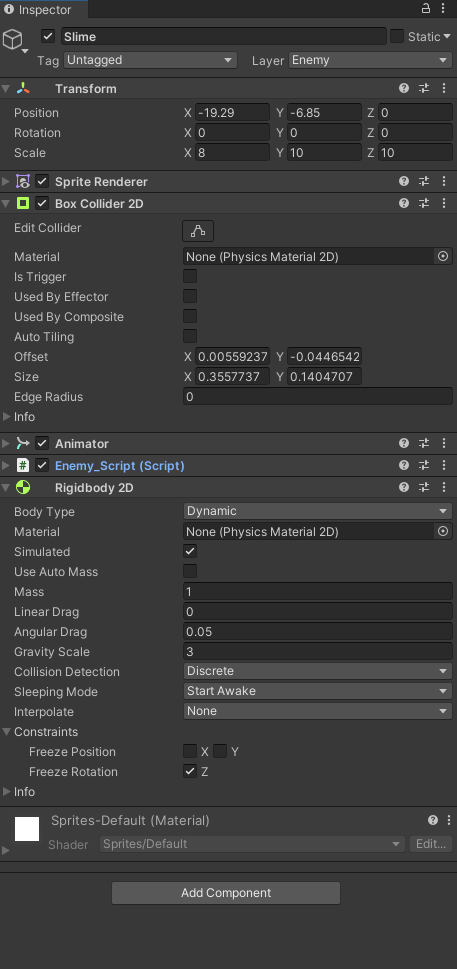
You'll be able to find all the scripts I made for my enemy in this repository folder.
In order to make all the movement of the player and the enemy smoother, I decided to add some animations such as an idle animation, a movement animation, a jump animation, a hurt animation, a death animation, etc... By the way, to use them I created parameters which I implemented in each script of the player and the slime depending on how and when I wanted them to start.\
- Player :

- Enemy :
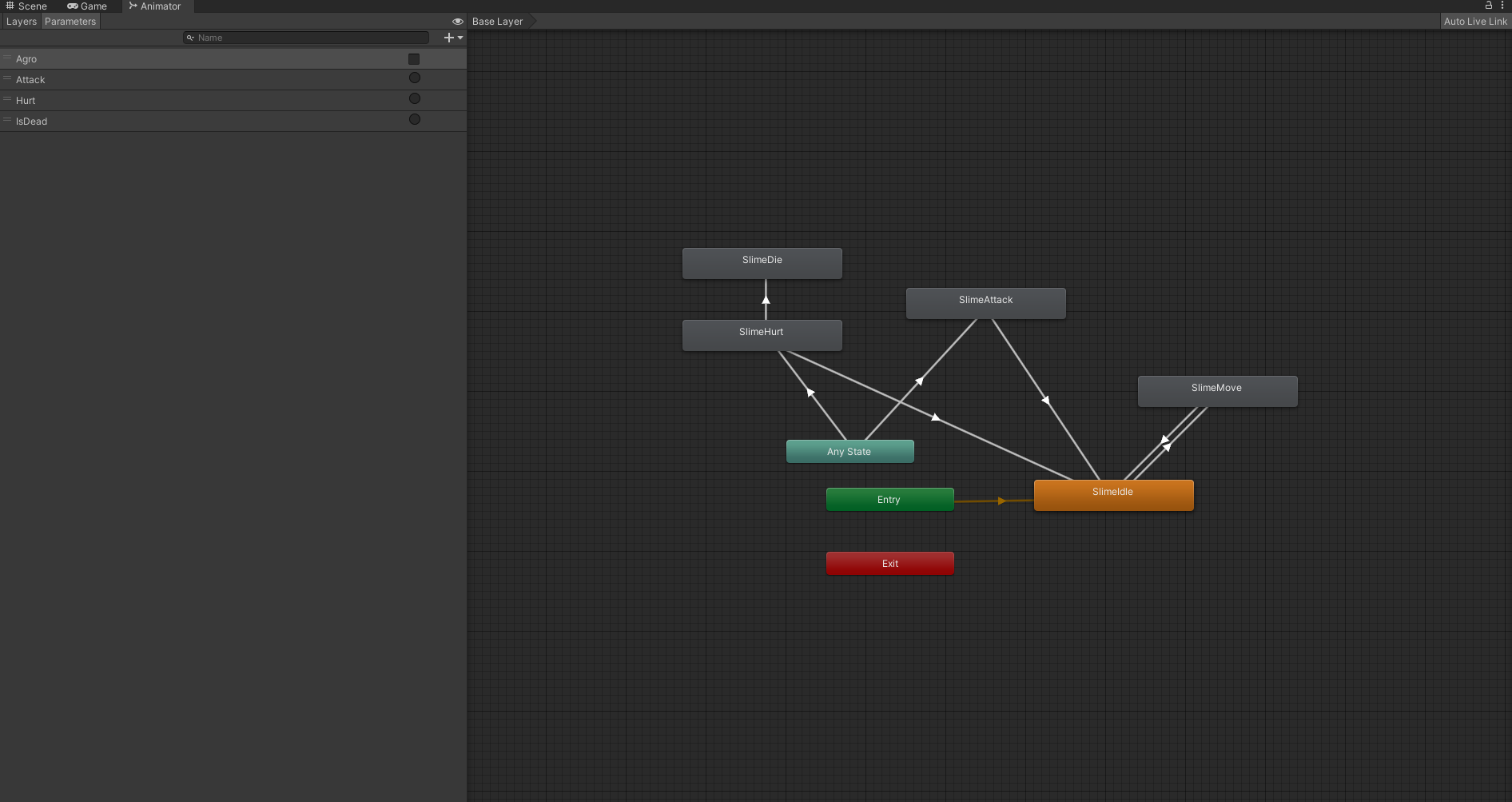
You'll be able to find all the implementation of existant scripts I made for the animations in this repository folder.
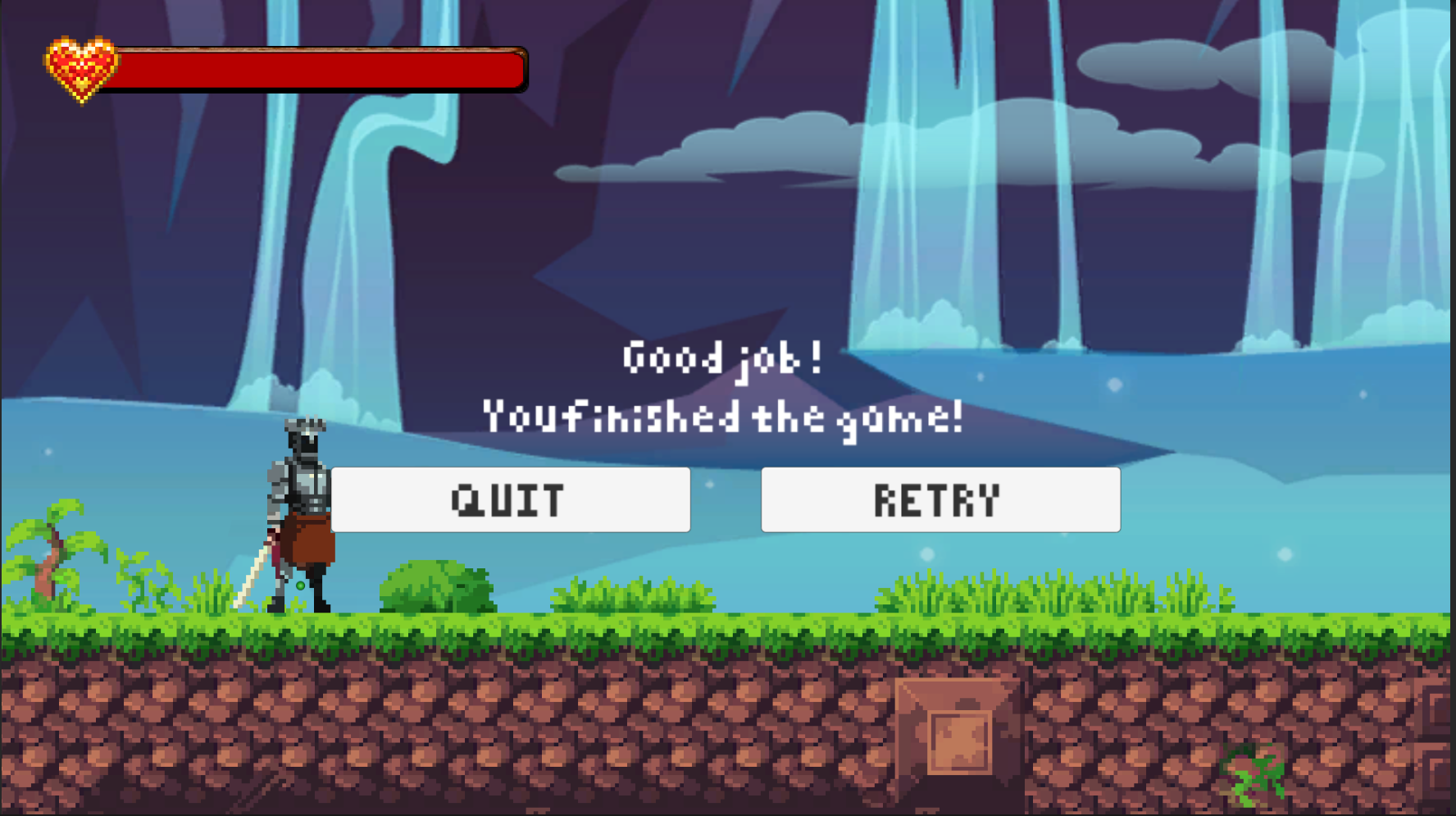
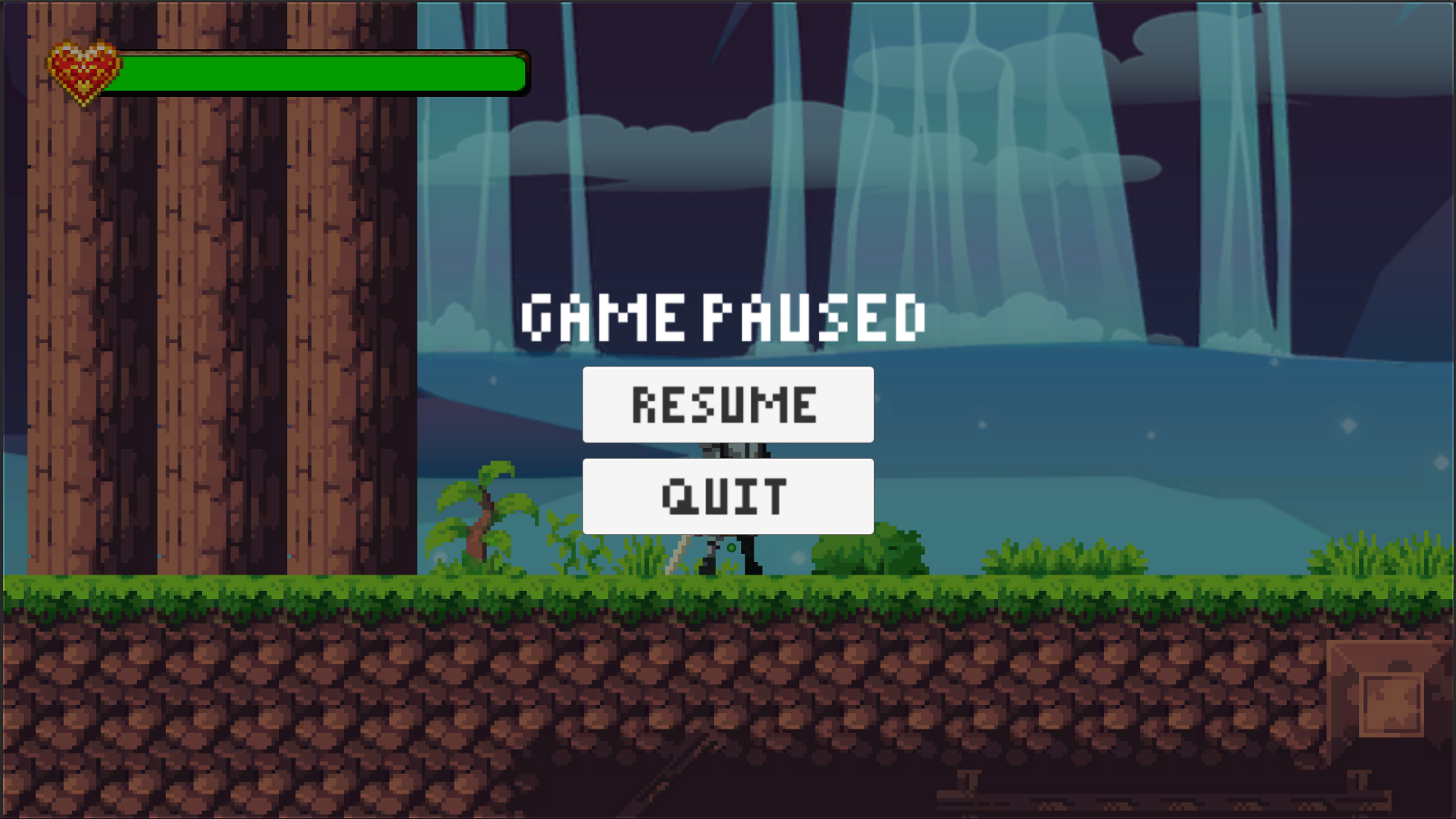
Indeed, when we play video games, if we die and we want to retry, we need to have a menu with buttons who propose it. It's the same for the end menu if we want to retry or quit the game and Pause menu in which we can resume or quit the game.
This is the reason why I decided to search how to do it and to implement it with new gameObjects and new scripts for each one. Then, I discovered that we can make it by using a canva, or the same canva as the health bar I made for the player. Each menu I enumerated before is functionnal because of the implementation I made in the script of each one.
- Ending menu :
- Death menu :

- Pause menu :
You'll be able to find all the scripts I made for all the menus in this repository folder.