
A quiet note organizer and task planner that helps you remember what matters – without the noise.


Most note-taking and planning tools try to do everything: AI, team collaboration, file storage, chat, widgets, and endless integrations. Ever not does the opposite.
Ever not solves one specific problem: keeping your personal notes and daily tasks organized without distraction. No bloated sidebars, no subscription upsells, no background analytics. Just a clean space where your thoughts live exactly as you left them.
If you're tired of apps that feel like operating systems instead of tools, Ever not is for you.
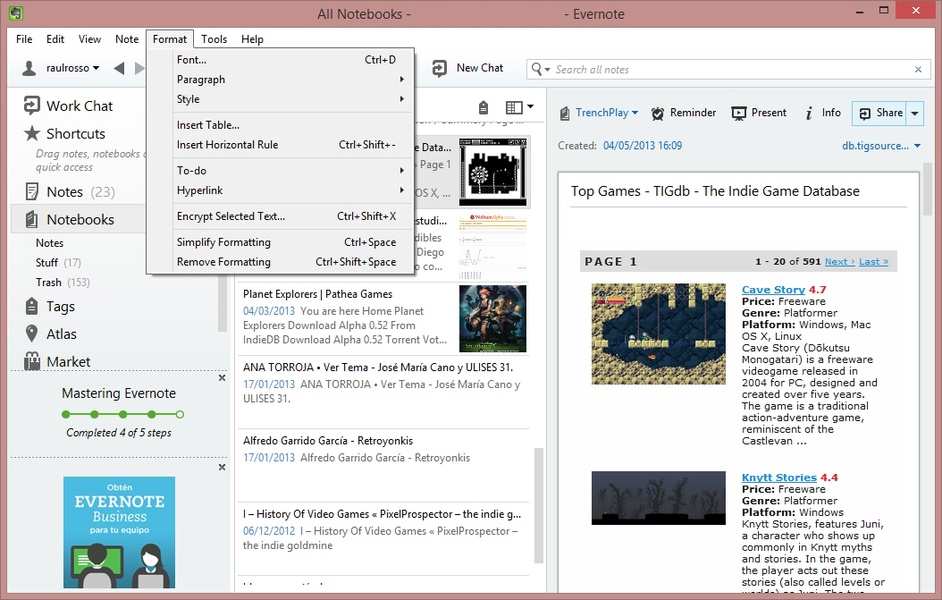
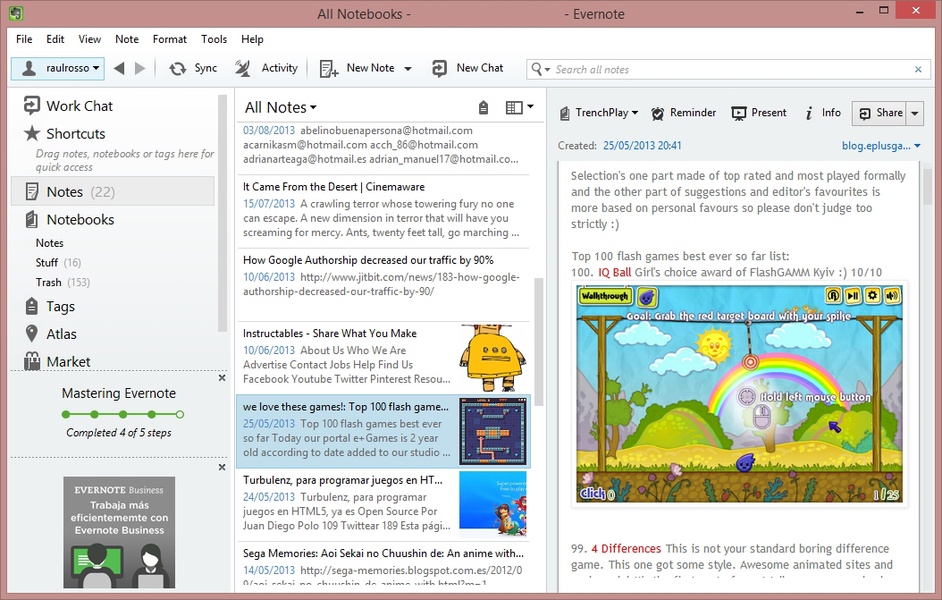
Ever not is a lightweight note organizer and task planner inspired by the best parts of Evernote Premium but stripped of everything unnecessary. You get rich text notes, checklists, labels, and search – nothing more, nothing less.
Unlike other apps, Ever not does not force you into a cloud subscription. Your data stays local unless you choose otherwise. The interface responds instantly because there are no network delays. The app respects your focus by never showing promotional messages or upgrade reminders.
Ever not works the same way on every device: simple, fast, and predictable. Whether you are a student tracking assignments, a writer collecting ideas, or a professional managing daily priorities, Ever not adapts to your workflow – not the other way around.
| Feature | What It Means |
|---|---|
| One job, done well | Ever not organizes notes and plans tasks. No chat, no AI, no calendar spam. |
| Light on resources | Runs below 80 MB RAM. Idles at near-zero CPU. |
| Remembers your choices | All settings, note layouts, and task filters persist across reboots. |
| Instant response | No lag, no loading spinners, no "are you sure?" dialogs. |
| Privacy-first | Ever not phones home exactly zero times. No telemetry, no tracking. |
| Portable mode | Run Ever not from a USB stick. Your notes travel with you. |
| Version | Summary |
|---|---|
| 3.1.0 | Added nested checklists + faster full-text search in Ever not |
| 3.0.0 | Complete rewrite – 50% smaller executable, improved label system |
| 2.4.0 | Dark mode, note templates, and export to plain text |
| 2.3.0 | First public release of Ever not as Evernote Premium alternative |
| 2.0.0 | Redesigned task planner with due dates and priorities |
| 1.5.0 | Basic rich text and folder-based organization |
- Minimalists – Ever not has no tray icons, pop-ups, or "upgrade me" spam. Ever.
- Privacy-conscious users – Ever not never sends your notes anywhere unless you explicitly export them.
- Offline-first people – Ever not works perfectly without internet. No cloud dependency.
- Task planners – The built-in checklist system in Ever not keeps priorities clear.
- Former Evernote Premium users – Ever not gives you the core features without the $130/year fee.
- Students – Organize lecture notes, reading lists, and assignment deadlines inside Ever not.
- Writers – Keep research notes, character sketches, and chapter outlines in one place with Ever not.
- Get Ever not – Grab the latest package (portable or setup).
- Run – No forced installation. Portable version runs immediately.
- Create your first note – Click "New Note" and start typing. Ever not autosaves.
- Add a task – Switch to Task Planner, write a checklist item, press Enter.
- Search later – Ever not indexes everything instantly. Type any word to find notes.
- Use normally – Ever not stays open in the background or hides to tray – your choice.
Most people never open the settings screen because Ever not just works.
| Minimum | Recommended | |
|---|---|---|
| OS | Windows 10 (1909+) | Windows 11 |
| CPU | 1.5 GHz dual-core | 2.0 GHz+ |
| RAM | 1 GB | 2 GB |
| Storage | 150 MB | 500 MB (SSD) |
| Display | 1024x768 | 1920x1080+ |
| Arch | 64-bit | 64-bit |
Ever not also runs on Linux via Wine (community-supported).
- Built with C# / .NET 8 – native performance, no Electron overhead
- Ever not requires no admin rights for normal use
- Handles mixed DPI and per-monitor scaling perfectly
- Zero telemetry – Ever not never phones home. No crash reporting unless you opt in manually.
- Updates: manual check via built-in "Check for Updates" button
- Note storage: plain JSON + optional SQLite for large notebooks
- Ever not supports Markdown export, plain text, and HTML copy-paste
- Task planner in Ever not supports recurring checklists and due date highlighting
- Full-text search across all notes – instant even with thousands of entries
Ever not saves everything in an open format. Even if you stop using Ever not, your notes remain readable in any text editor.
note organizer · task planner · Evernote alternative · Ever not · lightweight notes · privacy first · portable app · windows utility · no subscription · offline notes · checklist manager · personal knowledge base · simple notebook · daily planner · minimal software