Repository navigation
Releases
Tessel v1.1.0

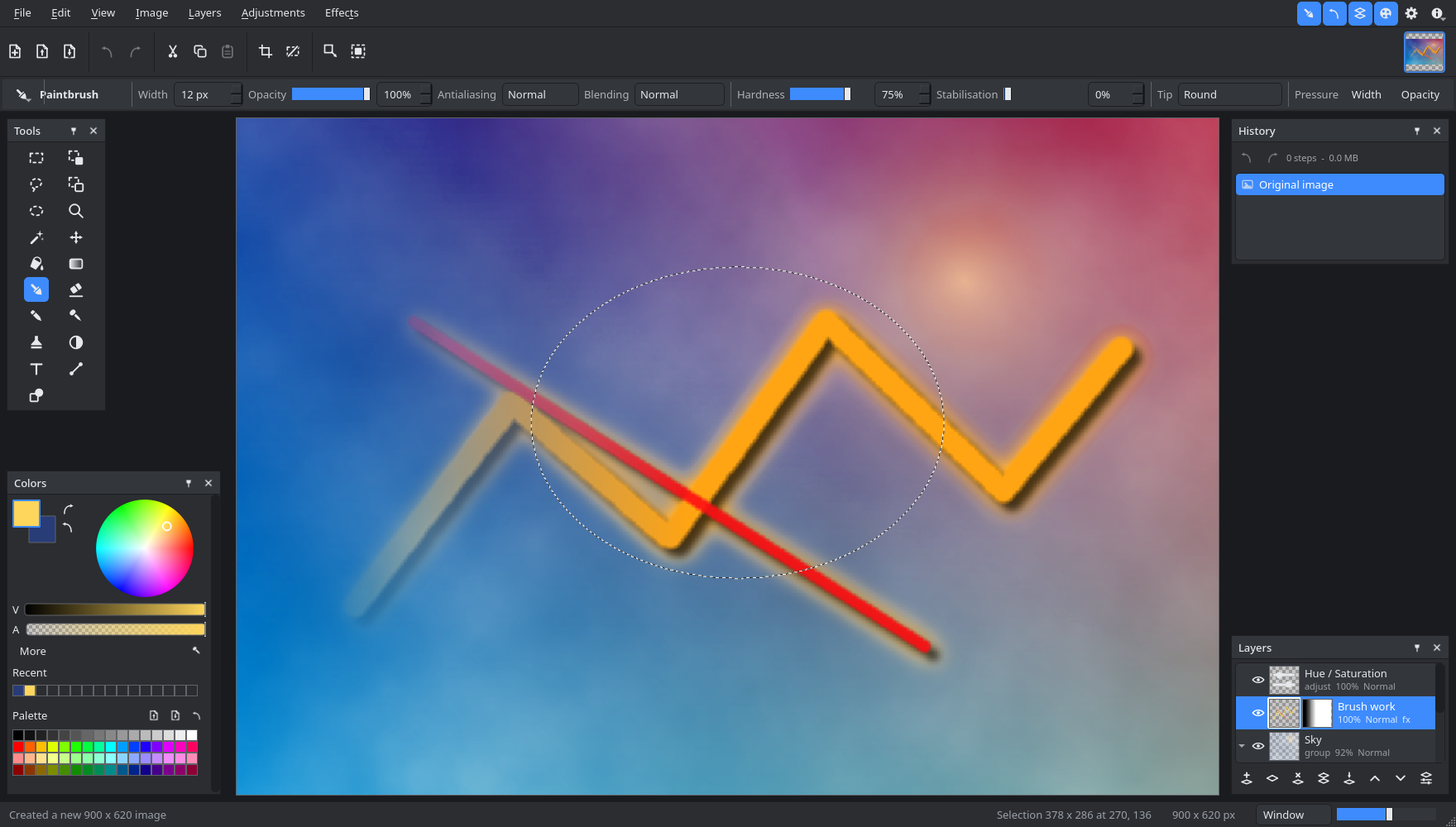
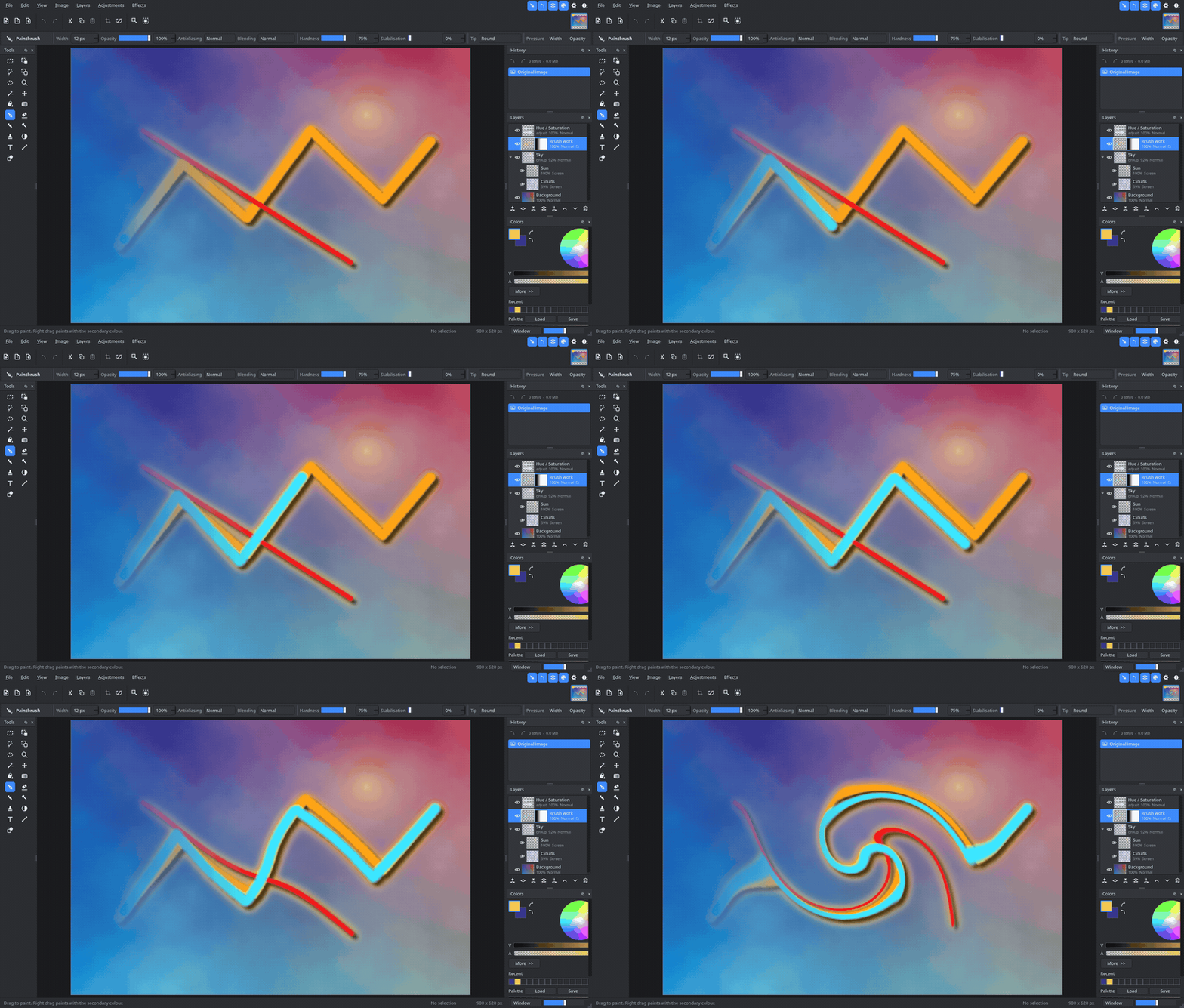
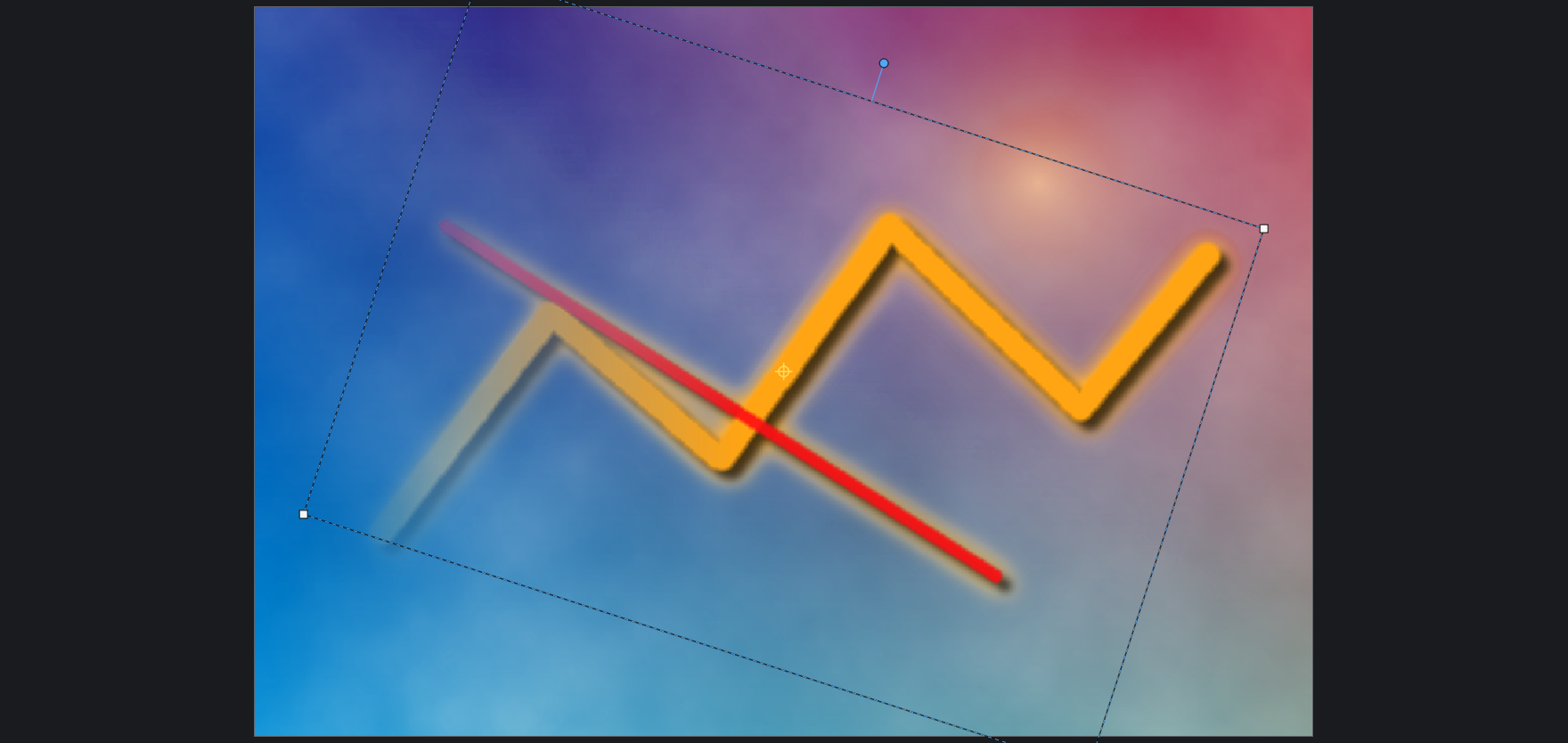
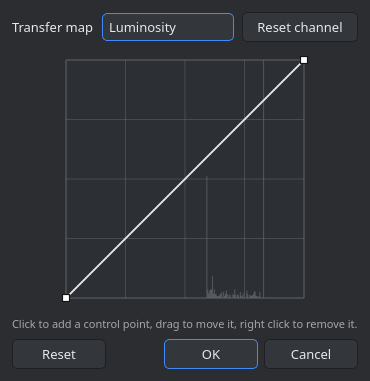
| Rotate and zoom gizmo | Curves | Effects |
|---|---|---|
 |
 |
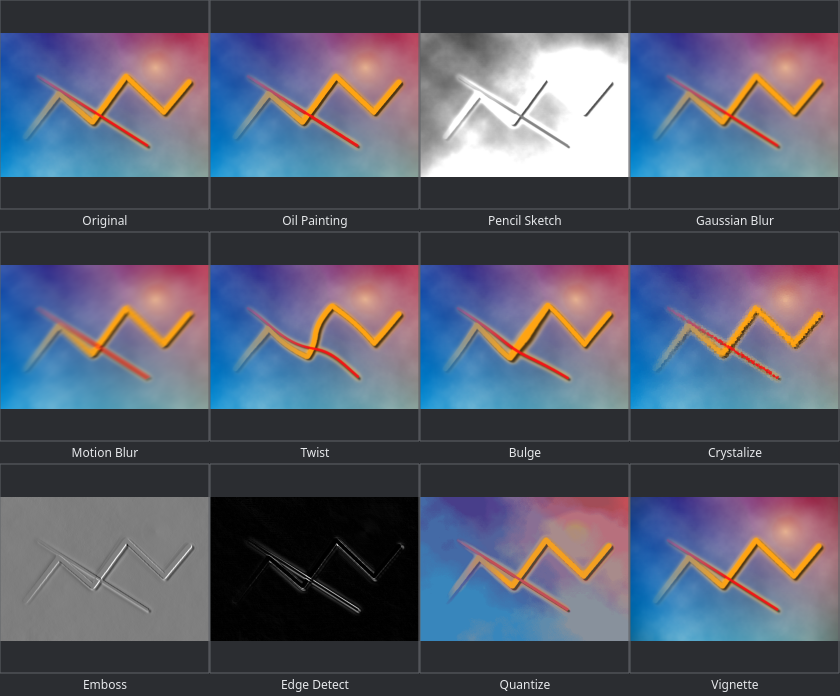 |
Documentation and a usage guide: https://expikapaka.github.io/tessel/
A layered raster image editor for Linux and Windows, written in C++20 with
Qt 6.
Installing
Windows
Download tessel-1.1.0-windows-x64.zip, unpack it anywhere and run
tessel.exe. The Qt runtime it needs is in the zip, so nothing else has to be
installed. The build is 64 bit and is made with MSVC.
Linux
Download the tarball, unpack it and run tessel. Qt 6 must be present on the
system, since the binary links against it dynamically:
- Arch and derivatives:
pacman -S qt6-base - Debian and Ubuntu:
apt install libqt6widgets6 libqt6printsupport6 - Fedora:
dnf install qt6-qtbase
To put it in the application menu:
sudo install -Dm755 tessel /usr/local/bin/tessel
sudo install -Dm644 org.tessel.Tessel.desktop /usr/share/applications/org.tessel.Tessel.desktop
sudo install -Dm644 org.tessel.Tessel.svg /usr/share/icons/hicolor/scalable/apps/org.tessel.Tessel.svg
Building from source needs only CMake, Qt 6 development headers and zlib; the
README covers it.
What 1.1.0 adds
Everything below is new since 1.0.0. The whole of it is covered by the two test
suites, which run on Linux and on Windows before a build is published.
Layers
- Layer groups. Layers are a tree now. A group carries its own name,
visibility, opacity, blend mode and mask, and applies them to what its
children composite to. Add Group is Ctrl+Alt+G, and a layer is dragged into
or out of a group in the Layers panel. - Layer masks. Any layer can carry an 8 bit mask, painted with the ordinary
tools: white reveals, black hides. The panel shows the mask beside the layer
and rings the one the brush is going to, and Layers > Layer Mask adds,
enables, inverts, applies and deletes it. - Adjustment layers. A layer that holds an effect instead of pixels and
applies it to everything below it inside its group, re-editable for ever by
double clicking it. Its mask decides where it acts. - A non destructive effect stack on any layer. A list of effects applied
when the layer is composited, with the stored pixels left alone. Add,
reorder, disable, re-edit and Flatten, from the Layer Properties dialog.
Painting
- Tablet pressure, driving brush width and opacity, each switchable and off
by default, so a mouse behaves exactly as it did. - Stroke stabilisation, a 0 to 100 slider that steadies a shaky line while
still ending where the pointer came up. - Custom brush tips loaded from a PNG and remembered between runs.
- Overwrite blending, which replaces what is under the brush instead of
compositing over it, and an antialiasing level instead of a plain switch. - The soft brush was rebuilt: its falloff is a bell rather than a power curve,
so a soft stroke reads as blurred instead of as a flat grey strip, and one
stroke now lays down one coat of paint, which is what took the crescents out
of fast strokes and out of crossings.
Text
- Text stays editable after it is applied. Its words, font, size, style,
alignment, colour and position can be changed again by clicking it with the
text tool. Live text is outlined while the tool is active, and painting over
it drops it back to ordinary pixels with a note in the status bar. The items
are saved in the native format.
Effects
- Plugins. Effects can be written outside the program and dropped into a
plugins directory. There is a documented interface with a version the host
checks, a report under Effects > About the Plugins, and an example plugin:
https://expikapaka.github.io/tessel/plugins.html - The preview no longer waits a fixed quarter of a second before sharpening:
the wait follows what the last full resolution pass actually cost.
The window
- The panels sit in the corners. Tools, Colours, History and Layers are
four panels standing over the canvas rather than strips down the sides of the
window, so the image is one piece and runs underneath them. Each one is only
as tall as what it holds, and a list grows to six rows before it scrolls. - A panel is dragged by its title bar into whichever of the four corners
the pointer is nearest, or let go of anywhere else to float there. The pin in
its title bar does the same without the dragging, and where each panel stands
is remembered between runs.
Not losing work
- Autosave writes every changed document to a recovery copy on a timer,
from a worker thread, so the interface does not stop. - Crash recovery. A session that did not end cleanly is offered back at the
next start, with the choice to recover, discard or decide later. - Session restore reopens the documents that were open last time.
- All four are switchable, with their intervals, in Settings.
Speed
- Compositing is tiled. A change rebuilds only the tiles it touches, so a
brush dab on a 4000 by 3000 document with eight layers costs 0.09 ms instead
of 47 ms, and a full repaint got faster as well. Effects are deliberately
computed on the whole canvas and cached rather than per tile, because a blur
cannot know what is on the other side of a tile border. - A race in the thread pool was fixed: a worker could take work from the next
pass while still holding the previous one, which crashed about one run of the
test suite in twenty and could have left a stroke or a composite quietly
wrong.
Languages
- The interface is translatable and ships in Russian, 828 strings. The
language is chosen in Settings, or taken from the system, and applies at the
next start.
Verification
Every published build runs the full headless core and interface test suites
before the release is created, on Linux and on Windows alike, and the Windows
package is started once from its own folder to prove the runtime beside it is
complete. Screenshots of the interface are in the
repository under docs/screenshots.
Tessel v1.0.0
| Rotate and zoom gizmo | Curves | Effects |
|---|---|---|
|
|
|
Documentation and a usage guide: https://expikapaka.github.io/tessel/
A layered raster image editor for Linux and Windows, written in C++20 with
Qt 6.
Installing
Windows
Download tessel-1.0.0-windows-x64.zip, unpack it anywhere and run
tessel.exe. The Qt runtime it needs is in the zip, so nothing else has to be
installed. The build is 64 bit and is made with MSVC.
Linux
Download the tarball, unpack it and run tessel. Qt 6 must be present on the
system, since the binary links against it dynamically:
- Arch and derivatives:
pacman -S qt6-base - Debian and Ubuntu:
apt install libqt6widgets6 libqt6printsupport6 - Fedora:
dnf install qt6-qtbase
To put it in the application menu:
sudo install -Dm755 tessel /usr/local/bin/tessel
sudo install -Dm644 org.tessel.Tessel.desktop /usr/share/applications/org.tessel.Tessel.desktop
sudo install -Dm644 org.tessel.Tessel.svg /usr/share/icons/hicolor/scalable/apps/org.tessel.Tessel.svg
Building from source needs only CMake, Qt 6 development headers and zlib; the
README covers it.
What is in this release
Everything below is new, since this is the first release.
- 19 tools: four selection tools with five combine modes, move selected pixels
with scaling handles, move selection, paintbrush, pencil, eraser, paint
bucket, gradient in five shapes, clone stamp, recolor, colour picker, text,
line and curve, 30 shapes, zoom and pan - Layers with 14 blend modes, per layer opacity and visibility, merge, flatten,
reorder, flip, and rotate or zoom - 13 adjustments, with dedicated histogram dialogs for Curves and Levels
- 40 effects across Artistic, Blurs, Color, Distort, Noise, Object, Photo,
Render and Stylize, each with a generated dialog and a live canvas preview - Undo history that records only the pixels a stroke touched, with a History
panel you can jump around in - A native layered format (
.tessel), OpenRaster for exchanging layered images
with Krita, GIMP and MyPaint, plus PNG, JPEG, BMP, TIFF, WebP, TGA, GIF and
ICO - An interactive Rotate / Zoom gizmo on Ctrl+Shift+Z: drag to move, a corner to
scale about the pivot, the arm to turn, with live preview and tiling - Selection editing: feather, grow, shrink and border, built on an exact
Euclidean distance transform, plus free transform with rotation - Palettes that load and save as .gpl or plain hex, a recent colours row, and a
screen wide colour picker where the display server allows it - Dark and light themes, and icons drawn at runtime rather than loaded from
files - Builds for Linux and for Windows, both produced and tested by CI
- Keyboard shortcuts that keep working while a non Latin keyboard layout is
active
Verification
Every published build runs the full headless core and interface test suites
before the release is created, on Linux and on Windows alike, and the Windows
package is started once from its own folder to prove the runtime beside it is
complete. Screenshots of the interface are in the
repository under docs/screenshots.