Repository navigation
Tessel v1.0.0

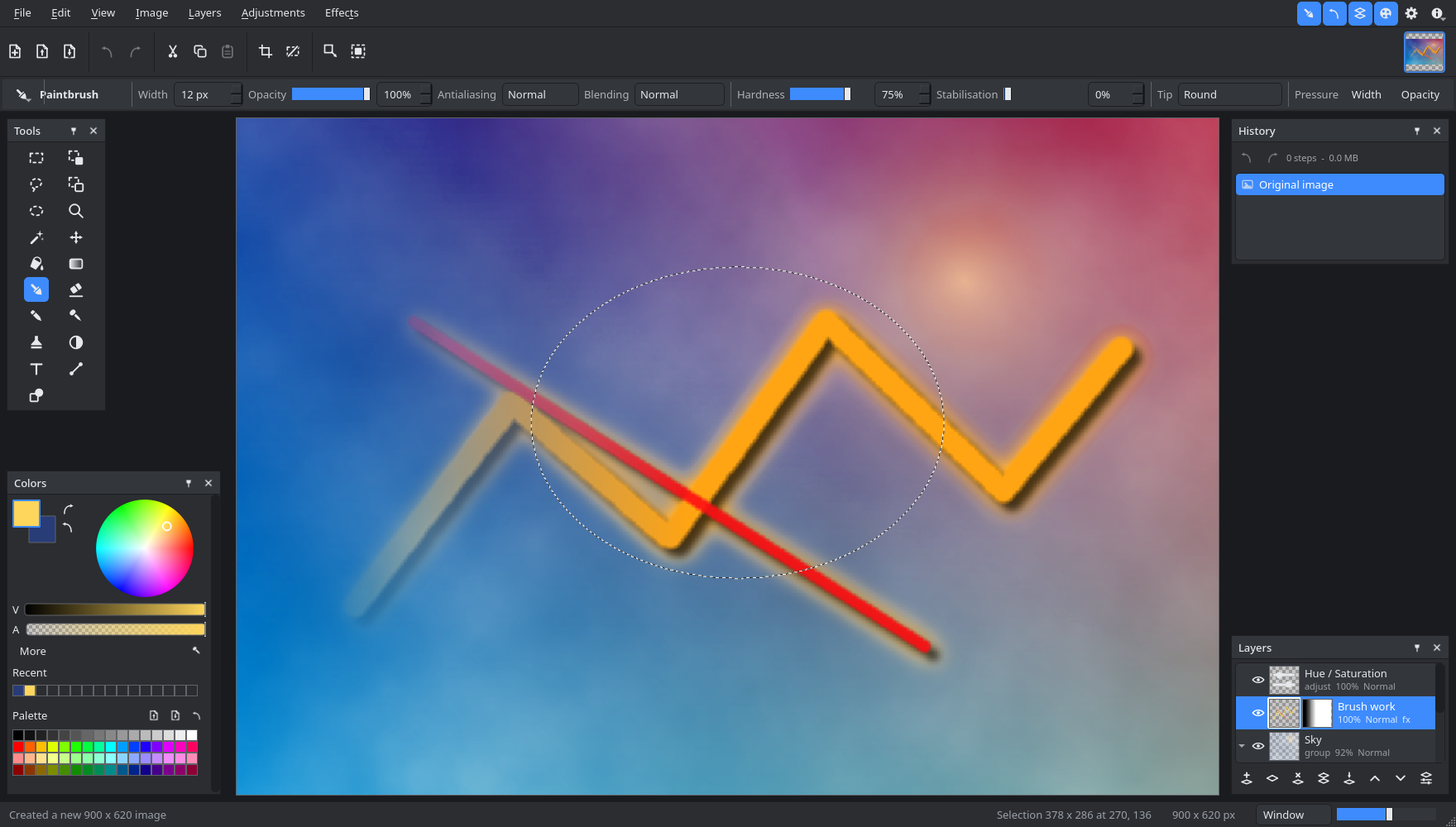
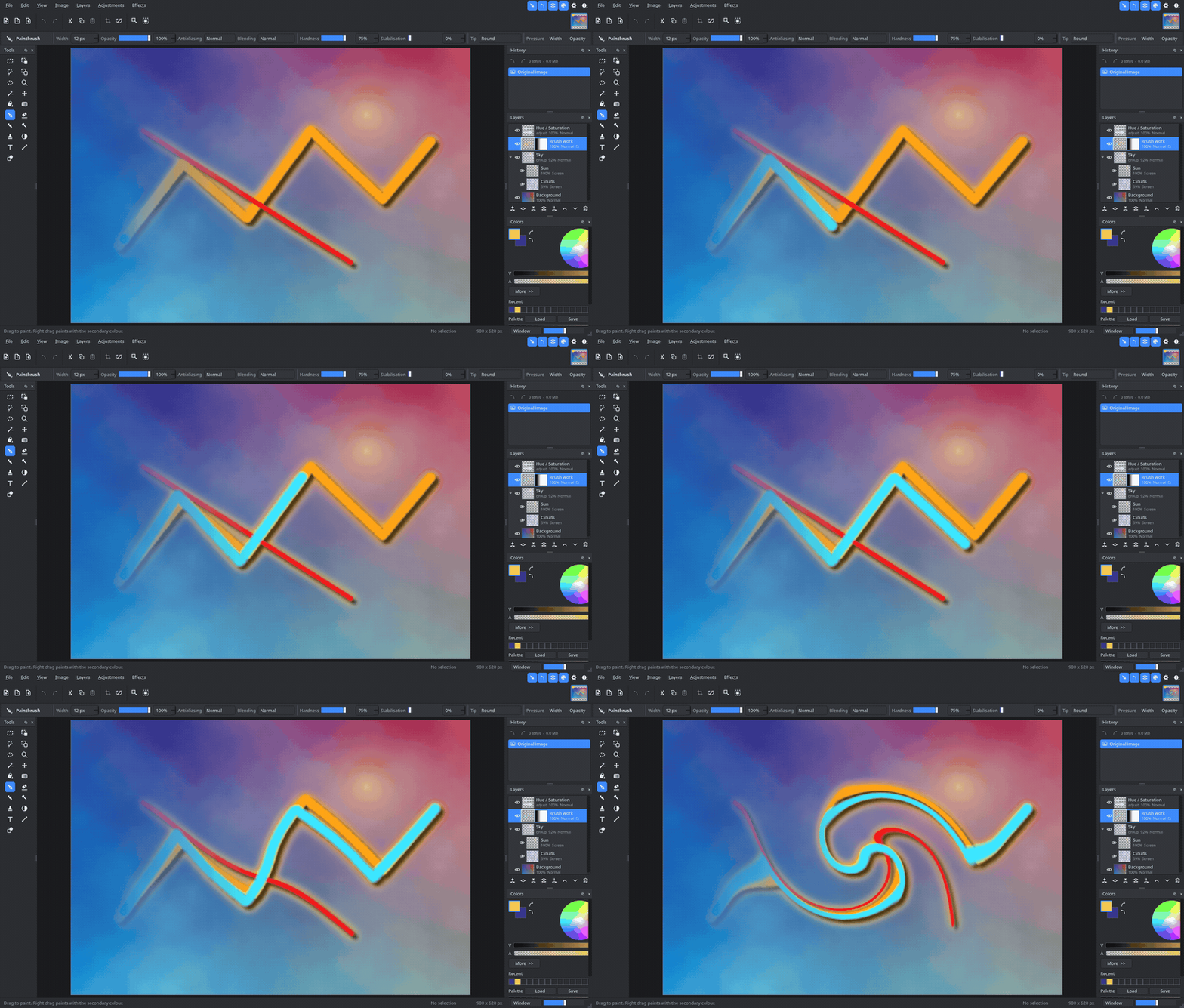
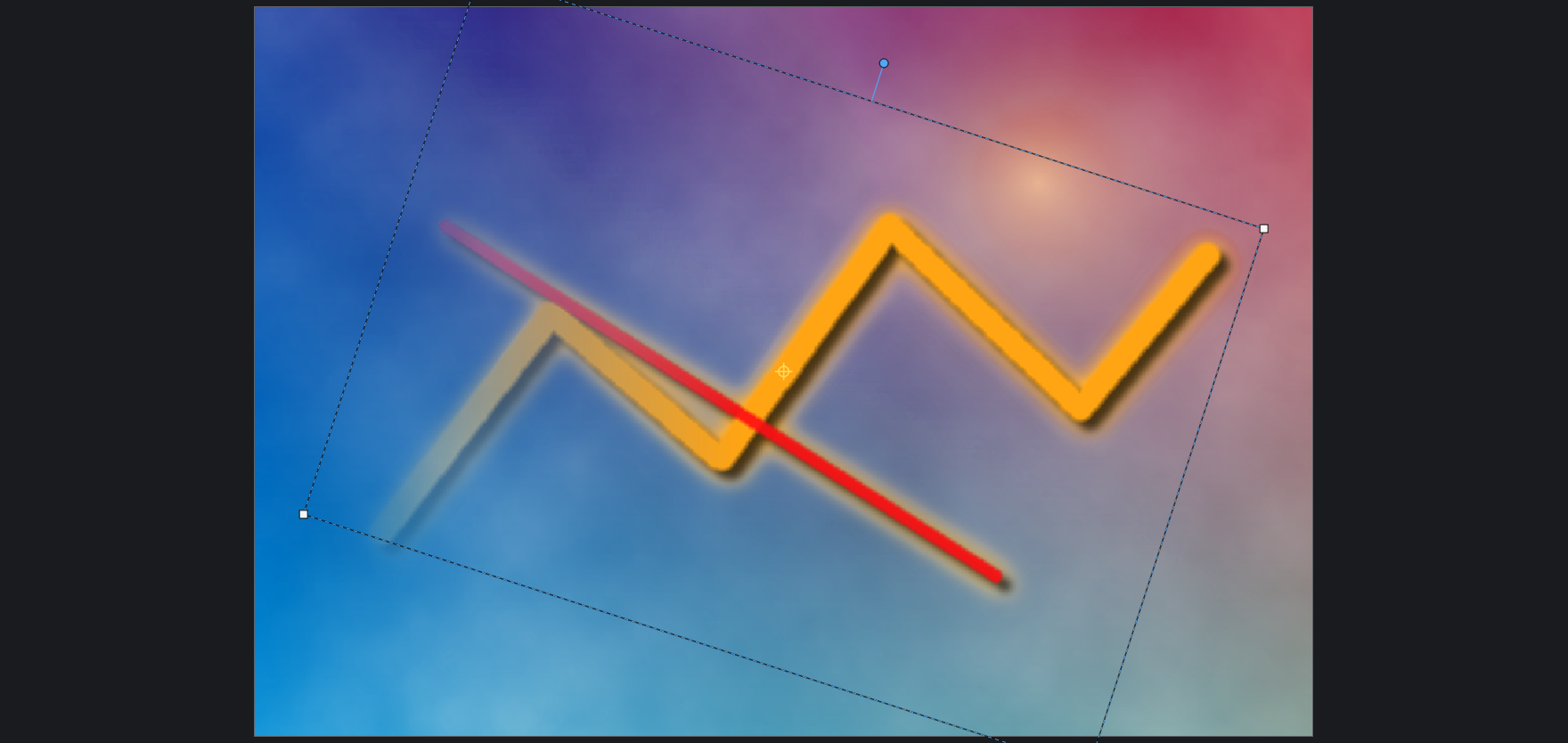
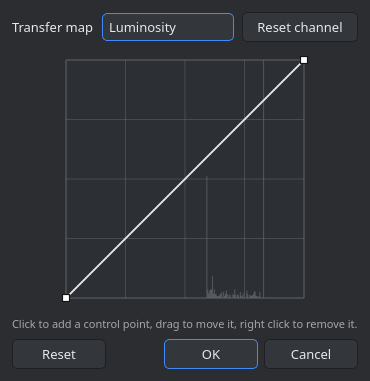
| Rotate and zoom gizmo | Curves | Effects |
|---|---|---|
 |
 |
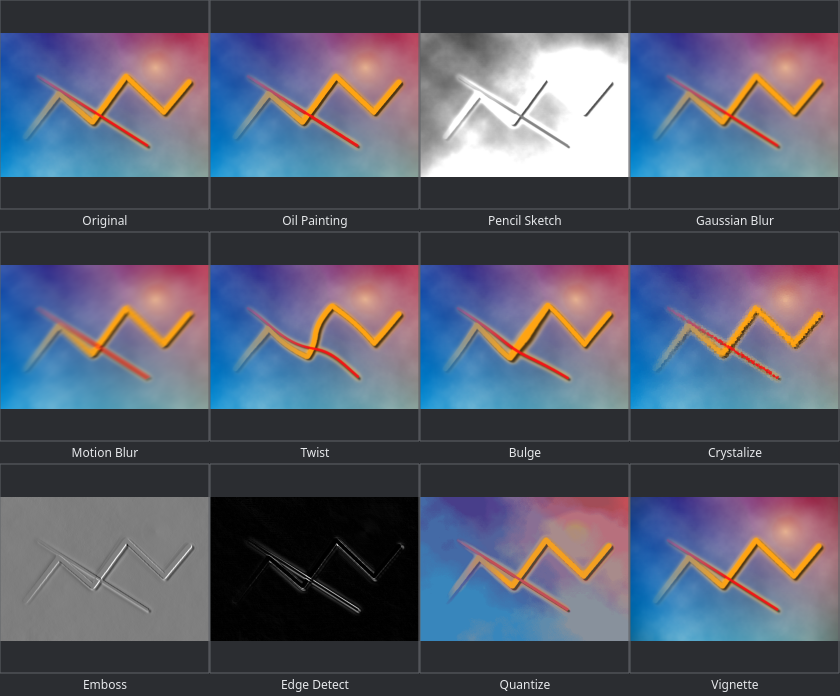 |
Documentation and a usage guide: https://expikapaka.github.io/tessel/
A layered raster image editor for Linux and Windows, written in C++20 with
Qt 6.
Installing
Windows
Download tessel-1.0.0-windows-x64.zip, unpack it anywhere and run
tessel.exe. The Qt runtime it needs is in the zip, so nothing else has to be
installed. The build is 64 bit and is made with MSVC.
Linux
Download the tarball, unpack it and run tessel. Qt 6 must be present on the
system, since the binary links against it dynamically:
- Arch and derivatives:
pacman -S qt6-base - Debian and Ubuntu:
apt install libqt6widgets6 libqt6printsupport6 - Fedora:
dnf install qt6-qtbase
To put it in the application menu:
sudo install -Dm755 tessel /usr/local/bin/tessel
sudo install -Dm644 org.tessel.Tessel.desktop /usr/share/applications/org.tessel.Tessel.desktop
sudo install -Dm644 org.tessel.Tessel.svg /usr/share/icons/hicolor/scalable/apps/org.tessel.Tessel.svg
Building from source needs only CMake, Qt 6 development headers and zlib; the
README covers it.
What is in this release
Everything below is new, since this is the first release.
- 19 tools: four selection tools with five combine modes, move selected pixels
with scaling handles, move selection, paintbrush, pencil, eraser, paint
bucket, gradient in five shapes, clone stamp, recolor, colour picker, text,
line and curve, 30 shapes, zoom and pan - Layers with 14 blend modes, per layer opacity and visibility, merge, flatten,
reorder, flip, and rotate or zoom - 13 adjustments, with dedicated histogram dialogs for Curves and Levels
- 40 effects across Artistic, Blurs, Color, Distort, Noise, Object, Photo,
Render and Stylize, each with a generated dialog and a live canvas preview - Undo history that records only the pixels a stroke touched, with a History
panel you can jump around in - A native layered format (
.tessel), OpenRaster for exchanging layered images
with Krita, GIMP and MyPaint, plus PNG, JPEG, BMP, TIFF, WebP, TGA, GIF and
ICO - An interactive Rotate / Zoom gizmo on Ctrl+Shift+Z: drag to move, a corner to
scale about the pivot, the arm to turn, with live preview and tiling - Selection editing: feather, grow, shrink and border, built on an exact
Euclidean distance transform, plus free transform with rotation - Palettes that load and save as .gpl or plain hex, a recent colours row, and a
screen wide colour picker where the display server allows it - Dark and light themes, and icons drawn at runtime rather than loaded from
files - Builds for Linux and for Windows, both produced and tested by CI
- Keyboard shortcuts that keep working while a non Latin keyboard layout is
active
Verification
Every published build runs the full headless core and interface test suites
before the release is created, on Linux and on Windows alike, and the Windows
package is started once from its own folder to prove the runtime beside it is
complete. Screenshots of the interface are in the
repository under docs/screenshots.