Repository navigation
CarLink 1.0.15

- Fixed: on Android 17, Home kept saying "Permissions needed" for wireless CarPlay, because its
Allow button never asked for the new Local network permission (#38). Wireless Android Auto now
asks for it on Android 17 too. - Fixed: on a phone or tablet used as the screen, turning it no longer drops CarPlay to Home
for 10-50 s; CarPlay turns with the screen. - Fixed: CarPlay could lag behind touches on fast screens; it now runs at 60 fps where the
hardware carries it. - Fixed: on a phone or tablet used as the screen, Android Auto drew a phone-sized layout with
oversized icons; it is now laid out like a car display, as CarPlay is. - New: on a phone or tablet used as the screen, Android Auto now turns with the screen without
reconnecting (it used to reconnect, and sometimes failed to). - Faster and lighter on low-end head units: CarPlay uses far less video memory, Android Auto's
buffers are smaller, and the app starts a little faster. On units with 1.5 GB of memory or
less, CarPlay is capped at 1280x720, Android Auto uses direct video output, its engine is not
kept running in the background, and the floating switcher starts off (Settings can turn it on). - Fixed: when this screen cannot set up its Wi-Fi Direct link, Android Auto now says so and
tries the next connection instead of "your phone didn't answer" (#40). - Fixed: a green CarPlay screen on phones such as the Huawei P20 Lite (#26).
- New: CarLink now runs on Intel (x86) head units such as FYT/SYU SC9853i stereos (thanks
j0hann3sk). - Fixed, from DiPlay: wired CarPlay could stall when the iPhone repeated its first link message;
the call microphone could stay silent after it failed to restart; the CarPlay picture could be
lost after leaving split screen or closing a video; music now plays at the car's own sample
rate; Bluetooth wake retries; and safer handling of malformed data from the phone.
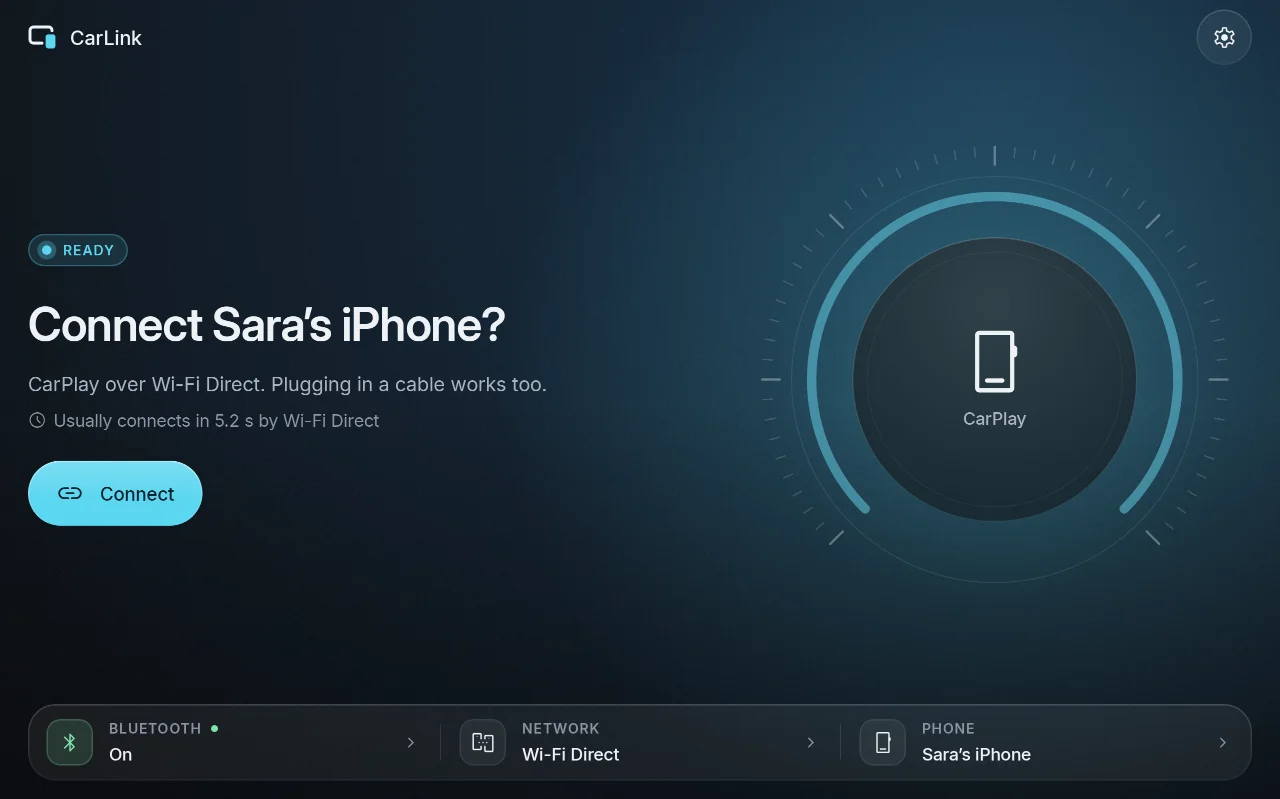
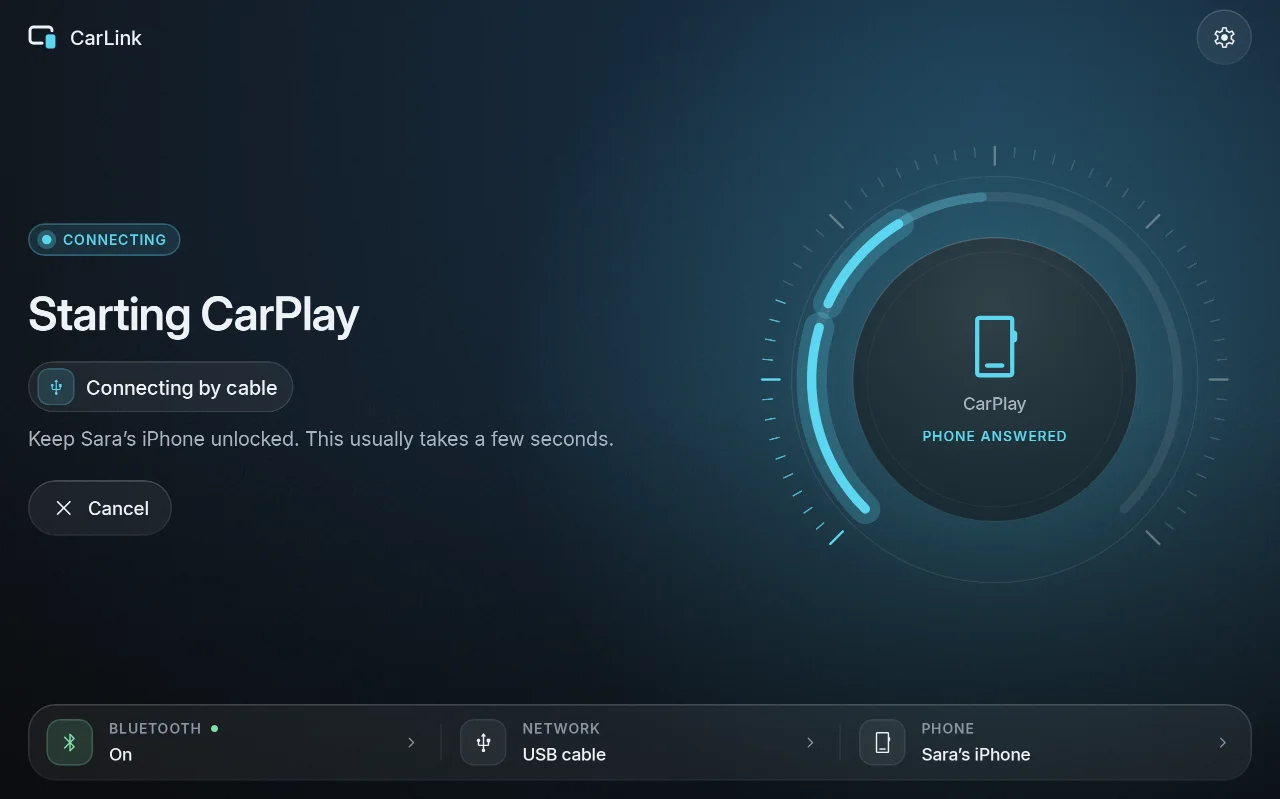
Screenshots
| Ready | Connecting | Car brand |
|---|---|---|
 |
 |
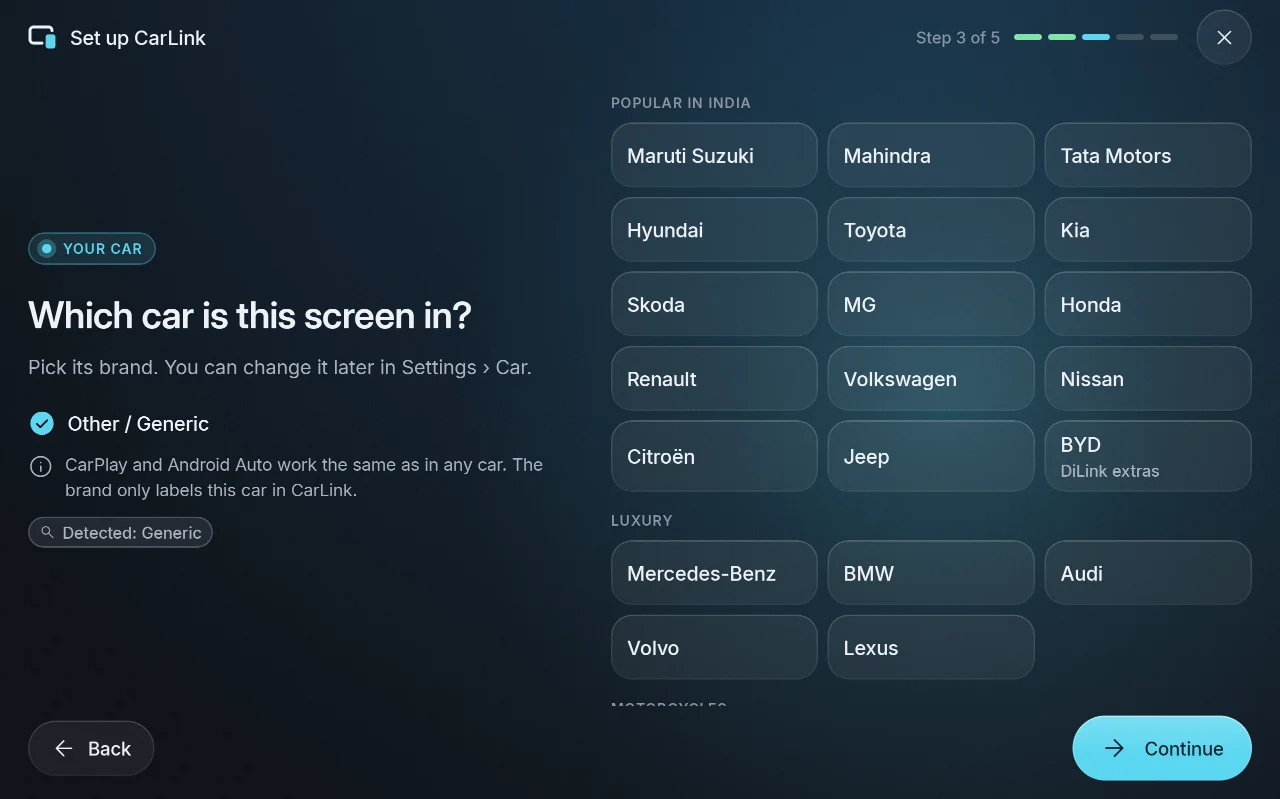 |
More in the screenshot gallery.
Download and install
- On the car stereo or tablet, download CarLink-1.0.15.apk (19 MB) from the assets below.
- Open it and allow installing apps from your browser or file manager when Android asks.
- Open CarLink and follow the first-time setup. Then plug in your phone, or pair it once over
Bluetooth for wireless.
After that, CarLink finds new releases itself and asks before installing them (Settings ›
About › Check for updates).
Needs: Android 7.1 or newer (ARM) on the stereo or tablet. An iPhone gets CarPlay, an Android
phone gets Android Auto. Wireless needs Bluetooth and Wi-Fi on both sides; USB needs only the cable.
Verify the download
- SHA-256 of CarLink-1.0.15.apk:
c686a002bb6167751cf97059f429d14e42cc02e3ac1164772e5f35d6493cfc2d(also inCarLink-1.0.15.apk.sha256) - Signing certificate SHA-256:
03:74:68:CA:5B:EB:70:EA:5F:68:54:33:29:B0:33:68:24:7D:FB:39:3D:3F:62:6A:6B:47:2D:10:E5:65:7D:21
Every CarLink release is signed with this certificate, and the in-app updater installs only APKs
signed with it. Check with sha256sum CarLink-1.0.15.apk and apksigner verify --print-certs CarLink-1.0.15.apk.
CarPlay notice
CarLink is not an Apple-certified product. As in DiPlay's releases, the release APK bundles an
experimental accessory identity recovered from public Carlinkit firmware, not a newly provisioned
MFi identity for CarLink. A bundled private key is extractable. Acceptance after future iOS
updates, reliability across head units and suitability of that identity for general distribution
are unresolved: there is no guarantee that CarPlay keeps working after an iOS update. Android
Auto does not depend on it.
Source and license
Source for this release: v1.0.15.
CarLink is AGPL-3.0. It is built on DiPlay (CarPlay,
GPL-3.0) and DiAuto (Android Auto, AGPL-3.0).
CarLink is not affiliated with Apple or Google; CarPlay is a trademark of Apple Inc. and Android
Auto a trademark of Google LLC.
Found a problem? See troubleshooting,
or tap Report on GitHub in CarLink (Home or Diagnostics) to open an issue with the log and the error filled in.