Repository navigation
MCP Server
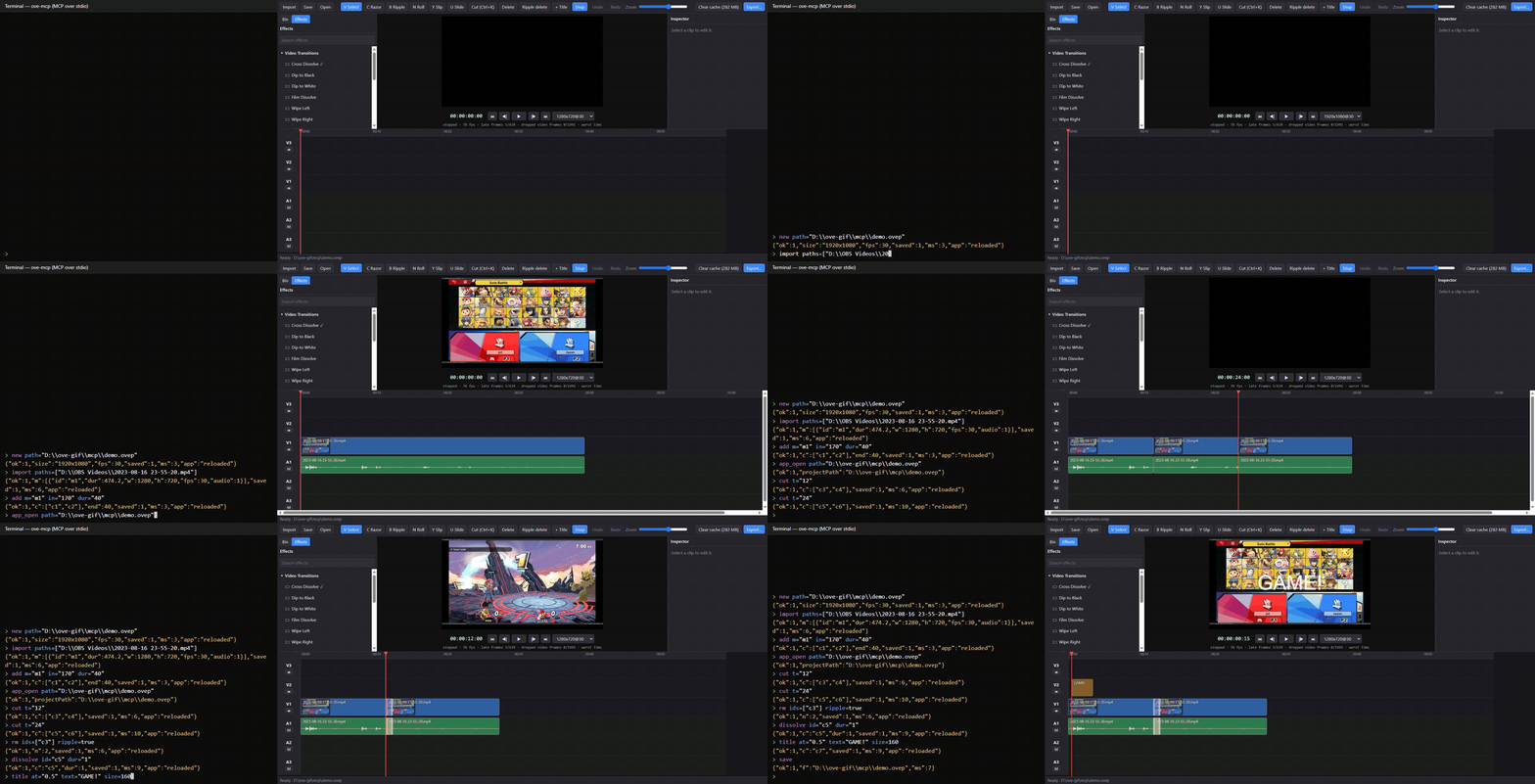
ove is also an MCP server: every ove command is a typed tool (plus a raw ove tool), frames and contact sheets come back as small images, and the running app opens the project for you. Code: cli/mcp.js (tool table), electron/control.js (the app's control channel).
From the release zip, ove-mcp.cmd runs the server with the bundled Electron in Node mode (no Node install). Put this in .mcp.json in your project folder, with your unzip path:
{ "mcpServers": { "ove": { "command": "cmd", "args": ["/c", "C:\\Tools\\Open-Video-Editor\\ove-mcp.cmd"] } } }
app_launch starts Open Video Editor.exe from the same folder when the app isn't running.
From a source checkout:
npm.cmd install        # once
npm.cmd run mcp        # or: node cli/mcp.js (stdio)
Claude Code picks it up from .mcp.json in the repo:
{"mcpServers":{"ove":{"command":"node","args":["cli/mcp.js"]}}}
The app tools (app_open, app_seek, app_selection, app_capture, app_launch) need Windows node, so from WSL use "command":"node.exe" with the Windows path of the repo copy. After each edit the server reloads the project in the app and parks the playhead on the change, unless the app has unsaved changes.
Example: "remove the dead air from D:\OBS Videos\clip.mp4 and show me" -> new, import, silence, add/cut/rm calls, check, and the app shows the cut timeline with the playhead on the first cut. You review, then export in the app (the server never exports).
The app listens on 127.0.0.1 on a random port and writes cache/ove/app.json ({port,token,pid}). Every request needs Authorization: Bearer <token>. A fresh app counts as dirty until the sample prefill finishes, and open waits for that.