OBS and Recording Setup
Collection of tips and tricks how to create great Gothic-UnZENity videos in VR.
- Record whole monitor
- Settings:
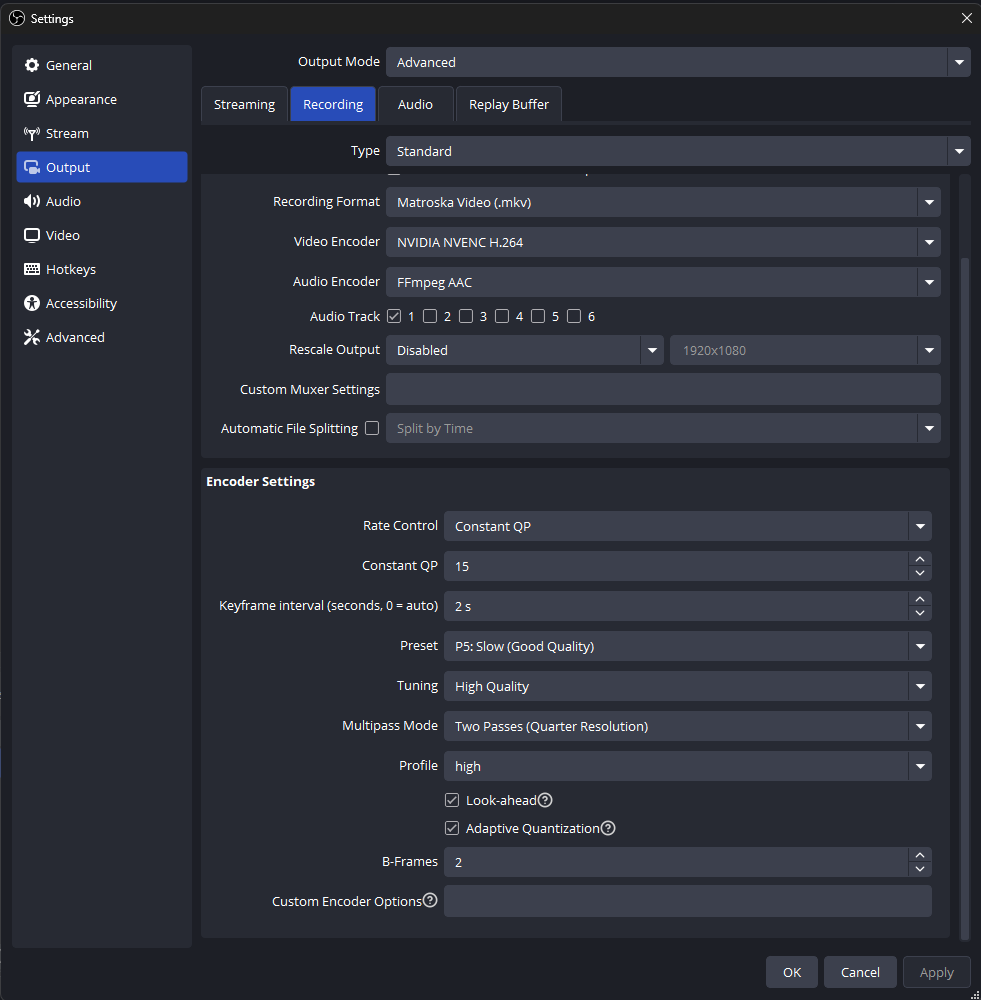
- Resolution: 1920x1080
- Disable overlays and tools (fpsVR)
- Fullscreen UnZENity view on your monitor
- Settings -> VR Immersion -> VR Spectator smootheness: Set to e.g., high