Repository navigation
4.CONCEPT GENERATION
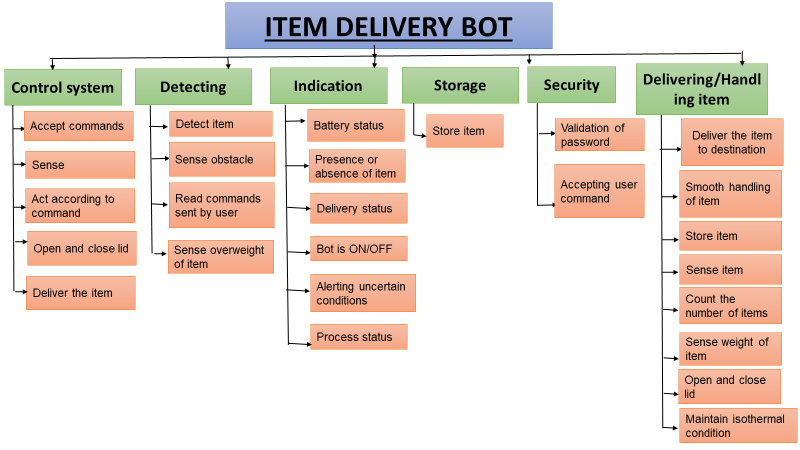
| TEAM 6 | Functions from User Perspective | Functions from Designer perspective |
|---|---|---|
| 1 | Takes command | Recognize the response |
| 2 | Shows status of bot | Start the robot |
| 3 | Deliver the item | Indication if the robot is on or off. |
| 4 | Maintains constant temperature | Turn off the robot. |
| 5 | Receive the item | Show the location of the robot |
| 6 | Place the item | Providing security |
| 7 | Easy to use | Converting electricity to mechanical output |
| 8 | Provide light when dark | Open and closing of the lid |
| 9 | Security system in bot | Switch on or off the LED |
| 10 | It should be able to connect | Switch on or off the LED |
| 11 | Indicating the battery status |
| Sl.No | Functions | Means 1 | Means 2 | Means 3 | Means 4 |
|---|---|---|---|---|---|
| 1. | Moving Appendages |
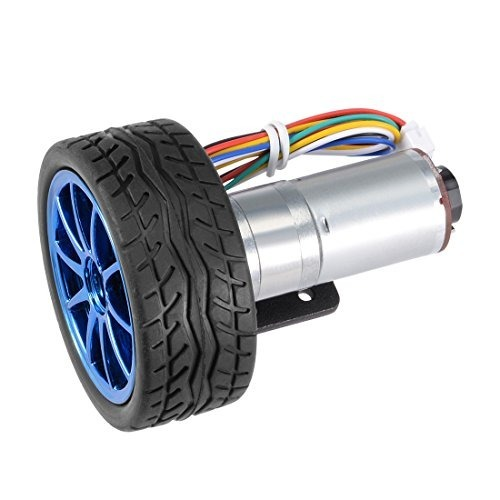 Standard Fixed Wheel |
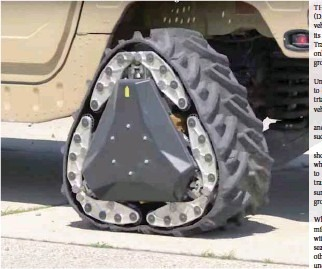 DARPA Wheel |
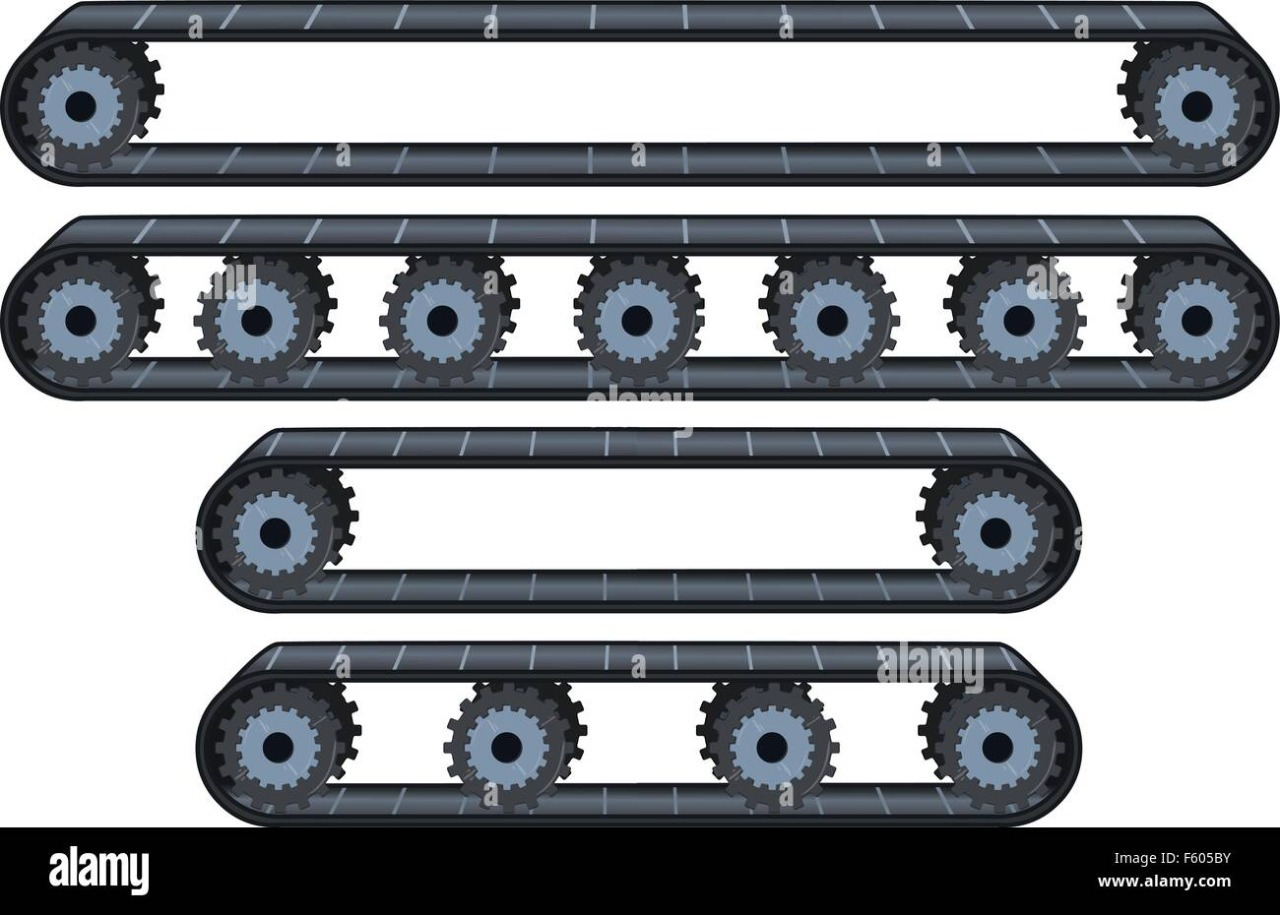 Conveyor Wheel Belt |
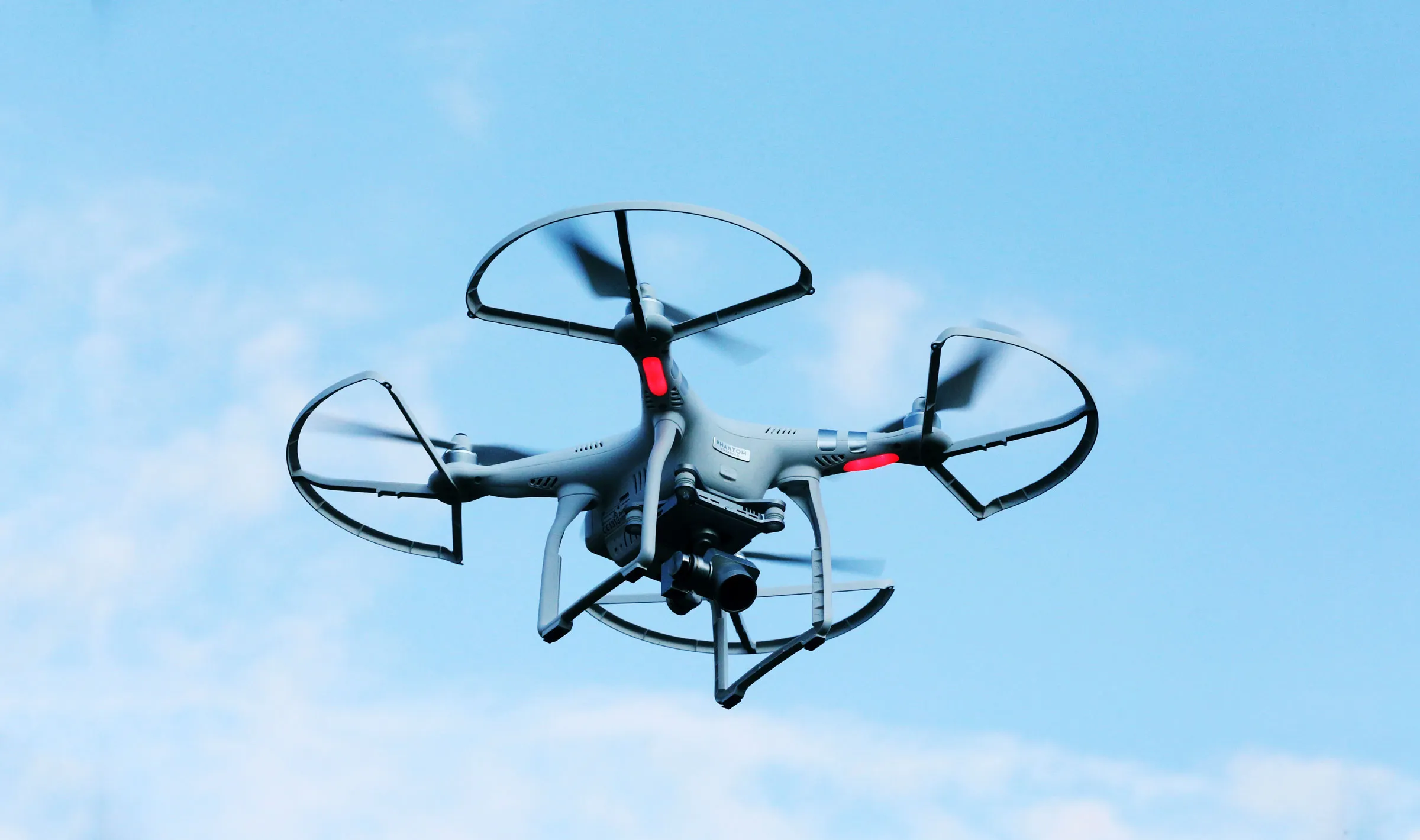 wing |
| 2. | Power Source |
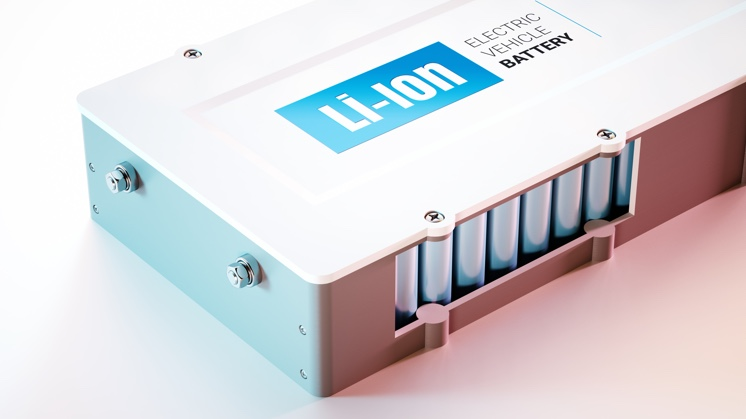 Lithium-Ion Battery |
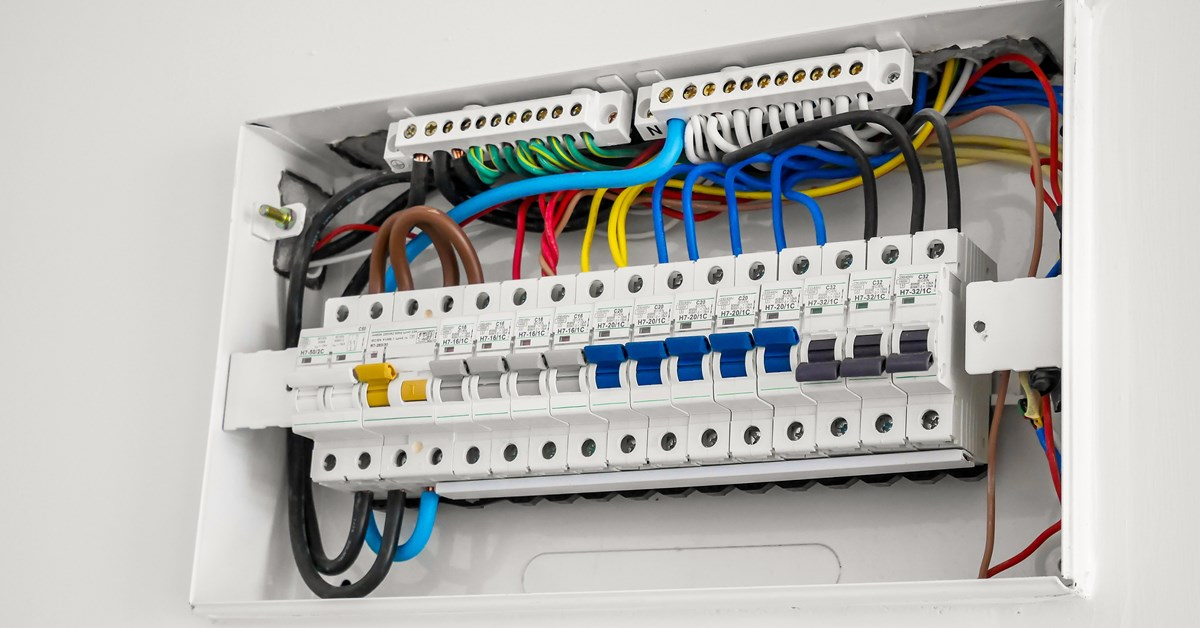 Electric Mains |
 Battery |
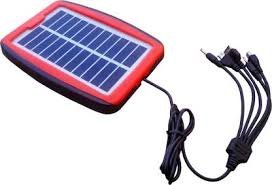 Solar Source |
| 3. | Sensing |
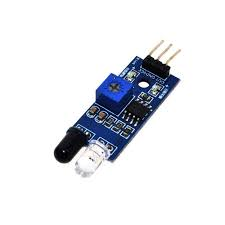 IR Sensor |
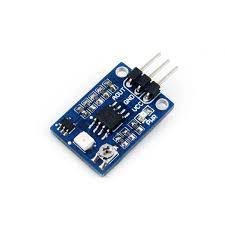 UV Sensor |
 Motion Sensor |
 Camera |
| 4. | Indicating |
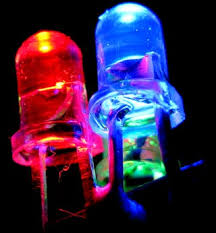 LED Lights |
 Speakers |
 Buzzers |
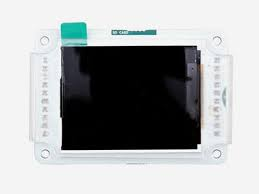 Screen Display |
| 5. | Control System |
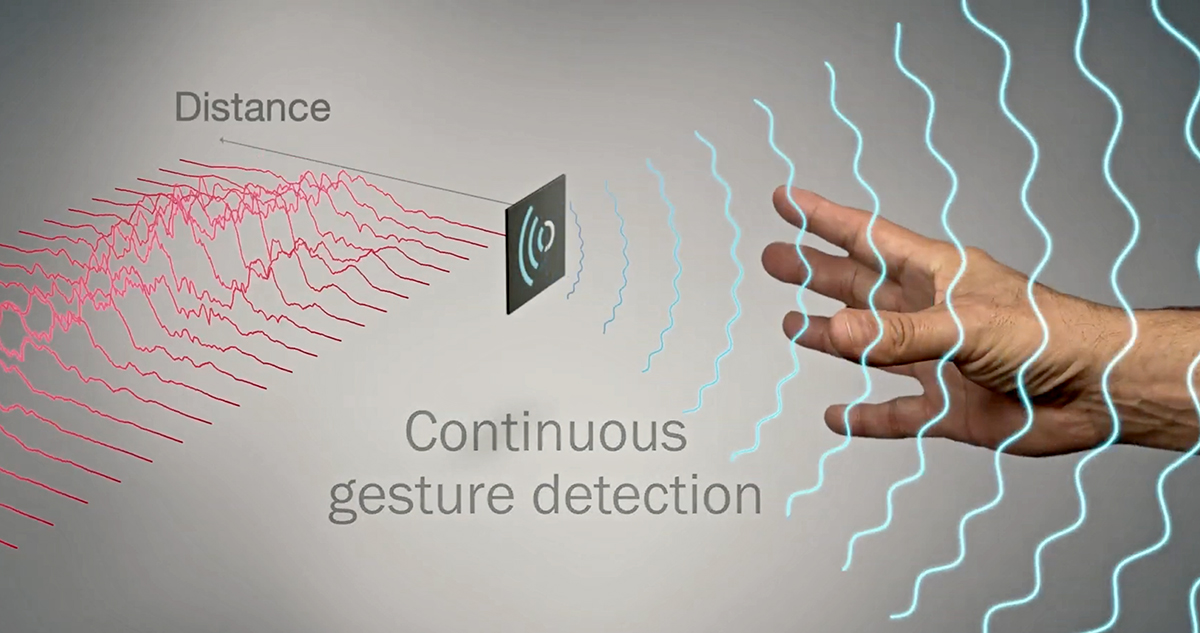 Gesture Control |
 Remote Control |
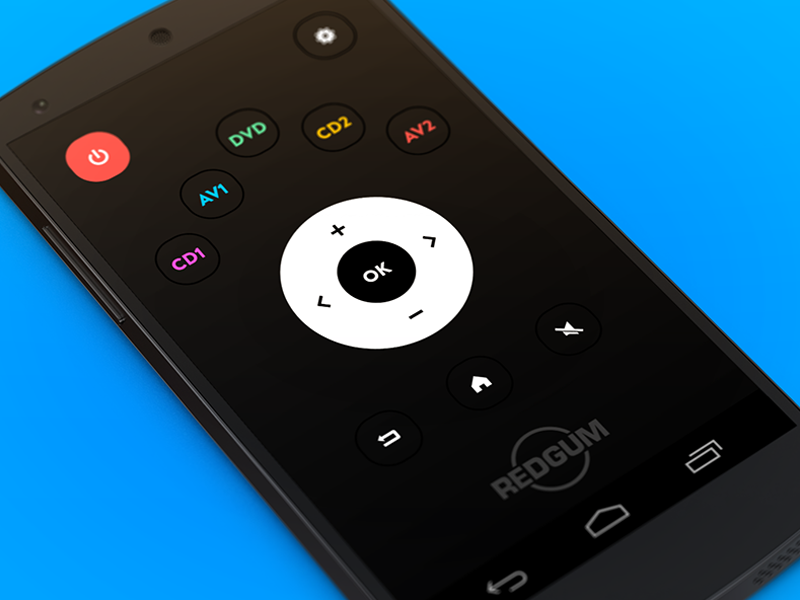 Mobile Application |
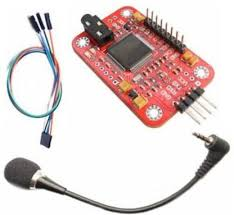 Voice Control |
| 6. | Locking Mechanism |
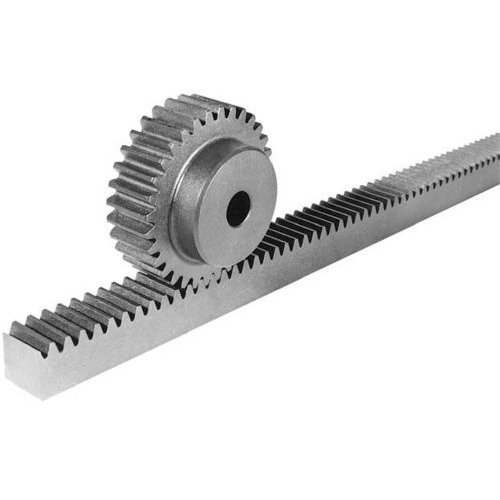 Rack And Pinion |
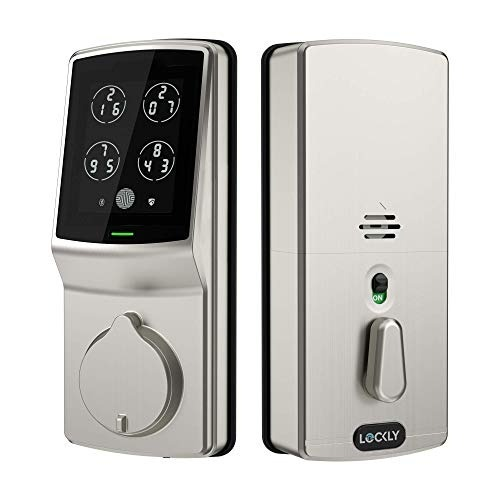 Pin\Password |
|
 Facial Recognition |
| 7. | Storage Devices |
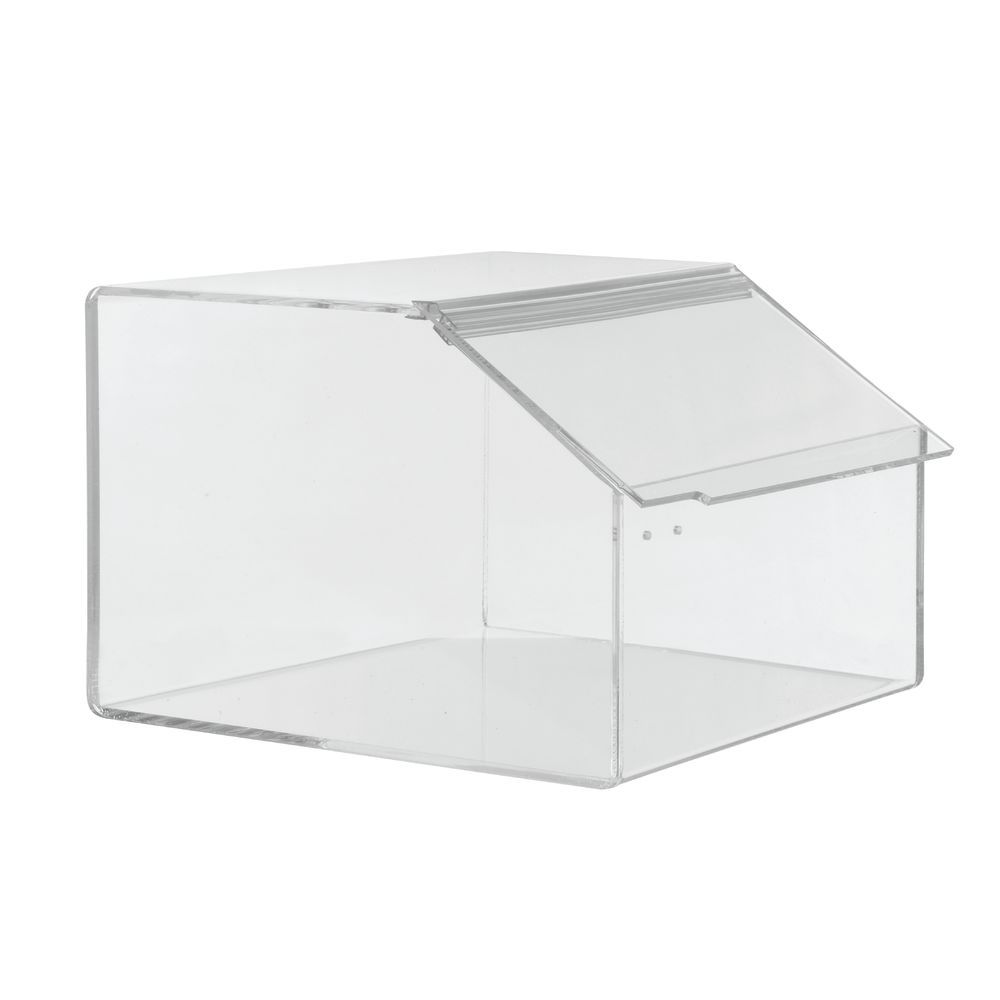 Acrylic |
 Plastic |
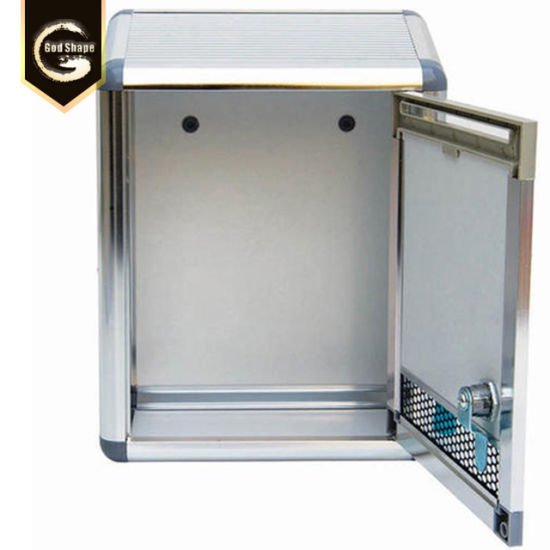 Metal |
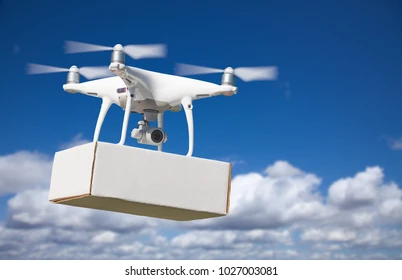 Sack |
| 8. | Mechanisms |
 Hinge mechanism |
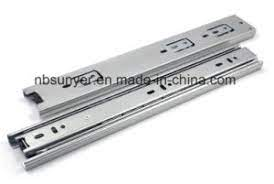 Sliding mechanism |
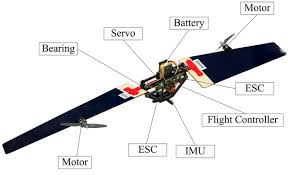 Rotating wing mechanism |
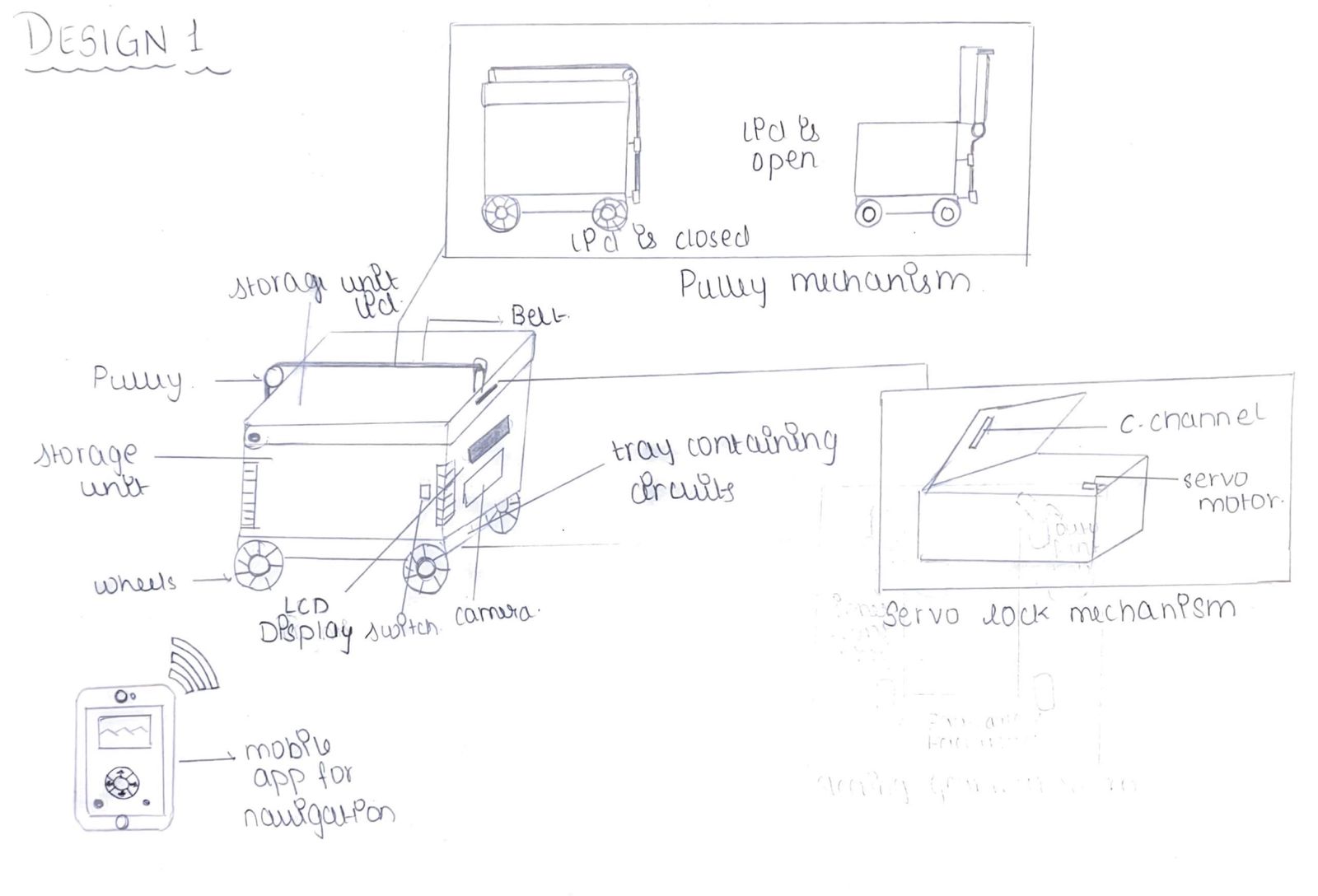
Mechanisms:
- Servo lock mechanism.
- Pulley mechanism.
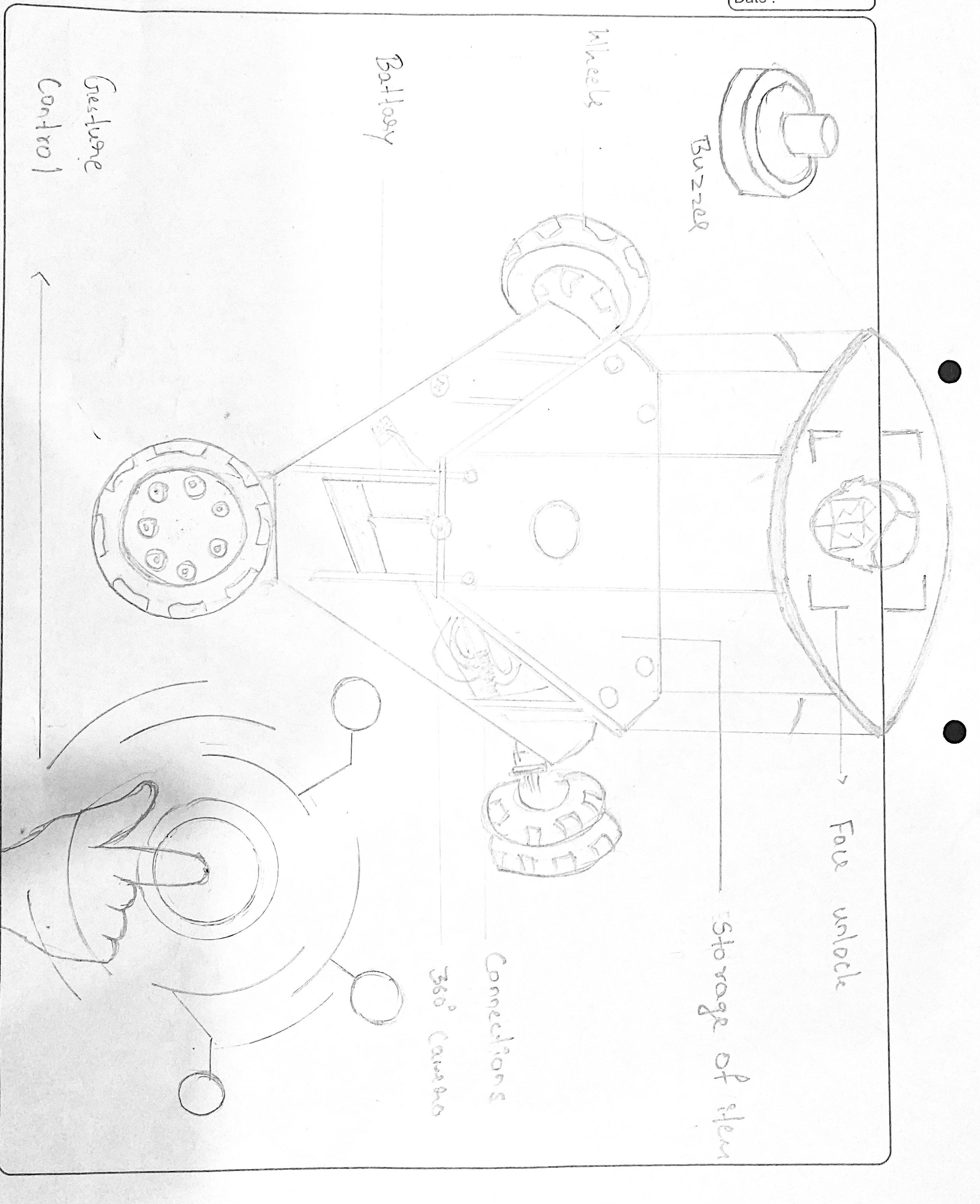
Mechanisms:
- Three wheeled mechanism
- Face lock mechanism
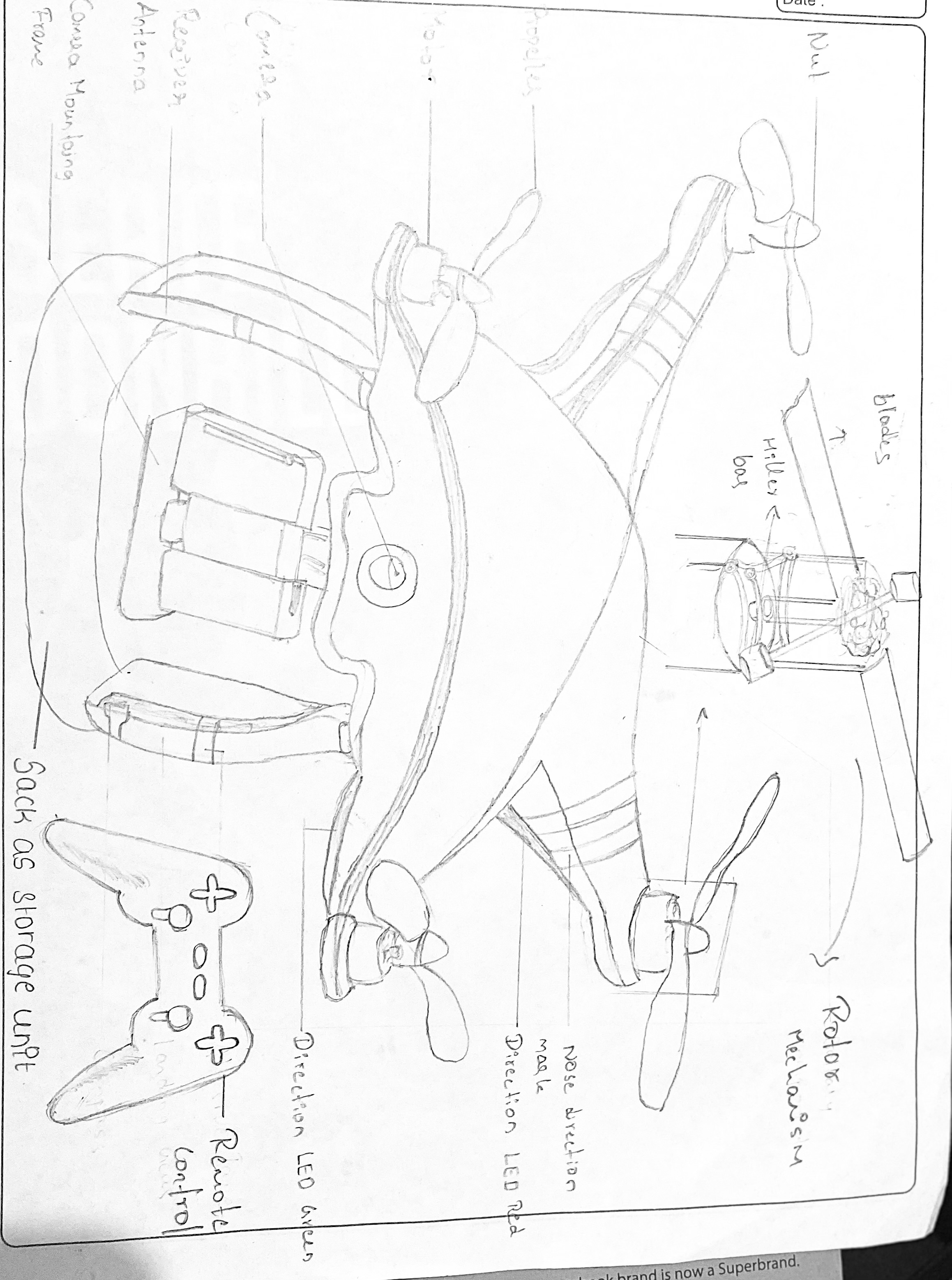
Mechanisms:
- Rotating wing mechanism
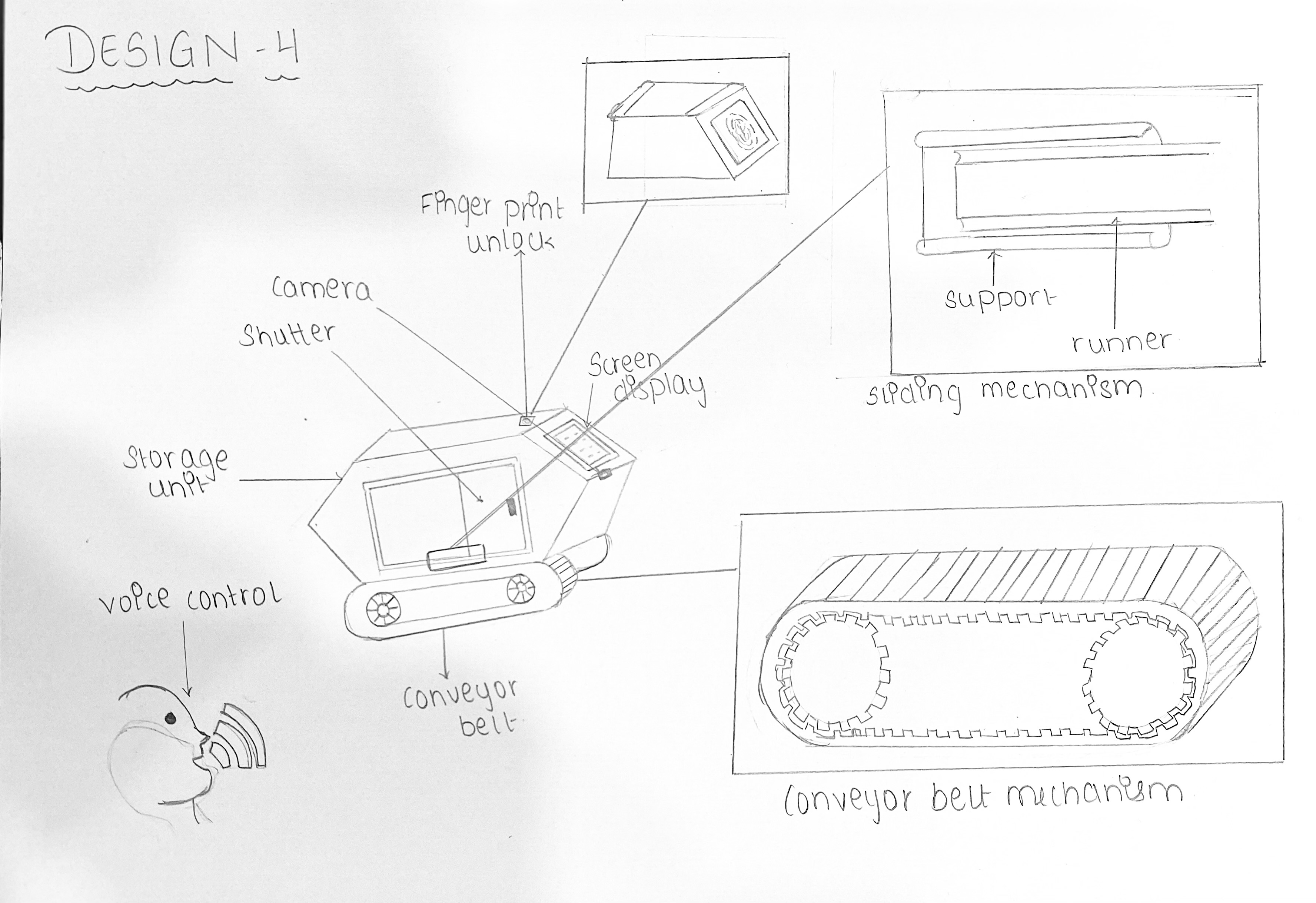 Mechanism:
- Conveyor belt mechanism
- Sliding mechanism