Repository navigation
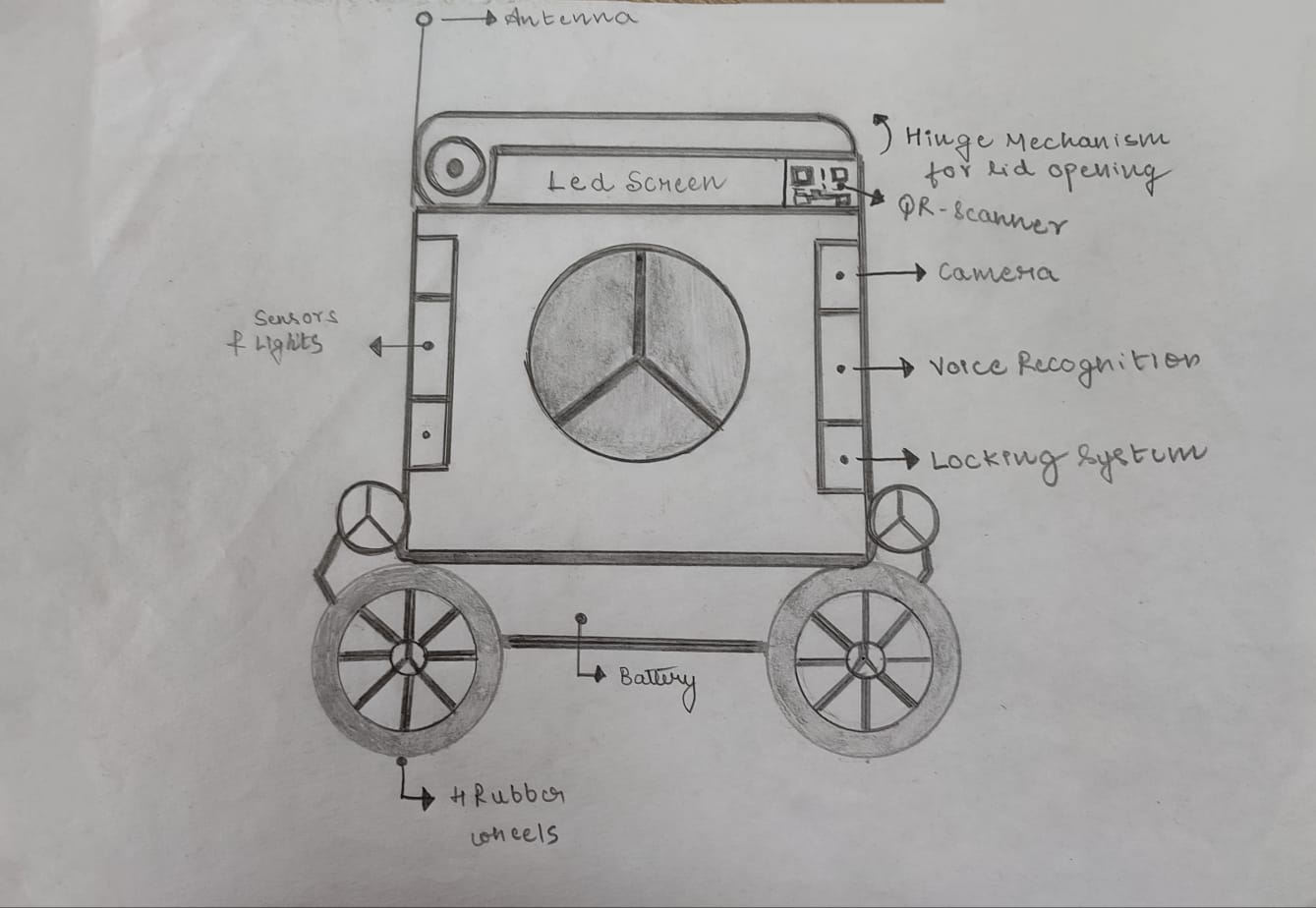
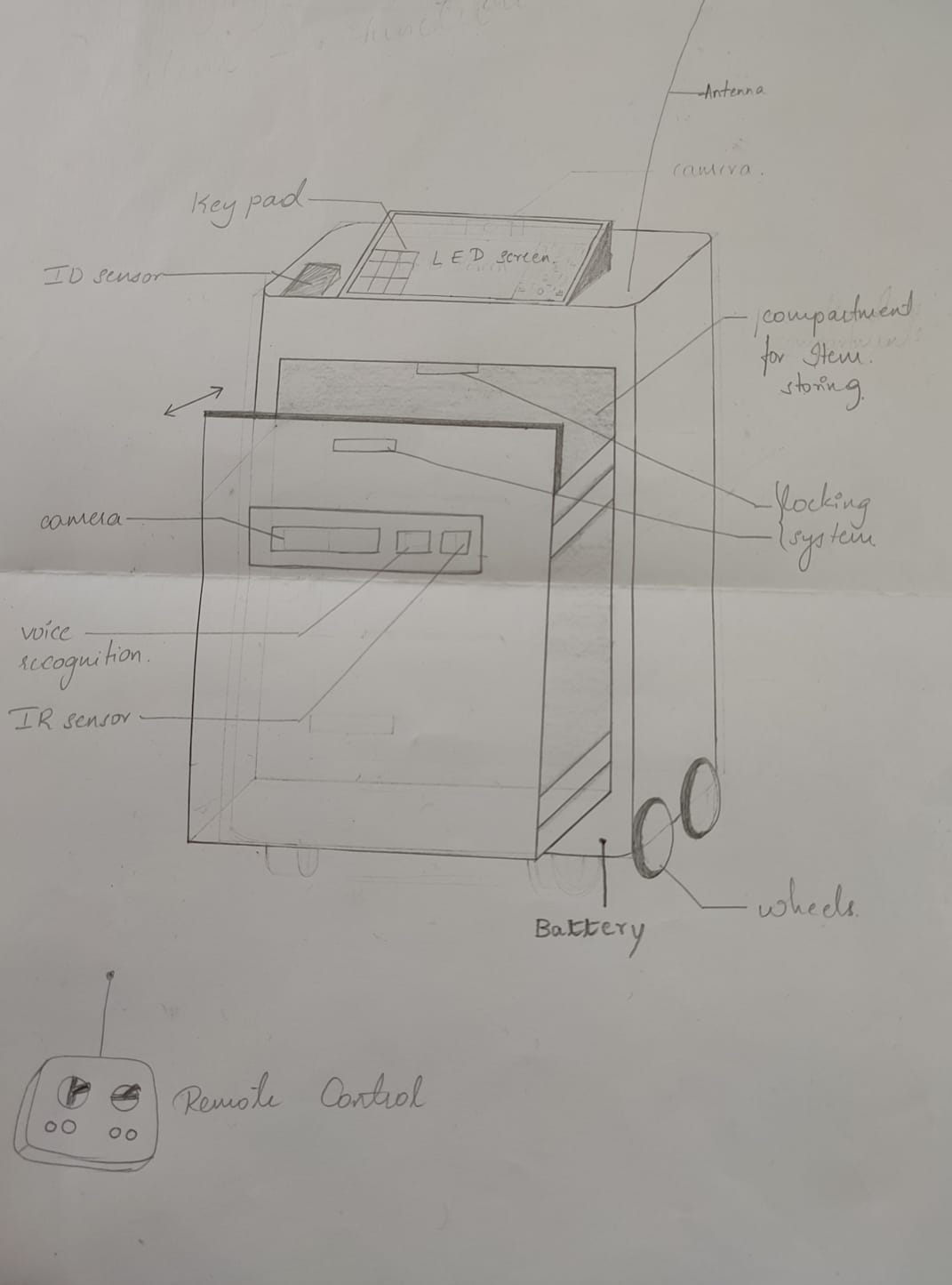
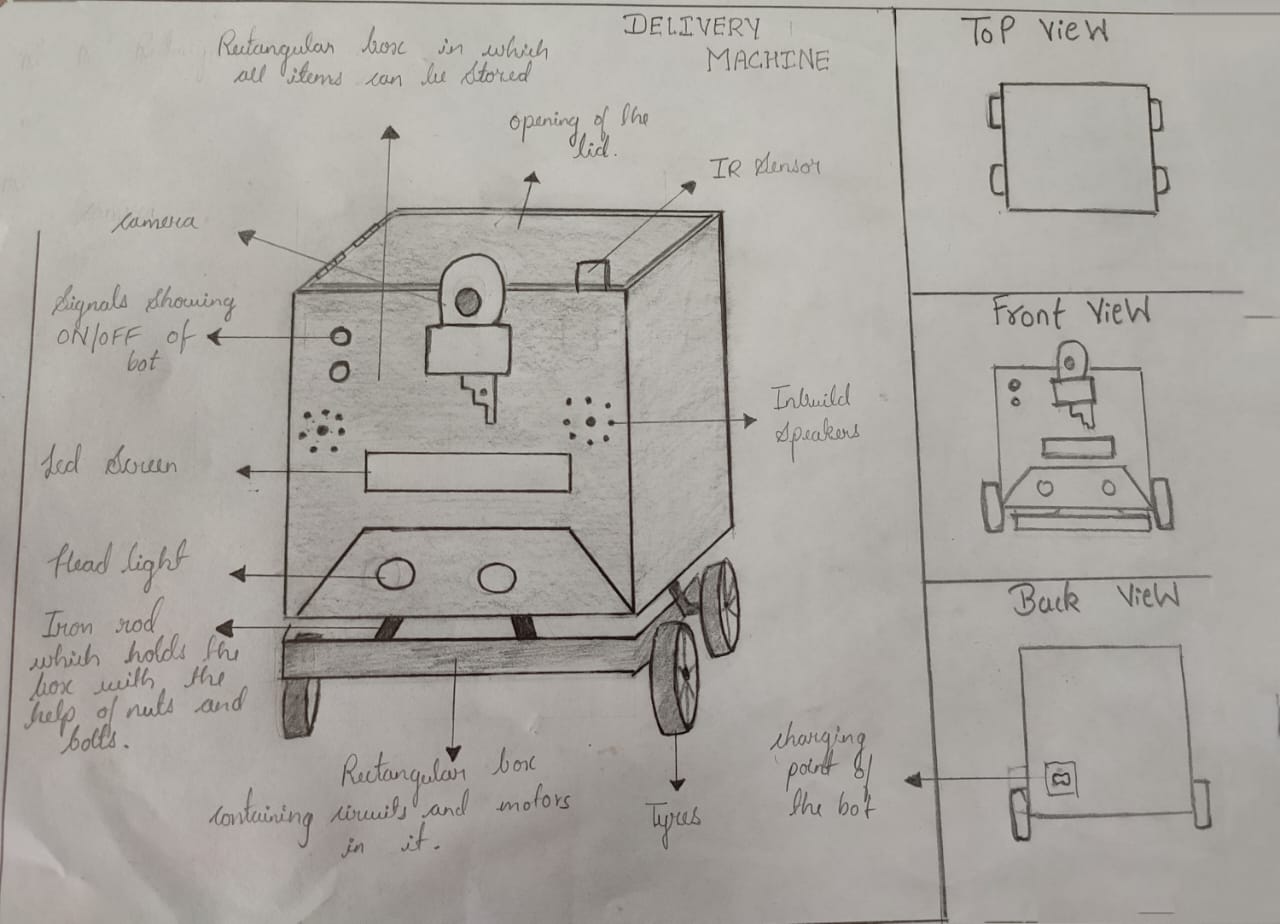
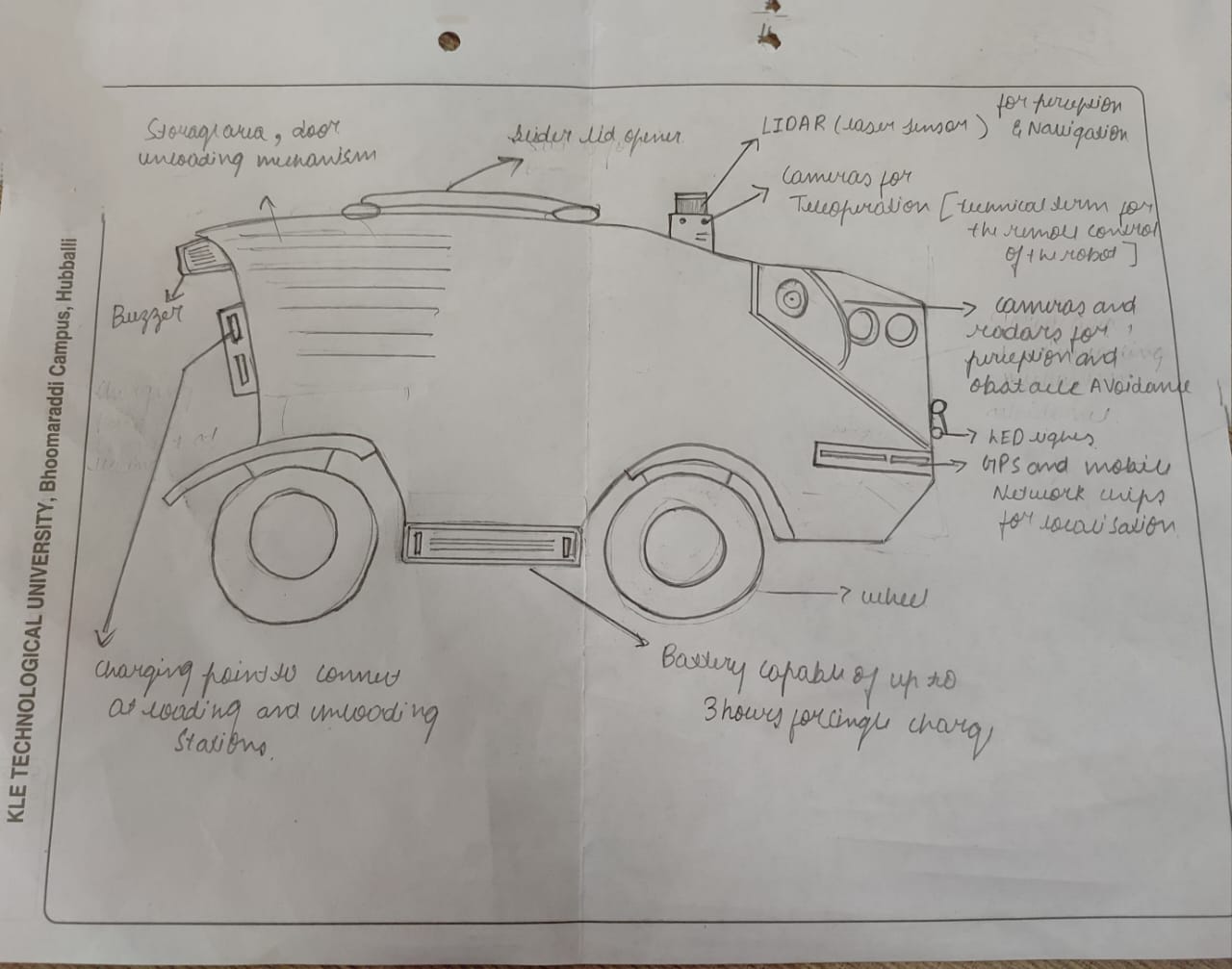
4. Concept Generation
| Sl No. | Function from User perspective | Function from Designer Perspective |
|---|---|---|
| 1 | Loading the items | Checking the load limit |
| 2 | Switching On the bot | Opening the lid |
| 3 | Lock the lid after gaining some particular speed | |
| 4 | Asking user for the destination | |
| 5 | Displaying the distance to be travelled | |
| 6 | Alerting when the bot is about to move | |
| 7 | Alert the user regarding the hurdles. | |
| 8 | Alert the user after reaching the destination | |
| 9 | Alert the user after getting back. | |
| 10 | Unlock the lid after reaching the destination | |
| 11 | Get back to the starting point after delivering the item |
| Sl no. | Sub-function | Means 1 | Means 2 | Means 3 | Means 4 | Means 5 |
|---|---|---|---|---|---|---|
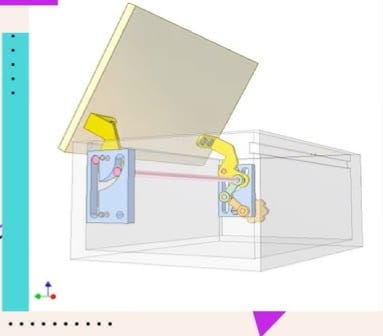
| 1 | lid-Mechanism | 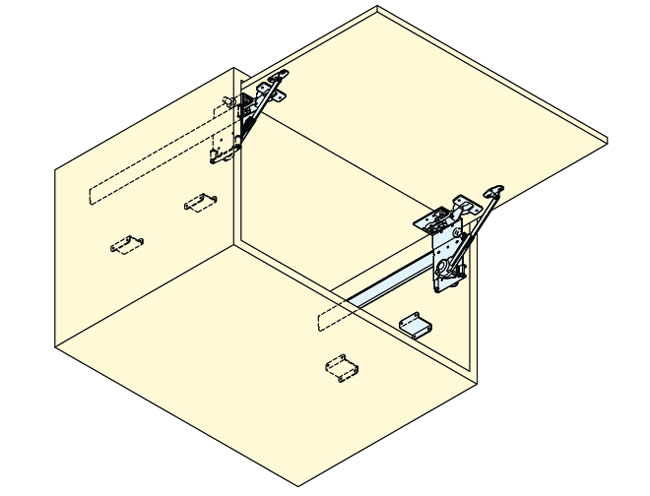 |
 |
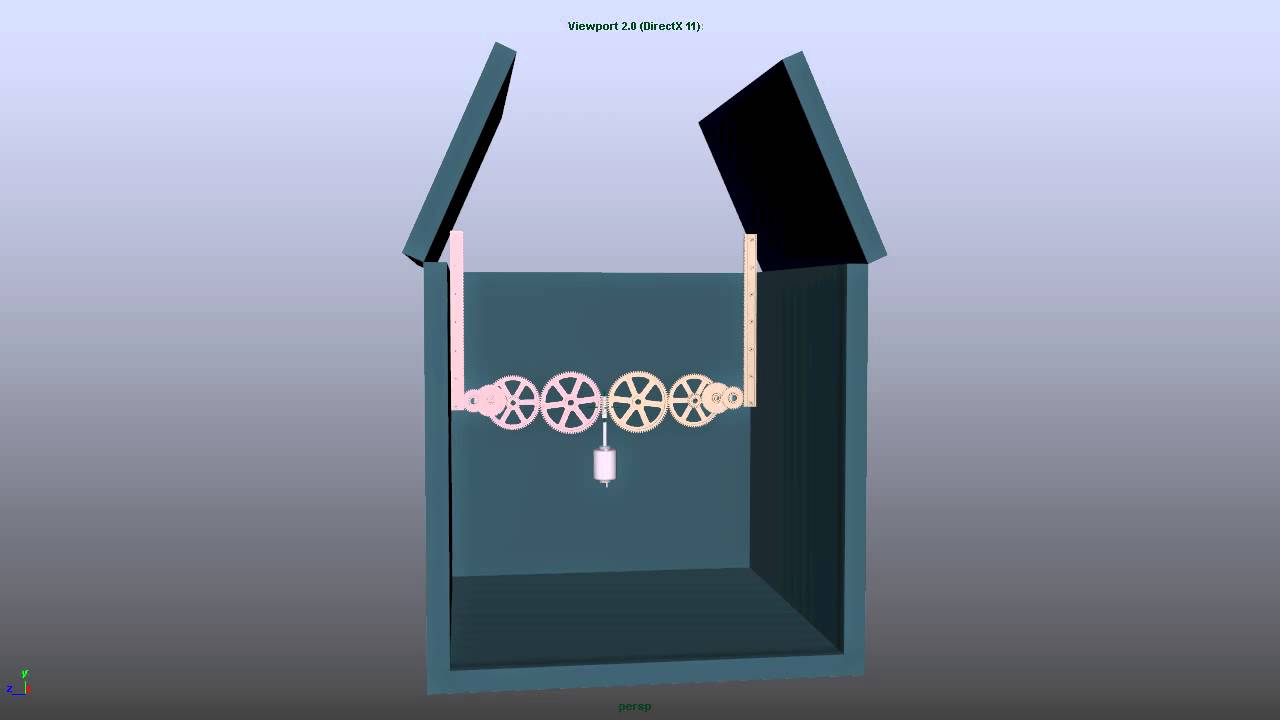 |
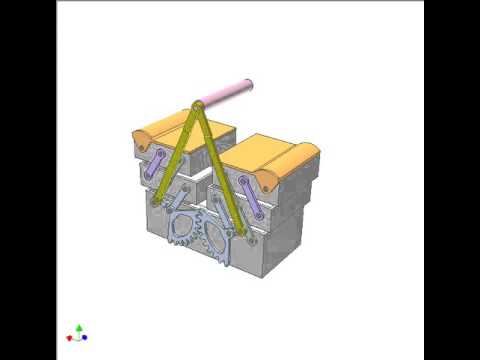 |
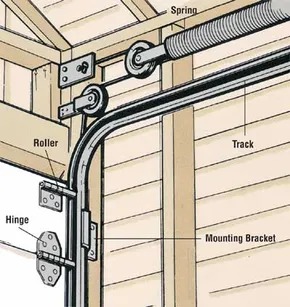 |
| 2 | Destination-Setup |
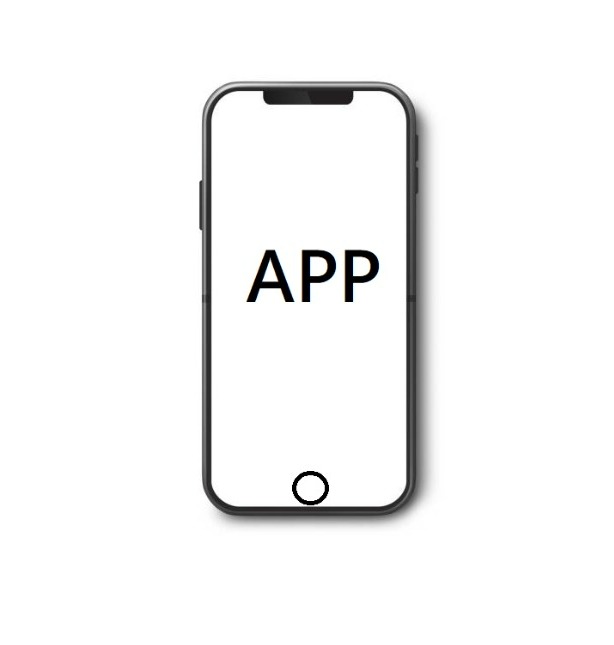 THROUGH PERSONALIZED APP |
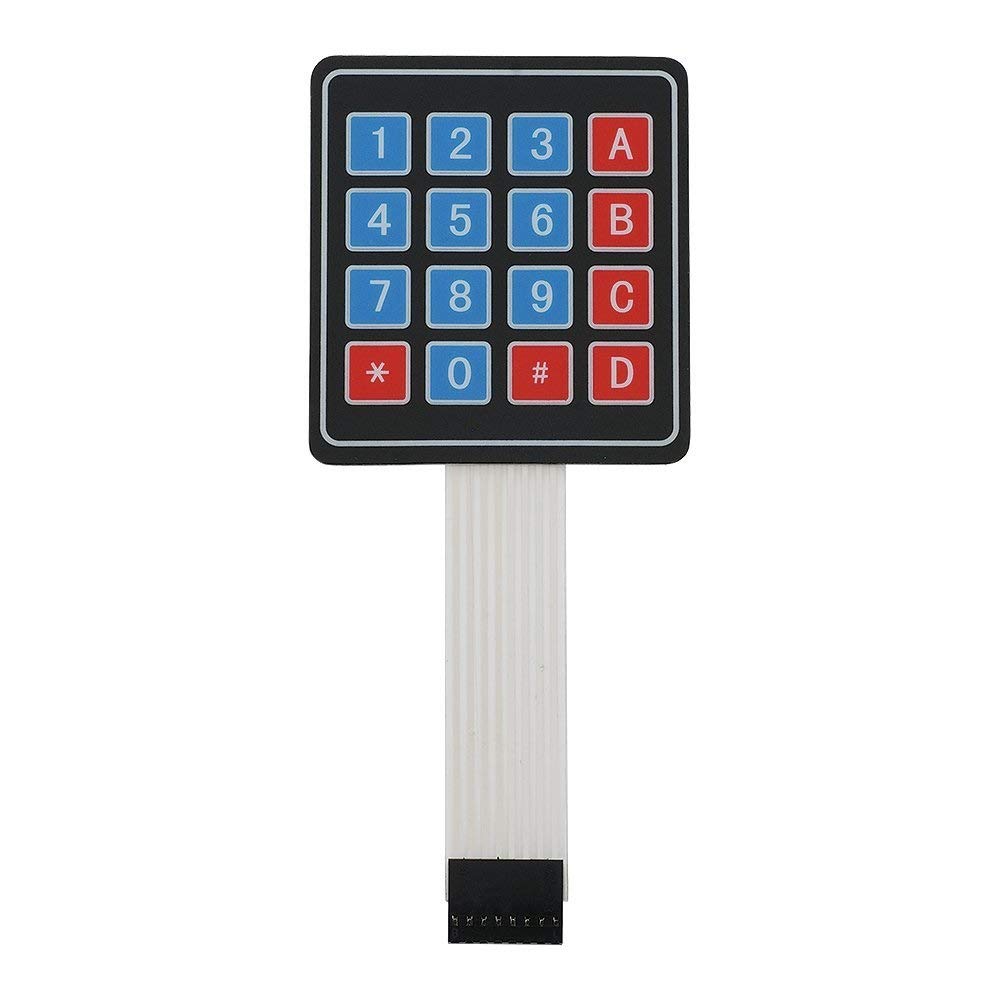 ARDUINO KEYPAD |
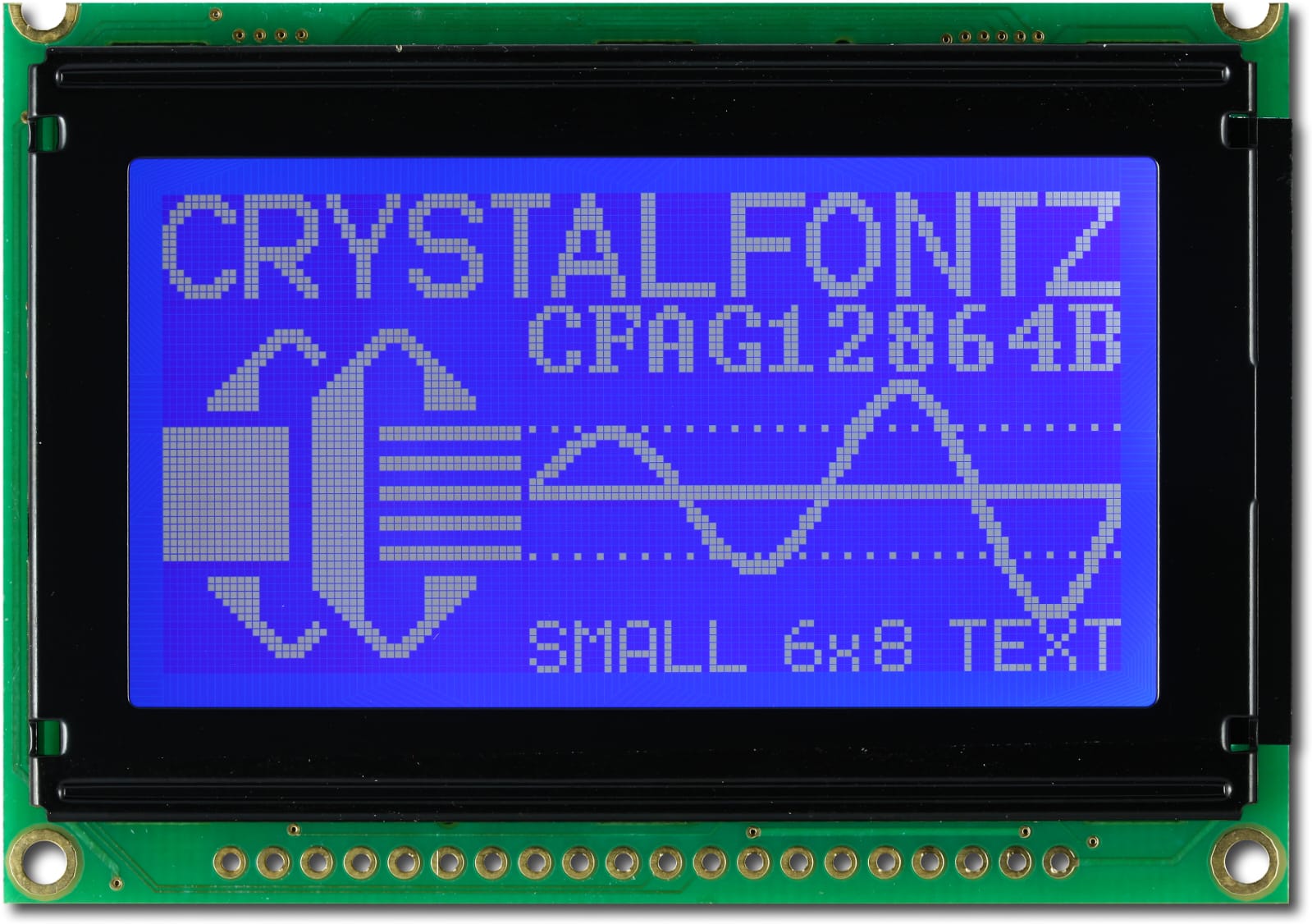 LED SCREEN |
||
| 3 | Display-Unit |
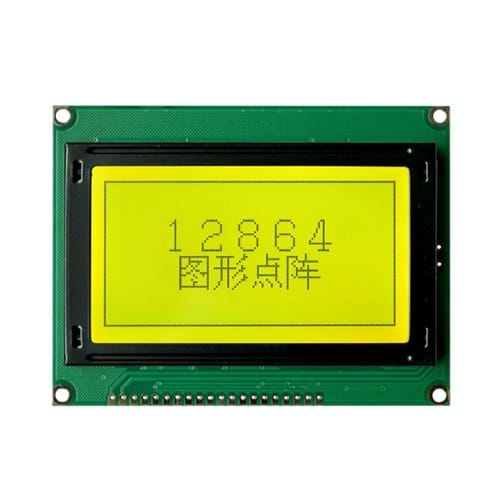 LED_SCREEN |
 THROUGH PERSONALIZED APP |
 Web Page |
||
| 4 | Security-System |
 OTP |
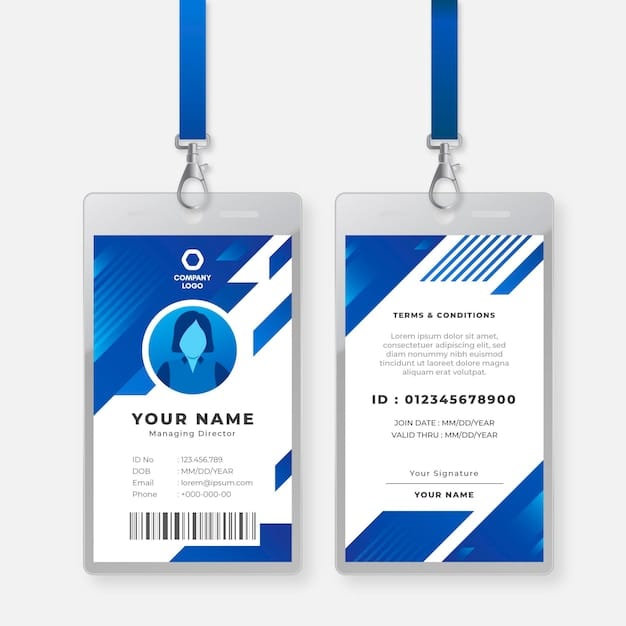 ID |
 QUICK RESPONSE CODE |
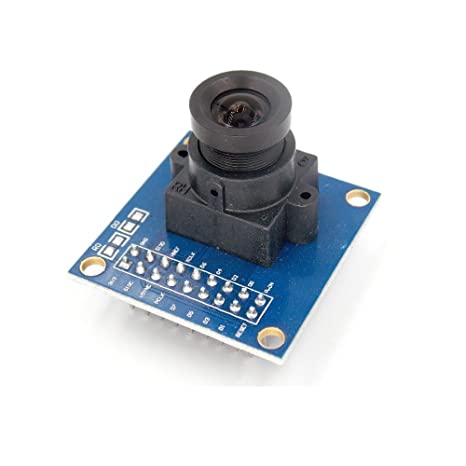 CAMERA |
|
| 5 | Alerting Unit |
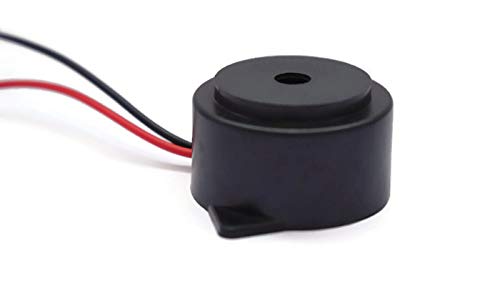 BUZZER |
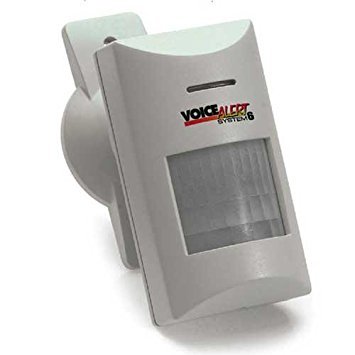 VOICE-ALERT |
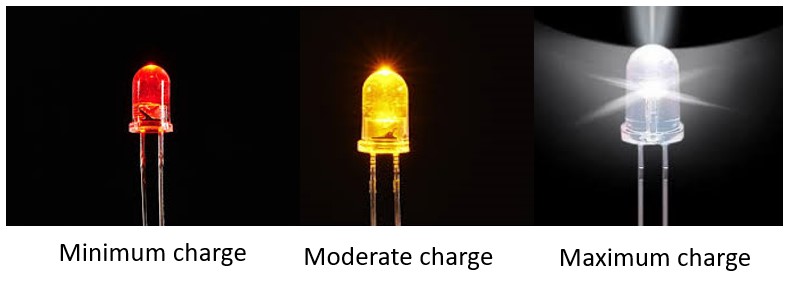 CHARGE |
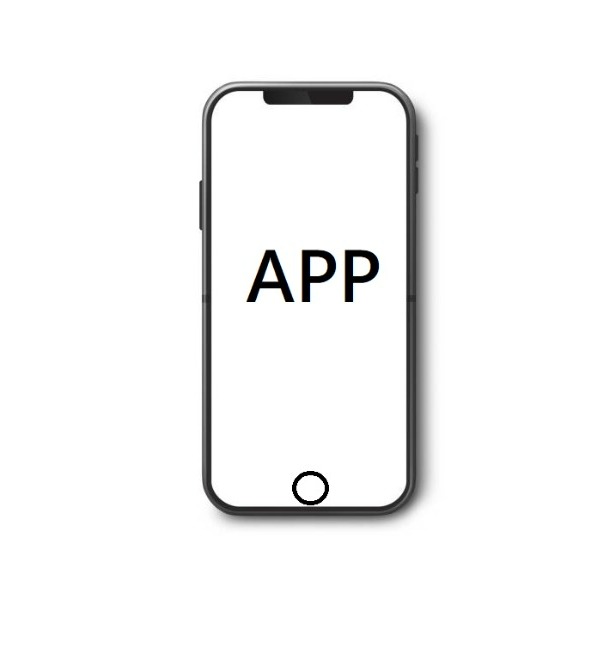 PERSONALIZED APP |
|
| 6 | SENSING UNIT |
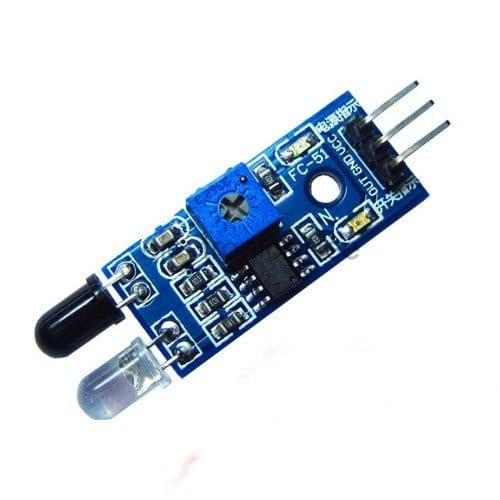 IR SENSOR |
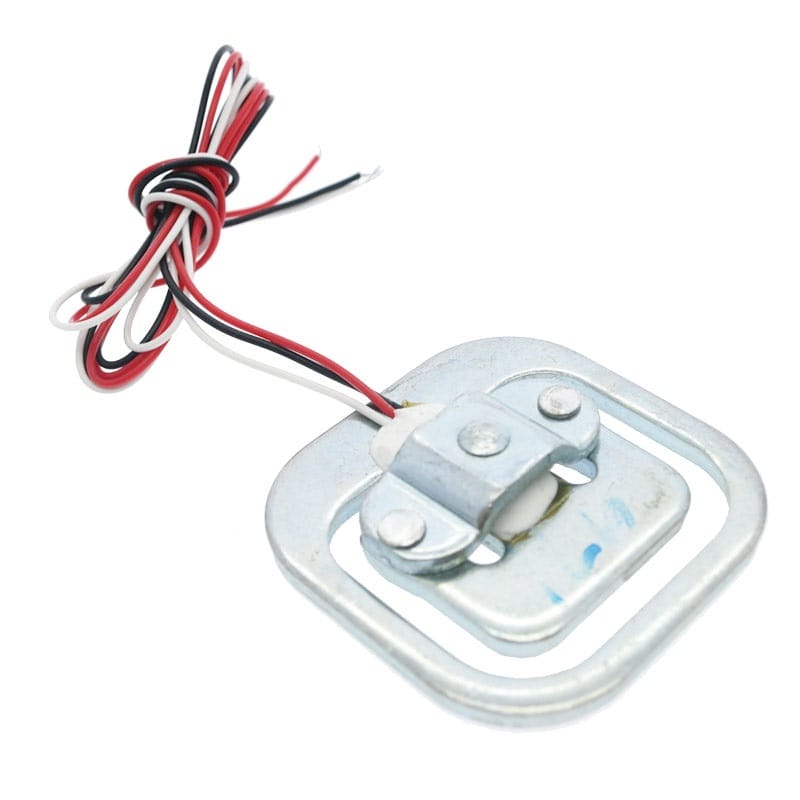 LOAD SENSOR |
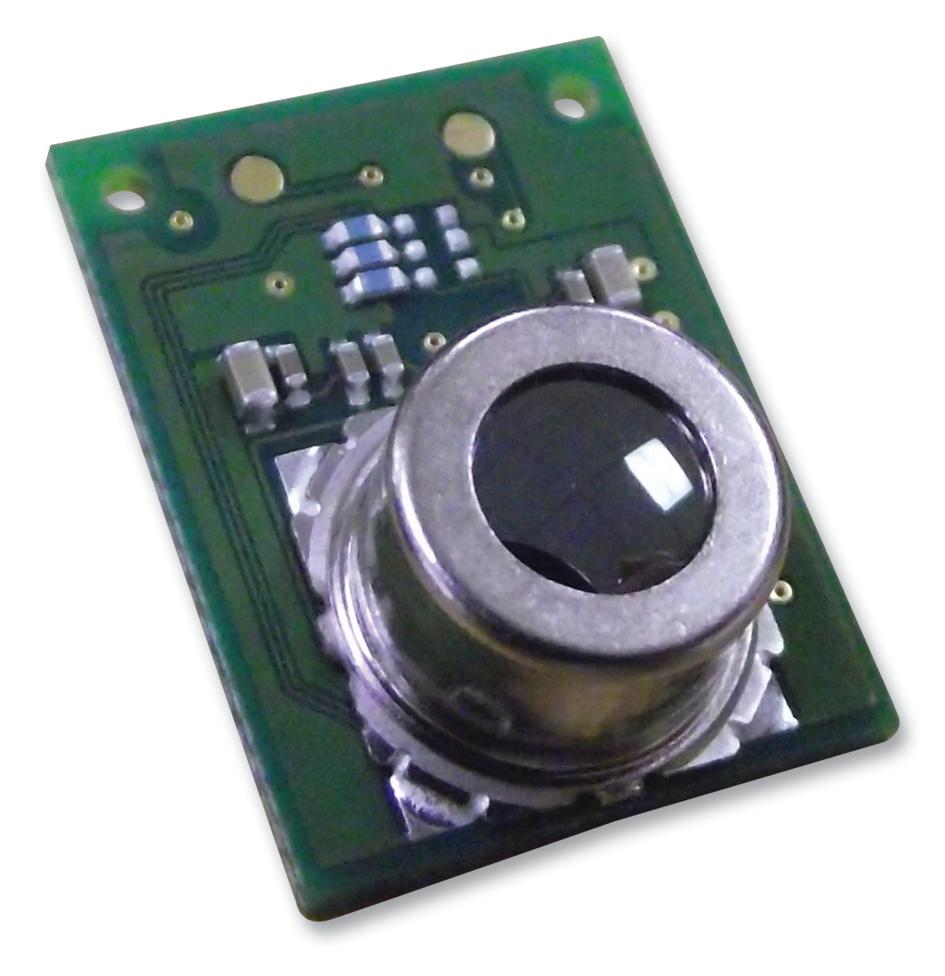 THERMAL SENSOR |
||
| 6 | Smooth Handling |
 Foam Sheet |
 High density Thermocol |
 Air Pillows |
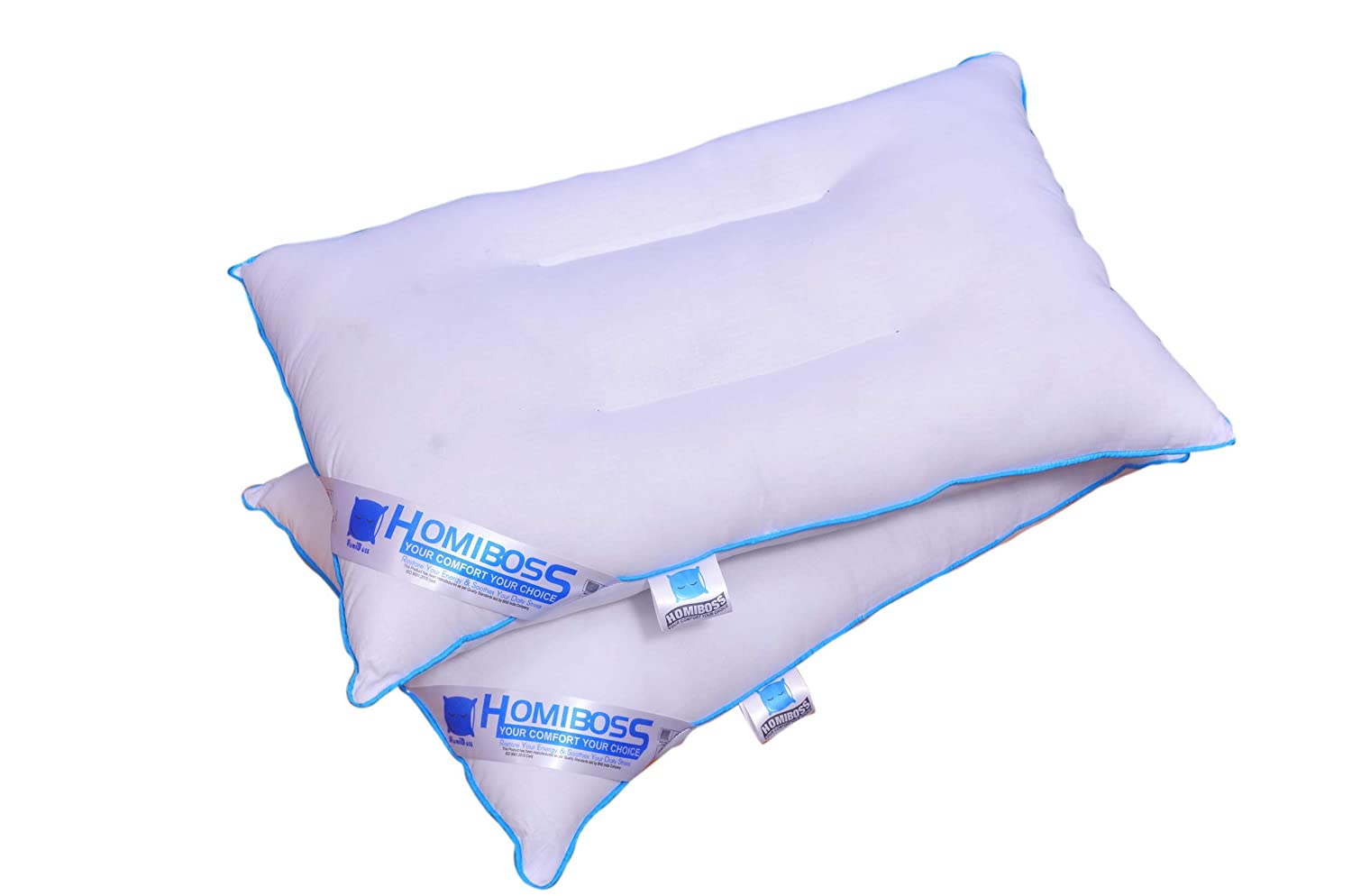 Cotton cushion |
|
| 7 | Sensing the item |
 Load sensor |
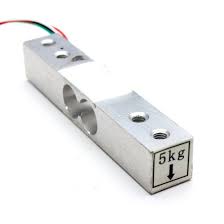 Load Cell |
|||
| 8 | Dynamic Built of the body |
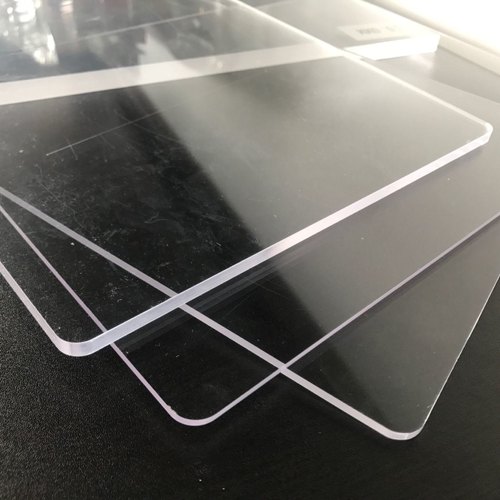 Acrylic Sheet |
 Mild Steel |
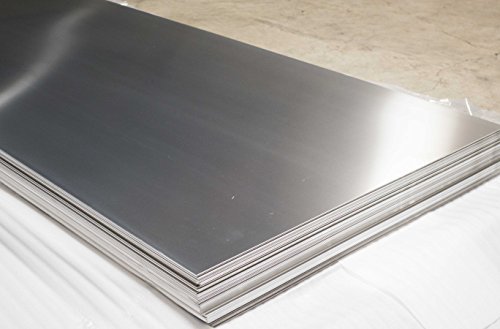 StainLess Steel |
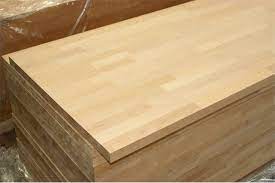 Wood |