3. Creating an Nginx proxy
In this tutorial you will forward your Hermes server running on port 8080 to port 80 (HTTP) of your server. With Nginx you can also add SSL certificates to encrypt your site.
-
These instructions are written for Debian-based Linux distributions (Debian, Ubuntu, Raspbian...). You may need to change some of the commands for them to work in other Linux distros, and Windows is unsupported and will most likely not work.
-
You need a Hermes server already running in order to follow these instructions! Follow guides #1 and #2 to host your own server.
Connect to your Debian server. I recommend using SSH since it will be easier to paste in the commands, but you can also just type them in manually.
Open a terminal and paste in / type the following commands:
sudo apt update && sudo apt upgrade
sudo apt install -y nginx
Then, open the server IP in a web browser. You should see a page like this one:
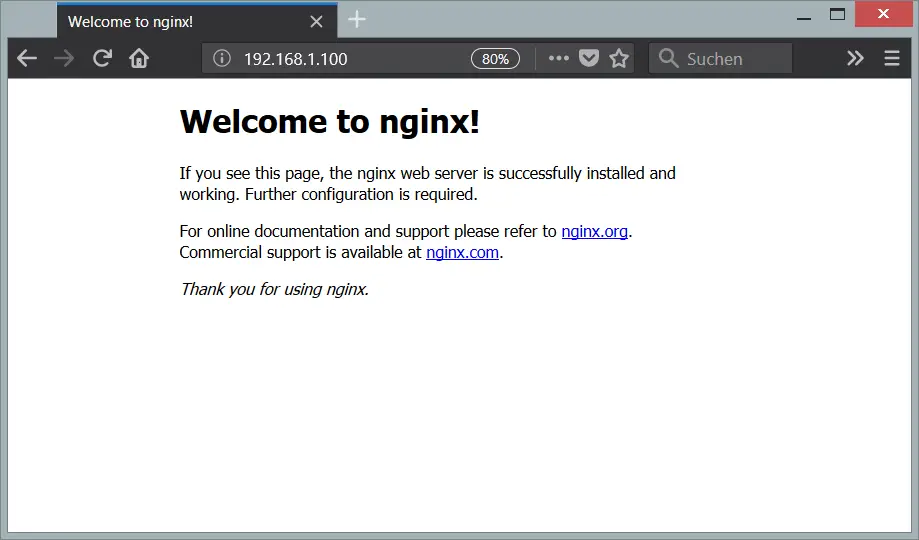
If you see that page it means Nginx was installed successfully. If you don't, make sure you entered the IP address correctly and check Nginx is installed.
The Nginx server configuration is stored in the file /etc/nginx/sites-available/default. We will replace this file with our own version, which will forward our node.js server to port 80 of our server. This will also let us add HTTPS to the site for increased security.
First of all, we will move the default server file so we can use our own, but still be able to restore it in case anything happens. To achieve this, enter the following command:
sudo mv /etc/nginx/sites-available/default /etc/nginx/sites-available/default.old
Then, create a new config file with this command: sudo nano /etc/nginx/sites-available/default. This will open a text editor, into which you can paste the code for the server:
server {

    listen         80;
    server_name    Hermes_Server;

    location / {
        proxy_pass http://localhost:8080;
    }
}
Once you have the config in the file, press CTRL + X to exit and Y to save your changes. Then use these commands to verify your config is correct and restart Nginx:
sudo nginx -t
sudo systemctl restart nginx
Now, go back to your browser and reload the website for your server. You should no longer see the default Nginx page, but instead be able to access Hermes.
You should have your Hermes server running through Nginx!
- If you don't, go back and make sure you did everything correctly.
- If you do, you can continue to the next step