Drawer
The drawer is (not) a HTML component, it represents a modal that comes off from one side of the screen. It's essentially a modal.
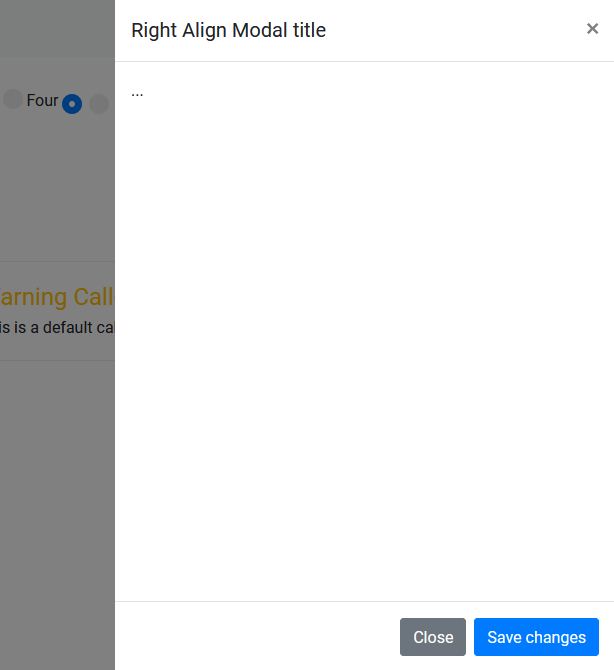
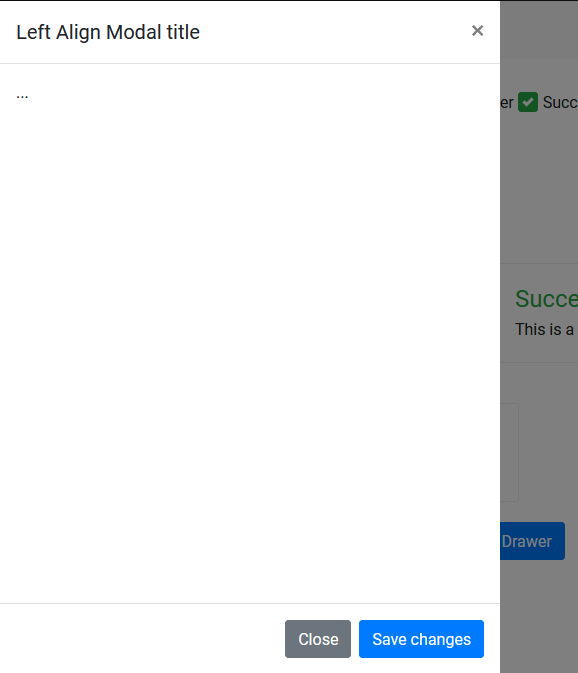
<div class="modal fade drawer right-align" id="exampleModalRight" tabindex="-1" role="dialog" aria-labelledby="exampleModalLabel" aria-hidden="true">
<div class="modal-dialog" role="document">
<div class="modal-content">
<div class="modal-header">
<h5 class="modal-title" id="exampleModalLabel">Right Align Modal title</h5>
<button type="button" class="close" data-dismiss="modal" aria-label="Close">
<span aria-hidden="true">×</span>
</button>
</div>
<div class="modal-body">
...
</div>
<div class="modal-footer">
<button type="button" class="btn btn-secondary" data-dismiss="modal">Close</button>
<button type="button" class="btn btn-primary">Save changes</button>
</div>
</div>
</div>
</div>
drawer
right-align
left-align
You can open the drawer just like you open some other bootstrap modal. It's essentially a modal.