Home

A curated list for Turtle WoW players, centered around pfUI for a polished experience. Updated: 8/28/2025
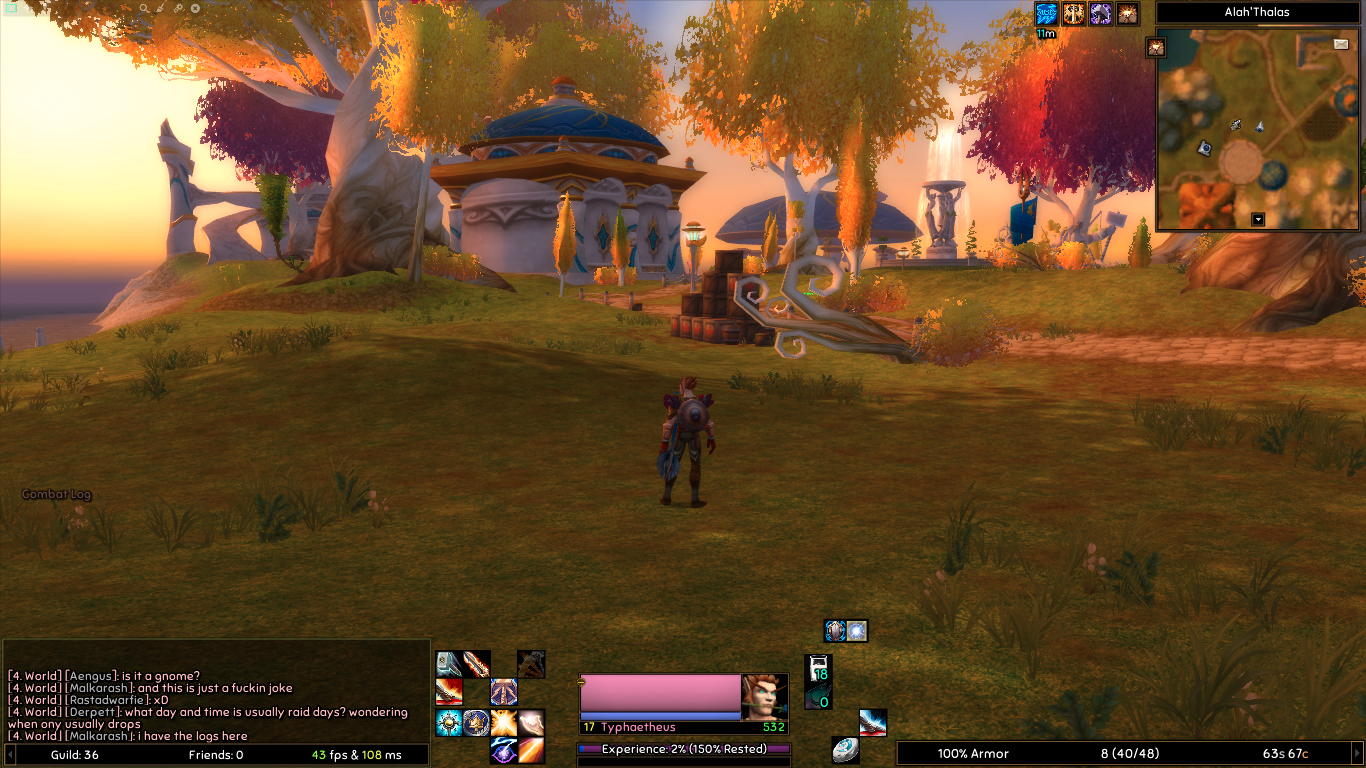
Note: Check each addon’s link for installation guidance. These addons and mods are compatible when used together, but ensure requirements are met if selecting individual items.
- General Addons
- Special Mods and Related Addons
- Class/Profession/Role Specific Addons
- Alternative to pfUI
- Performance Tips
- Further Information
-
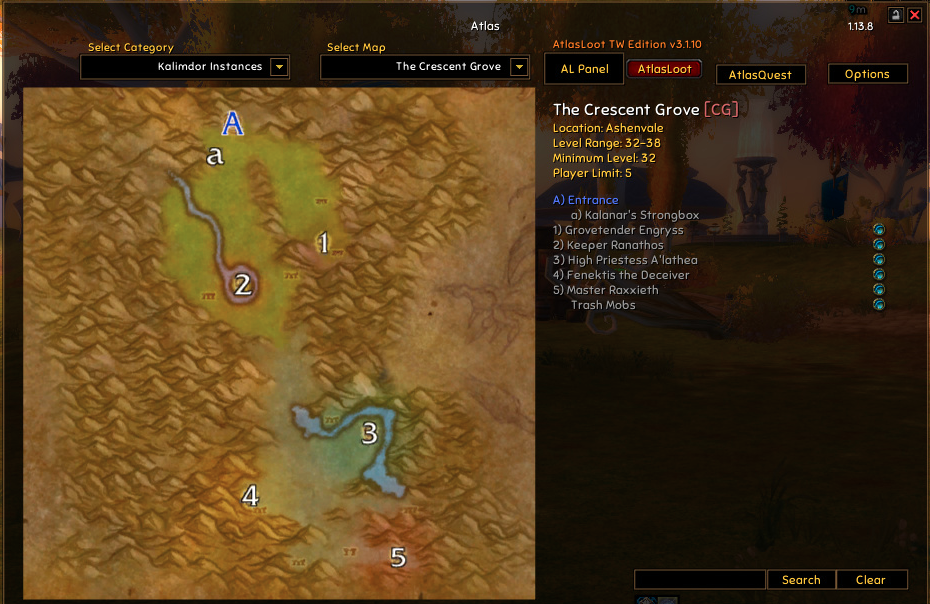
Atlas: View dungeon maps, battlegrounds, flight paths, and transports.
-
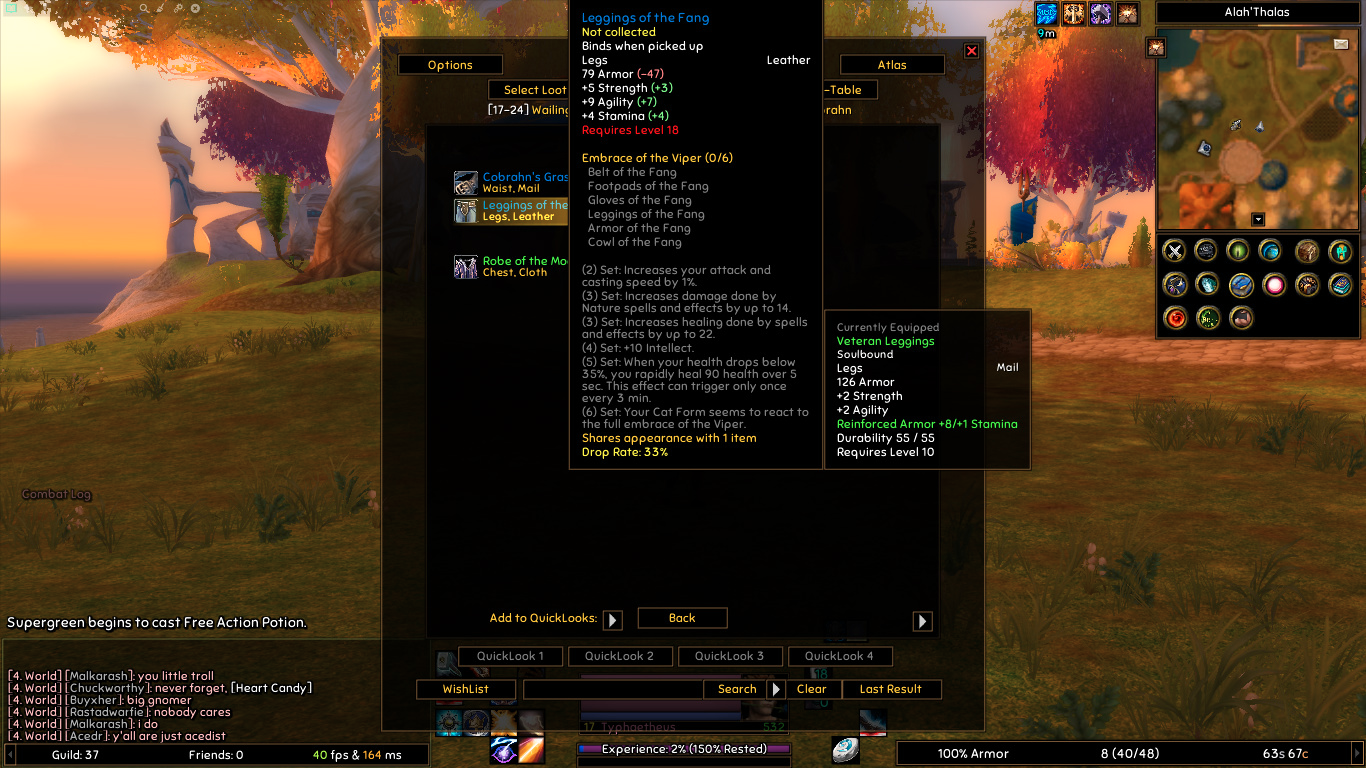
AtlasLoot: Browse boss loot, enchants, crafted items, and rewards.
- AtlasQuest: View dungeon quests in-game.
- aux-addon: Best Auction House addon for Turtle WoW.
-
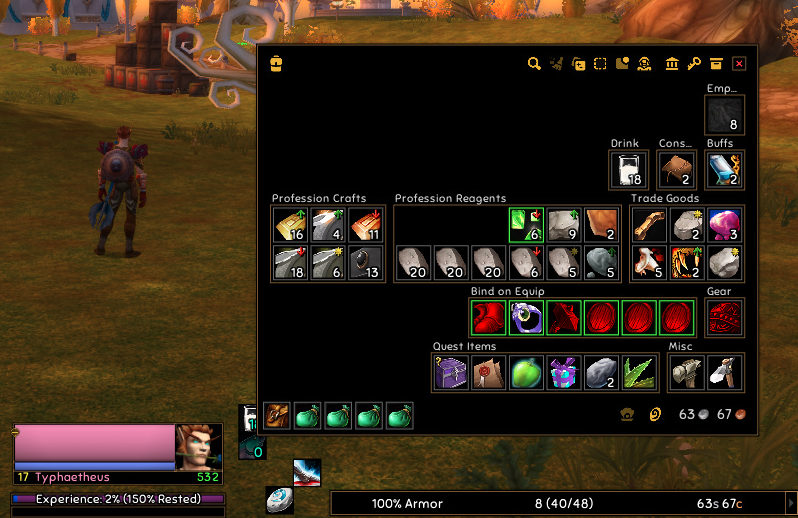
Bagshui: Inventory management for Vanilla/Turtle WoW.
- BigWigs: Predicts AI behavior for improved performance.
- Cursive: Tracks and auto-applies curses.
- CursivePlates: Combines Cursive DoT tracking with pfUI nameplates.
-
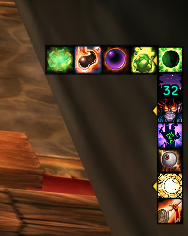
Flyout: Mimics later expansion flyout feature for action bars.
- Friend-O-Tron: Syncs friend lists across characters.
- GentleGC: Reduces game pauses by clearing garbage.
- HatTrick: Adds cloak/helm checkbox in Character frame.
- Lern2Spell: Auto-upgrades spells on action bars.
- LevelRange-Turtle: Shows zone levels and instances on World Map.
- LibCraftingProfessions-1.0: Universal interface for crafting professions.
- Magnify: Zooms the world map in/out.
- MasterTradeSkills: Enhances trade skill tooltips.
- MessageBox: Stores whisper conversation history.
- MikScrollingBattleText: Displays scrolling combat text.
- MissingCrafts: Tracks unlearned crafting recipes.
- MobInfo2: Adds mob info to tooltips.
- MobStats: Shows mob stats in tooltips.
- ModernMapMarkers: Marks dungeons, raids, and transports on map.
- MoveAnything: Moves UI elements pfUI can’t.
-
pfQuest: Quest helper and database.
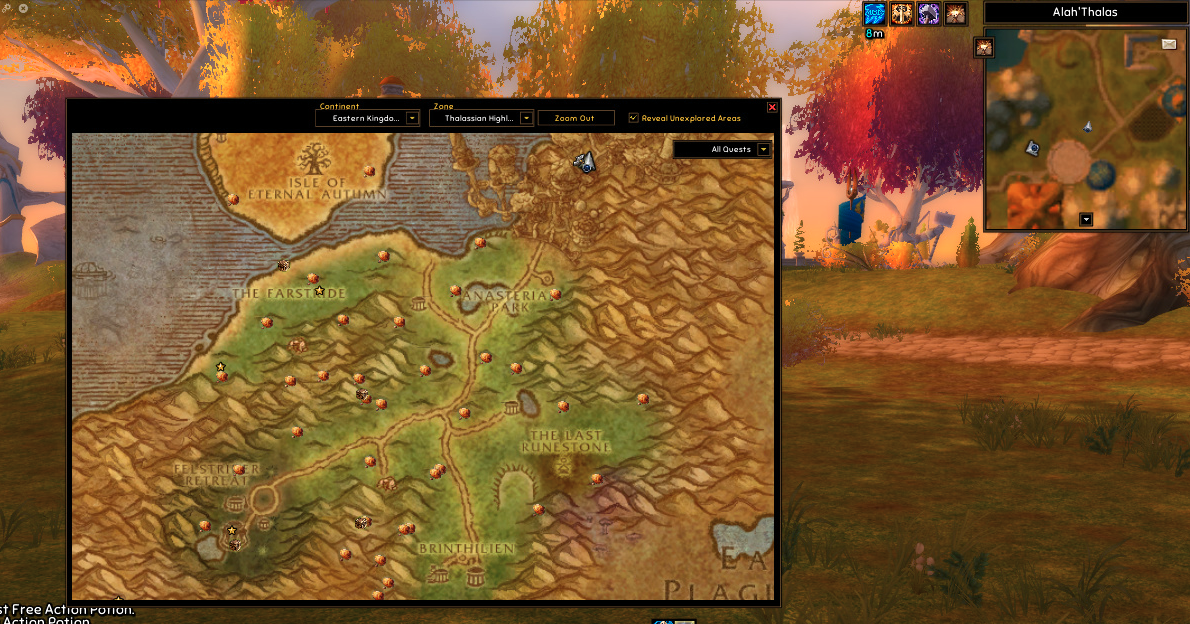
- pfQuest-turtle: Turtle WoW support for pfQuest.
-
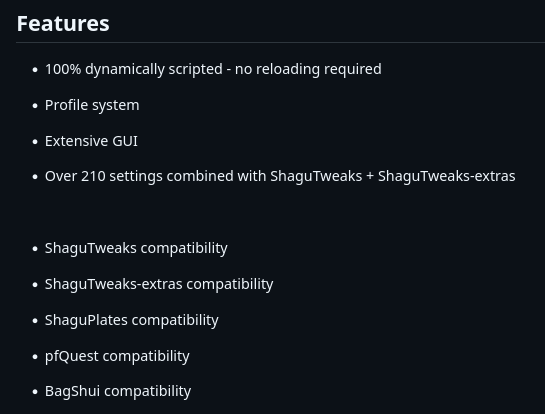
pfUI: Replaces default UI with highly customizable options, core to this list.
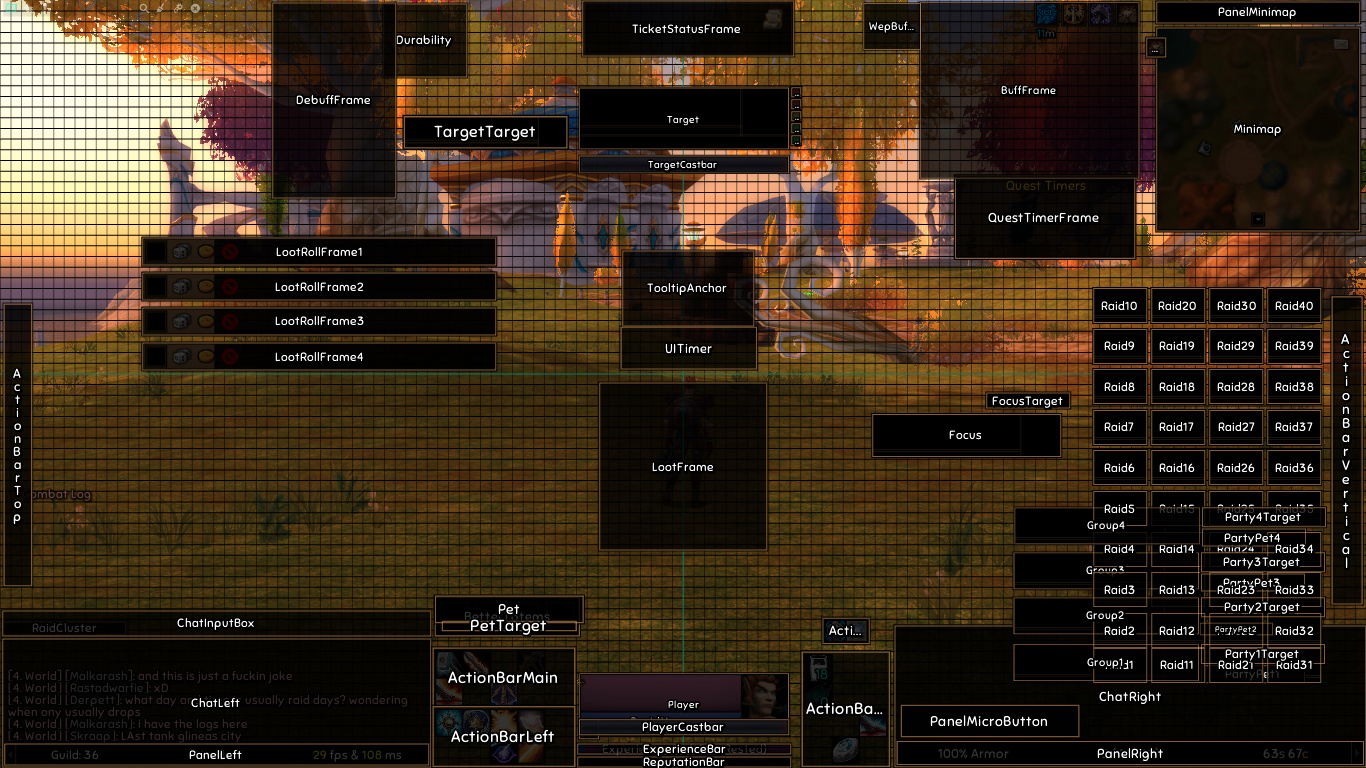
- pfUI-turtle: Adds Turtle WoW skins and class behaviors for pfUI.
-
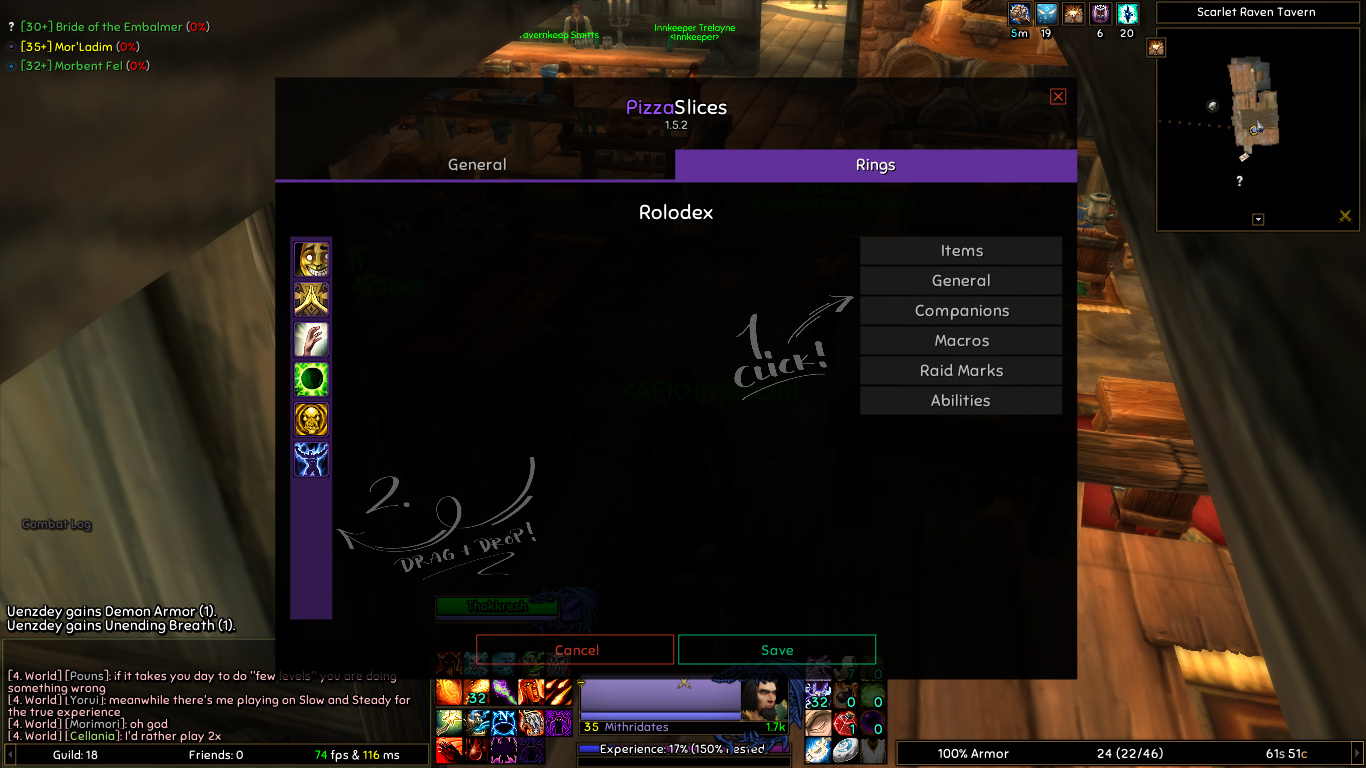
PizzaSlices: Adds ring menu without using action buttons.
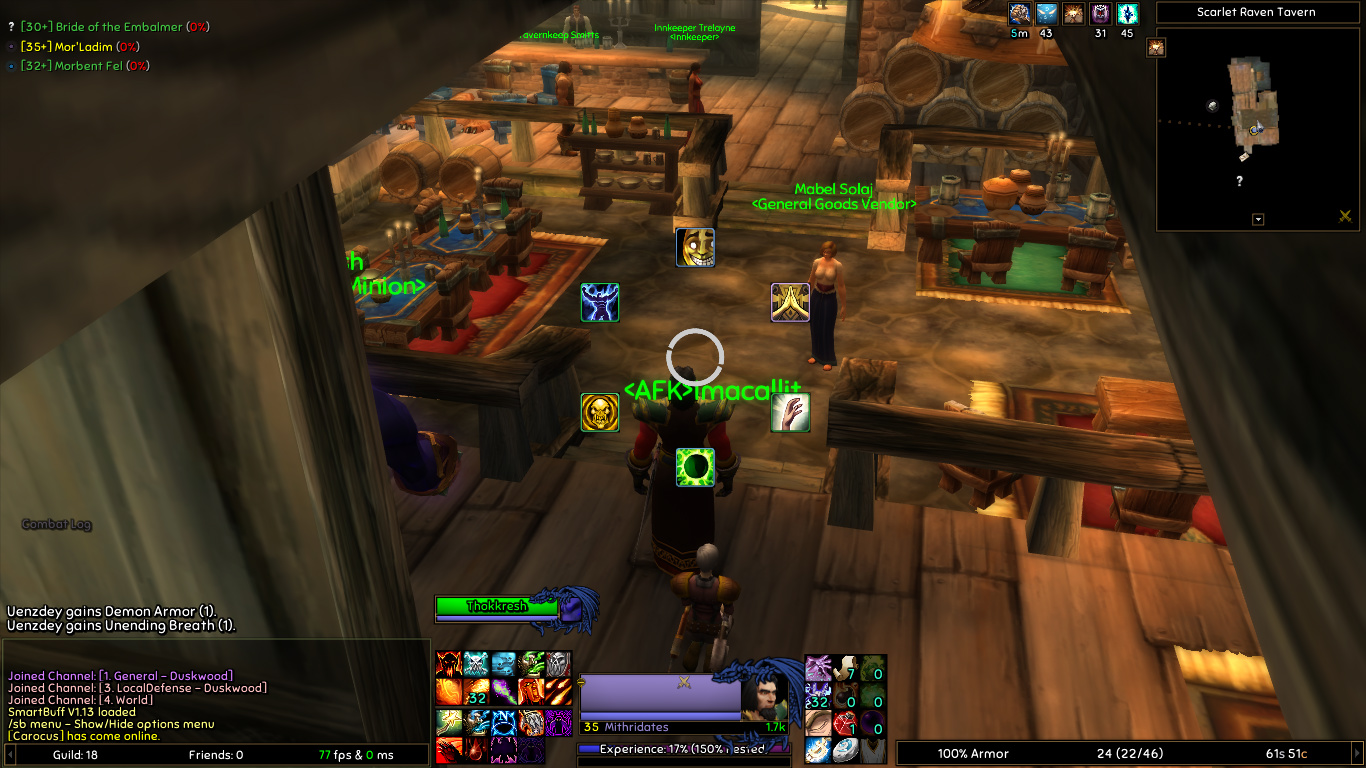
- ProcDoc: Shows visuals for instant/free-cast buffs.
- Rinse: Removes debuffs from friendly units.
- sentry: Alerts for nearby PVP enemies.
- SmartBuff: Auto-buffs self/party/raid.
- Tmog: Shows transmog info on item tooltips.
- TrainerSkills: Access trainer frame anywhere.
- TurtleMail: Enhances mailbox for Turtle WoW.
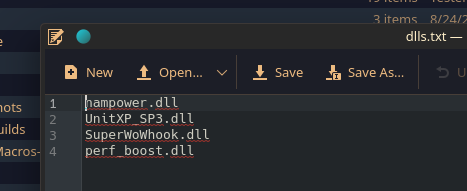
- UnitXP_SP3 Mod: Modernizes Vanilla WoW 1.12.
- UnitXP_SP3_Addon: Supports UnitXP SP3 mod for Vanilla WoW 1.12.
- Superwow Mod: Fixes client bugs and expands Lua-based API for addons.
- SuperAPI: Companion addon for Superwow mod.
- Nampower Mod: Adds spell queuing, auto-retry, and quickcasting with customization.
- NampowerSettings: In-game settings for Nampower mod.
- perf_boost mod: Optimizes performance with render distance controls for better FPS.
-
PerfBoostSettings: Configuration for perf_boost mod.
Not an exhaustive list, nor comprehensive!
- GFW_FeedOMatic: Manages pet food and auto-feeds with a keypress.
- GFW_HuntersHelper: Shows beast abilities in tooltips for taming.
- RogueFocus: Displays combo points, energy, and ticks.
- StealthOverlay: Adds background texture in stealth/prowl.
- GryllsComboSounds: Plays sound for combo point gains.
- GrimoireKeeper: Tracks warlock pet grimoires.
- ShardCap: Auto-deletes excess Soul Shards after combat.
-
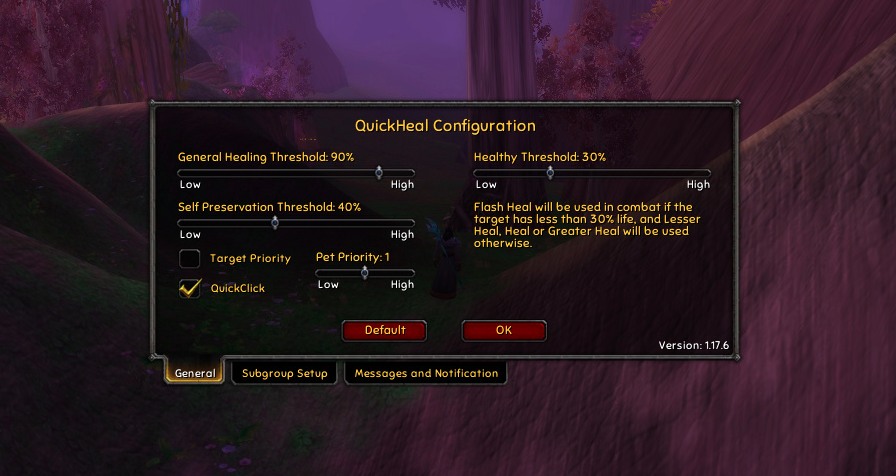
QuickHeal: Heals without manual targeting or deselecting enemies.
- FishingBuddy: Fishing addon for Turtle WoW.
- GFW_DisenchantPredictor: Shows disenchant outcomes for items.
If you prefer a modern UI alternative to pfUI, try Dragonflight: Reloaded 2. Additional addons may be needed for full functionality.
-
DragonflightReloaded: Modern UI replacement for WoW Classic (1.12), inspired by Dragonflight UI.
To maximize Turtle WoW performance, especially in crowded areas like Stormwind:
- Use perf_boost mod to optimize FPS with render distance controls.
- Combine with GentleGC to minimize game pauses.
- For Linux users, run Turtle WoW via PortProton with a custom prefix (e.g.,
/home/cl3v3r/PortProton/prefixes/DEFAULT/) and setPW_WINE_CPU_TOPOLOGY="2:0,1"for smoother gameplay at ~40 FPS in lighter zones like Mulgore.
- RetroCro's Guide: Guide to Turtle WoW essentials and mods.
- Turtle WoW Wiki Addon's Page: Additional addon resources.
- Vanilla-Macros: Inspiration and guidance for Vanilla 1.12 macros.
