Repository navigation
Meraline 1.12.0

Download Meraline-1.12.0.dmg, open it, and drag Meraline into your Applications folder. Meraline needs macOS 26 or later. Installed copies update themselves.
What's new
Presets
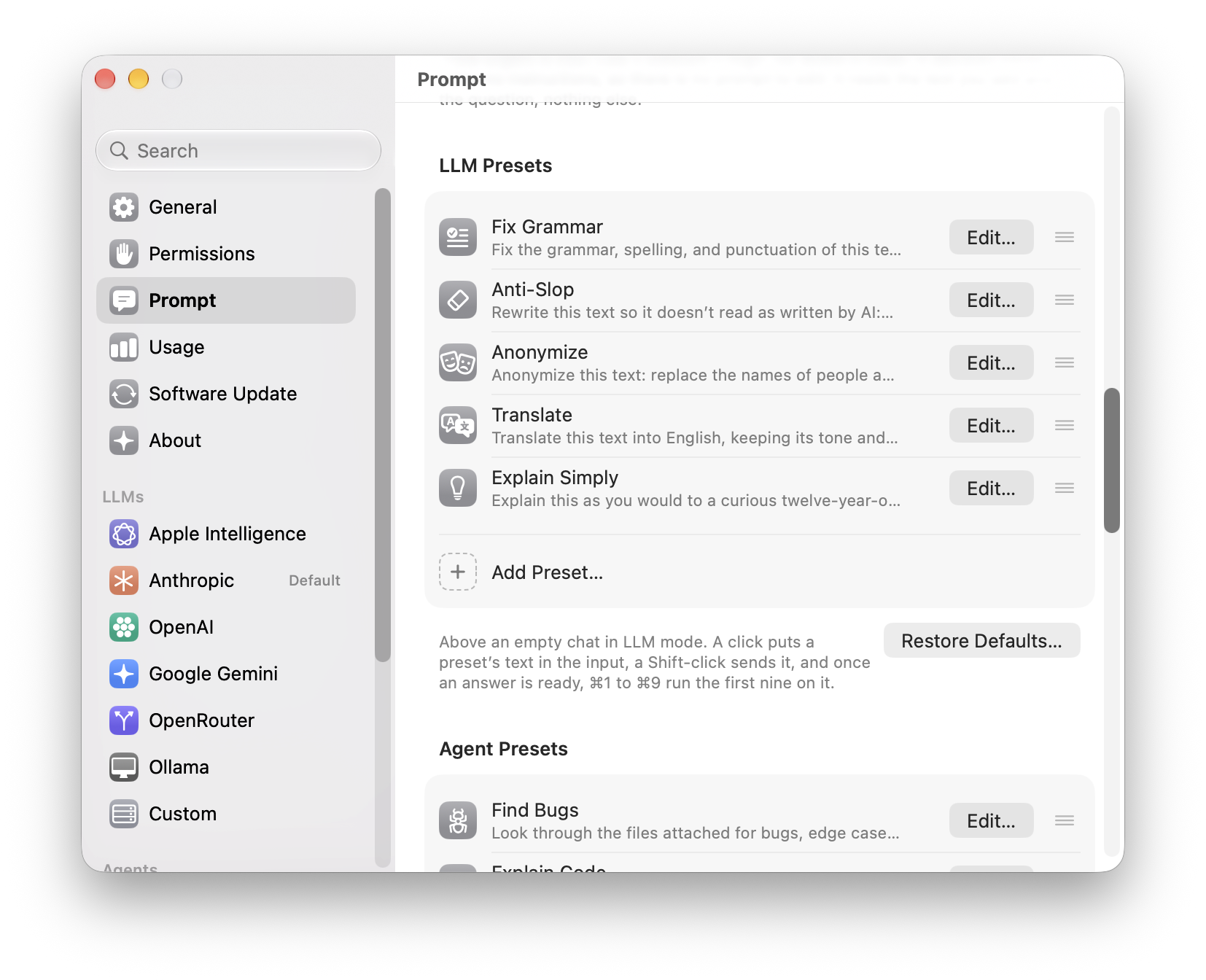
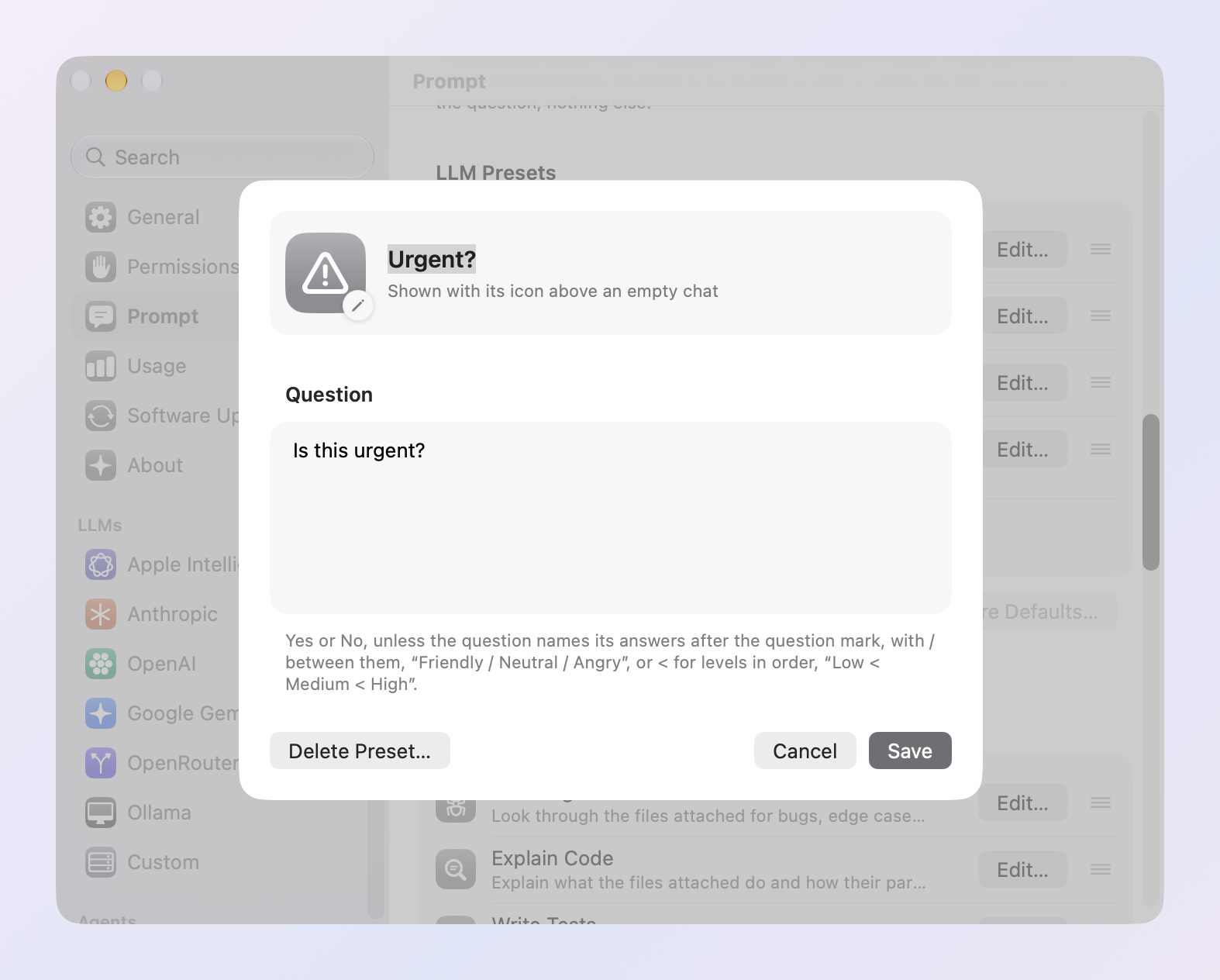
- Presets are a list you rearrange by dragging. Settings › Prompt shows each mode's presets as rows: the icon, the name, and the start of the text. Drag a row to change the order the capsules come in above an empty chat. Edit…, a double-click, or the row's menu opens the preset in a sheet with its icon, name, and text, and Save keeps the changes; Duplicate makes a copy to start from. Deleting a preset and Restore Defaults now ask first.
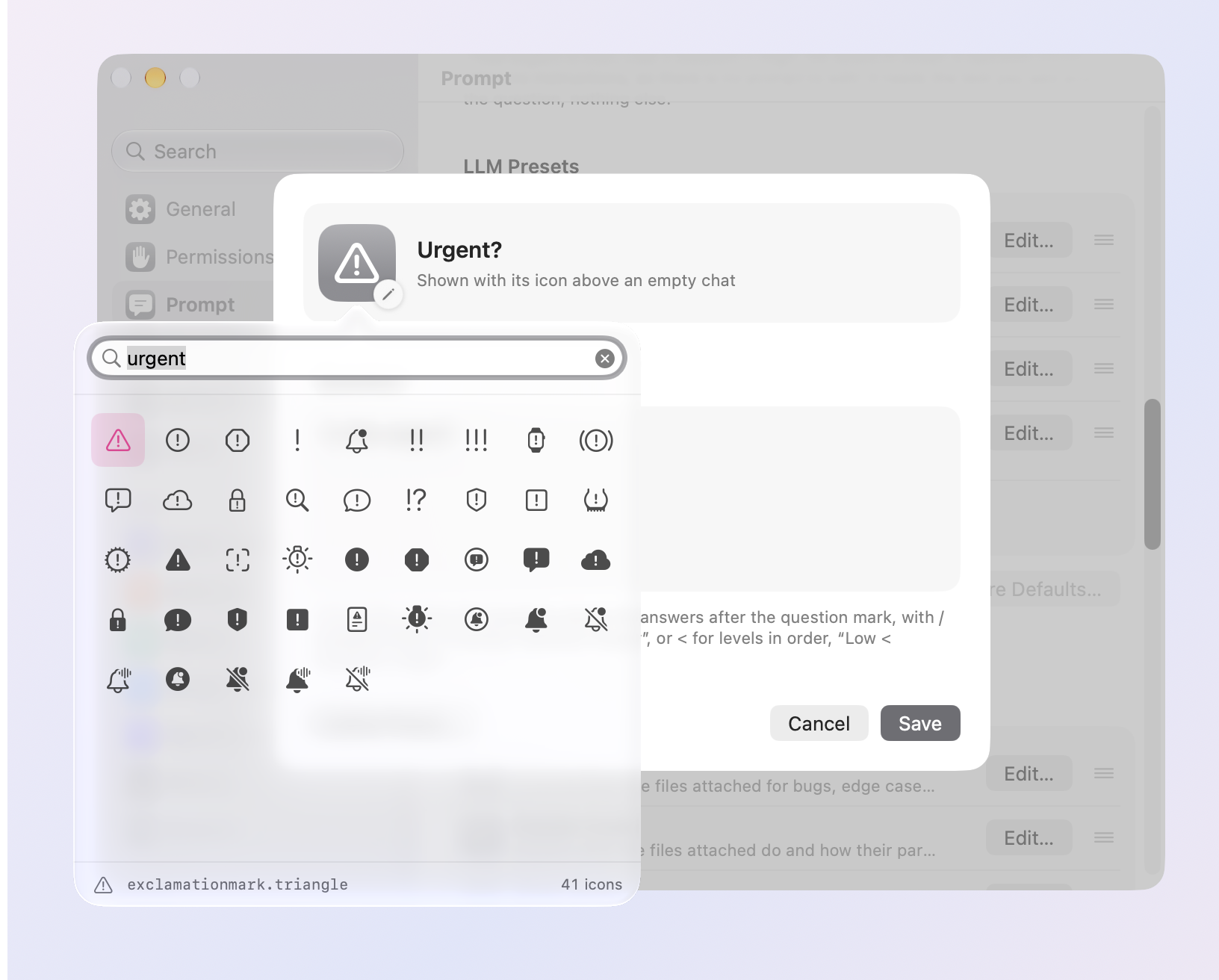
- An icon search that finds icons. Click the icon in a preset's sheet and type what you want. The search covers every SF Symbol on your Mac, by its name, Apple's keywords, and everyday words, so mail, urgent, idea, money, and bug find envelopes, warning signs, light bulbs, dollar signs, and ants, even half typed. With nothing typed it shows suggestions, then Apple's categories to browse. Return takes the first icon found.
Usage
- See the LLMs, the agents, or the decisions alone. Settings › Usage has a tile for each kind of model under the span, with what it cost and how much you used it. Click one to leave it out of every number, chart, and row below, or back in; Option-click it, or pick Show Only from its menu, to see it alone, and Show All brings every kind back. Meraline remembers what you chose. Usage counted before this version is sorted into kinds by what it holds.

Fixes
- Esc no longer throws away a live decision. With Live on, pressing Esc (or ⌘N, or starting a game) used to clear the question and the Context card's text for good. Now the draft waits in Recent Chats: on its own, as Stash Draft keeps it, or with its chat. Reopen it and it's all back, in Decision mode with Live on, your kept questions, the presets you turned on, and their answers, with nothing asked twice. A chat that runs out of time now leaves the Context card's text in place too, not only the input's.
- A long text pasted into the Context card no longer makes the window tall and mostly empty. The card stops at a few lines and the text scrolls inside it.
All files, and how to verify them
| File | What it is | SHA-256 |
|---|---|---|
Meraline-1.12.0.dmg |
The installer | 782ccf487898adc159588b0a6693763ee10040cfdb624b39058d813ade0cbbcd |
Meraline-1.12.0.zip |
The archive Sparkle installs as an update | c03412a74035df10d0b3297b7b624e1fac24b0396b2824db8f7c5e74f1fafe0a |
Meraline-1.12.0-dSYMs.zip |
Debug symbols, for reading crash reports | 6f5814c37bda797df78aa56df2f43048957c7cf5c98d2e424f0e768e845f5a34 |
appcast.xml is the update feed that installed copies check once a day.
Every file was built by GitHub Actions from tag v1.12.0 and carries a signed provenance attestation:
gh attestation verify Meraline-1.12.0.dmg --repo Meldiron/meraline