Features
 |
 |
 |
 |
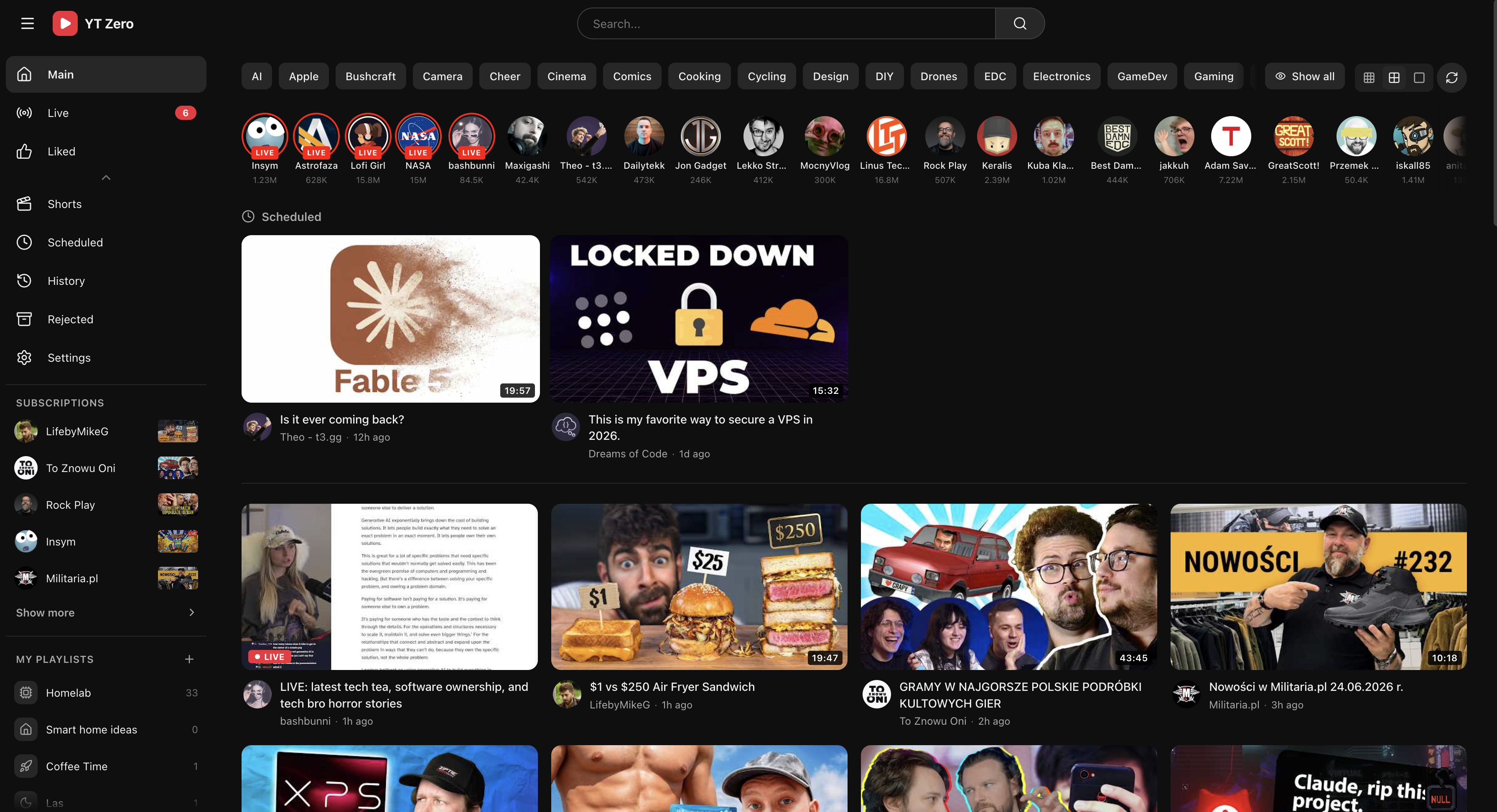
The app is designed around a few primary workflows:
- Today — the main inbox for fresh videos.
- Live — currently live and upcoming streams.
- Scheduled — videos saved into time-based buckets.
- Liked — videos you marked as liked.
- History — watched videos.
- Rejected — archived videos.
- Subscriptions — followed channels with recent activity.
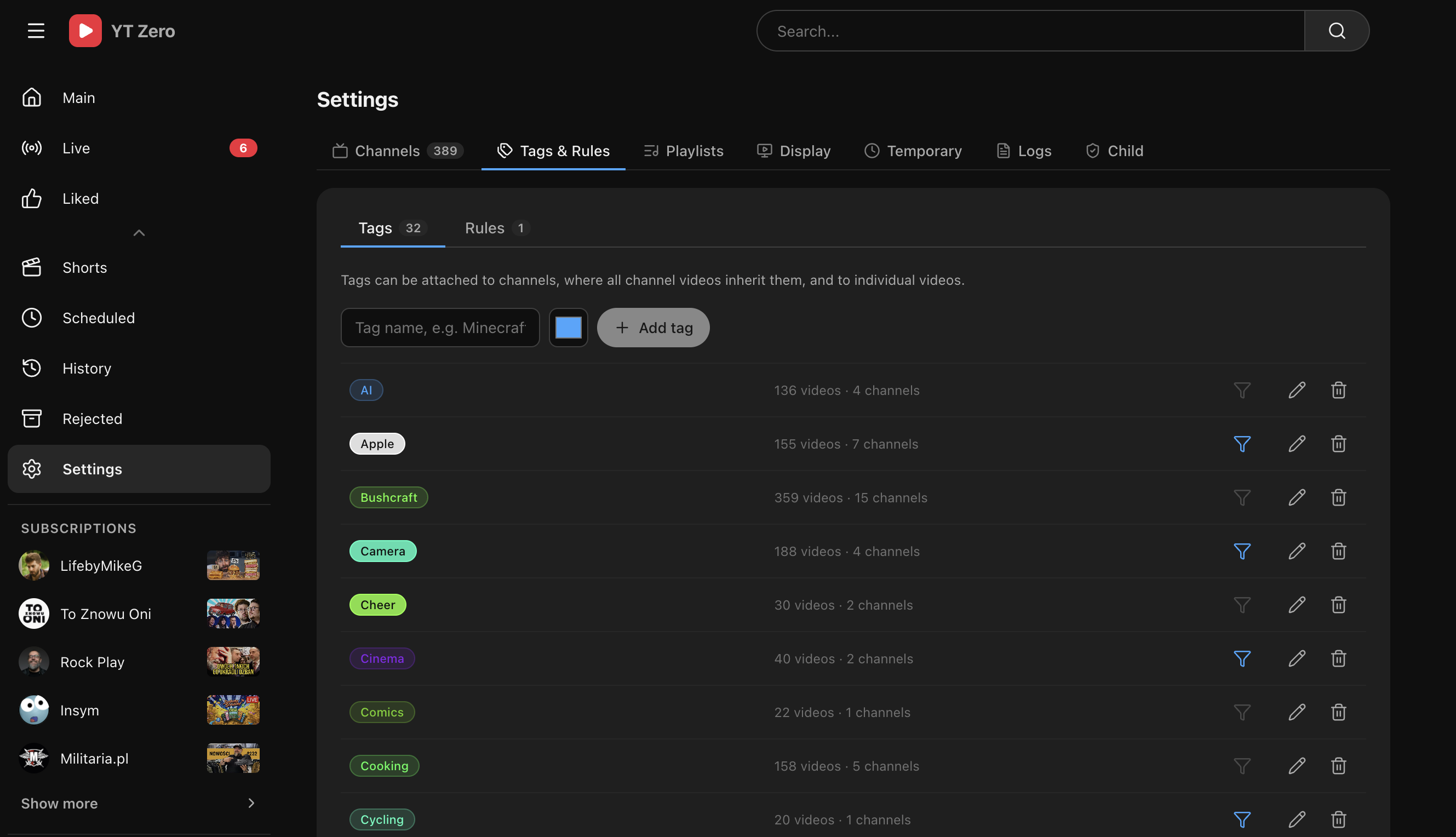
- Settings — channels, tags, rules, playlists, display, external videos, logs, child lock, authentication, language, and player preferences.
- Subscription inbox — all new videos from followed channels in one feed.
-
Channel import — add channels manually, import OPML, or import
subscriptions.csvfrom Google Takeout. See Importing Subscriptions. - Live and upcoming streams — dedicated live view with automatic status refresh.
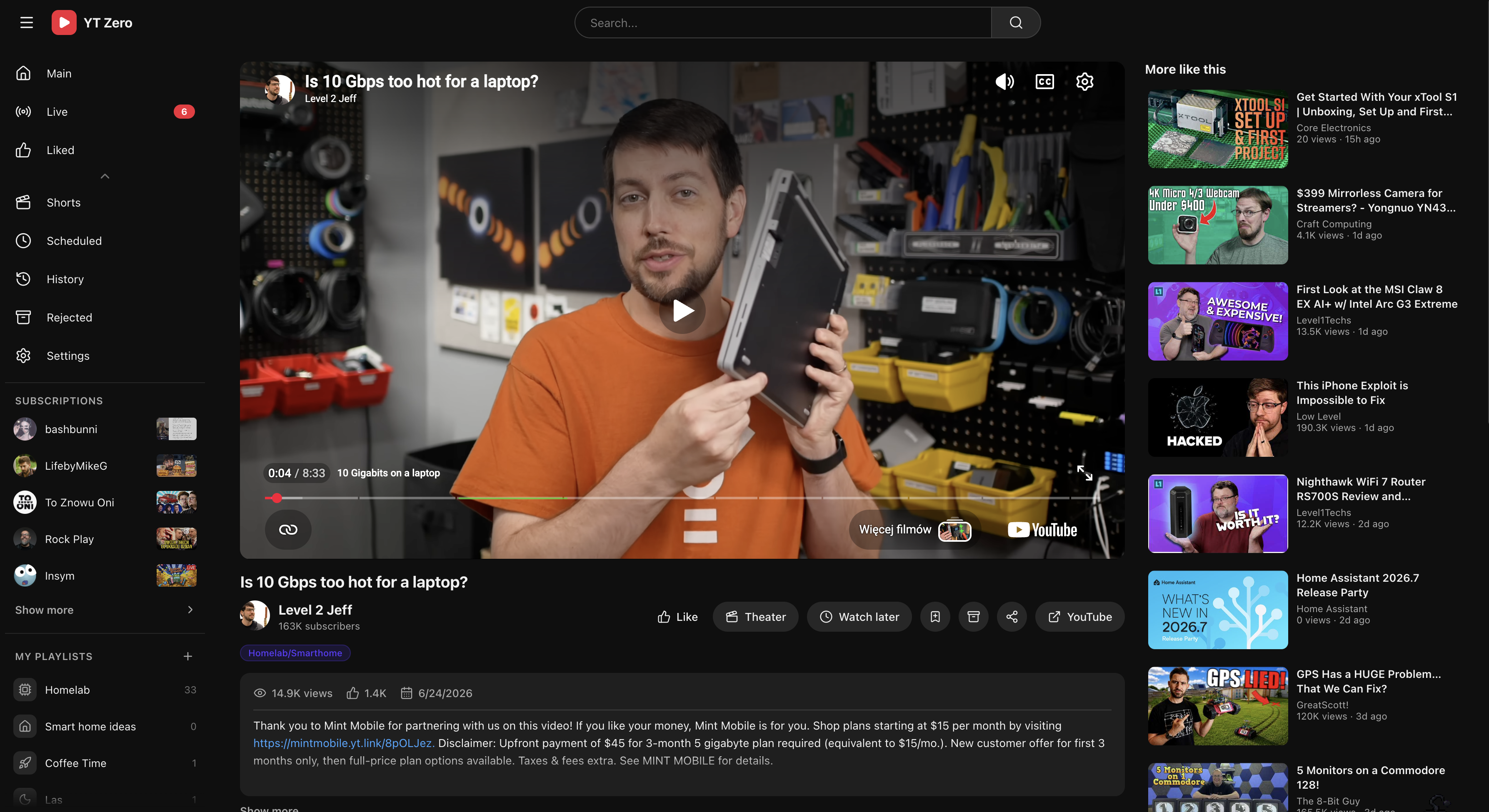
- Watch later buckets — schedule videos for Today, Tonight, Tomorrow, Tomorrow evening, or Weekend.
- Archive flow — reject videos, restore them later, and keep the main feed clean.
- Watch history and progress — record watched videos and resume partially watched videos.
- Liked videos — mark videos as liked and browse them from a dedicated view.
- Tags — tag videos and channels; channel tags are inherited by their videos.
- Automatic tag rules — apply tags by matching title or description text.
- Filter rules — automatically reject matching videos, or keep only matching videos for selected channels.
- User playlists — create local playlists, choose icons, add videos manually, and populate playlists with rules.
- Profiles — multiple isolated profiles on one install. See Profiles.
- Authentication — None, shared login, per-profile login, OIDC, or proxy headers, with password and passkey support. See Authentication.
- Child lock — protect settings with a 6-digit PIN. See Child Lock.
- Channel pages — browse regular videos, Shorts, public playlists, channel metadata, and channel-specific tags.
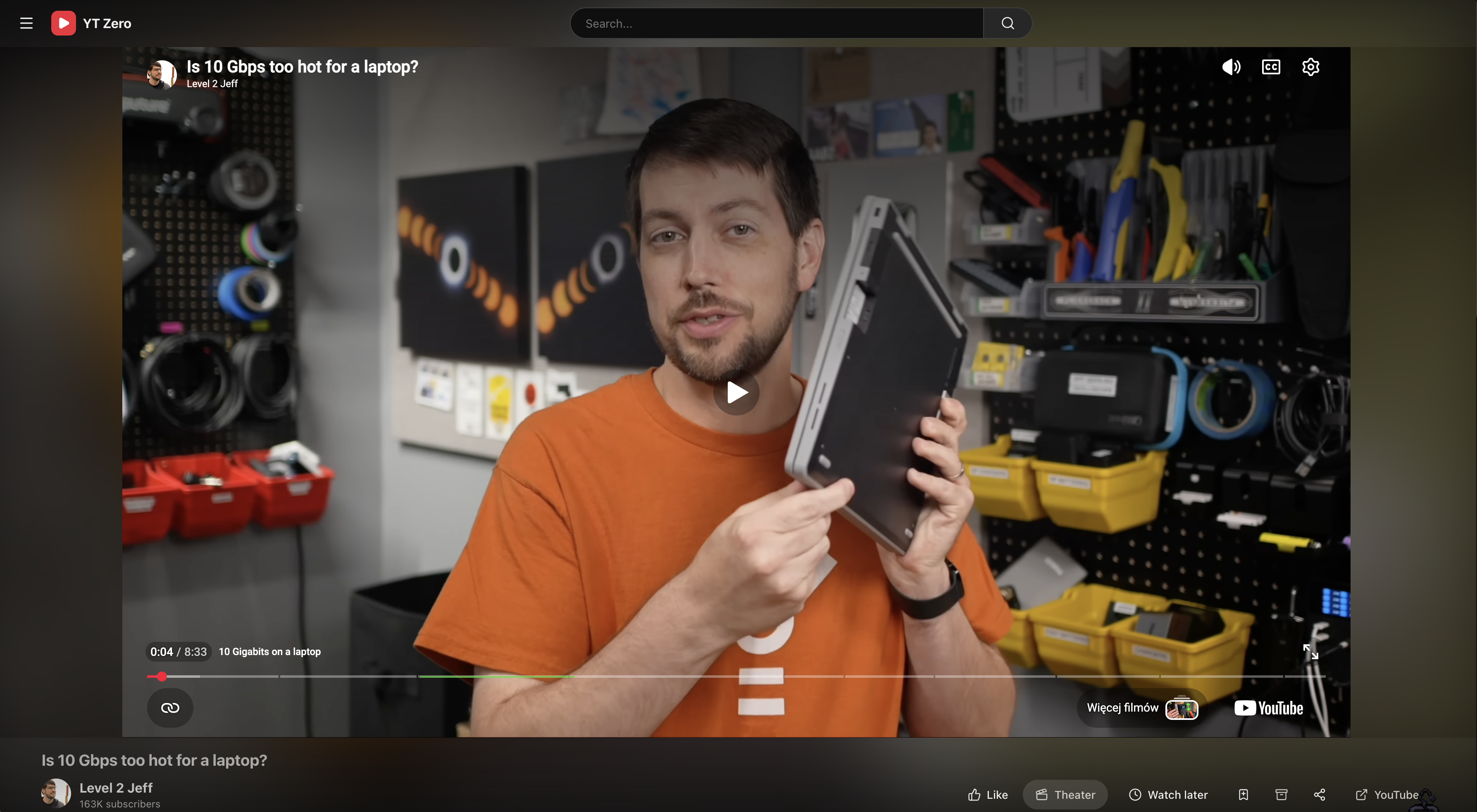
- Theater view — distraction-light player layout for watching.
- Internationalization — English, Polish, and German UI, with saved user preference.
- Player preferences — captions, player language, caption language, preferred quality, and Shorts visibility.
- Custom display — rename the app, change grid density, show or hide top channels, and reorder or hide sidebar items.
- Shorts tab — dedicated Shorts view that shows only Shorts from channels you follow, filterable by tag. Watched Shorts are marked in the grid.
- Shorts player — a full-screen vertical player for browsing Shorts one at a time. Navigate with on-screen arrows, keyboard arrows, or swipe; Space pauses and resumes. The next and previous Shorts are preloaded for instant playback.
- SponsorBlock — optional integration with SponsorBlock to automatically skip sponsored segments, intros, outros, interaction reminders, and more. Configurable per category.
- Temporary videos — open videos from YouTube search even when they are not from followed channels, then review or clear them later.
- Application logs — inspect recent backend logs from the settings UI.
- Image cache — local thumbnail and image cache for faster repeat loads.