Ahn nath/crop representatives photo: [Low Priority] Crop representative photos using Cicero API data#367
Conversation

…esentative cards to crop them

|
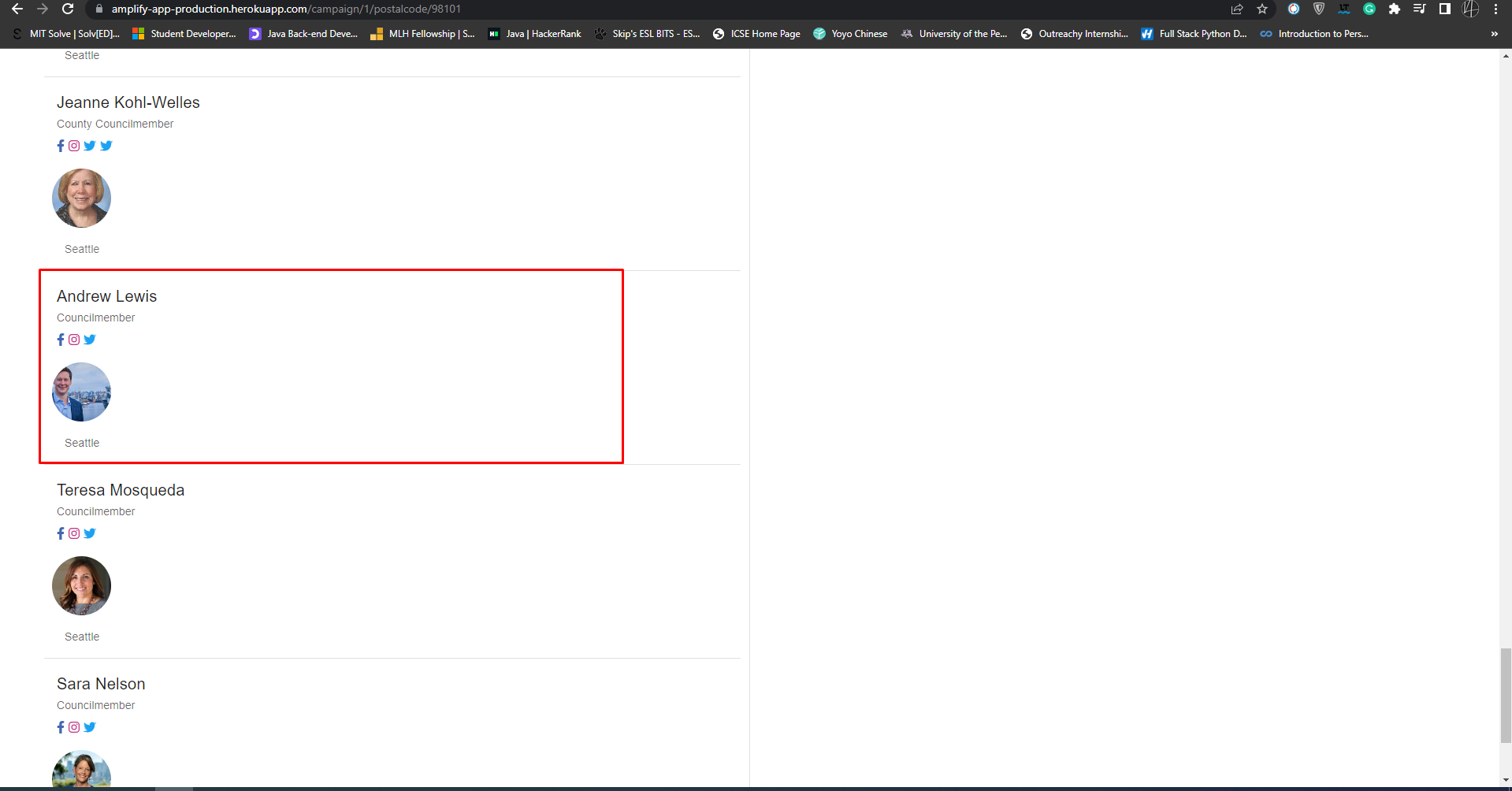
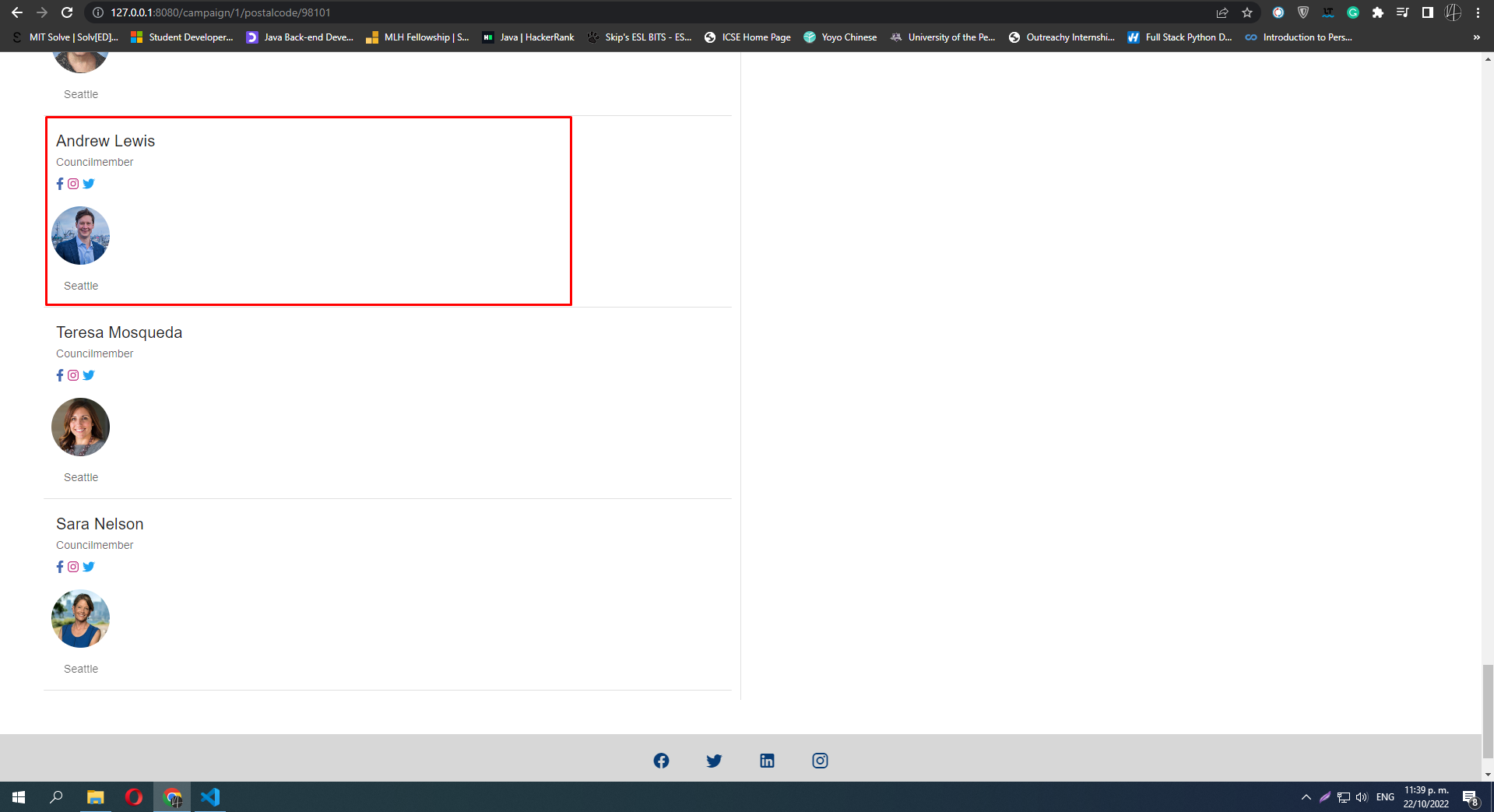
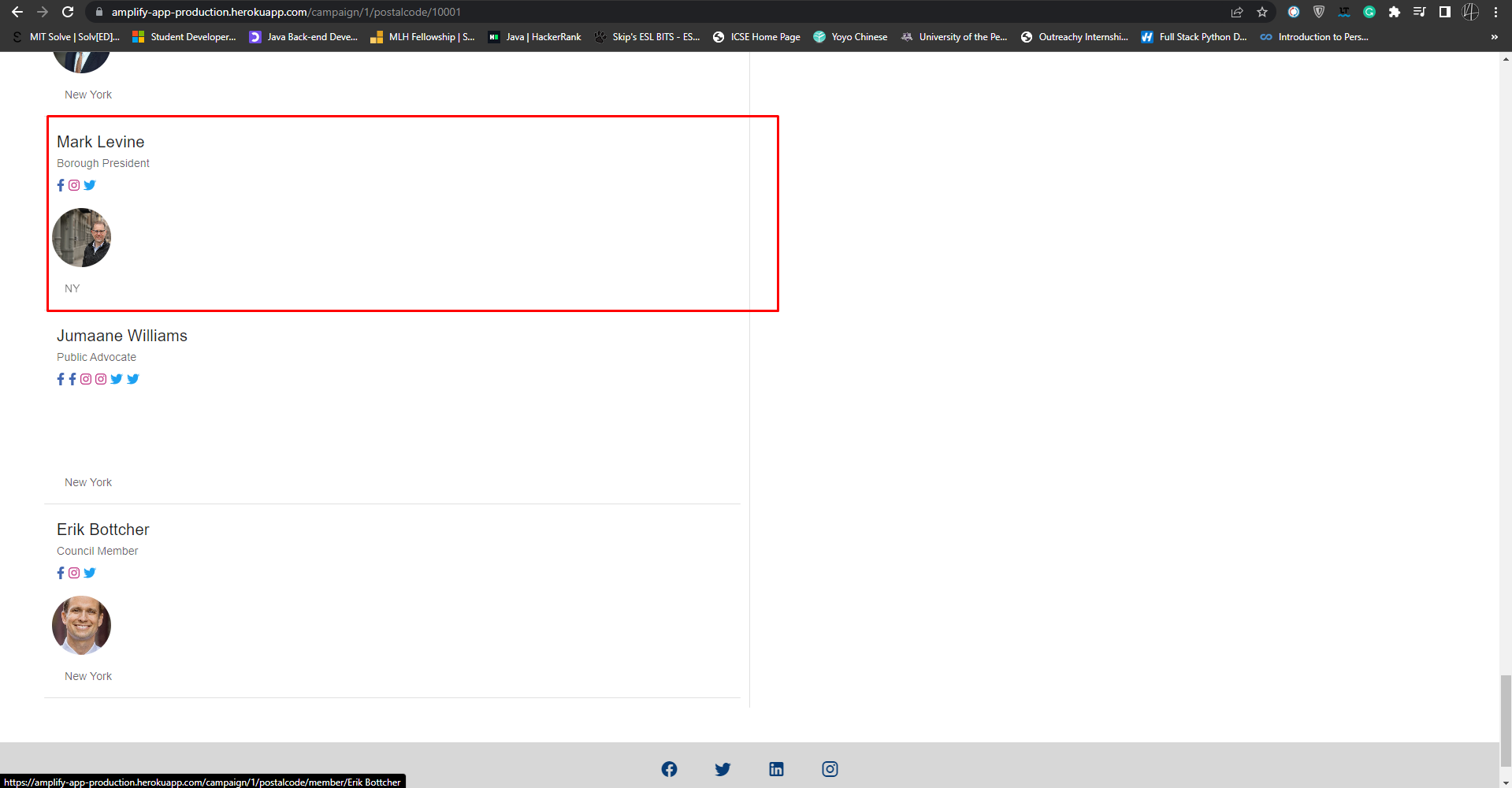
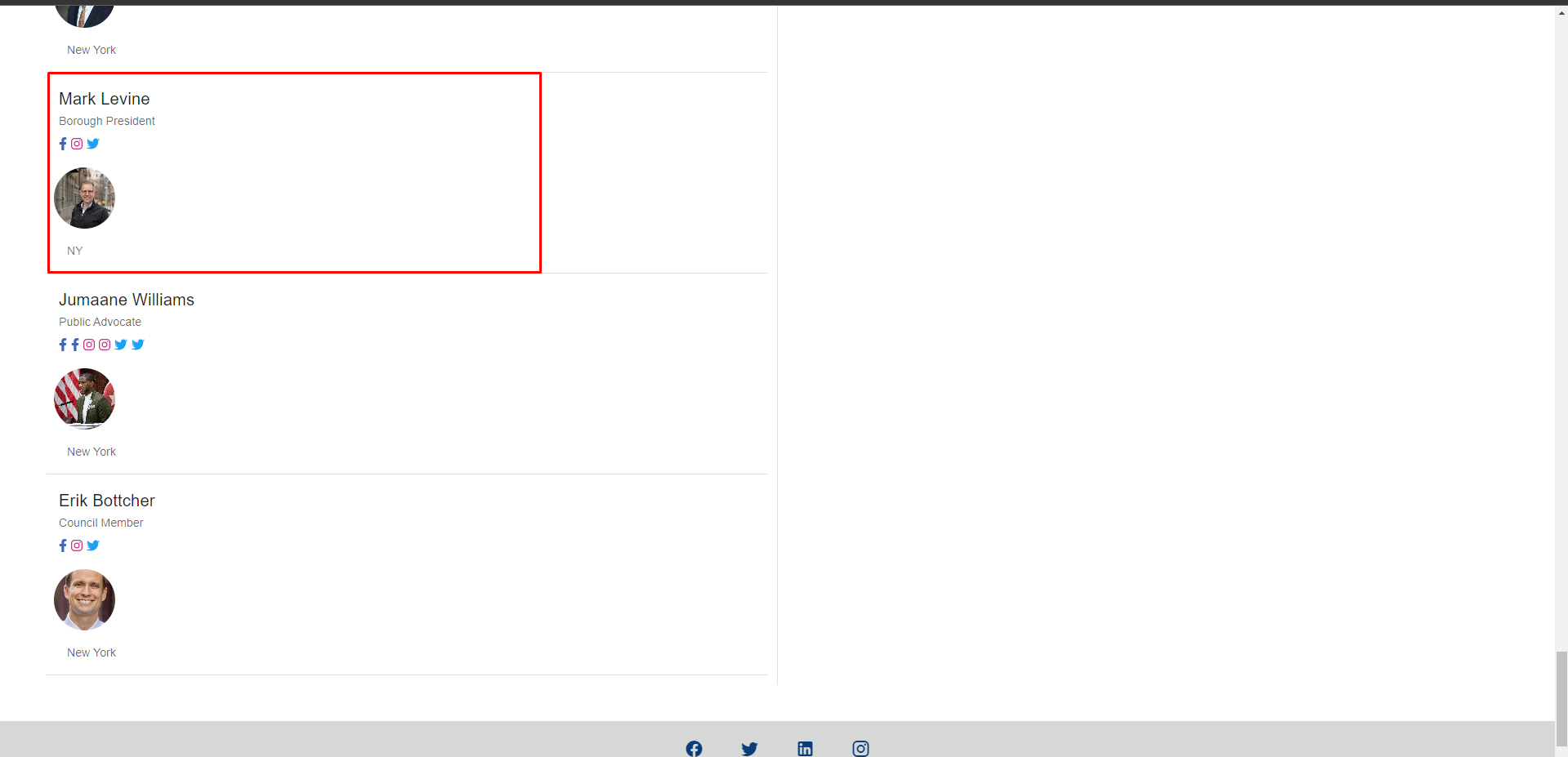
Examples: 98101
10001
97005
|
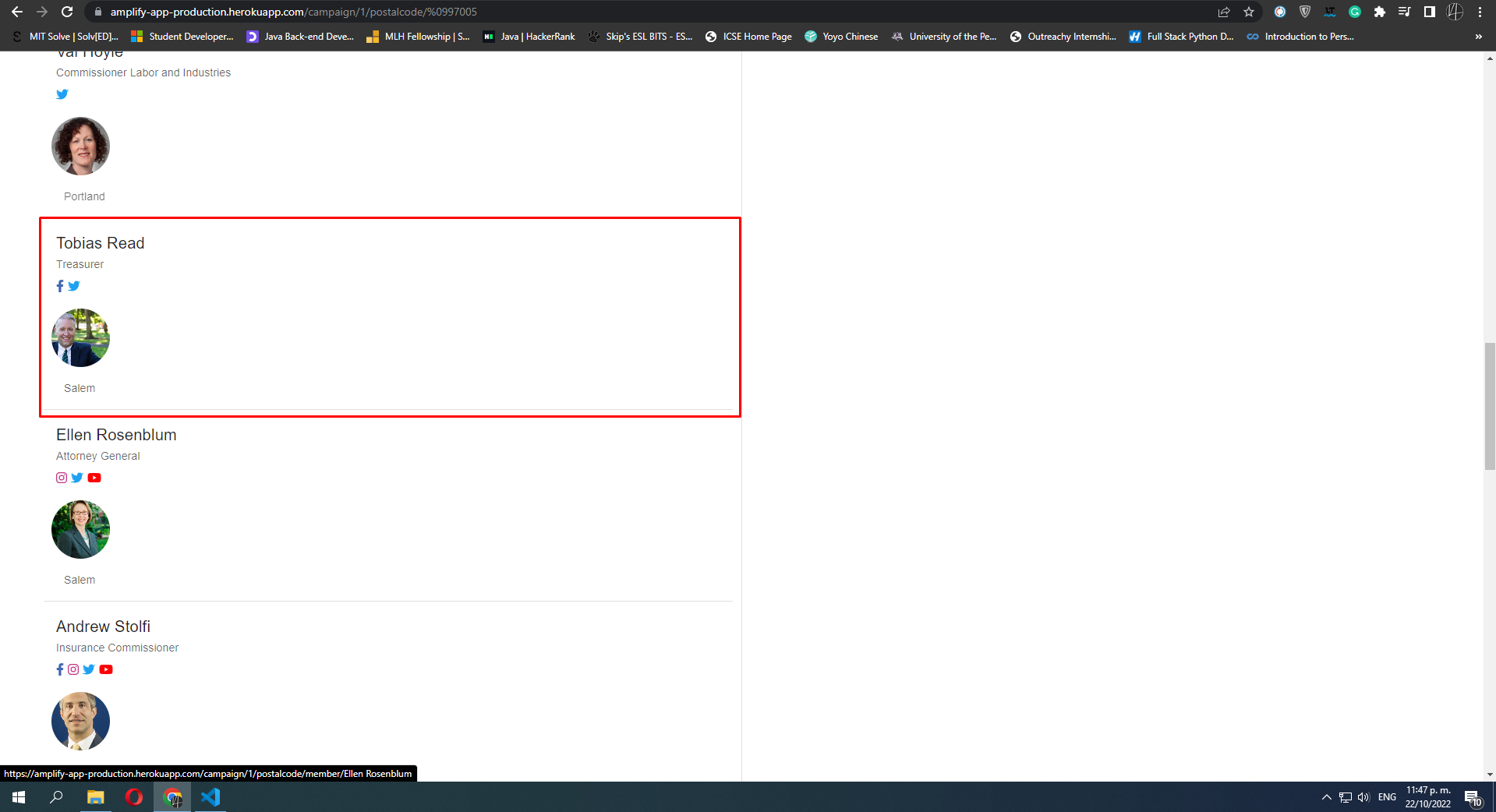
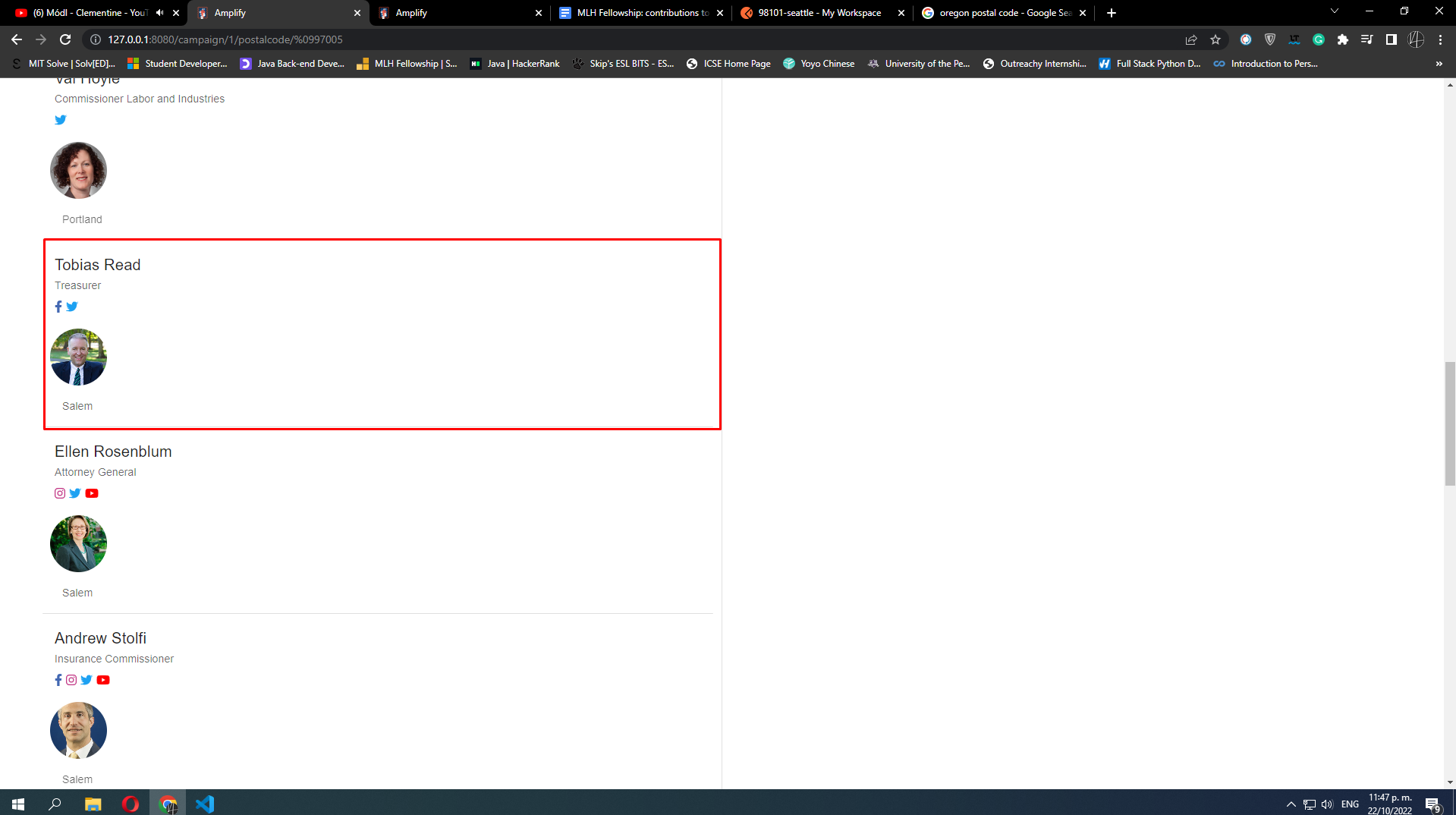
|
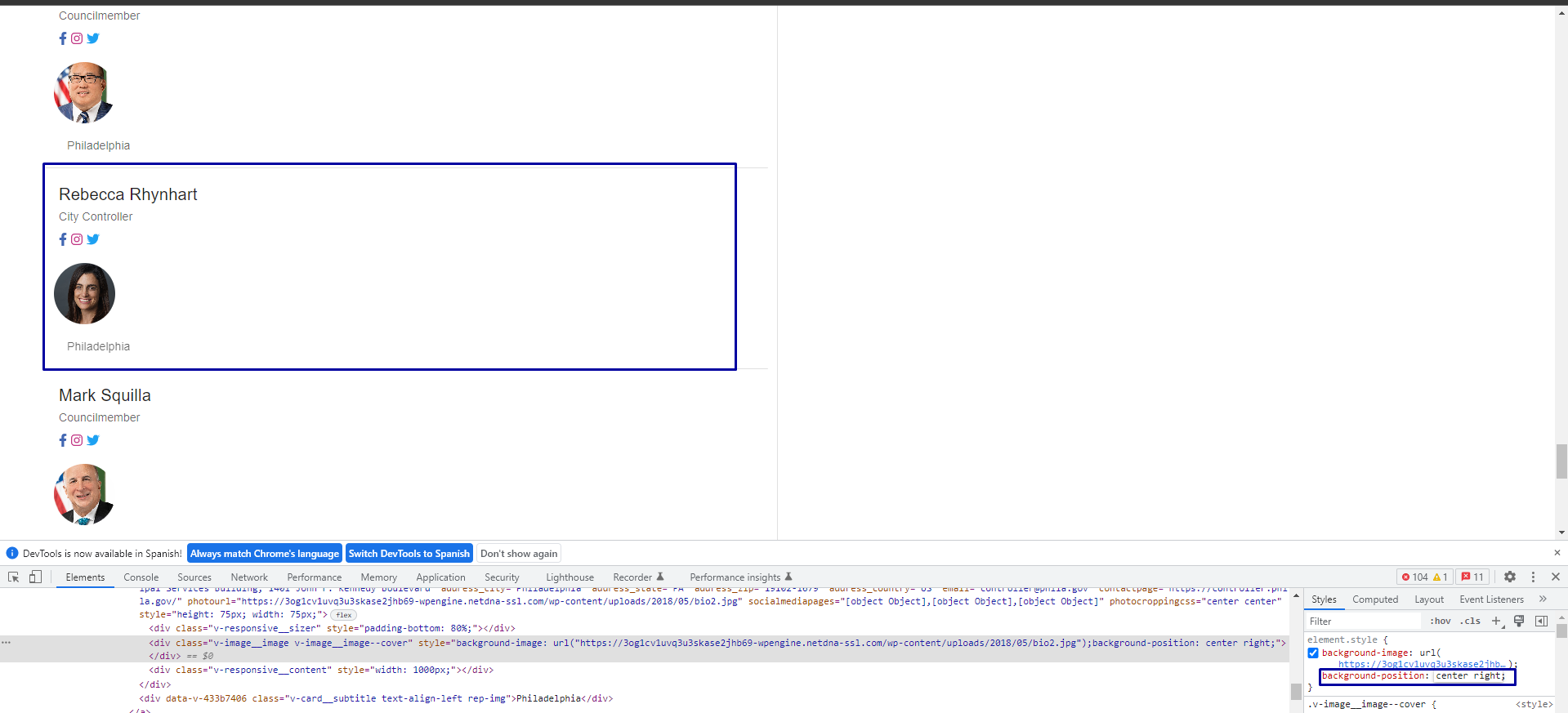
Exceptions:
|



Co-authored-by: Jacob Wallraff <thyeggman@github.com>
Simplify math operation.

Co-authored-by: Jacob Wallraff <thyeggman@github.com>
Simplify math operation.

Co-authored-by: Jacob Wallraff <thyeggman@github.com>
…com/ProgramEquity/amplify into ahn-nath/crop-representatives-photo
|
I appreciate your comments and the time you invested on this PR; they were helpful. |


 paramsiddharth
left a comment
paramsiddharth
left a comment
paramsiddharth
left a comment
There was a problem hiding this comment.
@ahn-nath Hi, Nath. I think the change in the package-lock.json is accidental and shouldn't be present here. Could you please revert it to the one in the main branch? You can see the changes here and realize that it mentions the axios-cache-interceptor. Maybe you installed it and then uninstalled it? Once you revert to the original package-lock.json, do an npm ci and it should fix everything. Let me know if you need my help.
I will update it soon and commit the fix. Thanks! |

 ahn-nath
left a comment
ahn-nath
left a comment
ahn-nath
left a comment
There was a problem hiding this comment.
@paramsiddharth
I have reviewed the relevant files with a git checkout origin/main package-lock.json command.

paramsiddharth
left a comment
paramsiddharth
left a comment
There was a problem hiding this comment.
@ahn-nath Good job, as always, Nath. Just tested it out locally. It works amazing! I appreciate how you described the design of getPhotoCroppingValues in the PR description. The function is really well-written and functioning. We don't need to worry about the null values — If the people at Cicero weren't able to figure those out for us, we shouldn't be concerned either, haha!
Despite it being a low-priority issue, you've done a good job with the research and quality, once again. Let's wait on Sam's PR (#366) to be merged to minimize the conflicts. Meanwhile, you can work on implementing #294, because you've already done the research and we have a clear idea that we're moving forward with the cache interceptor library. Keep it up!

|
Hi @ahn-nath , the logic here is pretty cool 😅 |


6 participants


Closes #333
In order to take advantage of the photo_cropping property that lets us improve the appearance of member/profile's pics via the API responses, we have:
Approach:
The official documentation describes the photo_cropping property as such:
It identifies or captures the location of the "ideal" headshot, and they provide the x, and y coordinates of the start of the object/headshot. An example of it:
"photo_cropping": { "x": 54, "y": 0, "width": 176, "height": 180, "origWidth": 450, "origHeight": 250 }We can assume that representatives that do have this property (non-null) have a pic that is either zoomed out or off center. For that reason, instead of actually cropping the pictures and creating a function that makes that update, the code I added simply focuses on the frame or quadrant of the image where the object or headshot starts.
Consider the following:
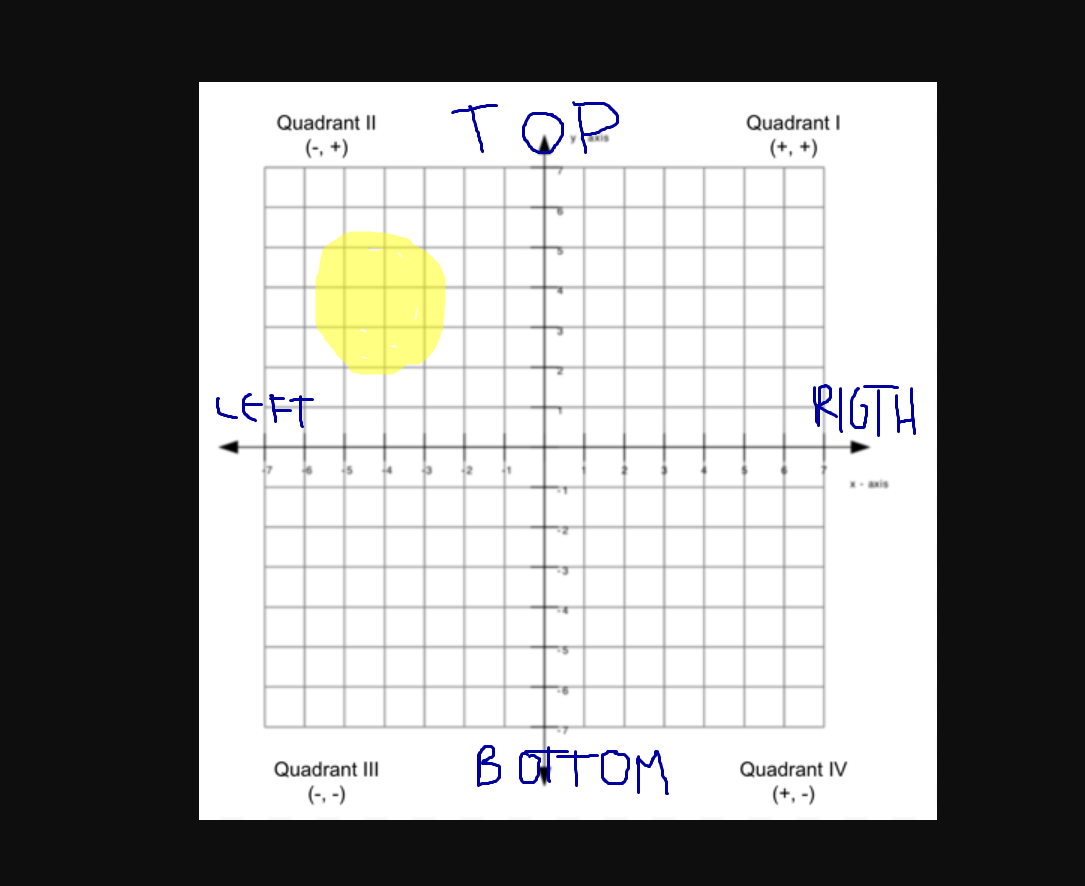
The yellow ball, our object, is at the first quadrant, which means it is at the top-left side of our image of the bigger frame. We locate the object in accordance with its x-location (left or right) and its y-location (top or bottom) and then use the background-position property of the frontend component (v-img) to properly display the pic.
The logic we use is:
For the x-value or x-location:
For the y-value or y-location:
Then we simply concatenate both and use them as the CSS value of the background position property. We use the center of the image as a reference for the left and right sides, as well as the top and bottom sides.