Repository navigation

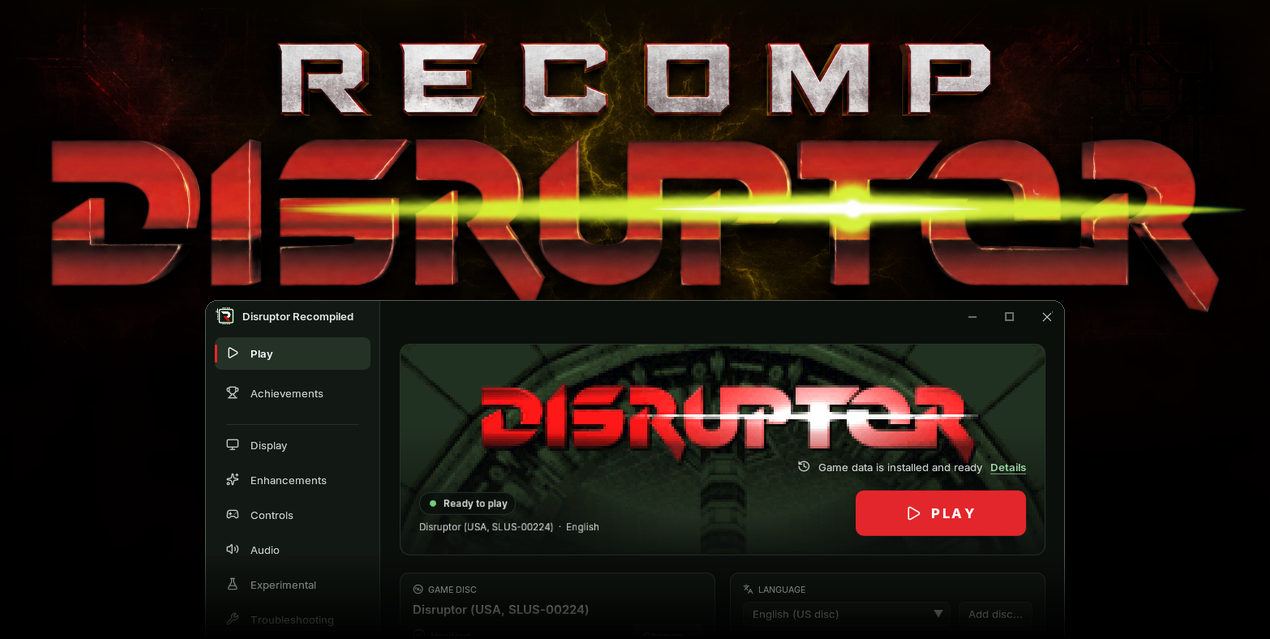
Download
| System | File |
|---|---|
| Windows 10 or 11 x64 | DisruptorRecomp-win-Setup.exe installs the launcher that updates itself |
| Windows, without installing | DisruptorRecomp-win-Portable.zip the launcher that updates itself, no install |
| Linux x64, glibc 2.35 or newer | DisruptorRecomp.AppImage the launcher that updates itself |
In this release
| Change | |
|---|---|
| Launcher | It can close itself once the game is on the screen |
| Fixes | Triton's red pipe corridor, the sixth mission's enemies and its start, a patch of sky in a wall |
Note
Before you update
- Save states, settings, keys and memory cards stay as they are
Launcher
| Setting | Where | Default |
|---|---|---|
| Close the launcher when the game starts | Play page, under PLAY | Off |
- The launcher closes once the game is on the screen
- If the game stops with an error, the launcher comes back with the reason

Fixes
Triton's red pipes
- Behind the second drop down, in-between frames no longer drop out: the motion stays smooth instead of stepping down to half rate
- There the far walls and the nearest pipes no longer flicker and change shape every other frame
Two frames in a row, standing still:

The sixth mission
- After the jump into the underground the game no longer closes to the desktop, broken since 0.10.0
- Enemies and effects there no longer turn into squares
- At the start, while you own no weapon, Vertical mouse look, the crosshair and the Draw distance you chose work now, 0.13.0 turned them off there
Looking down and up at the start, while you own no weapon:

Sky in a wall
- A patch of sky no longer shows through a wall in front of you while you turn

Depth-sorted world
- With Depth-sorted world on, turning near a pillar on the first mission's roof no longer draws the ledge over the pillar's foot at the edge of the screen

Install
Your own Disruptor (USA, SLUS-00224) disc image is needed
Windows 10 or 11 x64
- Download DisruptorRecomp-win-Setup.exe and run it
- It installs the game into
%LocalAppData%\DisruptorRecomp, with shortcuts on the desktop and in the Start menu - Your files are kept in
%LocalAppData%\DisruptorRecompData - Or, without installing, unpack DisruptorRecomp-win-Portable.zip into a folder of its own and run
Disruptor Recompiled.exe - The portable copy needs the Microsoft Visual C++ x64 Redistributable
- The portable copy keeps your files in its
datafolder
Linux x64, glibc 2.35 or newer
- Download DisruptorRecomp.AppImage
- Make it executable:
chmod +x DisruptorRecomp.AppImage - Run it
- Your files are kept in
~/.local/share/DisruptorRecompData