Repository navigation
0.15.0


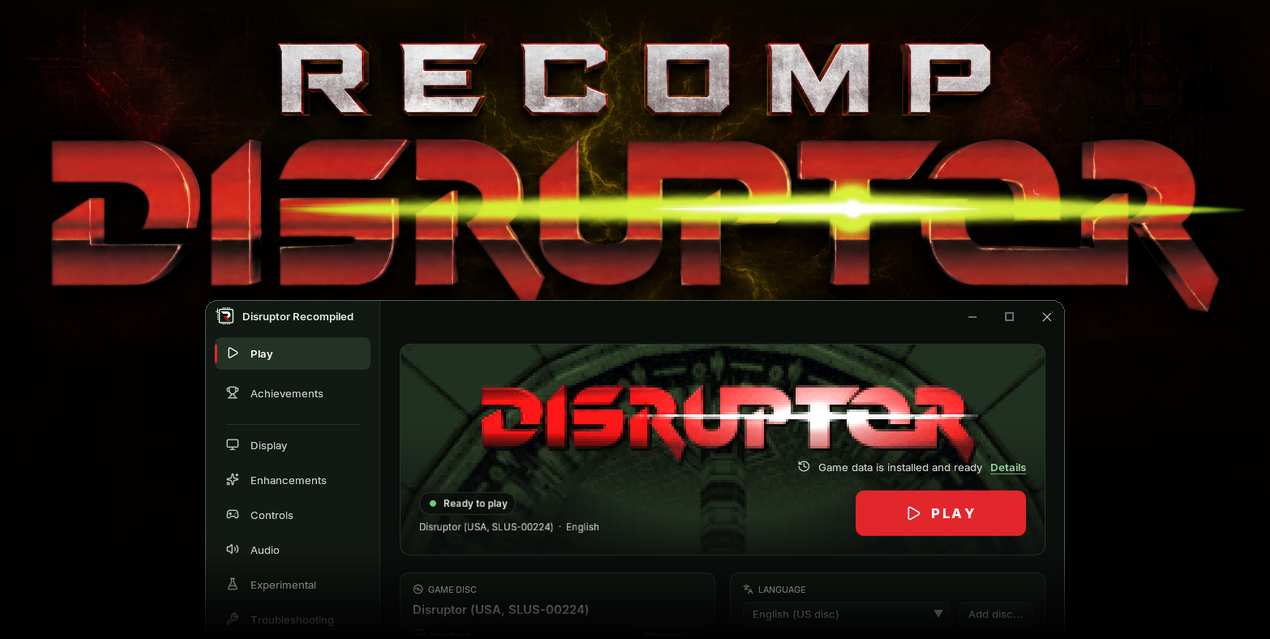
Download
| System | File |
|---|---|
| Windows 10 or 11 x64 | DisruptorRecomp-win-Setup.exe installs the launcher that updates itself |
| Windows, without installing | DisruptorRecomp-win-Portable.zip the launcher that updates itself, no install |
| Linux x64, glibc 2.35 or newer | DisruptorRecomp.AppImage the launcher that updates itself |
In this release
| Change | |
|---|---|
| Texture filtering | Nearest, Bilinear, Trilinear, Anisotropic and xBR |
| Sky | New artwork above all eight sky pictures, including mission 10's Earth |
| Performance | Performance optimizations across the game |
| Launcher | A shorter wait for the Play button |
| Fixes | New Game textures, holes in Triton's walls and ice, lava, the pause menu, sky, crosshair and weapon selection |
Texture filtering
| Setting | Where | Default |
|---|---|---|
| Texture filtering | Enhancements, beside Anti-aliasing | Nearest (original) |
| Filter | What changes |
|---|---|
| Nearest (original) | Keeps the PlayStation's sharp texels |
| Bilinear | Smooths textures up close |
| Trilinear | Also reduces shimmer on distant floors |
| Anisotropic 2x to 16x | Keeps floors sharper at a slant with more graphics card work at higher counts |
| xBR | Smooths diagonal edges in the pixel art |
- Filters apply to the world and sprites while the HUD, text and menus stay sharp
- Needs Exact-provenance geometry
- Filtering can make seams between some floor polygons more visible

The same view with different filters:


Sky
- The original game was not designed for free mouse look, so all eight sky pictures have been extended to fill the view when looking up
- Mission 10's Earth continues upward with a rounded edge and a blended join to the original picture

Performance
- Less processor work in gameplay, rendering and In-between frames
- Fixes missing in-between frames in crowds
- Render thread works with the crosshair on now
crowds-slow.mp4
At half speed
Launcher
- The Play button becomes available sooner after opening an installed copy
- An unchanged disc image is not read in full again
- Older save states are checked in the background
Fixes
New game
- Starting New Game over an existing save no longer corrupts password symbols or mission 2's water

Pause menu
- Save states disappears with the pause menu when resuming play
pause-menu-slow.mp4
At half speed
Lava
- In mission 8, lava no longer stretches out of its channel or shows through nearby walls at the reported angles
lava.mp4
Triton's geometry
- Fixed gaps at wall corners that exposed the sky
- Fixed ice formations appearing hollow or losing faces at certain viewing angles

Triton's sky
- No purple strip across the sky when looking up or down
purple-sky.mp4
Ambient occlusion
- Shading stays aligned with the world when looking up or down
Crosshair
- With In-between frames on, the crosshair keeps its chosen colour during the red damage flash
crosshair.mp4
At half speed
Dynamic resolution
- Resolution adjusts while the crosshair or an achievement popup is visible
- An open menu still pauses it
Weapon selection
- In missions 6 and 11, weapon keys and the wheel no longer equip the baton where the original game forbids it
Install
Your own Disruptor (USA, SLUS-00224) disc image is needed
Windows 10 or 11 x64
- Download DisruptorRecomp-win-Setup.exe and run it
- It installs the game into
%LocalAppData%\DisruptorRecomp, with shortcuts on the desktop and in the Start menu - Your files are kept in
%LocalAppData%\DisruptorRecompData - Or, without installing, unpack DisruptorRecomp-win-Portable.zip into a folder of its own and run
Disruptor Recompiled.exe - The portable copy needs the Microsoft Visual C++ x64 Redistributable
- The portable copy keeps your files in its
datafolder
Linux x64, glibc 2.35 or newer
- Download DisruptorRecomp.AppImage
- Make it executable:
chmod +x DisruptorRecomp.AppImage - Run it
- Your files are kept in
~/.local/share/DisruptorRecompData