Repository navigation


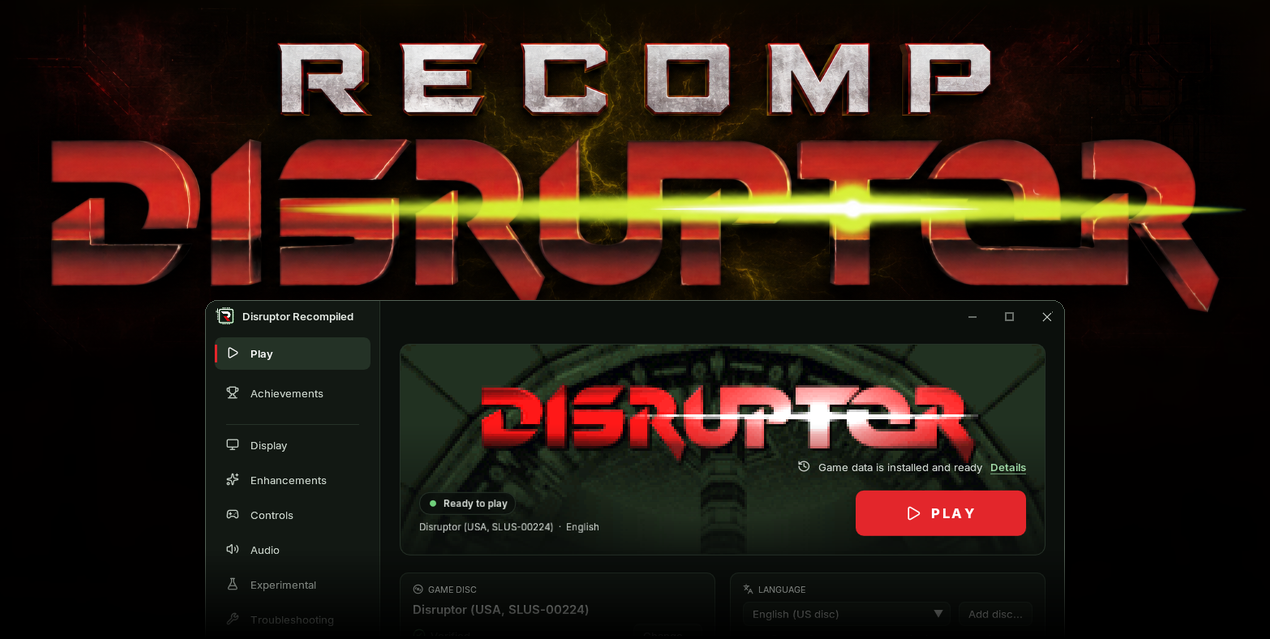
Download
| System | File |
|---|---|
| Windows 10 or 11 x64 | Windows installer with the built-in updater |
| Windows x64, portable | Portable ZIP with the built-in updater |
| Linux x64, glibc 2.35 or newer | AppImage with the built-in updater |
| Linux x64, portable archive (glibc 2.35 or newer) | DisruptorRecomp-linux-x64.tar.gz. Extract it and run DisruptorRecomp/DisruptorLauncher |
This is a purely technical release with no new gameplay features.
Launch from a game manager
Add the launcher to Steam or another game manager and set its launch options to --play. The game starts directly.
| Your build | What to launch |
|---|---|
| Windows installer or portable ZIP | current/DisruptorLauncher.exe inside the game folder (supports play time tracking) |
| Linux AppImage | DisruptorRecomp.AppImage |
| Linux archive | DisruptorRecomp/DisruptorLauncher |
Choose where your data goes
- For a custom folder, pass the same
--data-dirwhen you import the disc and when you play. The folder holds your imported disc, saves and settings. - For a portable AppImage, add
--portableto keep your data beside the AppImage. - The Linux archive keeps your data in its own
data/folder by default.
AppImage example with a custom data folder
./DisruptorRecomp.AppImage --import "/games/Disruptor.chd" --data-dir "/games/Disruptor data"
./DisruptorRecomp.AppImage --play --data-dir "/games/Disruptor data"
After disc import
- For the USA disc, select Show installed disc to open the folder with the verified copy used for play. You can move your original image back to your collection.
- If you added a language disc, leave the image where you added it. The game reads it from that location.
If an update would overwrite your saves or disc image, the launcher asks you to move them first. See the player's guide to save folders and cleanup.
Install
Your own Disruptor (USA, SLUS-00224) disc image is needed
Windows 10 or 11 x64
- Download DisruptorRecomp-win-Setup.exe and run it
- It installs the game into
%LocalAppData%\DisruptorRecomp, with shortcuts on the desktop and in the Start menu - Your files are kept in
%LocalAppData%\DisruptorRecompData - Or, without installing, unpack DisruptorRecomp-win-Portable.zip into a folder of its own and run
Disruptor Recompiled.exe - The portable copy needs the Microsoft Visual C++ x64 Redistributable
- The portable copy keeps your files in its
datafolder
Linux x64, glibc 2.35 or newer
- Download DisruptorRecomp.AppImage
- Make it executable:
chmod +x DisruptorRecomp.AppImage - Run it
- Your files are kept in
~/.local/share/DisruptorRecompData - Or unpack DisruptorRecomp-linux-x64.tar.gz and run
DisruptorRecomp/DisruptorLauncher. The archive keeps your files in itsdatafolder.