Repository navigation
0.17.0


Download
| System | File |
|---|---|
| Windows 10 or 11 x64 | Windows installer with the built-in updater |
| Windows x64, portable | Portable ZIP with the built-in updater |
| Linux x64, glibc 2.35 or newer | AppImage with the built-in updater |
| Linux x64, portable archive (glibc 2.35 or newer) | Portable tar.gz |
In this release
| Change | |
|---|---|
| Gamepad | Variable walking speed and vibration when firing or taking damage |
| Sky and level geometry | New skies in Chemical Factory, Rooftops and Triton, plus geometry and fog fixes |
| Rooftops performance | Less work when rendering in-between frames |
| In-between frames | Steadier enemy animations and fixes for black flashes and Mars fog |
| Main menu | Earlier save slot reads, cleaner Password transitions and more ways to go back |
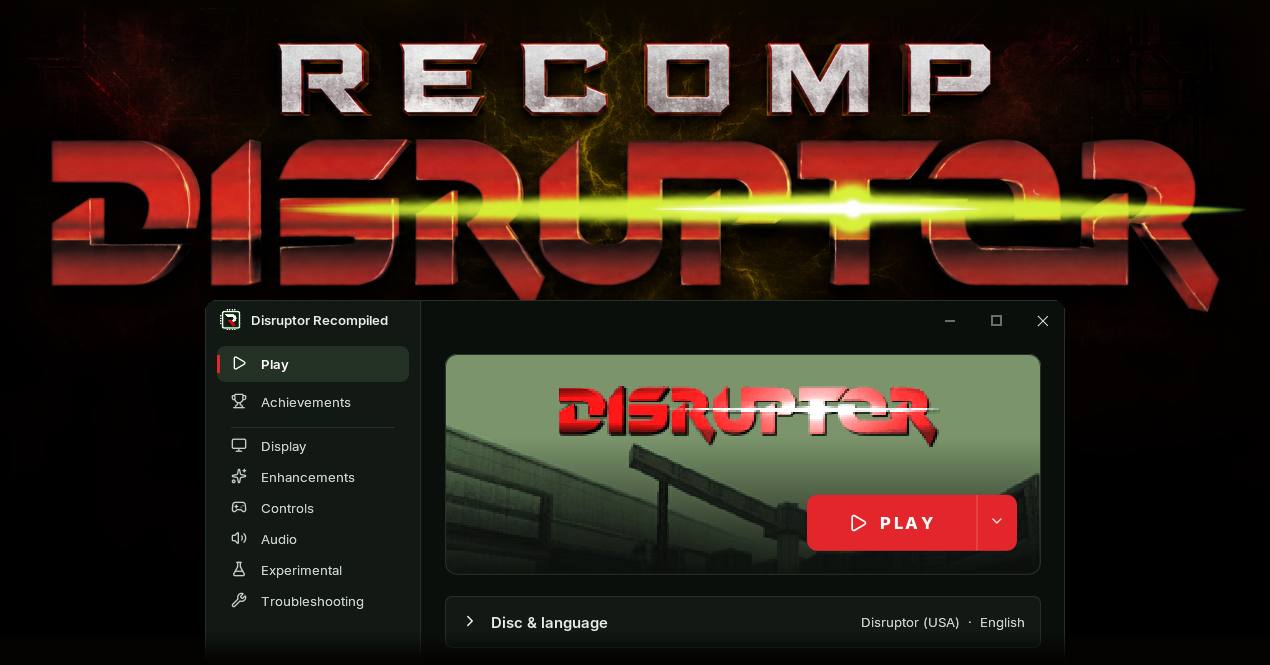
| Launcher | Disc and language controls together, with session options beside Play |
| Combat | Auto-aim follows vertical look, and Drain checks its path between updates |
Gamepad
Find both settings under Controls → Gamepad in the launcher
| Setting | 0.16.0 | 0.17.0 |
|---|---|---|
| Analog movement | Full speed past the stick dead zone | Walking speed follows stick tilt (on by default) |
| Controller vibration | No vibration from shots or hits | Feedback from shots and hits on supported controllers (off by default) |

Gamepad controls in the player's guide
Sky and level geometry
Chemical Factory
- Added a skybox above the original flat yellow backdrop
- Clouds fade into the yellow fog at the horizon

Rooftops
- Added a skybox with clouds over the city
- Buildings by the bridge stay visible when the doors close
- Restored missing side faces on nearby buildings

Triton night sky
New night sky visible when looking up and through the upper-deck openings

View from the upper-deck balcony

- The sky stays visible through balcony openings as doors move
- Blue-grey fog obscures the horizon as distant terrain comes into view
- Pause, weapon and psionics menus keep the sky in the background
- The sky stays continuous across room boundaries in the same outdoor area
- Solid walls and ice cover the sky where they block the view
Dream and Fortress
- Dream's sky extension blends into the original panorama at the horizon
- Dream's pipe elbow uses the matching pipe texture
- Fortress has a more detailed upper sky that blends into the original clouds and mountains
- Sky colours stay consistent when looking up across the join

Fortress entrance
With extended Draw distance, the entrance stays visible as you approach the arch

Jupiter Station
- The wall by Console 02 stays solid from the doorway and when turning beside it
- Nearby wall edges stay intact as you move past them

Triton geometry and fog
Restored a missing floor tile

Trimmed the ceiling polygons that stuck out past the balcony edge

Distant enemies dissolve into the night fog with Smooth distance fade on

Rooftops performance
Reduced the work needed to render In-between frames in a busy stretch of Rooftops
In-between frames
- Steadier firing animations for soldiers, creatures and robots
- Fewer doubled outlines when enemies switch firing poses
- Smoother transitions as flying mines extend their spikes and robots turn their shields
rooftops-robot.mp4
At half speed
- Fixed brief black flashes during gameplay
- Fixed red flashes on distant geometry fading into the green fog on Mars

Main menu
| In the game | 0.16.0 | 0.17.0 |
|---|---|---|
| Load Game | Slot reads started when the menu opened | Starts reading slots ahead of time |
| Password transition | The main menu could linger | The password screen and key hints appear together |
| Password input | Escape could insert an X |
Escape goes back |
| Credits | Escape did nothing | Escape returns to the main menu |
| New Game difficulty | Changed with the arrow keys | Also works with the strafe keys (A and D by default) or a right-click on the difficulty row |
Launcher
- Disc and language controls are together under Disc & language
- Disc details shows the installed copy and Open folder opens its directory
- The arrow beside Play holds the close-on-start option and View activity log
- Background checks appear in the activity log
- A smaller title sits over the rotating scenes on the home page

Disc setup and starting the game in the player's guide
Combat
| Ability | 0.16.0 | 0.17.0 |
|---|---|---|
| Auto-aim with Vertical mouse look | Could aim above enemies near steps or slopes | Uses your look angle and the target's height |
| Drain | Could miss distant hits across slopes, leaving no psi orbs | Checks the projectile's path between updates in both aiming modes |
Map
Move the mouse left or right to turn while the map is open
Install
Your own Disruptor (USA, SLUS-00224) disc image is needed
Windows 10 or 11 x64
- Download DisruptorRecomp-win-Setup.exe and run it
- It installs the game into
%LocalAppData%\DisruptorRecomp, with shortcuts on the desktop and in the Start menu - Your files are kept in
%LocalAppData%\DisruptorRecompData - Or, without installing, unpack DisruptorRecomp-win-Portable.zip into a folder of its own and run
Disruptor Recompiled.exe - The portable copy needs the Microsoft Visual C++ x64 Redistributable
- The portable copy keeps your files in its
datafolder
Linux x64, glibc 2.35 or newer
- Download DisruptorRecomp.AppImage
- Make it executable with
chmod +x DisruptorRecomp.AppImage - Run it
- Your files are kept in
~/.local/share/DisruptorRecompData - For the portable archive, unpack DisruptorRecomp-linux-x64.tar.gz and run
DisruptorRecomp/DisruptorLauncher - The archive keeps your files in its
datafolder