- interecting with html and js
- using
<script>tag : index.html - line 22
- using
<span>tag
<span>is an inline element, so in this case,<span>is used.
- set html value with textContent
document.getElementByTagId("<id>").textContent = <value>
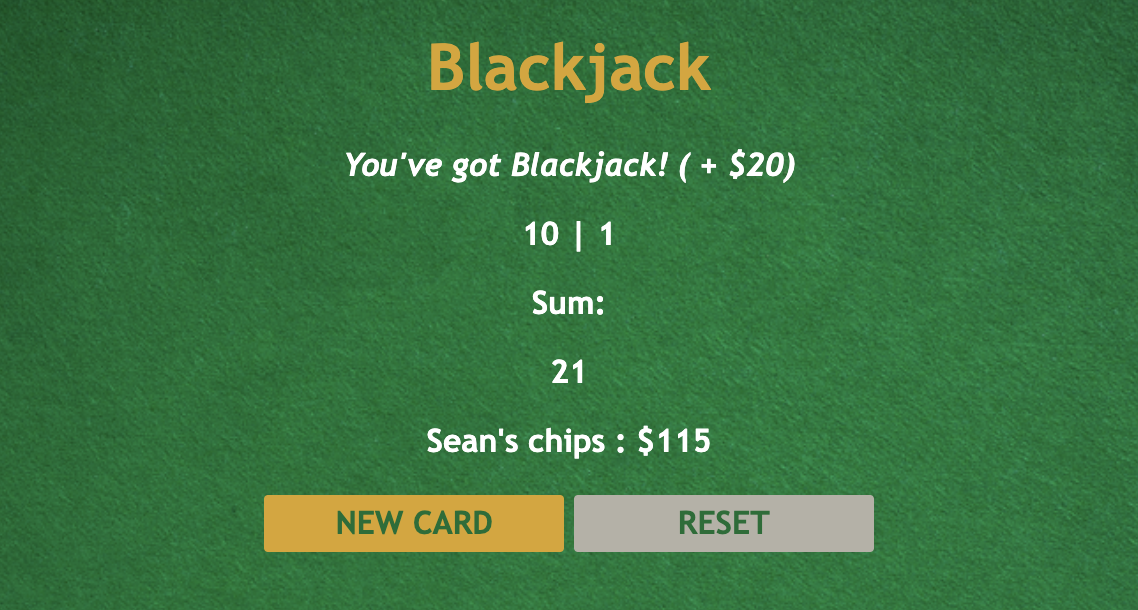
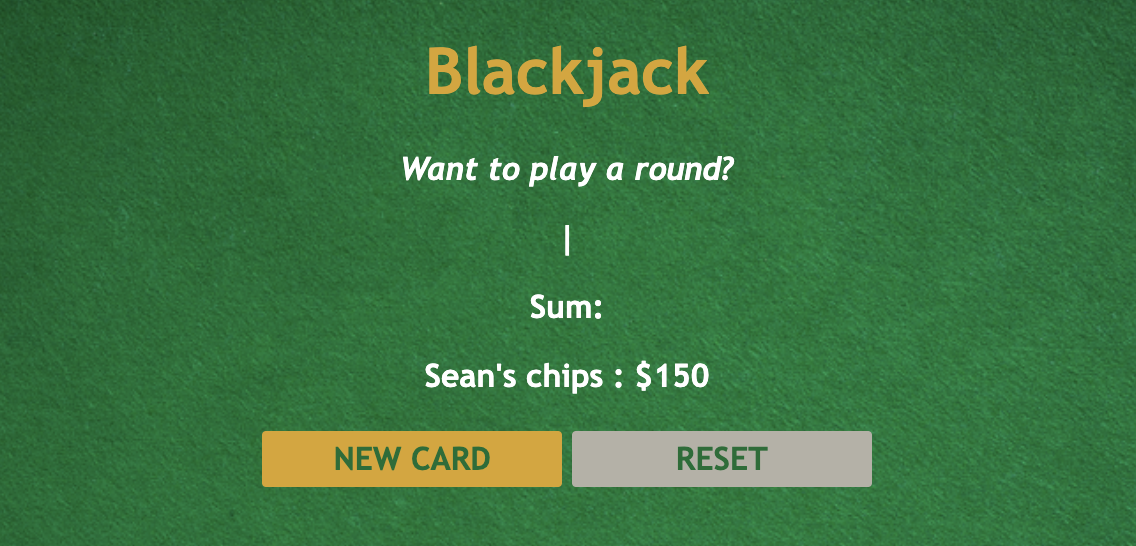

- onclick() : ✅ , onClick() : ❌ in HTML
onClick will work in html, but if you're defining the handler in JS, you need to use the lowercased onclick. (https://stackoverflow.com/questions/4380719/onclick-or-onclick)
- When the value will be keep changing value, using array
let cards = [firCard, secCard]

cards[0] = Math.floor(Math.random() * 11) + 1;
cards[1] = Math.floor(Math.random() * 11) + 1;
- Math.random()
Math.random() * 4= 0.000 to 3.999Math.floor(Math.random() * 4)= 0 | 1 | 2 | 3
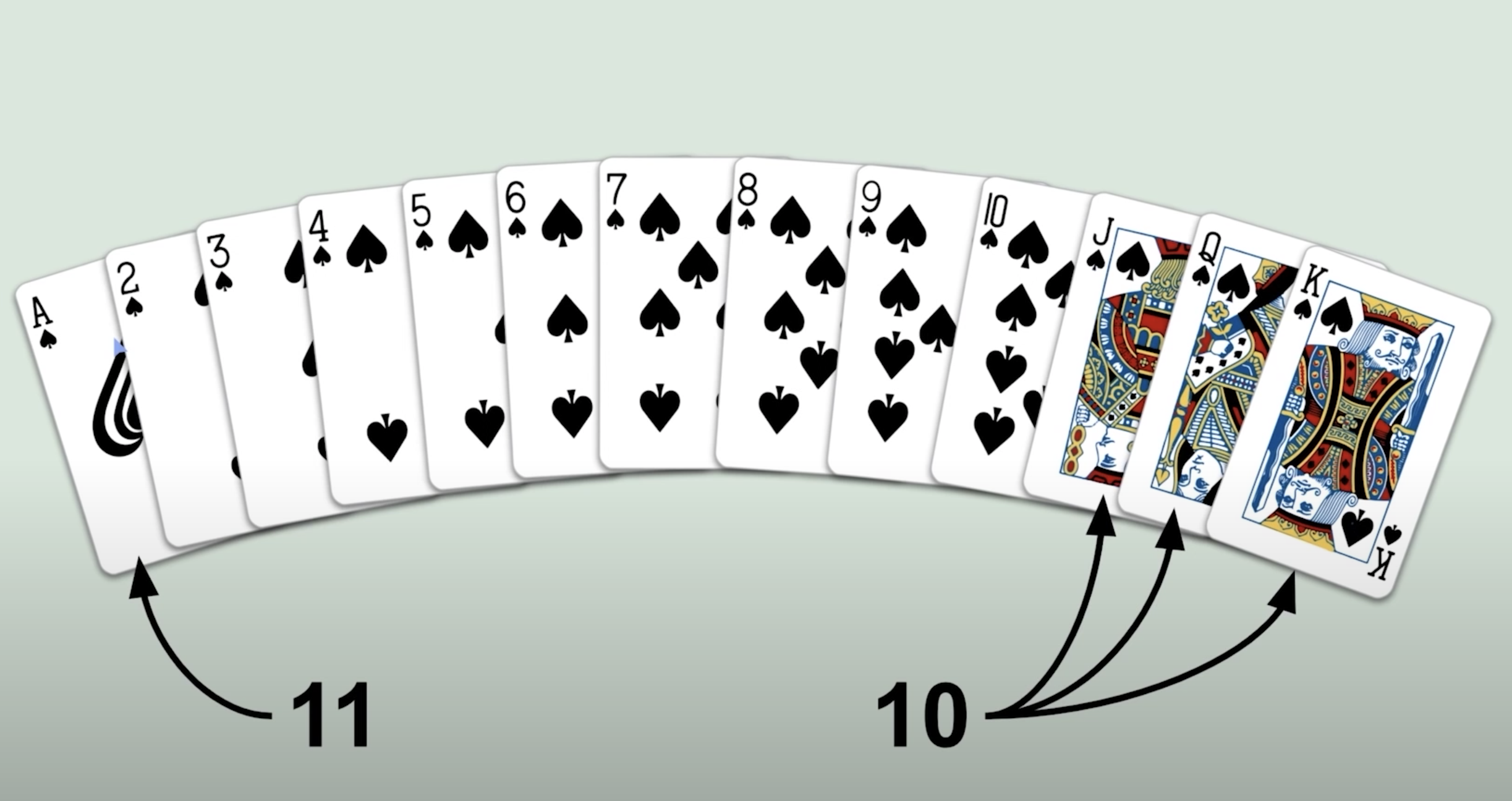
image source: https://raw.githubusercontent.com/scrimba/learn-javascript/main/3.%20Build%20a%20Blackjack%20game/18.%20Add%20to%20the%20sum%20when%20newCard%20is%20clicked/images/table.png

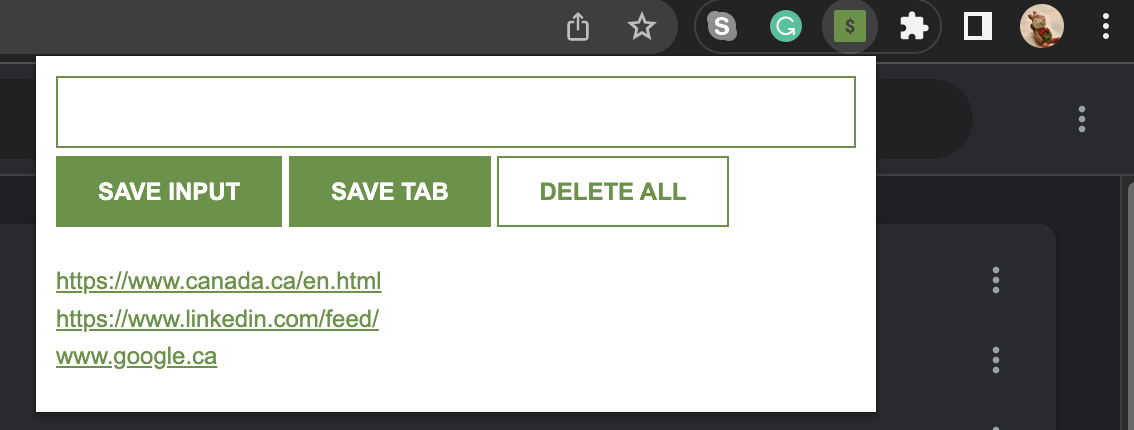
addEventListener(type, listener);
- type : "click" -> an event will be triggered when the user clicks on the button
- create
manifest.json
{
    "manifest_version": 3,
    "version": "1.0",
    "name": "Leads tracker",
    "action": {
        "default_popup": "index.html",
        "default_icon": "icon.png"
    },
    "permissions": [
        "tabs"
    ]
}
- go to chrome://extensions/ and click
Load unpacked. - select the project.
- use
chrome.tabs.query - make sure you set "permissions" with "tabs" at
manifest.json
chrome.tabs.query({active: true, currentWindow: true}, function(tabs){
        myLeads.push(tabs[0].url)
        localStorage.setItem("myLeads", JSON.stringify(myLeads))
        render(myLeads)
    })