Repository navigation
Scroller 1.0.0

The first release: press one key and Scroller scrolls your manga, webtoon or long page for you, at any speed from too damn slow to too damn fast.
What's new
Added
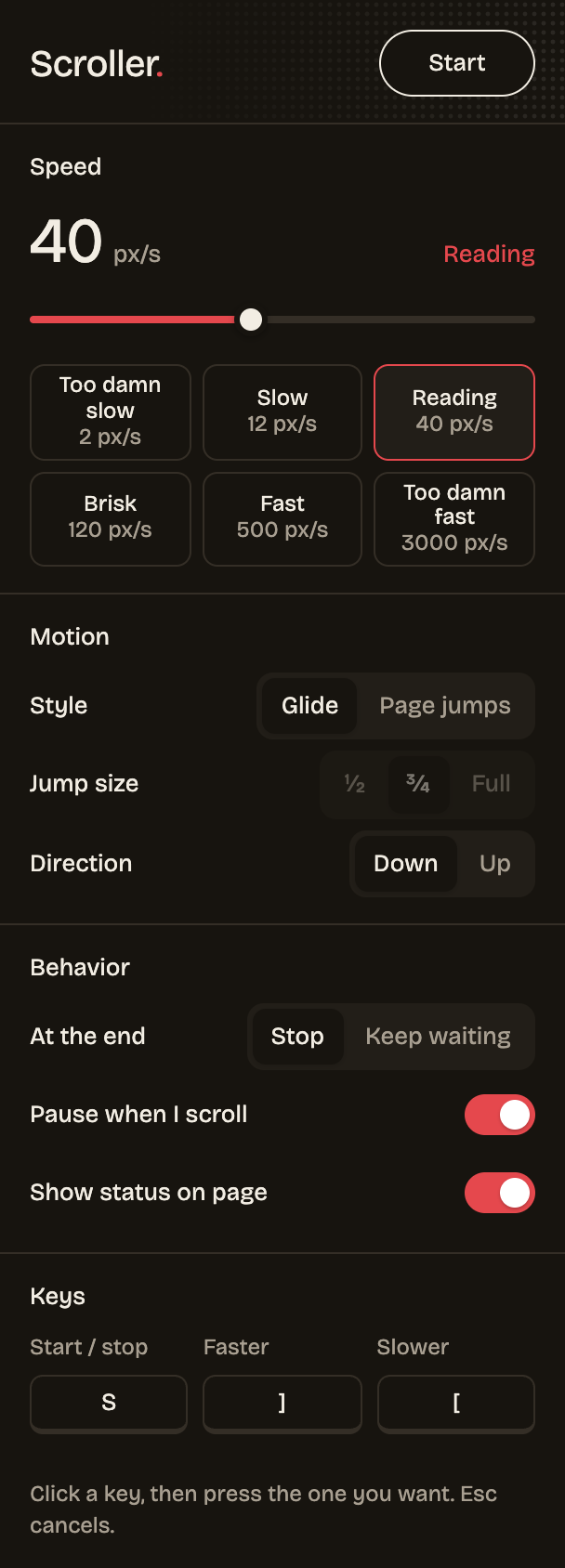
- First release: one-key start/stop, 1–5000 px/s logarithmic speed with presets, glide or page-jump modes, up/down, stop or wait at the end, pause on manual scroll, on-page status pill, remappable faster/slower keys and a dark popup.
Install
- Download scroller-1.0.0.zip below and unzip it.
- Open
chrome://extensionsand turn on Developer mode. - Click Load unpacked and pick the unzipped folder.
Updating? Replace your Scroller folder with the new one, click the reload arrow on Scroller's card in chrome://extensions, then refresh your reader tabs. Your settings are kept.
Full changelog: this is the first release.