Repository navigation
ViewLight v1.0.0 - first build
Pre-release
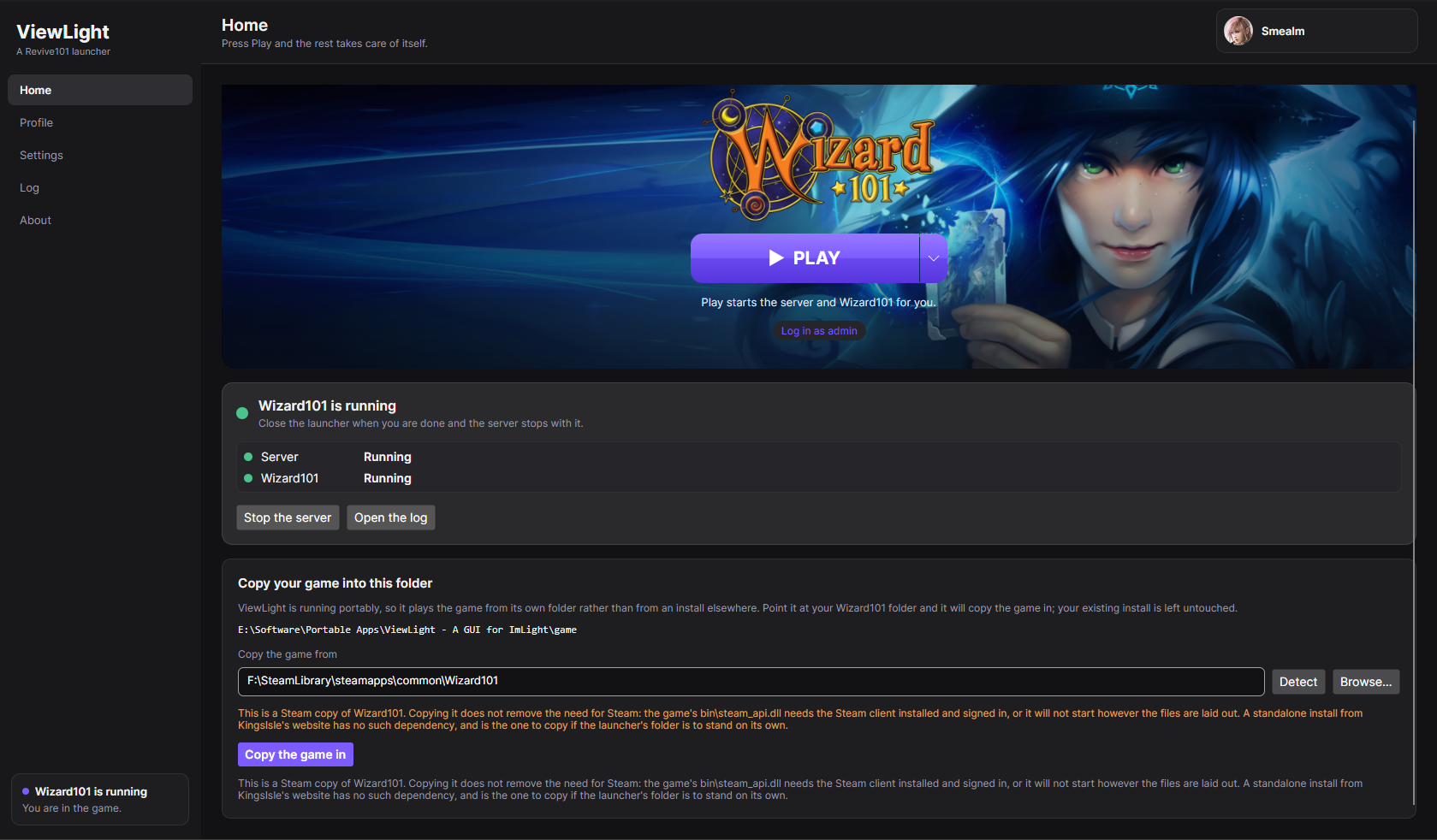
The first build of ViewLight - a launcher that turns Imlight into something you press Play on.
Download ViewLight-win-x64.zip, unpack it anywhere and run ViewLight.exe. It is self-contained:
no .NET install, no administrator rights. On the first run it asks for your Wizard101 folder and where
the server should live; then press Play, and it fetches the server (about 260 MB the first time),
configures it, starts it, waits until it is genuinely ready, and opens Wizard101 connected to it and
already signed in.
 |
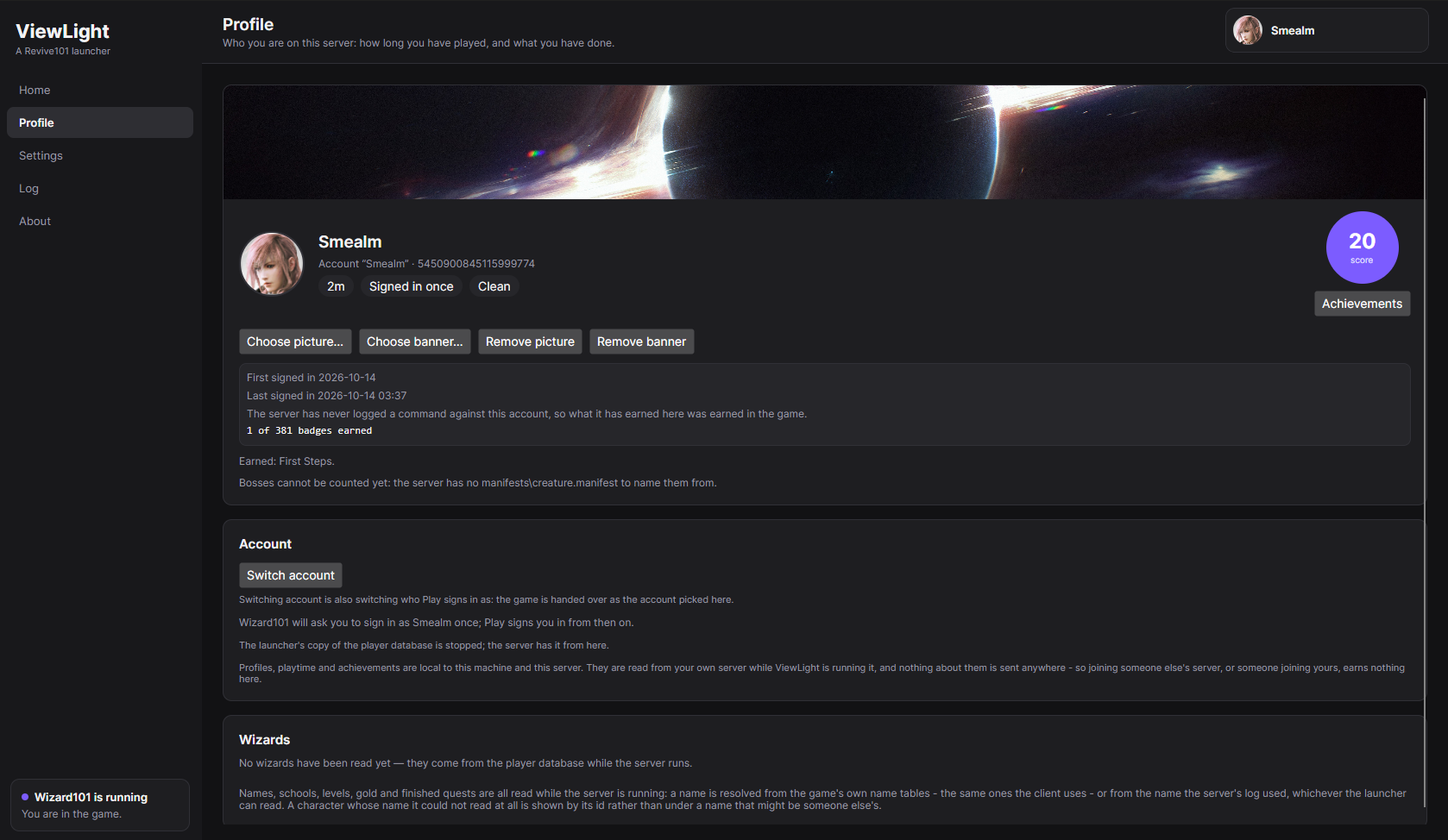 |
| Home. The game's banner, the Play button, and one quiet strip for the server underneath it. | Profile. The account Play signs in as, its playtime, its standing, and the score circle its achievements open from. |
 |
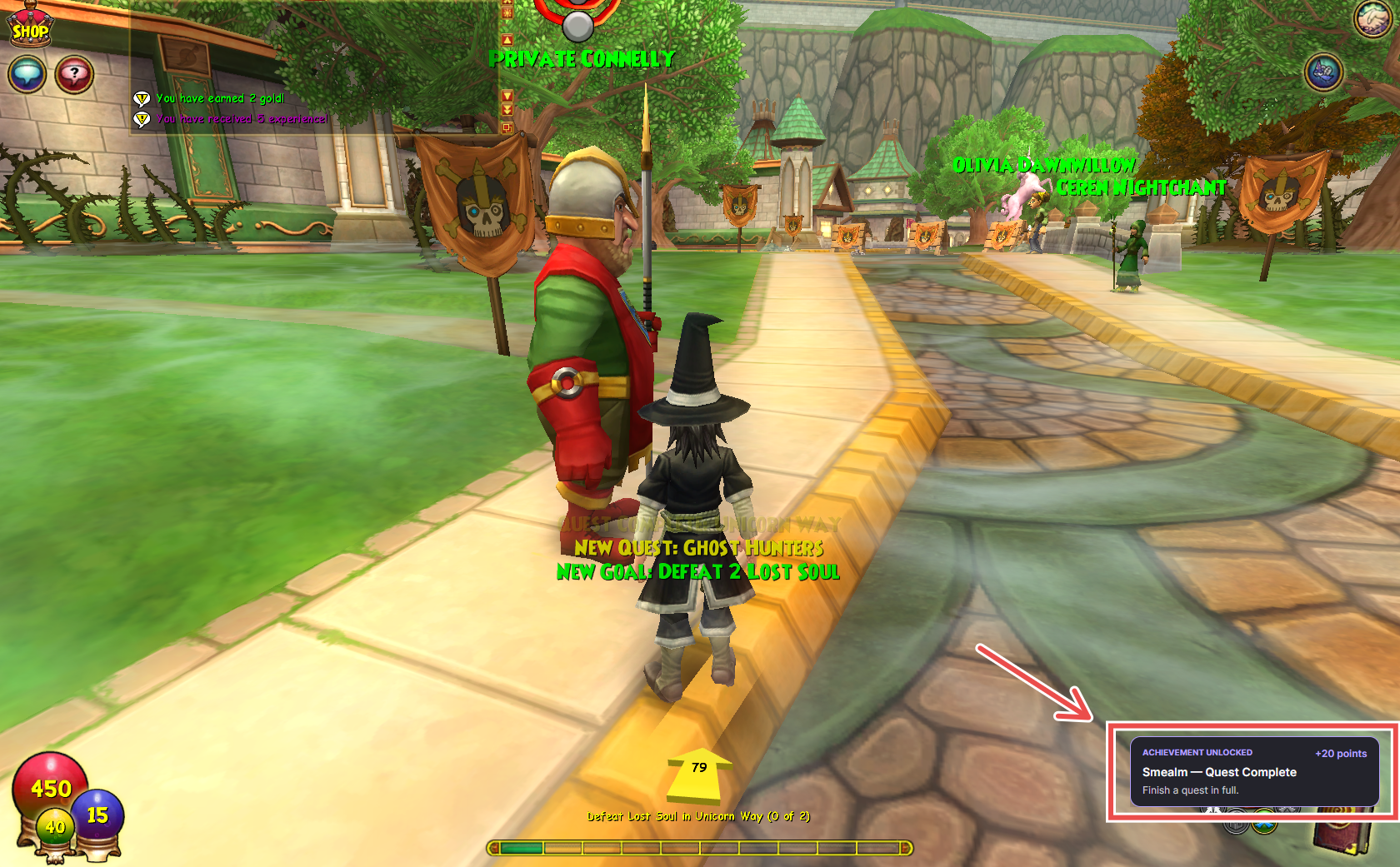 |
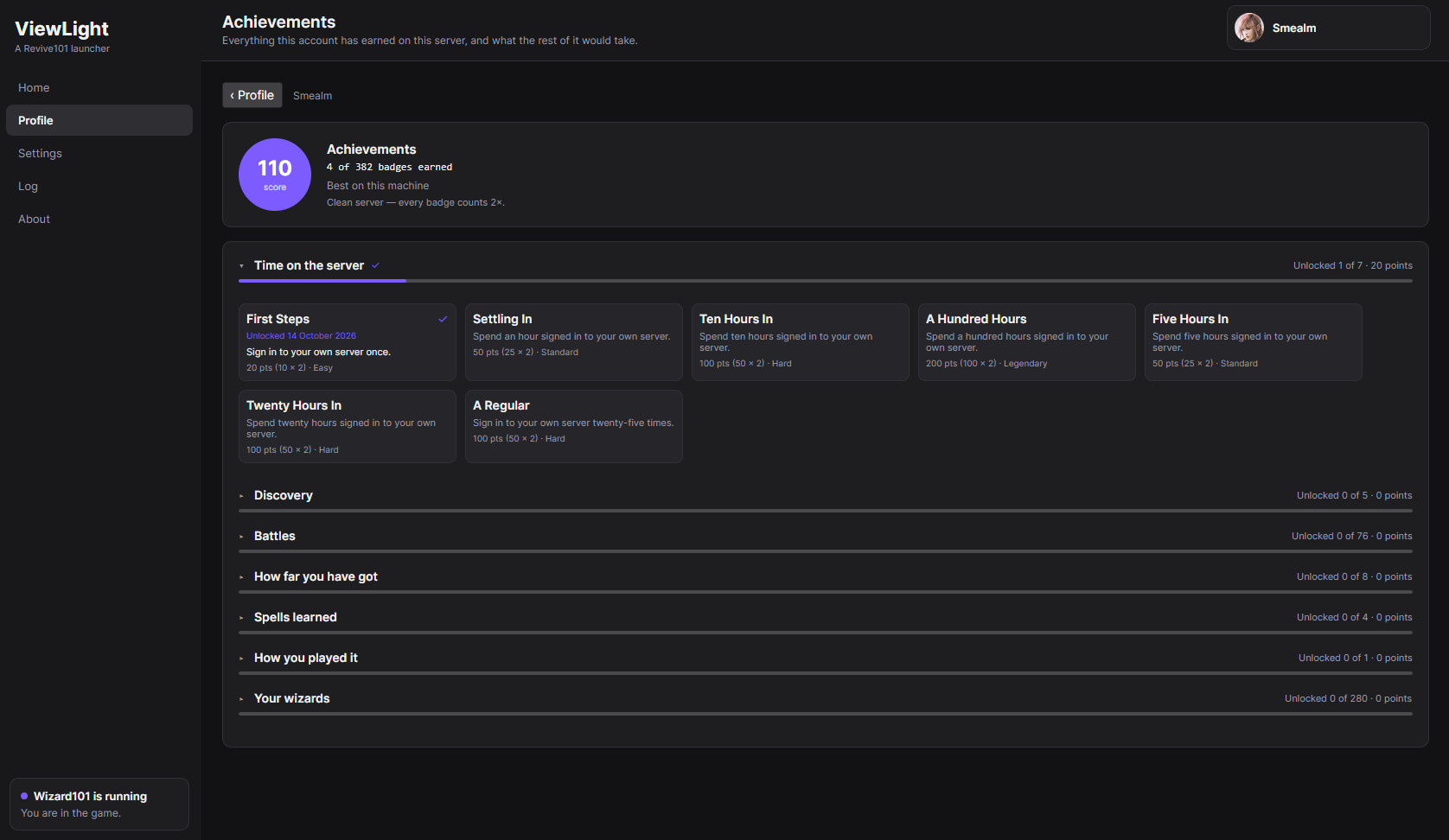
| Achievements. Grouped by category and scored, with one milestone card per ladder. | Earned. A badge announced over the game as it happens. |
What is in this build
- Finds your game. Detect looks for a Wizard101 install, including one on a second drive.
- Fetches and configures the server. The newest Imlight Windows build, unpacked into a folder you
choose, with the admin account, tutorial, starter items, realms and ports written into its own
Config/Imlight.ini- and the two settings that stop it booting (a contended database port, an
unreachable patch server) repaired on the spot. - Press Play. The server warms up, and Wizard101 opens connected to it, skipping the login screen.
- A profile. Picture, banner, playtime, sign-ins, standing, the account's wizards, and achievements -
all kept on your own machine and sent nowhere. - Achievements, scored. Earned while you play and read from your own server's database and log. The
long ladders are shown as one milestone card each rather than forty rows of badges, and a profile with
no commands ever run against it is clean, and worth double. - Play somewhere else. The caret beside Play joins any other server by address, scans your network
for one, or connects to Wizard101's own servers. That part is the client's own-Largument; the
launcher just makes it easier to type. - Portable. Put a
portable.txtmarker besideViewLight.exeand everything - settings, server,
cached art, the game if you copy it in - stays in that folder instead of%LOCALAPPDATA%.
It modifies nothing
No patch, no hook, no injection, no memory editing, and the server is not modified either. Accounts,
characters, sign-ins, zones, duels and creature kills are all read from the server's own player database
and log, and automatic sign-in uses the session key the server already holds for this machine - which is
exactly what the client's -U argument is designed to receive. Reading what a server writes down is the
whole technique, so there is nothing here that could get an account banned.
Read this before your first run
- Do not create accounts in Settings until the server has run once. A server that has never been
started has no player database, so there is nothing to write an account into. Press Play once
first. - The first server run is slow, and can crash once. It downloads its assets (a few hundred megabytes)
and warms up, which takes minutes. Once that finishes the server can still stop by itself for a reason
nobody has pinned down yet - press Play again and it starts normally. It has not been seen to
happen again after a first successful boot. - A new zone can load slowly on the public patch server. Zone assets come from the patch server, and
the Revive101 one is a community machine rather than KingsIsle's infrastructure. The server is local;
the assets are not.
Windows only. Your own Wizard101 install is required - Imlight is BYOD and ships no game files, and
neither does this.
Full instructions, everything the launcher writes, and how to read what it tells you:
readme.md.
Why things are the way they are: docs/design-notes.md.