Repository navigation
ViewLight v1.1.0 - the patch server, and a database of the launcher's own
Pre-release
Pre-release

ViewLight — Release Notes
This release adds patch server management, automatic patch file caching, configurable game revision handling, and a RavenDB-backed storage system for launcher profiles and statistics. It also improves startup validation, logging, and game installation detection.
Download ViewLight-win-x64.zip, extract it to any folder, and run ViewLight.exe. The launcher does not require installation or administrator privileges. This release requires the ASP.NET Core Runtime (Windows, x64) to run its bundled database. If the required runtime is missing, the launcher displays installation instructions on startup.
Screenshots
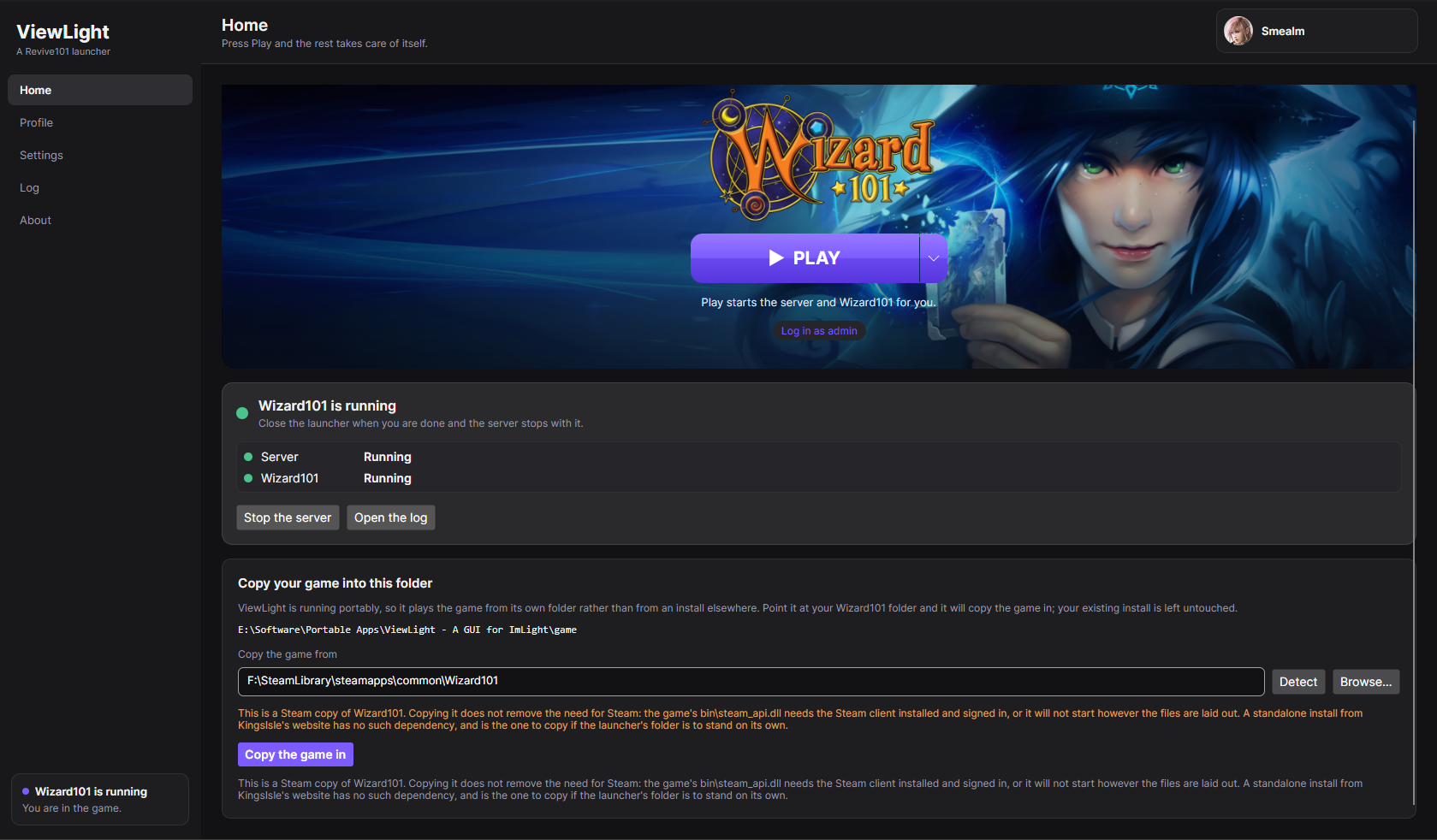 |
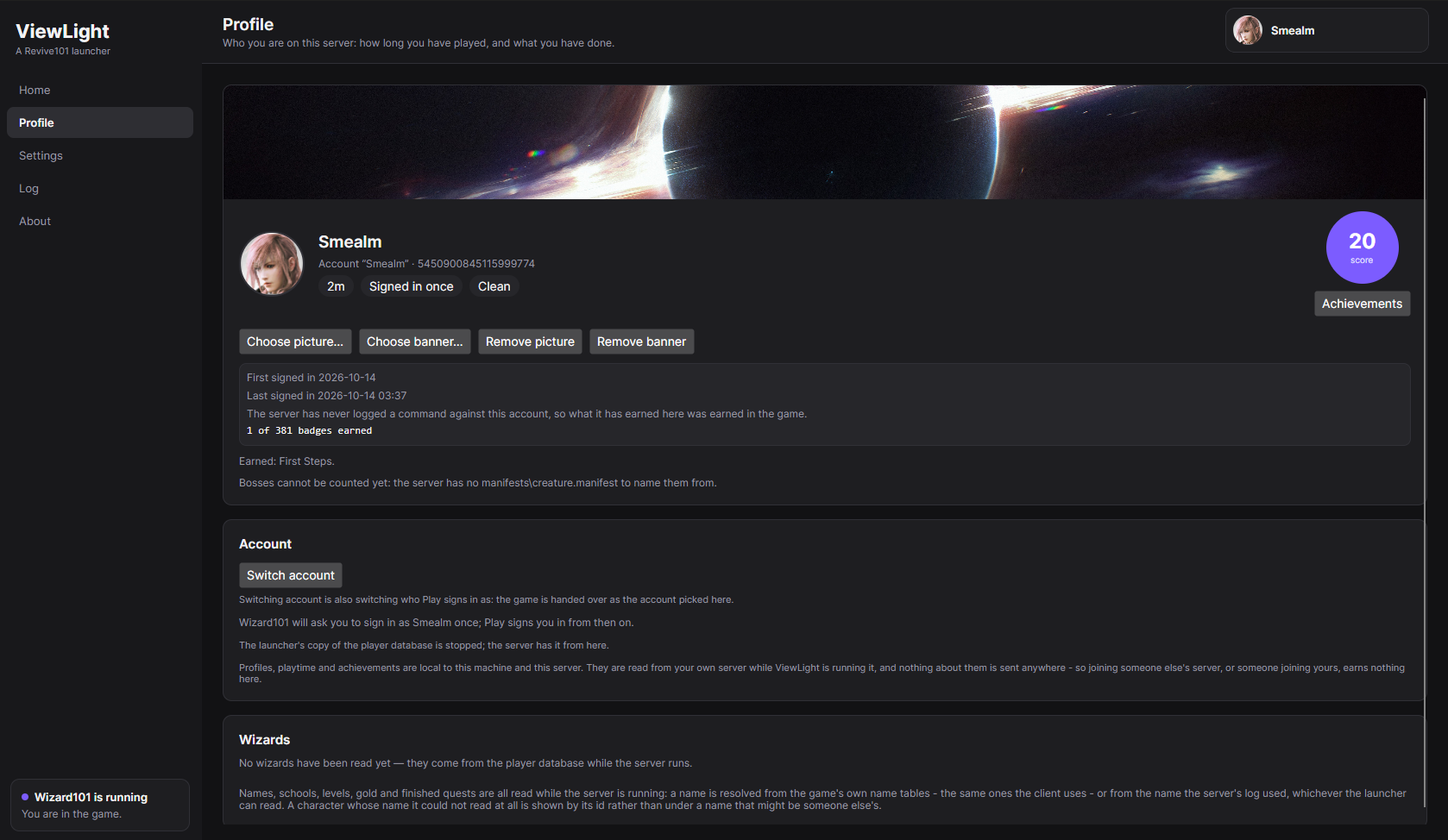 |
| Home. Game launch controls and server status, including patch server status. | Profile. Account details, playtime, standing, and achievement score. |
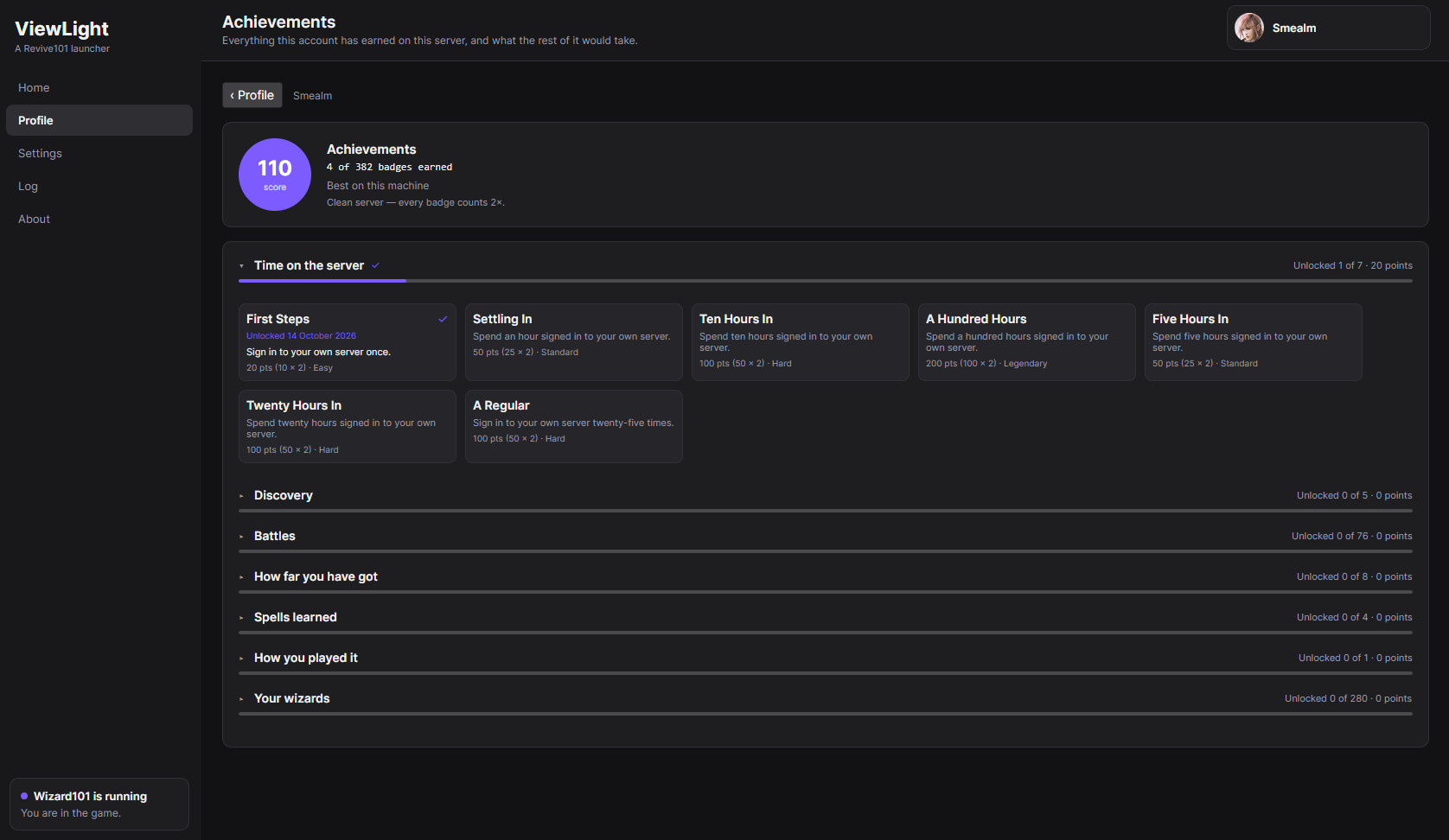 |
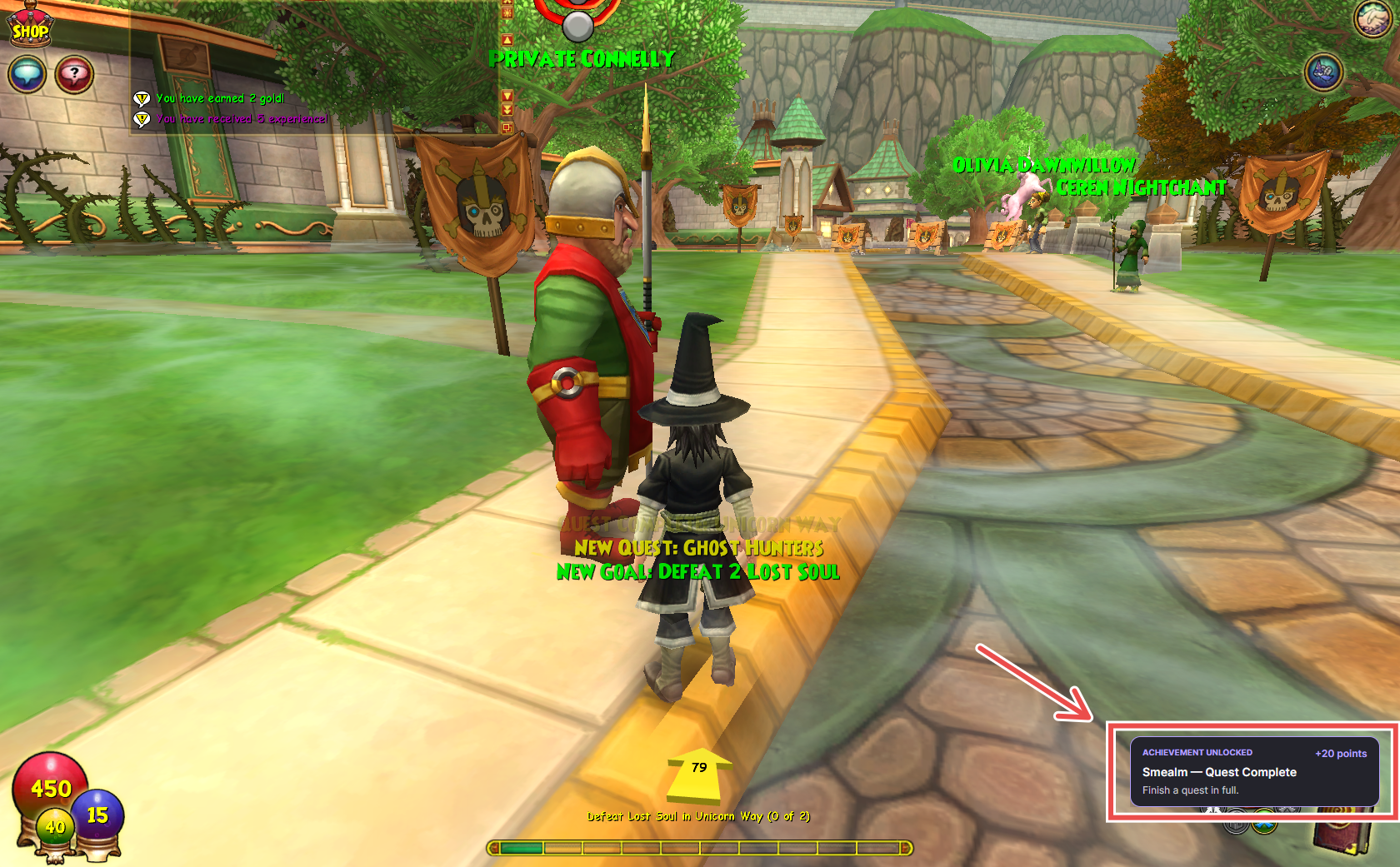 |
| Achievements. Category-based achievement lists and milestone cards. | Achievement notifications. Notifications appear when achievements are earned. |
New and improved
Patch server management
- Local or remote patch server: Settings now lets you choose between running a local patch server or connecting to a remote one. The public patch server is used by default for remote connections.
- Integrated Aurorium support: The launcher can download and configure [Aurorium](https://github.com/Revive101/Aurorium), a lightweight patch server. It starts Aurorium before Imlight and manages its lifecycle alongside the game server.
- Patch server status and logs: Home displays patch server status, and the Log includes a separate patch server output view.
- Automatic patch file caching: The launcher can copy compatible files from an existing Wizard101 installation into the patch server's cache. This is available through Play, Settings, or an automatic mode. Only files matching the expected revision, filename, and size are copied. Files are staged before being moved into place, preventing incomplete copies from being served. Repeated runs copy only missing files.
- Improved large-file support: Local file caching provides files that exceed Aurorium's two-minute request limit and therefore cannot be retrieved successfully through its normal download process.
- Automatic game revision configuration: An optional setting updates Imlight's
GameRevisionto match the revision available from the selected patch server. This setting is disabled by default, applies whenever the launcher starts the local patch server, and restores the previous configuration value when disabled.
Launcher data storage
- RavenDB storage: Profiles, playtime, sessions, achievements, zone-to-world mappings, and images are now stored in a RavenDB database instead of a single JSON file.
- Profile attachments: Profile pictures and banners are stored as attachments to their respective profile documents.
- Automatic migration: Existing
profiles.jsondata is imported on first startup. The original file is preserved asprofiles.json.imported. - Self-contained data directory: The database is stored in the Imlight installation directory, separate from the server's own data, so the launcher data can be backed up alongside the installation.
Startup and installation checks
- Improved startup validation: The launcher checks for a valid Imlight installation, required database components, and the .NET runtime. If a requirement is missing, it displays the issue and any available instructions instead of opening an unusable Home screen.
- Recheck after installation: Use Check again to repeat the checks after resolving an issue, without restarting the launcher.
- Game installation detection: Detect searches for Wizard101 installations, including installations on secondary drives.
- Server configuration: The launcher downloads the latest Windows build of Imlight, configures the admin account, tutorial, starter items, realms, and ports, and writes the settings to
Config/Imlight.ini. - Configuration repair: The launcher checks for common startup issues, including database port conflicts and unreachable patch servers, and attempts to correct them.
Logging
- Unified terminal-style output: Launcher, server, and patch server logs are displayed in a shared monospace view.
- Improved text selection: Log output is not automatically wrapped, making it