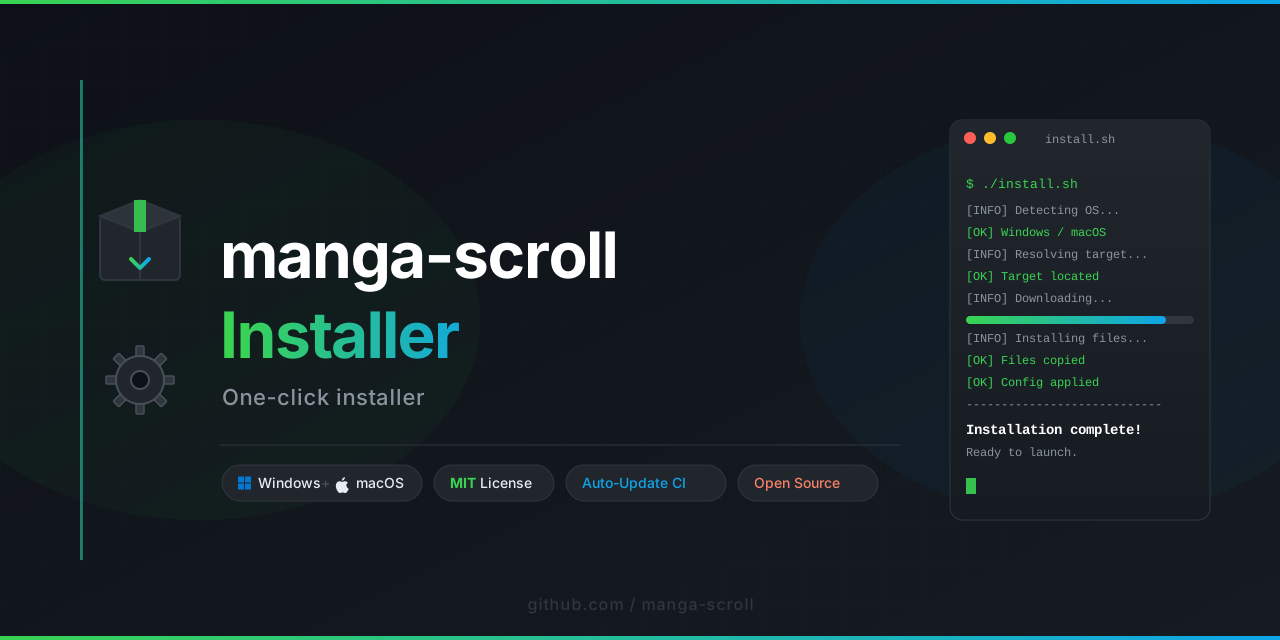
Kensei is a terminal-native manga curation and delivery system that transforms how you discover, organize, and consume sequential art from the command line. Unlike conventional tools that merely fetch pages, Kensei introduces a declarative approach to manga management, blending Unix philosophy with visual storytelling. It works without a graphical interface, without a browser, and without leaving your keyboard.
Reading manga in the terminal is not a compromise—it is a different kind of immersion. Kensei strips away the noise of modern web interfaces and returns the focus to the art itself: panel flow, contrast, pacing. It processes structured metadata through a pipeline of filters, scrapers, and local formatters, delivering a reading experience that is fast, scriptable, and deeply configurable.
Built with a modular architecture, Kensei allows users to define custom sources, apply transformation rules to downloaded chapters, and export their library into portable formats. It is designed for users who prefer automation over manual clicks, and who value reproducibility in their digital collections.
Kensei does not rely on hardcoded repositories. Instead, it uses a plugin-based system that lets you define your own sources via YAML or JSON configurations. Each source can implement its own search, pagination, and metadata extraction logic—making the tool adaptable to any manga hosting site that exposes structured data.
Organize your collection using tags, reading status, genres, and custom annotations. Kensei maintains a local SQLite index that tracks every chapter you have ever interacted with. You can query your library using SQL-like filters directly from the terminal:
kensei library --where "status = reading AND genre = seinen"
Each chapter goes through an extensible pipeline: fetch, validate, clean, format, cache. You can insert custom hooks at any stage—for example, to rename files, compress images, or generate metadata overlays. The pipeline is declared in TOML and executed deterministically.
Kensei renders manga pages directly in the terminal using block characters, true color support, and aspect-ratio preservation. It adapts to terminal widths dynamically and supports sixel graphics for terminals that offer it. No external viewer required.
Titles, descriptions, and tags are parsed with locale-aware tokenizers. Kensei supports CJK characters, accented Latin scripts, and right-to-left text alignment in its metadata display.
Once fetched, content is cached indefinitely. Kensei allows full offline reading, incremental synchronization, and export to CBZ, PDF, or plain image directories. Your library is yours, regardless of network availability.
Kensei never sends telemetry, never uses cloud authentication, and never hardcodes API keys. All configuration lives in ~/.config/kensei/. The tool respects robots.txt and supports rate limiting per source to avoid disrupting services.



Kensei requires no installation steps beyond placing a single binary in your PATH. The first run generates a default configuration file and creates the local library database. From there, you can add sources using the interactive setup wizard or by editing the configuration manually.
kensei init
kensei sources add --name "example" --url "https://example-manga.com"
kensei search "Vagabond"
kensei fetch --chapters 1-5 --series "vagabond"
kensei read --series "vagabond" --chapter 3
All commands support --help for detailed flag descriptions.
The configuration file is located at ~/.config/kensei/config.toml. It defines:
- Source definitions (name, base URL, selectors, parsing rules)
- Storage paths for cache, exports, and metadata
- Rendering options (color theme, font scaling, sixel toggle)
- Pipeline stages and their execution order
- Rate limiting and retry behavior per domain
Example snippet:
[render]
use_sixel = false
theme = "monochrome"
scale_factor = 1.2

[cache]
path = "~/manga/cache"
ttl_days = 90Sources are implemented as Lua scripts embedded in the configuration directory. Each source must export three functions: search, chapter_list, and page_urls. Kensei sandboxes these scripts to prevent unauthorized system access.
A minimal source:
function search(query)
  return {
    { title = "Monster", url = "https://example.com/monster" }
  }
end

function chapter_list(series_url)
  return {
    { number = 1, url = "https://example.com/monster/1" }
  }
end

function page_urls(chapter_url)
  return {
    "https://example.com/monster/1/001.png",
    "https://example.com/monster/1/002.png"
  }
endKensei can export your library in multiple formats:
- CBZ: Standard comic book archive
- PDF: With optional page margins and metadata footer
- Plain directories: Organized by series/chapter, with JSON sidecar metadata
Export is deterministic: running the same command twice produces identical output.
kensei export --series "Akira" --format cbz --output ./exports/This project is intended for personal, archival, and research purposes only. Users are responsible for ensuring they have the right to download and store content from any source they configure. The developers of Kensei do not host, distribute, or curate any copyrighted material. All content retrieved through the tool is obtained from third-party sources that are publicly accessible. If you are a rights holder and believe your content is being accessed inappropriately through a user-defined source, please contact the maintainer of that source.
Kensei is released under the MIT License. See the full text of the license at the official repository:
https://choosealicense.com/licenses/mit/