Repository navigation
SecTrustKey v1.1.0: M5 Launcher and M5Burner
Pre-release
Pre-release

Important
Superseded by v1.1.1. In this version, setting the startup passphrase restarts the device and nothing is saved. Please update; your keys are kept.
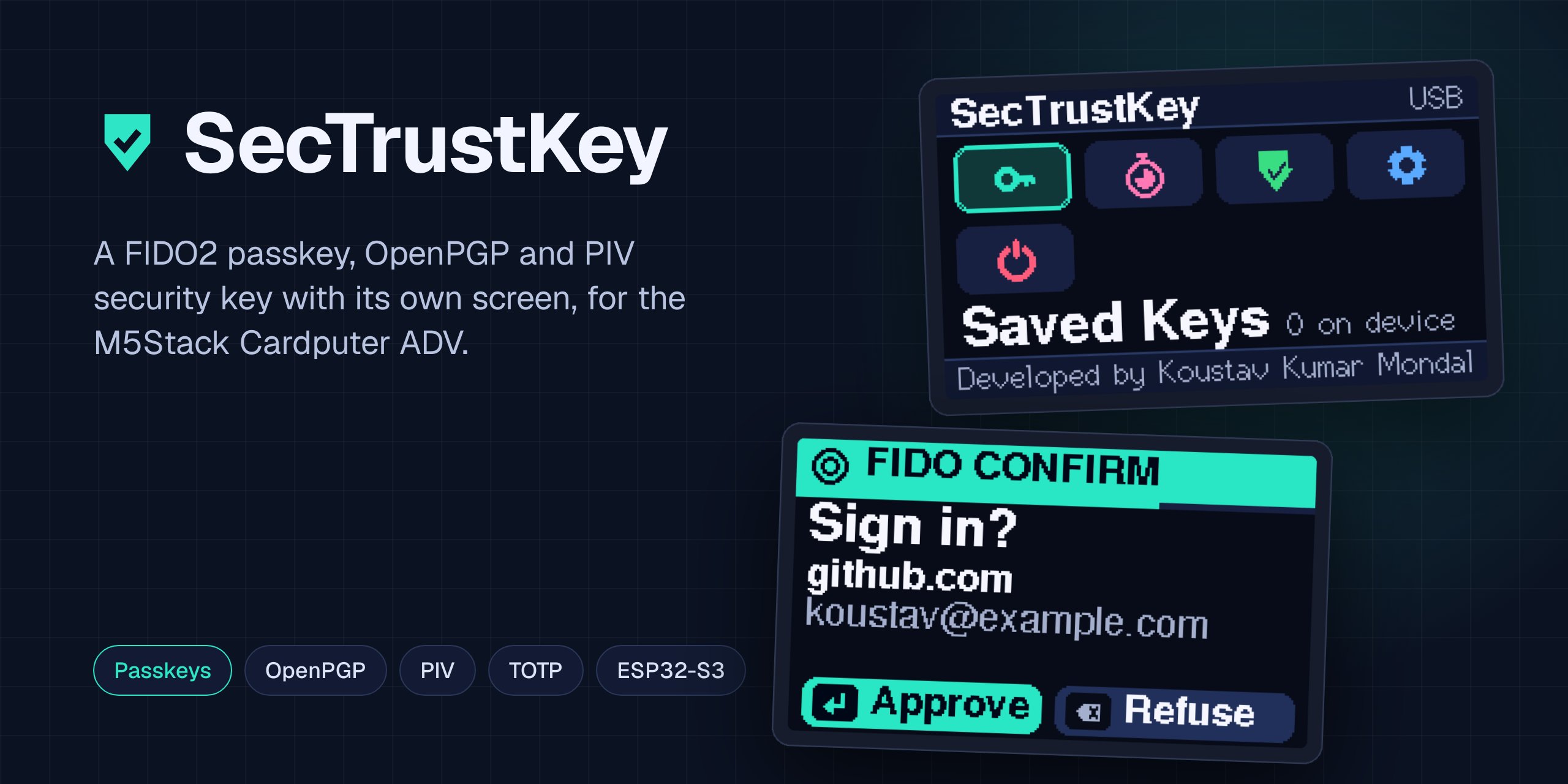
SecTrustKey now installs and updates from M5 Launcher, next to your other Cardputer apps, and the same image flashes with esptool, the browser flasher and M5Burner.
📖 Guide: M5 Launcher and M5Burner · Firmware build #3
What's new in v1.1.0
🚀 M5 Launcher and M5Burner
- Install SecTrustKey from Launcher's SD menu; it sits next to your other apps
- Your keys survive Launcher updates, switching to other apps, and Launcher's flash compaction when other apps are deleted
- One image,
sectrustkey-v1.1.0-cardputer-adv.bin, for esptool, the browser flasher, M5Burner and Launcher -
scripts/make-image.shbuilds that image from source
🔒 Storage
- New key storage partition
stk_storewith a 4 KB installer pad: installers create it at full size and only ever rewrite the pad, never the keys - Set up storage? on the first start when the storage area still holds another app's data, instead of a dead end
- Erasing a store that once held keys asks twice
- v1.0 devices keep their
fido_storepartition and update normally
✅ Tested on a Cardputer ADV with Launcher 3.0
- v1.0 device, app-only update: passkey kept
- Install from Launcher's SD menu: storage created at full size, passkey registers and signs in
- Install and run another app, return: passkey kept
- Update through Launcher: passkey kept
- Delete another app (flash compaction moves apps): passkey kept
- Full image flashed over old data without erasing: asks Set up storage?, then works
Install
| You use | Do this |
|---|---|
| M5 Launcher | Copy sectrustkey-v1.1.0-cardputer-adv.bin to the SD card, then SD → the file → Install |
| esptool | esptool.py --chip esp32s3 --baud 921600 write_flash --erase-all 0x0 sectrustkey-v1.1.0-cardputer-adv.bin (download mode: power off, hold G0, plug in, release G0) |
| Browser | esptool-js: Erase Flash, then program the image at 0x0 |
| Upgrade from v1.0 | esptool.py --chip esp32s3 --baud 921600 --after watchdog_reset write_flash 0x20000 sectrustkey-v1.1.0-app.bin (keeps your keys) |
Caution
In M5 Launcher, never delete a SecTrustKey entry unless you mean to erase your keys: Launcher removes the key storage together with the app (it asks Delete … + SPIFFS?). To update, install the new file; it shares the same keys.
Files
| File | Use |
|---|---|
sectrustkey-v1.1.0-cardputer-adv.bin |
Everything: esptool, browser, M5Burner, M5 Launcher |
sectrustkey-v1.1.0-app.bin |
Firmware only, 0x20000: updates of esptool installs |
bootloader.bin, partition-table.bin, ota_data_initial.bin |
Separate parts (0x0, 0x8000, 0xF000) |
stk-time.py |
Sets the clock for on-screen TOTP codes |
SHA256SUMS.txt |
Checksums |
Checksums (SHA-256)
fa8fbc502e1e3f45abee7cc45ea976f431be3ef52f2d963b7b976dcc9094a615  sectrustkey-v1.1.0-cardputer-adv.bin
99055a80ae4a56d89f34dff030d6d54787885a98d34ea257b79d23d7a54294e3  sectrustkey-v1.1.0-app.bin
df2770c75f4f7b3e2130dcc0bf068de5885ef1558aeae38dd1f6e0e925c8386a  bootloader.bin
5b163efbc4be83f2fa03b1afe9fea69b6eda17da5ea27f917d3a1e7175f989cd  partition-table.bin
7d2c7ac4888bfd75cd5f56e8d61f69595121183afc81556c876732fd3782c62f  ota_data_initial.bin
a8f4b716baa7bf4c18f9af84b759b86fc8327fd8acd0e93bdfe565e0e07c48da  stk-time.py
Built from commit 85a94ab with ESP-IDF v5.5.3. Licensed under the GNU AGPL v3.0.