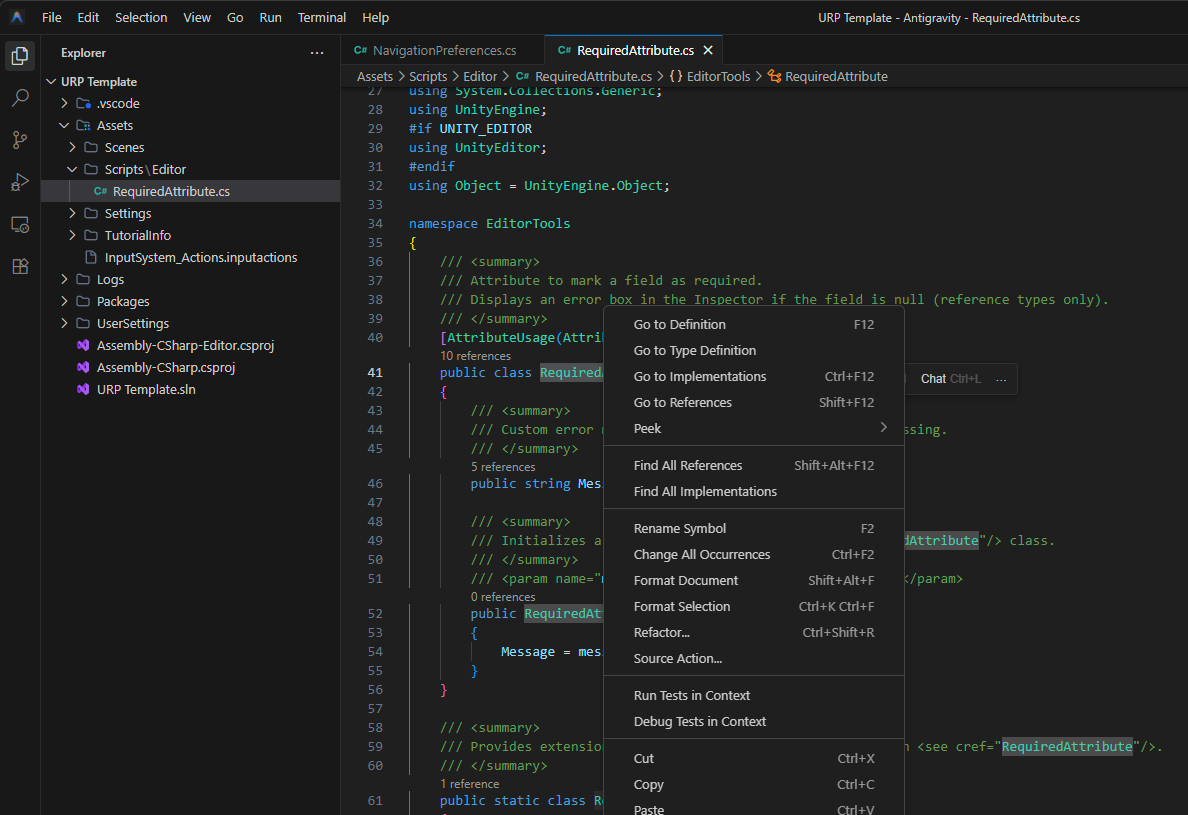
This package provides native integration between Unity and the Antigravity Editor.
It is a fork of the legacy com.unity.ide.vscode package, patched specifically to recognize Antigravity as a supported IDE. This solves the issue where Unity treats the editor as a generic text tool by:
- Automatically detecting
Antigravity.exeand.apppaths. - Forcing the generation of
.csprojand.slnfiles. - Enabling full IntelliSense support via OmniSharp.
Because Antigravity is a VS Code fork, it cannot use the Microsoft "C# Dev Kit". To get IntelliSense working, you must:
- Install this package in Unity.
- Install the free-csharp-vscode extension (by
muhammad-sammy) inside Antigravity.
You can install this package directly via the Unity Package Manager using the Git URL.
- Open your Unity project.
- Go to Window > Package Manager.
- Click the + (plus) button in the top-left corner.
- Select Add package from git URL....
- Paste the following URL and click Add:
https://github.com/TermWay/unity-ide-antigravity.git
After installing:
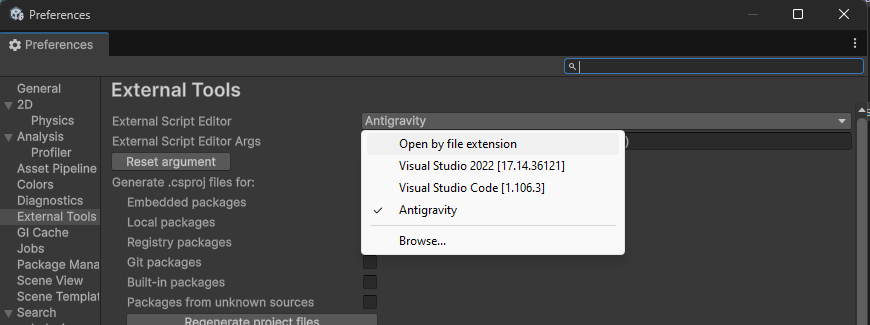
- Go to Edit > Preferences > External Tools.
- Select Antigravity Editor from the dropdown.
- Click Regenerate project files.
This project is licensed under the MIT License.
Copyright (c) 2025 Termway
This project is based on the Unity IDE VSCode package.
Original License: com.unity.ide.vscode@1.2 License