Repository navigation
Einstellungen en
Deutsch · English · Tool Belt Unlimited
Settings belong to the server and are synchronized to clients for the session. In singleplayer, the integrated server fills this role.
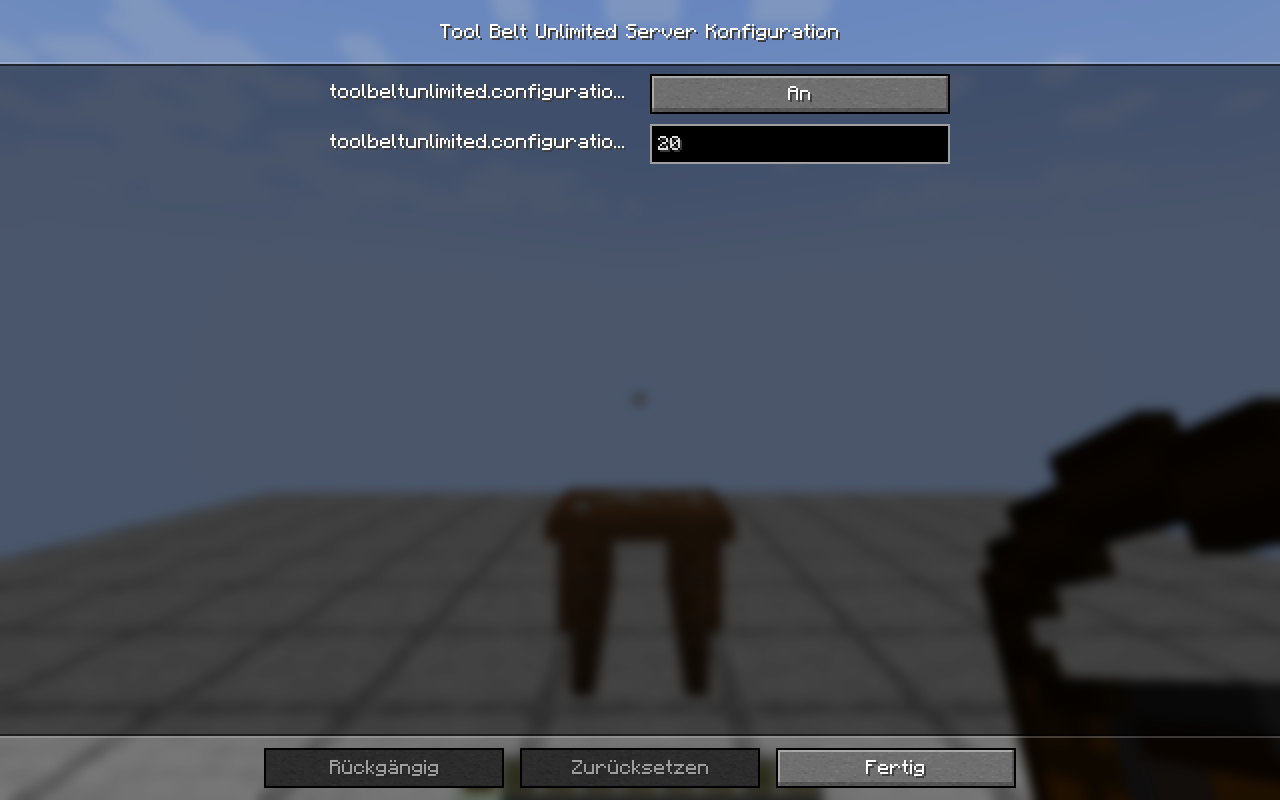
Native NeoForge configuration screen in a loaded world, using defaults. Top: allowCommonTools set to “An” (on); below: maxSlots set to 20. NeoForge truncates the untranslated labels.
| Key | Default | Meaning |
|---|---|---|
maxSlots |
20 |
Maximum belt slots; accepted range 9 to 2147483647. |
allowCommonTools |
true |
Extra permission for #c:tools; false uses only the original rules. |
The large numeric range is an input bound, not a promise of usability or performance at extreme values. Increasing the limit does not automatically upgrade belts.
The file is toolbeltunlimited-server.toml. In the checked NeoForge 21.1.230 setup, it is generated in the instance's config/ folder. An existing file in a world's serverconfig/ folder can override it; in singleplayer, that folder is saves/<world>/serverconfig/, and on a server it is inside the world folder. Check the world override if values differ. The former README mentioned only serverconfig/ and was incomplete.
In a loaded world, open NeoForge's configuration screen for Tool Belt Unlimited → Server, or edit the active file with the game/server stopped. Then restart the world or server. On a remote server, its configuration decides.
allowCommonTools = true
maxSlots = 20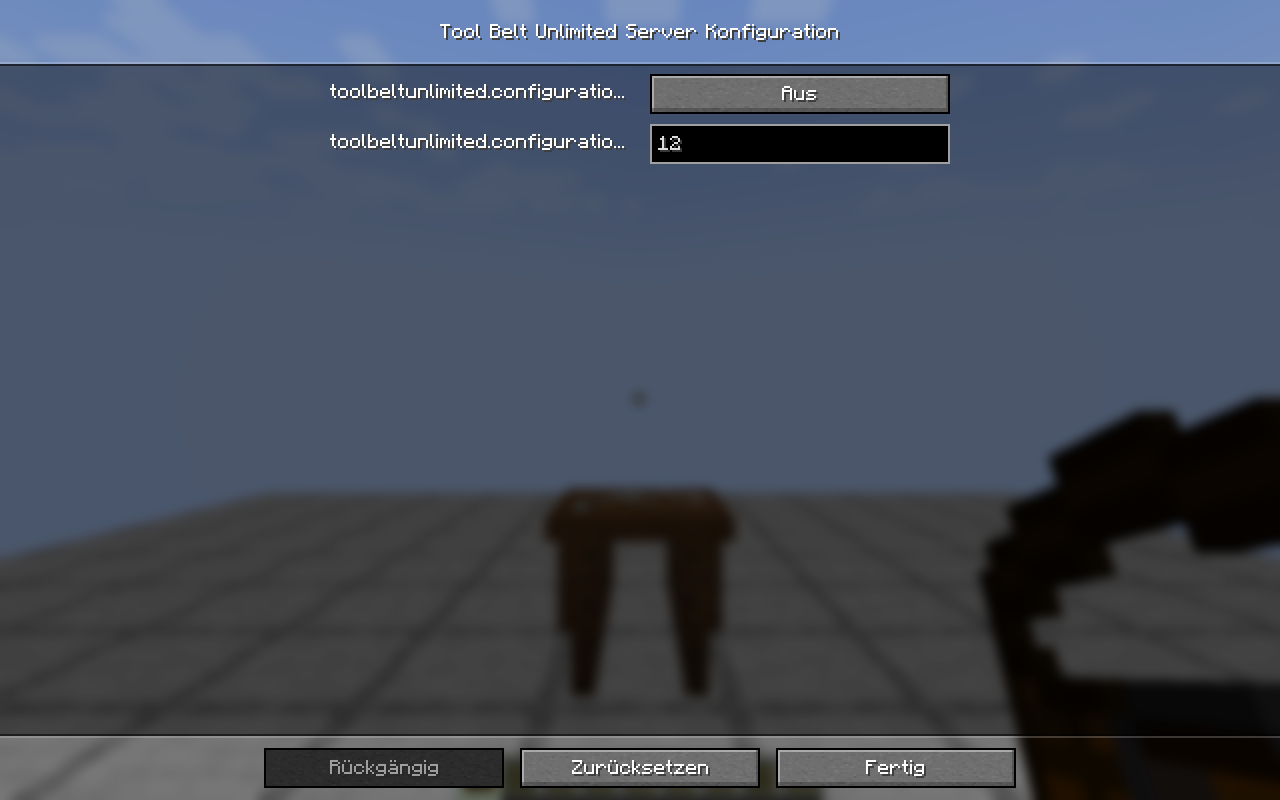
Example values: maxSlots = 12, allowCommonTools = false. These were deliberately changed.
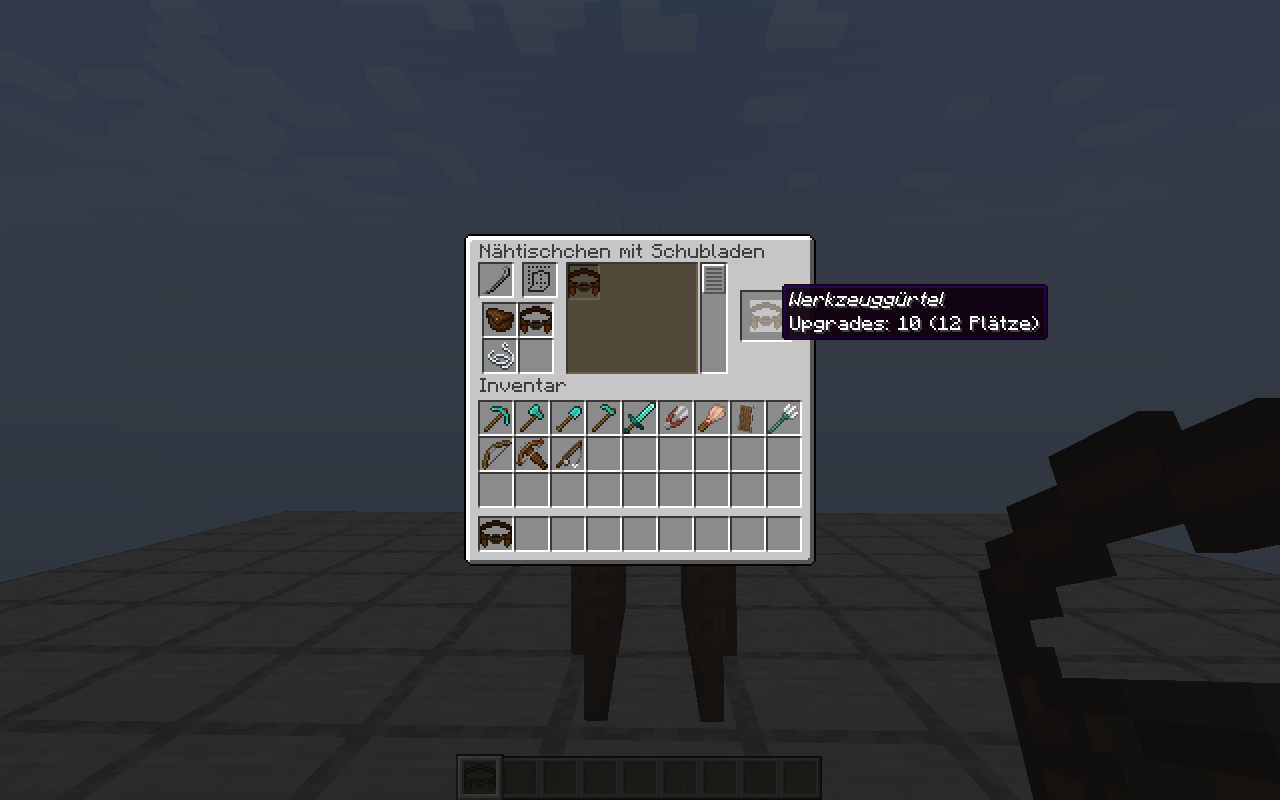
With a maximum of twelve, the eleven → twelve step works.
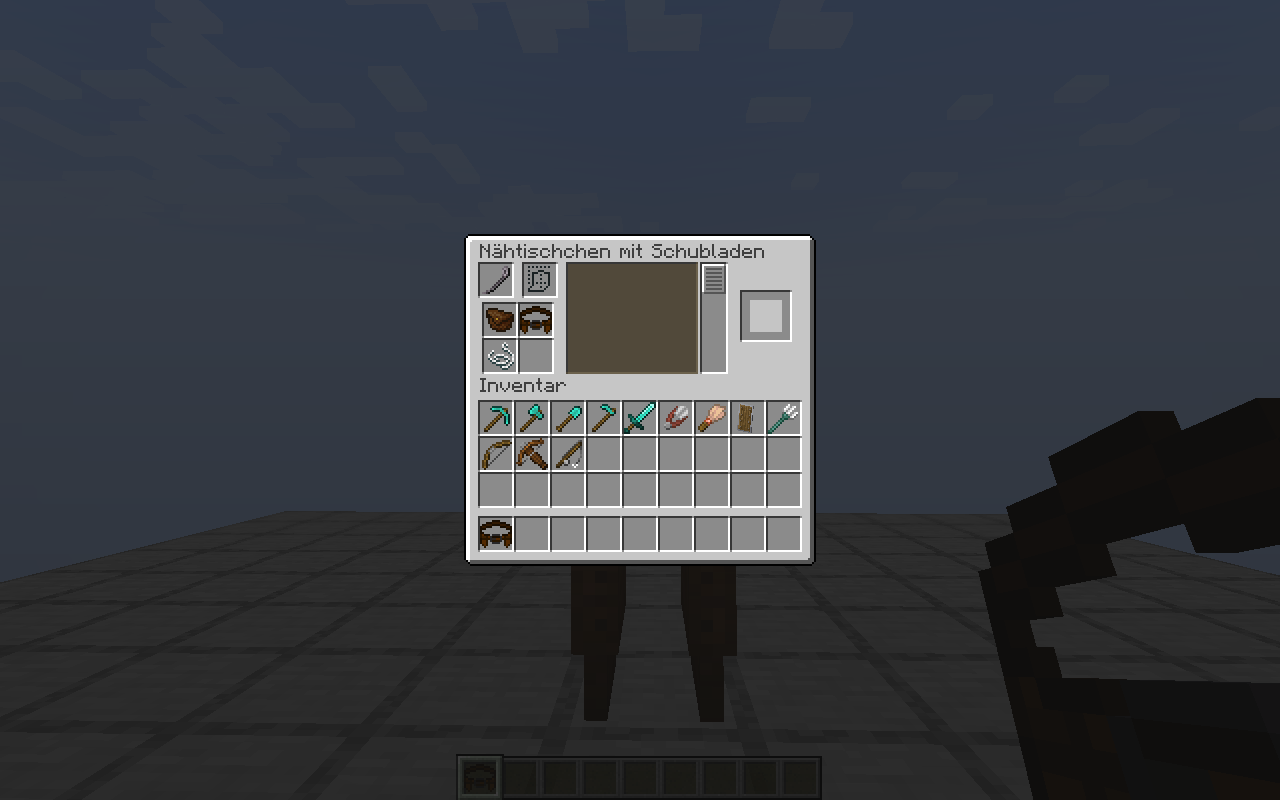
The added recipe stops at twelve. The extra tool permission was re-enabled for these two recipe captures; it does not affect the recipe's slot limit.
Before reducing maxSlots, remove items from slots above the new limit. Slot-count queries are clamped to the new maximum, so higher slots may become inaccessible.