Repository navigation
Installation en
Deutsch · English · Tool Belt Unlimited
Install the addon on both client and server, alongside these mods for Minecraft 1.21.1:
| Component | Project reference version | Declared version range |
|---|---|---|
| Minecraft | 1.21.1 | 1.21.1 |
| NeoForge | 21.1.230 | 21.1 or later within the Minecraft 1.21.1 setup |
| Kotlin for Forge (NeoForge) | 5.10.0 | 5.10 or later |
| Tool Belt | 1.21.1-2.2.9 | at least 2.2.9, below 2.3.0 |
| Sewing Kit | 1.21-2.0.9 | at least 2.0.9, below 2.1.0 |
Reference versions come from the build and mod metadata. A declared range does not mean every allowed version was tested. Fresh wiki captures used the reference versions.
- Download Tool Belt Unlimited 1.3.0 and its dependencies.
- Place the matching JARs in the game instance's and server's
mods/folders. - Launch Minecraft with NeoForge and load a world. Check Settings.
- Obtain a Tool Belt and follow Upgrades.
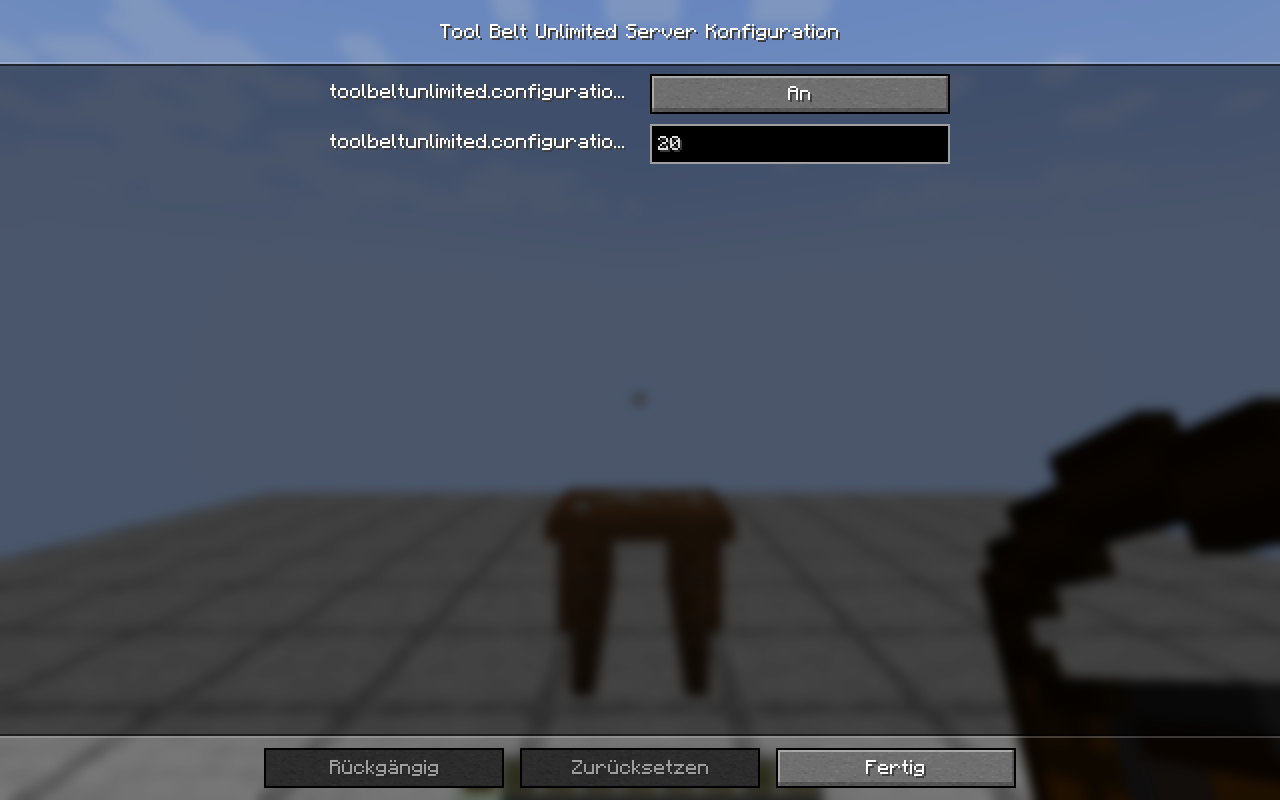
The two settings in a loaded world. Version 1.3.0 displays untranslated technical keys; the shared in-game capture uses German.