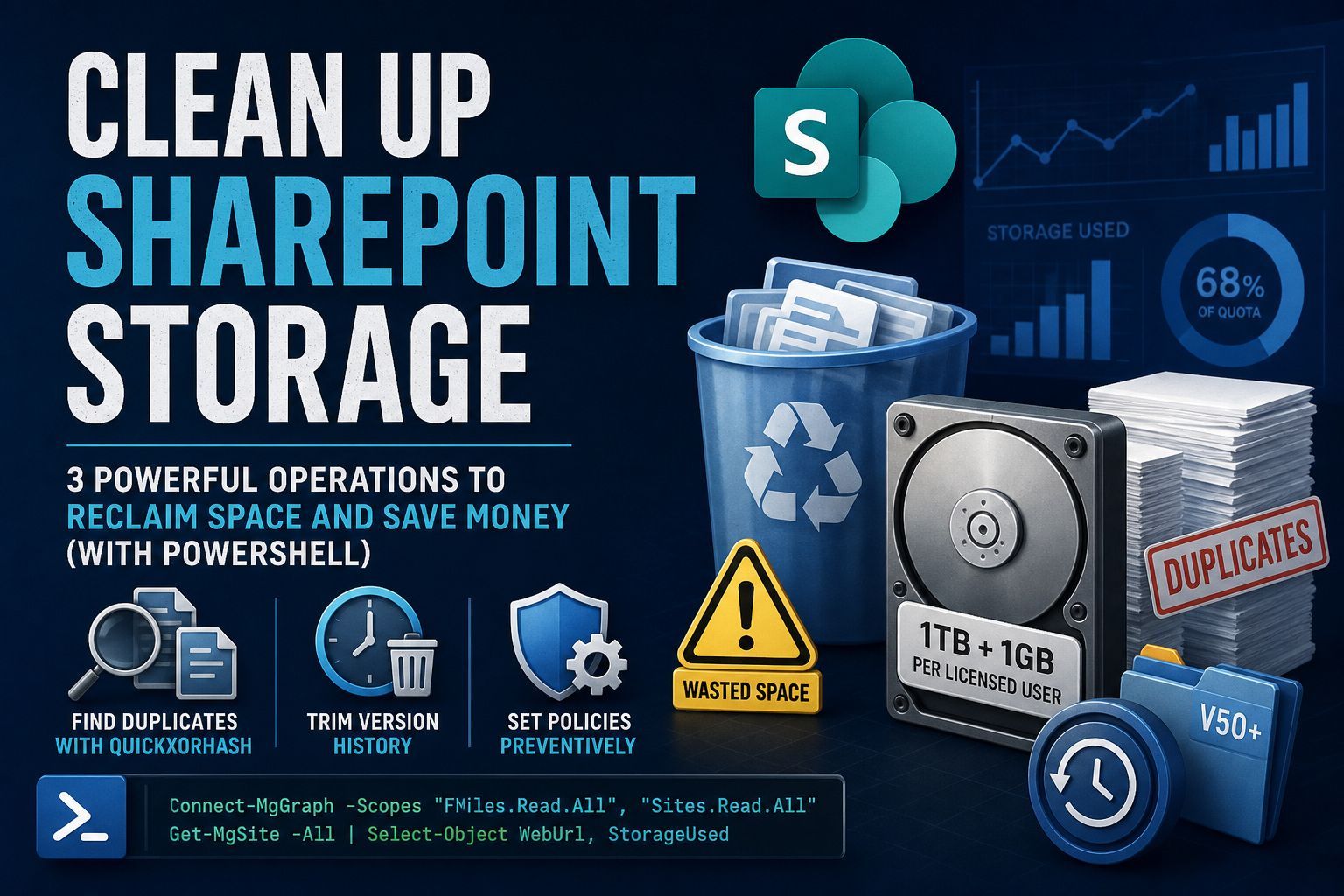
PowerShell scripts for reducing SharePoint Online storage usage across Microsoft 365 tenants.
Author: James A. Chambers
This project focuses on the three biggest hidden storage cost drivers in SharePoint:
- Duplicate files copied across libraries and sites
- Version history bloat from excessive file revisions
- Missing versioning policies that allow unlimited growth over time
These scripts help identify wasted storage, remove unnecessary historical versions, and enforce preventative controls to keep tenant storage predictable and cost-efficient.
Full blog post available here: https://jamesachambers.com/cleaning-sharepoint-find-duplicates-trim-versions-retention/
Microsoft 365 includes:
- 1 TB of base SharePoint storage per tenant
- +1 GB per licensed user
Once you exceed that allocation, additional SharePoint storage is billed separately.
In many tenants, a significant percentage of that paid storage is unnecessary:
- the same files stored multiple times
- old file versions nobody will ever restore
- unlimited version history growing silently for years
Most environments can reclaim 20–60% of used storage from version cleanup alone.
Uses Microsoft Graph and QuickXorHash to identify files with identical content, even when:
- filenames are different
- files exist in different libraries
- files exist across different SharePoint locations
- recursively scans a document library
- collects file hashes
- groups matching files by content hash
- calculates potential wasted storage
- exports results to CSV
- duplicate file groups
- duplicate count
- file sizes
- estimated reclaimable space
- file paths / URLs
Two supported approaches:
Best for large-scale cleanup.
- deletes versions older than X days
- limits retained major versions
- limits retained minor versions
- runs server-side asynchronously
- avoids Graph API throttling
- production tenants
- large environments
- enterprise-wide cleanup
Provides granular control when you need precision.
- deletes versions older than a specific date
- preserves current versions
- works across all libraries in a site
- supports custom logic per file
- highly customized cleanup
- selective retention policies
- advanced reporting workflows
Calculates total storage consumed by non-current file versions.
- scans document libraries
- retrieves historical versions
- totals previous-version storage usage
- provides a before/after cleanup baseline
Applies tenant-wide controls to stop future storage sprawl.
- sets
MajorVersionLimit - sets
MajorWithMinorVersionsLimit - standardizes retention across sites
- 50 major versions
- 10 minor versions
This prevents files from accumulating hundreds of unnecessary revisions.
Run scripts in this order:
Run:
Get-SharePointVersionSizeEstablish baseline version storage usage.
Run:
Find-DriveItemDuplicatesIdentify duplicate file waste.
Run:
- SPO batch job (preferred)
- or Graph direct deletion
Remove unnecessary historical versions.
Apply retention caps across all sites.
Prevent future version sprawl.
Confirm actual reclaimed storage.
Track measurable savings.
Depending on the script used:
Install-Module Microsoft.GraphInstall-Module Microsoft.Online.SharePoint.PowerShellTypical required permissions include:
Files.Read.AllSites.Read.AllSites.ReadWrite.All(for deletion workflows)
- SharePoint Administrator
- Global Administrator (depending on tenant policy)
Graph API deletion can hit:
very quickly in large tenants.
For enterprise-scale cleanup:
because they:
- run server-side
- avoid API quota limits
- are Microsoft-supported for this exact workload
Before running deletion scripts:
- test in a non-production site first
- export reports before deleting
- validate retention requirements
- confirm legal/compliance policies
- verify backup expectations
These scripts can permanently remove historical versions.
Use carefully.
Ideal for:
- Microsoft 365 consultants
- SharePoint administrators
- MSPs managing multiple tenants
- IT teams reducing licensing costs
- tenant remediation projects
- pre-migration cleanup
- post-acquisition environment consolidation