Repository navigation
Menu
Press V (or /ssl menu) to open the menu. It has five tabs, all laid out the same way: section titles at the top, the recipe picker (search, amount and filters) on the left of List, Recipes and Forge, and the HUD switch bottom left. Search text and filters stay as you set them when you switch tabs. Hover a recipe, or a row of a recipe tree, to see the item's description (from the downloaded recipe data).
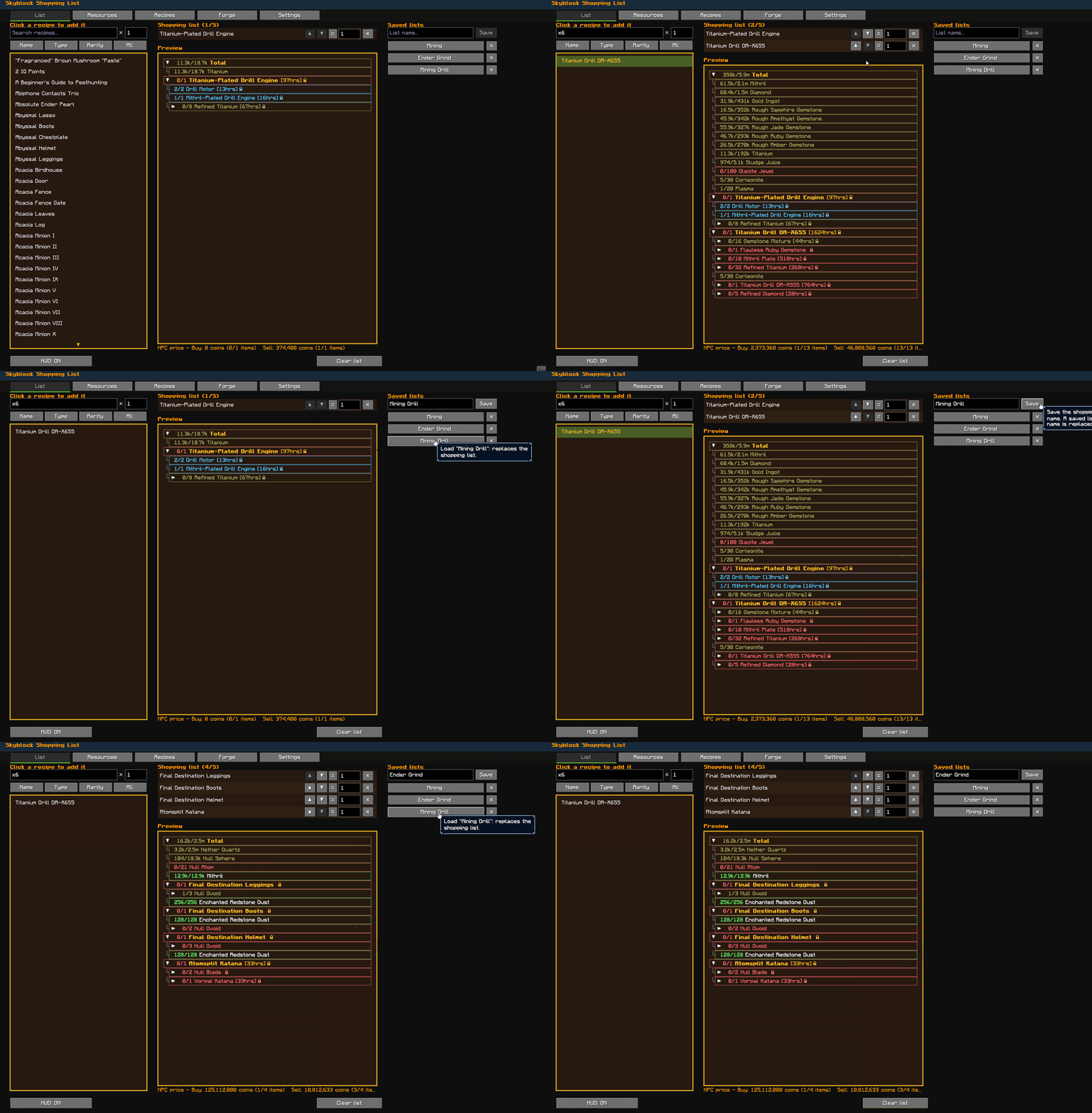
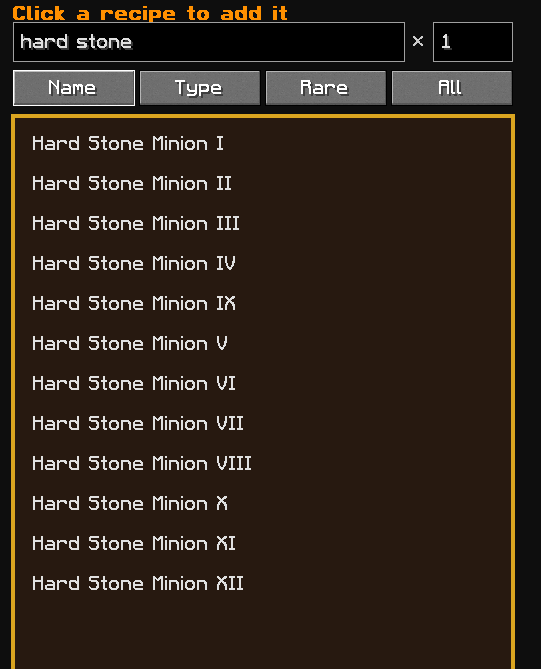
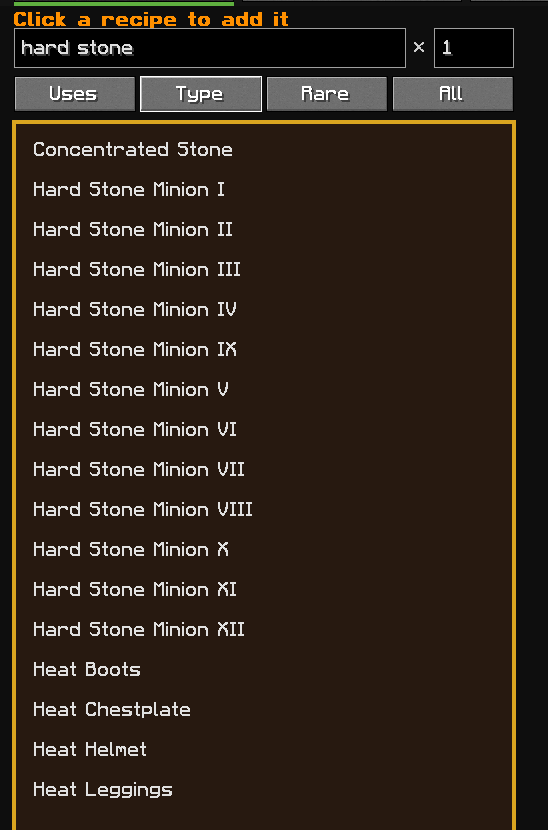
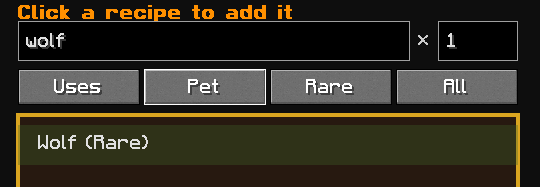
Opens first. Search recipes, type how many you want and click a recipe to add it (up to 3 by default). Each entry has ▲ / ▼ to change its order, its own amount box and an × to remove it, plus Clear list. Order is priority: when recipes share materials, the higher one gets them first. Each entry's = / + button sets what its amount means: = Have total (default: how many you want in total, so what you already hold counts) or + Add more (how many more to make on top of what you hold when you switch). Below is a preview of what the HUD shows, with the NPC price line under it. On the right, Saved lists keeps named lists (e.g. Mining, Foraging): type a name and click Save, click a saved list to load it in place of the current one, or click its × twice to delete it. Saved lists are shared by all profiles. Copy on a saved list puts a share code on the clipboard to post on Discord or in a guide (e.g. a full build path); Paste saves a list from a code on the clipboard, with " (2)" added if the name is taken, and leaves your current list alone. Recipes this mod doesn't know are left out and counted in the message. Under the search box, four filter buttons narrow the recipe list (left click to cycle, right click to go back): Name / Uses (Uses searches ingredients, so coal finds Torch), item type (Armor, Accessory, Pet, Weapon, Tool, Equipment, Other), rarity, and Owned / Missing. Type and rarity come from the downloaded recipe data.
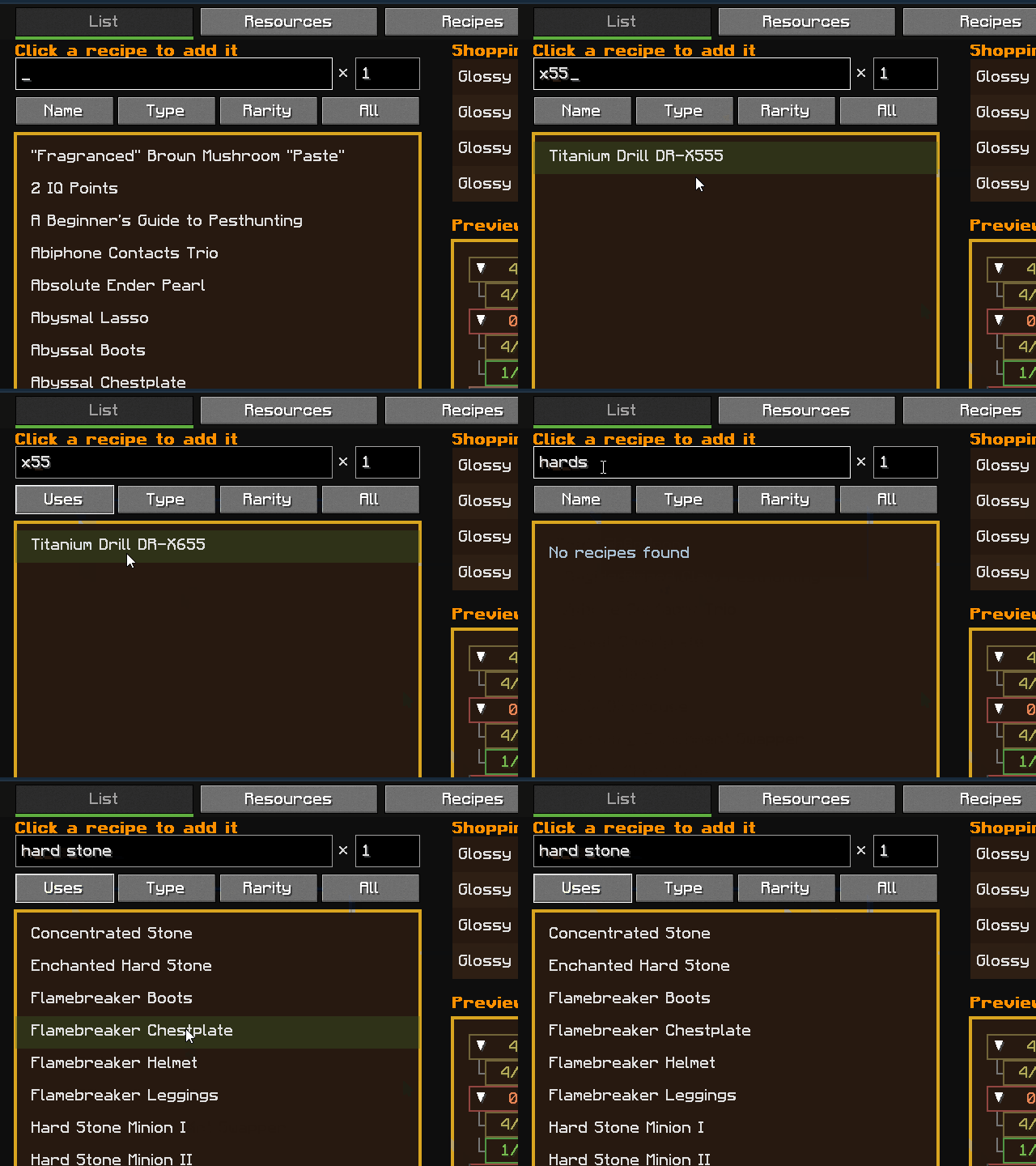
| Search by name | Uses: recipes that take the item | Type and rarity filters |
|---|---|---|
 |
 |
 |
Your item counts with search. Type in a box or use − / + to correct a count; changes save straight away. Show all also lists items you have none of.
Pick a recipe on the left (same search and filters as the List tab) to see its materials and full tree for the amount in the × box; Add to list is at the bottom.
Pick a recipe on the left to see whether you can craft it and what you still need for the amount in the × box; Add to list is at the bottom. Rows in the tree are red while something is missing, yellow when you can craft them from what you have, and green when you hold them; they update as your items change.
Opens the settings screen (YetAnotherConfigLib, same style as Skyblocker), with three tabs. Changes apply when you press Save.
- Settings: what the mod shows and does, in groups. HUD: HUD on/off, Max recipes, Move HUD..., Reset HUD position. Sections: Total and Craftable (each on/off), Forging (All, Listed or Off; see Forging), each inside the main panel or in a panel of its own, Total lists, NPC price. Rows: the amount format (Remaining "3×", Have / need "83/5,120", or Required "6×"), Short numbers (on by default; big amounts as 5.1k / 500m / 1.5b), Hide finished rows (on by default; ingredient rows you already have enough of drop off the HUD, the List tab still shows them), Progress bars and Total progress bars (off by default; fill a row's background in its colour with how far along it is, counted in the raw materials under it, so 21/80 Fine Ruby under 0/1 Flawless Ruby fills both rows 26%; each picks Top level, Down to 1st level or Every row, one for the recipe trees and one for the Total), Forge times and Recipe locks. List: Auto-remove. Notifications: Ready to craft, Item achieved, Sacks to open and Sack reminder, each Off, Chat, Toast or Both (see Notifications).
- Appearance: how the HUD looks (see Appearance).
- Advanced: Key binds... and Debug logging (off by default; when on, writes what the mod reads to latest.log).