Repository navigation
Home
Keyboard control for Excalidraw drawings in Obsidian.
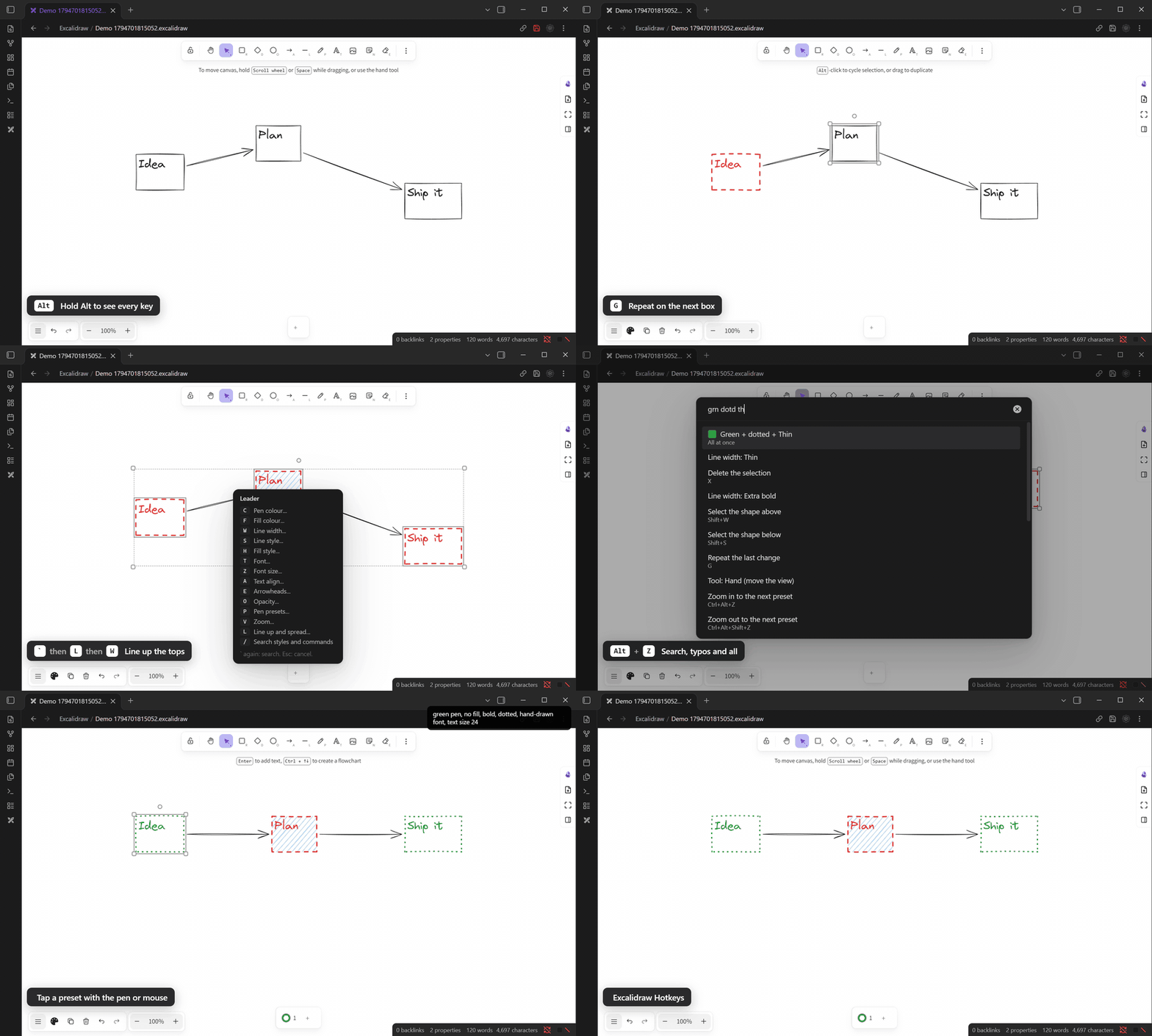
- Install Excalidraw Hotkeys from Obsidian community plugins. It needs the Excalidraw plugin.
- On first start, press Use suggested keys. A key that another command already uses is skipped. The guide opens.
- In a drawing, hold Alt to see your keys, or press the leader key
`to see the menu. - New here? Run Practice the keys: a two-minute lesson where each step checks itself.
On a phone or tablet, tap the ⚡ button in the drawing's top row. It has every action.
- Guide: the keys to learn first, the one rule, and the full leader menu.
- Features: what each part does, and how.
- Commands and keys: every command and its suggested key.
- Settings: what each settings page holds.
- What's new: what changed in each version, with pictures.
These pages are made from the plugin itself at each release, so they match the latest version.