Repository navigation
First Time Setup
Note: This step only need to be done once. The extracted files the editor needs are stored for use with all projects made in the editor.
Before you can use Shiny Egg, it needs access to a USA v1.0 ROM (md5 cb472164c5a71ccd3739963390ec6a50). Click on the reference cart assets menu in the top right and provide the needed .sfc file.
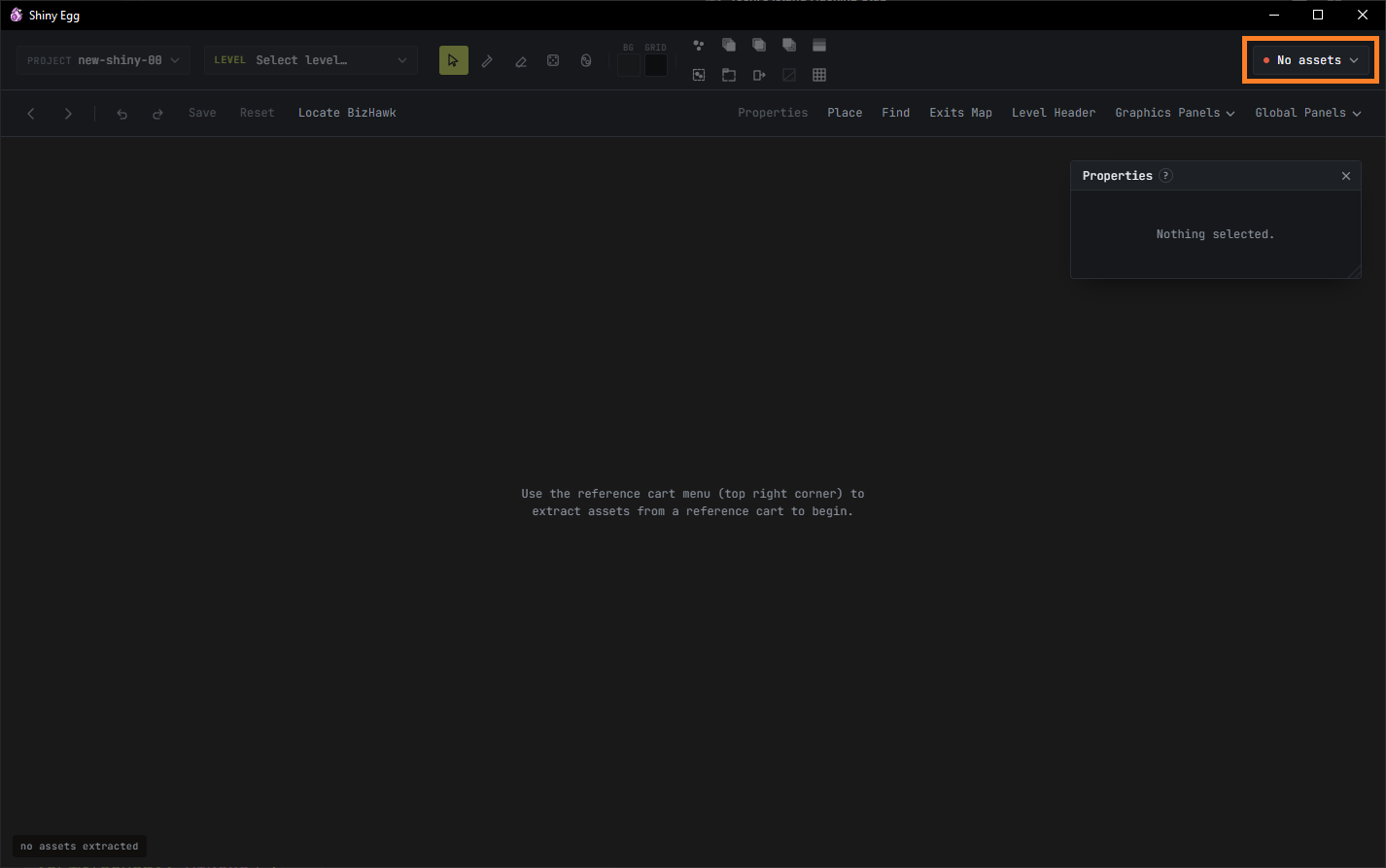
Once the ROM is provided, Shiny Egg will extract the game assets it needs to work with and build your projects.
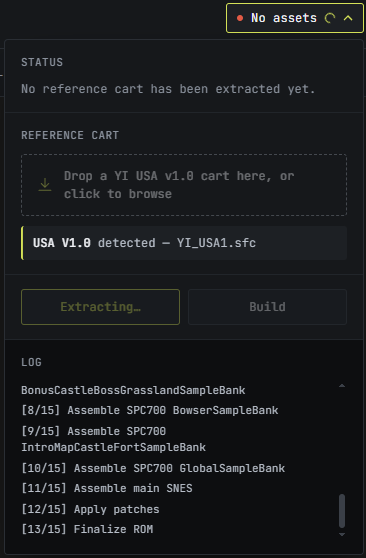
All done and ready to start making!
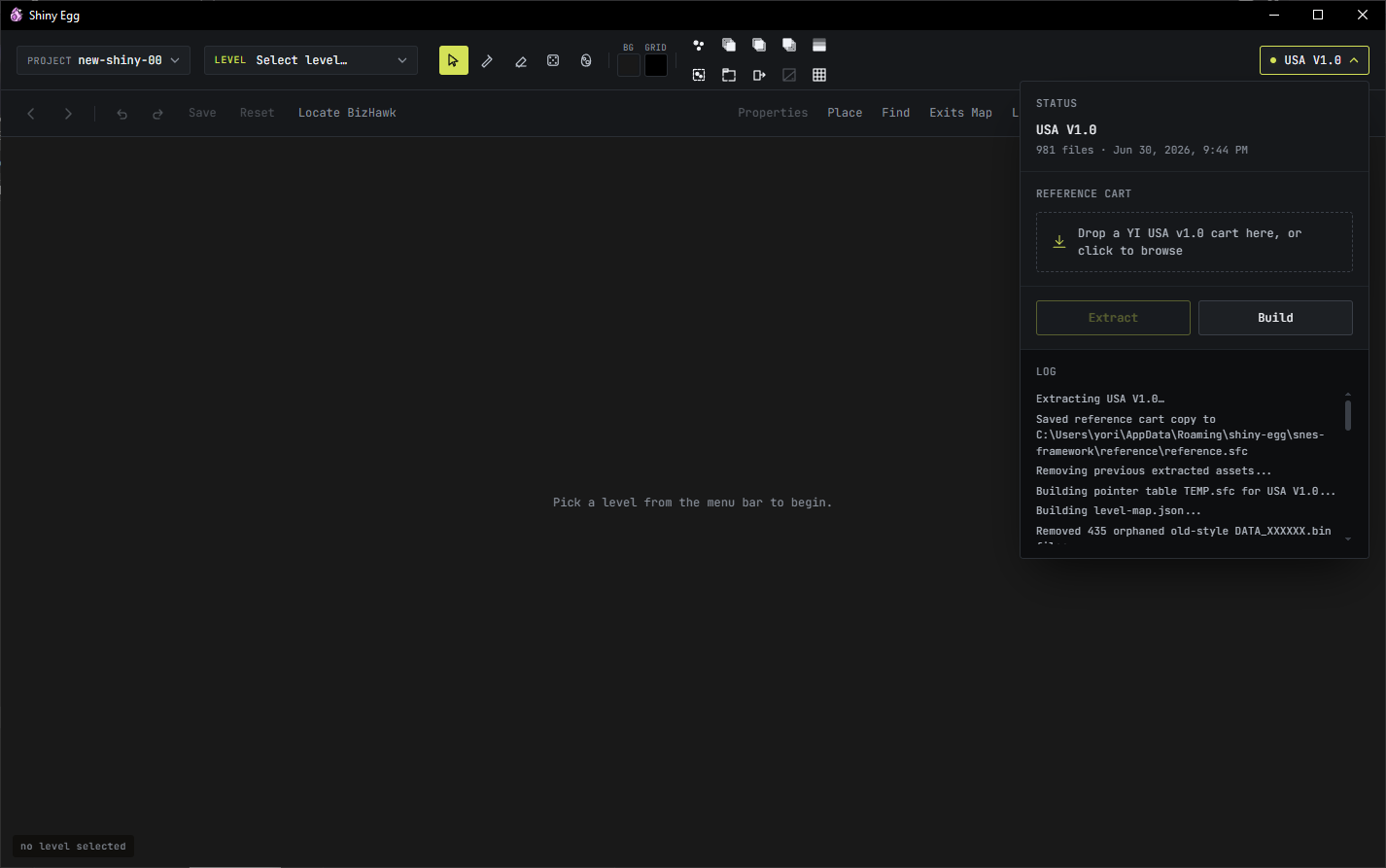
The editor creates a new project for you to work in automatically (new-shiny-00) so you can start exploring right away. Try browsing through the game's levels by using the LEVEL dropdown.
Important! - Shiny Egg does not work the way most ROM hacking tools do. It does not edit a ROM file in place. Instead, it keeps changes you make as overlays that it stores separately for each project. Then, when you want to test/build/export the project, it combines your overlay files with the base ROM's files and compiles them together using asar.exe from source.