Repository navigation
LabelPrint Studio 2.1.3

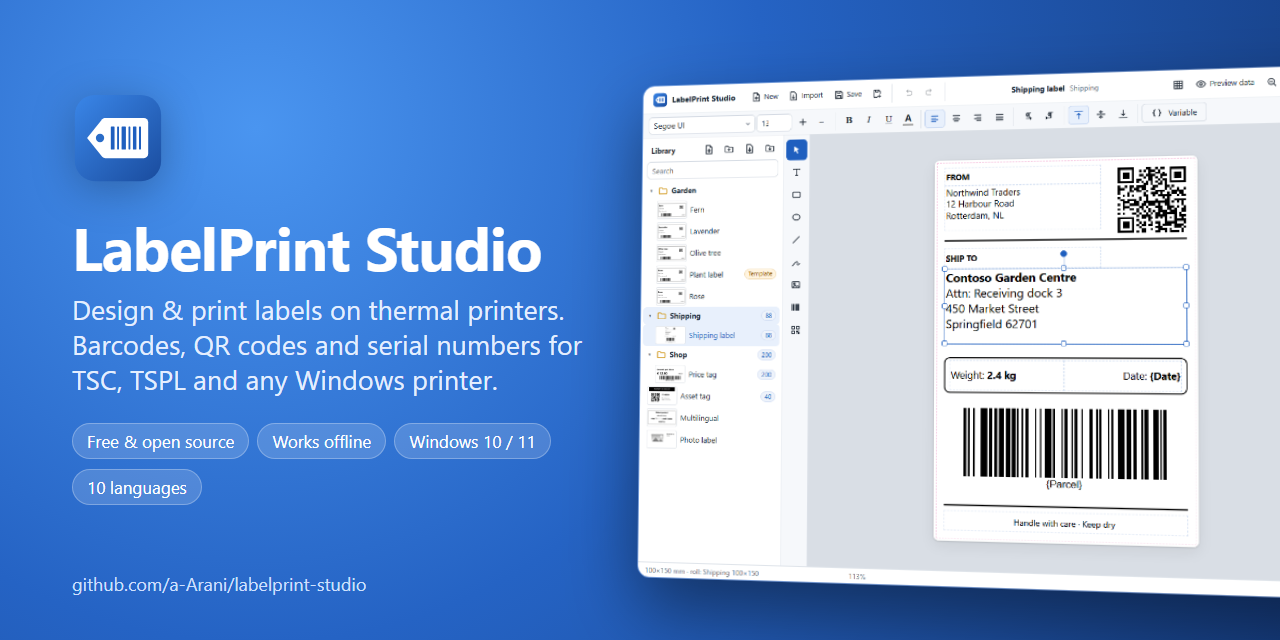
What's new in 2.1.3
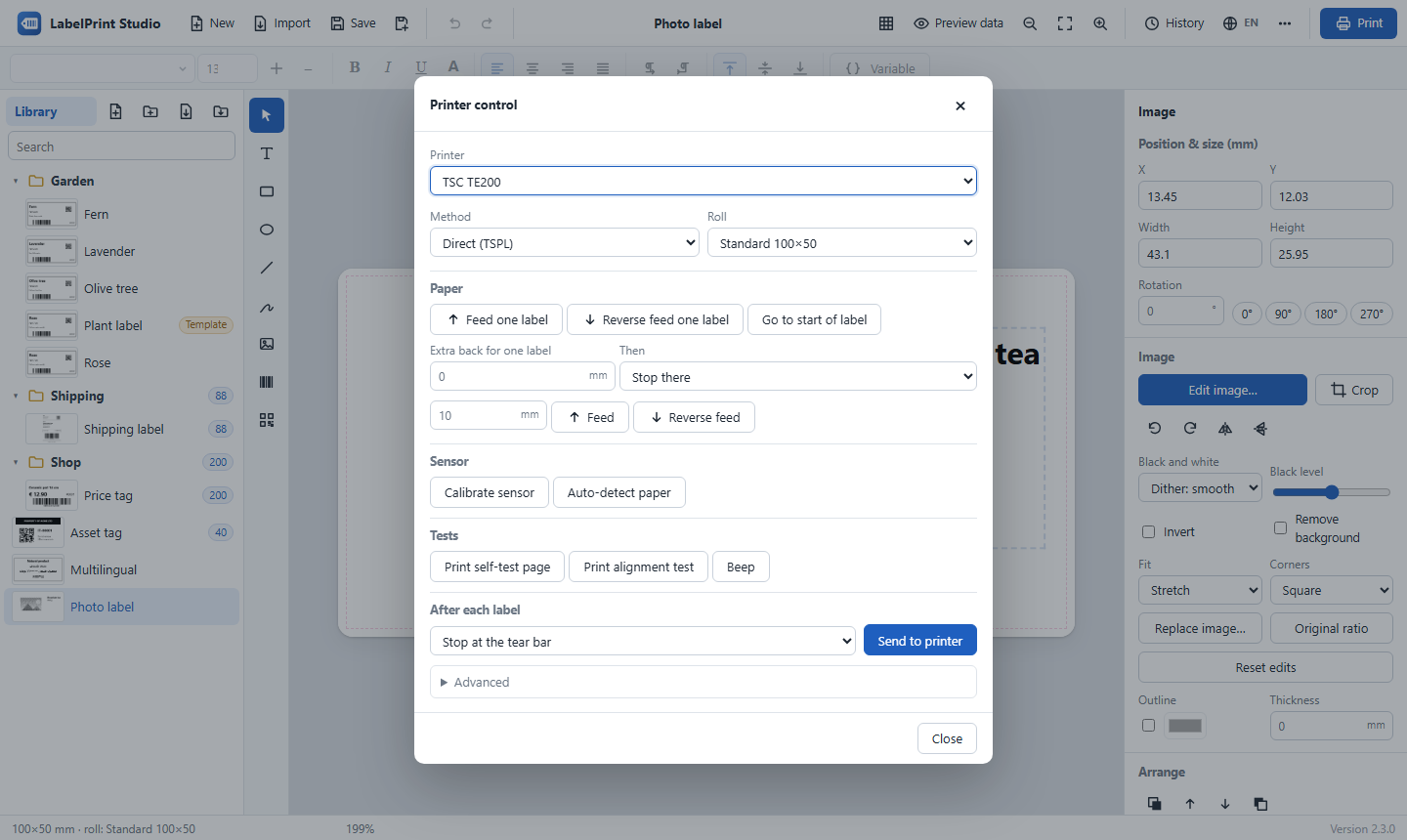
⏪ Reverse feed one label
⋯ → Printer control… → Reverse feed one label pulls the paper back by exactly one label and its gap (or black mark), taken from the roll you select. TSPL printers have no command for this, so LabelPrint Studio sends BACKFEED with that length. The one-label moves (forward, back, start of label) and the distance moves now sit on separate rows.
Also in 2.1.2: names with characters Windows does not allow (* / : ? " < > |) are kept as look-alikes (50*100 → 50×100), so renaming such folders and labels works. See the changelog.
Download
👉 LabelPrintStudio-v2.1.3-win64.zip (Windows 10 / 11, 64-bit, about 11 MB; nothing else to install)
How to install
- Download the zip above.
- Right-click it → Extract All… to a permanent folder, for example
C:\LabelPrintStudio. - Double-click
Create Desktop Shortcut.batonce. - Start LabelPrint Studio from the desktop shortcut.
Updating from an earlier version: close the app and copy the folders app, web, python and the file run.py from the new zip over your installation folder. Your labels, settings and print history stay as they are.
Free and open source under the MIT License. Designed and developed by Amirhossein Arani.