Repository navigation
First run
The first time you open the dashboard, Find+ goes straight to a setup wizard.
It stays the landing page until you finish: while the setup has never reached
its last step, opening http://localhost:8647 with no other address in the bar
redirects to #/setup.
| # | Step | What it does |
|---|---|---|
| 1 | Welcome | What Find+ is, and what stays local versus what it sends out. |
| 2 | Sign in | Google Find Hub or Apple Find My, or both. See Sign in. |
| 3 | Devices | Pick which trackers to poll, and give them labels, icons and colors. |
| 4 | Groups | Put devices in a group, with an icon and a color. |
| 5 | Places | Drop saved places on the map with the crosshair tool. |
| 6 | Notifications | Connect Telegram, a webhook, WhatsApp, or Mac notifications. |
| 7 | App lock | Set a PIN, if you want one. |
| 8 | Done | A summary of what you set up. |
Every step except Welcome and Done can be skipped, and skipping one does nothing at all: no device is untracked, no setting is reset. You can come back for it later.
If you navigate somewhere else before finishing, a bar appears under the toolbar: Setup isn't finished. Resume setup · Dismiss. Resume takes you back to the step you were on. Dismiss hides the bar for that page load only; it returns on the next load, and keeps returning until you reach the wizard's Done step.
Reopen the wizard at any time from Settings, under About, with Run setup again. Re-running it changes nothing by itself, and abandoning it halfway leaves your finished setup finished.
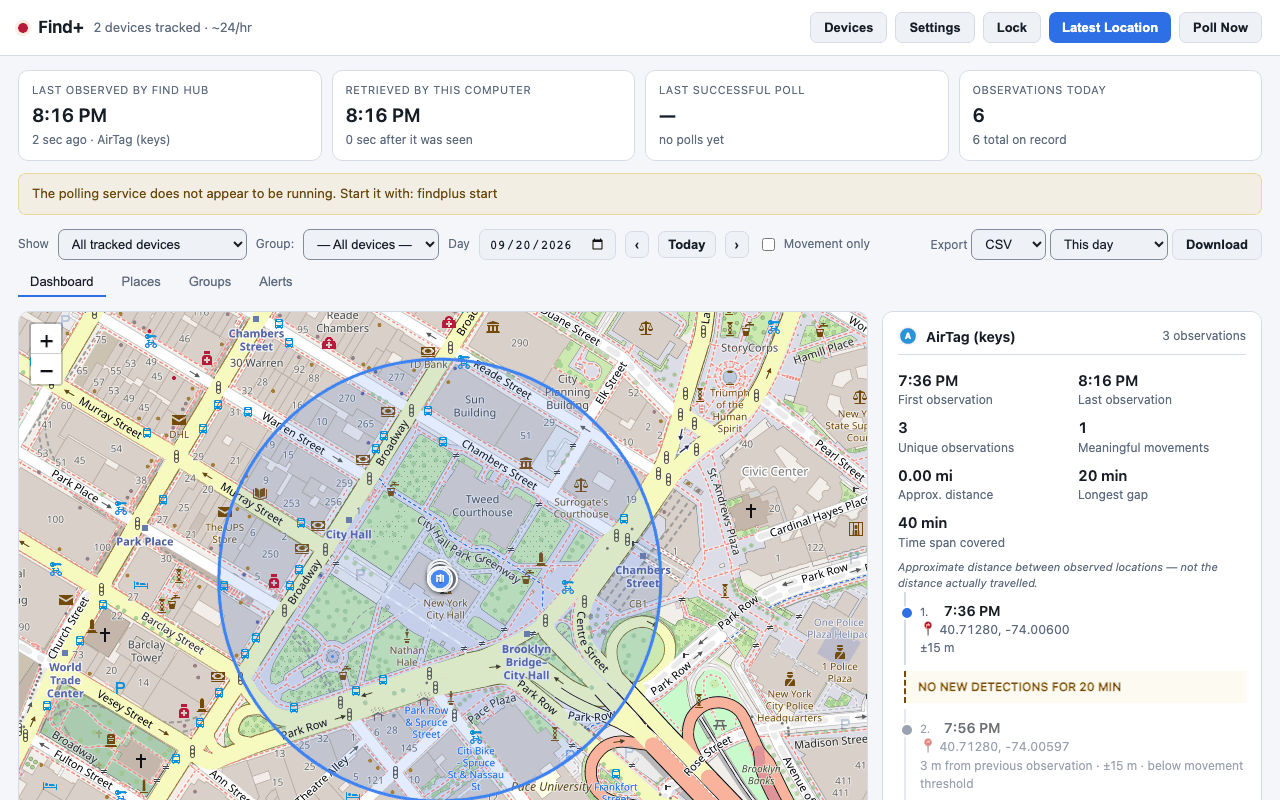
For an install that never opens a browser, the terminal wizard walks the same eight steps:
findplus setupIt asks about sign-in, device tracking, one group, Telegram and the app lock, in that order. Places are always left to the dashboard, because there is no terminal map. Labels, icons and colors are left to the dashboard too, because there is no color picker in a terminal.
findplus setup --yes--yes takes every default without a prompt: Welcome prints its one line,
Devices tracks nothing, Groups, Places, Notifications and App lock are skipped,
and nothing is discarded. This is what install.sh --start runs. Because a
headless run never reaches an interactive Done step, the dashboard still shows
the web wizard the first time you open it.
findplus auth
findplus start
In the app and the dashboard, Connect opens the Find+ sign-in window for Google and a sheet for Apple. In a terminal,
findplus auth opens Chrome to sign in with your Google account;
findplus auth --token uses your own Chrome instead and asks you to paste the
token it shows you (Sign in). --provider apple-find-my runs an
interactive Apple sign-in. findplus start
then discovers your devices, tracks them, installs a user-level service, begins
polling, and opens the dashboard at http://localhost:8647 in your browser
automatically. Run it before signing in and it stops with exit code 4 and tells
you which command to run first.
From the dashboard, open Devices to choose which trackers to follow, or
run findplus devices --track-all from the CLI. Add a place from the map
with the crosshair tool, and set up alerts from the Alerts tab. Poll interval,
history retention and the rest live in Settings.
If the browser does not open on its own, run findplus open.