Repository navigation

Your people. Your server.
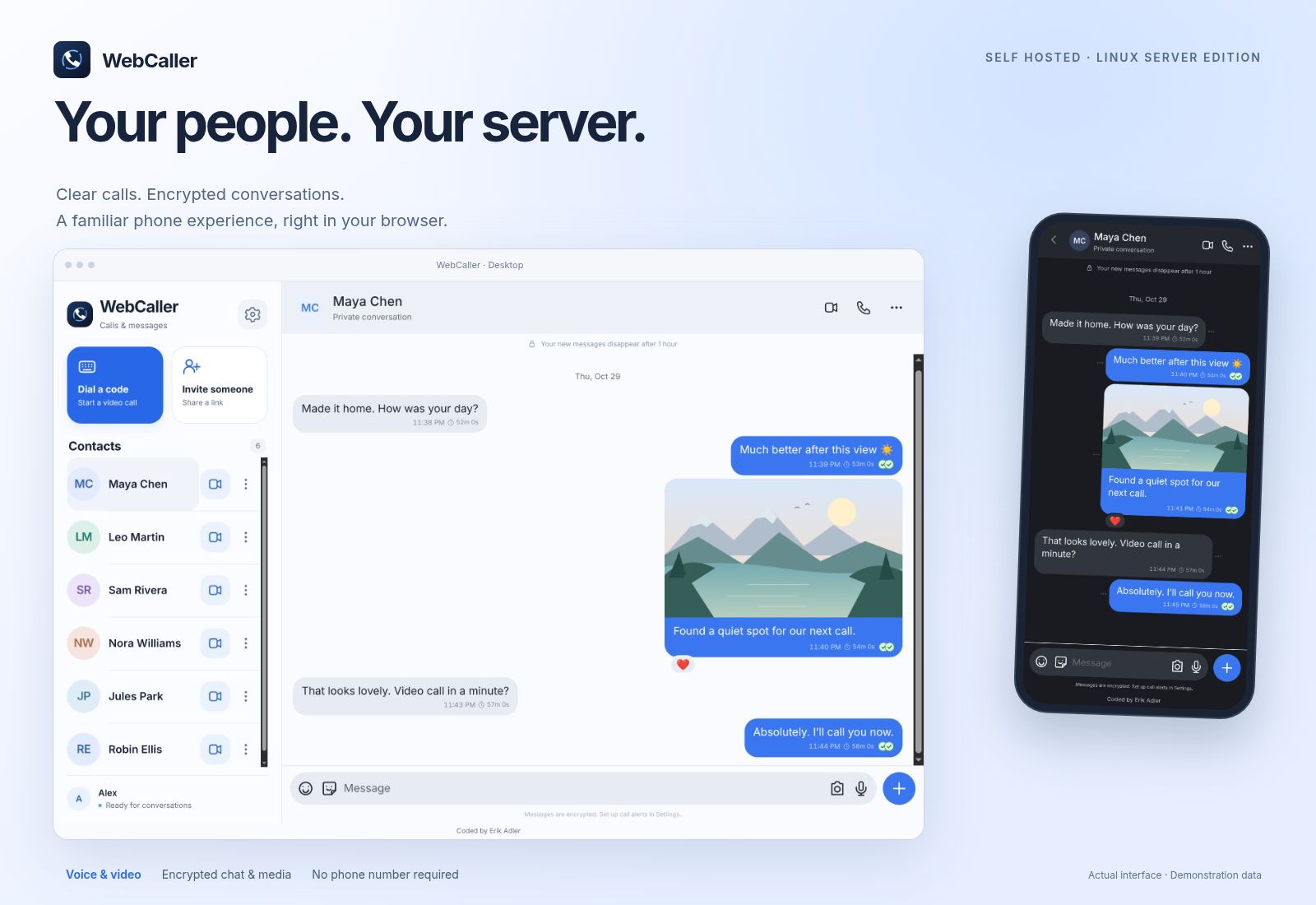
A familiar browser phone for Android, iPhone and desktop, now with a guided Linux server edition. Download the small Docker bundle, run ./webcaller setup, and follow four plain-language steps. No Node, npm or Rust installation is needed for this option.
A server package you can look after
- Linux x86-64 and ARM64: prebuilt, release-matched app, setup and TURN images, pinned by digest.
- Guided setup: choose automatic HTTPS, an existing proxy/Tunnel or a containerized Cloudflare connector; add a reachable TURN call relay and optional self-hosted ntfy ringing.
- Your connection checklist: exact DNS/routes/ports for the choices you made, local/public HTTPS checks and a private first-phone QR.
- Everyday maintenance: numbered menu, status, diagnostics, guided settings changes and stable-release discovery.
- Backup and recovery: consistent private snapshots, matching-version restore, replacement-server recovery and recovery of the previous state when an update fails its startup check.
- A clearer guide: beginner download/checksum instructions, phone onboarding, updates and troubleshooting, with mobile and desktop examples in the README.
- Mobile keyboard stability: keep the app aligned when the phone keyboard opens and closes.
The existing native installation remains supported. This Docker edition is an alternative for new installations, not a command to migrate an existing native server.
The phone features are still here
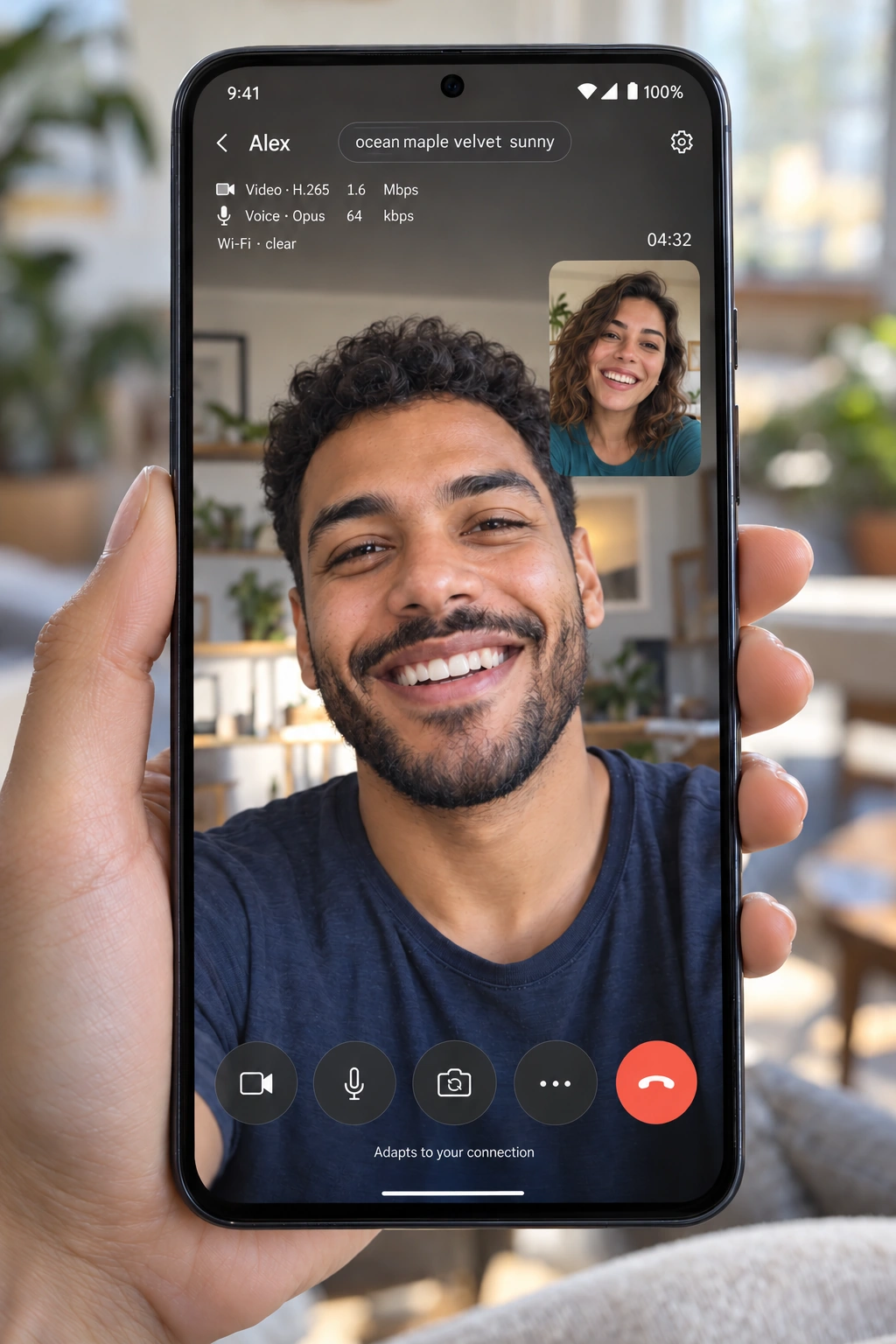
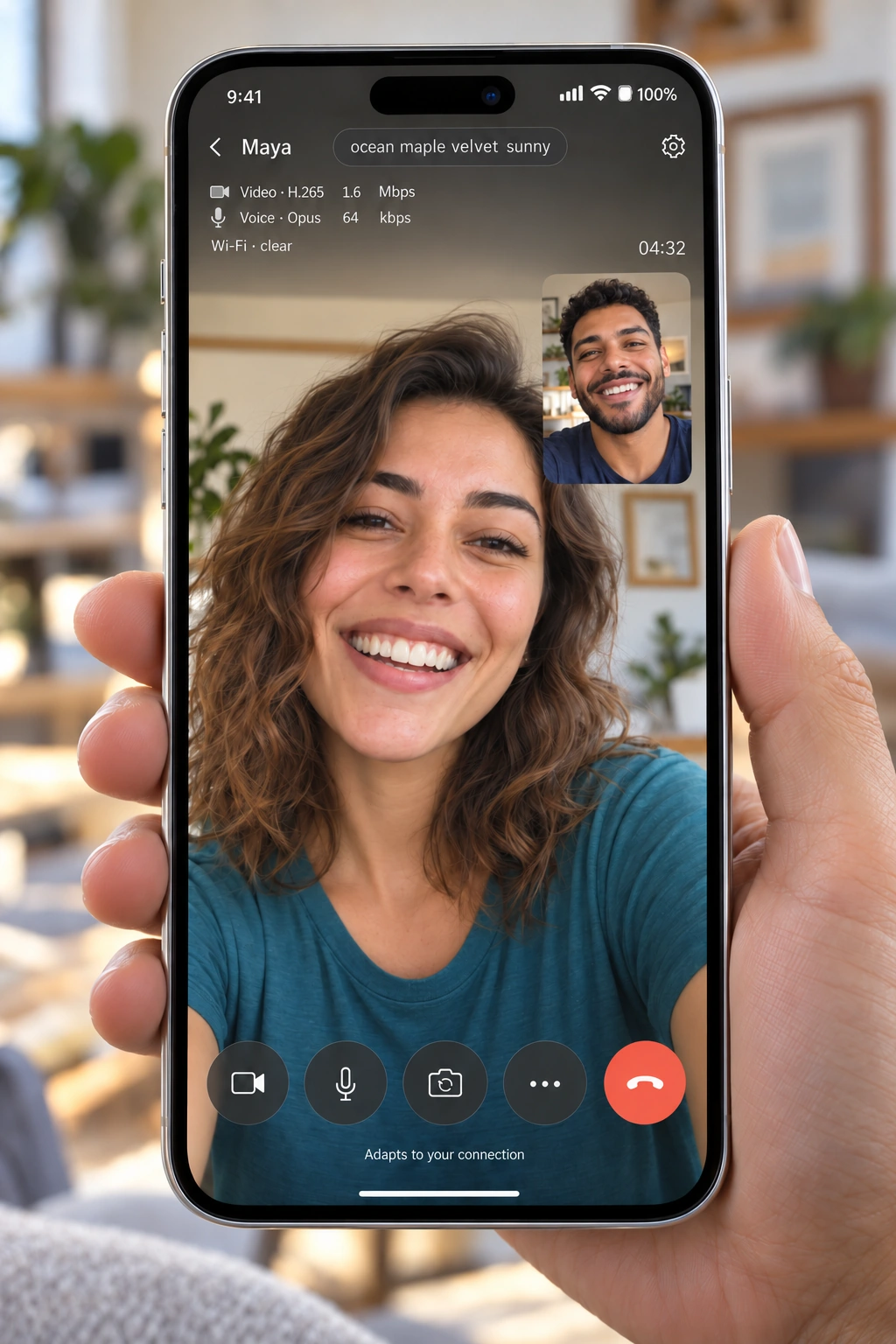
Adaptive Opus voice and hardware-aware AV1/HEVC/VP9/H.264/VP8 video; audio-first quality control and Wi-Fi/cellular recovery; encrypted chat, reactions, replies, sender-only edits, stickers, voice notes, location cards and media/files up to 200 MiB; one-hour default disappearing messages with Off/custom choices; invitations/calling codes; optional call SAS and full identity fingerprint; browser alerts and optional ntfy.
The pinned official libsignal PQXDH/Triple Ratchet core, application Ed25519 signatures and AES-256-GCM attachments are unchanged. Live media remains browser DTLS-SRTP; it is not made post-quantum by chat encryption. The custom integration is unaudited. Read the security model.
Which download?
| Download | Use it for |
|---|---|
| WebCaller-Docker-v0.20.0.tar.gz | Recommended guided Linux setup. Requires Python 3.10+, Docker Engine, Compose 2.20+ and internet access. |
| WebCaller-Docker-v0.20.0.zip | The same installer files in ZIP format. |
| WebCaller-v0.20.0.tar.gz / .zip | Complete source/native installation or your own build, including pinned upstream source and corresponding-source offer. |
| SHA256SUMS.txt | Verify the uploaded archives before extracting them. |
Start here: Linux walkthrough · All installation choices · Features.
A server, hostname and reachable relay are still required. The wizard does not buy a domain, bypass CGNAT, configure a router remotely or guarantee locked-phone ringing. Backups contain credentials and are not password-encrypted; keep them on protected storage. Phone private keys remain on the phones. Existing v0.18.0 Docker users should read the first-upgrade backup instructions; older Olm installations require the separate migration guide.
Validation includes 336 passed application tests (three explicit historical Olm cases skipped), three passed official-native libsignal interoperability tests, source/privacy checks and disposable Docker stacks on native x86-64 and ARM64, including ntfy access controls/priority, TURN allocation, WebSocket authentication, restart persistence and actual backup/restore. Evidence and limits.