Repository navigation


Divine Pulse 1.4.0 turns your battles into shareable videos, adds team export images, shows who has fallen and which classes your units have mastered, and lets you track the game from FE3H Recomp as well as Eden.
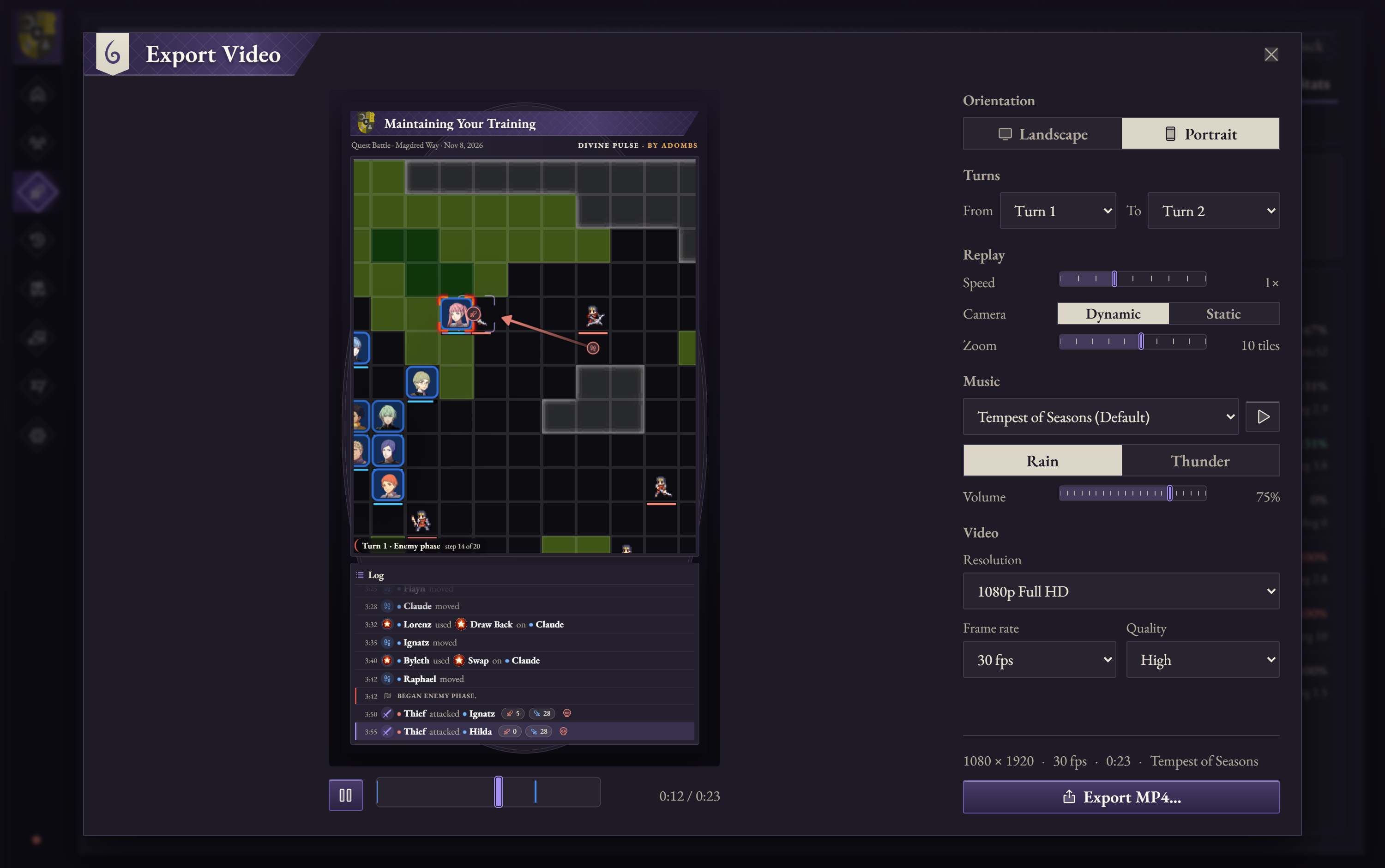
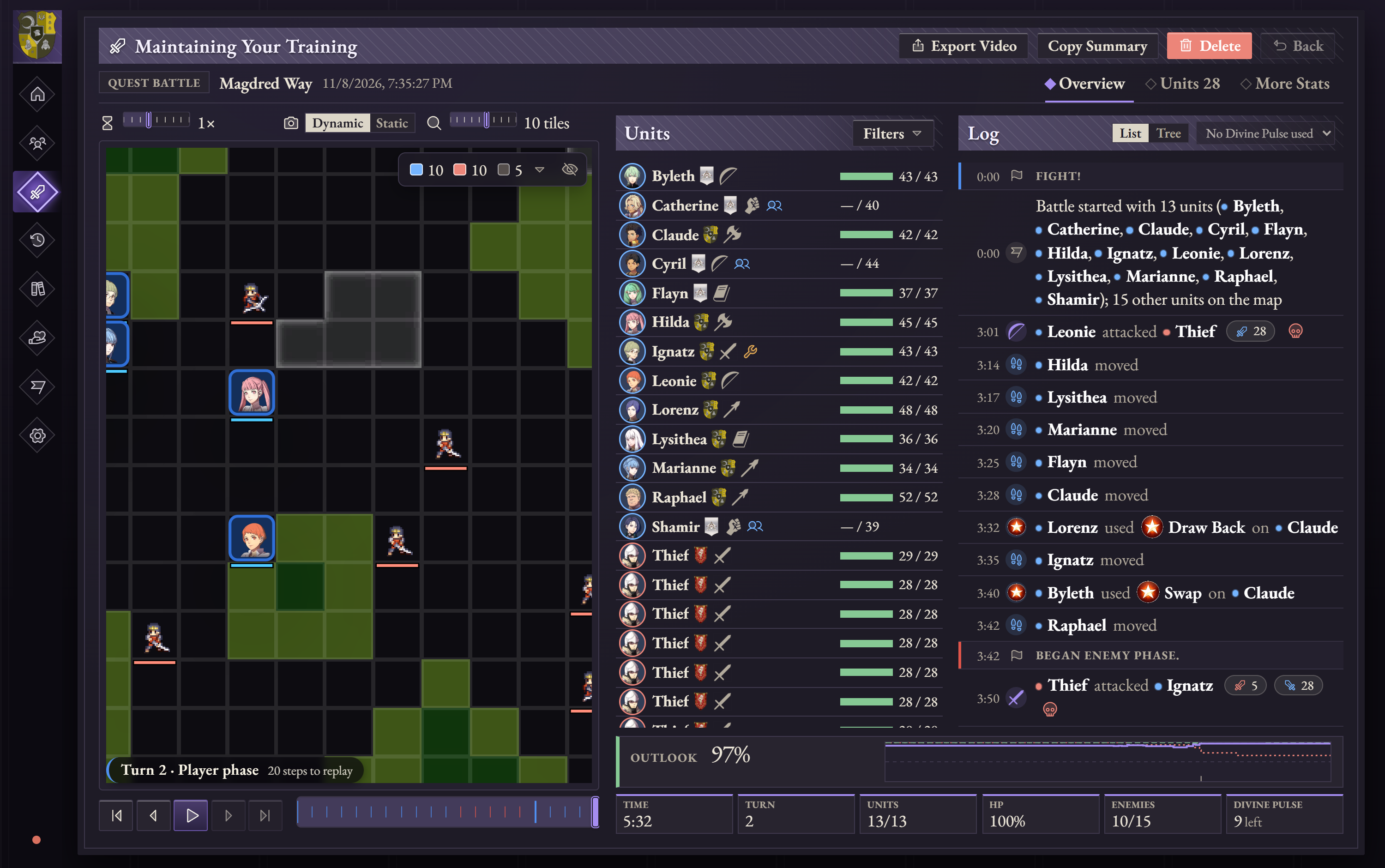
Export a battle as a video
Open a saved battle and choose Export Video to save its replay as an MP4. Preview it first, then pick the turns to include, the replay speed, camera and zoom, and the video's size, frame rate and quality. Choose landscape (1920 × 1080) or portrait (1080 × 1920); the map, turn counter and action log are drawn into every frame.
Videos can play a battle theme underneath. The game's 20 battle themes are imported with your game files, each in a calm Rain and an intense Thunder version, and each battle starts with the theme it plays in the game. New replay speeds (0.75×, 1.5×, 2.5× and 3.5×) are available everywhere you replay a battle.
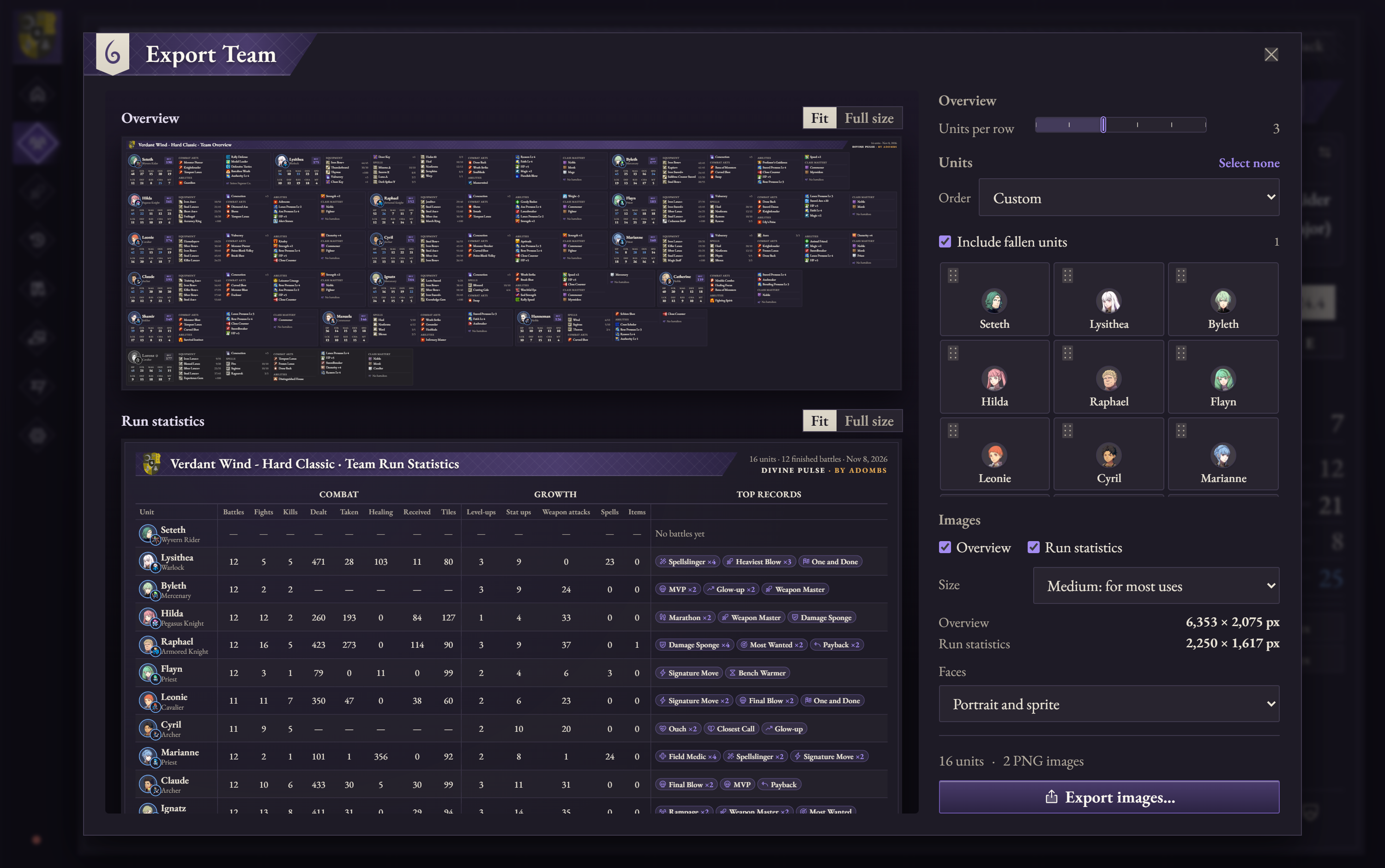
Export your team as images
Choose Export Team on the Roster to save two images: an overview card for each unit (stats, equipment, spells, combat arts, abilities, battalion, and mastered classes) and a table of your run's combat and growth statistics with each unit's standout records. Set how many units sit side by side, drag units into the order you want or sort them by when they joined, stats, deployments or name, and leave out anyone you like. Show each unit as a portrait, a map sprite, or a portrait with its sprite as a badge.
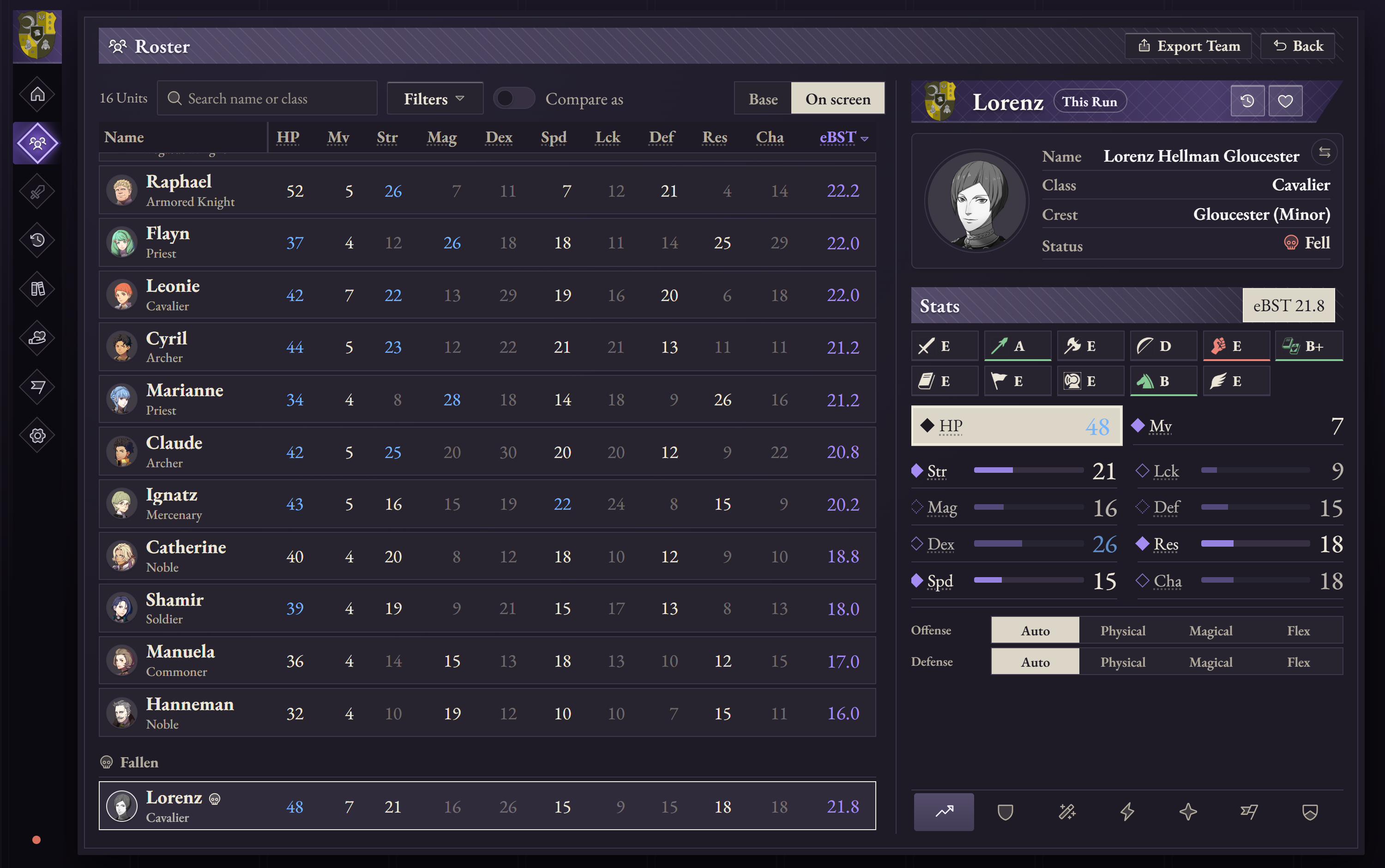
Know who has fallen and what everyone has mastered
In Classic mode, units that die stay on the Roster in a greyed-out Fallen group, with a card that shows where they fell and opens that battle at the moment it happened. Use the new Status filter to show only the living or the fallen. The History statistics, Archive "in run" marks and a battle's Units tab include them too, and Export Team can include or leave out the fallen.
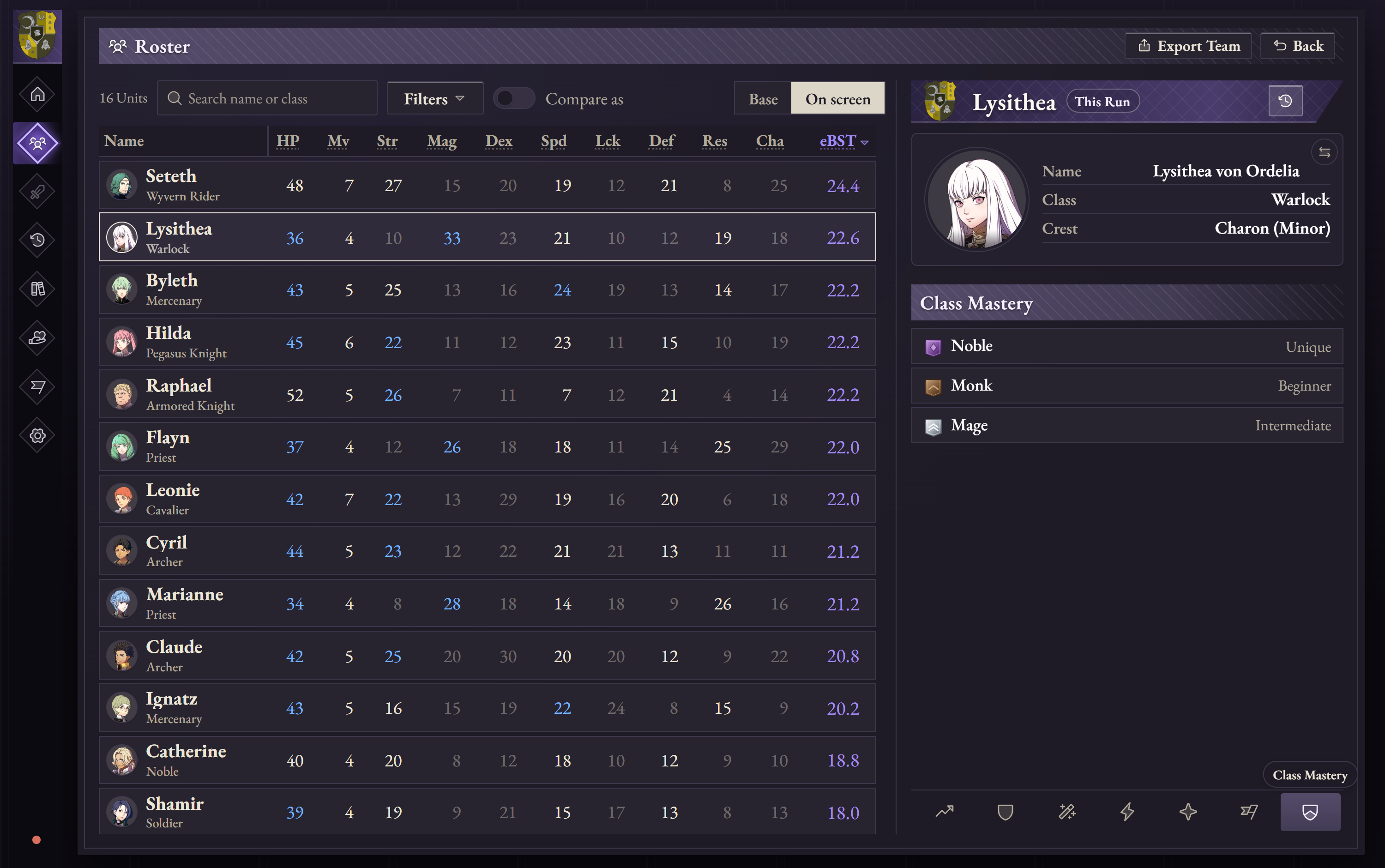
The new Class Mastery tab on a unit's card lists every class they have mastered, lowest tier first.
Battles sorted into five kinds
Battles are now Mission, Auxiliary, Paralogue, Quest and DLC battles, with the same names on the battle page, in History, in Battle Stats and on video headers. Quest battles are named after their quest instead of their map.
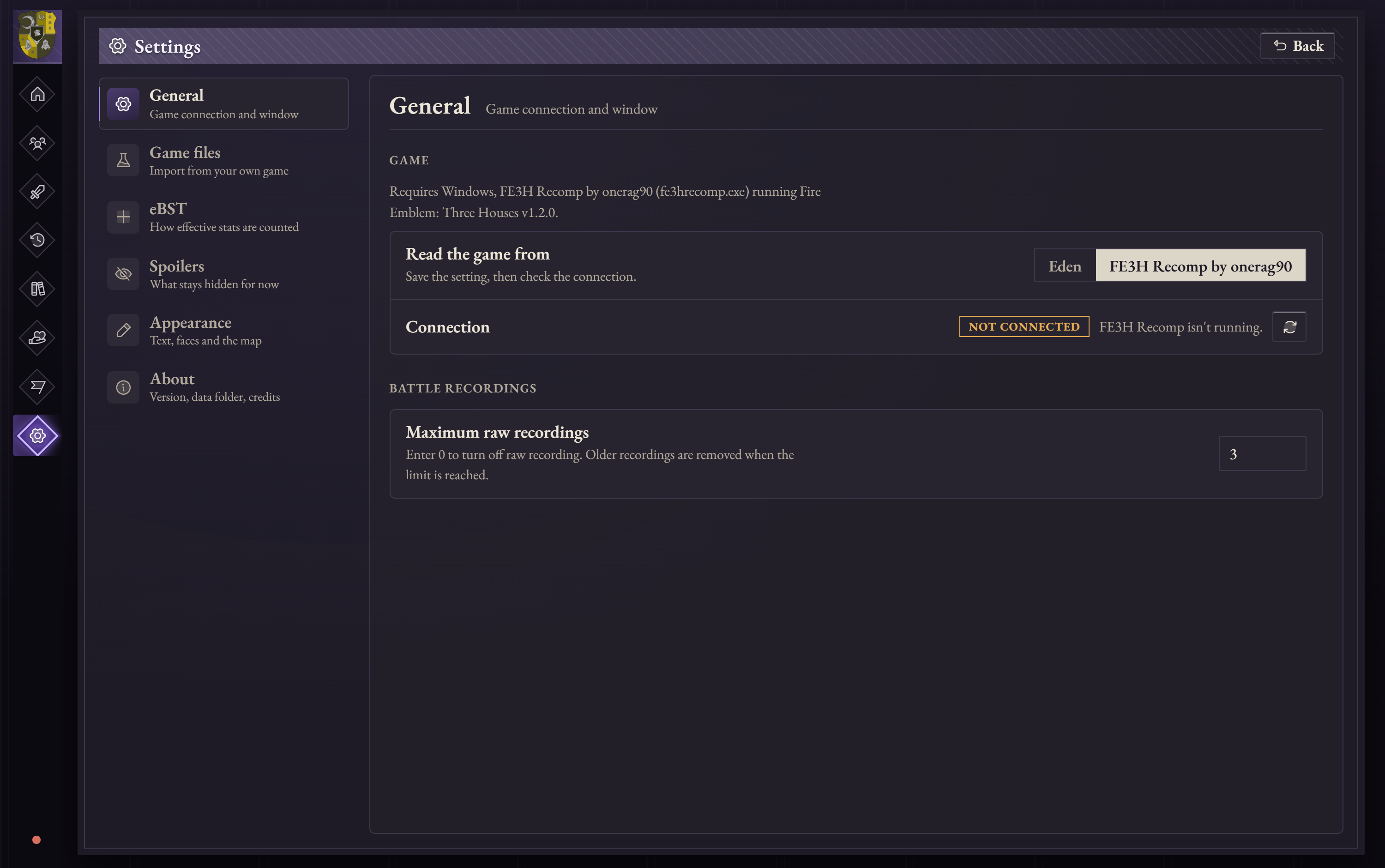
Play with FE3H Recomp
Divine Pulse can now read the game from FE3H Recomp by onerag90, the native Windows recompilation of Three Houses. Choose it in Settings → General → Game. Eden stays the default and nothing else about tracking changes.
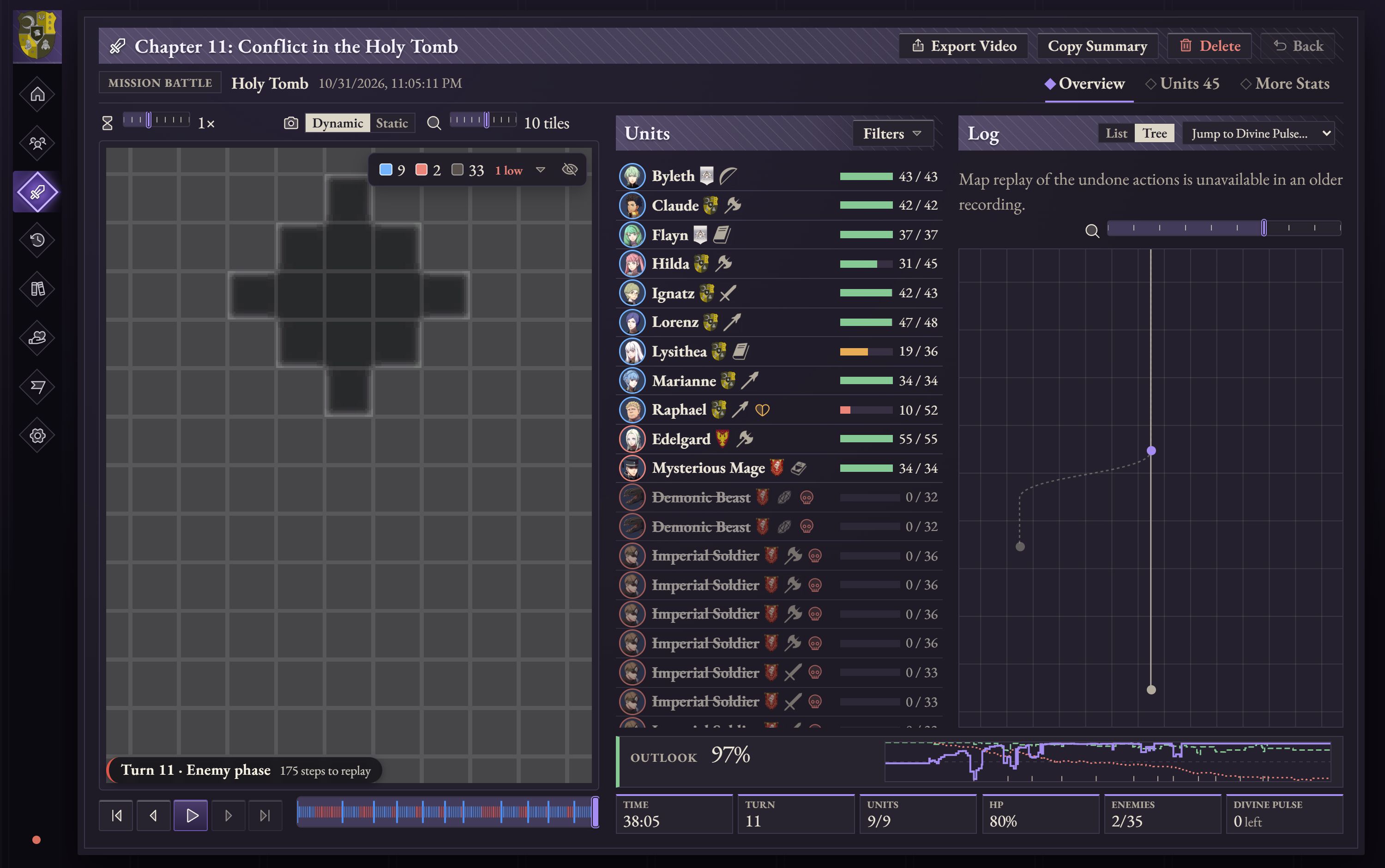
A more connected battle log
Gambits, level-ups, joins, departures and stat gains in the log now link to their battalion in the Archive or to the unit's card. The log's tree view is easier to read, with only one copy of a row shown at a time.
Smaller changes
- Tracking is much faster. Reading the game during a battle went from about two seconds to a few milliseconds, and a battle's units appear right away.
- Each unit's affiliation in a battle now comes straight from the game and updates if it changes mid-battle.
- Added map sprites for Jeralt, Rhea and Sothis, and fixed the sprites for Flayn, Hanneman, Manuela, Gilbert, Alois, Catherine, Shamir and Cyril.
- The Units tab's character card flips between portrait and map sprite, as on the Roster.
- The Roster's unit card fits every stat without scrolling, and Export Team and Export Video were tidied up.
- Light mode was removed. Divine Pulse now has one dark theme.
Get started
You’ll need 64-bit Windows 10 or 11 with Microsoft Edge WebView2, Eden with fastmem enabled or FE3H Recomp by onerag90, and your own copy of Fire Emblem: Three Houses with update 1.2.0.
- Choose the Windows installer for a regular install and Start menu shortcuts, or the portable ZIP to unpack and run Divine Pulse.exe from a folder.
- If you’re updating, re-import your game files once in Settings → Game files to get the new battle themes, quest names and map sprites.
- Use Runs → Export to back up your playthroughs and replays before updating.
Hotfix 1.4.1
- Export Team images now save at exactly the size shown in the dialog, with nothing cut off.
- Battle cards show the battle type beside the units, and dates as mm/dd/yyyy with the time.
- Each character now has the same portrait on the battle page as everywhere else.
- Long names and labels that were cut off now show in full.
- Finished battles now show their fights and kills.
- Units that fell are counted as lost everywhere losses are shown.
- Battle and run totals no longer turn into dashes when an adjutant is deployed.
Hotfix 1.4.2
- Battles stay on the map they were played on. Battle in the Outskirts (including the quest Something to Prove), Battle at Magdred Way and sometimes Battle in the Forest switched to the prologue's map when they ended. Battles already recorded keep the map they were saved with.