Repository navigation
Housekeeper 0.26.0 — Universal Housekeeper Intelligence & Expandable Usage

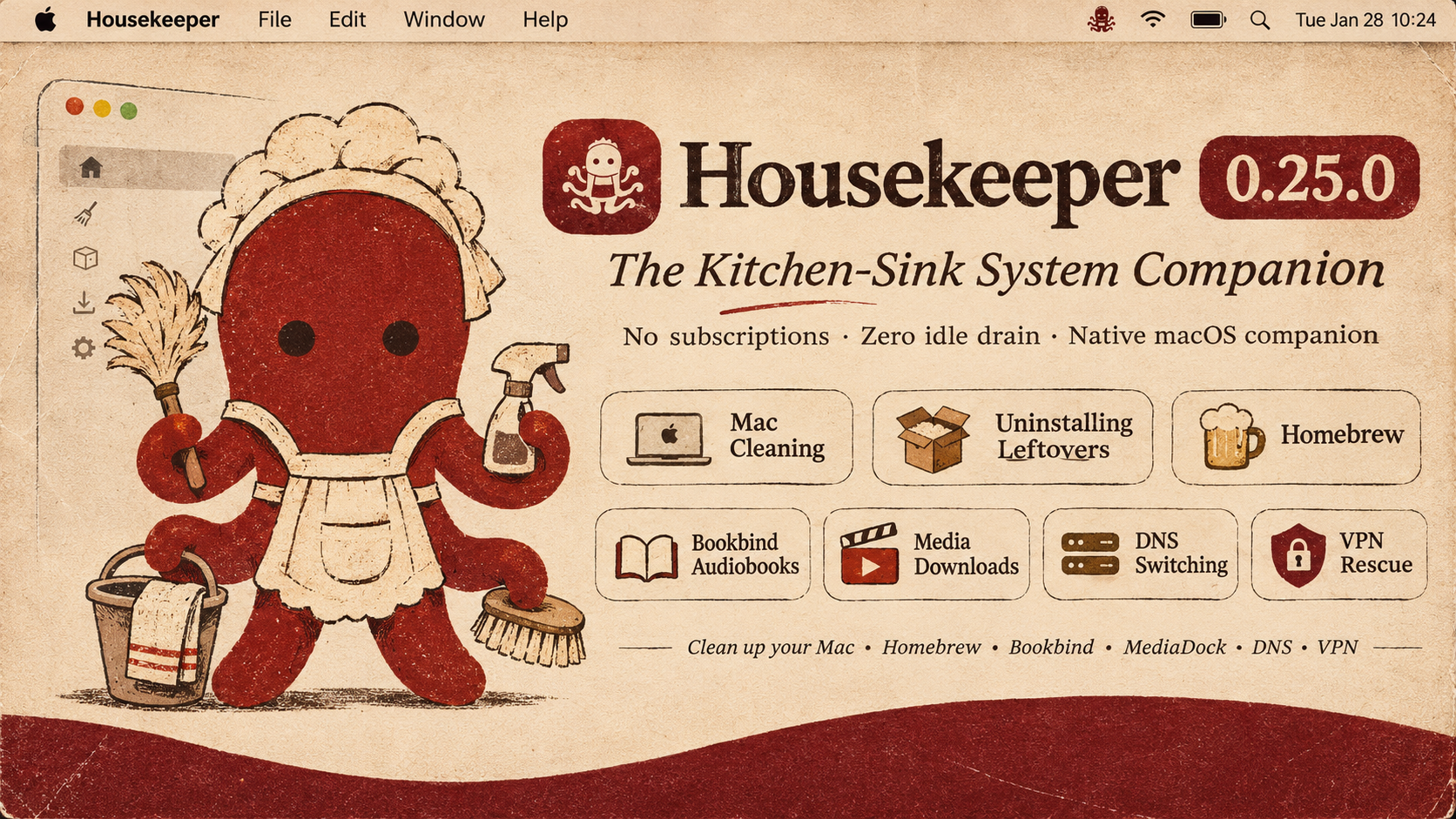
Housekeeper 0.26.0
Universal Housekeeper Intelligence & Expandable Usage
Made by Morad · The 75-Year-Old Rule · Zero Idle Drain · The Native Kitchen Sink
What's New in 0.26.0
This release fixes the cramped menu bar panel and turns the Housekeeper into a truly universal companion that you can consult from anywhere in the app with a simple right-click.
1. Universal Right-Click "Ask the Housekeeper"
- Right-click anything to ask: You can now secondary-click (
Right ClickorControl-Click) on practically any item in the application to immediately consult your AI Housekeeper:- Active Processes & System Consumers: Right-click any app or daemon in the Menu Bar popover or Processor/Memory rooms to ask what it does, what app launched it, and whether it is safe to quit.
- Installed Applications: Right-click any application in the Uninstaller to get an instant safety briefing on what the app is, its bundle size, and whether uninstalling it leaves personal data behind.
- Leftover Files & Hidden Caches: Right-click any detected support file or cache to ask what it holds before deciding to clean or keep it.
- Local AI Models: Right-click any model in the Local Models library to get an appraisal of which coding harnesses or tools intersect with it, and whether it is safe to prune.
- Folders & Large Files: Right-click any node in Space Lens or the Disk Browser to get an instant breakdown of why that folder is large and what lives inside.
- VPN Profiles & Network Daemons: Right-click any VPN profile or virtual interface to ask who created it and whether it is causing routing drops.
- Pre-assembled Briefings: Every right-click query pre-populates the Housekeeper with factual, deterministic context (bundle ID, exact path, byte count, parent PID, safety assessment) so you get plain, honest answers without technical jargon.
2. Fully Scrollable & Expandable Resource Consumers
- Smooth Scrolling Everywhere: In earlier builds, compact mode rendered a rigid list where the 3rd process was clipped right across its text by the bottom hairline divider. Now, process lists across the entire app are always smoothly scrollable (
ScrollView) with dedicated vertical scroll indicators. - Expand & Compact Toggles:
- Tap [Expand (20)] on the Top Consumers card in the Menu Bar to grow the panel height from 138pt to 280pt and see the full list of running tasks at once. Tap [Compact] anytime to collapse it back.
- The Processor, Memory, and Battery detail rooms now also feature expandable lists with smooth trackpad scrolling.
- No More Clipped Content: Popover heights adapt cleanly to process count without overflowing or getting cut off by the border.
3. Senior-Friendly Ergonomics & Native Icons
- Rich Application Icons: Replaced generic hardware chip glyphs with crisp, high-resolution application icons for running processes (Finder, Safari Web Pages, Telegram, Xcode Compiler, Visual Studio Code, Chrome Helpers, Terminal, and more).
- Readable, Relaxed Typography: Increased font sizes and line heights throughout the Menu Bar popover for balanced visual contrast that is gentle on the eyes.
- 1-Click Quick Quit: Clean, accessible quit buttons right beside each busy process so you can close runaway apps without having to dig through Activity Monitor.
4. Leaned Codebase & Safety Verified
- Zero Compiler Warnings: Re-architected and leaned all Swift UI files to pass strict zero-warning checks (
typecheck.sh). - 282 Safety Assertions Passed: Verified against the entire Housekeeping regression suite (
test_safety.sh), ensuring non-destructive quarantine invariants remain 100% intact. - Zero Idle Drain: The app still idles at under 0.1% CPU when tucked away in your menu bar.
Verification & Checksums
- Universal Binary: Runs natively on both Apple Silicon (
arm64) and Intel (x86_64) Macs on macOS 13.0 Ventura, macOS 14 Sonoma, and macOS 15 Sequoia. - Gatekeeper Clean: Tested with
codesign --verify --deep --strict.