Repository navigation

CUDA Rust Windows 0.4.0
This Windows distribution adds a signed installer and a ready-built compiler
backend to cuda-oxide 0.4.0, with installation, updates and diagnostics for Windows
x64. It includes the merged upstream Windows work in
PR #1770.
What's included
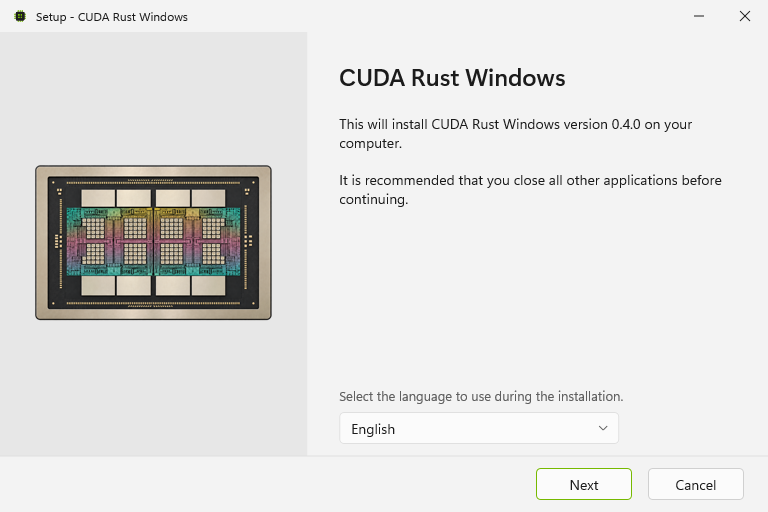
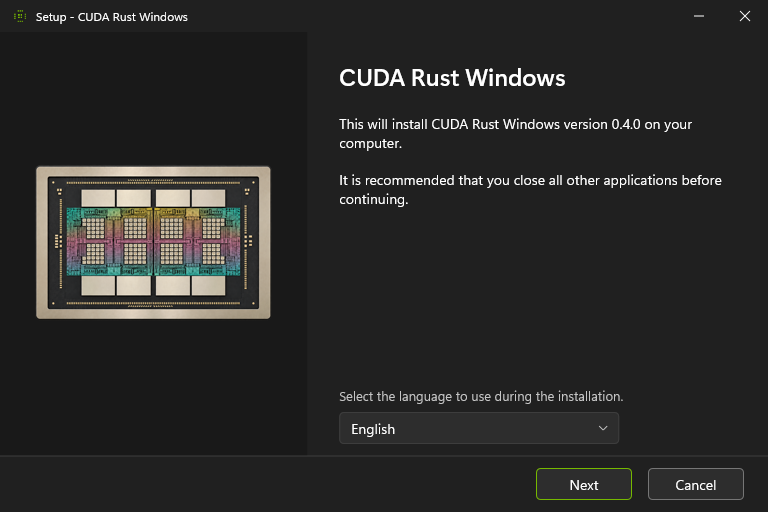
- Signed onni installer with 24 interface languages, automatic light/dark themes,
an optional user PATH entry, a developer shell shortcut and Windows Installed
apps integration. - Prebuilt backend checked against a signed manifest, the project's runtime
revision and the full Rust compiler fingerprint. Other runtime revisions use
their own source;CUDA_OXIDE_PREBUILT=0selects source builds explicitly. cargo oxide windows updateandcargo oxide windows rollback. Rollback opens
the previously installed version's installer, when one has been recorded.- Backend-aware
doctordiagnostics, bounded downloads and ZIP extraction, and
PATH ownership preserved through repair and uninstallation. - A portable ZIP with the same signed tools, file hashes and dependency notices.
Get started
Download cuda-oxide-v0.4.0-windows-x64-setup.exe, install it, then open the
CUDA Rust developer shell from the Start menu:
cargo oxide new my-kernel
cd my-kernel
cargo oxide doctor
cargo oxide run
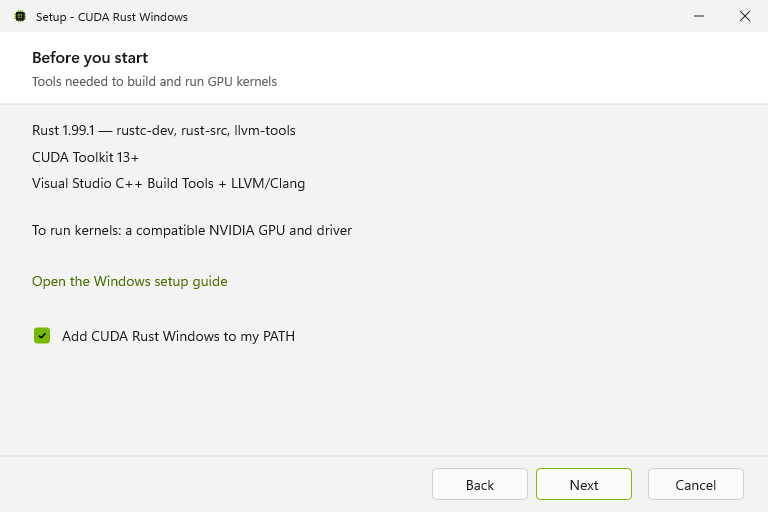
Windows 10 22H2 or Windows 11 x64 is required. Rust 1.99.1 with compiler components,
CUDA Toolkit 13+, MSVC Build Tools and LLVM/libclang are installed separately.
See the Windows setup guide.
The portable alternative is cuda-oxide-v0.4.0-x86_64-pc-windows-msvc.zip.
Extract all files together and keep projects outside that directory. SHA-256
checksum files accompany both downloads.
Validation
The signed package compiled and ran the scaffolded GPU kernel on an NVIDIA
GeForce RTX 4080 with CUDA 13.4: all 1,024 results matched. CLI tests, clippy,
Windows PowerShell 5.1 release tests, five dependency graphs and the selected
source guards passed. Package tests include changed files, missing manifests,
wrong Rust/runtime identities and source-only selection.
Installation, developer-shell startup, repair and uninstallation were exercised
with the signed installer. Uninstallation restored the original user PATH and
kept the test project outside the install directory intact.
Installer preview