Repository navigation
Dockside 0.1.0 Beta
Pre-release
Pre-release

Dockside 0.1.0 — public beta 🎉
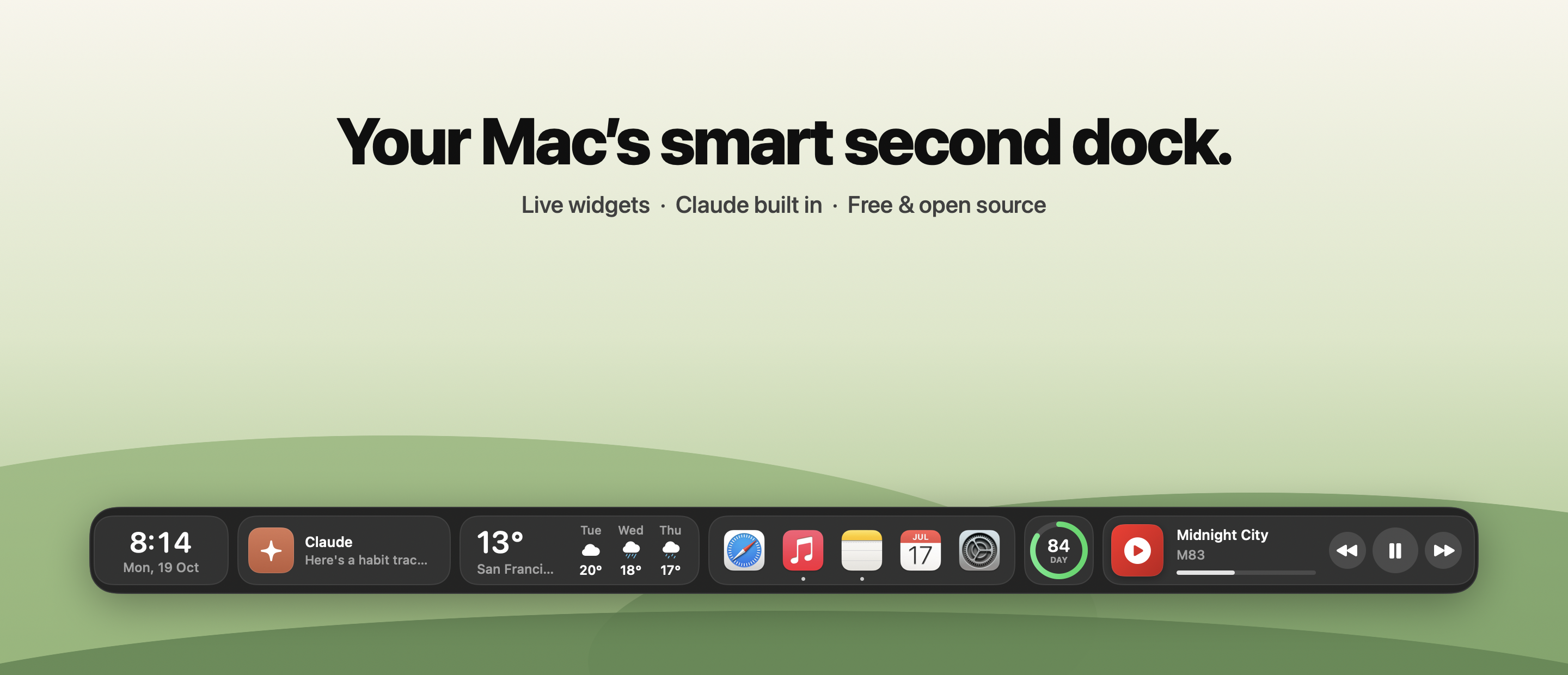
Your Mac's smart second dock. Live widgets, Claude built in, YouTube Music, and an auto-hiding bar that sits just above the macOS Dock.
⬇️ Install
- Download Dockside-0.1.0-beta.dmg below.
- Open it and drag Dockside into Applications, then open it.
- First launch only: this beta isn't notarized yet, so macOS asks you to confirm. Open Dockside once, click Done, then go to System Settings ▸ Privacy & Security and click Open Anyway.
Or in Terminal:xattr -dr com.apple.quarantine /Applications/Dockside.app
Requires macOS 14 Sonoma or later · Universal (Apple Silicon + Intel) · 3.7 MB download
✨ What's inside
- 34 widgets: clock, weather, music, Claude, apps & folders, search, todos, pomodoro, calendar, reminders, system stats, clipboard history, screenshots, quick toggles, color picker and more
- Claude panel (⌃⌥C): streaming chat, live artifacts, and your claude.ai account
- Now Playing for YouTube Music (Chrome, Brave, Edge, Safari), Spotify and Apple Music
- Auto-hide: touch the bottom edge to reveal; never covers the macOS Dock
- Profiles, 4 themes, 7 accents, 3 sizes, horizontal scrolling for big setups
🔐 Permissions
Dockside runs with zero permissions. macOS only asks when you first use a widget that needs one (Calendar, Reminders, Microphone, Automation for music/dark mode). Full list and everything that leaves your Mac →
🐞 It's a beta
Expect rough edges. Report a bug · Suggest a widget · Join the discussion
If Dockside makes your Mac nicer, a ⭐ on the repo helps others find it.
SHA-256 Dockside-0.1.0-beta.dmg: a4683aaf11a46cbd06de741bca7104b3cbfc85e3744a7b158a7d276b856a435f