Problema, passthrough #1416

Replies: 11 comments

-
|
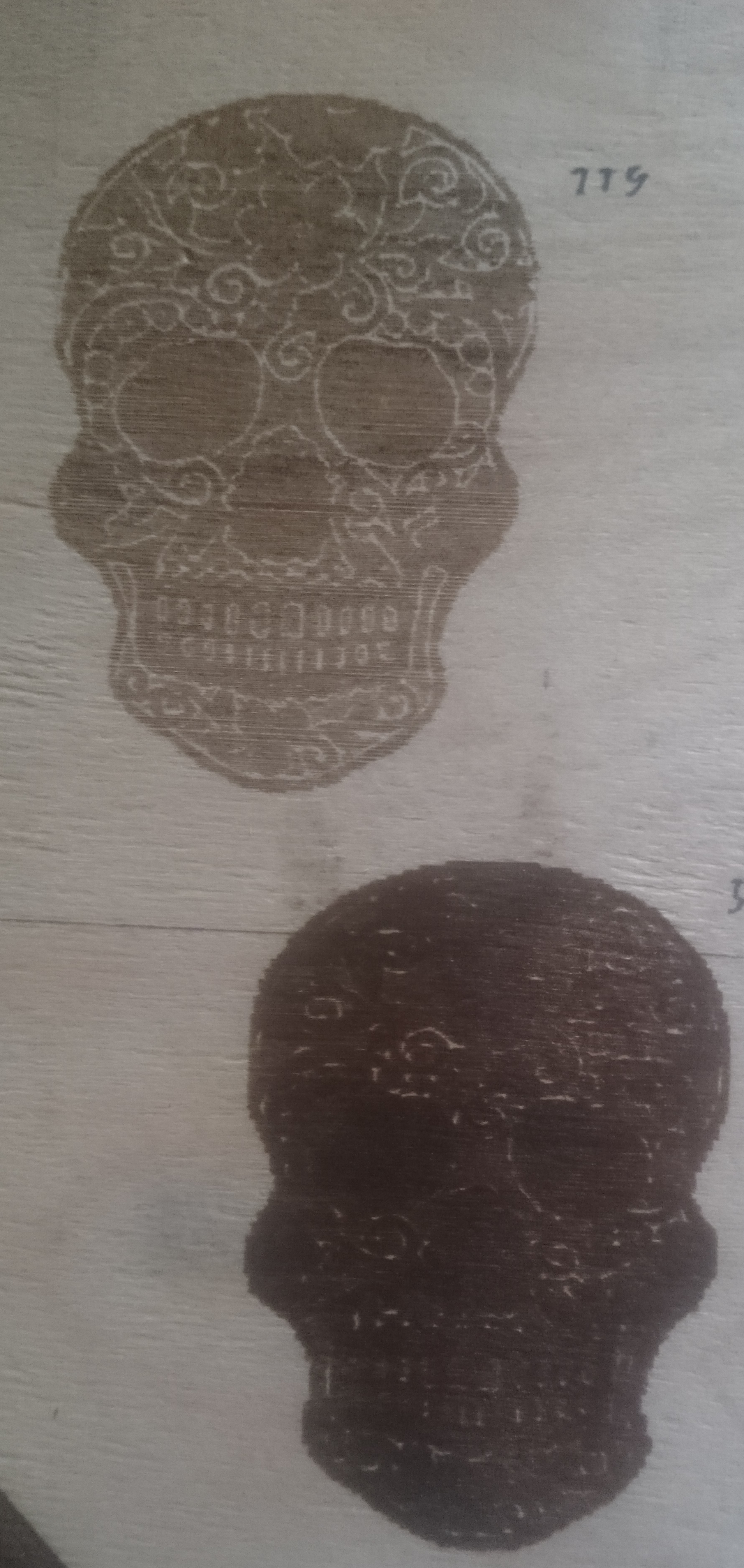
I've made 2 test with passthrough, but mine has no noticable lines (bolt-driven engraver). Upper one is 200 DPI, the darker one 300 DPI. |
Beta Was this translation helpful? Give feedback.

-
|
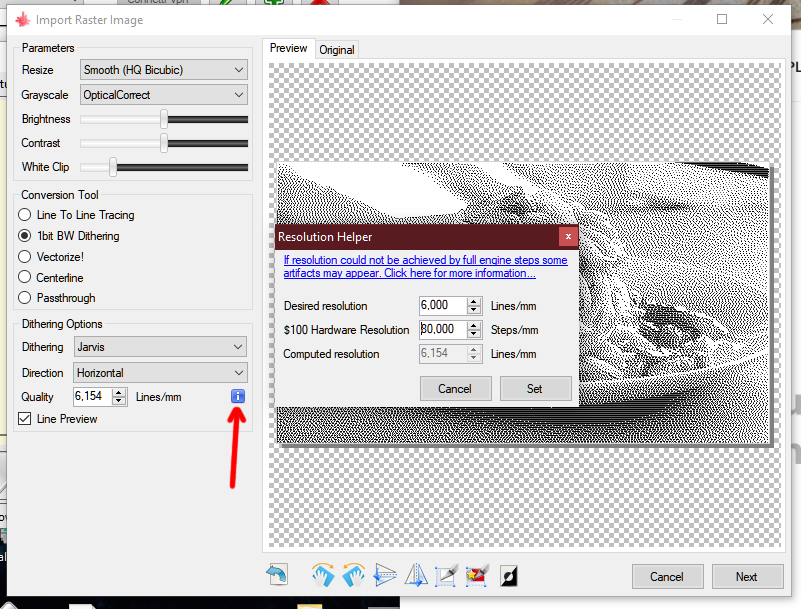
All those waves in your engraving make me think that you have improper tensioned belt. You can set a resolution that is multiple of your step, by using the resolution helper.
|
Beta Was this translation helpful? Give feedback.

-
|
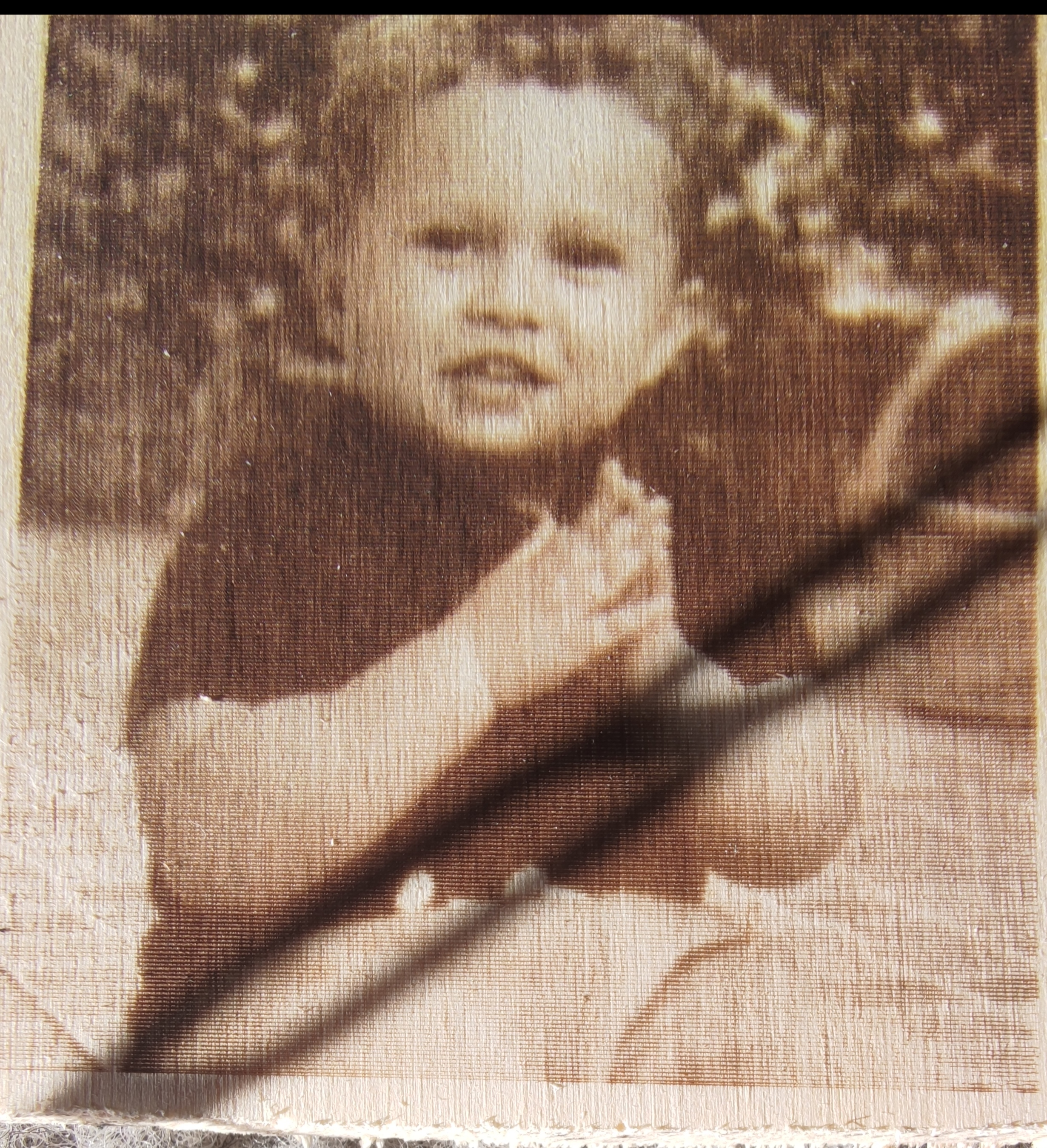
@arkypita Hi, thanks you for the fast response. This is the photo with 130 DPI Line to line mode with 5.000 line/mm
|
Beta Was this translation helpful? Give feedback.
-
|
What is your $100/101? |
Beta Was this translation helpful? Give feedback.
-
|
$100=80.006 (x, step/mm) I had calculated this number to fine tuning the machine |
Beta Was this translation helpful? Give feedback.
-
|
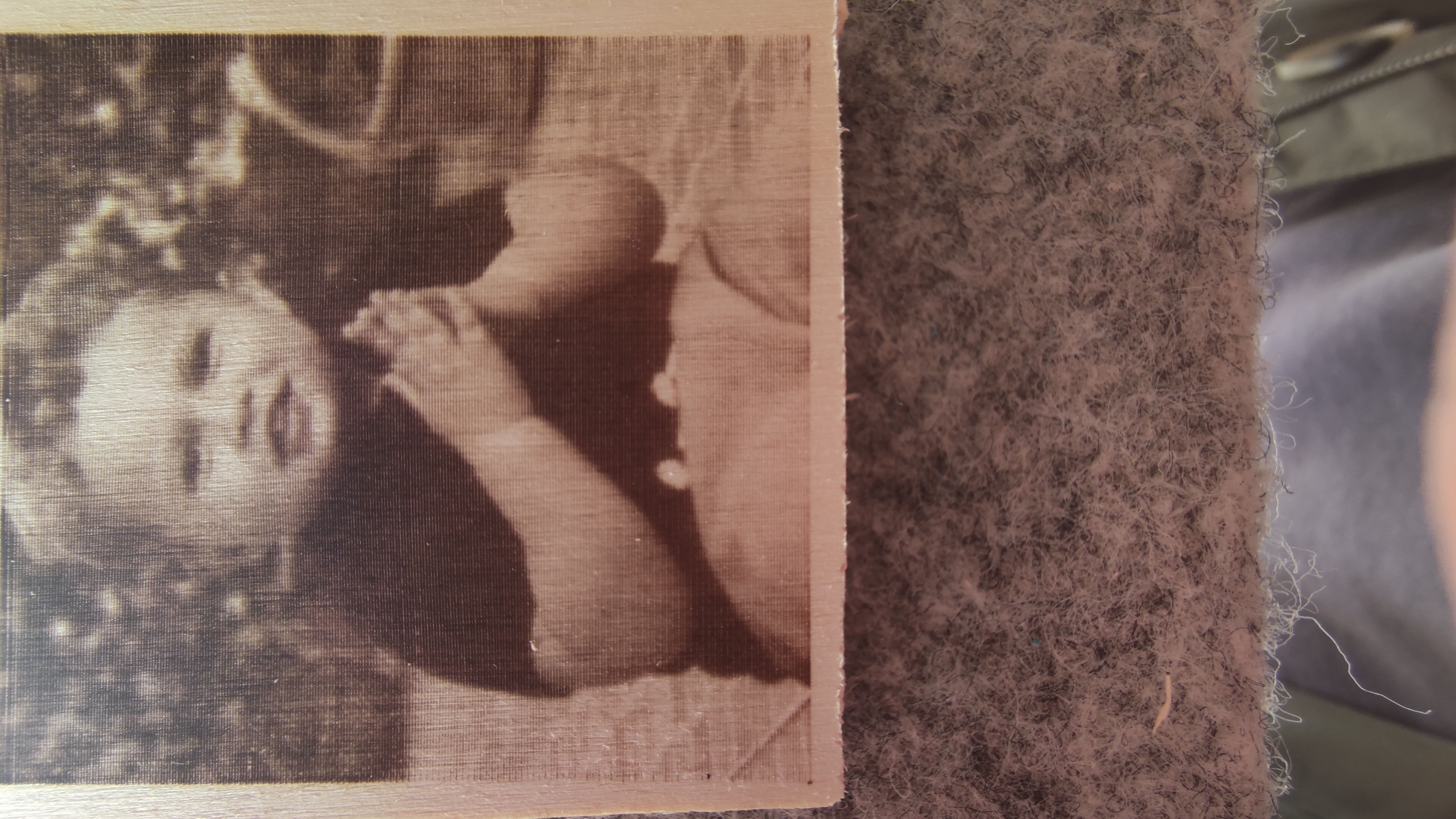
$100=80.006 (x, step/mm) I had calculated this number to fine tuning the machine EDIT in the image that I posted in the comment before there is a chain that makes the shadow on the photo. This is a better one
|
Beta Was this translation helpful? Give feedback.
-
|
When you use line2line the original image DPI is not used. Image is scaled up/down to match the output size at the target resolution (as line/mm). The distance between two lines in this case is the inverse of the resolution. i.e 5.000 -> 1/5 = 0.2mm 0.2 is a reliable resolution, as it is a (least common) multiple of your $100 (80 => 1/80 => 0,0125 and 0.2/16 = 0,0125) your motor make exactly 16 step between one line and next. When using passthrough the original image DPI is used both for determine distance between two lines and image size. 120 dpi -> 25.4/120 = 0,2116666666666666666666666666667mm A questo punto dovresti arrivarci da solo |
Beta Was this translation helpful? Give feedback.
-
|
@arkypita yes. Now, do I need to test another Control board? |
Beta Was this translation helpful? Give feedback.
-
|
no, you need to use a DPI that your engraver is able to respect. try 127 DPI |
Beta Was this translation helpful? Give feedback.
-
|
@arkypita ok, I understand. Tomorrow I'll do a test and let you know. But I think this solve the problem, thank you for the help |
Beta Was this translation helpful? Give feedback.
-
|
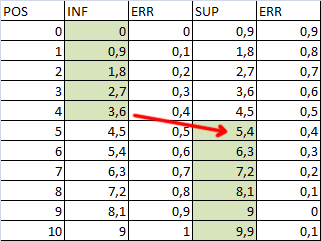
Think of engraving a ruler and think your machine can only take 0.9mm steps But the machine cannot physically do them, so it will go to the approximately closest location. up to a certain point the nearest position will be the lower multiple of 0.9 but at some point the closest position will be the higher multiple. At that moment instead of a jump of 0.9 there is a jump of 1.8
|
Beta Was this translation helpful? Give feedback.


Uh oh!
There was an error while loading. Please reload this page.
-
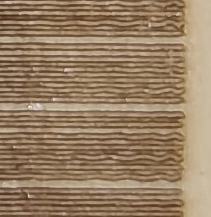
Ho un problema con la mia macchina, praticamente impostando una foto in modalità "passthrough" In fase di lavorazione il laser salta qualche linea, allego due foto, quella con più linee saltate è a 120 dpi mentre quella con meno linee è a 125 DPI, cosa posso fare?
Ho provato a cambiare velocità, sia lenta che veloce, nessun cambiamento, ho cambiato anche il valore $120-121. Non riesco a capire quale potrebbe essere il problema.
La mia macchina è una Openbuild con scheda grbl MKS dlc 2.0 settata su un microstepping di 1/16
Allego Foto
120 DPI
125 DPI
Beta Was this translation helpful? Give feedback.
All reactions