Repository navigation
Releases
BitChord 1.9.1 (my fork)

BitChord 1.9.1 with this fork's changes (Navidrome library, lyrics, clips, stars, playlists, crossfade on skip, Android Auto; see FORK.md).
Built from this fork's main at 51ac6e4.
Build: 32
Signing certificate SHA-256: 767de1ba5a02b81479bb8112ab6c752fd007cccdbd7f7b01a3cff1c09f3aea2e
Verify: gh attestation verify <apk> -R ayhamo/BitChord, or compare with SHA256SUMS.txt.
Upstream release: https://github.com/kushagrasinghx/BitChord/releases/tag/v1.9.1
New in this build
- Cover fade on phone and PC, Bass glow on PC (Settings > Appearance, both off by default)
- Tests for the PC updater's download and the song selection bar
- PC updates itself in the app; phone and PC are told about a rebuild of the same version
Changes since 1.9
- Cover fade on phone and PC, Bass glow on PC (Settings > Appearance, both off by default)
- Tests for the PC updater's download and the song selection bar
- PC updates itself in the app; phone and PC are told about a rebuild of the same version
- Navidrome: an https address on an http server always suggests http://
- PC: blurred captions under release cards, update notes shown formatted, local covers refresh when cover.jpg changes
- Navidrome connection errors in plain words on phone and PC; changelog in both releases
- Navidrome over http works in the released app; release workflows can't lose a release
- PC fixes, audit fixes, fork unit tests, Android Auto Navidrome folder
- 1.9.1 sync fixes
- 1.9.1 sync
Upstream's notes for 1.9.1
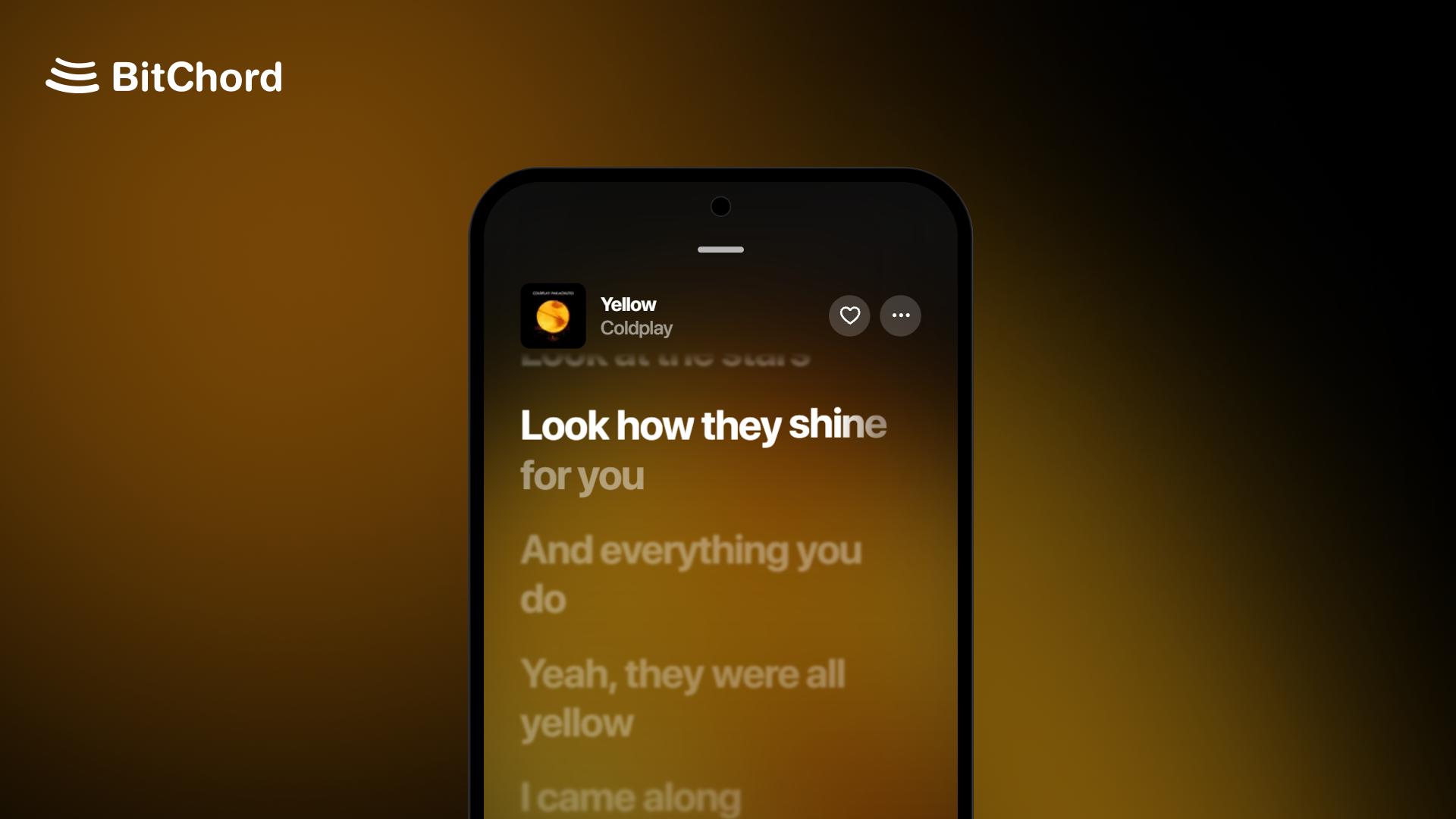
Hotfix
A small hotfix release on top of v1.9.
Changelog
- Player: a new Player theme setting (Default, Simple, Legacy), and Disable blend effects to show player icons, text and menus in plain white.
- Albums and playlists: optional full-screen cover that runs to the edges of the page.
- Content Preferences: hide Recents, videos, Top Picks for You or Find Your Mood from Home, and show music videos as square thumbnails.
- Playback: Prefer music-only version plays music videos as their audio, with the next track converted ahead so Automix and crossfade still work.
- Automix: Automix overview in the song menu shows the upcoming transition.
- Liquid Glass: Better Performance for Glass, a lighter frost for phones that struggle with the full effect.
- Addons: a quality picker for addons that offer more than one quality.
- Song matching: Direct Source Stream now checks length and artist before playing, so it no longer plays a different song or a 30-second preview.
- Bit-perfect: no more dropouts with the screen off on direct USB and AAudio exclusive, and the DAC is released during long pauses and resumes from the exact spot.
- Performance: less lag while the player slides over a page.
- UI: the search field stays readable on glass, a new earphones output icon, and refreshed loading placeholders.
- General stability fixes across the app.
Install
Android (8.0 / API 26+): installs straight over v1.9 with the same signing key. Not sure which APK to take? Use the universal BitChord-v1.9.1.apk. The smaller ones are arm64-v8a (most phones), armeabi-v7a (old 32-bit phones) and x86_64 (emulators, Chromebooks).
Android TV / Google TV / Fire TV (8.0 / API 26+): installs over v1.9 TV, or updates from inside the app. Use the universal BitChordTV-v1.9.1.apk, or the smaller BitChordTV-v1.9.1_armeabi-v7a.apk, which suits most TVs and streaming sticks (arm64-v8a for newer boxes like the Shield or Chromecast with Google TV).
Wear OS (Wear OS 3+): the watch app ships inside the phone app. Install or update it from Settings > BitChord for Wear OS.
Support Channel (Discord)
https://discord.gg/pSafNTyKZx
BitChord 1.9.1 for Windows
BitChord 1.9.1 for Windows: this fork's desktop app. Not the Android release.
Unzip it anywhere and run BitChord Portable\BitChord.exe. Java is inside; nothing else to install.
Everything the app keeps (settings, logins, caches, offline songs) is in BitChord Portable\data, so the folder can be moved or copied whole.
Its first start takes over the settings and data of the earlier BitChord.bat zip, which are left where they were.
BitChord (log).bat runs the same app and writes data\bitchord.log, for reporting a problem.
Build: 21
Commit: 51ac6e4
Verify: gh attestation verify <zip> -R ayhamo/BitChord, or compare with SHA256SUMS.txt.
New in this build
- PC: Ctrl+A in a search box selects its text, not every song; the update dialog never gets stuck on "Closing BitChord"
- Cover fade on phone and PC, Bass glow on PC (Settings > Appearance, both off by default)
- PC update: a download that stops arriving gives up after 30 seconds, and Cancel works during it
- Tests for the PC updater's download and the song selection bar
- PC: select several songs in Downloads, Cached songs and Local Music (hold, Ctrl or Shift+click, Ctrl+A)
- PC updates itself in the app; phone and PC are told about a rebuild of the same version
Changes since 1.9
- PC: Ctrl+A in a search box selects its text, not every song; the update dialog never gets stuck on "Closing BitChord"
- Cover fade on phone and PC, Bass glow on PC (Settings > Appearance, both off by default)
- PC update: a download that stops arriving gives up after 30 seconds, and Cancel works during it
- Tests for the PC updater's download and the song selection bar
- PC: select several songs in Downloads, Cached songs and Local Music (hold, Ctrl or Shift+click, Ctrl+A)
- PC updates itself in the app; phone and PC are told about a rebuild of the same version
- Navidrome: an https address on an http server always suggests http://
- PC: blurred captions under release cards, update notes shown formatted, local covers refresh when cover.jpg changes
- Navidrome connection errors in plain words on phone and PC; changelog in both releases
- Navidrome over http works in the released app; release workflows can't lose a release
- PC fixes, audit fixes, fork unit tests, Android Auto Navidrome folder
- 1.9.1 sync fixes
- 1.9.1 sync
BitChord 1.9 (my fork)
BitChord 1.9 with this fork's changes (Navidrome library, lyrics, clips, stars, playlists, crossfade on skip; see FORK.md).
Upstream release: https://github.com/kushagrasinghx/BitChord/releases/tag/v1.9
Fork commit before the merge: 6f6290f
Signing certificate SHA-256: 767de1ba5a02b81479bb8112ab6c752fd007cccdbd7f7b01a3cff1c09f3aea2e
Verify: gh attestation verify <apk> -R ayhamo/BitChord, or compare with SHA256SUMS.txt.
Top Features
- Bit-perfect output: lossless tracks reach your DAC unchanged, at each track's own sample rate and bit depth. Choose Android 14's USB DAC mode, AAudio exclusive for music players with a built-in DAC, or BitChord's direct USB driver on any Android version. The player shows the exact format being sent, and the volume keys control the DAC with a new volume HUD.
- Video playback: full music video support in the main player. Switch a song to its video from the song menu, pick the video quality, and play live streams.
- Podcast playback: YouTube Music podcast shows now open with their full episode list and play in BitChord.
- Direct Source Stream: a track plays from your addon from the first note, with one stream and no quality switch mid-song. Nothing is fetched until a track is about to play.
- Top Picks for You: a new row on Home built from your listening, with artist stations, new releases, your mixes and Mood for You cards.
- Automix: a new DJ-style loop mix that loops both songs on the beat and eases the tempo between them, plus a mix view popup to watch it happen.
- Offline player: Local Music now has device playlists, a Liked playlist and a Folders tab, and audio files can be opened from a file manager with Open with BitChord.
Changelog
- Player: 3:4 motion covers on phones, square covers that fade into their own edge colour, a blurred backdrop in video mode, an Apple-style explicit badge, faded long lines, and a setting to hide the output / Listen Together pill. The output name shines only while playback is bit-perfect.
- Menus and settings: song, album and playlist menus rebuilt as iOS-style pop-ups, with new switches and a reworked Settings screen. The tab bar, mini player and top bar now follow Apple's proportions and type.
- Audio: 24-bit FLAC stays intact on hi-res Bluetooth codecs, and ALAC now decodes through FFmpeg.
- Downloads: rebuilt download handling, plus Keep playlists updated, which finds new songs in your downloaded playlists.
- Playback: AutoPlay tops up when a queue edit shortens what's left, and swapping between a song's video and audio mid-track counts as one history entry.
- History: Remove from history in the song menu on the history screen.
- Sleep timer: custom duration from 5 minutes to 12 hours.
- Lyrics: Vazirmatn font option for Persian lyrics, a new instrumental section glyph, and reordering sources or switching syllable sync now reloads the playing track's lyrics.
- Song matching: better matching for bracketed CJK translations, pt-BR guest credits and type labels, and Simplified Chinese now maps to a supported region.
- Cast: downloaded tracks can be cast through their remote stream. External local files are no longer offered for casting.
- App icons: Neon icons in Apple, Samsung and Pixel shapes.
- Translations: Korean added, missing strings filled across languages.
- Performance: smoother main player and Home scrolling, and Home refreshes only Recents after a play.
- Fixed Replay album stats, right-to-left layouts, back navigation on artist sub-pages, the playlist picker for downloaded songs, and quality upgrade and cache bugs.
- General stability fixes across the app.
Full list of changes: kushagrasinghx#1109
Install
Android (8.0 / API 26+): installs straight over v1.8.1 with the same signing key. Not sure which APK to take? Use the universal BitChord-v1.9.apk. The smaller ones are arm64-v8a (most phones), armeabi-v7a (old 32-bit phones) and x86_64 (emulators, Chromebooks).
Android TV / Google TV / Fire TV (8.0 / API 26+): installs over v1.8.1 TV, or updates from inside the app. Use the universal BitChordTV-v1.9.apk, or the smaller BitChordTV-v1.9_armeabi-v7a.apk, which suits most TVs and streaming sticks (arm64-v8a for newer boxes like the Shield or Chromecast with Google TV).
Wear OS (Wear OS 3+): the watch app ships inside the phone app. Install or update it from Settings > BitChord for Wear OS.
Support Channel (Discord)
https://discord.gg/pSafNTyKZx
BitChord 1.9 for Windows (test build)
BitChord 1.9 for Windows, a test build of this fork's desktop app. Not the Android release.
Unzip it anywhere and run BitChord Portable\BitChord.exe. Java is inside; nothing else to install.
Everything the app keeps (settings, logins, caches, offline songs) is in BitChord Portable\data, so the folder can be moved or copied whole.
Its first start takes over the settings and data of the earlier BitChord.bat zip, which are left where they were.
BitChord (log).bat runs the same app and writes data\bitchord.log, for reporting a problem.
Commit: 6f6290f
Verify: gh attestation verify <zip> -R ayhamo/BitChord, or compare with SHA256SUMS.txt.