Repository navigation

BitChord 1.9.1 with this fork's changes (Navidrome library, lyrics, clips, stars, playlists, crossfade on skip, Android Auto; see FORK.md).
Built from this fork's main at 5015974.
Build: 33
Signing certificate SHA-256: 767de1ba5a02b81479bb8112ab6c752fd007cccdbd7f7b01a3cff1c09f3aea2e
Verify: gh attestation verify <apk> -R ayhamo/BitChord, or compare with SHA256SUMS.txt.
Upstream release: https://github.com/kushagrasinghx/BitChord/releases/tag/v1.9.1
New in this build
- Dolby songs get Automix on the phone, 7.1 output to Windows on the PC, and the PC catches up with the phone
Changes since 1.9
- Dolby songs get Automix on the phone, 7.1 output to Windows on the PC, and the PC catches up with the phone
- Cover fade on phone and PC, Bass glow on PC (Settings > Appearance, both off by default)
- Tests for the PC updater's download and the song selection bar
- PC updates itself in the app; phone and PC are told about a rebuild of the same version
- Navidrome: an https address on an http server always suggests http://
- PC: blurred captions under release cards, update notes shown formatted, local covers refresh when cover.jpg changes
- Navidrome connection errors in plain words on phone and PC; changelog in both releases
- Navidrome over http works in the released app; release workflows can't lose a release
- PC fixes, audit fixes, fork unit tests, Android Auto Navidrome folder
- 1.9.1 sync fixes
- 1.9.1 sync
Upstream's notes for 1.9.1
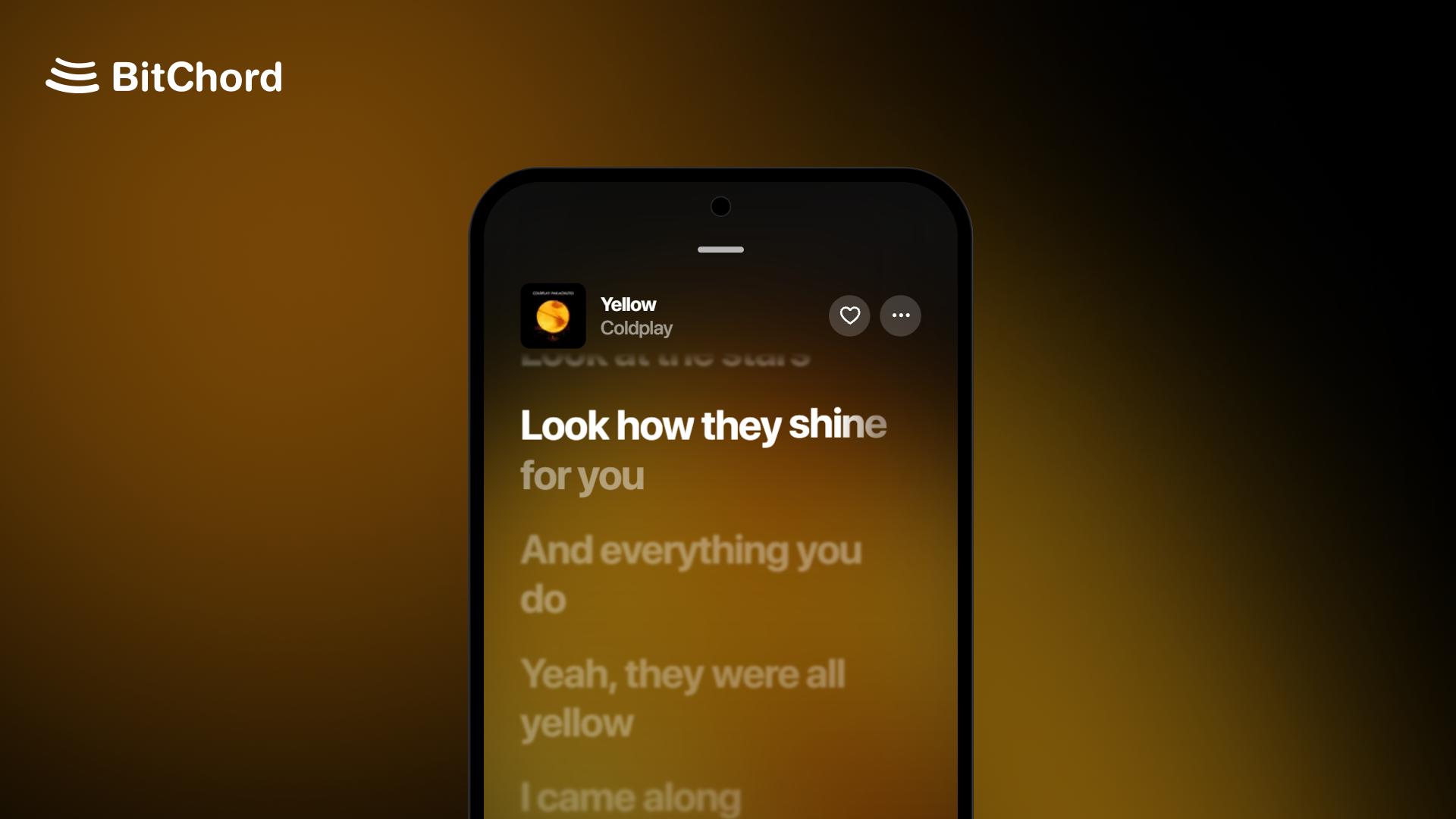
Hotfix
A small hotfix release on top of v1.9.
Changelog
- Player: a new Player theme setting (Default, Simple, Legacy), and Disable blend effects to show player icons, text and menus in plain white.
- Albums and playlists: optional full-screen cover that runs to the edges of the page.
- Content Preferences: hide Recents, videos, Top Picks for You or Find Your Mood from Home, and show music videos as square thumbnails.
- Playback: Prefer music-only version plays music videos as their audio, with the next track converted ahead so Automix and crossfade still work.
- Automix: Automix overview in the song menu shows the upcoming transition.
- Liquid Glass: Better Performance for Glass, a lighter frost for phones that struggle with the full effect.
- Addons: a quality picker for addons that offer more than one quality.
- Song matching: Direct Source Stream now checks length and artist before playing, so it no longer plays a different song or a 30-second preview.
- Bit-perfect: no more dropouts with the screen off on direct USB and AAudio exclusive, and the DAC is released during long pauses and resumes from the exact spot.
- Performance: less lag while the player slides over a page.
- UI: the search field stays readable on glass, a new earphones output icon, and refreshed loading placeholders.
- General stability fixes across the app.
Install
Android (8.0 / API 26+): installs straight over v1.9 with the same signing key. Not sure which APK to take? Use the universal BitChord-v1.9.1.apk. The smaller ones are arm64-v8a (most phones), armeabi-v7a (old 32-bit phones) and x86_64 (emulators, Chromebooks).
Android TV / Google TV / Fire TV (8.0 / API 26+): installs over v1.9 TV, or updates from inside the app. Use the universal BitChordTV-v1.9.1.apk, or the smaller BitChordTV-v1.9.1_armeabi-v7a.apk, which suits most TVs and streaming sticks (arm64-v8a for newer boxes like the Shield or Chromecast with Google TV).
Wear OS (Wear OS 3+): the watch app ships inside the phone app. Install or update it from Settings > BitChord for Wear OS.
Support Channel (Discord)
https://discord.gg/pSafNTyKZx