



Español 🇪🇸 | 中文 🇨🇳 | Deutsch 🇩🇪 | Français 🇫🇷 | 日本語 🇯🇵 | 한국어 🇰🇷 | Português 🇧🇷 | Русский 🇷🇺 | Tiếng Việt 🇻🇳 | हिन्दी 🇮🇳 | العربية 🇸🇦...
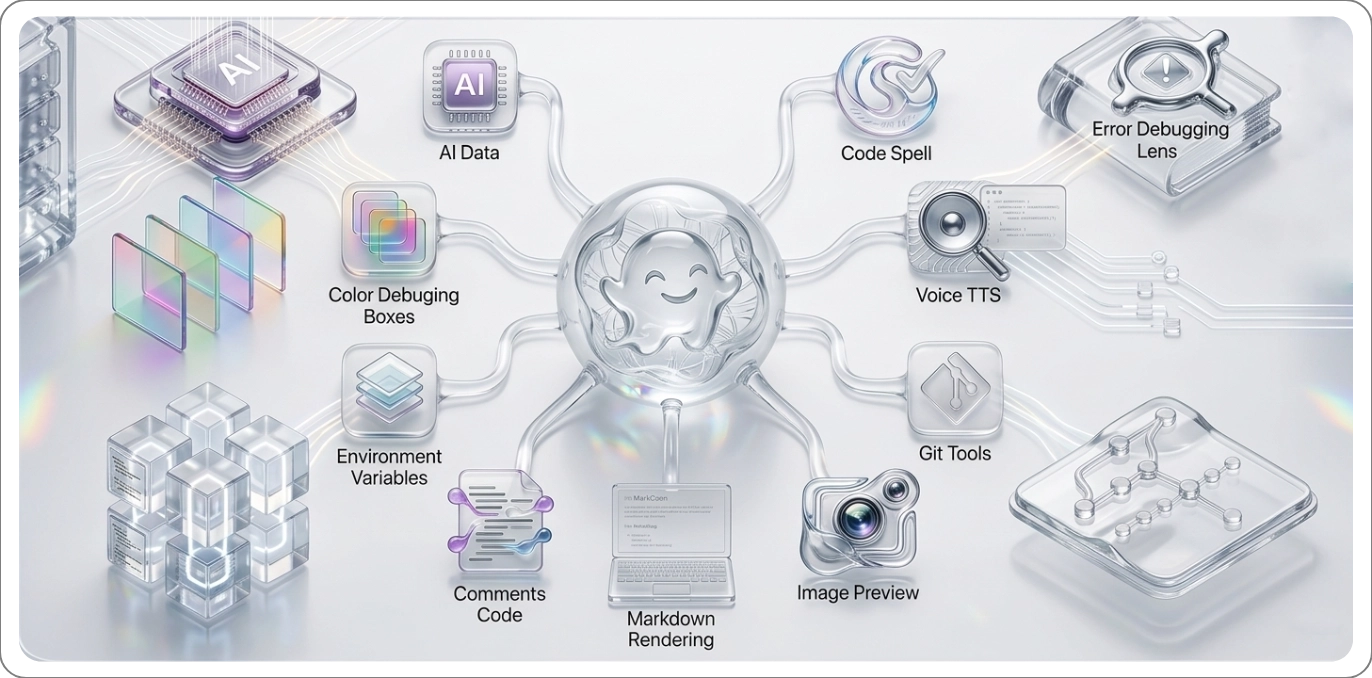
ATM is an all-in-one VS Code extension that replaces 17 separate tools with one cohesive, beautifully designed package. From inline spell checking and intelligent .env security to gorgeous code screenshots and advanced Git tools — everything you need, nothing you don't.
| Icon | Name | Description | Size |
|---|---|---|---|
 |
ATM Translate | Seamlessly translate code, documentation, and text directly in the editor using an intuitive webview panel and secure API integration. | 52KB |
🖼️ Preview — ATM Translate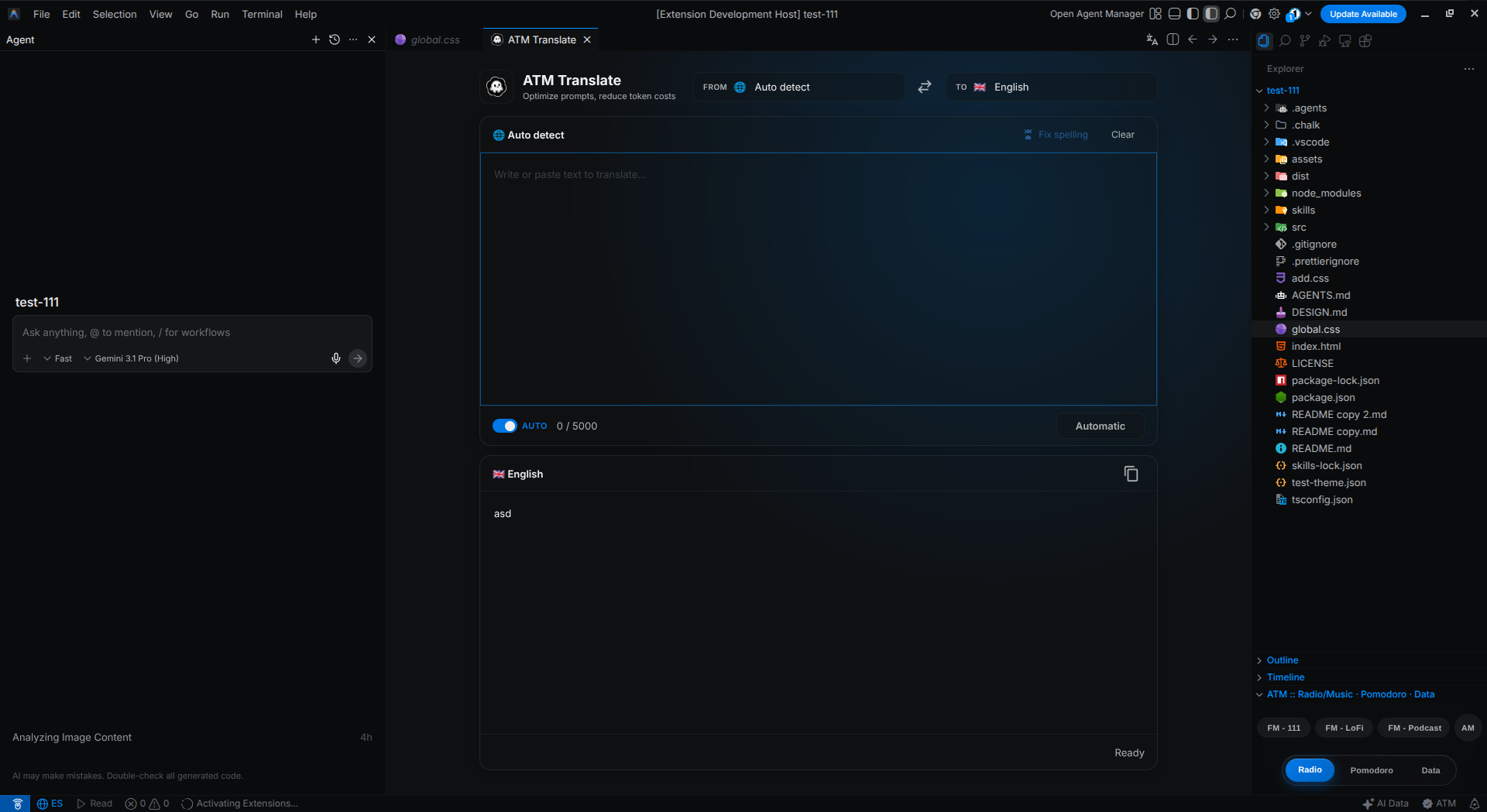
|
|||
 |
AI Data | Monitors and displays AI (Antigravity) data consumption with real-time informative tooltips. | 56KB |
🖼️ Preview — AI Data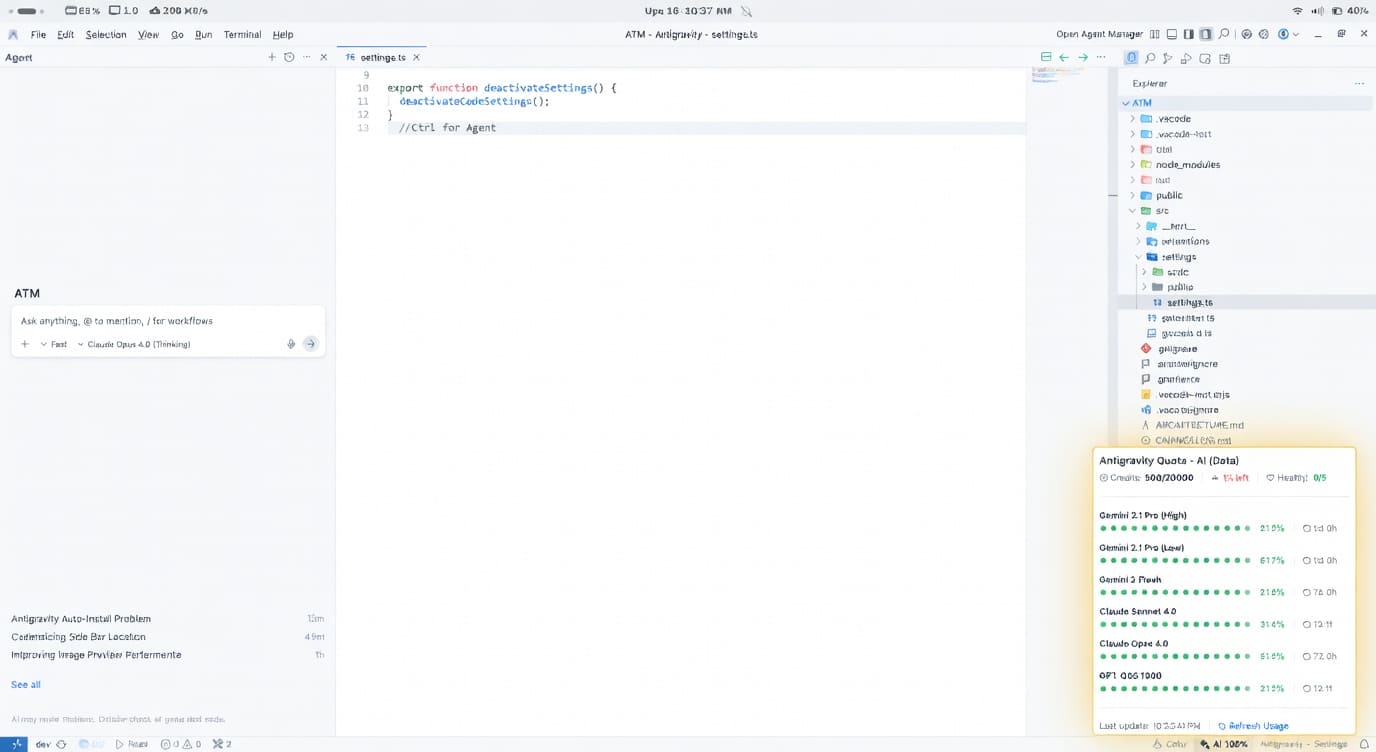
|
|||
 |
Code Spell | Spell checker for code with an English dictionary, technical terms, quick actions, and configurable exclusions. | 156KB |
🖼️ Preview — Code Spell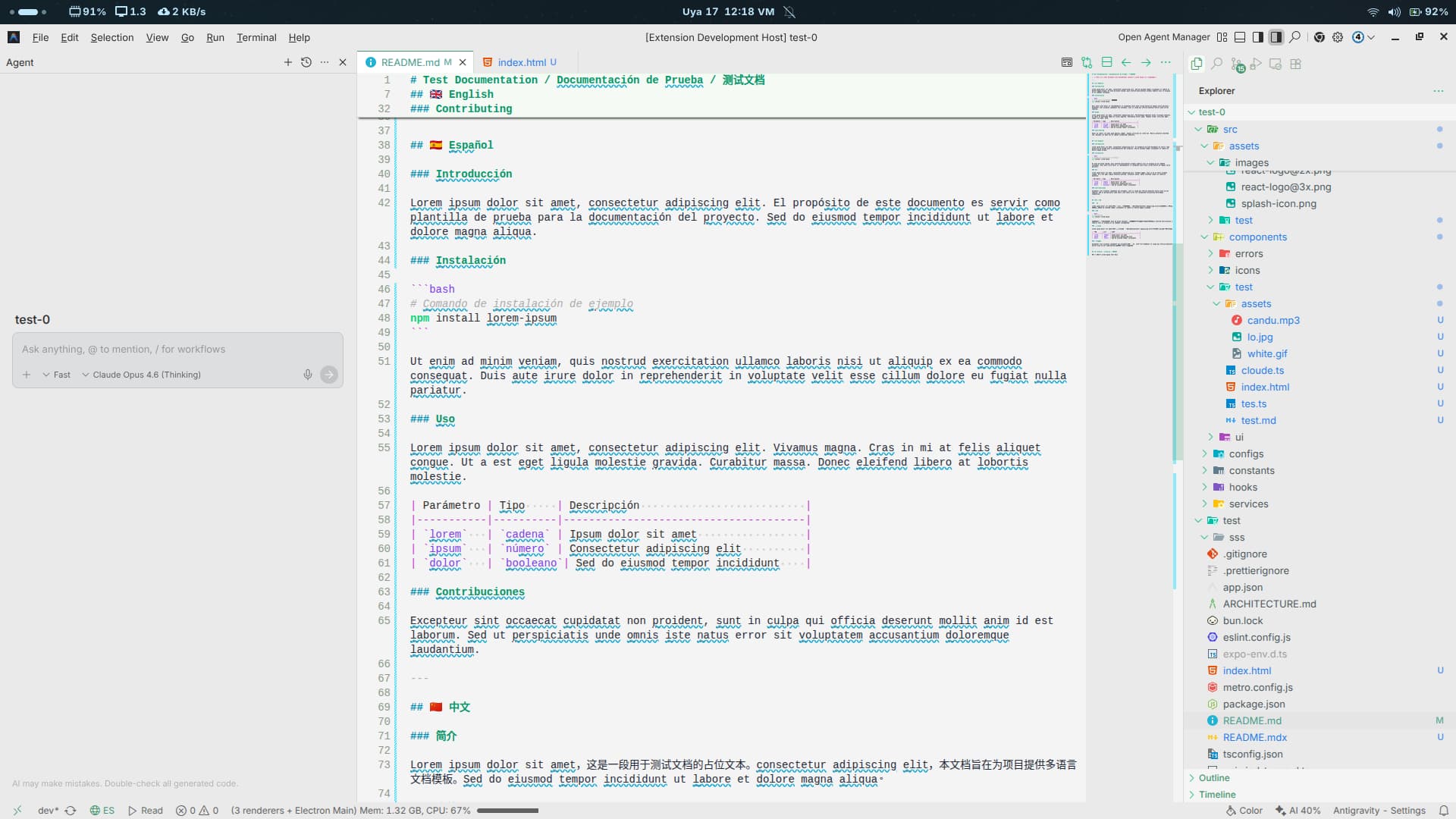
|
|||
 |
Color Debugging | Visual color debugging tools with state management and integrated bottom bar controls. | 28KB |
🖼️ Preview — Color Debugging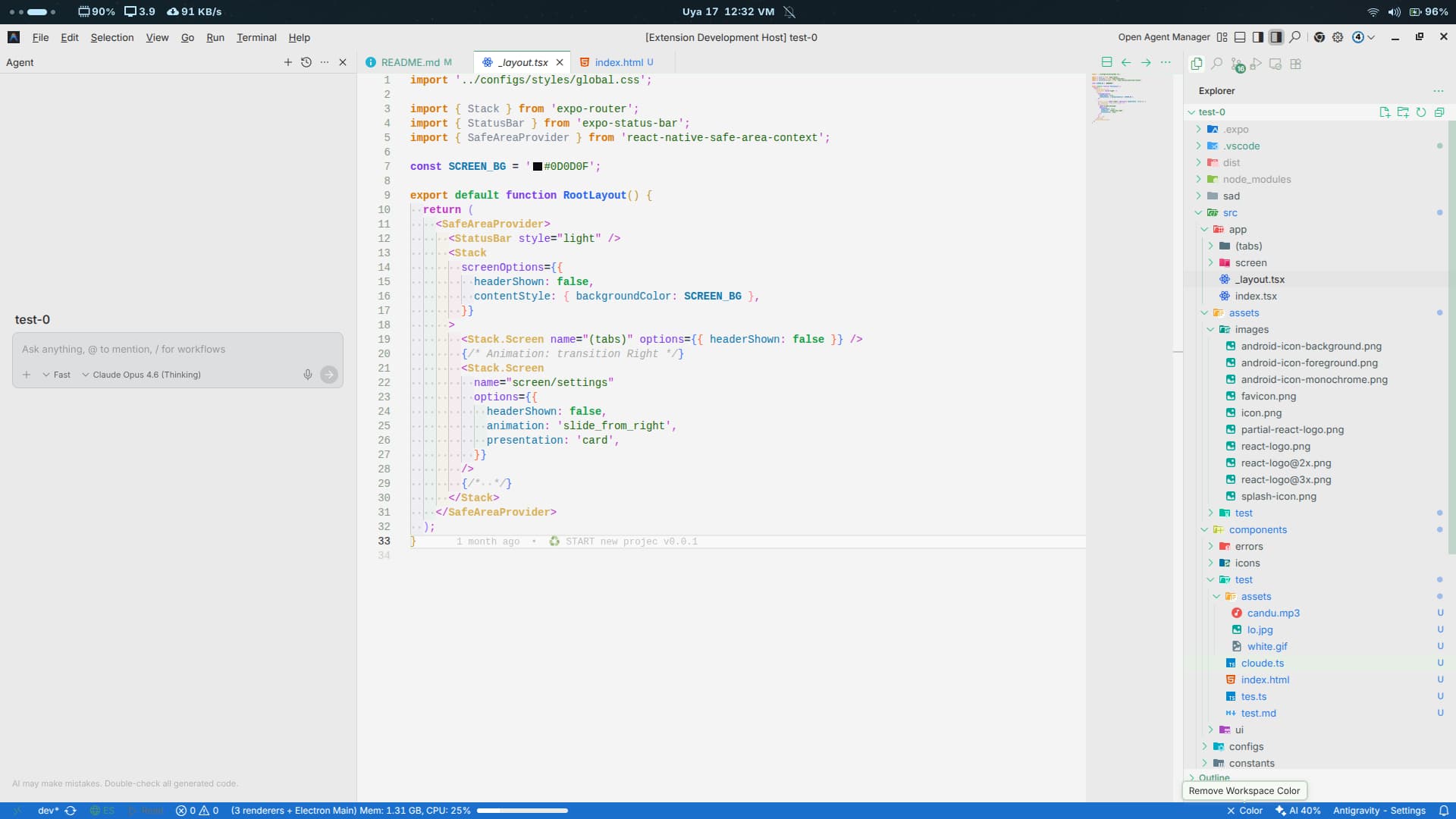
|
|||
 |
Comments Code | Enhances comment readability with visual decorations, language control, and optimized rendering. TODO: / FIXME: / MARK: |
44KB |
🖼️ Preview — Comments Code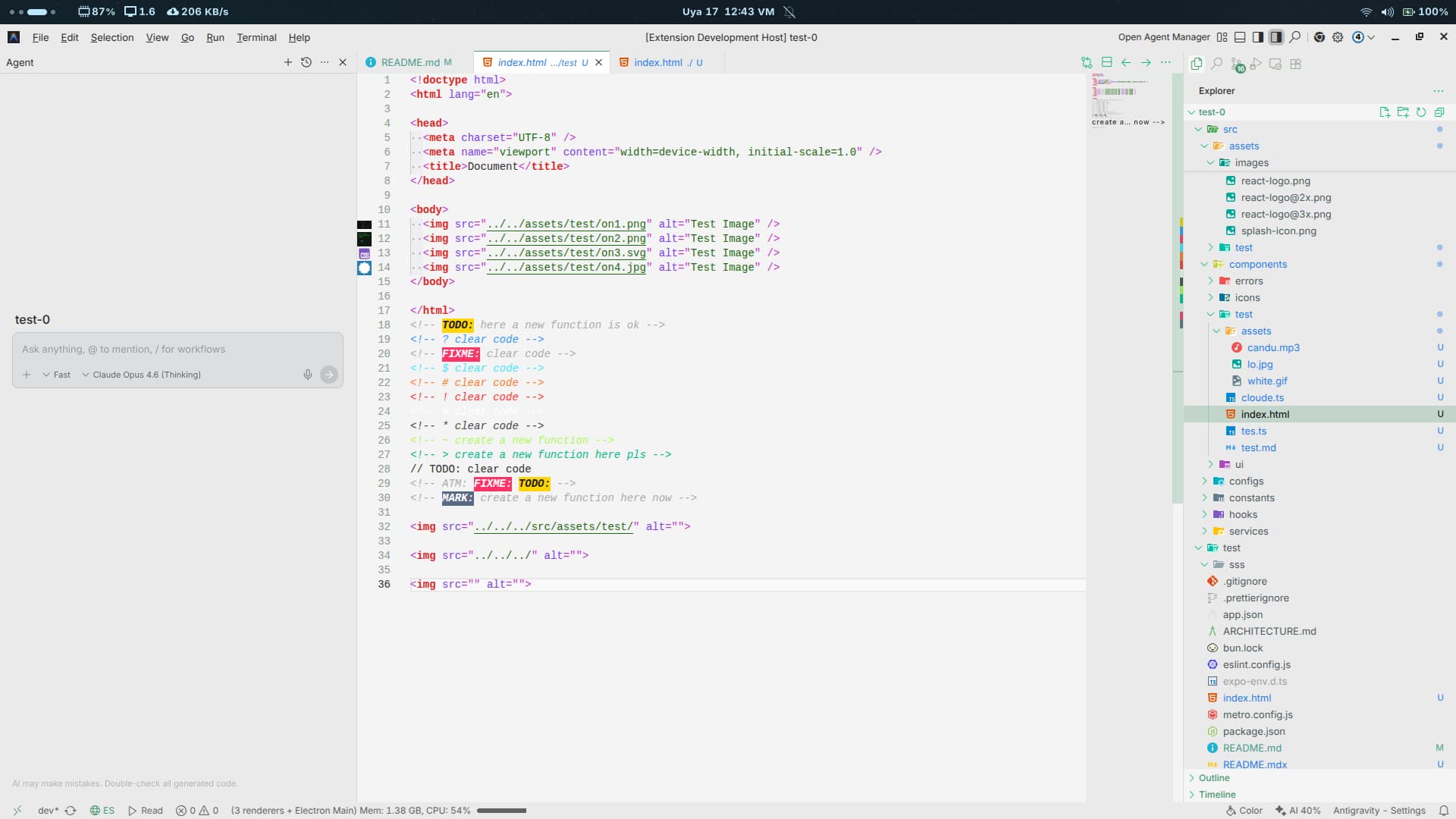
|
|||
 |
Env Lens | Parses .env files securely and hides values with BLUR (hide/show temporarily) using decorators and hover interactions. |
32KB |
🖼️ Preview — Env Lens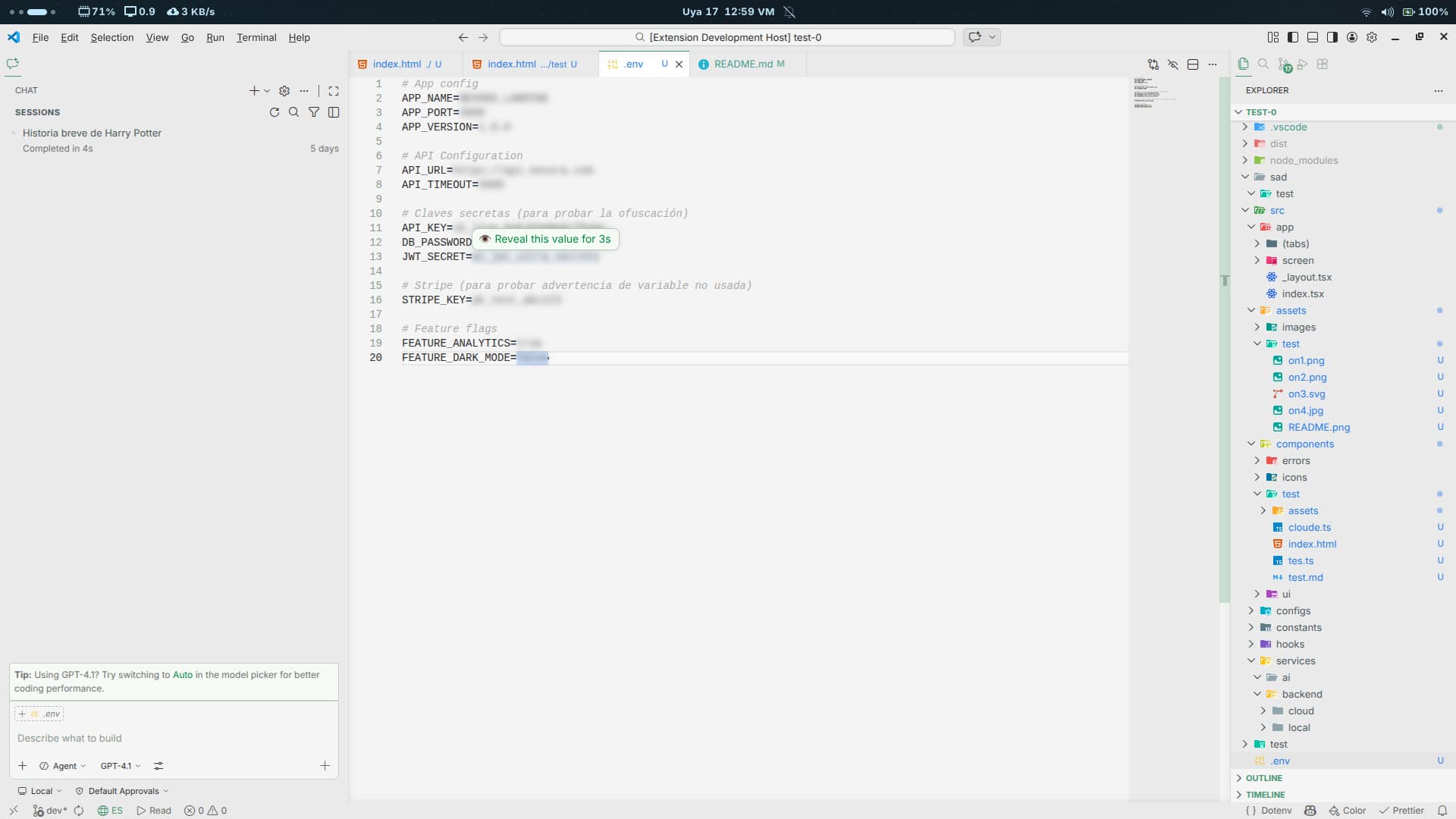
|
|||
 |
Error Lens | Displays errors and warnings directly inline to accelerate the detection and resolution of diagnostics. | 28KB |
🖼️ Preview — Error Lens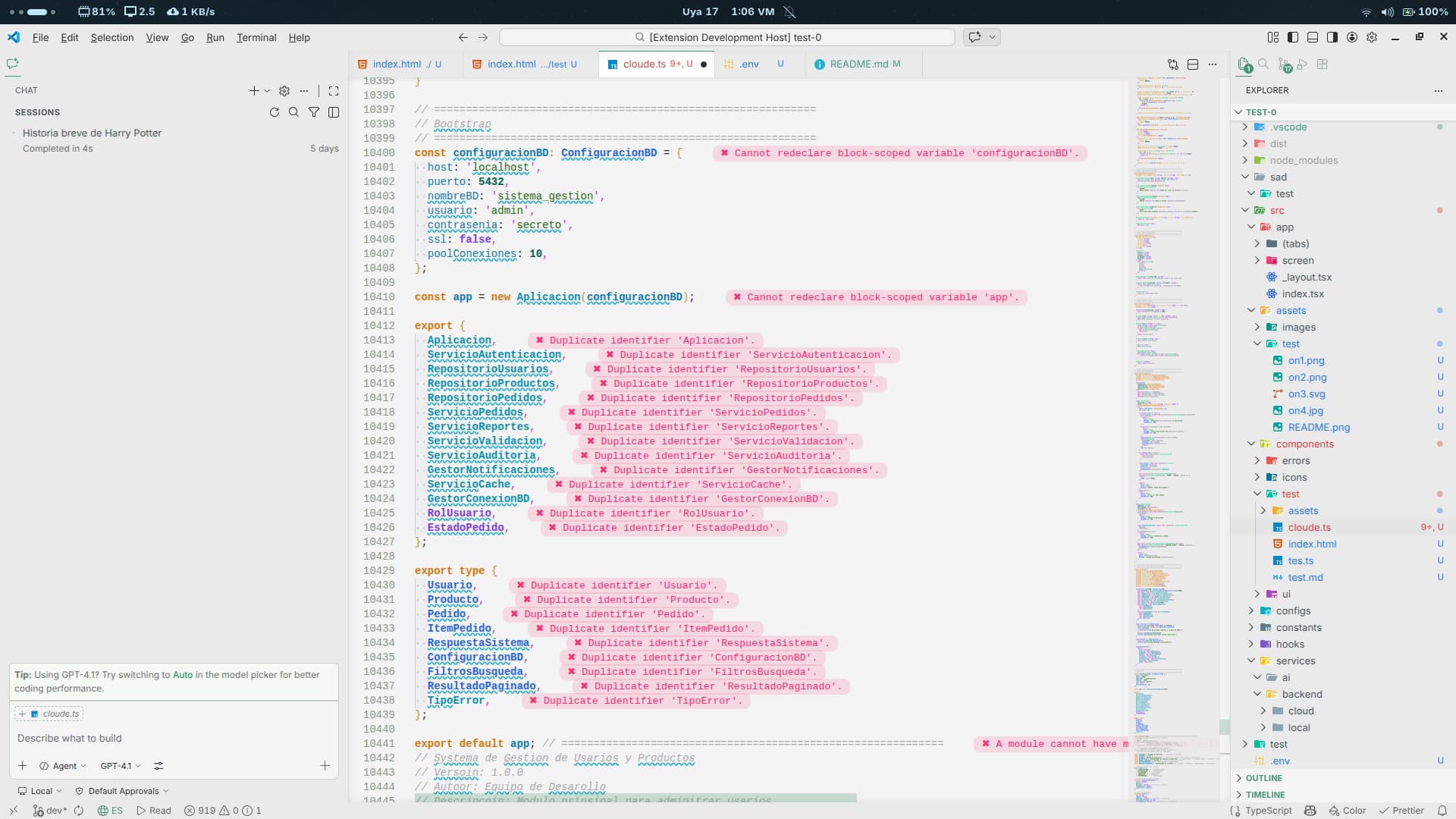
|
|||
 |
Git Better | Enhanced Git panel with a mini-blame view and beautiful visual tools to review repository history and changes. | 368KB |
🖼️ Preview — Git Better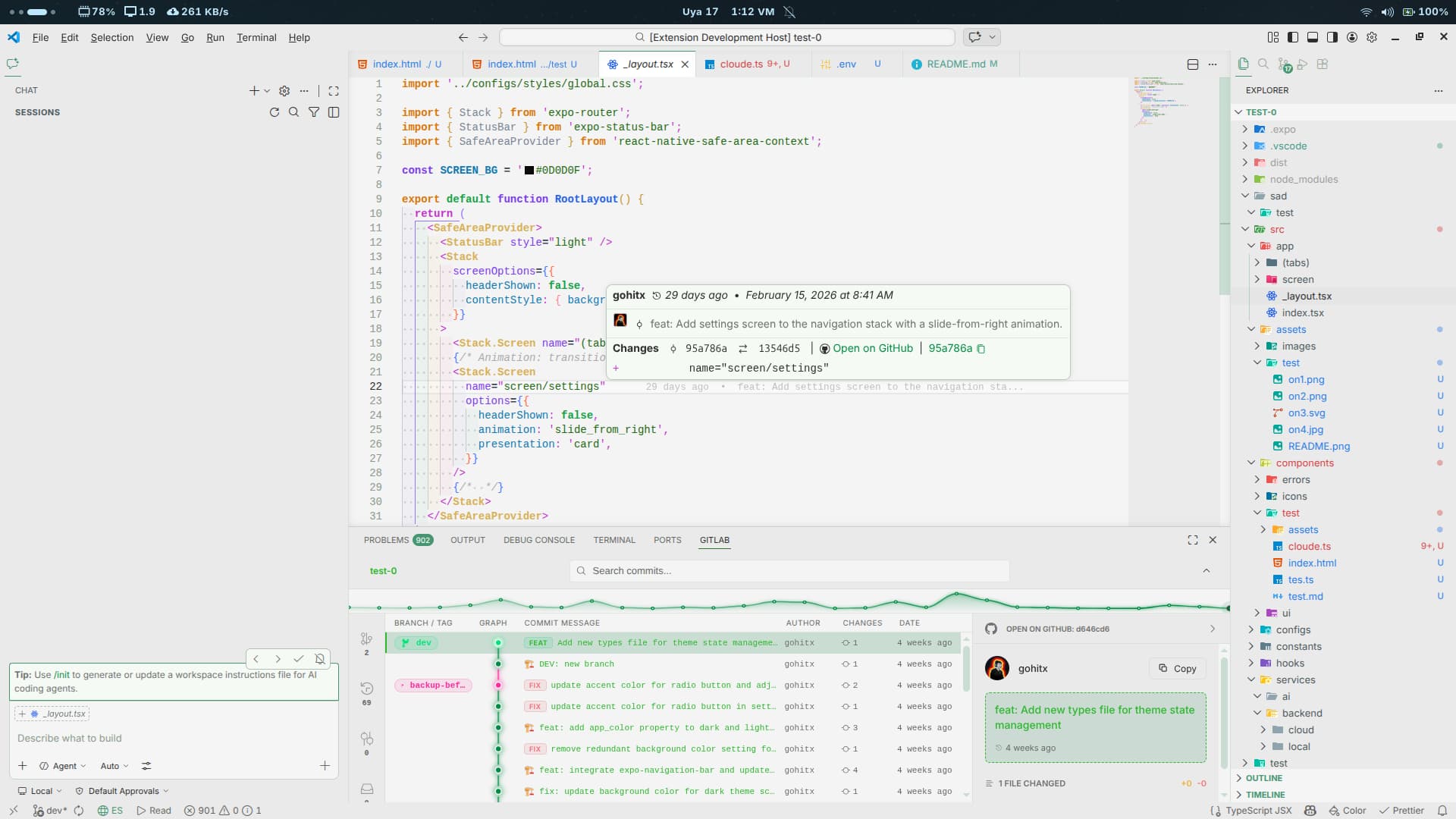
|
|||
 |
Image Preview | Preview images complete with dimensions and file size directly inline within your code editor. | 56KB |
🖼️ Preview — Image Preview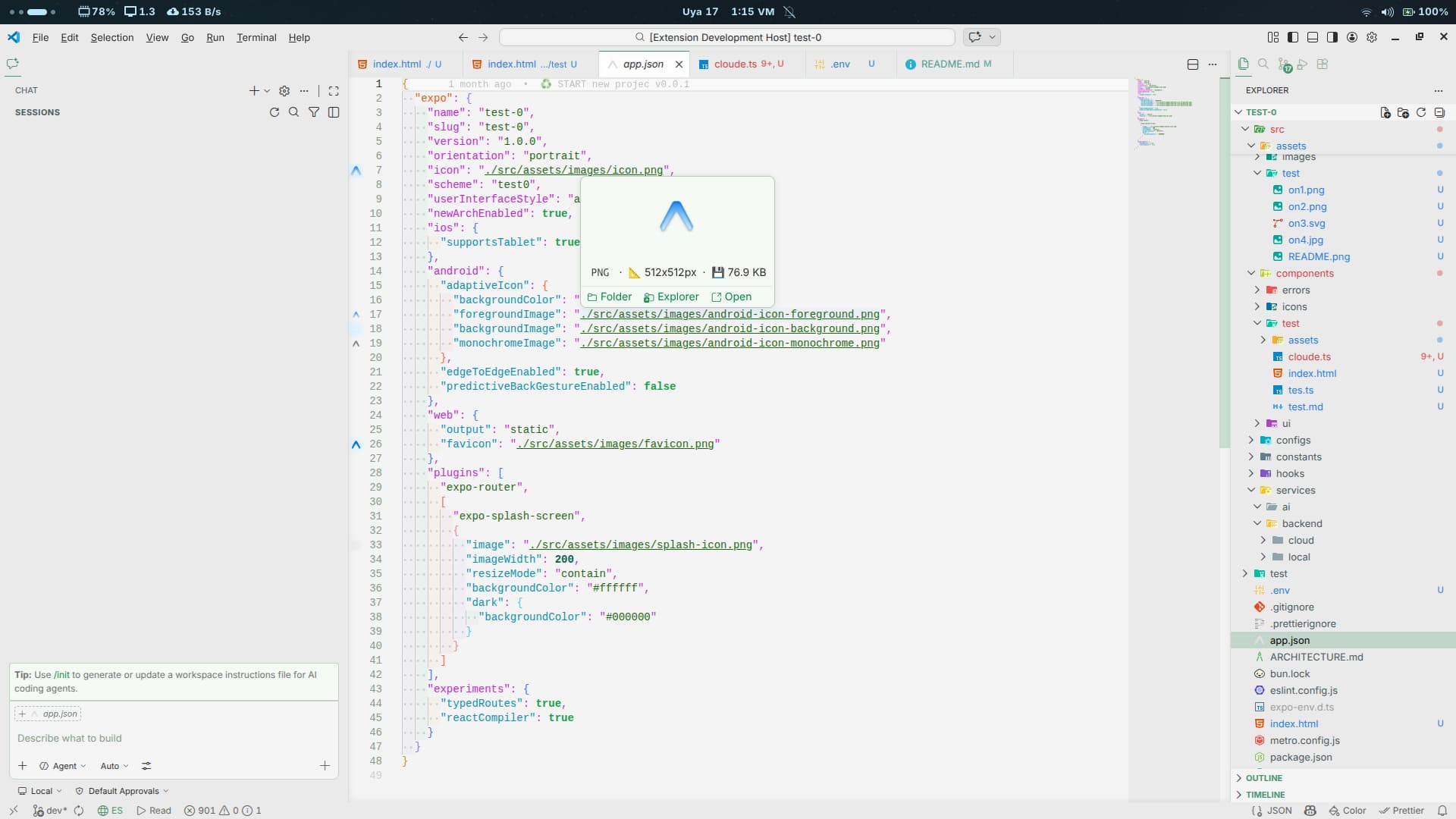
|
|||
 |
Markdown Text | Supercharges your Markdown, making it smarter with modern features like integrated Mermaid diagram previews. | 52KB |
🖼️ Preview — Markdown Text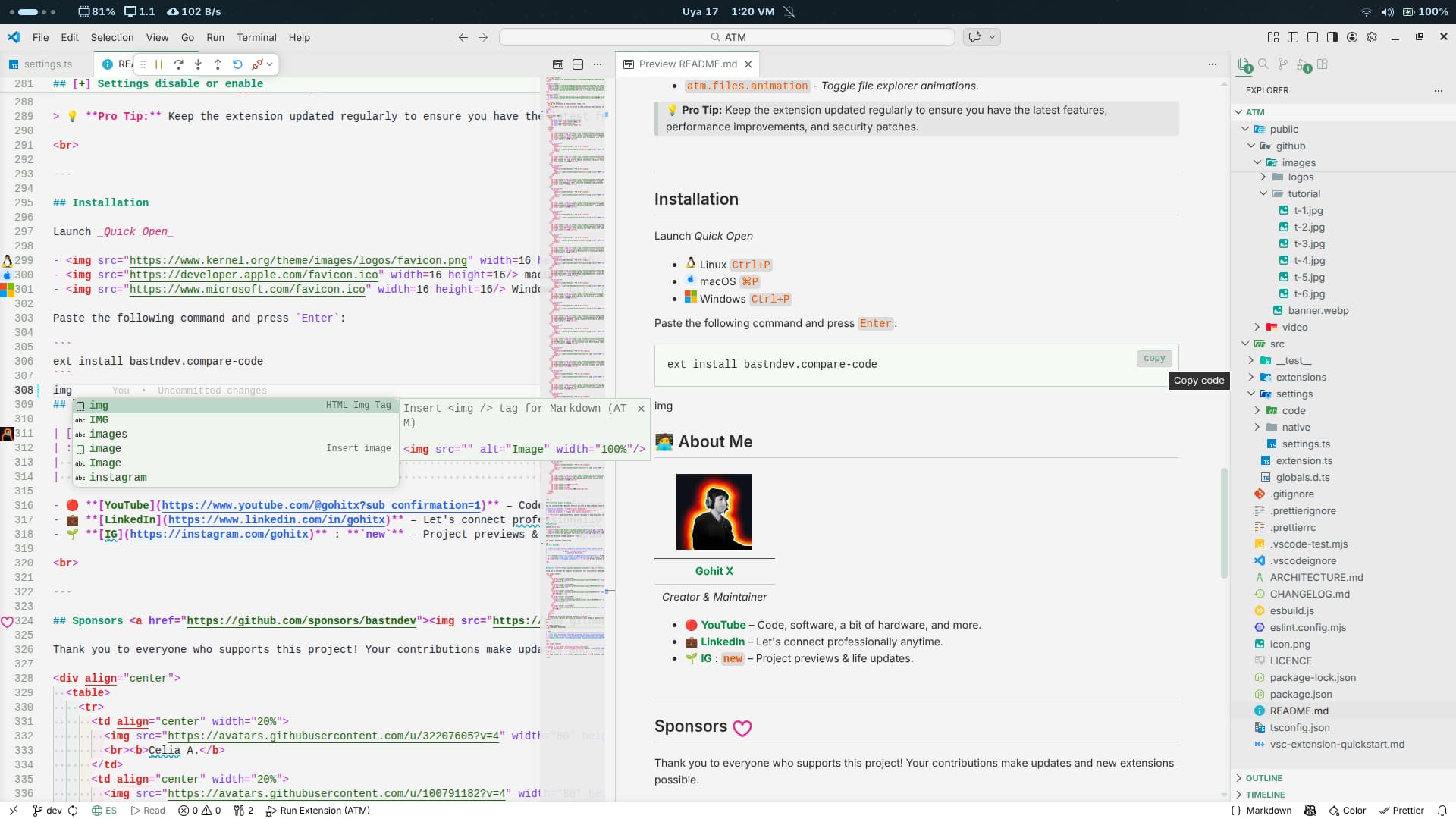
|
|||
 |
Markdown MDX | Full MDX syntax support and live preview using React/esbuild compilation. Quick access via Shift + Alt + M. |
400KB |
🖼️ Preview — Markdown MDX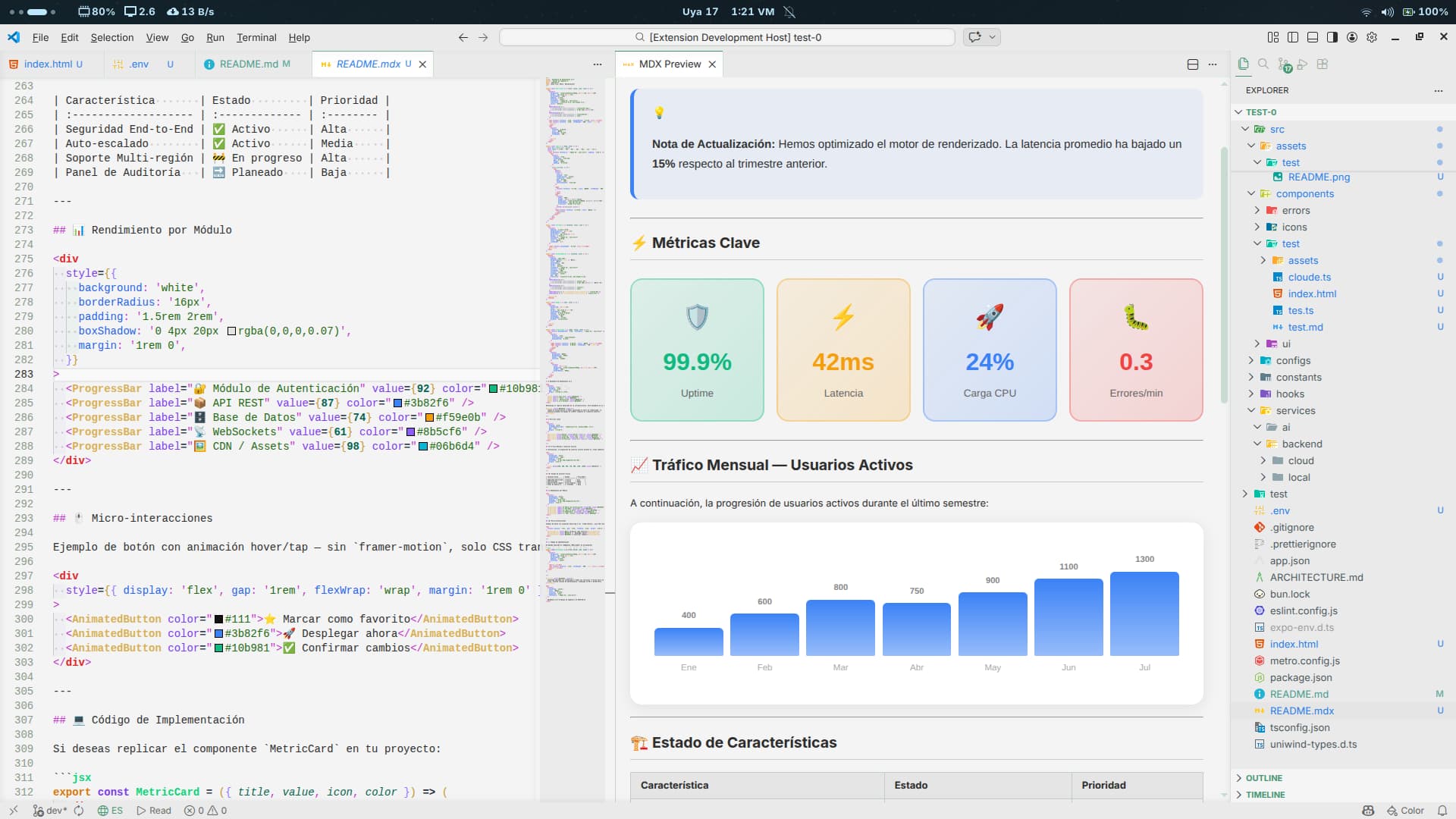
|
|||
 |
Screenshot Code | Generate breathtaking screenshots of your code snippets with presentation styles ready to share on social networks. | 100KB |
🖼️ Preview — Screenshot Code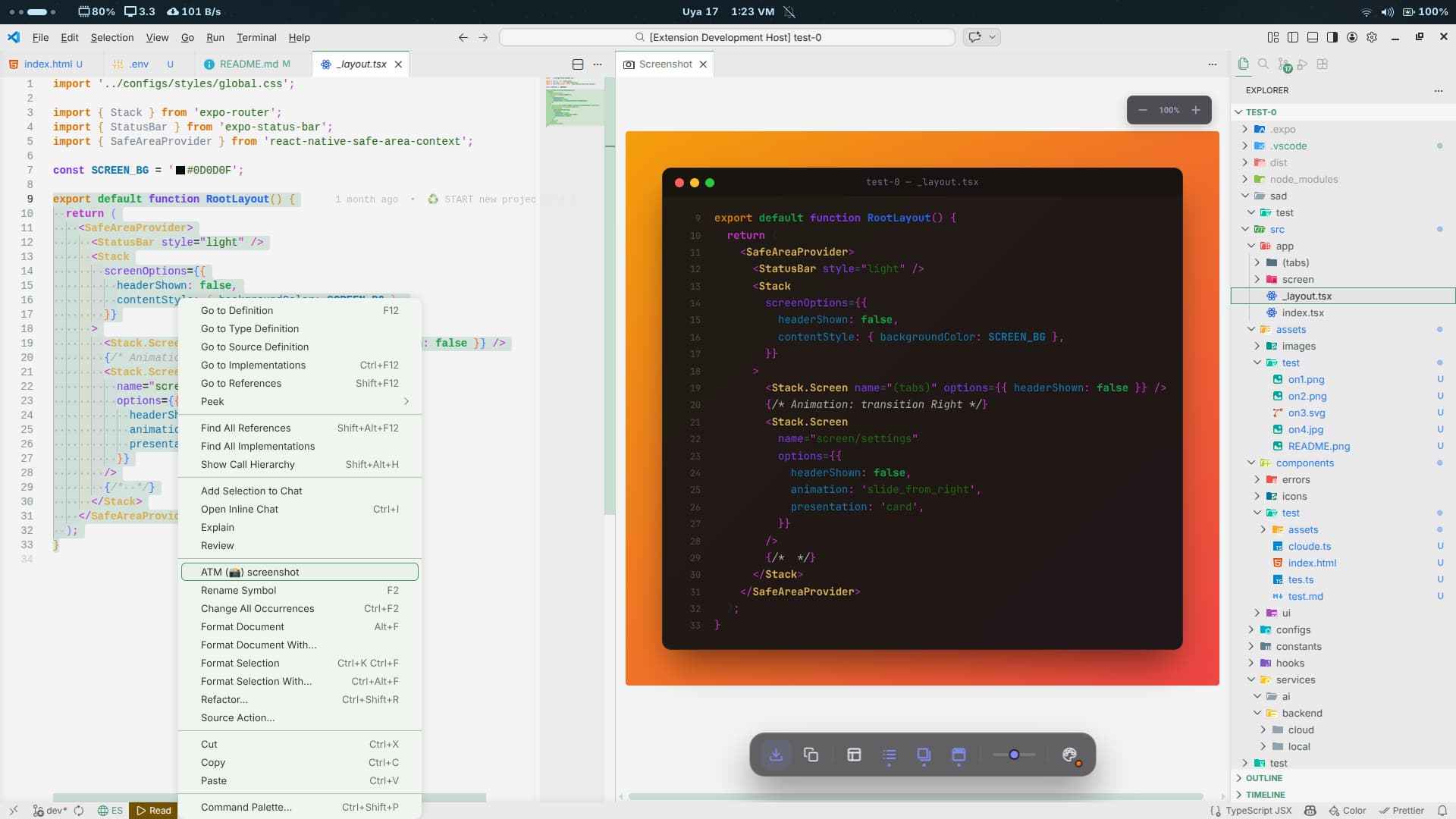
|
|||
 |
SVG Better | Elevates your SVG workflow via an automatic split view and built-in file optimization. | 12KB |
🖼️ Preview — SVG Better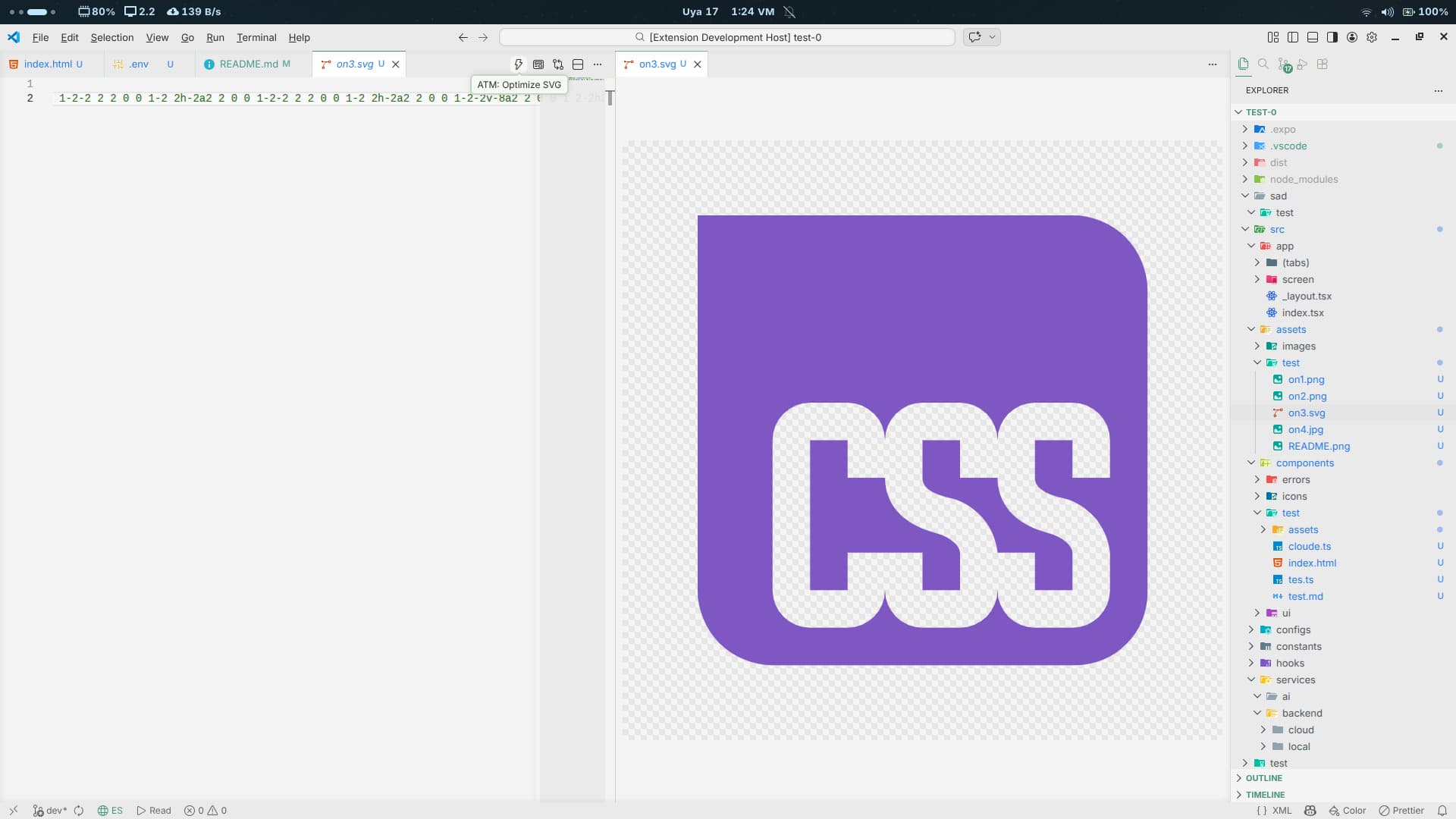
|
|||
 |
Translate Doc | Translates documentation and release notes natively inside your editor using Ctrl + Shift + Space. |
56KB |
🖼️ Preview — Translate Doc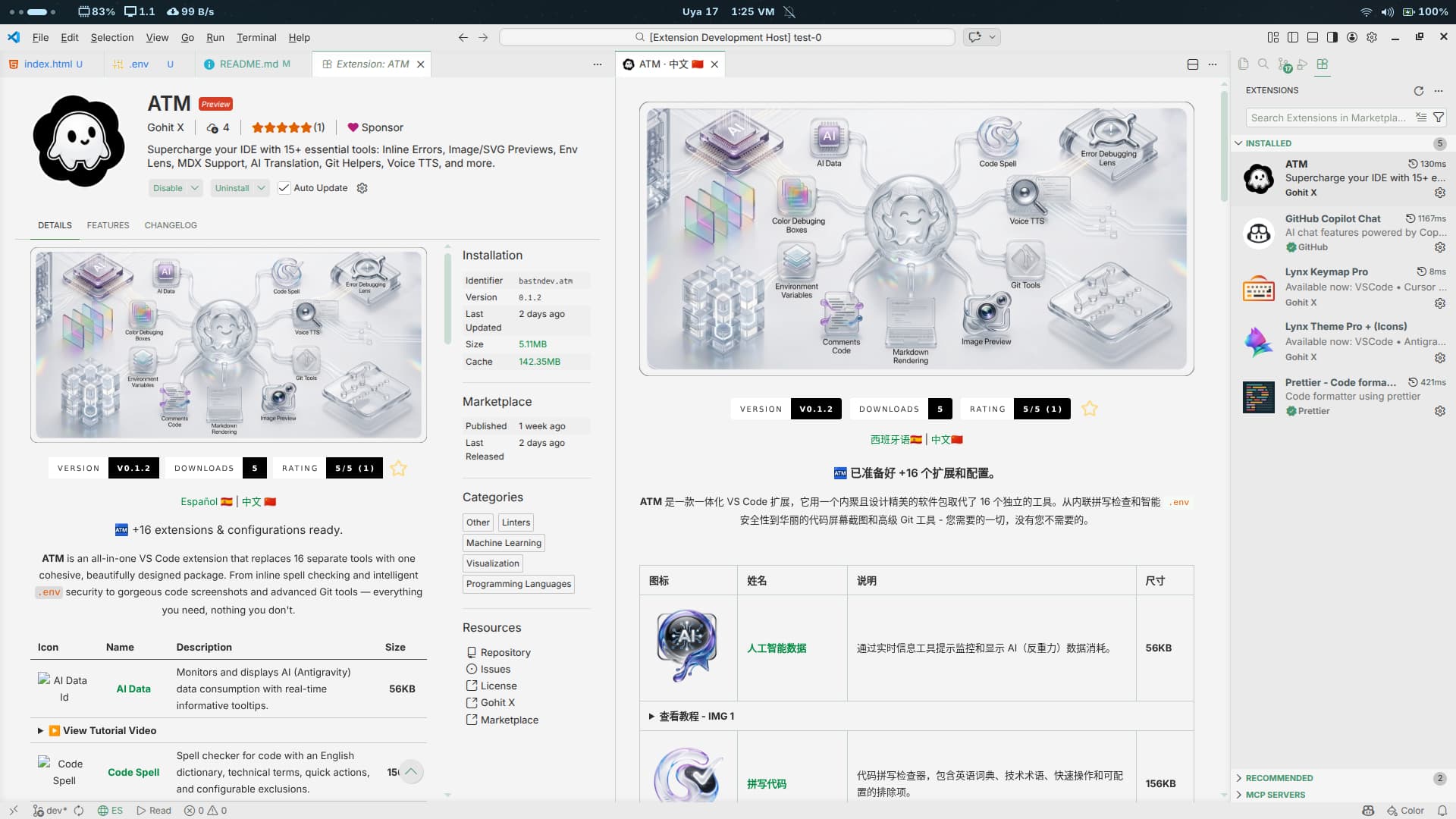
|
|||
 |
Version Package | Seamlessly manage package versions in package.json with a semantic parser, hover states, and decorators. |
56KB |
🖼️ Preview — Version Package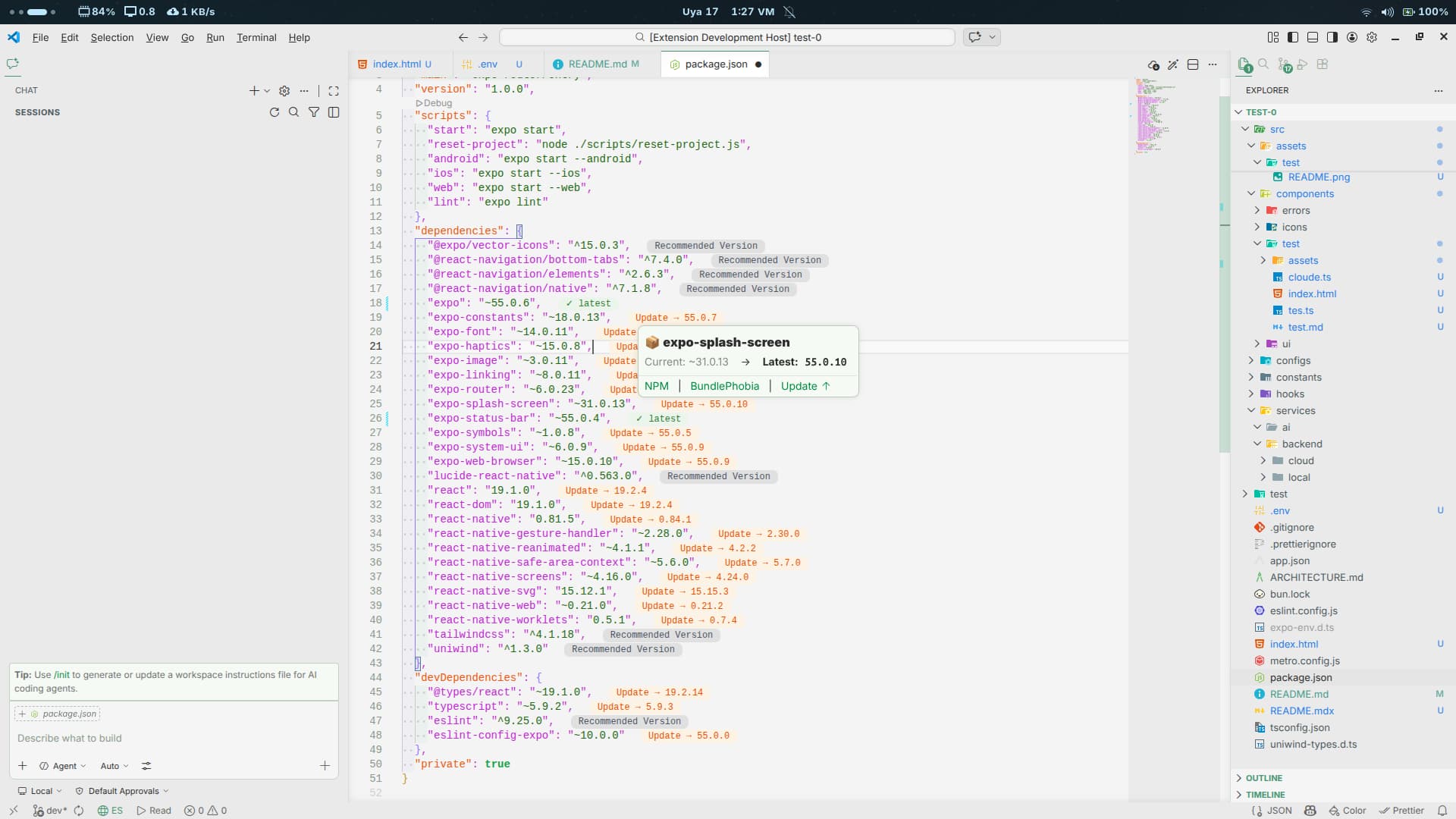
|
|||
 |
Voice TTS | Reads text back to you directly inside the editor. Use Shift + Space to read and Shift + Alt + Space to select voices. |
80KB |
🖼️ Preview — Voice TTS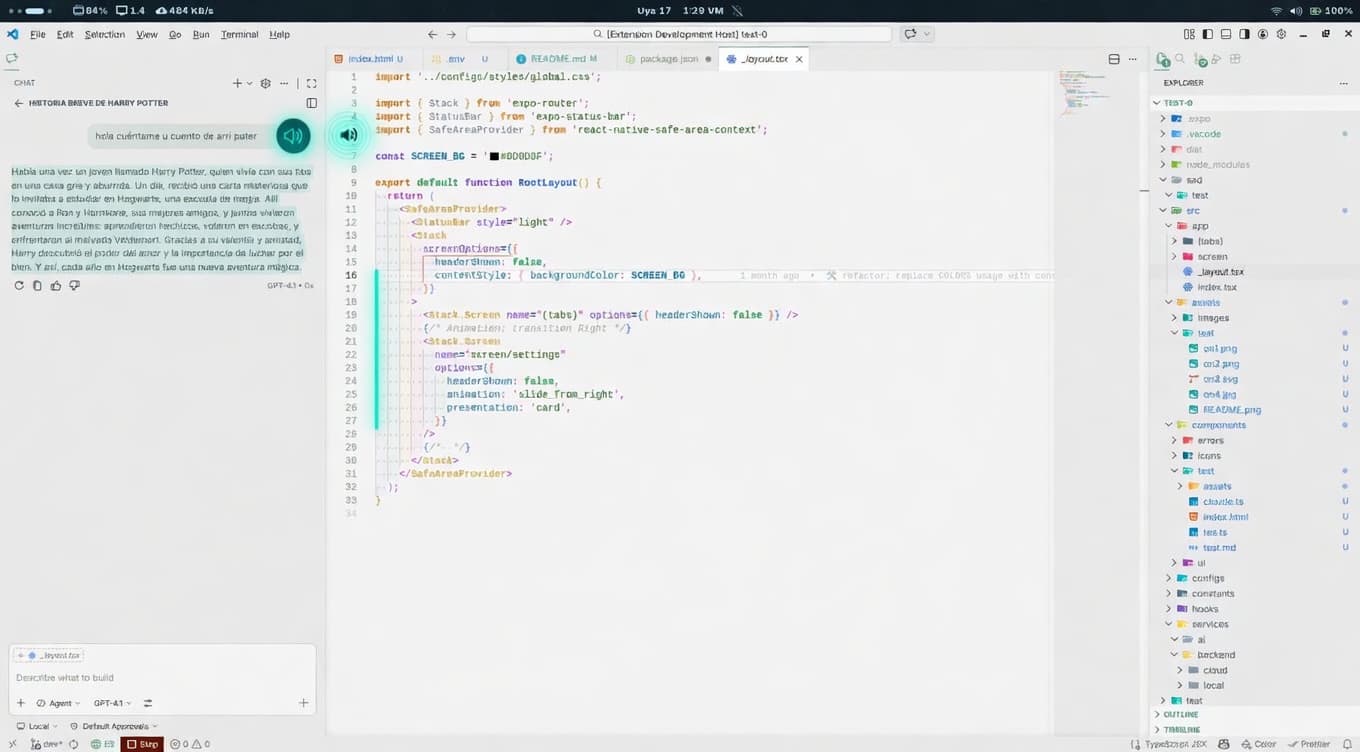
|
|||
 |
Color Box | Lightning-fast detection and highlighting of inline colors across multiple modern web formats. | 20KB |
🖼️ Preview — Color Box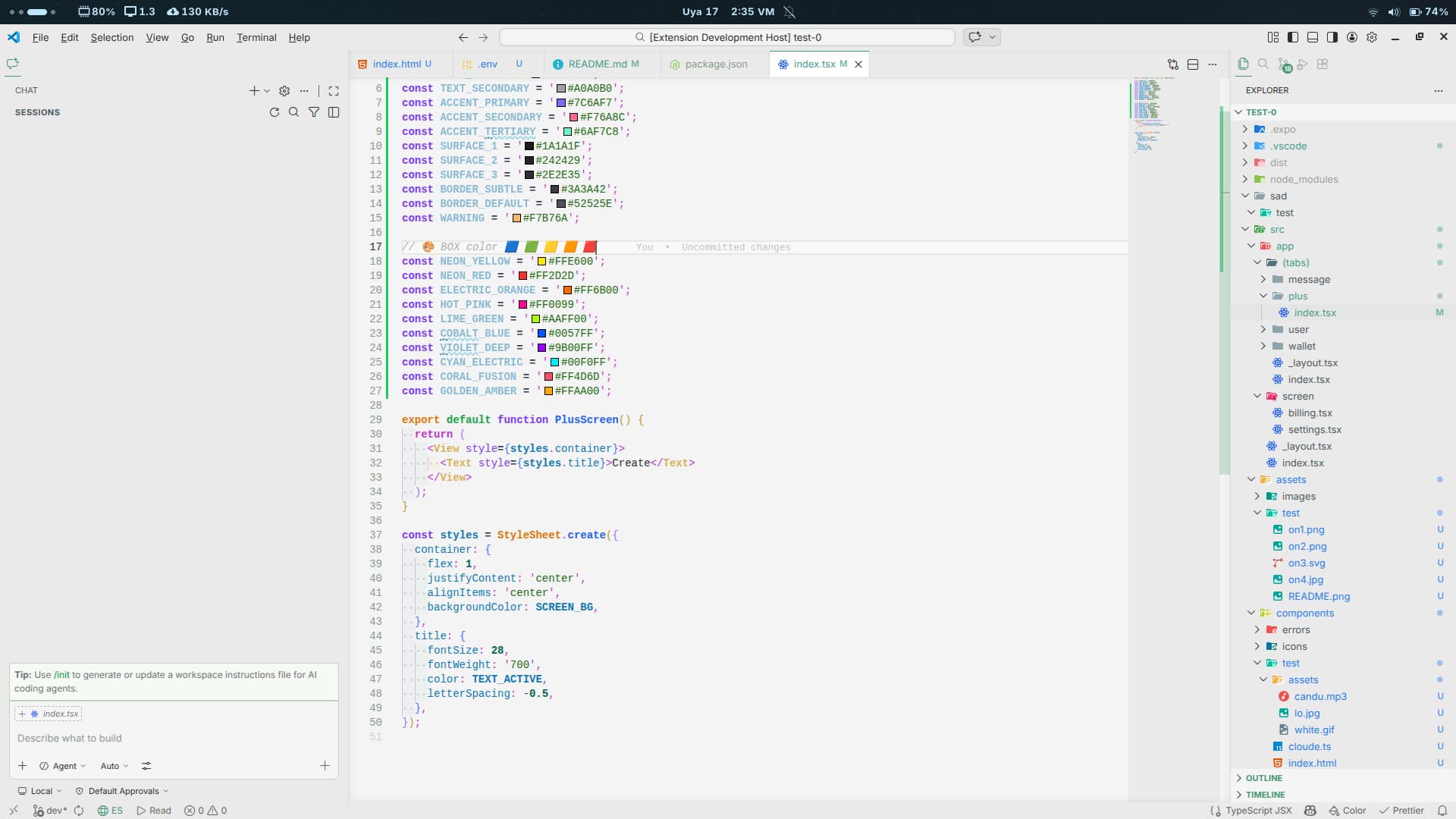
|
|||
| 17 | 🧩 | All bundled in a single, lightweight package. | 1.5MB |
You can customize ATM's behavior directly via your VS Code settings. Tweak the experience to your exact liking:
atm.cursor.animation- Toggle cursor animations.atm.breadcrumbs.animation- Toggle breadcrumb path animations.atm.files.animation- Toggle file explorer animations.
💡 Pro Tip: Keep the extension updated regularly to ensure you have the latest features, performance improvements, and security patches.
Launch Quick Open
Linux
Ctrl+PmacOS
⌘PWindows
Ctrl+P

Paste the following command and press Enter:
ext install bastndev.atm
- Open Extensions (
Ctrl+Shift+X/⌘+Shift+X) - Search "ATM"
- Click Install
 |
|---|
| Gohit X |
| Creator & Maintainer |
- 🐦 X : For questions and discussions.
- 🌱 IG :
new– Project previews & life updates. - 🔴 YouTube : Code, Software and development insights.


Thank you to everyone who supports this project! Your contributions make updates and new extensions possible.

Celia A. |

Octavio A. |

Richar C. |

Frank C. |

M |
Thank you to all our amazing sponsors! ✨
👉 Become a sponsor
| Icon | Extension | Description |
|---|---|---|
| Lynx Theme Pro | A sleek, professional theme pack with 6 visual variants (Dark, Light, Night, Ghibli, Coffee, Kiro) and integrated icons. | |
| Lynx Keymap Pro | Ultimate keymap standardization across all code editors. Maximizes your muscle memory and supercharges workflow. | |
| Compare Code | Lets you compare code in a professional, fast, and clear way. With a modern and intuitive interface, it's ideal for developers looking to boost their productivity. |
Enjoy 🎉 (ATM) is now installed!
If you find any bugs or have feedback, you can open an issue